Aller au contenu
HitLight
Meanreal · Laser

Meanreal SUPER 300 IP LASER

Tableau DMX, 2 modes DMX et aperçu 3D. 14 / 16 canaux DMX.
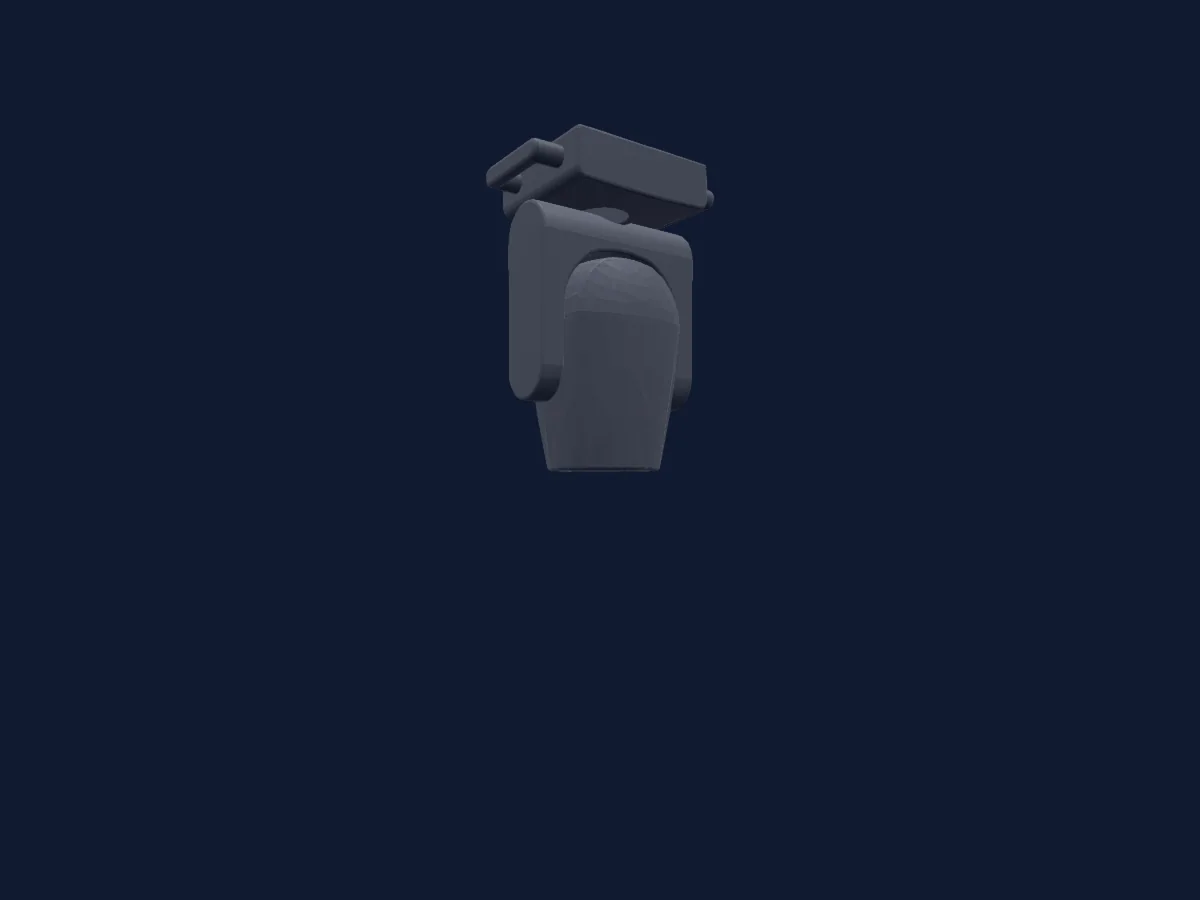
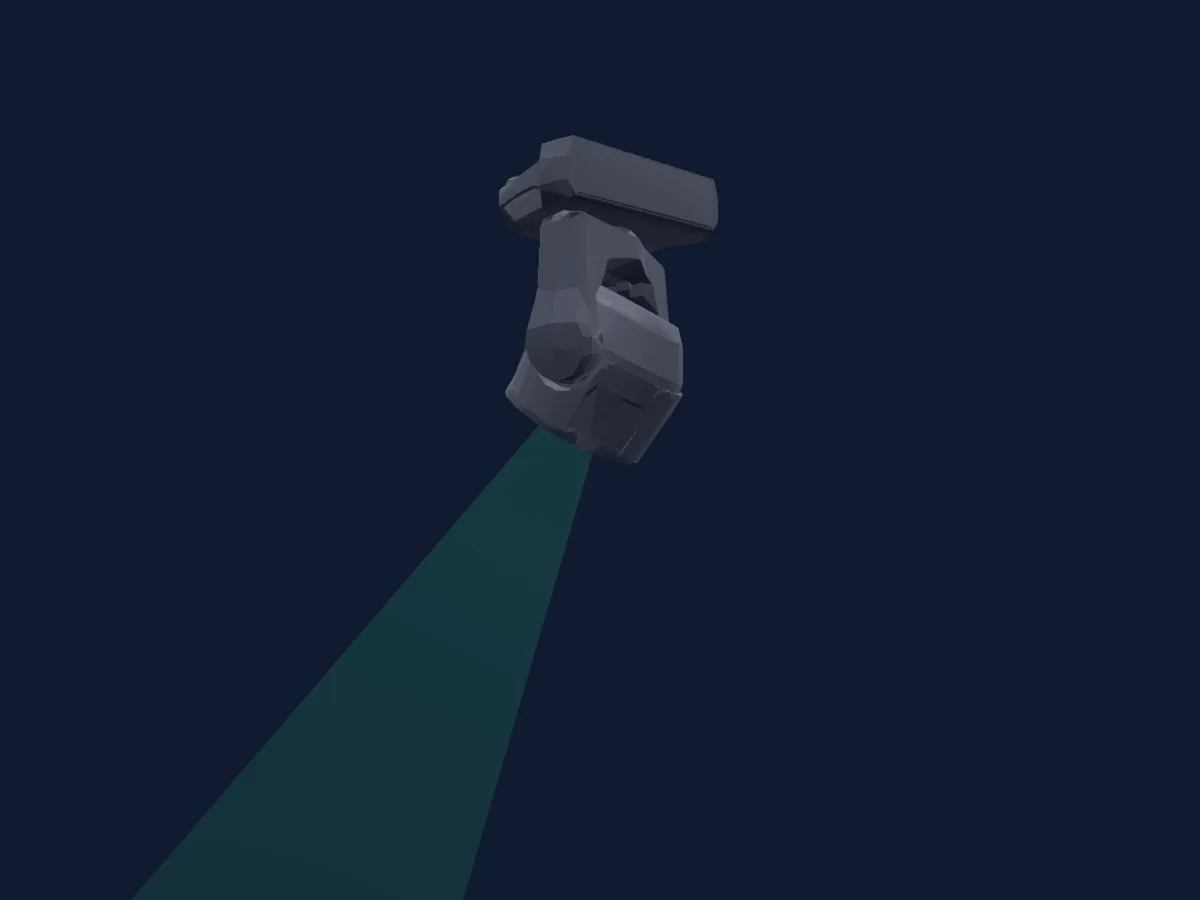
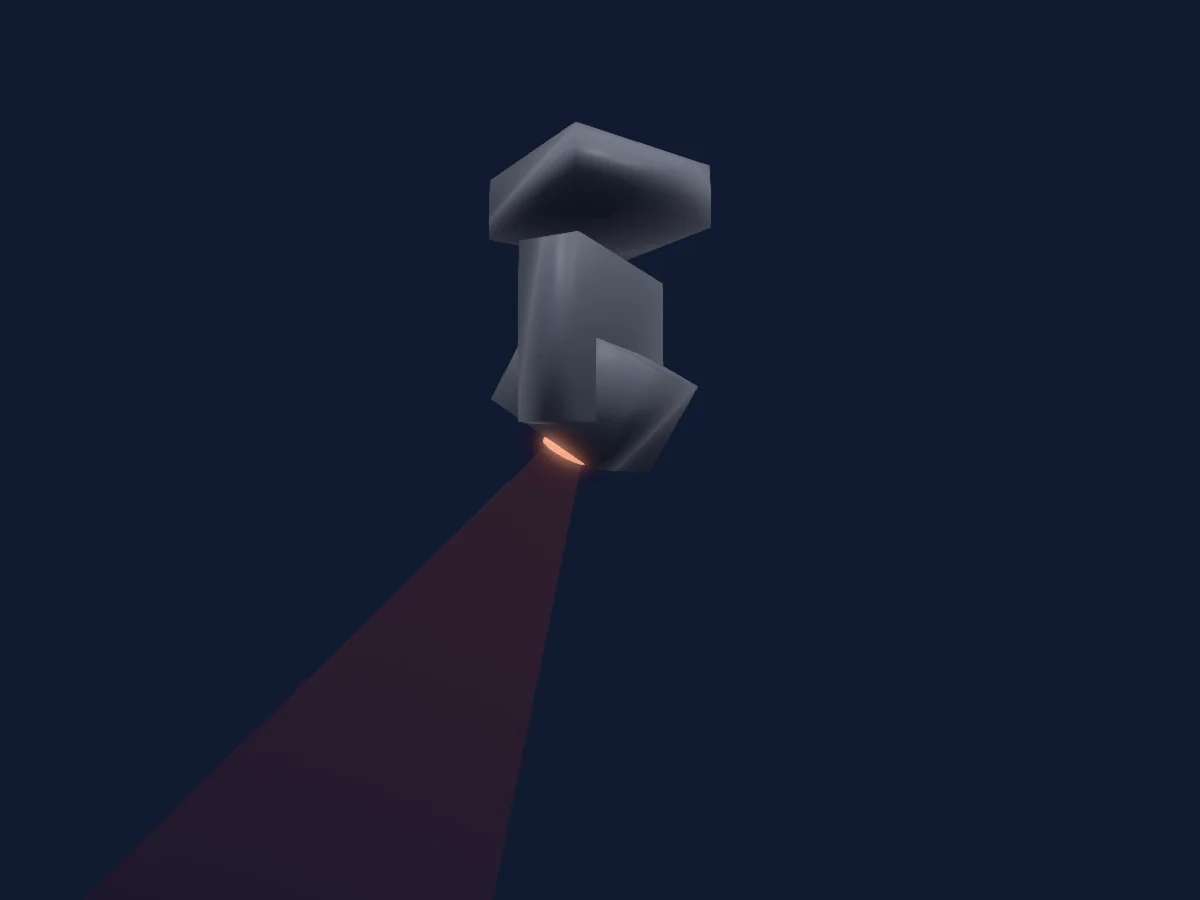
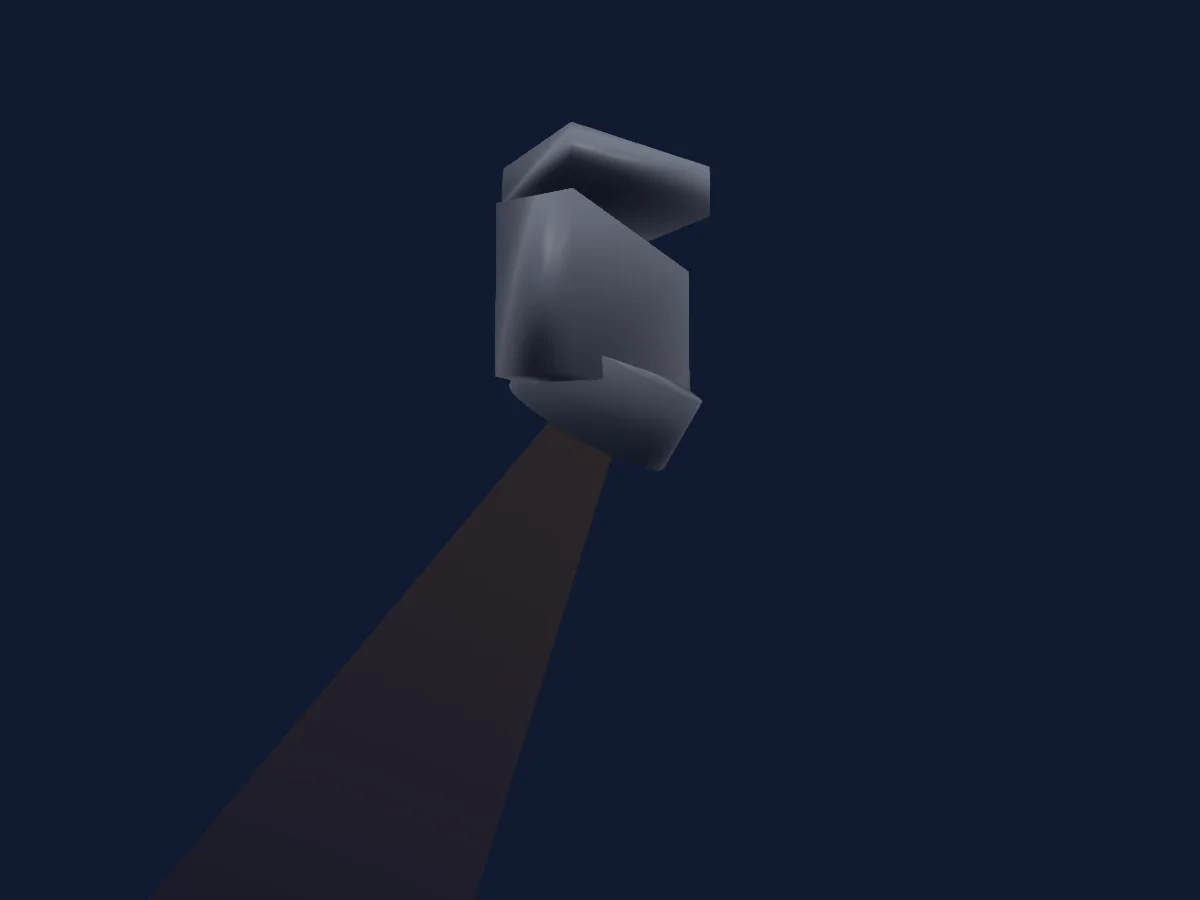
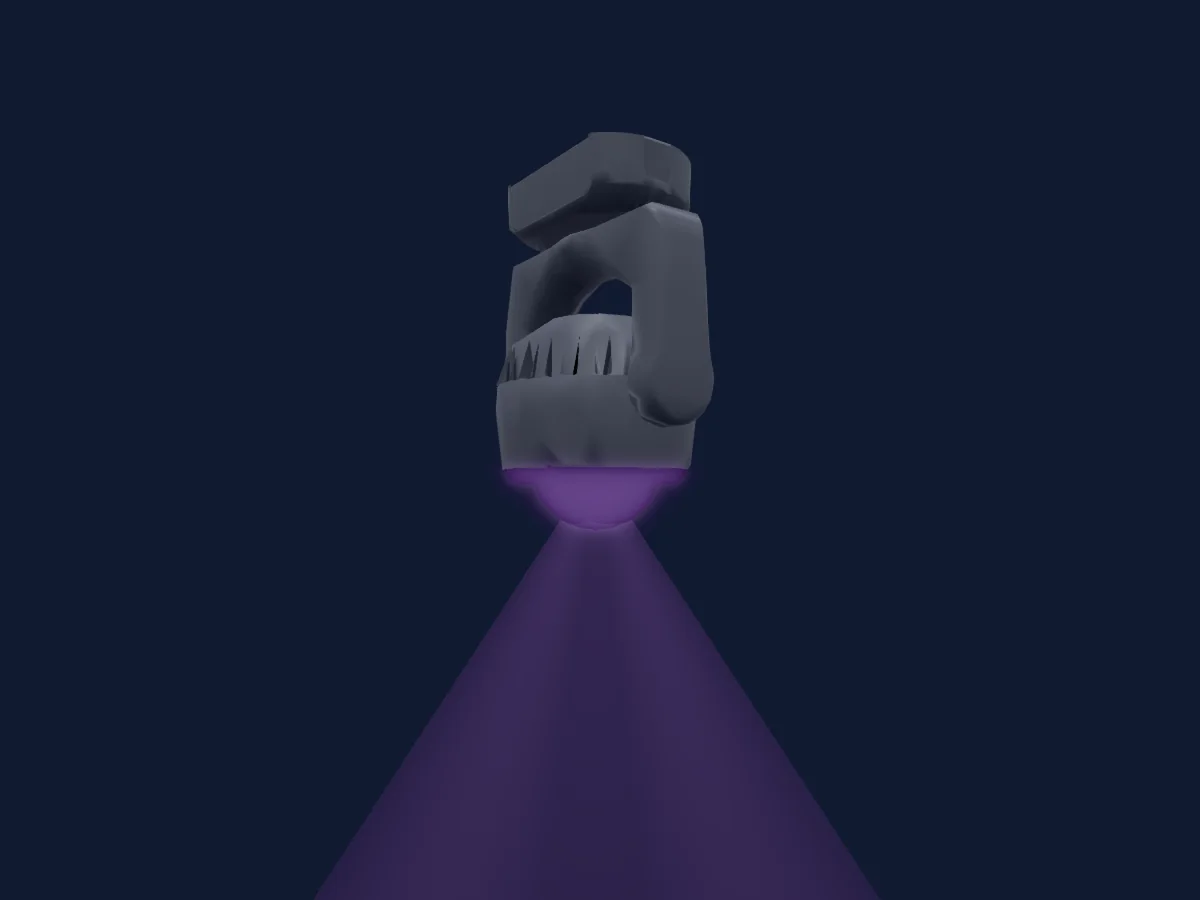
Meanreal SUPER 300 IP LASER rendu dans HitLight

Ce qu’il sait faire

  • Mise au point
  • Frost
  • Prisme
  • Rotation du prisme
  • Roue de couleurs
  • Intensité
  • Pan et tilt
  • Gobos

Fonctions liées à la sécurité: Émission laser. Vérifiez leur comportement sur votre propre projecteur avant un spectacle.

Modes DMX et tableaux de canaux

Modes DMX de Meanreal SUPER 300 IP LASER
ModeCanauxDans HitLight
14ch14Prêt dans HitLight
16ch16Prêt dans HitLight

14ch

Prêt dans HitLight

14 canaux DMX · Télécharger ce tableau en CSV

Tableau des canaux DMX de 14ch
CanalFonctionPar défautValeurs DMX
1Color Wheel0
16 plages de valeurs
  • 0–8 White (wheel slot 1)
  • 9–17 Red (wheel slot 2)
  • 18–25 Orange (wheel slot 3)
  • 26–34 Aquamarine (wheel slot 4)
  • 35–42 Green (wheel slot 5)
  • 43–51 Light Green (wheel slot 6)
  • 52–59 Lavender (wheel slot 7)
  • 60–68 Pink (wheel slot 8)
  • 69–76 Yellow (wheel slot 9)
  • 77–85 Magenta (wheel slot 10)
  • 86–93 Cyan (wheel slot 11)
  • 94–102 CTO (wheel slot 12)
  • 103–110 CTO 2 (wheel slot 13)
  • 111–119 CTB (wheel slot 14)
  • 120–127 Blue (wheel slot 15)
  • 128–255 >>
2Shutter1Strobe255
7 plages de valeurs
  • 0–3 Closed
  • 103–103 >>>
  • 104–107 Open
  • 108–207 Pulse
  • 208–212 Open 2
  • 251–251 Random<<>>
  • 255–255 Open 3
3Dimmer0
2 plages de valeurs
  • 0–254 Closed
  • 255–255 Open
4Gobo0
38 plages de valeurs
  • 0–3 Open (wheel slot 1)
  • 4–7 Gobo 1 (wheel slot 2)
  • 8–11 Gobo 2 (wheel slot 3)
  • 12–15 Gobo 3 (wheel slot 4)
  • 16–19 Gobo 4 (wheel slot 5)
  • 20–23 Gobo 1 (wheel slot 6)
  • 24–27 Gobo 1 (wheel slot 7)
  • 28–31 Gobo 1 (wheel slot 8)
  • 32–35 Gobo 8 (wheel slot 9)
  • 36–39 Gobo 9 (wheel slot 10)
  • 40–43 Gobo 10 (wheel slot 11)
  • 44–47 Gobo 11 (wheel slot 12)
  • 48–51 Gobo 12 (wheel slot 13)
  • 52–55 Gobo 13 (wheel slot 14)
  • 56–59 Gobo 14 (wheel slot 15)
  • 60–63 Gobo 15 (wheel slot 16)
  • 64–67 Gobo 16 (wheel slot 17)
  • 68–71 Gobo 18 (wheel slot 19)
  • 72–79 Gobo 19 (wheel slot 20)
  • 80–117 >>>
  • 118–121 Stop
  • 122–159 <<<
  • 160–165 Gobo 4 Shake (wheel slot 5)
  • 166–171 Gobo 5 Shake (wheel slot 6)
  • 172–177 Gobo 6 Shake (wheel slot 7)
  • 178–183 Gobo 7 Shake (wheel slot 8)
  • 184–189 Gobo 8 Shake (wheel slot 9)
  • 190–195 Gobo 9 Shake (wheel slot 10)
  • 196–201 Gobo 10 Shake (wheel slot 11)
  • 202–207 Gobo 11 Shake (wheel slot 12)
  • 208–213 Gobo 12 Shake (wheel slot 13)
  • 214–219 Gobo 13 Shake (wheel slot 14)
  • 220–225 Gobo 14 Shake (wheel slot 15)
  • 226–231 Gobo 15 Shake (wheel slot 16)
  • 232–237 Gobo 16 Shake (wheel slot 17)
  • 238–243 Gobo 17 Shake (wheel slot 18)
  • 244–249 Gobo 18 Shake (wheel slot 19)
  • 250–255 Gobo 19 Shake (wheel slot 20)
5Prism0
4 plages de valeurs
  • 0–63 Open (wheel slot 1)
  • 64–127 Prism 1 (wheel slot 2)
  • 128–191 Prism 2 (wheel slot 3)
  • 192–255 Prism 1+2 (wheel slot 4)
6Prism Rotation0
8 plages de valeurs
  • 0–62 Closed
  • 63–63 Max
  • 64–127 >>>
  • 128–191 <<<
  • 192–207 90<>
  • 208–223 180<>
  • 224–239 270<>
  • 240–255 360<>
7Frost10
2 plages de valeurs
  • 0–254 Open
  • 255–255 Frost
8Focus1280–255
9Pan850–255
10Pan Fine83Octet fin de Pan
11Tilt1280–255
12Tilt Fine0Octet fin de Tilt
13Pan Rotate0
4 plages de valeurs
  • 0–127 Stop
  • 128–189 >>>
  • 190–193 Stop
  • 194–255 <<<
14Custom00–255

16ch

Prêt dans HitLight

16 canaux DMX · Télécharger ce tableau en CSV

Tableau des canaux DMX de 16ch
CanalFonctionPar défautValeurs DMX
1Color Wheel0
16 plages de valeurs
  • 0–8 White (wheel slot 1)
  • 9–17 Red (wheel slot 2)
  • 18–25 Orange (wheel slot 3)
  • 26–34 Aquamarine (wheel slot 4)
  • 35–42 Green (wheel slot 5)
  • 43–51 Light Green (wheel slot 6)
  • 52–59 Lavender (wheel slot 7)
  • 60–68 Pink (wheel slot 8)
  • 69–76 Yellow (wheel slot 9)
  • 77–85 Magenta (wheel slot 10)
  • 86–93 Cyan (wheel slot 11)
  • 94–102 CTO (wheel slot 12)
  • 103–110 CTO 2 (wheel slot 13)
  • 111–119 CTB (wheel slot 14)
  • 120–127 Blue (wheel slot 15)
  • 128–255 >>
2Shutter1Strobe255
7 plages de valeurs
  • 0–3 Closed
  • 103–103 >>>
  • 104–107 Open
  • 108–207 Pulse
  • 208–212 Open 2
  • 251–251 Random<<>>
  • 255–255 Open 3
3Dimmer0
2 plages de valeurs
  • 0–254 Closed
  • 255–255 Open
4Gobo0
38 plages de valeurs
  • 0–3 Open (wheel slot 1)
  • 4–7 Gobo 1 (wheel slot 2)
  • 8–11 Gobo 2 (wheel slot 3)
  • 12–15 Gobo 3 (wheel slot 4)
  • 16–19 Gobo 4 (wheel slot 5)
  • 20–23 Gobo 1 (wheel slot 6)
  • 24–27 Gobo 1 (wheel slot 7)
  • 28–31 Gobo 1 (wheel slot 8)
  • 32–35 Gobo 8 (wheel slot 9)
  • 36–39 Gobo 9 (wheel slot 10)
  • 40–43 Gobo 10 (wheel slot 11)
  • 44–47 Gobo 11 (wheel slot 12)
  • 48–51 Gobo 12 (wheel slot 13)
  • 52–55 Gobo 13 (wheel slot 14)
  • 56–59 Gobo 14 (wheel slot 15)
  • 60–63 Gobo 15 (wheel slot 16)
  • 64–67 Gobo 16 (wheel slot 17)
  • 68–71 Gobo 18 (wheel slot 19)
  • 72–79 Gobo 19 (wheel slot 20)
  • 80–117 >>>
  • 118–121 Stop
  • 122–159 <<<
  • 160–165 Gobo 4 Shake (wheel slot 5)
  • 166–171 Gobo 5 Shake (wheel slot 6)
  • 172–177 Gobo 6 Shake (wheel slot 7)
  • 178–183 Gobo 7 Shake (wheel slot 8)
  • 184–189 Gobo 8 Shake (wheel slot 9)
  • 190–195 Gobo 9 Shake (wheel slot 10)
  • 196–201 Gobo 10 Shake (wheel slot 11)
  • 202–207 Gobo 11 Shake (wheel slot 12)
  • 208–213 Gobo 12 Shake (wheel slot 13)
  • 214–219 Gobo 13 Shake (wheel slot 14)
  • 220–225 Gobo 14 Shake (wheel slot 15)
  • 226–231 Gobo 15 Shake (wheel slot 16)
  • 232–237 Gobo 16 Shake (wheel slot 17)
  • 238–243 Gobo 17 Shake (wheel slot 18)
  • 244–249 Gobo 18 Shake (wheel slot 19)
  • 250–255 Gobo 19 Shake (wheel slot 20)
5Prism0
4 plages de valeurs
  • 0–63 Open (wheel slot 1)
  • 64–127 Prism 1 (wheel slot 2)
  • 128–191 Prism 2 (wheel slot 3)
  • 192–255 Prism 1+2 (wheel slot 4)
6Prism Rotation0
8 plages de valeurs
  • 0–62 Closed
  • 63–63 Max
  • 64–127 >>>
  • 128–191 <<<
  • 192–207 90<>
  • 208–223 180<>
  • 224–239 270<>
  • 240–255 360<>
7Prism0
7 plages de valeurs
  • 0–15 Open
  • 16–55 Prism 1
  • 56–95 Prism 2
  • 96–135 Prism 1>2
  • 136–175 Prism1<>2
  • 176–215 Prism 2<>3
  • 216–255 Prism1>2>3
8Frost10
2 plages de valeurs
  • 0–254 Open
  • 255–255 Frost
9Focus1280–255
10Pan850–255
11Pan Fine83Octet fin de Pan
12Tilt1280–255
13Tilt Fine0Octet fin de Tilt
14Pan Rotate0
4 plages de valeurs
  • 0–127 Stop
  • 128–189 >>>
  • 190–193 Stop
  • 194–255 <<<
15Custom00–255
16Function0
4 plages de valeurs
  • 0–50 No Function
  • 51–100 Silent
  • 101–150 Standard
  • 151–255 Hight

Utiliser Meanreal SUPER 300 IP LASER dans HitLight

  1. Ouvrez Ajouter un projecteur et recherchez Meanreal SUPER 300 IP LASER.
  2. Choisissez le mode DMX réglé dans le menu du projecteur. HitLight lui attribue la plus basse adresse de départ libre de son univers qui peut accueillir le nombre de canaux du mode.
  3. Vérifiez le mode et les commandes sur votre vrai projecteur avant toute utilisation en direct.

Les tableaux proviennent de la description GDTF du projecteur, convertie pour la bibliothèque HitLight. HitLight n’a aucun lien avec Meanreal.

Patchez-le, puis laissez la musique piloter la lumière.

HitLight trouve ces projecteurs dans sa bibliothèque, les patche sur la prochaine adresse libre et affiche votre installation en 3D avant même de brancher une seule lumière.

Ouvrir HitLight ↗Télécharger HitLight