 HitLight
Showtec Compact PAR 7 Tri
Tableau DMX, 3 modes DMX et aperçu 3D. 3 / 4 / 8 canaux DMX.
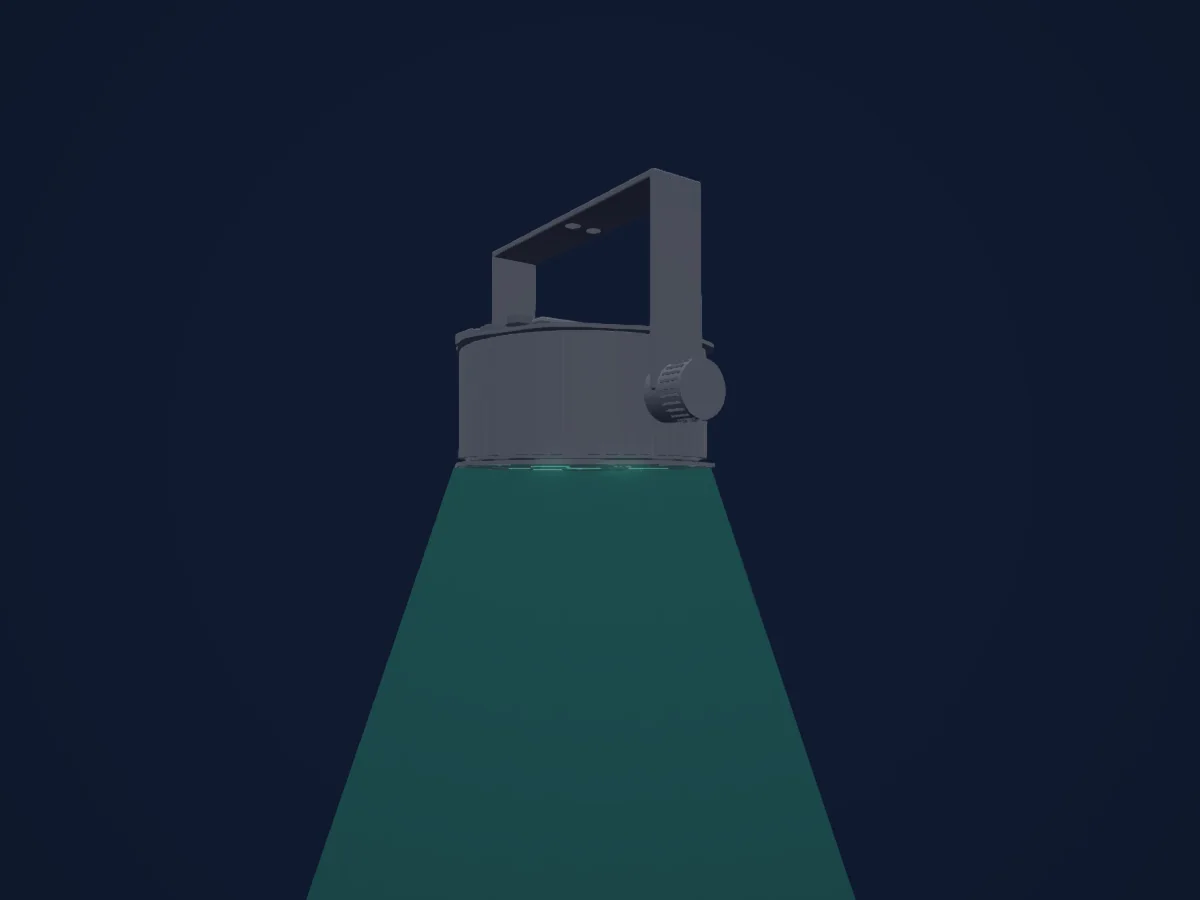
Ce qu’il sait faire
- Mélange de couleurs RVB
- Stroboscope
- Intensité
Modes DMX et tableaux de canaux
| Mode | Canaux | Dans HitLight |
|---|---|---|
| 3 Channel | 3 | Prêt dans HitLight |
| 4 Channel | 4 | Prêt dans HitLight |
| 8 Channel | 8 | Prêt dans HitLight |
3 Channel
Prêt dans HitLight3 canaux DMX · Télécharger ce tableau en CSV
| Canal | Fonction | Par défaut | Valeurs DMX |
|---|---|---|---|
| 1 | Red | 255 | 0–255 |
| 2 | Green | 255 | 0–255 |
| 3 | Blue | 255 | 0–255 |
4 Channel
Prêt dans HitLight4 canaux DMX · Télécharger ce tableau en CSV
| Canal | Fonction | Par défaut | Valeurs DMX |
|---|---|---|---|
| 1 | Dimmer | 0 | 2 plages de valeurs
|
| 2 | Red | 0 | 0–255 |
| 3 | Green | 0 | 0–255 |
| 4 | Blue | 0 | 0–255 |
8 Channel
Prêt dans HitLight8 canaux DMX · Télécharger ce tableau en CSV
| Canal | Fonction | Par défaut | Valeurs DMX |
|---|---|---|---|
| 1 | Dimmer | 0 | 2 plages de valeurs
|
| 2 | Function | 0 | 31 plages de valeurs
|
| 3 | Green | 0 | 0–255 |
| 4 | Blue | 0 | 0–255 |
| 5 | Shutter / Strobe | 0 | 2 plages de valeurs
|
| 6 | Control1 | 0 | 12 plages de valeurs
|
| 7 | Dummy | 0 | 32 plages de valeurs
|
| 8 | Effects1Fade | 0 | 2 plages de valeurs
|
Utiliser Showtec Compact PAR 7 Tri dans HitLight
- Ouvrez Ajouter un projecteur et recherchez Showtec Compact PAR 7 Tri.
- Choisissez le mode DMX réglé dans le menu du projecteur. HitLight lui attribue la plus basse adresse de départ libre de son univers qui peut accueillir le nombre de canaux du mode.
- Vérifiez le mode et les commandes sur votre vrai projecteur avant toute utilisation en direct.
Lieux équipés du Showtec Compact PAR 7 Tri
Leurs installations enregistrées comprennent ce modèle de projecteur. Vérifiez l’équipement actuel auprès du lieu.
- dB’s Utrecht, Pays-Bas
- Theater De Fransche School Culemborg, Pays-Bas
Projecteurs associés
Showtec Accent Spot Q4 RGBW
Showtec Spectral M3000 Zoom Q4 MKII
Showtec Illumilift RGBW
Showtec Illumisphere 50
Showtec Luna Par 120
Showtec Powerspot 9 Q6 Tour
Les tableaux proviennent de la description GDTF du projecteur, convertie pour la bibliothèque HitLight. HitLight n’a aucun lien avec Showtec.
Fixture model: gdtf-showtec-compact-par-7-tri-108488
Original HitLight local primitive exterior reconstruction from primary Showtec manual illustrations and dimensions. Estimated planning model; no manufacturer mesh,texture,logo or source page redistributed; native controls remain unchanged.
Creator: HitLight