Aller au contenu
HitLight
Spotlight · PAR

Spotlight PC HY LED 100 RGBW (Mark-II)

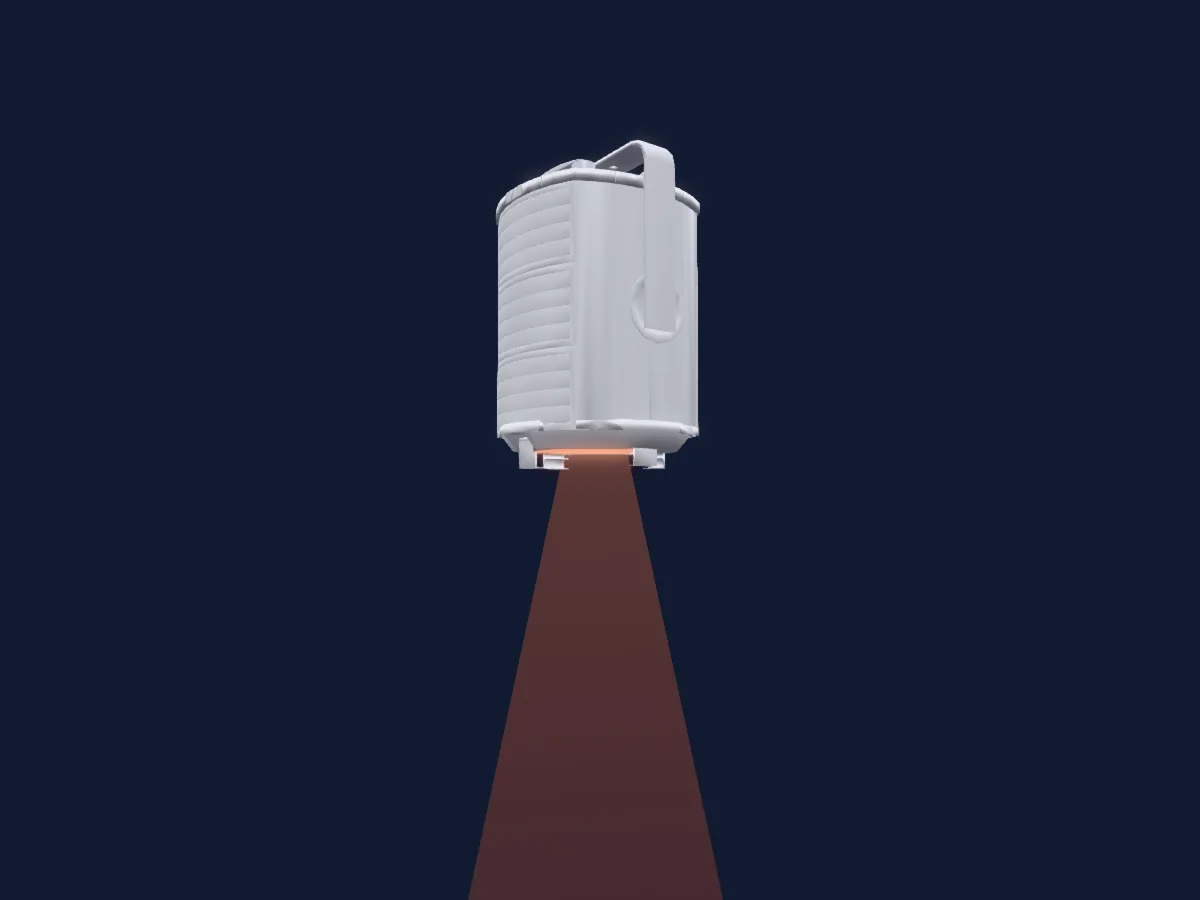
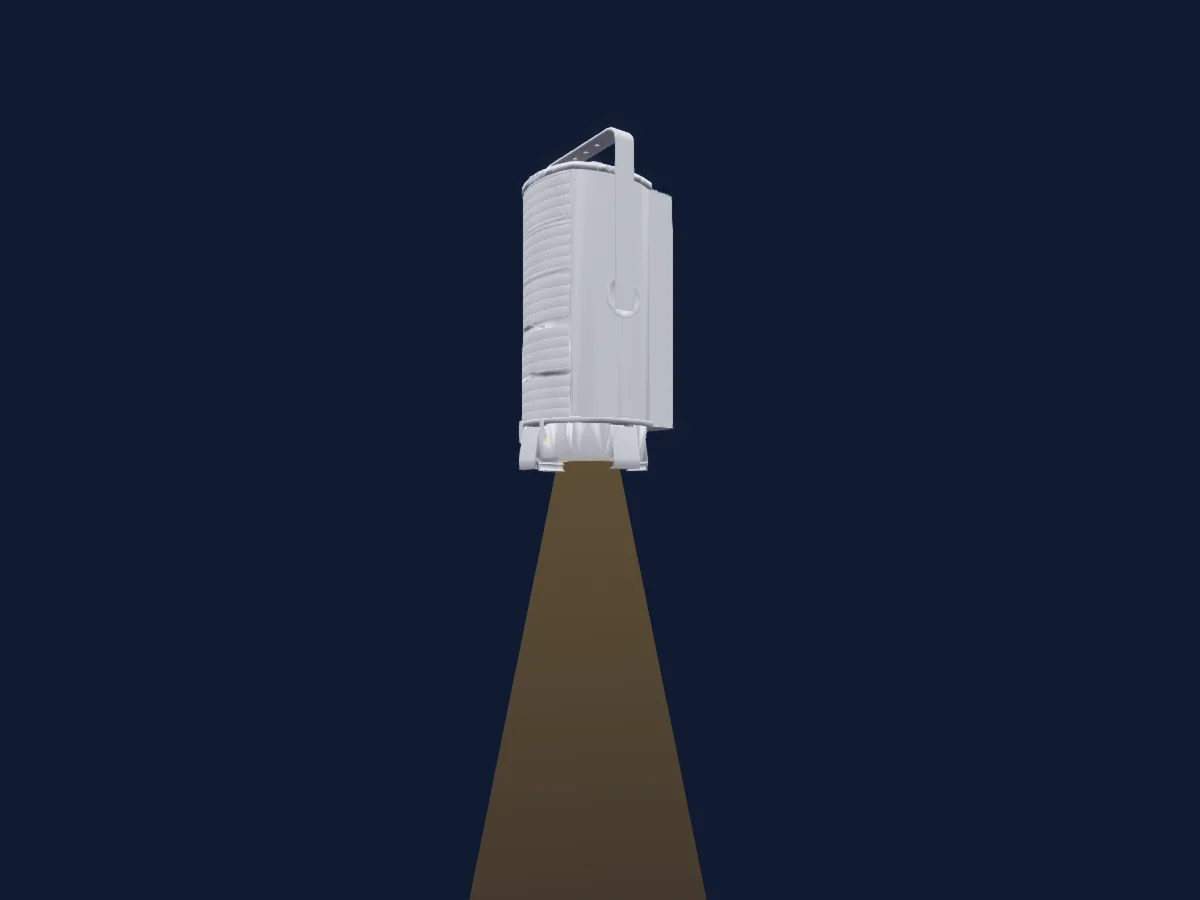
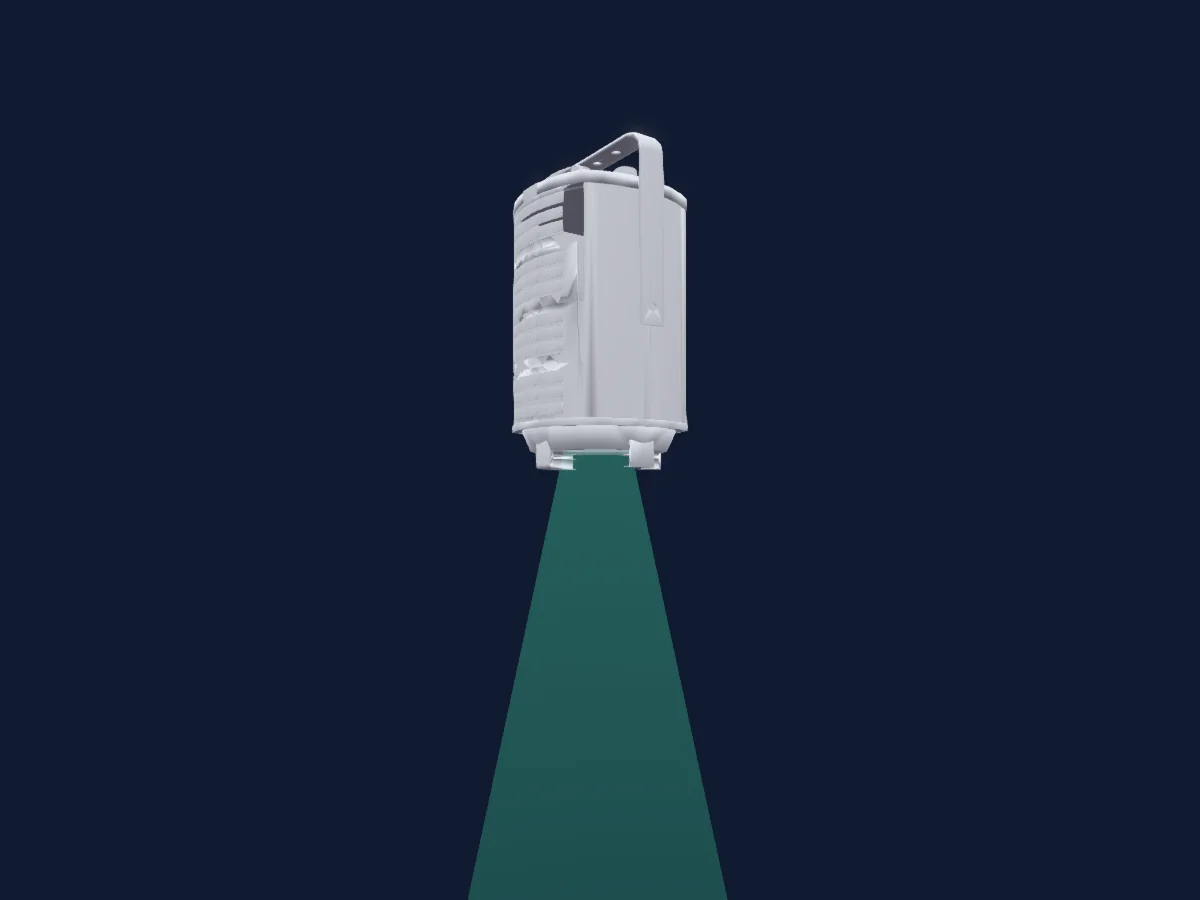
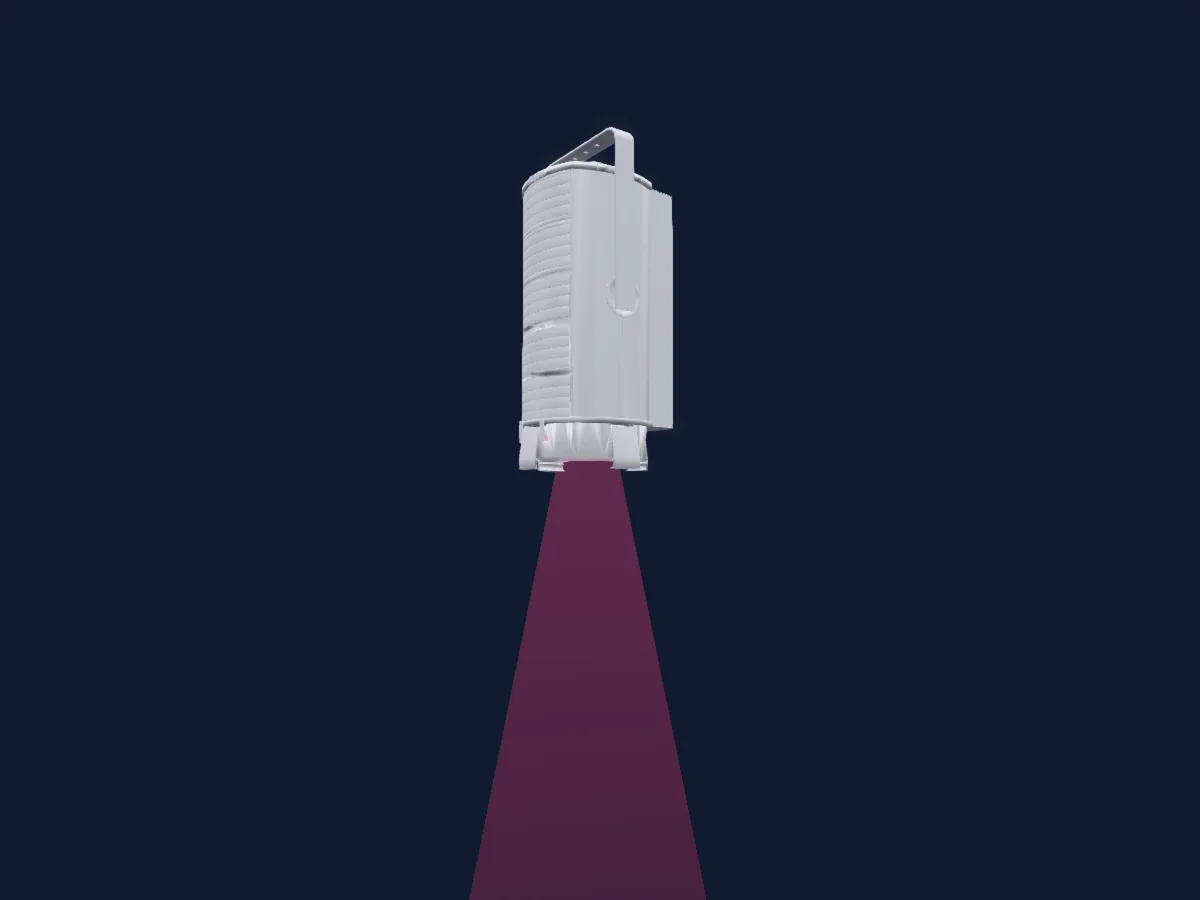
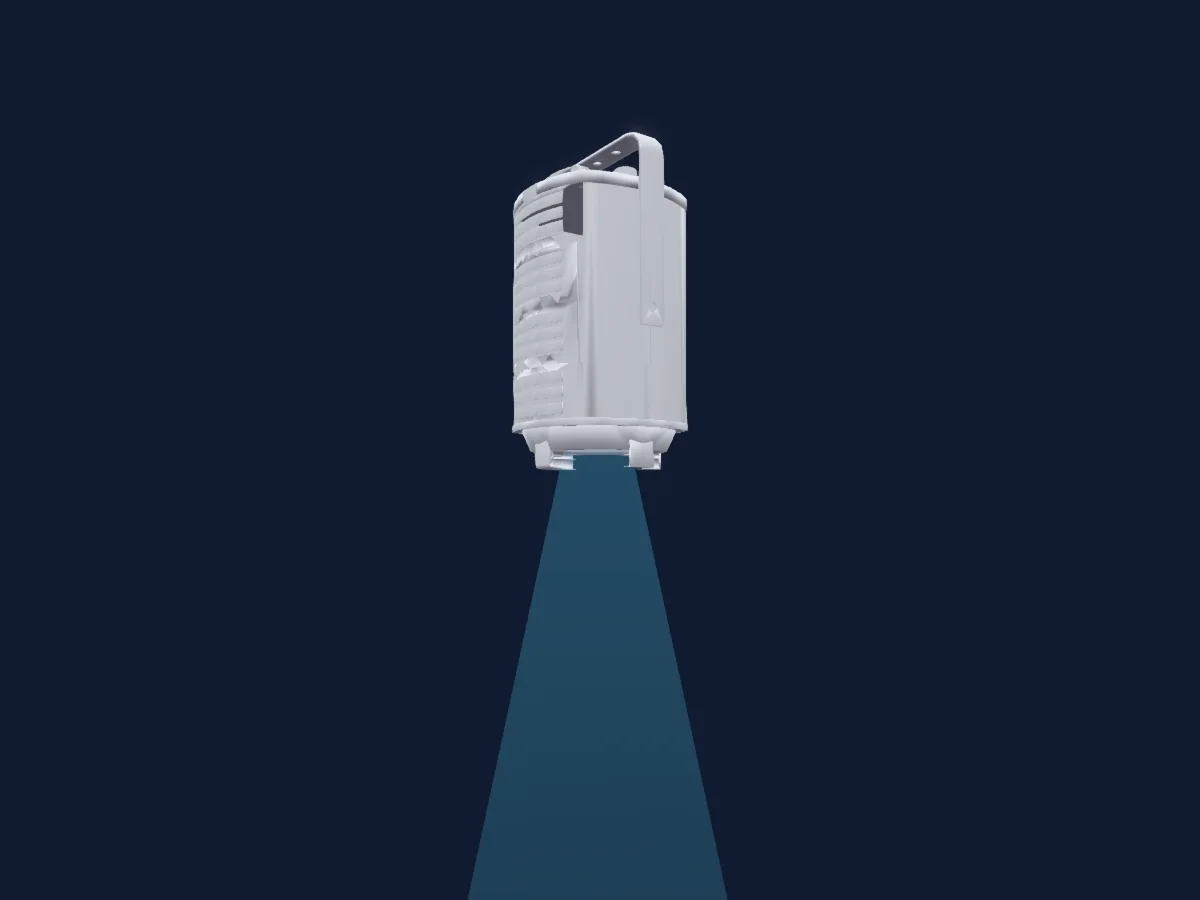
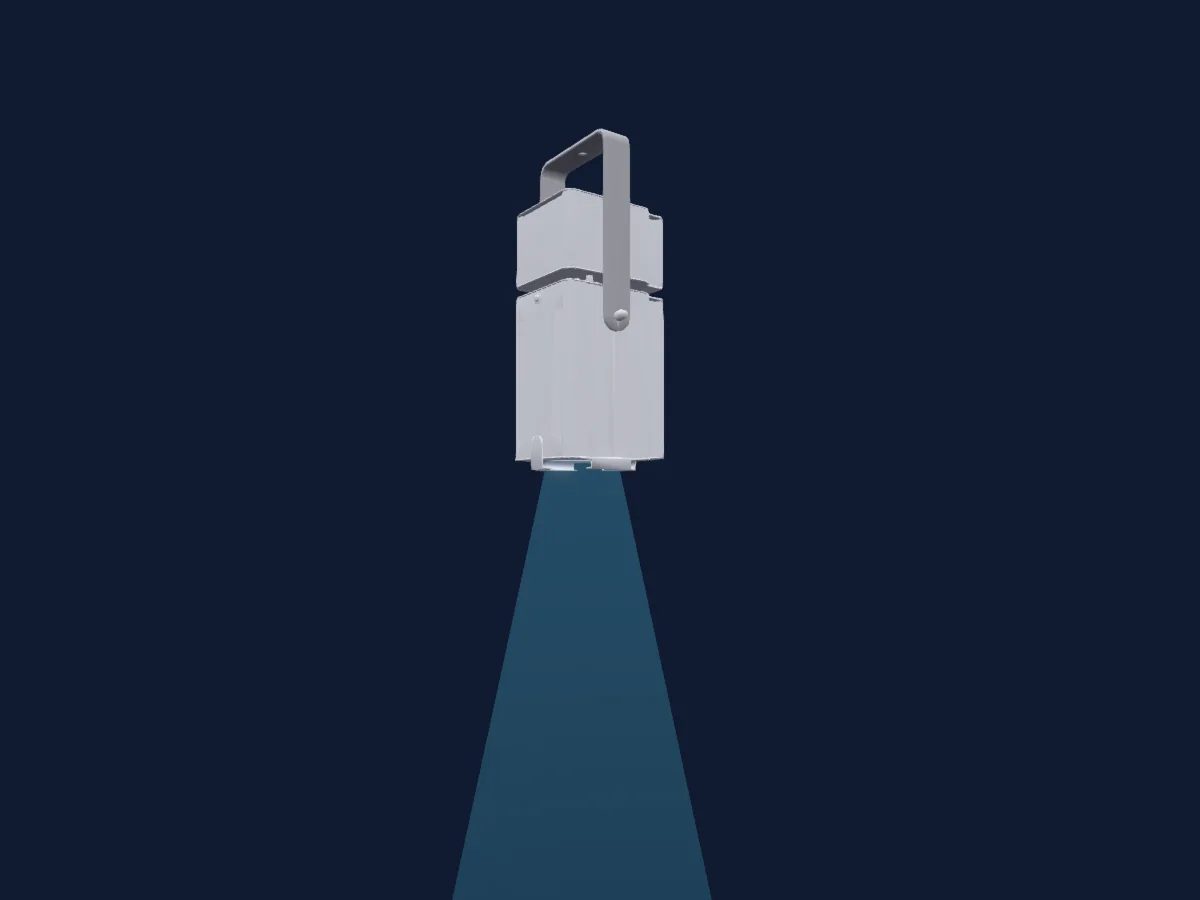
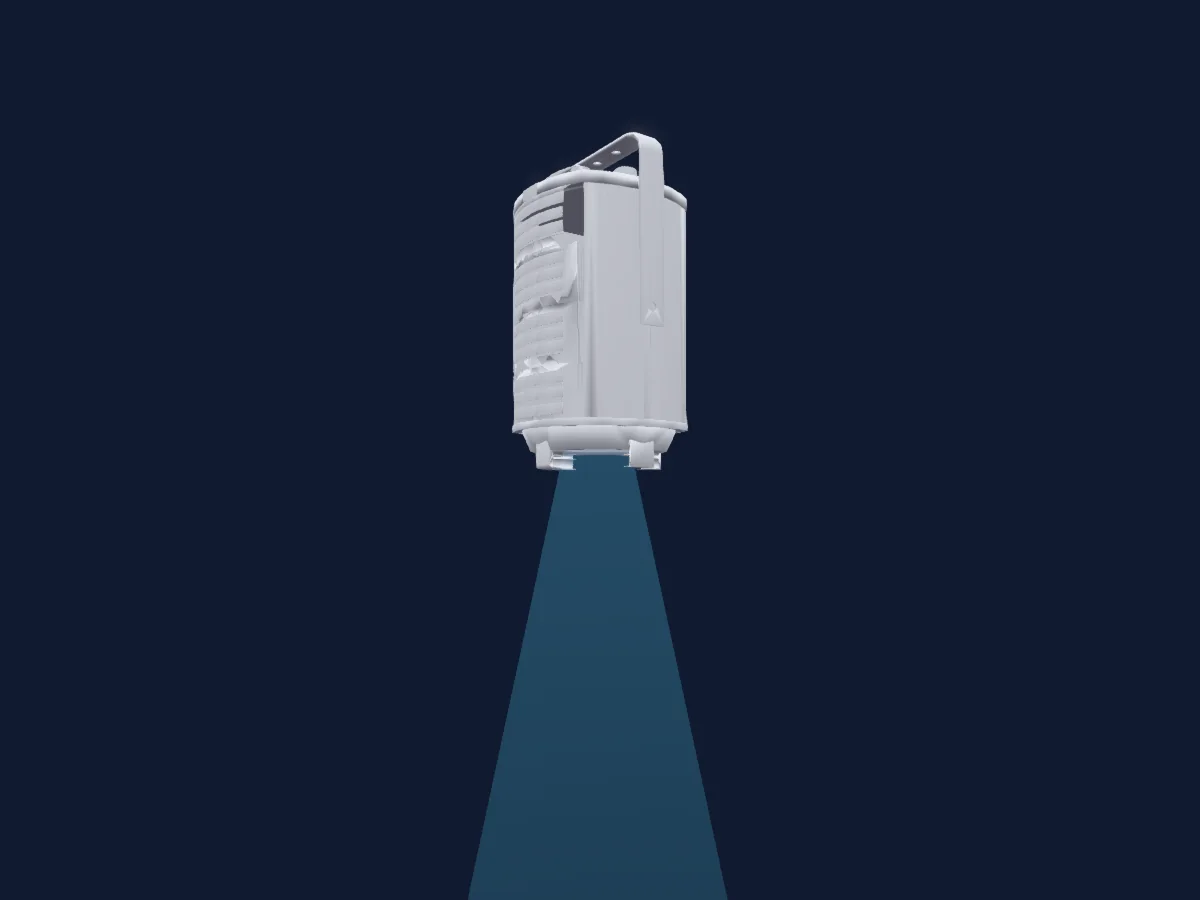
Tableau DMX, 5 modes DMX et aperçu 3D. 3 / 6 / 9 / 16 canaux DMX.
Ce qu’il sait faire

  • Couleurs LED supplémentaires
  • Mélange de couleurs RVB
  • Température de couleur
  • Roue de couleurs
  • Intensité

Fonctions liées à la sécurité: Fonctions de maintenance. Vérifiez leur comportement sur votre propre projecteur avant un spectacle.

Modes DMX et tableaux de canaux

Modes DMX de Spotlight PC HY LED 100 RGBW (Mark-II)
ModeCanauxDans HitLight
EASY3Prêt dans HitLight
CMY6Prêt dans HitLight
HSI6Prêt dans HitLight
RGBW9Prêt dans HitLight
FULL16Prêt dans HitLight

EASY

Prêt dans HitLight

3 canaux DMX · Télécharger ce tableau en CSV

Tableau des canaux DMX de EASY
CanalFonctionPar défautValeurs DMX
1Dimmer00–255
2C TC100
9 plages de valeurs
  • 0–15 1500K
  • 16–45 2700K
  • 46–75 3000K
  • 76–105 3200K
  • 106–135 3500K
  • 136–165 4000K
  • 166–195 5600K
  • 196–225 6500K
  • 226–255 8000K
3Color Wheel0
56 plages de valeurs
  • 0–35 NONE (wheel slot 1)
  • 36–39 Red (wheel slot 2)
  • 40–43 Green (wheel slot 3)
  • 44–47 Blue (wheel slot 4)
  • 48–51 Cyan (wheel slot 5)
  • 52–55 Magenta (wheel slot 6)
  • 56–59 Yellow (wheel slot 7)
  • 60–63 LEE004 (wheel slot 8)
  • 64–67 LEE019 (wheel slot 9)
  • 68–71 LEE026 (wheel slot 10)
  • 72–75 LEE058 (wheel slot 11)
  • 76–79 LEE068 (wheel slot 12)
  • 80–83 LEE071 (wheel slot 13)
  • 84–87 LEE101 (wheel slot 14)
  • 88–91 LEE102 (wheel slot 15)
  • 92–95 LEE103 (wheel slot 16)
  • 96–99 LEE106 (wheel slot 17)
  • 100–103 LEE111 (wheel slot 18)
  • 104–107 LEE115 (wheel slot 19)
  • 108–111 LEE116 (wheel slot 20)
  • 112–115 LEE117 (wheel slot 21)
  • 116–119 LEE119 (wheel slot 22)
  • 120–123 LEE124 (wheel slot 23)
  • 124–127 LEE126 (wheel slot 24)
  • 128–131 LEE128 (wheel slot 25)
  • 132–135 LEE131 (wheel slot 26)
  • 136–139 LEE132 (wheel slot 27)
  • 140–143 LEE134 (wheel slot 28)
  • 144–147 LEE136 (wheel slot 29)
  • 148–151 LEE138 (wheel slot 30)
  • 152–155 LEE147 (wheel slot 31)
  • 156–159 LEE154 (wheel slot 32)
  • 160–163 LEE158 (wheel slot 33)
  • 164–167 LEE165 (wheel slot 34)
  • 168–171 LEE169 (wheel slot 35)
  • 172–175 LEE180 (wheel slot 36)
  • 176–179 LEE201 (wheel slot 37)
  • 180–183 LEE202 (wheel slot 38)
  • 184–187 LEE203 (wheel slot 39)
  • 188–191 LEE204 (wheel slot 40)
  • 192–195 LEE205 (wheel slot 41)
  • 196–199 LEE206 (wheel slot 42)
  • 200–203 LEE247 (wheel slot 43)
  • 204–207 LEE248 (wheel slot 44)
  • 208–211 LEE778 (wheel slot 45)
  • 212–215 LEE793 (wheel slot 46)
  • 216–219 CUSTOM 1 (wheel slot 47)
  • 220–223 CUSTOM 2 (wheel slot 48)
  • 224–227 CUSTOM 3 (wheel slot 49)
  • 228–231 CUSTOM 4 (wheel slot 50)
  • 232–235 CUSTOM 5 (wheel slot 51)
  • 236–239 CUSTOM 6 (wheel slot 52)
  • 240–243 CUSTOM 7 (wheel slot 53)
  • 244–247 CUSTOM 8 (wheel slot 54)
  • 248–251 CUSTOM 9 (wheel slot 55)
  • 252–255 CUSTOM 10 (wheel slot 56)

CMY

Prêt dans HitLight

6 canaux DMX · Télécharger ce tableau en CSV

Tableau des canaux DMX de CMY
CanalFonctionPar défautValeurs DMX
1Dimmer00–255
2Color RGBCyan00–255
3Color RGBMagenta00–255
4Color RGBYellow00–255
5Strobe Frequency0
3 plages de valeurs
  • 0–200 Strobe
  • 201–230 Store 1
  • 231–255 Store 2
6Control10
39 plages de valeurs
  • 0–5 Inactive
  • 6–11 Off
  • 12–17 50ms
  • 18–23 100ms
  • 24–29 240ms
  • 30–35 400ms
  • 36–41 600ms
  • 42–47 800ms
  • 48–53 1000ms
  • 54–59 1200ms
  • 60–65 1600ms
  • 66–71 2000ms
  • 72–77 Linear
  • 78–81 Quadratic
  • 82–83 S Curve
  • 84–85 Halo
  • 86–87 Gamma 2:6
  • 88–89 Gamma 2:8
  • 90–95 600Hz
  • 96–101 900Hz
  • 102–107 1200Hz
  • 108–113 2100Hz
  • 114–119 4200Hz
  • 120–125 6000Hz
  • 126–131 10200Hz
  • 132–137 15600Hz
  • 138–143 19800Hz
  • 144–149 ON
  • 150–155 OFF
  • 156–161 Auto
  • 162–167 Standard
  • 168–173 Silent
  • 174–179 Standard
  • 180–185 Rotated
  • 186–191 Off
  • 192–197 On
  • 198–203 LED Calibration
  • 204–209 Default Settings
  • 210–255 FREE

HSI

Prêt dans HitLight

6 canaux DMX · Télécharger ce tableau en CSV

Tableau des canaux DMX de HSI
CanalFonctionPar défautValeurs DMX
1Dimmer00–255
2H SBHue00–255
3H SBHue Fine0Octet fin de H SBHue
4H SBSaturation00–255
5Strobe Frequency0
3 plages de valeurs
  • 0–200 Strobe
  • 201–230 Store 1
  • 231–255 Store 2
6Control10
39 plages de valeurs
  • 0–5 Inactive
  • 6–11 Off
  • 12–17 50ms
  • 18–23 100ms
  • 24–29 240ms
  • 30–35 400ms
  • 36–41 600ms
  • 42–47 800ms
  • 48–53 1000ms
  • 54–59 1200ms
  • 60–65 1600ms
  • 66–71 2000ms
  • 72–77 Linear
  • 78–81 Quadratic
  • 82–83 S Curve
  • 84–85 Halo
  • 86–87 Gamma 2:6
  • 88–89 Gamma 2:8
  • 90–95 600Hz
  • 96–101 900Hz
  • 102–107 1200Hz
  • 108–113 2100Hz
  • 114–119 4200Hz
  • 120–125 6000Hz
  • 126–131 10200Hz
  • 132–137 15600Hz
  • 138–143 19800Hz
  • 144–149 ON
  • 150–155 OFF
  • 156–161 Auto
  • 162–167 Standard
  • 168–173 Silent
  • 174–179 Standard
  • 180–185 Rotated
  • 186–191 Off
  • 192–197 On
  • 198–203 LED Calibration
  • 204–209 Default Settings
  • 210–255 FREE

RGBW

Prêt dans HitLight

9 canaux DMX · Télécharger ce tableau en CSV

Tableau des canaux DMX de RGBW
CanalFonctionPar défautValeurs DMX
1Dimmer00–255
2Red00–255
3Green00–255
4Blue00–255
5White00–255
6C TC100
9 plages de valeurs
  • 0–15 1500K
  • 16–45 2700K
  • 46–75 3000K
  • 76–105 3200K
  • 106–135 3500K
  • 136–165 4000K
  • 166–195 5600K
  • 196–225 6500K
  • 226–255 8000K
7Color Wheel0
56 plages de valeurs
  • 0–35 NONE (wheel slot 1)
  • 36–39 Red (wheel slot 2)
  • 40–43 Green (wheel slot 3)
  • 44–47 Blue (wheel slot 4)
  • 48–51 Cyan (wheel slot 5)
  • 52–55 Magenta (wheel slot 6)
  • 56–59 Yellow (wheel slot 7)
  • 60–63 LEE004 (wheel slot 8)
  • 64–67 LEE019 (wheel slot 9)
  • 68–71 LEE026 (wheel slot 10)
  • 72–75 LEE058 (wheel slot 11)
  • 76–79 LEE068 (wheel slot 12)
  • 80–83 LEE071 (wheel slot 13)
  • 84–87 LEE101 (wheel slot 14)
  • 88–91 LEE102 (wheel slot 15)
  • 92–95 LEE103 (wheel slot 16)
  • 96–99 LEE106 (wheel slot 17)
  • 100–103 LEE111 (wheel slot 18)
  • 104–107 LEE115 (wheel slot 19)
  • 108–111 LEE116 (wheel slot 20)
  • 112–115 LEE117 (wheel slot 21)
  • 116–119 LEE119 (wheel slot 22)
  • 120–123 LEE124 (wheel slot 23)
  • 124–127 LEE126 (wheel slot 24)
  • 128–131 LEE128 (wheel slot 25)
  • 132–135 LEE131 (wheel slot 26)
  • 136–139 LEE132 (wheel slot 27)
  • 140–143 LEE134 (wheel slot 28)
  • 144–147 LEE136 (wheel slot 29)
  • 148–151 LEE138 (wheel slot 30)
  • 152–155 LEE147 (wheel slot 31)
  • 156–159 LEE154 (wheel slot 32)
  • 160–163 LEE158 (wheel slot 33)
  • 164–167 LEE165 (wheel slot 34)
  • 168–171 LEE169 (wheel slot 35)
  • 172–175 LEE180 (wheel slot 36)
  • 176–179 LEE201 (wheel slot 37)
  • 180–183 LEE202 (wheel slot 38)
  • 184–187 LEE203 (wheel slot 39)
  • 188–191 LEE204 (wheel slot 40)
  • 192–195 LEE205 (wheel slot 41)
  • 196–199 LEE206 (wheel slot 42)
  • 200–203 LEE247 (wheel slot 43)
  • 204–207 LEE248 (wheel slot 44)
  • 208–211 LEE778 (wheel slot 45)
  • 212–215 LEE793 (wheel slot 46)
  • 216–219 CUSTOM 1 (wheel slot 47)
  • 220–223 CUSTOM 2 (wheel slot 48)
  • 224–227 CUSTOM 3 (wheel slot 49)
  • 228–231 CUSTOM 4 (wheel slot 50)
  • 232–235 CUSTOM 5 (wheel slot 51)
  • 236–239 CUSTOM 6 (wheel slot 52)
  • 240–243 CUSTOM 7 (wheel slot 53)
  • 244–247 CUSTOM 8 (wheel slot 54)
  • 248–251 CUSTOM 9 (wheel slot 55)
  • 252–255 CUSTOM 10 (wheel slot 56)
8Strobe Frequency0
3 plages de valeurs
  • 0–200 Strobe
  • 201–230 Store 1
  • 231–255 Store 2
9Control10
39 plages de valeurs
  • 0–5 Inactive
  • 6–11 Off
  • 12–17 50ms
  • 18–23 100ms
  • 24–29 240ms
  • 30–35 400ms
  • 36–41 600ms
  • 42–47 800ms
  • 48–53 1000ms
  • 54–59 1200ms
  • 60–65 1600ms
  • 66–71 2000ms
  • 72–77 Linear
  • 78–81 Quadratic
  • 82–83 S Curve
  • 84–85 Halo
  • 86–87 Gamma 2:6
  • 88–89 Gamma 2:8
  • 90–95 600Hz
  • 96–101 900Hz
  • 102–107 1200Hz
  • 108–113 2100Hz
  • 114–119 4200Hz
  • 120–125 6000Hz
  • 126–131 10200Hz
  • 132–137 15600Hz
  • 138–143 19800Hz
  • 144–149 ON
  • 150–155 OFF
  • 156–161 Auto
  • 162–167 Standard
  • 168–173 Silent
  • 174–179 Standard
  • 180–185 Rotated
  • 186–191 Off
  • 192–197 On
  • 198–203 LED Calibration
  • 204–209 Default Settings
  • 210–255 FREE

FULL

Prêt dans HitLight

16 canaux DMX · Télécharger ce tableau en CSV

Tableau des canaux DMX de FULL
CanalFonctionPar défautValeurs DMX
1Dimmer00–255
2Dimmer Fine0Octet fin de Dimmer
3Red00–255
4Red Fine0Octet fin de Red
5Green00–255
6Green Fine0Octet fin de Green
7Blue00–255
8Blue Fine0Octet fin de Blue
9White00–255
10White Fine0Octet fin de White
11Color Wheel0
56 plages de valeurs
  • 0–35 NONE (wheel slot 1)
  • 36–39 Red (wheel slot 2)
  • 40–43 Green (wheel slot 3)
  • 44–47 Blue (wheel slot 4)
  • 48–51 Cyan (wheel slot 5)
  • 52–55 Magenta (wheel slot 6)
  • 56–59 Yellow (wheel slot 7)
  • 60–63 LEE004 (wheel slot 8)
  • 64–67 LEE019 (wheel slot 9)
  • 68–71 LEE026 (wheel slot 10)
  • 72–75 LEE058 (wheel slot 11)
  • 76–79 LEE068 (wheel slot 12)
  • 80–83 LEE071 (wheel slot 13)
  • 84–87 LEE101 (wheel slot 14)
  • 88–91 LEE102 (wheel slot 15)
  • 92–95 LEE103 (wheel slot 16)
  • 96–99 LEE106 (wheel slot 17)
  • 100–103 LEE111 (wheel slot 18)
  • 104–107 LEE115 (wheel slot 19)
  • 108–111 LEE116 (wheel slot 20)
  • 112–115 LEE117 (wheel slot 21)
  • 116–119 LEE119 (wheel slot 22)
  • 120–123 LEE124 (wheel slot 23)
  • 124–127 LEE126 (wheel slot 24)
  • 128–131 LEE128 (wheel slot 25)
  • 132–135 LEE131 (wheel slot 26)
  • 136–139 LEE132 (wheel slot 27)
  • 140–143 LEE134 (wheel slot 28)
  • 144–147 LEE136 (wheel slot 29)
  • 148–151 LEE138 (wheel slot 30)
  • 152–155 LEE147 (wheel slot 31)
  • 156–159 LEE154 (wheel slot 32)
  • 160–163 LEE158 (wheel slot 33)
  • 164–167 LEE165 (wheel slot 34)
  • 168–171 LEE169 (wheel slot 35)
  • 172–175 LEE180 (wheel slot 36)
  • 176–179 LEE201 (wheel slot 37)
  • 180–183 LEE202 (wheel slot 38)
  • 184–187 LEE203 (wheel slot 39)
  • 188–191 LEE204 (wheel slot 40)
  • 192–195 LEE205 (wheel slot 41)
  • 196–199 LEE206 (wheel slot 42)
  • 200–203 LEE247 (wheel slot 43)
  • 204–207 LEE248 (wheel slot 44)
  • 208–211 LEE778 (wheel slot 45)
  • 212–215 LEE793 (wheel slot 46)
  • 216–219 CUSTOM 1 (wheel slot 47)
  • 220–223 CUSTOM 2 (wheel slot 48)
  • 224–227 CUSTOM 3 (wheel slot 49)
  • 228–231 CUSTOM 4 (wheel slot 50)
  • 232–235 CUSTOM 5 (wheel slot 51)
  • 236–239 CUSTOM 6 (wheel slot 52)
  • 240–243 CUSTOM 7 (wheel slot 53)
  • 244–247 CUSTOM 8 (wheel slot 54)
  • 248–251 CUSTOM 9 (wheel slot 55)
  • 252–255 CUSTOM 10 (wheel slot 56)
12C TC100
9 plages de valeurs
  • 0–15 1500K
  • 16–45 2700K
  • 46–75 3000K
  • 76–105 3200K
  • 106–135 3500K
  • 136–165 4000K
  • 166–195 5600K
  • 196–225 6500K
  • 226–255 8000K
13Intensity MSpeed50
22 plages de valeurs
  • 0–45 None
  • 46–55 0ms
  • 56–65 50ms
  • 66–75 100ms
  • 76–85 150ms
  • 86–95 200ms
  • 96–105 240ms
  • 106–115 300ms
  • 116–125 350ms
  • 126–135 400ms
  • 136–145 450ms
  • 146–155 500ms
  • 156–165 550ms
  • 166–175 600ms
  • 176–185 800ms
  • 186–195 900ms
  • 196–205 1000ms
  • 206–215 1200ms
  • 216–225 1400ms
  • 226–235 1600ms
  • 236–245 1800ms
  • 246–255 2000ms
14Fans00–255
15Strobe Frequency0
3 plages de valeurs
  • 0–200 Strobe
  • 201–230 Store 1
  • 231–255 Store 2
16Control10
39 plages de valeurs
  • 0–5 Inactive
  • 6–11 Off
  • 12–17 50ms
  • 18–23 100ms
  • 24–29 240ms
  • 30–35 400ms
  • 36–41 600ms
  • 42–47 800ms
  • 48–53 1000ms
  • 54–59 1200ms
  • 60–65 1600ms
  • 66–71 2000ms
  • 72–77 Linear
  • 78–81 Quadratic
  • 82–83 S Curve
  • 84–85 Halo
  • 86–87 Gamma 2:6
  • 88–89 Gamma 2:8
  • 90–95 600Hz
  • 96–101 900Hz
  • 102–107 1200Hz
  • 108–113 2100Hz
  • 114–119 4200Hz
  • 120–125 6000Hz
  • 126–131 10200Hz
  • 132–137 15600Hz
  • 138–143 19800Hz
  • 144–149 ON
  • 150–155 OFF
  • 156–161 Auto
  • 162–167 Standard
  • 168–173 Silent
  • 174–179 Standard
  • 180–185 Rotated
  • 186–191 Off
  • 192–197 On
  • 198–203 LED Calibration
  • 204–209 Default Settings
  • 210–255 FREE

Utiliser Spotlight PC HY LED 100 RGBW (Mark-II) dans HitLight

  1. Ouvrez Ajouter un projecteur et recherchez Spotlight PC HY LED 100 RGBW (Mark-II).
  2. Choisissez le mode DMX réglé dans le menu du projecteur. HitLight lui attribue la plus basse adresse de départ libre de son univers qui peut accueillir le nombre de canaux du mode.
  3. Vérifiez le mode et les commandes sur votre vrai projecteur avant toute utilisation en direct.

Les tableaux proviennent de la description GDTF du projecteur, convertie pour la bibliothèque HitLight. HitLight n’a aucun lien avec Spotlight.

Patchez-le, puis laissez la musique piloter la lumière.

HitLight trouve ces projecteurs dans sa bibliothèque, les patche sur la prochaine adresse libre et affiche votre installation en 3D avant même de brancher une seule lumière.

Ouvrir HitLight ↗Télécharger HitLight