Aller au contenu
HitLight
Vari-Lite · Projecteur à effets

Vari-Lite VL800 EventPAR RGBA

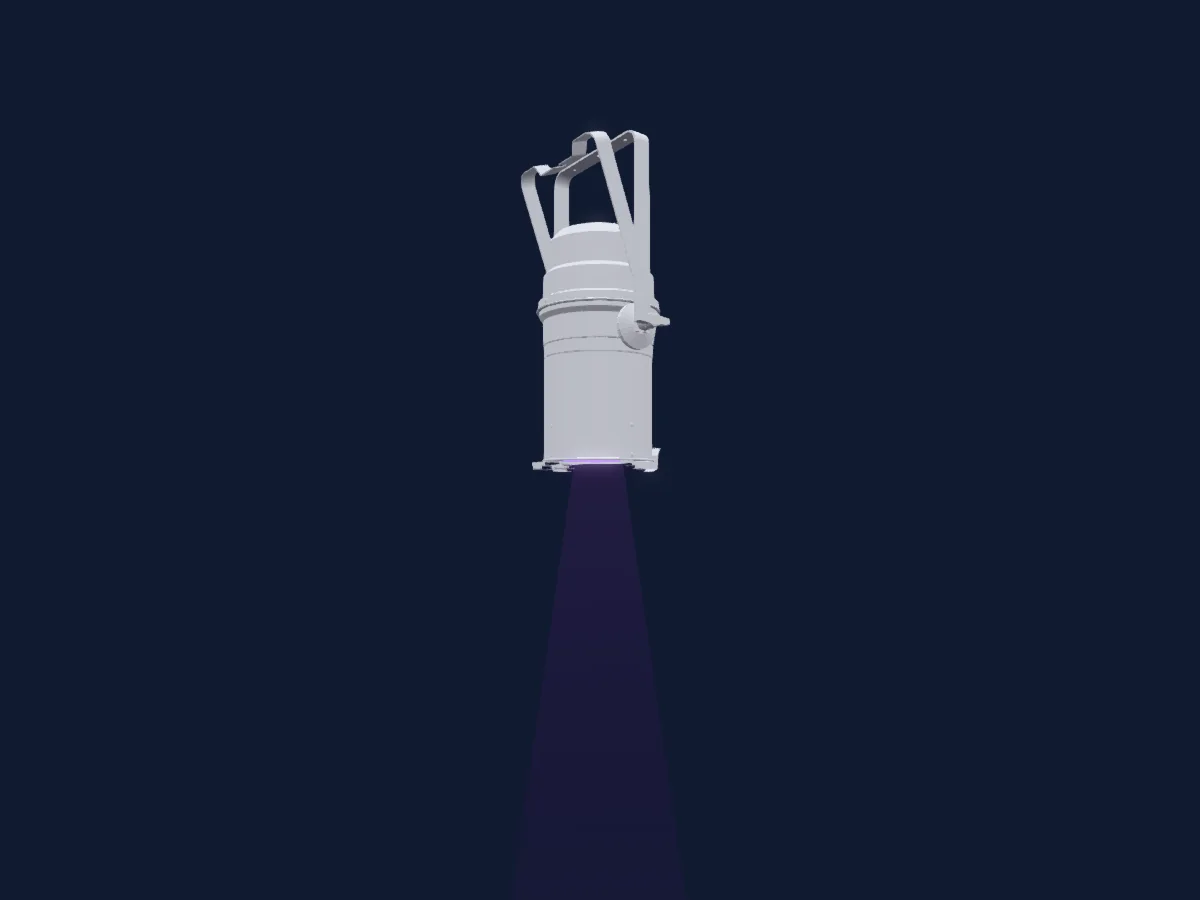
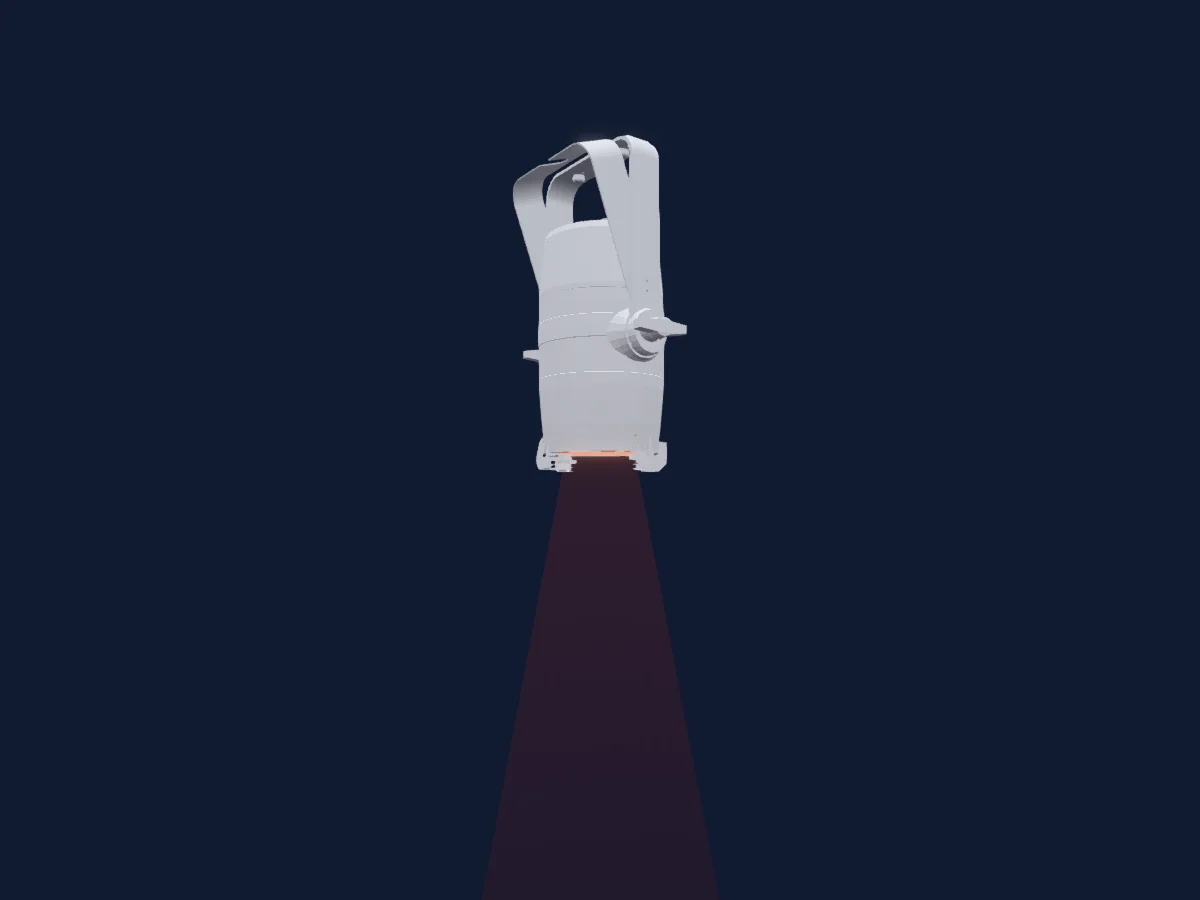
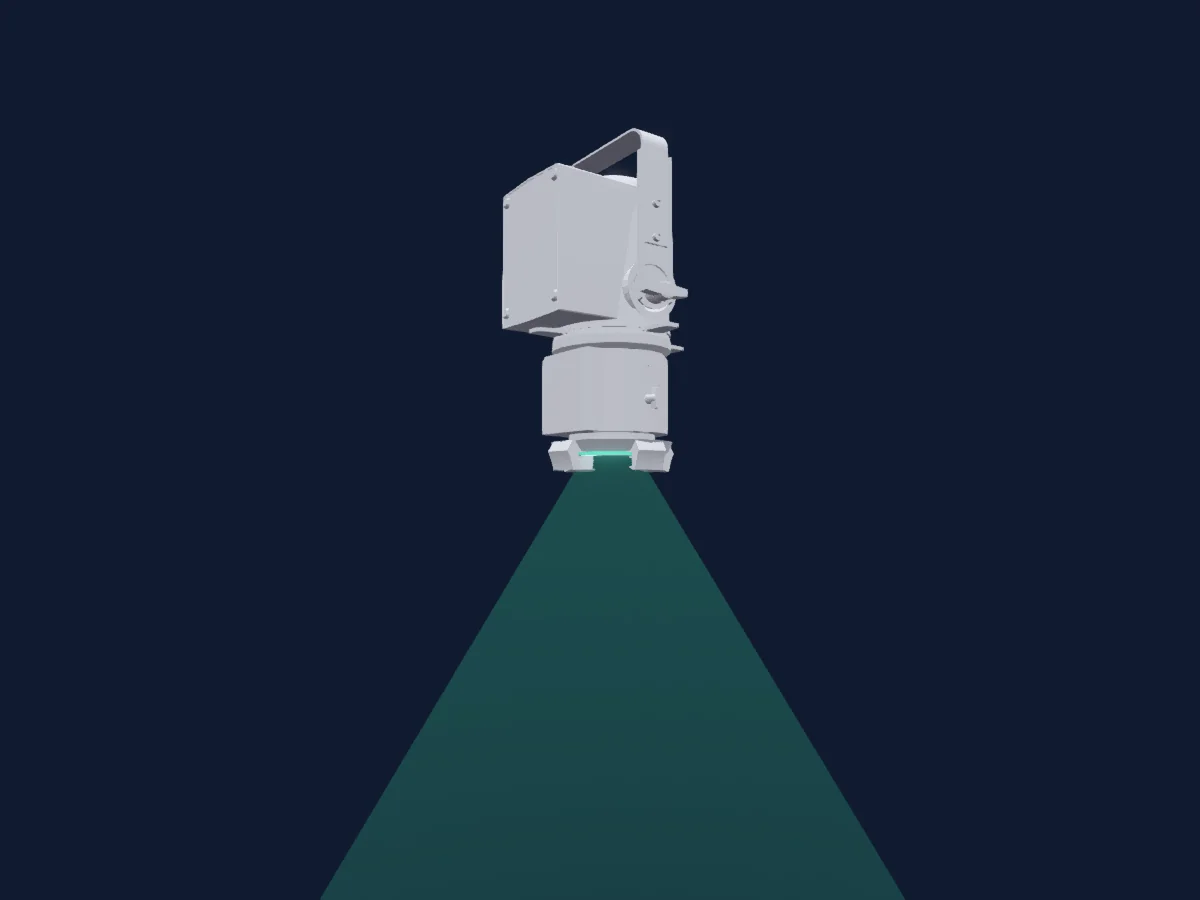
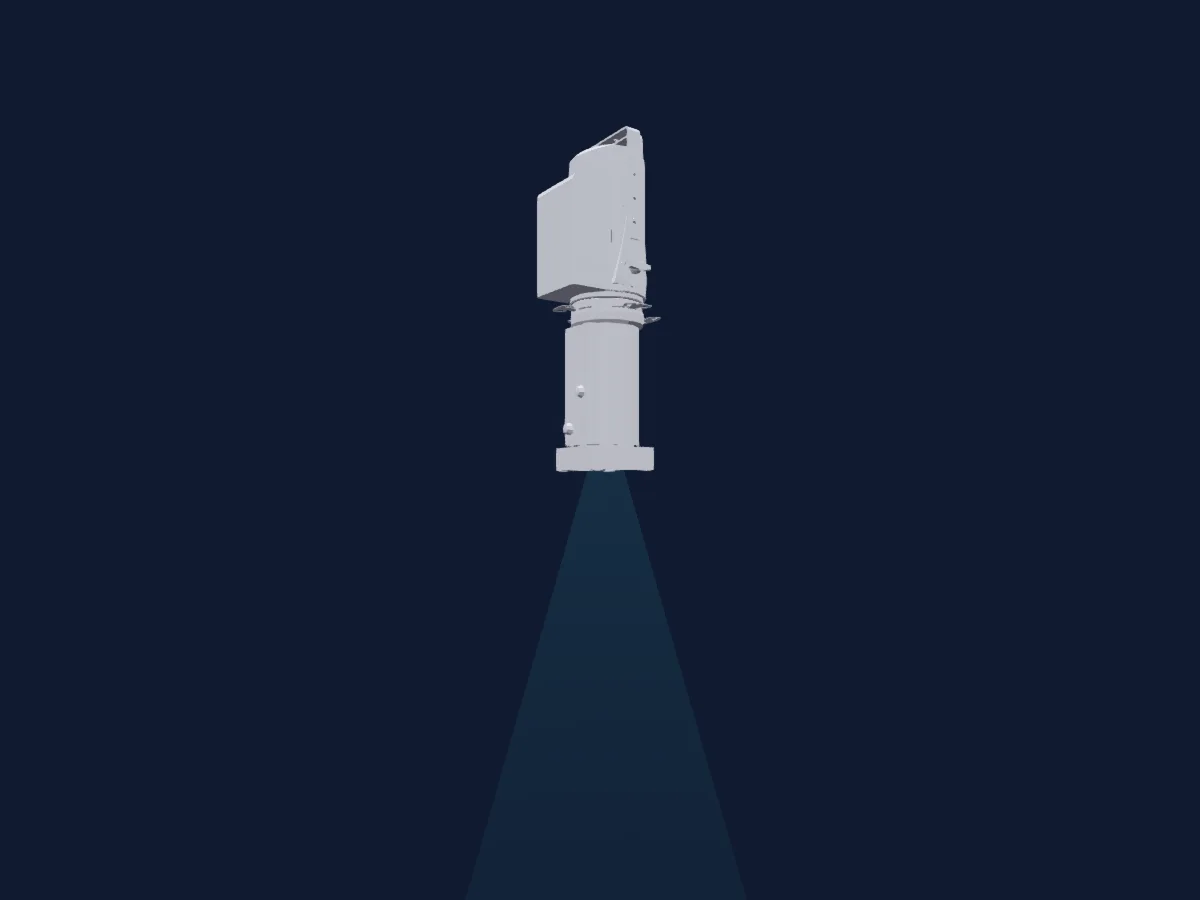
Tableau DMX, 3 modes DMX et aperçu 3D. 4 / 9 / 14 canaux DMX.
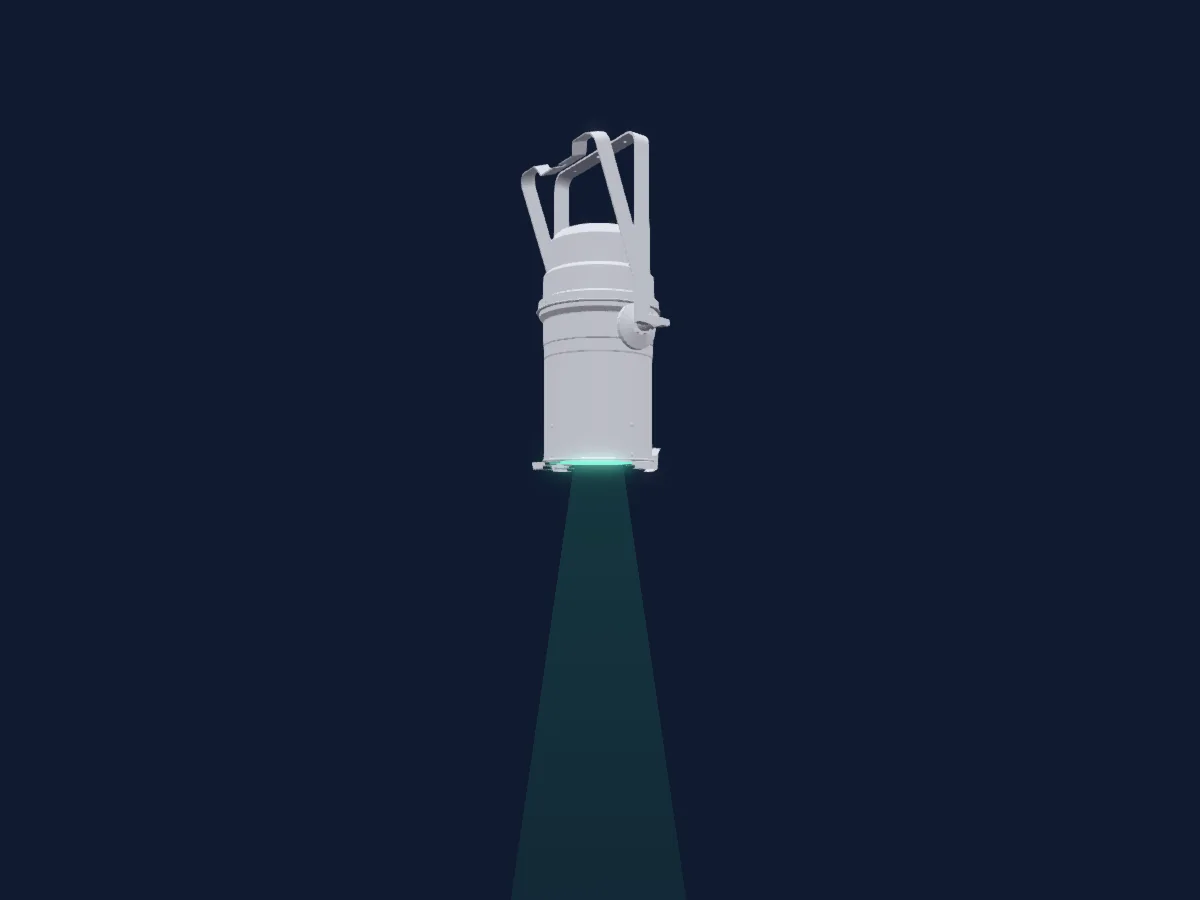
Vari-Lite VL800 EventPAR RGBA rendu dans HitLight

Ce qu’il sait faire

  • Couleurs LED supplémentaires
  • Mélange de couleurs RVB
  • Roue de couleurs
  • Stroboscope
  • Intensité

Fonctions liées à la sécurité: Réinitialisation du projecteur · Fonctions de maintenance · Stroboscope. Vérifiez leur comportement sur votre propre projecteur avant un spectacle.

Modes DMX et tableaux de canaux

Modes DMX de Vari-Lite VL800 EventPAR RGBA
ModeCanauxDans HitLight
8-Bit Color Mode4Prêt dans HitLight
8-Bit9Prêt dans HitLight
16-Bit14Prêt dans HitLight

8-Bit Color Mode

Prêt dans HitLight

4 canaux DMX · Télécharger ce tableau en CSV

Tableau des canaux DMX de 8-Bit Color Mode
CanalFonctionPar défautValeurs DMX
1Red2550–255
2Green2550–255
3Blue2550–255
4Color Add RY00–255

8-Bit

Prêt dans HitLight

9 canaux DMX · Télécharger ce tableau en CSV

Tableau des canaux DMX de 8-Bit
CanalFonctionPar défautValeurs DMX
1Dimmer00–255
2Red2550–255
3Green2550–255
4Blue2550–255
5Color Add RY00–255
6Color Wheel0
49 plages de valeurs
  • 0–68 Channel Off - Custom
  • 69–70 Color Off - Custom
  • 71–72 White 10000K - CTC (wheel slot 1)
  • 73–74 White 8000K - CTC (wheel slot 2)
  • 75–76 White 6500K - CTC (wheel slot 3)
  • 77–78 White 5600K - CTC (wheel slot 4)
  • 79–80 White 5000K - CTC (wheel slot 5)
  • 81–82 White 4500K - CTC (wheel slot 6)
  • 83–84 White 4000K - CTC (wheel slot 7)
  • 85–86 White 3200K - CTC (wheel slot 8)
  • 87–88 White 3000K - CTC (wheel slot 9)
  • 89–90 White 2700K - CTC (wheel slot 10)
  • 91–92 Moroccan Pink - Color (wheel slot 11)
  • 93–94 Pink - Color (wheel slot 12)
  • 95–96 Flesh Pink - Color (wheel slot 13)
  • 97–98 Bright Rose - Color (wheel slot 14)
  • 99–100 Follies Pink - Color (wheel slot 15)
  • 101–102 Fuchsia Pink - Color (wheel slot 16)
  • 103–104 Surprise Pink - Color (wheel slot 17)
  • 105–106 Congo Blue - Color (wheel slot 18)
  • 107–108 Blue - Color (wheel slot 19)
  • 109–110 Virgin Blue - Color (wheel slot 20)
  • 111–112 Midnight Maya - Color (wheel slot 21)
  • 113–114 Double C T Blue - Color (wheel slot 22)
  • 115–116 Slate Blue - Color (wheel slot 23)
  • 117–118 Regal Blue - Color (wheel slot 24)
  • 119–120 Full C T Blue - Color (wheel slot 25)
  • 121–122 Steel Blue - Color (wheel slot 26)
  • 123–124 Lighter Blue - Color (wheel slot 27)
  • 125–126 Cyan - Color (wheel slot 28)
  • 127–128 Marine Blue - Color (wheel slot 29)
  • 129–130 Soft Green - Color (wheel slot 30)
  • 131–132 Moss Green - Color (wheel slot 31)
  • 133–134 Green - Color (wheel slot 32)
  • 135–136 Fem Green - Color (wheel slot 33)
  • 137–138 JAS Green - Color (wheel slot 34)
  • 139–140 Pale Green - Color (wheel slot 35)
  • 141–142 Spring Yellow - Color (wheel slot 36)
  • 143–144 Yellow - Color (wheel slot 37)
  • 145–146 Deep Amber - Color (wheel slot 38)
  • 147–148 Chrome Orange - Color (wheel slot 39)
  • 149–150 Orange - Color (wheel slot 40)
  • 151–152 Magenta - Color (wheel slot 41)
  • 153–154 Flame Red - Color (wheel slot 42)
  • 155–156 Purple - Color (wheel slot 43)
  • 157–187 F > S - Rotate CW
  • 188–208 F > S - Rotate CCW
  • 209–229 F > S - Rotate Random
  • 230–255 Channel Off - Custom
7Strobe Rate2200–255
8Shutter / Strobe0
6 plages de valeurs
  • 0–5 Open - Shutter Open
  • 6–10 Closed - Shutter Closed
  • 11–15 Strobe - Strobe
  • 16–20 Strobe Random - Strobe Random
  • 21–25 Random Sync - Strobe Pulse Random
  • 26–255 Reserved - Custom
9Control10
21 plages de valeurs
  • 0–5 Idle - Custom
  • 6–10 Full Luminaire ReCal - Reset
  • 11–20 Reserved - Custom
  • 21–25 Fixture Shutdown - Custom
  • 26–30 Display - Menu On - Custom
  • 31–35 Display - Menu Off - Custom
  • 36–40 Dimming Curve Linear - Dimmer
  • 41–45 Dimming Curve S-Curve - Dimmer
  • 46–50 Dimming Curve Square Curve - Dimmer
  • 51–60 Reserved - Custom
  • 61–65 Dimmer Snap On - Custom
  • 66–70 Dimmer Snap Off - Custom
  • 71–75 Color Calibration On - Custom
  • 76–80 Color Calibration Off - Custom
  • 81–85 Standard Mode - Custom
  • 86–90 Studio Mode - Custom
  • 91–100 Whisper Mode - Custom
  • 101–110 Reserved - Custom
  • 111–120 Fan On - Custom
  • 121–130 Fan Auto - Custom
  • 131–255 Reserved - Custom

16-Bit

Prêt dans HitLight

14 canaux DMX · Télécharger ce tableau en CSV

Tableau des canaux DMX de 16-Bit
CanalFonctionPar défautValeurs DMX
1Dimmer00–255
2Dimmer Fine0Octet fin de Dimmer
3Red2550–255
4Red Fine255Octet fin de Red
5Green2550–255
6Green Fine255Octet fin de Green
7Blue2550–255
8Blue Fine255Octet fin de Blue
9Color Add RY00–255
10Color Add RY Fine0Octet fin de Color Add RY
11Color Wheel0
49 plages de valeurs
  • 0–68 Channel Off - Custom
  • 69–70 Color Off - Custom
  • 71–72 White 10000K - CTC (wheel slot 1)
  • 73–74 White 8000K - CTC (wheel slot 2)
  • 75–76 White 6500K - CTC (wheel slot 3)
  • 77–78 White 5600K - CTC (wheel slot 4)
  • 79–80 White 5000K - CTC (wheel slot 5)
  • 81–82 White 4500K - CTC (wheel slot 6)
  • 83–84 White 4000K - CTC (wheel slot 7)
  • 85–86 White 3200K - CTC (wheel slot 8)
  • 87–88 White 3000K - CTC (wheel slot 9)
  • 89–90 White 2700K - CTC (wheel slot 10)
  • 91–92 Moroccan Pink - Color (wheel slot 11)
  • 93–94 Pink - Color (wheel slot 12)
  • 95–96 Flesh Pink - Color (wheel slot 13)
  • 97–98 Bright Rose - Color (wheel slot 14)
  • 99–100 Follies Pink - Color (wheel slot 15)
  • 101–102 Fuchsia Pink - Color (wheel slot 16)
  • 103–104 Surprise Pink - Color (wheel slot 17)
  • 105–106 Congo Blue - Color (wheel slot 18)
  • 107–108 Blue - Color (wheel slot 19)
  • 109–110 Virgin Blue - Color (wheel slot 20)
  • 111–112 Midnight Maya - Color (wheel slot 21)
  • 113–114 Double C T Blue - Color (wheel slot 22)
  • 115–116 Slate Blue - Color (wheel slot 23)
  • 117–118 Regal Blue - Color (wheel slot 24)
  • 119–120 Full C T Blue - Color (wheel slot 25)
  • 121–122 Steel Blue - Color (wheel slot 26)
  • 123–124 Lighter Blue - Color (wheel slot 27)
  • 125–126 Cyan - Color (wheel slot 28)
  • 127–128 Marine Blue - Color (wheel slot 29)
  • 129–130 Soft Green - Color (wheel slot 30)
  • 131–132 Moss Green - Color (wheel slot 31)
  • 133–134 Green - Color (wheel slot 32)
  • 135–136 Fem Green - Color (wheel slot 33)
  • 137–138 JAS Green - Color (wheel slot 34)
  • 139–140 Pale Green - Color (wheel slot 35)
  • 141–142 Spring Yellow - Color (wheel slot 36)
  • 143–144 Yellow - Color (wheel slot 37)
  • 145–146 Deep Amber - Color (wheel slot 38)
  • 147–148 Chrome Orange - Color (wheel slot 39)
  • 149–150 Orange - Color (wheel slot 40)
  • 151–152 Magenta - Color (wheel slot 41)
  • 153–154 Flame Red - Color (wheel slot 42)
  • 155–156 Purple - Color (wheel slot 43)
  • 157–187 F > S - Rotate CW
  • 188–208 F > S - Rotate CCW
  • 209–229 F > S - Rotate Random
  • 230–255 Channel Off - Custom
12Strobe Rate2200–255
13Shutter / Strobe0
6 plages de valeurs
  • 0–5 Open - Shutter Open
  • 6–10 Closed - Shutter Closed
  • 11–15 Strobe - Strobe
  • 16–20 Strobe Random - Strobe Random
  • 21–25 Random Sync - Strobe Pulse Random
  • 26–255 Reserved - Custom
14Control10
21 plages de valeurs
  • 0–5 Idle - Custom
  • 6–10 Full Luminaire ReCal - Reset
  • 11–20 Reserved - Custom
  • 21–25 Fixture Shutdown - Custom
  • 26–30 Display - Menu On - Custom
  • 31–35 Display - Menu Off - Custom
  • 36–40 Dimming Curve Linear - Dimmer
  • 41–45 Dimming Curve S-Curve - Dimmer
  • 46–50 Dimming Curve Square Curve - Dimmer
  • 51–60 Reserved - Custom
  • 61–65 Dimmer Snap On - Custom
  • 66–70 Dimmer Snap Off - Custom
  • 71–75 Color Calibration On - Custom
  • 76–80 Color Calibration Off - Custom
  • 81–85 Standard Mode - Custom
  • 86–90 Studio Mode - Custom
  • 91–100 Whisper Mode - Custom
  • 101–110 Reserved - Custom
  • 111–120 Fan On - Custom
  • 121–130 Fan Auto - Custom
  • 131–255 Reserved - Custom

Utiliser Vari-Lite VL800 EventPAR RGBA dans HitLight

  1. Ouvrez Ajouter un projecteur et recherchez Vari-Lite VL800 EventPAR RGBA.
  2. Choisissez le mode DMX réglé dans le menu du projecteur. HitLight lui attribue la plus basse adresse de départ libre de son univers qui peut accueillir le nombre de canaux du mode.
  3. Vérifiez le mode et les commandes sur votre vrai projecteur avant toute utilisation en direct.

Les tableaux proviennent de la description GDTF du projecteur, convertie pour la bibliothèque HitLight. HitLight n’a aucun lien avec Vari-Lite.

Patchez-le, puis laissez la musique piloter la lumière.

HitLight trouve ces projecteurs dans sa bibliothèque, les patche sur la prochaine adresse libre et affiche votre installation en 3D avant même de brancher une seule lumière.

Ouvrir HitLight ↗Télécharger HitLight