Vai al contenuto
HitLight
Martin Professional · Testa mobile

Martin Professional VDO Atomic Dot CLD

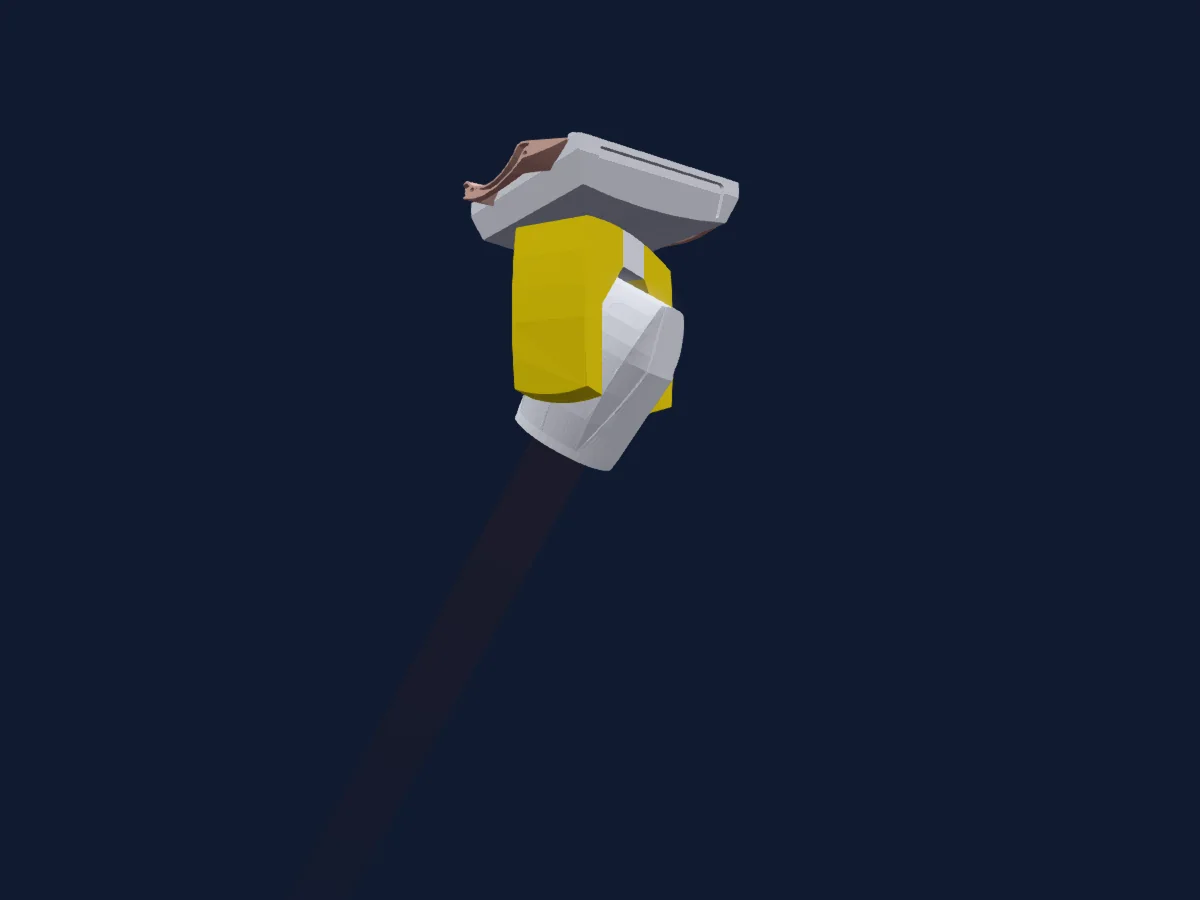
Tabella DMX, 5 modalità DMX e anteprima 3D. 1 / 3 / 4 / 19 canali DMX.
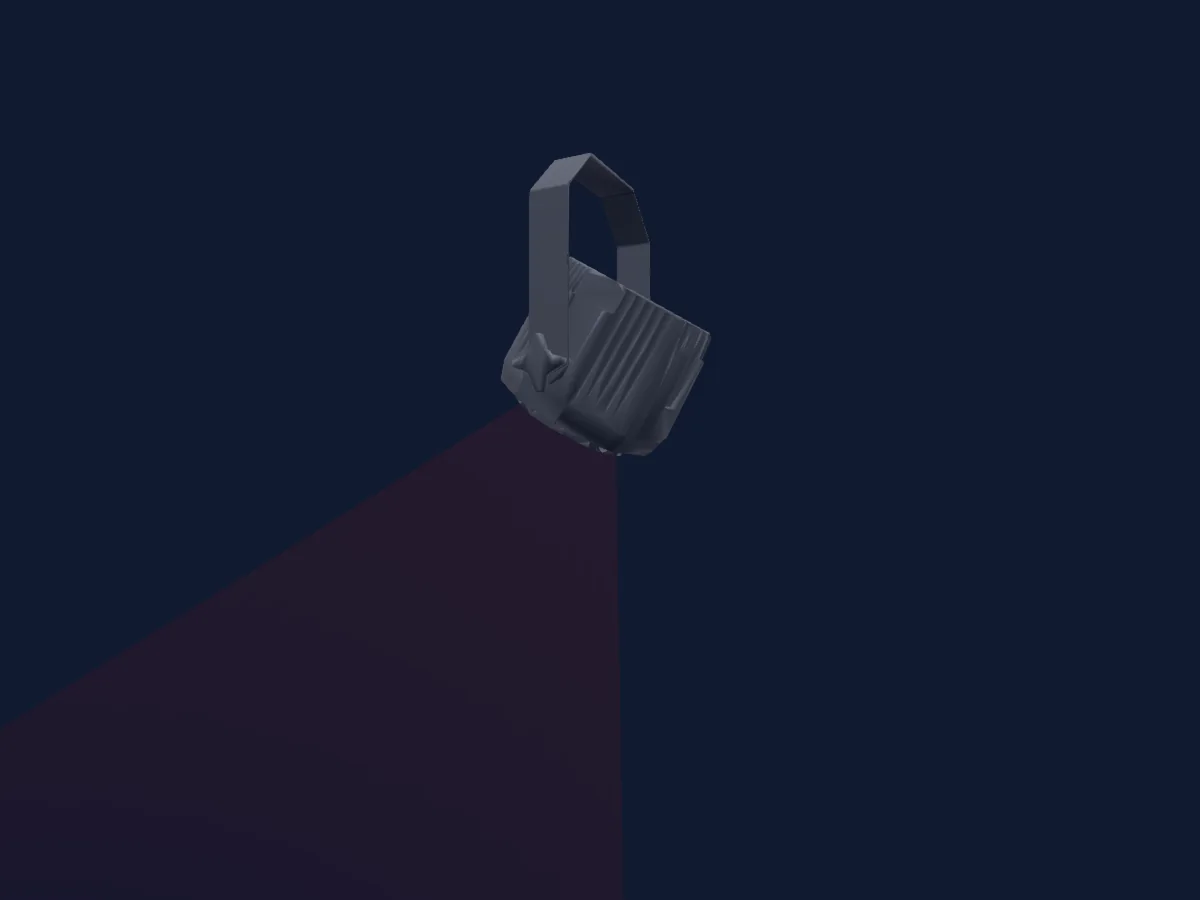
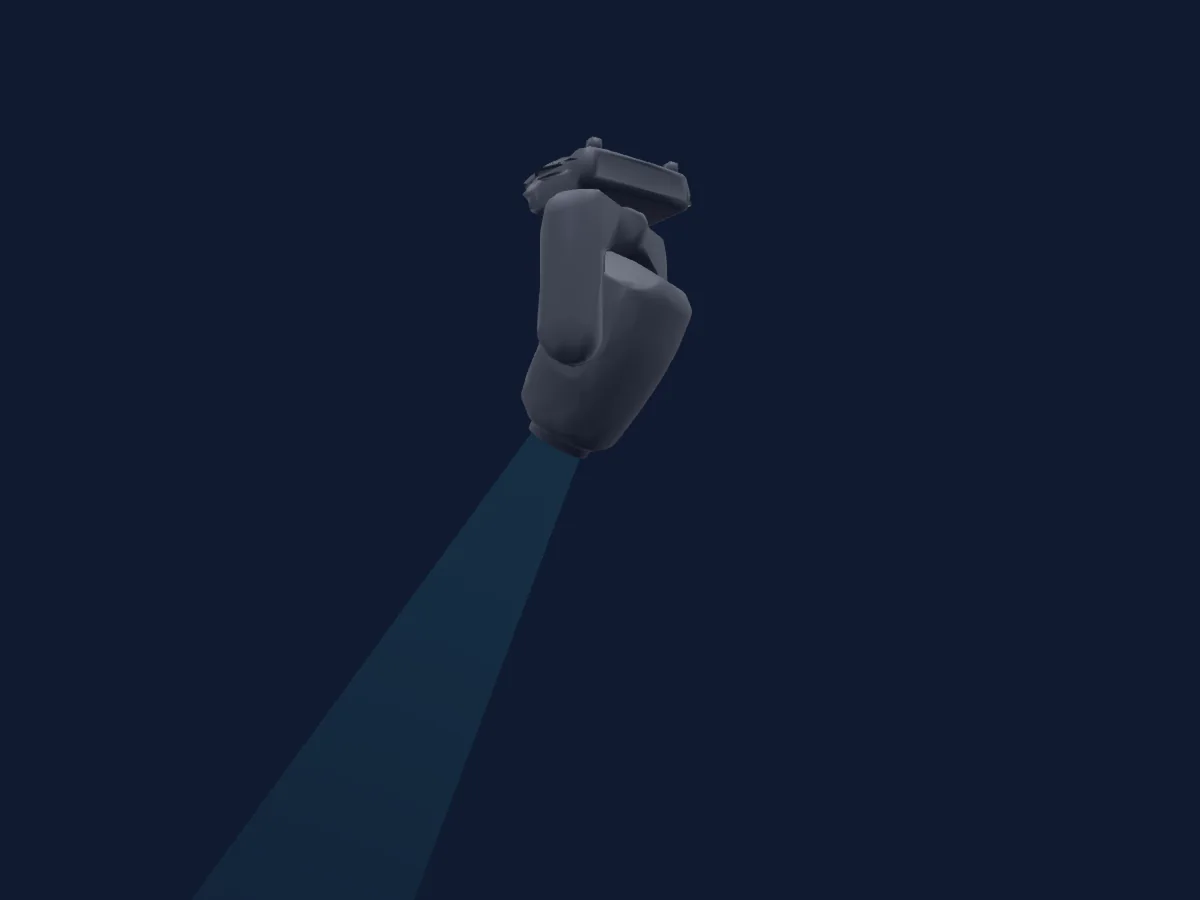
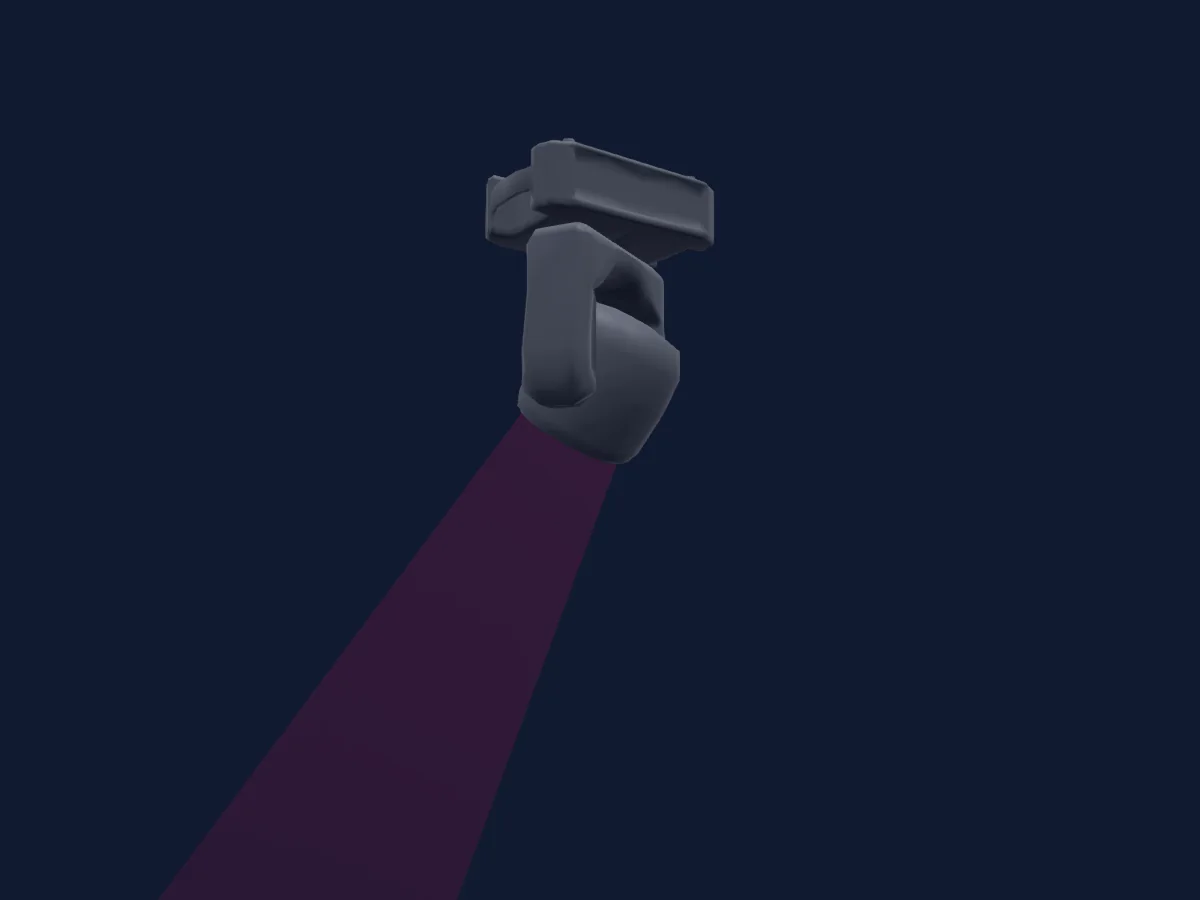
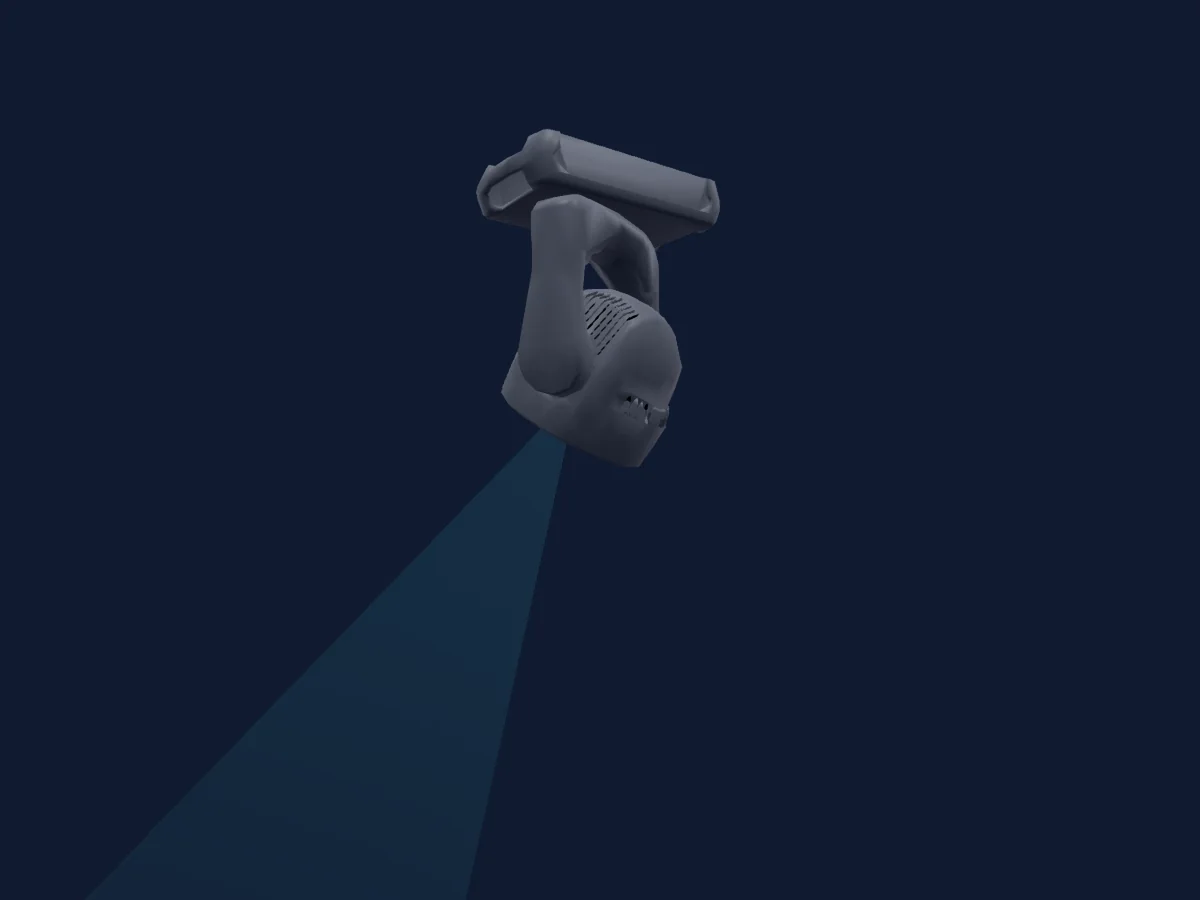
Martin Professional VDO Atomic Dot CLD renderizzato in HitLight

Cosa può fare

  • Miscelazione colori RGB
  • Temperatura colore
  • Ruota colori
  • Velocità degli effetti
  • Strobo
  • Intensità

Funzioni rilevanti per la sicurezza: Reset del faro · Programmi di effetti integrati. Verifica come si comportano sul tuo faro prima di uno spettacolo.

Modalità DMX e tabelle dei canali

Modalità DMX di Martin Professional VDO Atomic Dot CLD
ModalitàCanaliIn HitLight
1 Channel1Pronto in HitLight
3 Channel3Pronto in HitLight
4 Channel4Pronto in HitLight
Basic19Pronto in HitLight
Extended19Pronto in HitLight

1 Channel

Pronto in HitLight

1 canale DMX · Scarica questa tabella in CSV

Tabella dei canali DMX di 1 Channel
CanaleFunzionePredefinitoValori DMX
1Dimmer0
5 intervalli di valori
  • 0–63 Closed
  • 64–127 25%
  • 128–191 50%
  • 192–254 75%
  • 255–255 Open

3 Channel

Pronto in HitLight

3 canali DMX · Scarica questa tabella in CSV

Tabella dei canali DMX di 3 Channel
CanaleFunzionePredefinitoValori DMX
1Dimmer0
5 intervalli di valori
  • 0–63 Min
  • 64–127 25%
  • 128–191 50%
  • 192–254 75%
  • 255–255 Max
2Strobe Duration255
2 intervalli di valori
  • 0–254 Short
  • 255–255 Long
3Strobe Frequency255
2 intervalli di valori
  • 0–254 Slow
  • 255–255 Fast

4 Channel

Pronto in HitLight

4 canali DMX · Scarica questa tabella in CSV

Tabella dei canali DMX di 4 Channel
CanaleFunzionePredefinitoValori DMX
1Dimmer0
5 intervalli di valori
  • 0–63 Min
  • 64–127 25%
  • 128–191 50%
  • 192–254 75%
  • 255–255 Max
2Strobe Duration255
2 intervalli di valori
  • 0–254 Short
  • 255–255 Long
3Strobe Frequency255
2 intervalli di valori
  • 0–254 Slow
  • 255–255 Fast
4Strobe Effects0
7 intervalli di valori
  • 0–5 No Effect
  • 6–42 Ramp Up
  • 43–85 Ramp Down
  • 86–128 Ramp Up Down
  • 129–171 Random
  • 172–214 Lightning
  • 215–255 Spikes

Basic

Pronto in HitLight

19 canali DMX · Scarica questa tabella in CSV

Tabella dei canali DMX di Basic
CanaleFunzionePredefinitoValori DMX
1Dimmer0
5 intervalli di valori
  • 0–63 Closed
  • 64–127 25%
  • 128–191 50%
  • 192–254 75%
  • 255–255 Open
2Dimmer Fine0Byte fine di Dimmer
3Strobe Duration255
2 intervalli di valori
  • 0–254 Short
  • 255–255 Long
4Strobe Frequency255
2 intervalli di valori
  • 0–254 Slow
  • 255–255 Fast
5Strobe Effects0
7 intervalli di valori
  • 0–5 No Effect
  • 6–42 Ramp Up
  • 43–85 Ramp Down
  • 86–128 Ramp Up Down
  • 129–171 Random
  • 172–214 Lightning
  • 215–255 Spikes
6P327
5 intervalli di valori
  • 0–26 DMX Mode
  • 27–27 DMX
  • 28–227 Mix
  • 228–228 Video
  • 229–255 Video Mode
7Control10
14 intervalli di valori
  • 0–9 Idle
  • 10–14 Reset Entire Fixture (5s)
  • 15–22 No Function 1
  • 23–23 Linear (1s)
  • 24–24 Square Law (1s)
  • 25–25 Inverse Square Law (1s)
  • 26–26 S-Curve (1s)
  • 27–35 No Function 2
  • 36–36 Enable (1s)
  • 37–37 Disable (1s)
  • 38–58 No Function 3
  • 59–59 LED (1s)
  • 60–60 Xenon (1s)
  • 61–255 No Function 4
8Effect0
64 intervalli di valori
  • 0–0 No Effect
  • 1–1 Beam Wave
  • 2–2 Beam Step
  • 3–3 Beam Pulse
  • 4–4 Beam Blackout Strobe
  • 5–5 Beam 2x Strobe
  • 6–6 Beam 3x Strobe
  • 7–7 Beam 4x Strobe
  • 8–8 Beam Up Down Flash
  • 9–9 Beam Up Flash Down Flash
  • 10–10 Beam Random Levels
  • 11–11 Beam HouseLight
  • 12–12 Beam Threshold Strobe
  • 13–13 Beam Threshold On
  • 14–15 No Function 1
  • 16–16 Backlight Wave
  • 17–17 Backlight Step
  • 18–18 Backlight Pulse
  • 19–19 Backlight Blackout Strobe
  • 20–20 Backlight 2x Strobe
  • 21–21 Backlight 3x Strobe
  • 22–22 Backlight 4x Strobe
  • 23–23 Backlight Up Down Flash
  • 24–24 Backlight Up Flash Down Flash
  • 25–25 Backlight Random Levels
  • 26–26 Backlight Noise Overlay
  • 27–27 Backlight PixelKiller
  • 28–28 Backlight Build UpDown
  • 29–29 Backlight Ring Wave
  • 30–30 Backlight Ring Step
  • 31–31 Backlight Ring Pulse
  • 32–32 Backlight Waterdrop
  • 33–33 Backlight Sonar 1
  • 34–34 Backlight Sonar 2
  • 35–35 Backlight Sonar 3
  • 36–36 Backlight Sonar 6
  • 37–37 Backlight Sonar 9
  • 38–38 Backlight Slice Pie Chase
  • 39–39 Backlight Random Chase
  • 40–40 Backlight Movie Flicker
  • 41–41 Backlight Electric Arc
  • 42–42 Backlight Atomic Lighting
  • 43–43 Backlight Thunderstorm
  • 44–47 No Function 2
  • 48–48 Backlight Rainbow Wave
  • 49–49 Backlight Rainbow Step
  • 50–50 Backlight Rainbow Pulse
  • 51–51 Backlight RGB Wave
  • 52–52 Backlight RGB Step
  • 53–53 Backlight RGB Pulse
  • 54–54 Backlight CMY Wave
  • 55–55 Backlight CMY Step
  • 56–56 Backlight CMY Pulse
  • 57–57 Backlight Random Wave
  • 58–58 Backlight Random Step
  • 59–59 Backlight Random Pulse
  • 60–60 Backlight Solid
  • 61–61 Backlight Spectrum Shifter
  • 62–62 Backlight RGB to White Wave
  • 63–63 Backlight RGB to White Step
  • 64–64 Backlight RGB to White Pulse
  • 65–65 Backlight RGB to White Strobe
  • 66–66 Backlight Normal to White Wave
  • 67–67 Backlight Normal to White Step
9Effect Speed192
9 intervalli di valori
  • 0–63 Rev Max
  • 64–125 Rev Med
  • 126–126 Rev Min
  • 127–127 Stop
  • 128–128 3000 Hz
  • 129–129 No Function 1
  • 130–191 Fwd Min
  • 192–254 Fwd Med
  • 255–255 Fwd Max
10Effects Sync36
39 intervalli di valori
  • 0–0 No Sync
  • 1–1 Fixture Offset 10deg
  • 2–2 Fixture Offset 20deg
  • 3–3 Fixture Offset 30deg
  • 4–4 Fixture Offset 40deg
  • 5–5 Fixture Offset 50deg
  • 6–6 Fixture Offset 60deg
  • 7–7 Fixture Offset 70deg
  • 8–8 Fixture Offset 80deg
  • 9–9 Fixture Offset 90deg
  • 10–10 Fixture Offset 100deg
  • 11–11 Fixture Offset 110deg
  • 12–12 Fixture Offset 120deg
  • 13–13 Fixture Offset 130deg
  • 14–14 Fixture Offset 140deg
  • 15–15 Fixture Offset 150deg
  • 16–16 Fixture Offset 160deg
  • 17–17 Fixture Offset 170deg
  • 18–18 Fixture Offset 180deg
  • 19–19 Fixture Offset 190deg
  • 20–20 Fixture Offset 200deg
  • 21–21 Fixture Offset 210deg
  • 22–22 Fixture Offset 220deg
  • 23–23 Fixture Offset 230deg
  • 24–24 Fixtrue Offset 240deg
  • 25–25 Fixture Offset 250deg
  • 26–26 Fixture Offset 260deg
  • 27–27 Fixture Offset 270deg
  • 28–28 Fixture Offset 280deg
  • 29–29 Fixture Offset 290deg
  • 30–30 Fixture Offset 300deg
  • 31–31 Fixture Offset 310deg
  • 32–32 Fixture Offset 320deg
  • 33–33 Fixture Offset 330deg
  • 34–34 Fixture Offset 340deg
  • 35–35 Fixture Offset 350deg
  • 36–100 Synchronized
  • 101–120 Random Start
  • 121–255 Random Duration
11Shutter / Strobe0
8 intervalli di valori
  • 0–49 Open
  • 50–124 Strobe · Slow 1–10.4 Hz
  • 125–199 Strobe · Medium 10.5–19.9 Hz
  • 200–200 Strobe · Fast 20 Hz
  • 201–210 Open
  • 211–232 Strobe Random · Slow 0.25–2.52 Hz
  • 233–254 Strobe Random · Medium 2.63–4.89 Hz
  • 255–255 Strobe Random · Fast 5 Hz
12Dimmer0
5 intervalli di valori
  • 0–63 Closed
  • 64–127 25%
  • 128–191 50%
  • 192–254 75%
  • 255–255 Open
13Dimmer Fine0Byte fine di Dimmer
14C TC00–255
15Color Wheel 20
47 intervalli di valori
  • 0–10 Open (wheel slot 1)
  • 11–15 Moroccan Pink (wheel slot 2)
  • 16–20 Pink (wheel slot 3)
  • 21–25 Special Rose Pink (wheel slot 4)
  • 26–30 Follies Pink (wheel slot 5)
  • 31–35 Fuchsia Pink (wheel slot 6)
  • 36–40 Surprise Pink (wheel slot 7)
  • 41–45 Congo Blue (wheel slot 8)
  • 46–50 Tokyo Blue (wheel slot 9)
  • 51–55 Deep Blue (wheel slot 10)
  • 56–60 Just Blue (wheel slot 11)
  • 61–65 Medium Blue (wheel slot 12)
  • 66–70 Double CT Blue (wheel slot 13)
  • 71–75 Slate Blue (wheel slot 14)
  • 76–80 Full CT Blue (wheel slot 15)
  • 81–85 Half CT Blue (wheel slot 16)
  • 86–90 Steel Blue (wheel slot 17)
  • 91–95 Lighter Blue (wheel slot 18)
  • 96–100 Light Blue (wheel slot 19)
  • 101–105 Medium Blue Green (wheel slot 20)
  • 106–110 Dark Green (wheel slot 21)
  • 111–115 Primary Green (wheel slot 22)
  • 116–120 Moss Green (wheel slot 23)
  • 121–125 Fern Green (wheel slot 24)
  • 126–130 Jas Green (wheel slot 25)
  • 131–135 Lime Green (wheel slot 26)
  • 136–140 Spring Yellow (wheel slot 27)
  • 141–145 Deep Amber (wheel slot 28)
  • 146–150 Chrome Orange (wheel slot 29)
  • 151–155 Orange (wheel slot 30)
  • 156–160 Gold Amber (wheel slot 31)
  • 161–165 Millennium Gold (wheel slot 32)
  • 166–170 Deep Golden Amber (wheel slot 33)
  • 171–175 Flame Red (wheel slot 34)
  • 176–180 Red Magenta (wheel slot 35)
  • 181–185 Medium Lavender (wheel slot 36)
  • 186–190 Pure White (wheel slot 37)
  • 191–202 CW Max
  • 203–213 CW Med
  • 214–214 CW Min
  • 215–219 Stop
  • 220–230 CCW Min
  • 231–242 CCW Med
  • 243–243 CCW Max
  • 244–248 Fast
  • 249–254 Medium
  • 255–255 Slow
16P327
5 intervalli di valori
  • 0–26 DMX Mode
  • 27–27 DMX
  • 28–227 Mix
  • 228–228 Video
  • 229–255 Video Mode
17Color RGBRed255
5 intervalli di valori
  • 0–63 Min
  • 64–127 25%
  • 128–191 50%
  • 192–254 75%
  • 255–255 Max
18Color RGBGreen255
5 intervalli di valori
  • 0–63 Min
  • 64–127 25%
  • 128–191 50%
  • 192–254 75%
  • 255–255 Max
19Color RGBBlue255
5 intervalli di valori
  • 0–63 Min
  • 64–127 25%
  • 128–191 50%
  • 192–254 75%
  • 255–255 Max

Extended

Pronto in HitLight

19 canali DMX · Scarica questa tabella in CSV

Tabella dei canali DMX di Extended
CanaleFunzionePredefinitoValori DMX
1Dimmer0
5 intervalli di valori
  • 0–63 Closed
  • 64–127 25%
  • 128–191 50%
  • 192–254 75%
  • 255–255 Open
2Dimmer Fine0Byte fine di Dimmer
3Strobe Duration255
2 intervalli di valori
  • 0–254 Short
  • 255–255 Long
4Strobe Frequency255
2 intervalli di valori
  • 0–254 Slow
  • 255–255 Fast
5Strobe Effects0
7 intervalli di valori
  • 0–5 No Effect
  • 6–42 Ramp Up
  • 43–85 Ramp Down
  • 86–128 Ramp Up Down
  • 129–171 Random
  • 172–214 Lightning
  • 215–255 Spikes
6P327
5 intervalli di valori
  • 0–26 DMX Mode
  • 27–27 DMX
  • 28–227 Mix
  • 228–228 Video
  • 229–255 Video Mode
7Control10
14 intervalli di valori
  • 0–9 Idle
  • 10–14 Reset Entire Fixture (5s)
  • 15–22 No Function 1
  • 23–23 Linear (1s)
  • 24–24 Square Law (1s)
  • 25–25 Inverse Square Law (1s)
  • 26–26 S-Curve (1s)
  • 27–35 No Function 2
  • 36–36 Enable (1s)
  • 37–37 Disable (1s)
  • 38–58 No Function 3
  • 59–59 LED (1s)
  • 60–60 Xenon (1s)
  • 61–255 No Function 4
8Effect0
64 intervalli di valori
  • 0–0 No Effect
  • 1–1 Beam Wave
  • 2–2 Beam Step
  • 3–3 Beam Pulse
  • 4–4 Beam Blackout Strobe
  • 5–5 Beam 2x Strobe
  • 6–6 Beam 3x Strobe
  • 7–7 Beam 4x Strobe
  • 8–8 Beam Up Down Flash
  • 9–9 Beam Up Flash Down Flash
  • 10–10 Beam Random Levels
  • 11–11 Beam HouseLight
  • 12–12 Beam Threshold Strobe
  • 13–13 Beam Threshold On
  • 14–15 No Function 1
  • 16–16 Backlight Wave
  • 17–17 Backlight Step
  • 18–18 Backlight Pulse
  • 19–19 Backlight Blackout Strobe
  • 20–20 Backlight 2x Strobe
  • 21–21 Backlight 3x Strobe
  • 22–22 Backlight 4x Strobe
  • 23–23 Backlight Up Down Flash
  • 24–24 Backlight Up Flash Down Flash
  • 25–25 Backlight Random Levels
  • 26–26 Backlight Noise Overlay
  • 27–27 Backlight PixelKiller
  • 28–28 Backlight Build UpDown
  • 29–29 Backlight Ring Wave
  • 30–30 Backlight Ring Step
  • 31–31 Backlight Ring Pulse
  • 32–32 Backlight Waterdrop
  • 33–33 Backlight Sonar 1
  • 34–34 Backlight Sonar 2
  • 35–35 Backlight Sonar 3
  • 36–36 Backlight Sonar 6
  • 37–37 Backlight Sonar 9
  • 38–38 Backlight Slice Pie Chase
  • 39–39 Backlight Random Chase
  • 40–40 Backlight Movie Flicker
  • 41–41 Backlight Electric Arc
  • 42–42 Backlight Atomic Lighting
  • 43–43 Backlight Thunderstorm
  • 44–47 No Function 2
  • 48–48 Backlight Rainbow Wave
  • 49–49 Backlight Rainbow Step
  • 50–50 Backlight Rainbow Pulse
  • 51–51 Backlight RGB Wave
  • 52–52 Backlight RGB Step
  • 53–53 Backlight RGB Pulse
  • 54–54 Backlight CMY Wave
  • 55–55 Backlight CMY Step
  • 56–56 Backlight CMY Pulse
  • 57–57 Backlight Random Wave
  • 58–58 Backlight Random Step
  • 59–59 Backlight Random Pulse
  • 60–60 Backlight Solid
  • 61–61 Backlight Spectrum Shifter
  • 62–62 Backlight RGB to White Wave
  • 63–63 Backlight RGB to White Step
  • 64–64 Backlight RGB to White Pulse
  • 65–65 Backlight RGB to White Strobe
  • 66–66 Backlight Normal to White Wave
  • 67–67 Backlight Normal to White Step
9Effect Speed192
9 intervalli di valori
  • 0–63 Rev Max
  • 64–125 Rev Med
  • 126–126 Rev Min
  • 127–127 Stop
  • 128–128 3000 Hz
  • 129–129 No Function 1
  • 130–191 Fwd Min
  • 192–254 Fwd Med
  • 255–255 Fwd Max
10Effects Sync36
39 intervalli di valori
  • 0–0 No Sync
  • 1–1 Fixture Offset 10deg
  • 2–2 Fixture Offset 20deg
  • 3–3 Fixture Offset 30deg
  • 4–4 Fixture Offset 40deg
  • 5–5 Fixture Offset 50deg
  • 6–6 Fixture Offset 60deg
  • 7–7 Fixture Offset 70deg
  • 8–8 Fixture Offset 80deg
  • 9–9 Fixture Offset 90deg
  • 10–10 Fixture Offset 100deg
  • 11–11 Fixture Offset 110deg
  • 12–12 Fixture Offset 120deg
  • 13–13 Fixture Offset 130deg
  • 14–14 Fixture Offset 140deg
  • 15–15 Fixture Offset 150deg
  • 16–16 Fixture Offset 160deg
  • 17–17 Fixture Offset 170deg
  • 18–18 Fixture Offset 180deg
  • 19–19 Fixture Offset 190deg
  • 20–20 Fixture Offset 200deg
  • 21–21 Fixture Offset 210deg
  • 22–22 Fixture Offset 220deg
  • 23–23 Fixture Offset 230deg
  • 24–24 Fixtrue Offset 240deg
  • 25–25 Fixture Offset 250deg
  • 26–26 Fixture Offset 260deg
  • 27–27 Fixture Offset 270deg
  • 28–28 Fixture Offset 280deg
  • 29–29 Fixture Offset 290deg
  • 30–30 Fixture Offset 300deg
  • 31–31 Fixture Offset 310deg
  • 32–32 Fixture Offset 320deg
  • 33–33 Fixture Offset 330deg
  • 34–34 Fixture Offset 340deg
  • 35–35 Fixture Offset 350deg
  • 36–100 Synchronized
  • 101–120 Random Start
  • 121–255 Random Duration
11Shutter / Strobe0
8 intervalli di valori
  • 0–49 Open
  • 50–124 Strobe · Slow 1–10.4 Hz
  • 125–199 Strobe · Medium 10.5–19.9 Hz
  • 200–200 Strobe · Fast 20 Hz
  • 201–210 Open
  • 211–232 Strobe Random · Slow 0.25–2.52 Hz
  • 233–254 Strobe Random · Medium 2.63–4.89 Hz
  • 255–255 Strobe Random · Fast 5 Hz
12Dimmer0
5 intervalli di valori
  • 0–63 Closed
  • 64–127 25%
  • 128–191 50%
  • 192–254 75%
  • 255–255 Open
13Dimmer Fine0Byte fine di Dimmer
14C TC00–255
15Color Wheel 20
47 intervalli di valori
  • 0–10 Open (wheel slot 1)
  • 11–15 Moroccan Pink (wheel slot 2)
  • 16–20 Pink (wheel slot 3)
  • 21–25 Special Rose Pink (wheel slot 4)
  • 26–30 Follies Pink (wheel slot 5)
  • 31–35 Fuchsia Pink (wheel slot 6)
  • 36–40 Surprise Pink (wheel slot 7)
  • 41–45 Congo Blue (wheel slot 8)
  • 46–50 Tokyo Blue (wheel slot 9)
  • 51–55 Deep Blue (wheel slot 10)
  • 56–60 Just Blue (wheel slot 11)
  • 61–65 Medium Blue (wheel slot 12)
  • 66–70 Double CT Blue (wheel slot 13)
  • 71–75 Slate Blue (wheel slot 14)
  • 76–80 Full CT Blue (wheel slot 15)
  • 81–85 Half CT Blue (wheel slot 16)
  • 86–90 Steel Blue (wheel slot 17)
  • 91–95 Lighter Blue (wheel slot 18)
  • 96–100 Light Blue (wheel slot 19)
  • 101–105 Medium Blue Green (wheel slot 20)
  • 106–110 Dark Green (wheel slot 21)
  • 111–115 Primary Green (wheel slot 22)
  • 116–120 Moss Green (wheel slot 23)
  • 121–125 Fern Green (wheel slot 24)
  • 126–130 Jas Green (wheel slot 25)
  • 131–135 Lime Green (wheel slot 26)
  • 136–140 Spring Yellow (wheel slot 27)
  • 141–145 Deep Amber (wheel slot 28)
  • 146–150 Chrome Orange (wheel slot 29)
  • 151–155 Orange (wheel slot 30)
  • 156–160 Gold Amber (wheel slot 31)
  • 161–165 Millennium Gold (wheel slot 32)
  • 166–170 Deep Golden Amber (wheel slot 33)
  • 171–175 Flame Red (wheel slot 34)
  • 176–180 Red Magenta (wheel slot 35)
  • 181–185 Medium Lavender (wheel slot 36)
  • 186–190 Pure White (wheel slot 37)
  • 191–202 CW Max
  • 203–213 CW Med
  • 214–214 CW Min
  • 215–219 Stop
  • 220–230 CCW Min
  • 231–242 CCW Med
  • 243–243 CCW Max
  • 244–248 Fast
  • 249–254 Medium
  • 255–255 Slow
16P327
5 intervalli di valori
  • 0–26 DMX Mode
  • 27–27 DMX
  • 28–227 Mix
  • 228–228 Video
  • 229–255 Video Mode
17Color RGBRed255
5 intervalli di valori
  • 0–63 Min
  • 64–127 25%
  • 128–191 50%
  • 192–254 75%
  • 255–255 Max
18Color RGBGreen255
5 intervalli di valori
  • 0–63 Min
  • 64–127 25%
  • 128–191 50%
  • 192–254 75%
  • 255–255 Max
19Color RGBBlue255
5 intervalli di valori
  • 0–63 Min
  • 64–127 25%
  • 128–191 50%
  • 192–254 75%
  • 255–255 Max

Usare Martin Professional VDO Atomic Dot CLD in HitLight

  1. Apri Aggiungi faro e cerca Martin Professional VDO Atomic Dot CLD.
  2. Scegli la modalità DMX impostata nel menu del faro. HitLight gli assegna il primo indirizzo iniziale libero del suo universo in cui entra il numero di canali della modalità.
  3. Verifica modalità e controlli sul tuo faro reale prima dell’uso dal vivo.

Le tabelle provengono dalla descrizione GDTF del faro, convertita per la libreria di HitLight. HitLight non è affiliato a Martin Professional.

Fai il patch e lascia che sia la musica a guidare le luci.

HitLight trova questi fari nella sua libreria, li assegna al primo indirizzo libero e mostra il tuo impianto in 3D prima ancora di collegare una sola luce.

Apri HitLight ↗Scarica HitLight