Pular para o conteúdo
HitLight
Martin Professional · Elipsoidal

Martin Professional RUSH MH 5 Profile

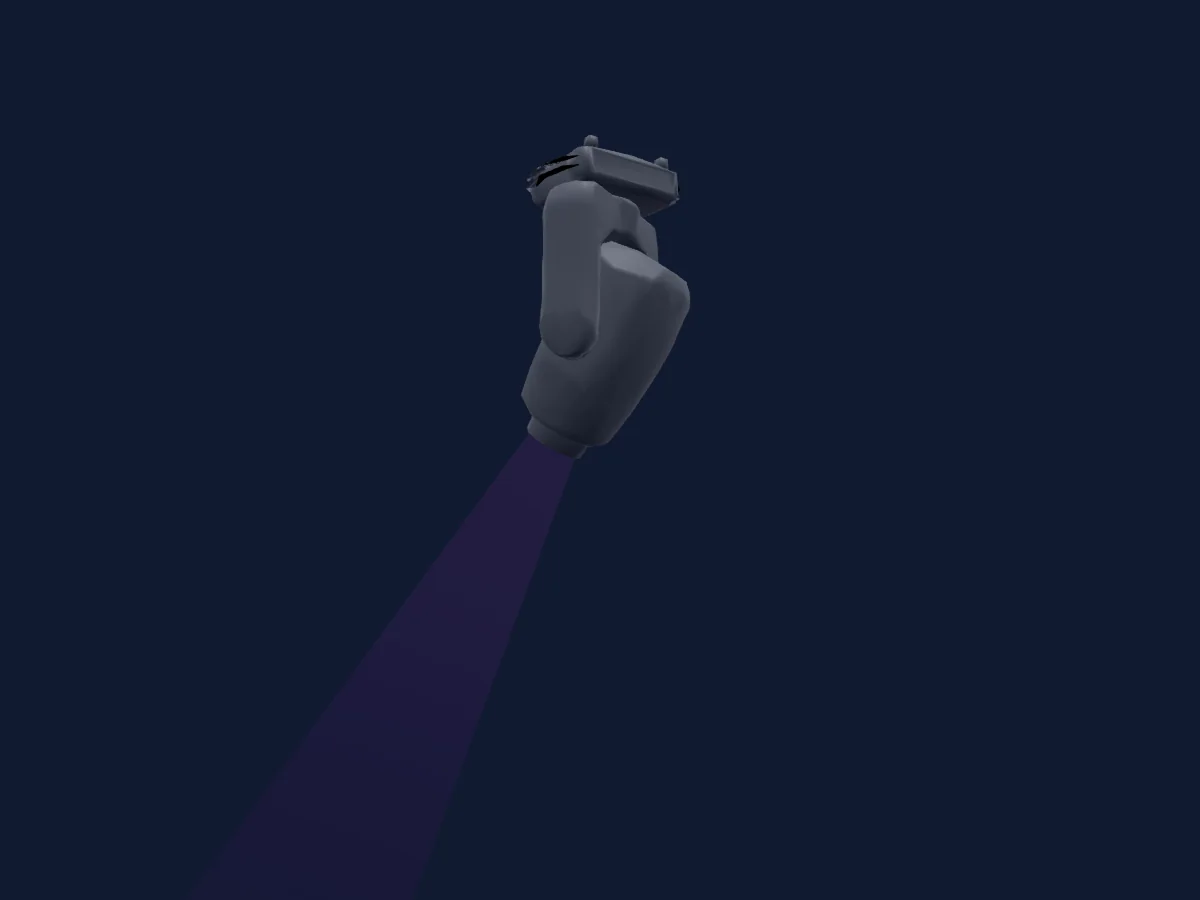
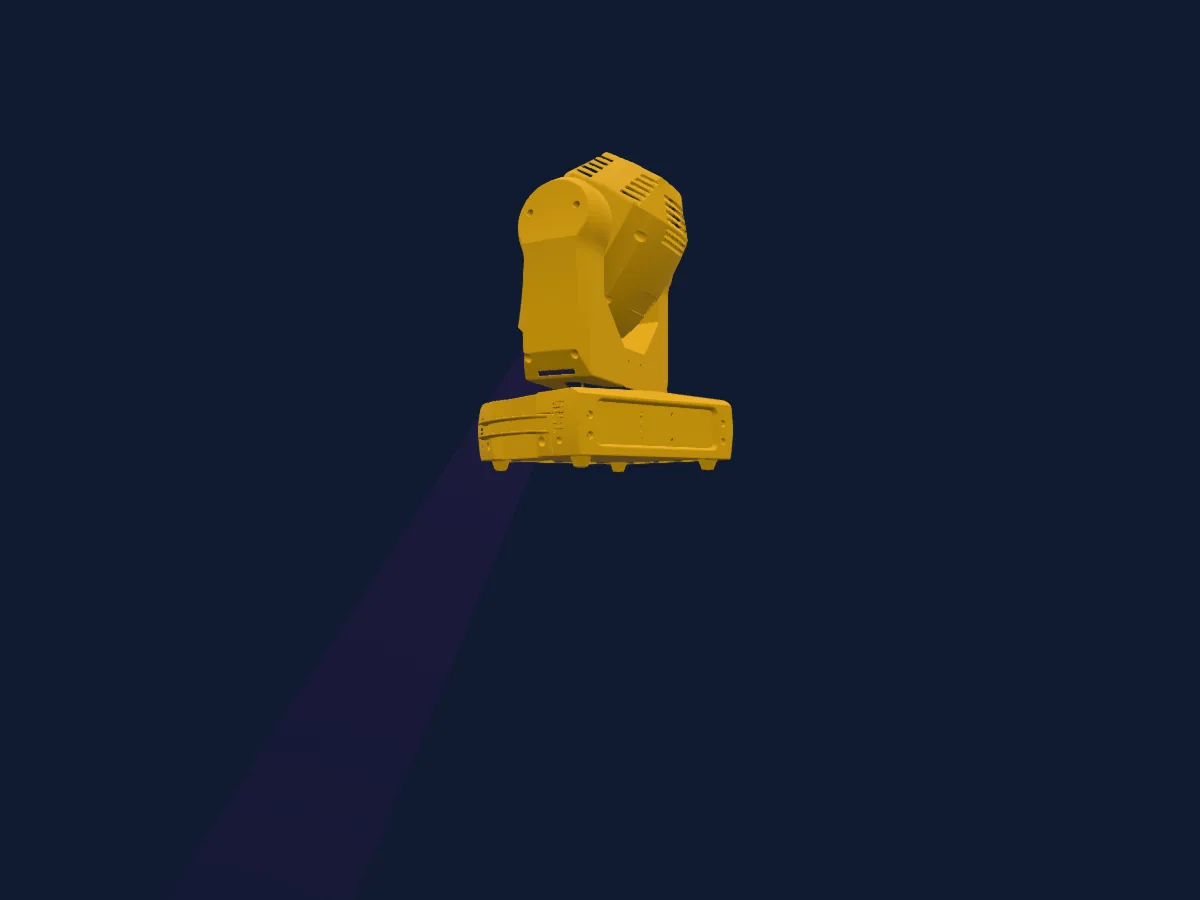
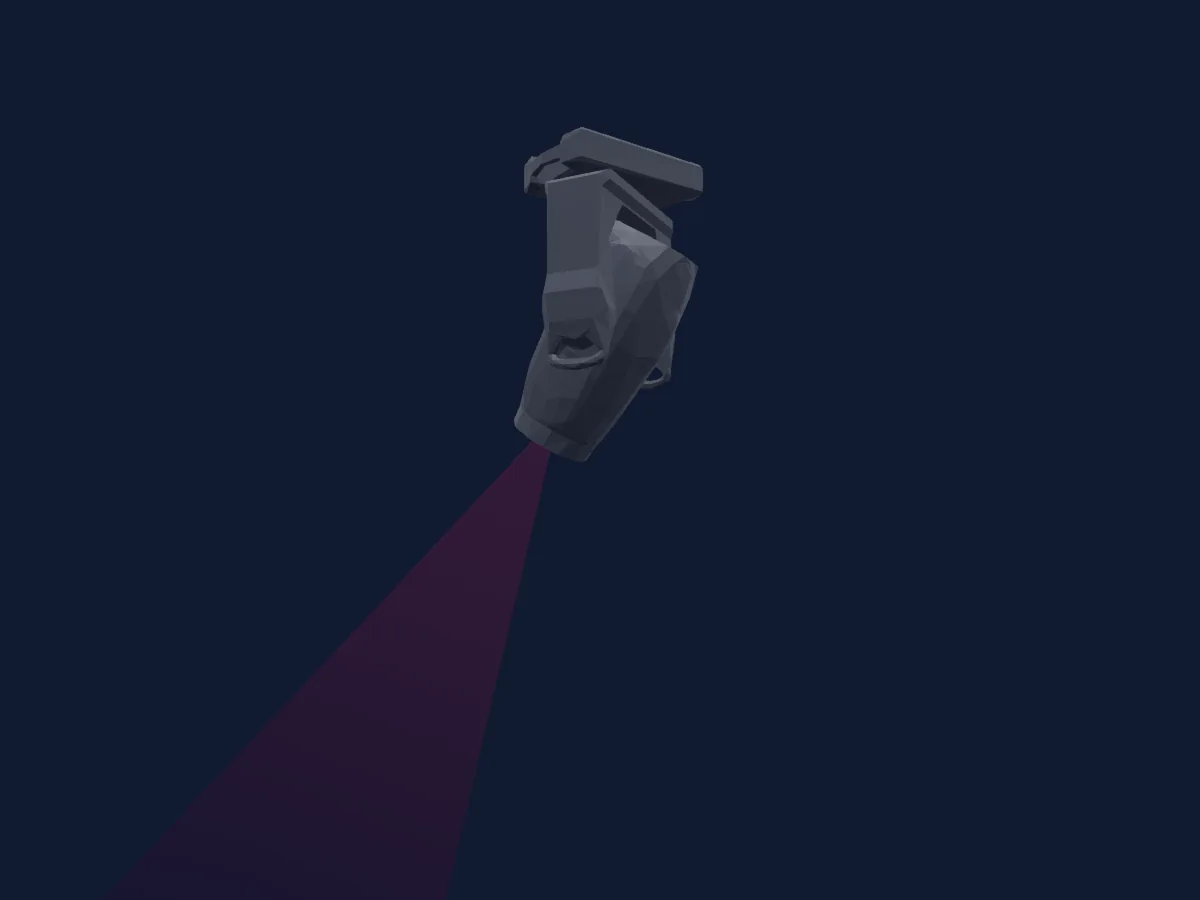
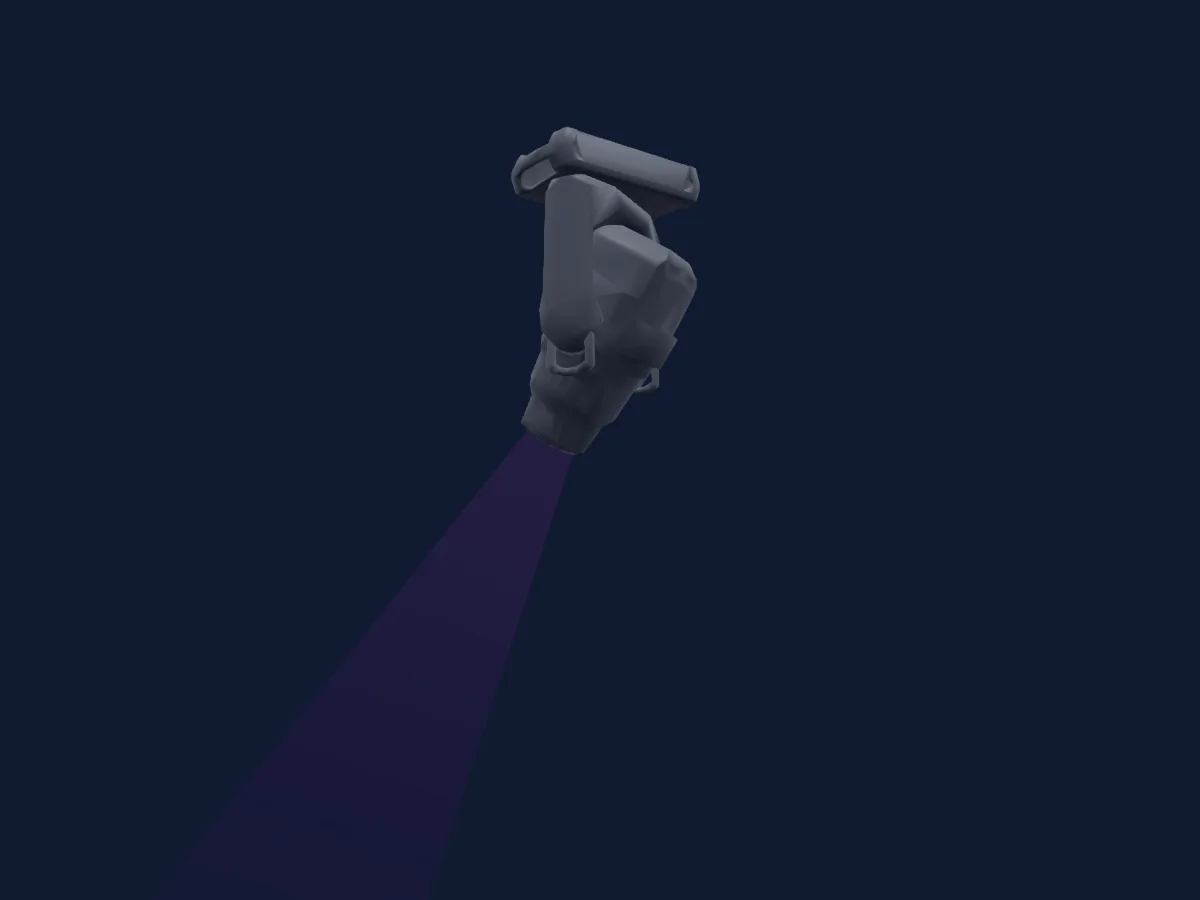
Tabela DMX, 1 modo DMX e prévia em 3D. 16 canais DMX.
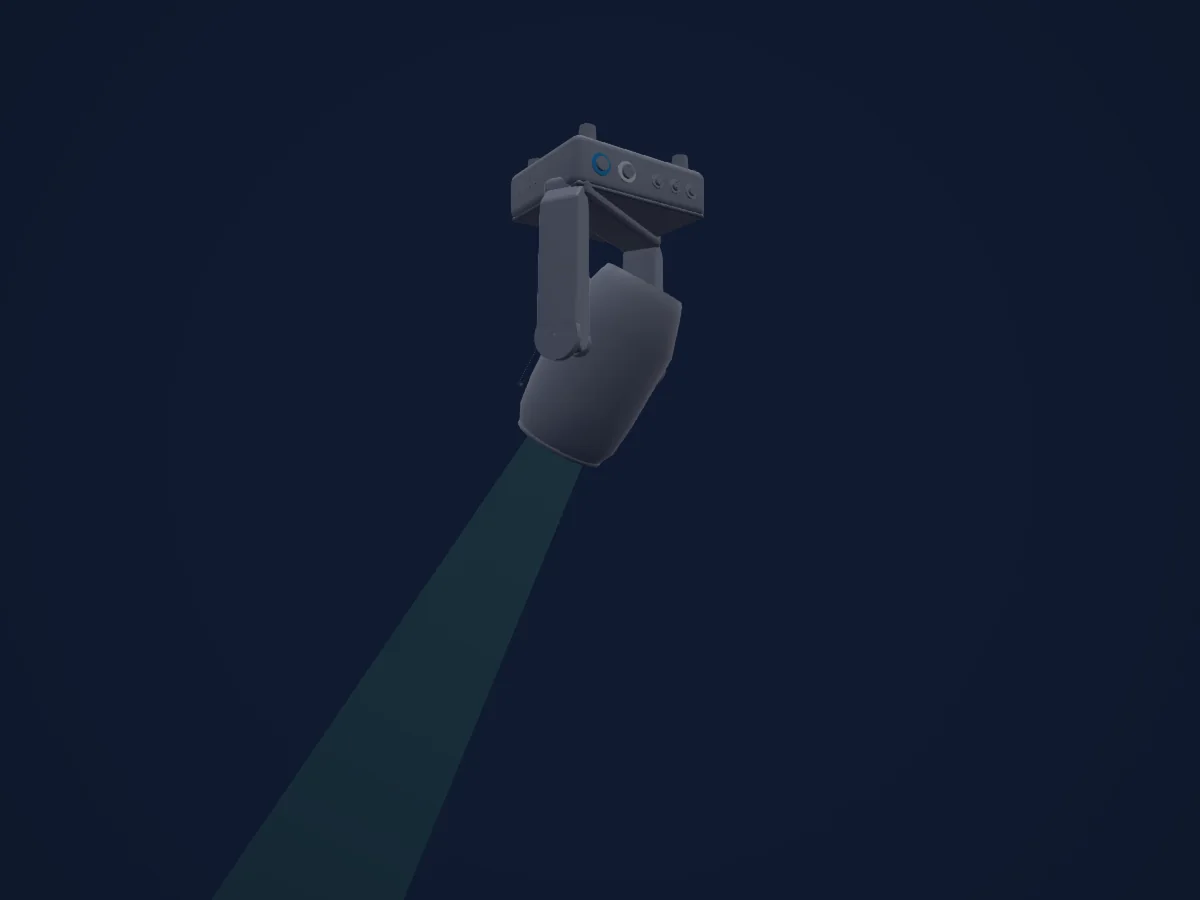
Martin Professional RUSH MH 5 Profile renderizado no HitLight

O que ele faz

  • Foco
  • Prisma
  • Rotação do prisma
  • Roda de cores
  • Strobo
  • Dimmer
  • Pan e tilt
  • Gobos
  • Rotação de gobos

Funções relevantes para a segurança: Reset do refletor · Funções de manutenção. Confira como elas se comportam no seu refletor antes de um show.

Modos DMX e tabelas de canais

Modos DMX de Martin Professional RUSH MH 5 Profile
ModoCanaisNo HitLight
16CH16Pronto no HitLight

16CH

Pronto no HitLight

16 canais DMX · Baixar esta tabela em CSV

Tabela de canais DMX de 16CH
CanalFunçãoPadrãoValores DMX
1Dimmer00–255
2Dimmer Fine0Byte fino de Dimmer
3Shutter / Strobe0
8 faixas de valores
  • 0–7 Off
  • 8–15 Open
  • 16–131 Strobe slow to fast
  • 132–167 Fast close slow open
  • 168–203 Slow close fast open
  • 204–239 Pulse open and close
  • 240–247 Random strobe
  • 248–255 Open
4Color Wheel0
34 faixas de valores
  • 0–0 White (wheel slot 1)
  • 1–14 Open to Red (wheel slot 1)
  • 15–15 Red (wheel slot 2)
  • 16–29 Red to Deep Blue (wheel slot 2)
  • 30–30 Deep Blue (wheel slot 3)
  • 31–44 Deep Blue to Lavender (wheel slot 3)
  • 45–45 Lavender (wheel slot 4)
  • 46–59 Lavender to Magenta (wheel slot 4)
  • 60–60 Magenta (wheel slot 5)
  • 61–74 Magenta to Yellow (wheel slot 5)
  • 75–75 Yellow (wheel slot 6)
  • 76–89 Yellow to Orange (wheel slot 6)
  • 90–90 Orange (wheel slot 7)
  • 91–104 Orange to Light Green (wheel slot 7)
  • 105–105 Light Green (wheel slot 8)
  • 106–119 Light Green to Light blue (wheel slot 8)
  • 120–120 Light blue (wheel slot 9)
  • 121–134 Light blue to White (wheel slot 9)
  • 135–160 White (wheel slot 1)
  • 161–163 Red (wheel slot 2)
  • 164–166 Deep Blue (wheel slot 3)
  • 167–169 Lavender (wheel slot 4)
  • 170–172 Magenta (wheel slot 5)
  • 173–175 Yellow (wheel slot 6)
  • 176–178 Orange (wheel slot 7)
  • 179–181 Light Green (wheel slot 8)
  • 182–184 Light blue (wheel slot 9)
  • 185–192 White (wheel slot 1)
  • 193–214 Clockwise fast to slow
  • 215–221 Stop
  • 222–243 Counter-clockwise slow to fast
  • 244–247 Random color fast
  • 248–251 Random color medium
  • 252–255 Random color slow
5Color Wheel 20
34 faixas de valores
  • 0–0 White (wheel slot 1)
  • 1–14 Open to Pink (wheel slot 1)
  • 15–15 Pink (wheel slot 2)
  • 16–29 Pink to CTO3200K (wheel slot 2)
  • 30–30 CTO3200K (wheel slot 3)
  • 31–44 CTO3200K to UV Purple (wheel slot 3)
  • 45–45 UV Purple (wheel slot 4)
  • 46–59 UV Purple to Light Yellow (wheel slot 4)
  • 60–60 Light Yellow (wheel slot 5)
  • 61–74 Light Yellow to Green (wheel slot 5)
  • 75–75 Green (wheel slot 6)
  • 76–89 Green to Aquamarine (wheel slot 6)
  • 90–90 Aquamarine (wheel slot 7)
  • 91–104 Aquamarine to CTO5600K (wheel slot 7)
  • 105–105 CTO5600K (wheel slot 8)
  • 106–119 CTO5600K to Blue (wheel slot 8)
  • 120–120 Blue (wheel slot 9)
  • 121–134 Blue to White (wheel slot 9)
  • 135–160 White (wheel slot 1)
  • 161–163 Pink (wheel slot 2)
  • 164–166 CTO3200K (wheel slot 3)
  • 167–169 UV Purple (wheel slot 4)
  • 170–172 Light Yellow (wheel slot 5)
  • 173–175 Green (wheel slot 6)
  • 176–178 Aquamarine (wheel slot 7)
  • 179–181 CTO5600K (wheel slot 8)
  • 182–184 Blue (wheel slot 9)
  • 185–192 White (wheel slot 1)
  • 193–214 Clockwise fast to slow
  • 215–221 Stop
  • 222–243 Counter-clockwise slow to fast
  • 244–247 Random color fast
  • 248–251 Random color medium
  • 252–255 Random color slow
6Gobo0
22 faixas de valores
  • 0–4 Open (wheel slot 1)
  • 5–9 Gobo1 (wheel slot 2)
  • 10–14 Gobo2 (wheel slot 3)
  • 15–19 Gobo3 (wheel slot 4)
  • 20–24 Gobo4 (wheel slot 5)
  • 25–29 Gobo5 (wheel slot 6)
  • 30–34 Gobo6 (wheel slot 7)
  • 35–39 Gobo1 (wheel slot 2)
  • 40–44 Gobo2 (wheel slot 3)
  • 45–49 Gobo3 (wheel slot 4)
  • 50–54 Gobo4 (wheel slot 5)
  • 55–59 Gobo5 (wheel slot 6)
  • 60–64 Gobo6 (wheel slot 7)
  • 65–88 Gobo1 shake (wheel slot 2)
  • 89–112 Gobo2 shake (wheel slot 3)
  • 113–136 Gobo3 shake (wheel slot 4)
  • 137–160 Gobo4 shake (wheel slot 5)
  • 161–184 Gobo5 shake (wheel slot 6)
  • 185–208 Gobo6 shake (wheel slot 7)
  • 209–209 No function
  • 210–232 Clockwise fast to slow
  • 233–255 Counter clockwise slow to fast
7Gobo Rotation0
5 faixas de valores
  • 0–2 Indexed position0 to180deg
  • 3–126 Clockwise rotation fast to slow
  • 127–129 Stop
  • 130–253 Counter-clockwise rotation slow to fast
  • 254–255 Stop
8Gobo 20
31 faixas de valores
  • 0–0 Open (wheel slot 1)
  • 1–14 Open to Gobo1 (wheel slot 1)
  • 15–15 Gobo1 (wheel slot 2)
  • 16–29 Gobo1 to Gobo2 (wheel slot 2)
  • 30–30 Gobo2 (wheel slot 3)
  • 31–44 Gobo2 to Gobo3 (wheel slot 3)
  • 45–45 Gobo3 (wheel slot 4)
  • 46–59 Gobo3 to Gobo4 (wheel slot 4)
  • 60–60 Gobo4 (wheel slot 5)
  • 61–74 Gobo4 to Gobo5 (wheel slot 5)
  • 75–75 Gobo5 (wheel slot 6)
  • 76–89 Gobo5 to Gobo6 (wheel slot 6)
  • 90–90 Gobo6 (wheel slot 7)
  • 91–104 Gobo6 to Gobo7 (wheel slot 7)
  • 105–105 Gobo7 (wheel slot 8)
  • 106–119 Gobo7 to Open (wheel slot 8)
  • 120–160 Open (wheel slot 1)
  • 161–163 Gobo1 (wheel slot 2)
  • 164–166 Gobo2 (wheel slot 3)
  • 167–169 Gobo3 (wheel slot 4)
  • 170–172 Gobo4 (wheel slot 5)
  • 173–175 Gobo5 (wheel slot 6)
  • 176–178 Gobo6 (wheel slot 7)
  • 179–181 Gobo7 (wheel slot 8)
  • 182–192 Open (wheel slot 1)
  • 193–214 Clockwise fast to slow
  • 215–221 Stop
  • 222–243 Counter-clockwise slow to fast
  • 244–247 Random gobo fast
  • 248–251 Random gobo medium
  • 252–255 Random gobo slow
9Prism0
2 faixas de valores
  • 0–10 Open (wheel slot 1)
  • 11–255 3facet prism (wheel slot 2)
10Prism Rotation0
5 faixas de valores
  • 0–2 Prism out
  • 3–126 Clockwise rotation fast to slow
  • 127–129 Stop
  • 130–253 Counter-clockwise rotation slow to fast
  • 254–255 Stop
11Focus00–255
12Pan1280–255
13Pan Fine0Byte fino de Pan
14Tilt1280–255
15Tilt Fine0Byte fino de Tilt
16No Feature0
33 faixas de valores
  • 0–9 No function
  • 10–14 Reset all
  • 15–19 Reset color
  • 20–24 Reset gobo
  • 25–29 Reset focus
  • 30–34 Reset prism
  • 35–39 Reset pan tilt
  • 40–54 No function
  • 55–59 Enable calibration
  • 60–79 No function
  • 80–84 Pan tilt speed Normal
  • 85–89 Pan tilt speed Fast default setting
  • 90–94 Pan tilt speed Slow
  • 95–99 Parameter shortcuts On default setting
  • 100–104 Parameter shortcuts Off
  • 105–144 No function
  • 145–149 Blackout during pan tilt movement On
  • 150–154 Blackout during pan tilt movement Off default setting
  • 155–159 Illuminate control panel display
  • 160–164 Turn off control panel display
  • 165–194 No function
  • 195–199 Store color wheel1 calibration
  • 200–204 Store color wheel2 calibration
  • 205–209 Store gobo wheel1 wheel calibration
  • 210–214 Store gobo wheel1 gobo calibration
  • 215–219 Store gobo wheel2 calibration
  • 220–224 Store focus calibration
  • 225–229 Store prism calibration
  • 230–234 Store prism rotation calibration
  • 235–239 Store pan calibration
  • 240–244 Store tilt calibration
  • 245–249 Reset all calibration settings to factory defaults
  • 250–255 No function

Usar Martin Professional RUSH MH 5 Profile no HitLight

  1. Abra Adicionar refletor e procure Martin Professional RUSH MH 5 Profile.
  2. Escolha o modo DMX configurado no menu do próprio refletor. O HitLight atribui a ele o menor endereço inicial livre do universo que comporta a quantidade de canais do modo.
  3. Confira o modo e os controles no seu refletor real antes de usar ao vivo.

Espaços com Martin Professional RUSH MH 5 Profile

As suas montagens guardadas incluem este modelo de aparelho. Confirme o equipamento atual com o espaço.

As tabelas vêm da descrição GDTF do refletor, convertida para a biblioteca do HitLight. O HitLight não tem vínculo com a Martin Professional.

Fixture model: gdtf-martin-professional-rush-mh-5-profile-2000060104
Original HitLight local primitive reconstruction from primary Martin manual/drawing/photos. Exterior contour,small fittings and factory rest pose are estimates. No manufacturer mesh/photo textures/logo redistributed; not hardware verified.
Creator: HitLight

Faça o patch e deixe a música comandar as luzes.

O HitLight encontra esses refletores na biblioteca, faz o patch no próximo endereço livre e mostra seu rig em 3D antes de você ligar uma única luz.

Abrir HitLight ↗Baixar o HitLight