Vai al contenuto
HitLight
Martin Professional · Sagomatore

Martin Professional RUSH MH 5 Profile

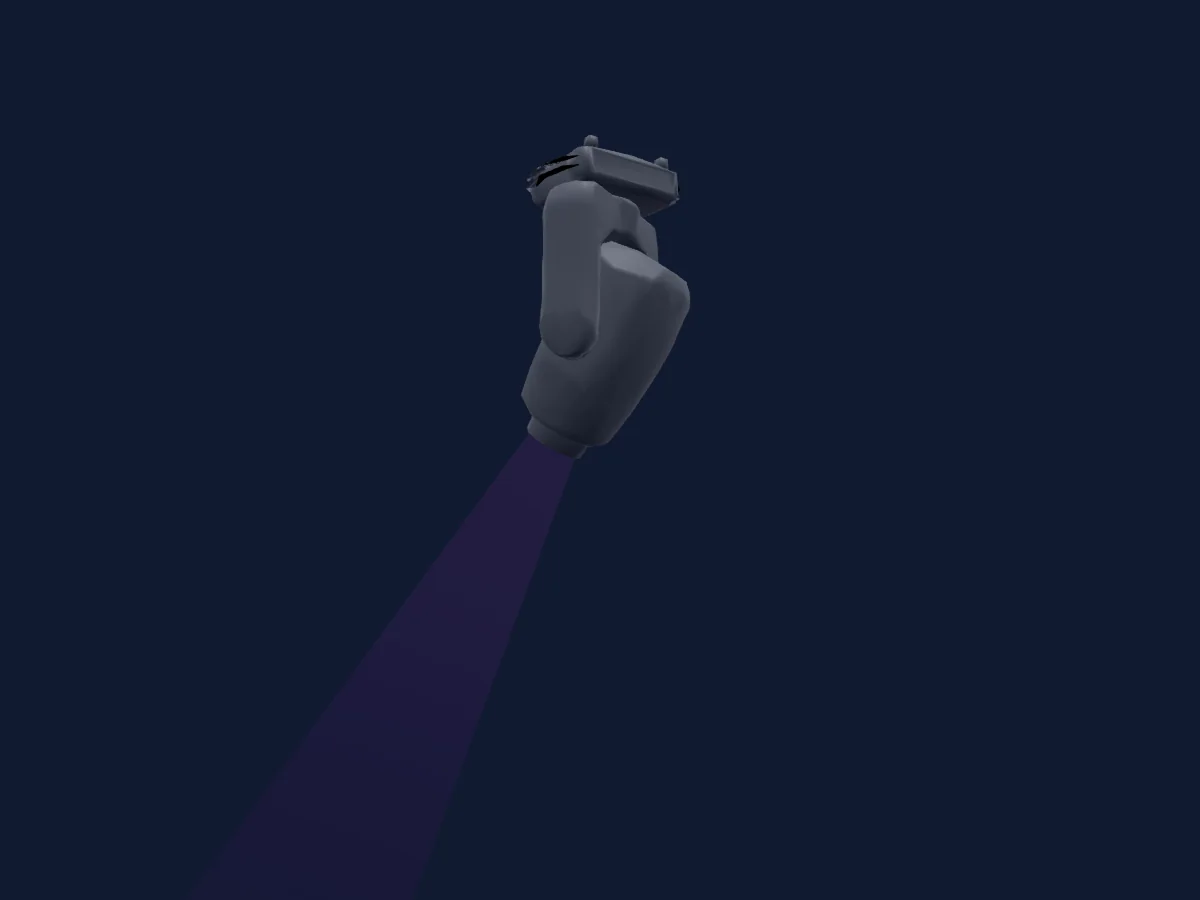
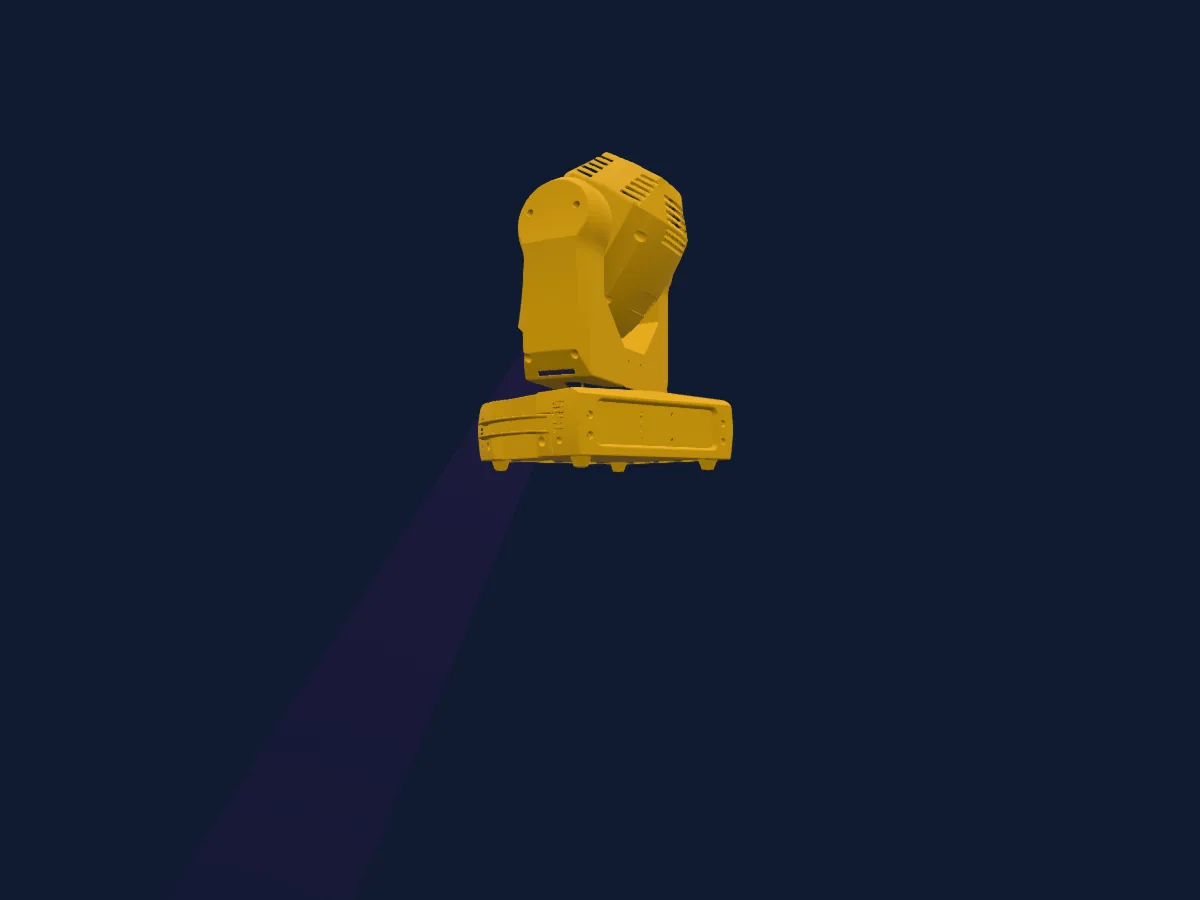
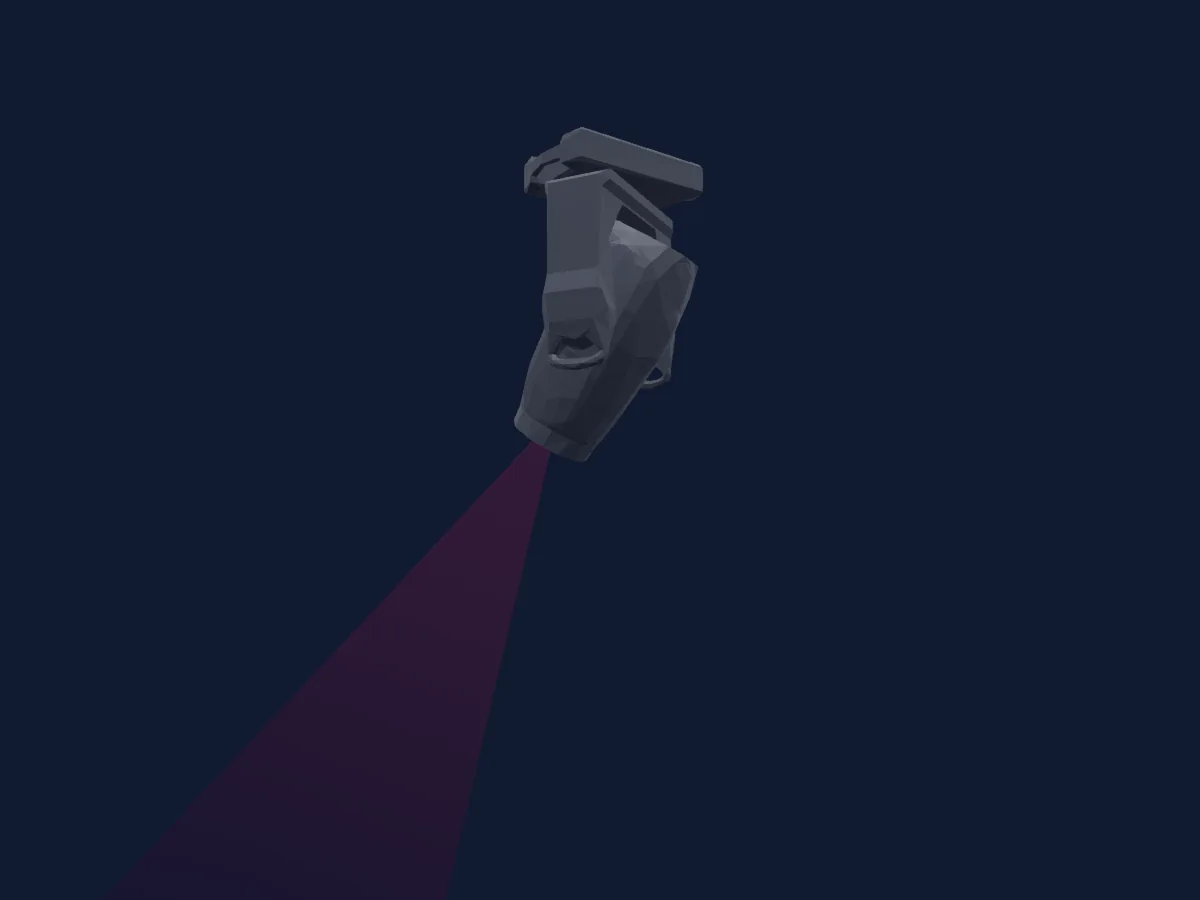
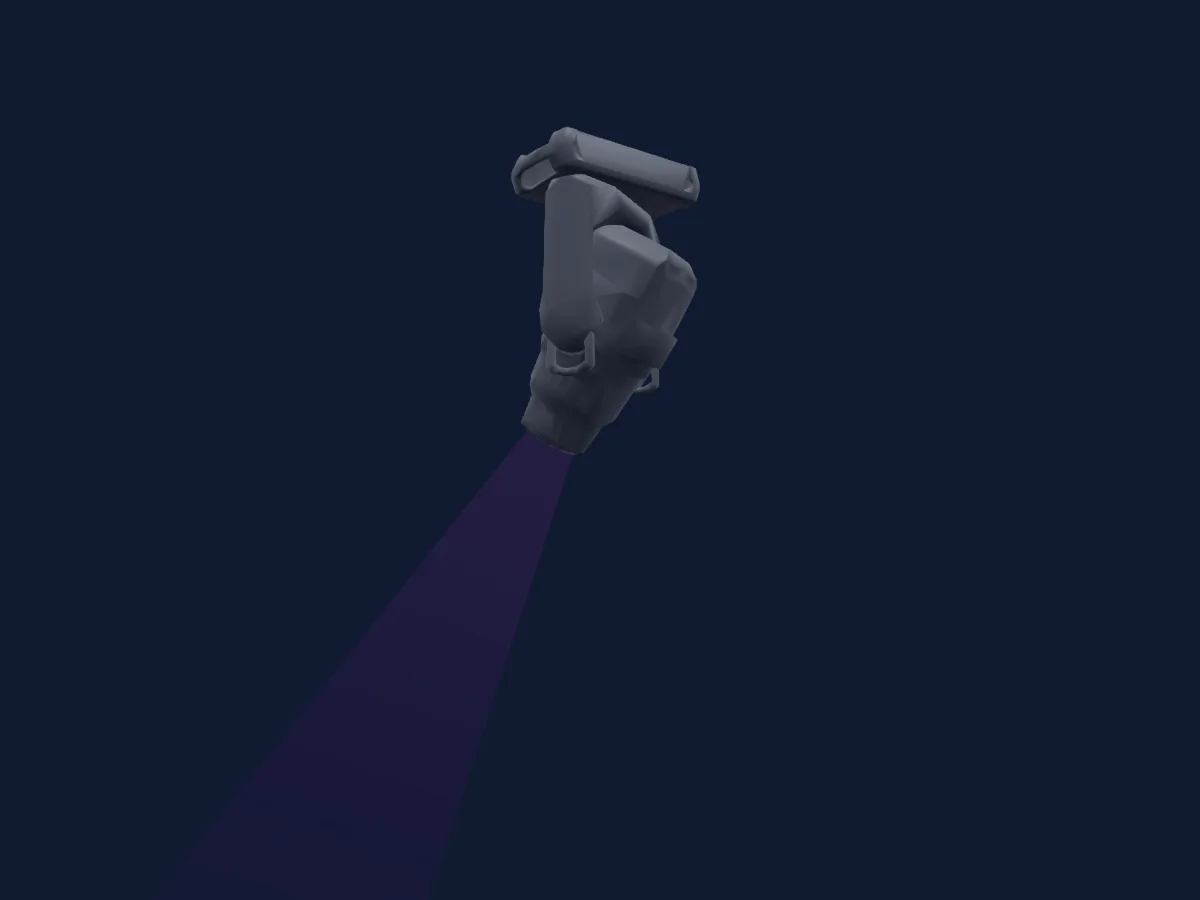
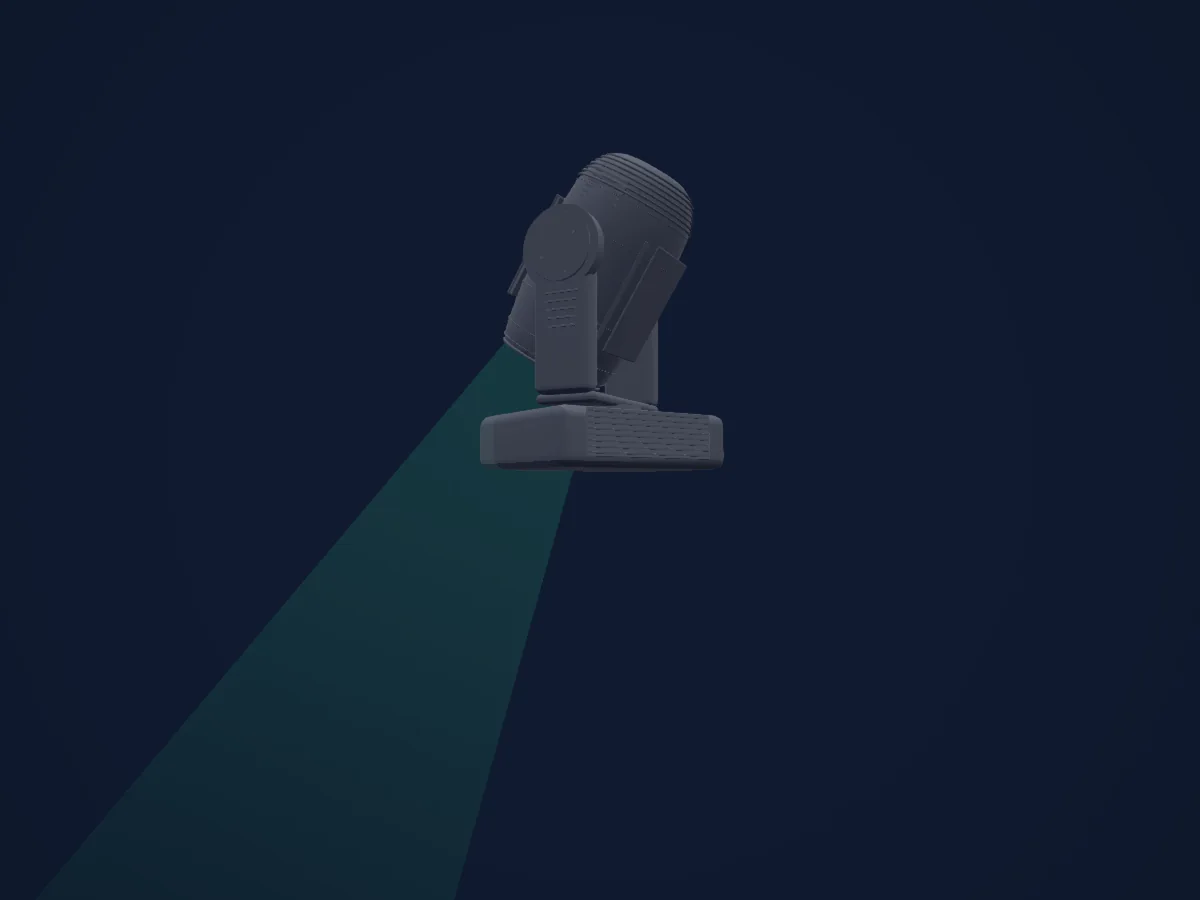
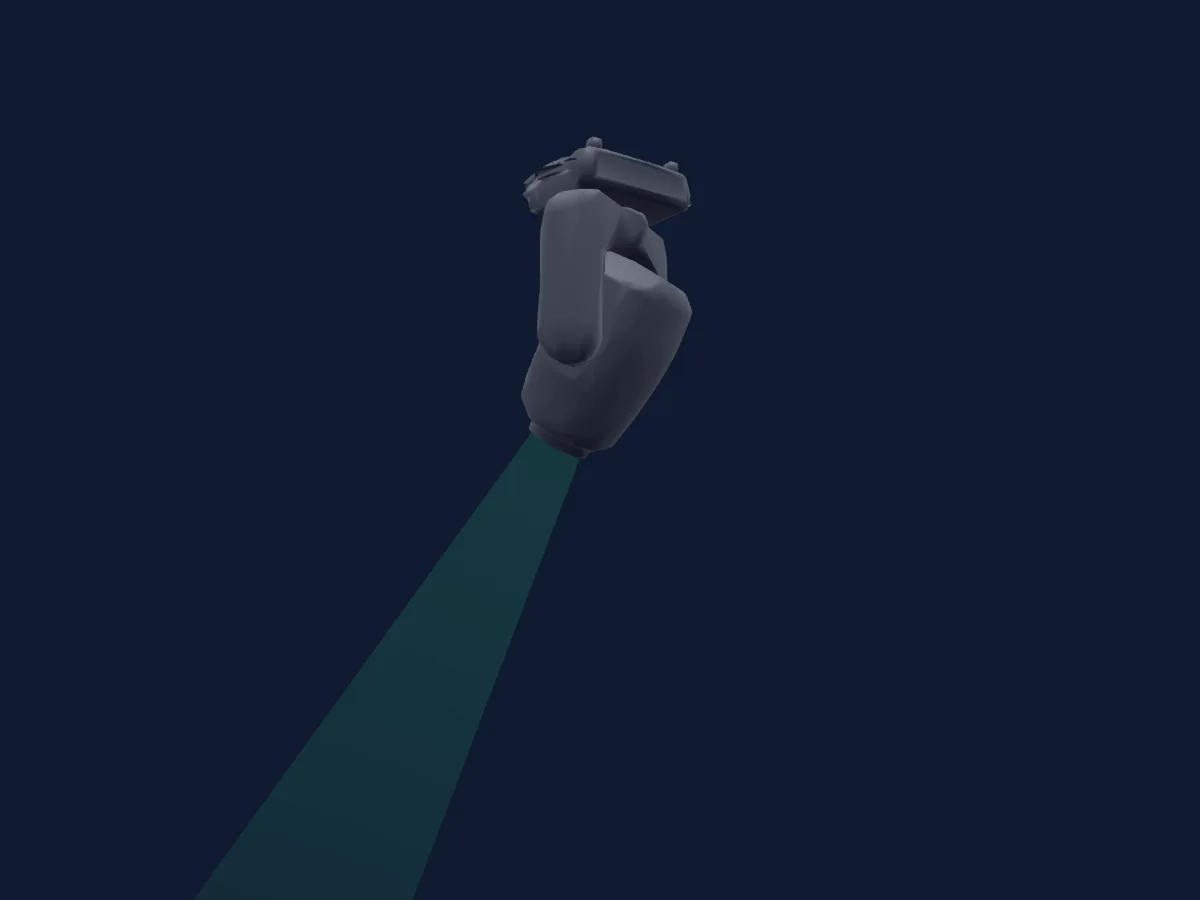
Tabella DMX, 1 modalità DMX e anteprima 3D. 16 canali DMX.
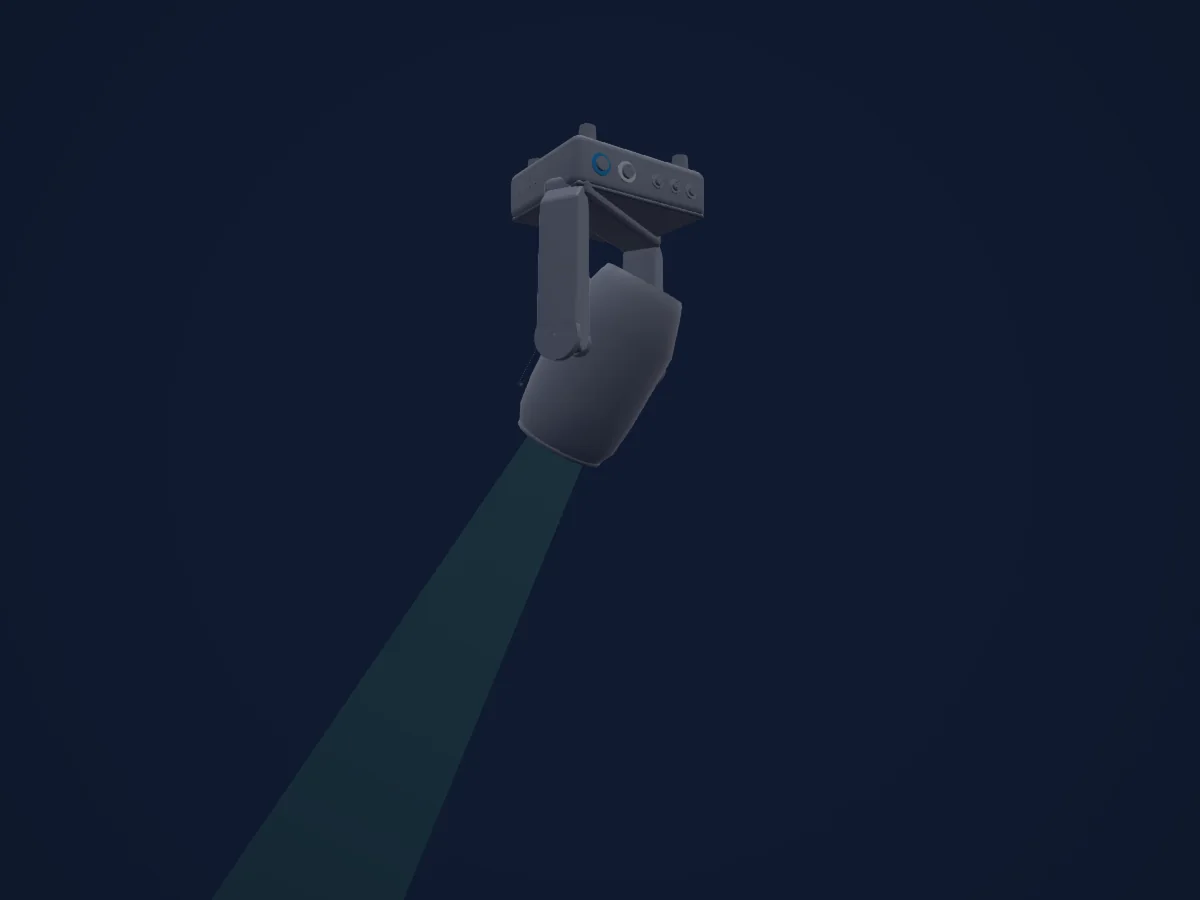
Martin Professional RUSH MH 5 Profile renderizzato in HitLight

Cosa può fare

  • Messa a fuoco
  • Prisma
  • Rotazione del prisma
  • Ruota colori
  • Strobo
  • Intensità
  • Pan e tilt
  • Gobo
  • Rotazione dei gobo

Funzioni rilevanti per la sicurezza: Reset del faro · Funzioni di servizio. Verifica come si comportano sul tuo faro prima di uno spettacolo.

Modalità DMX e tabelle dei canali

Modalità DMX di Martin Professional RUSH MH 5 Profile
ModalitàCanaliIn HitLight
16CH16Pronto in HitLight

16CH

Pronto in HitLight

16 canali DMX · Scarica questa tabella in CSV

Tabella dei canali DMX di 16CH
CanaleFunzionePredefinitoValori DMX
1Dimmer00–255
2Dimmer Fine0Byte fine di Dimmer
3Shutter / Strobe0
8 intervalli di valori
  • 0–7 Off
  • 8–15 Open
  • 16–131 Strobe slow to fast
  • 132–167 Fast close slow open
  • 168–203 Slow close fast open
  • 204–239 Pulse open and close
  • 240–247 Random strobe
  • 248–255 Open
4Color Wheel0
34 intervalli di valori
  • 0–0 White (wheel slot 1)
  • 1–14 Open to Red (wheel slot 1)
  • 15–15 Red (wheel slot 2)
  • 16–29 Red to Deep Blue (wheel slot 2)
  • 30–30 Deep Blue (wheel slot 3)
  • 31–44 Deep Blue to Lavender (wheel slot 3)
  • 45–45 Lavender (wheel slot 4)
  • 46–59 Lavender to Magenta (wheel slot 4)
  • 60–60 Magenta (wheel slot 5)
  • 61–74 Magenta to Yellow (wheel slot 5)
  • 75–75 Yellow (wheel slot 6)
  • 76–89 Yellow to Orange (wheel slot 6)
  • 90–90 Orange (wheel slot 7)
  • 91–104 Orange to Light Green (wheel slot 7)
  • 105–105 Light Green (wheel slot 8)
  • 106–119 Light Green to Light blue (wheel slot 8)
  • 120–120 Light blue (wheel slot 9)
  • 121–134 Light blue to White (wheel slot 9)
  • 135–160 White (wheel slot 1)
  • 161–163 Red (wheel slot 2)
  • 164–166 Deep Blue (wheel slot 3)
  • 167–169 Lavender (wheel slot 4)
  • 170–172 Magenta (wheel slot 5)
  • 173–175 Yellow (wheel slot 6)
  • 176–178 Orange (wheel slot 7)
  • 179–181 Light Green (wheel slot 8)
  • 182–184 Light blue (wheel slot 9)
  • 185–192 White (wheel slot 1)
  • 193–214 Clockwise fast to slow
  • 215–221 Stop
  • 222–243 Counter-clockwise slow to fast
  • 244–247 Random color fast
  • 248–251 Random color medium
  • 252–255 Random color slow
5Color Wheel 20
34 intervalli di valori
  • 0–0 White (wheel slot 1)
  • 1–14 Open to Pink (wheel slot 1)
  • 15–15 Pink (wheel slot 2)
  • 16–29 Pink to CTO3200K (wheel slot 2)
  • 30–30 CTO3200K (wheel slot 3)
  • 31–44 CTO3200K to UV Purple (wheel slot 3)
  • 45–45 UV Purple (wheel slot 4)
  • 46–59 UV Purple to Light Yellow (wheel slot 4)
  • 60–60 Light Yellow (wheel slot 5)
  • 61–74 Light Yellow to Green (wheel slot 5)
  • 75–75 Green (wheel slot 6)
  • 76–89 Green to Aquamarine (wheel slot 6)
  • 90–90 Aquamarine (wheel slot 7)
  • 91–104 Aquamarine to CTO5600K (wheel slot 7)
  • 105–105 CTO5600K (wheel slot 8)
  • 106–119 CTO5600K to Blue (wheel slot 8)
  • 120–120 Blue (wheel slot 9)
  • 121–134 Blue to White (wheel slot 9)
  • 135–160 White (wheel slot 1)
  • 161–163 Pink (wheel slot 2)
  • 164–166 CTO3200K (wheel slot 3)
  • 167–169 UV Purple (wheel slot 4)
  • 170–172 Light Yellow (wheel slot 5)
  • 173–175 Green (wheel slot 6)
  • 176–178 Aquamarine (wheel slot 7)
  • 179–181 CTO5600K (wheel slot 8)
  • 182–184 Blue (wheel slot 9)
  • 185–192 White (wheel slot 1)
  • 193–214 Clockwise fast to slow
  • 215–221 Stop
  • 222–243 Counter-clockwise slow to fast
  • 244–247 Random color fast
  • 248–251 Random color medium
  • 252–255 Random color slow
6Gobo0
22 intervalli di valori
  • 0–4 Open (wheel slot 1)
  • 5–9 Gobo1 (wheel slot 2)
  • 10–14 Gobo2 (wheel slot 3)
  • 15–19 Gobo3 (wheel slot 4)
  • 20–24 Gobo4 (wheel slot 5)
  • 25–29 Gobo5 (wheel slot 6)
  • 30–34 Gobo6 (wheel slot 7)
  • 35–39 Gobo1 (wheel slot 2)
  • 40–44 Gobo2 (wheel slot 3)
  • 45–49 Gobo3 (wheel slot 4)
  • 50–54 Gobo4 (wheel slot 5)
  • 55–59 Gobo5 (wheel slot 6)
  • 60–64 Gobo6 (wheel slot 7)
  • 65–88 Gobo1 shake (wheel slot 2)
  • 89–112 Gobo2 shake (wheel slot 3)
  • 113–136 Gobo3 shake (wheel slot 4)
  • 137–160 Gobo4 shake (wheel slot 5)
  • 161–184 Gobo5 shake (wheel slot 6)
  • 185–208 Gobo6 shake (wheel slot 7)
  • 209–209 No function
  • 210–232 Clockwise fast to slow
  • 233–255 Counter clockwise slow to fast
7Gobo Rotation0
5 intervalli di valori
  • 0–2 Indexed position0 to180deg
  • 3–126 Clockwise rotation fast to slow
  • 127–129 Stop
  • 130–253 Counter-clockwise rotation slow to fast
  • 254–255 Stop
8Gobo 20
31 intervalli di valori
  • 0–0 Open (wheel slot 1)
  • 1–14 Open to Gobo1 (wheel slot 1)
  • 15–15 Gobo1 (wheel slot 2)
  • 16–29 Gobo1 to Gobo2 (wheel slot 2)
  • 30–30 Gobo2 (wheel slot 3)
  • 31–44 Gobo2 to Gobo3 (wheel slot 3)
  • 45–45 Gobo3 (wheel slot 4)
  • 46–59 Gobo3 to Gobo4 (wheel slot 4)
  • 60–60 Gobo4 (wheel slot 5)
  • 61–74 Gobo4 to Gobo5 (wheel slot 5)
  • 75–75 Gobo5 (wheel slot 6)
  • 76–89 Gobo5 to Gobo6 (wheel slot 6)
  • 90–90 Gobo6 (wheel slot 7)
  • 91–104 Gobo6 to Gobo7 (wheel slot 7)
  • 105–105 Gobo7 (wheel slot 8)
  • 106–119 Gobo7 to Open (wheel slot 8)
  • 120–160 Open (wheel slot 1)
  • 161–163 Gobo1 (wheel slot 2)
  • 164–166 Gobo2 (wheel slot 3)
  • 167–169 Gobo3 (wheel slot 4)
  • 170–172 Gobo4 (wheel slot 5)
  • 173–175 Gobo5 (wheel slot 6)
  • 176–178 Gobo6 (wheel slot 7)
  • 179–181 Gobo7 (wheel slot 8)
  • 182–192 Open (wheel slot 1)
  • 193–214 Clockwise fast to slow
  • 215–221 Stop
  • 222–243 Counter-clockwise slow to fast
  • 244–247 Random gobo fast
  • 248–251 Random gobo medium
  • 252–255 Random gobo slow
9Prism0
2 intervalli di valori
  • 0–10 Open (wheel slot 1)
  • 11–255 3facet prism (wheel slot 2)
10Prism Rotation0
5 intervalli di valori
  • 0–2 Prism out
  • 3–126 Clockwise rotation fast to slow
  • 127–129 Stop
  • 130–253 Counter-clockwise rotation slow to fast
  • 254–255 Stop
11Focus00–255
12Pan1280–255
13Pan Fine0Byte fine di Pan
14Tilt1280–255
15Tilt Fine0Byte fine di Tilt
16No Feature0
33 intervalli di valori
  • 0–9 No function
  • 10–14 Reset all
  • 15–19 Reset color
  • 20–24 Reset gobo
  • 25–29 Reset focus
  • 30–34 Reset prism
  • 35–39 Reset pan tilt
  • 40–54 No function
  • 55–59 Enable calibration
  • 60–79 No function
  • 80–84 Pan tilt speed Normal
  • 85–89 Pan tilt speed Fast default setting
  • 90–94 Pan tilt speed Slow
  • 95–99 Parameter shortcuts On default setting
  • 100–104 Parameter shortcuts Off
  • 105–144 No function
  • 145–149 Blackout during pan tilt movement On
  • 150–154 Blackout during pan tilt movement Off default setting
  • 155–159 Illuminate control panel display
  • 160–164 Turn off control panel display
  • 165–194 No function
  • 195–199 Store color wheel1 calibration
  • 200–204 Store color wheel2 calibration
  • 205–209 Store gobo wheel1 wheel calibration
  • 210–214 Store gobo wheel1 gobo calibration
  • 215–219 Store gobo wheel2 calibration
  • 220–224 Store focus calibration
  • 225–229 Store prism calibration
  • 230–234 Store prism rotation calibration
  • 235–239 Store pan calibration
  • 240–244 Store tilt calibration
  • 245–249 Reset all calibration settings to factory defaults
  • 250–255 No function

Usare Martin Professional RUSH MH 5 Profile in HitLight

  1. Apri Aggiungi faro e cerca Martin Professional RUSH MH 5 Profile.
  2. Scegli la modalità DMX impostata nel menu del faro. HitLight gli assegna il primo indirizzo iniziale libero del suo universo in cui entra il numero di canali della modalità.
  3. Verifica modalità e controlli sul tuo faro reale prima dell’uso dal vivo.

Locali con Martin Professional RUSH MH 5 Profile

I loro impianti salvati includono questo modello di proiettore. Verifica l’attrezzatura attuale con il locale.

Le tabelle provengono dalla descrizione GDTF del faro, convertita per la libreria di HitLight. HitLight non è affiliato a Martin Professional.

Fixture model: gdtf-martin-professional-rush-mh-5-profile-2000060104
Original HitLight local primitive reconstruction from primary Martin manual/drawing/photos. Exterior contour,small fittings and factory rest pose are estimates. No manufacturer mesh/photo textures/logo redistributed; not hardware verified.
Creator: HitLight

Fai il patch e lascia che sia la musica a guidare le luci.

HitLight trova questi fari nella sua libreria, li assegna al primo indirizzo libero e mostra il tuo impianto in 3D prima ancora di collegare una sola luce.

Apri HitLight ↗Scarica HitLight