Pular para o conteúdo
HitLight
Robe Lighting · Elipsoidal

Robe Lighting Robin iProMotion HDP

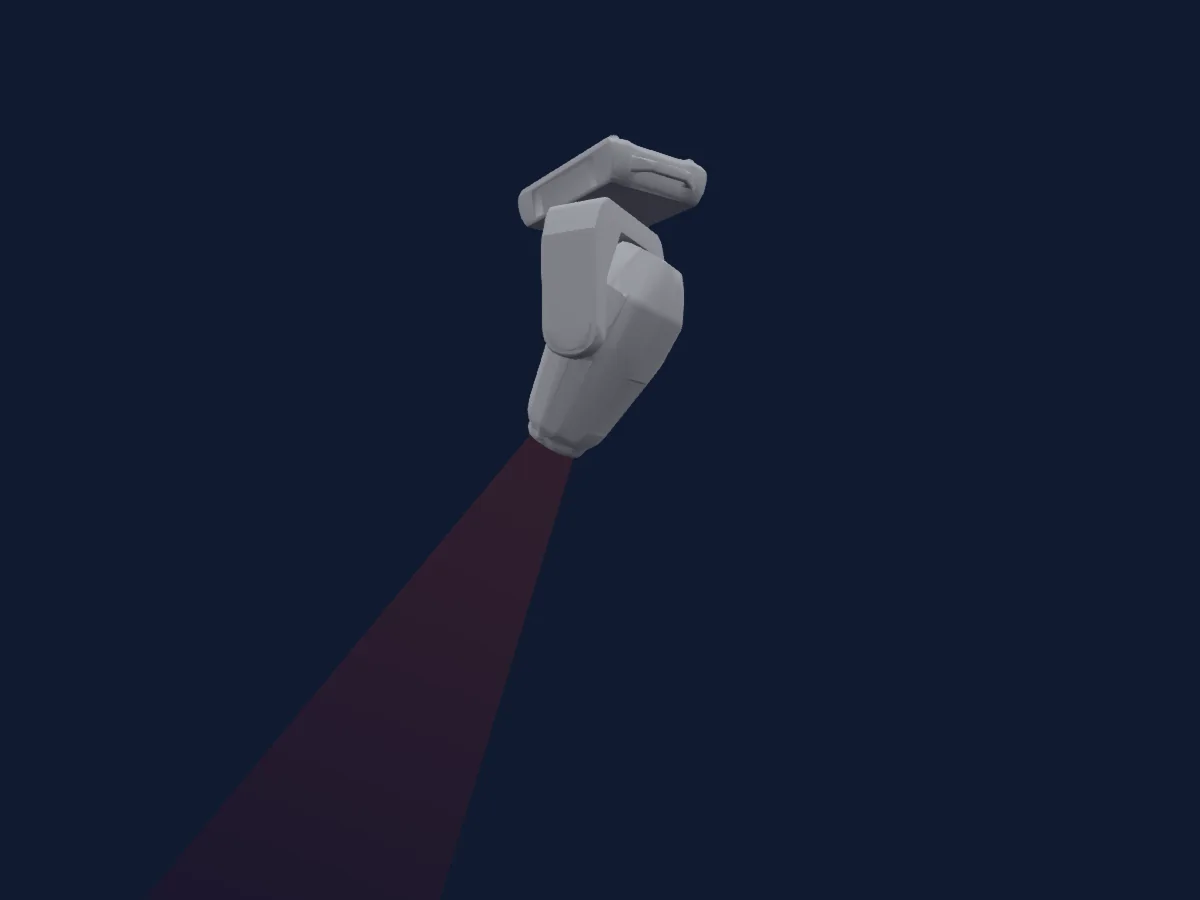
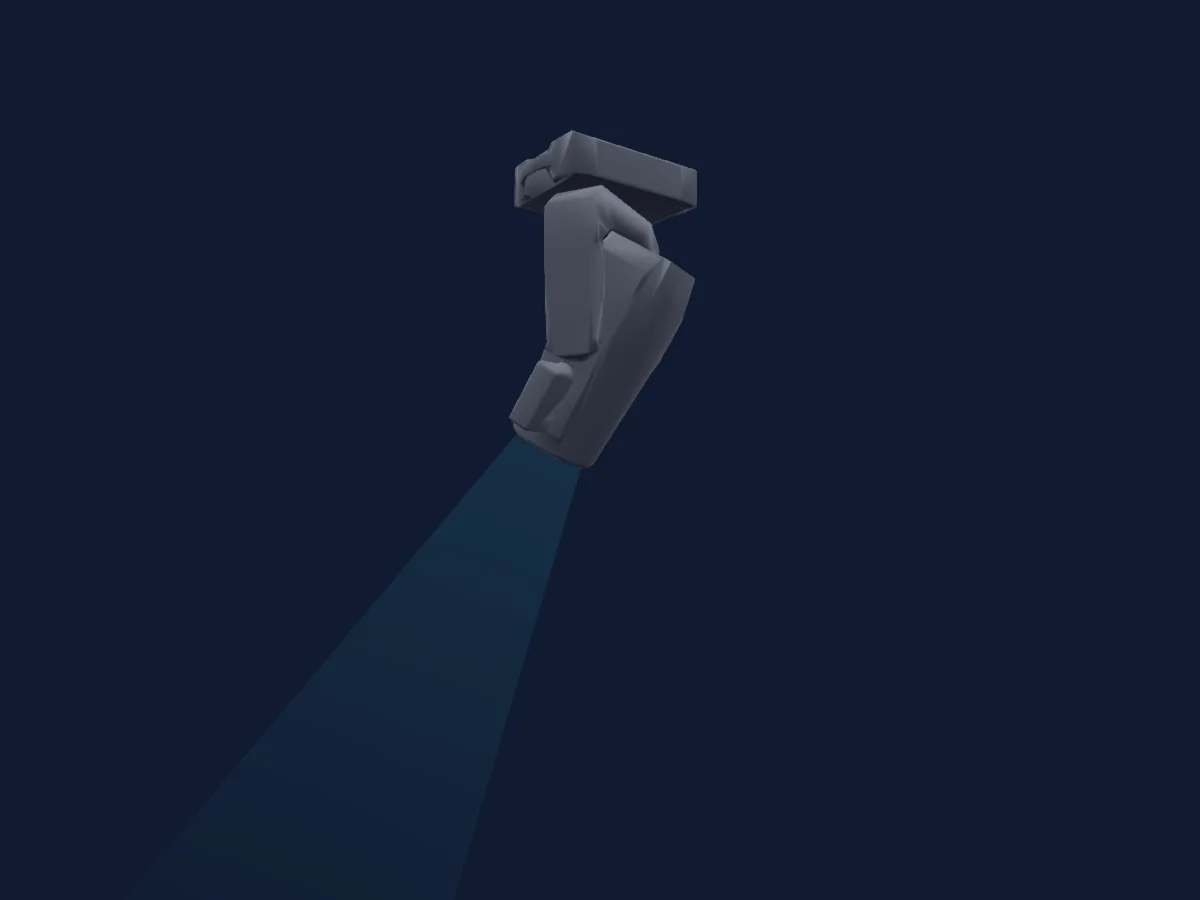
Tabela DMX, 2 modos DMX e prévia em 3D. 26 / 34 canais DMX.
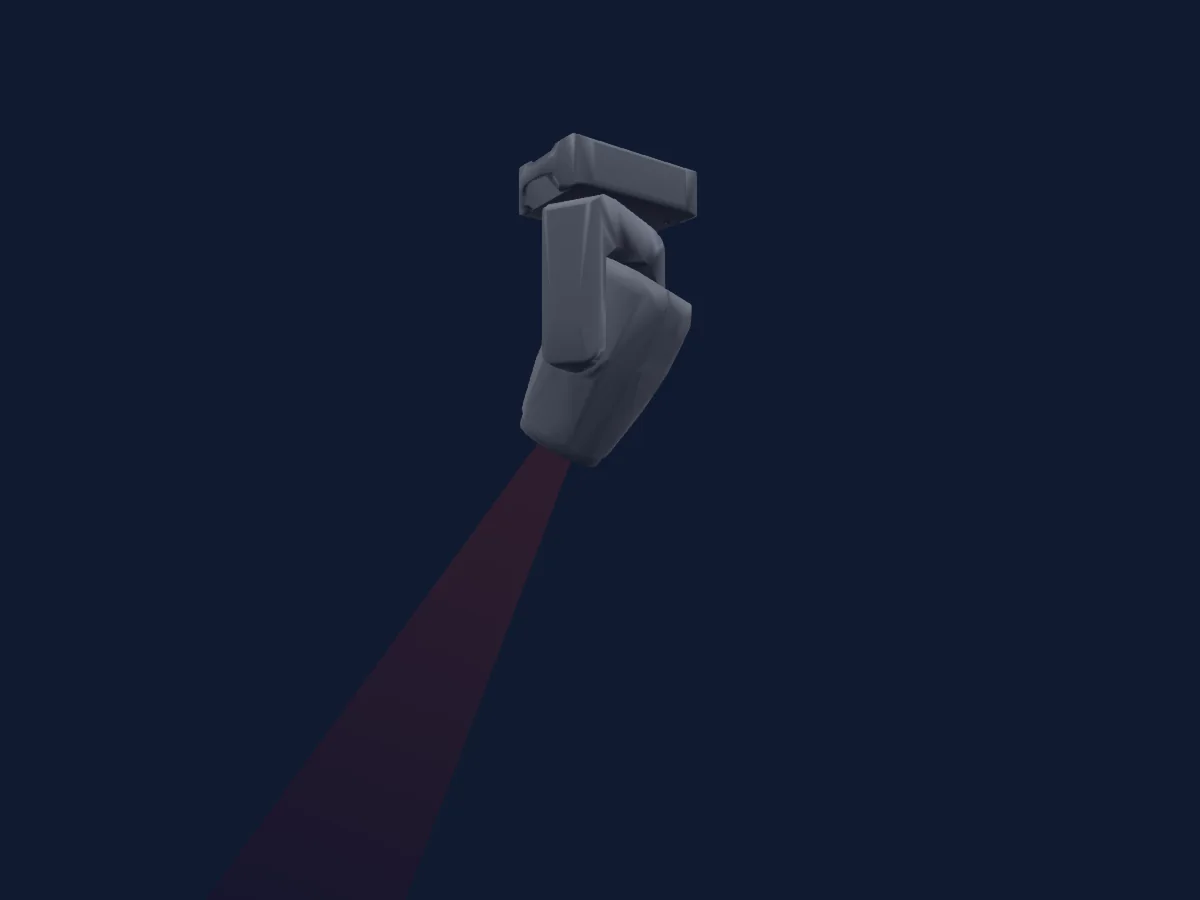
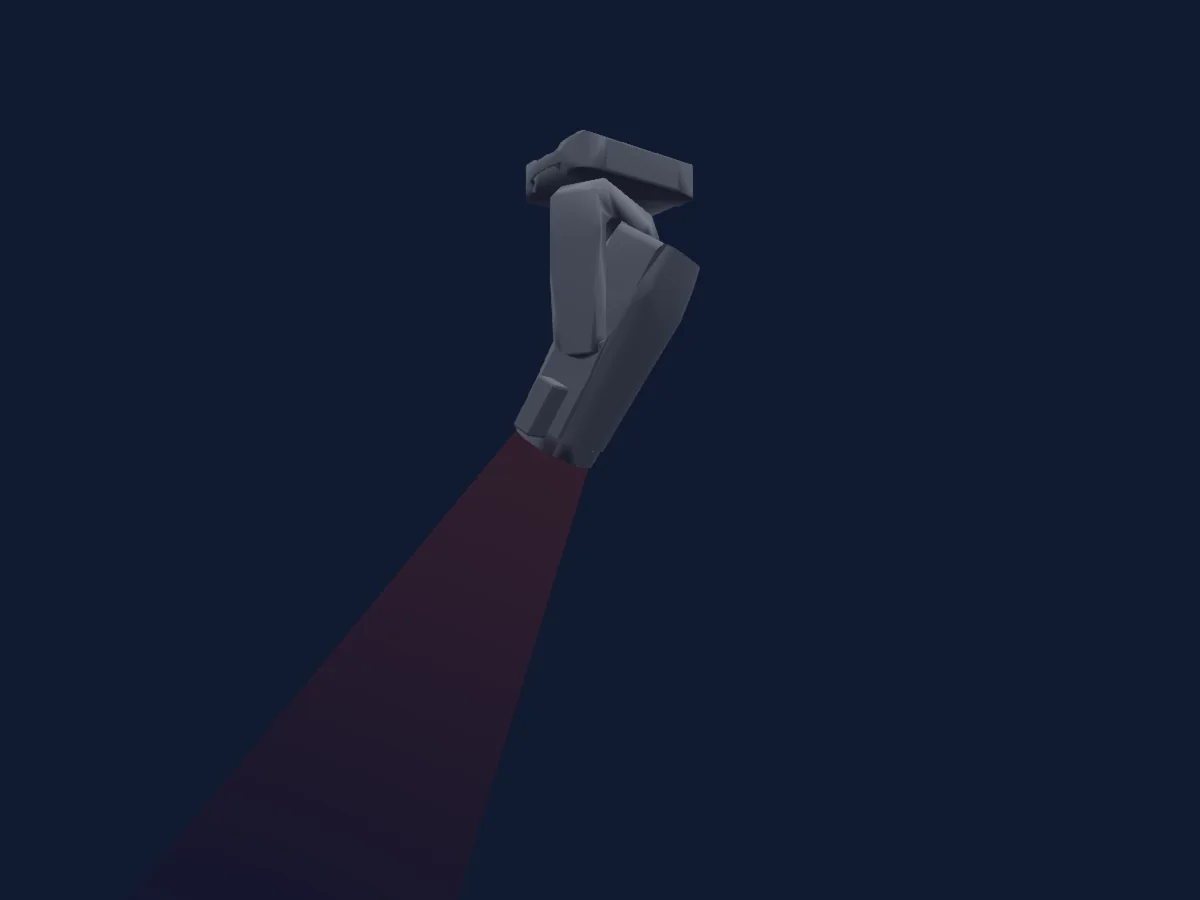
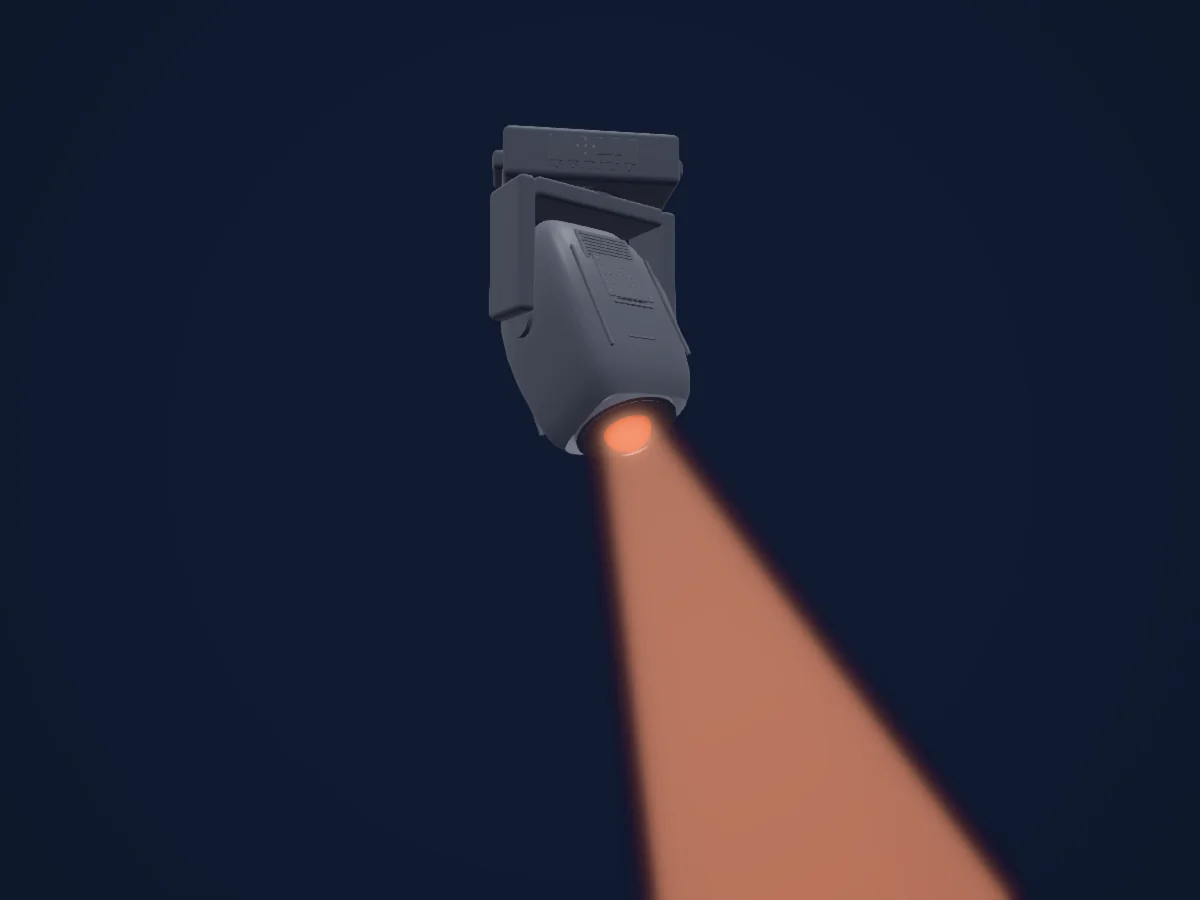
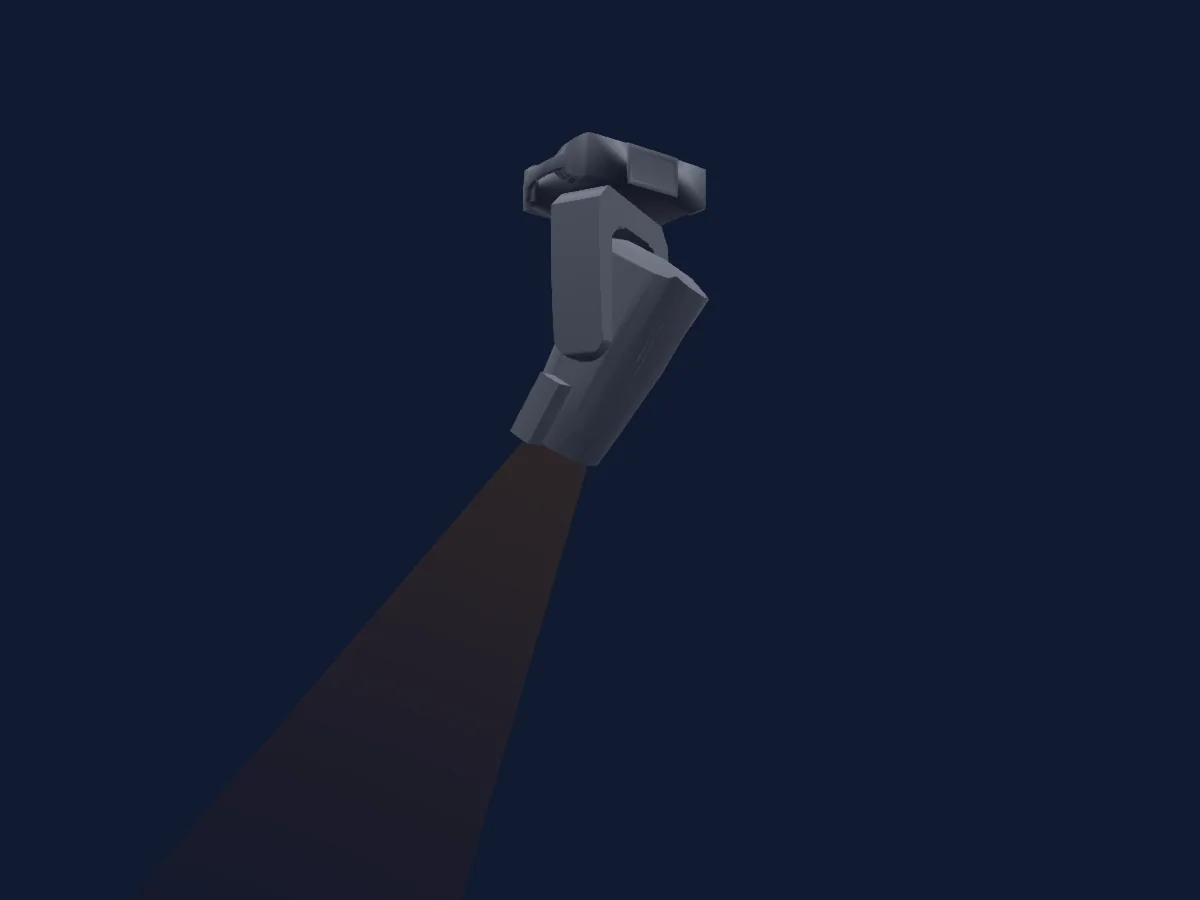
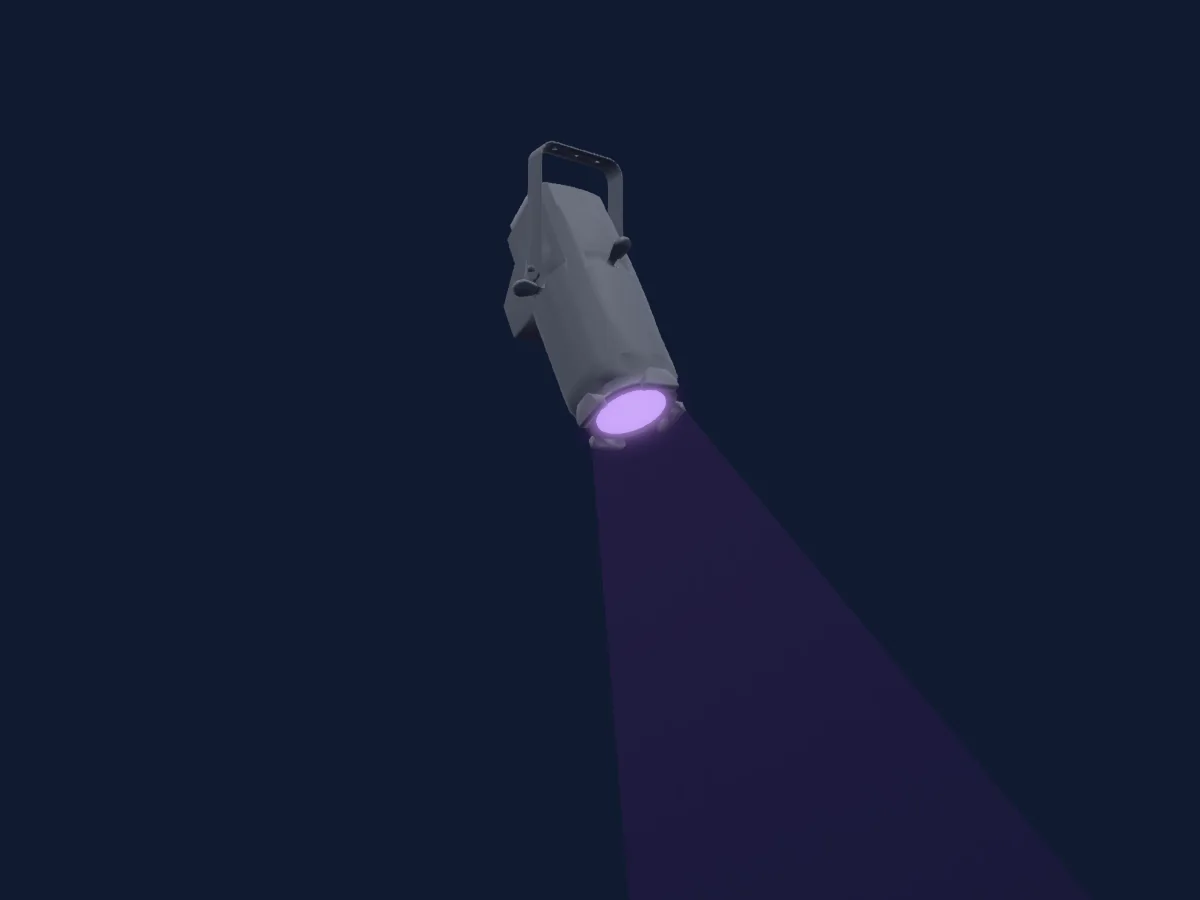
Robe Lighting Robin iProMotion HDP renderizado no HitLight

O que ele faz

  • Foco
  • Íris
  • Zoom
  • Mistura de cores CMY
  • Roda de cores
  • Strobo
  • Dimmer
  • Pan e tilt
  • Velocidade de movimento
  • Gobos
  • Rotação de gobos

Funções relevantes para a segurança: Programas de efeitos integrados. Confira como elas se comportam no seu refletor antes de um show.

Modos DMX e tabelas de canais

Modos DMX de Robe Lighting Robin iProMotion HDP
ModoCanaisNo HitLight
Mode 1 - CMY 126Pronto no HitLight
Mode 2 - CMY34Pronto no HitLight

Mode 1 - CMY 1

Pronto no HitLight

26 canais DMX · Baixar esta tabela em CSV

Tabela de canais DMX de Mode 1 - CMY 1
CanalFunçãoPadrãoValores DMX
1Pan1280–255
2Pan Fine0Byte fino de Pan
3Tilt1280–255
4Tilt Fine0Byte fino de Tilt
5Position MSpeed0
3 faixas de valores
  • 0–0 Standard mode
  • 1–1 Max Speed Mode
  • 2–255 Time from 02 s to 255 sec / Speed from max to min
6Control100–255
7Zoom128
3 faixas de valores
  • 0–127 Min
  • 128–128 Real size
  • 129–255 Max
8Focus1280–255
9Vertical Keystoning0
2 faixas de valores
  • 0–0 Vertical keystoning OFF Corner keystones ON
  • 1–255 Vertical keystoning ON Corner keystones OFF
10Horizontal Keystoning0
2 faixas de valores
  • 0–0 Vertical keystoning OFF Corner keystones ON
  • 1–255 Vertical keystoning ON Corner keystones OFF
11Keystoning Orientation2550–255
12Cyan00–255
13Magenta00–255
14Yellow00–255
15Color Macro100–255
16Color Macro200–255
17Media Folder0
5 faixas de valores
  • 0–31 Deault-Factory Digital gobo wheel
  • 32–63 Internal Custom Digital gobo wheel
  • 64–95 External Custom Digital gobo wheel (USB)
  • 96–127 Local NAS content
  • 128–255 NoFeature 2
18Gobo0
64 faixas de valores
  • 0–0 Open (wheel slot 1)
  • 1–1 Color Gobo 001 (wheel slot 2)
  • 2–2 Color Gobo 002 (wheel slot 3)
  • 3–3 Color Gobo 003 (wheel slot 4)
  • 4–4 Color Gobo 004 (wheel slot 5)
  • 5–5 Color Gobo 005 (wheel slot 6)
  • 6–6 Color Gobo 006 (wheel slot 7)
  • 7–7 Color Gobo 007 (wheel slot 8)
  • 8–8 Color Gobo 008 (wheel slot 9)
  • 9–9 Color Gobo 009 (wheel slot 10)
  • 10–10 Color Gobo 010 (wheel slot 11)
  • 11–11 Color Gobo 011 (wheel slot 12)
  • 12–12 Color Gobo 012 (wheel slot 13)
  • 13–13 Color Gobo 013 (wheel slot 14)
  • 14–14 Color Gobo 014 (wheel slot 15)
  • 15–15 Color Gobo 015 (wheel slot 16)
  • 16–16 Color Gobo 016 (wheel slot 17)
  • 17–17 Color Gobo 017 (wheel slot 18)
  • 18–18 Color Gobo 018 (wheel slot 19)
  • 19–19 Color Gobo 019 (wheel slot 20)
  • 20–20 Color Gobo 020 (wheel slot 21)
  • 21–21 Color Gobo 021 (wheel slot 22)
  • 22–22 Color Gobo 022 (wheel slot 23)
  • 23–23 Color Gobo 023 (wheel slot 24)
  • 24–24 Color Gobo 024 (wheel slot 25)
  • 25–25 Color Gobo 025 (wheel slot 26)
  • 26–26 Color Gobo 026 (wheel slot 27)
  • 27–27 Color Gobo 027 (wheel slot 28)
  • 28–28 Color Gobo 028 (wheel slot 29)
  • 29–29 Color Gobo 029 (wheel slot 30)
  • 30–30 Color Gobo 030 (wheel slot 31)
  • 31–31 Color Gobo 031 (wheel slot 32)
  • 32–32 Color Gobo 032 (wheel slot 33)
  • 33–33 Color Gobo 033 (wheel slot 34)
  • 34–34 Color Gobo 034 (wheel slot 35)
  • 35–35 Color Gobo 035 (wheel slot 36)
  • 36–36 Color Gobo 036 (wheel slot 37)
  • 37–37 Color Gobo 037 (wheel slot 38)
  • 38–38 Color Gobo 038 (wheel slot 39)
  • 39–39 Color Gobo 039 (wheel slot 40)
  • 40–40 Color Gobo 040 (wheel slot 41)
  • 41–41 Color Gobo 041 (wheel slot 42)
  • 42–42 Color Gobo 042 (wheel slot 43)
  • 43–43 Color Gobo 043 (wheel slot 44)
  • 44–44 Color Gobo 044 (wheel slot 45)
  • 45–45 Color Gobo 045 (wheel slot 46)
  • 46–46 Color Gobo 046 (wheel slot 47)
  • 47–47 Color Gobo 047 (wheel slot 48)
  • 48–48 Color Gobo 048 (wheel slot 49)
  • 49–49 Color Gobo 049 (wheel slot 50)
  • 50–50 Color Gobo 050 (wheel slot 51)
  • 51–51 Color Gobo 051 (wheel slot 52)
  • 52–52 Color Gobo 052 (wheel slot 53)
  • 53–53 Color Gobo 053 (wheel slot 54)
  • 54–54 Color Gobo 054 (wheel slot 55)
  • 55–55 Color Gobo 055 (wheel slot 56)
  • 56–56 Color Gobo 056 (wheel slot 57)
  • 57–57 Color Gobo 057 (wheel slot 58)
  • 58–58 Color Gobo 058 (wheel slot 59)
  • 59–59 Color Gobo 059 (wheel slot 60)
  • 60–60 Color Gobo 060 (wheel slot 61)
  • 61–61 Color Gobo 061 (wheel slot 62)
  • 62–62 Color Gobo 062 (wheel slot 63)
  • 63–63 Color Gobo 063 (wheel slot 64)
19Video0
5 faixas de valores
  • 0–0 Original speed
  • 1–1 Pause
  • 2–127 Speed from min (1/4x) to original
  • 128–254 Speed from original to max (4x)
  • 255–255 Speed max (4x)
20Gobo Rotation0
16 faixas de valores
  • 0–127 Gobo indexing
  • 128–137 Fast to slow 1/7
  • 138–147 Fast to slow 2/7
  • 148–157 Fast to slow 3/7
  • 158–167 Fast to slow 4/7
  • 168–177 Fast to slow 5/7
  • 178–187 Fast to slow 6/7
  • 188–190 Fast to slow 7/7
  • 191–192 No rotation middle
  • 193–197 Slow to fast 1/7
  • 198–207 Slow to fast 2/7
  • 208–217 Slow to fast 3/7
  • 218–227 Slow to fast 4/7
  • 228–237 Slow to fast 5/7
  • 238–247 Slow to fast 6/7
  • 248–255 Slow to fast 7/7
21Gobo Rotation Fine0Byte fino de Gobo Rotation
22Effect0
64 faixas de valores
  • 0–0 Open
  • 1–1 Random transition
  • 2–2 Transition with blending
  • 3–3 Transition from left to right - horizontally
  • 4–4 Transition from right to left - horizontally
  • 5–5 Stripe transition from left to right - horizontally
  • 6–6 Stripe transition from right to left - horizontally
  • 7–7 3-stripe transition from left to right - horizontally
  • 8–8 3-stripe transition from right to left - horizontally
  • 9–9 6-stripe transition from left to right - horizontally
  • 10–10 6-stripe transition from right to left - horizontally
  • 11–11 Transition up to down - vertically
  • 12–12 Transition down to up - vertically
  • 13–13 Stripe transition up to down - vertically
  • 14–14 Stripe transition down to up - vertically
  • 15–15 3-stripe transition up to down - vertically
  • 16–16 3-stripe transition down to up - vertically
  • 17–17 6-stripe transition up to down - vertically
  • 18–18 6-stripe transition down to up - vertically
  • 19–19 Transition 2 from left to right - horizontally
  • 20–20 Transition 2 from right to left - horizontally
  • 21–21 Transition 2 from up to down - horizontally
  • 22–22 Transition 2 from down to up - horizontally
  • 23–23 Iris transition out to in
  • 24–24 Iris transition in to out
  • 25–25 Iris transition out to in - diffusion edge
  • 26–26 Iris transition in to out - diffusion edge
  • 27–27 Iris transition 3 out to in
  • 28–28 Iris transition 3 in to out
  • 29–29 Moving transition from left to right
  • 30–30 Moving transition from right to left
  • 31–31 Moving transition up to down
  • 32–32 Moving transition down to up
  • 33–33 Drop transition
  • 34–34 Simple transition
  • 35–35 Pixel transition
  • 36–36 Transition via blending
  • 37–37 Transition with white output
  • 38–38 Crossing transition
  • 39–39 Picture in picture transition
  • 40–40 Direct transition
  • 41–41 Transition with vertical rotation
  • 42–42 Transition with horizontal rotation
  • 43–43 Transition with diagonal rotation
  • 44–44 Transition with diagonal rotation - opposite direction
  • 45–45 Zoom out transition
  • 46–46 Zoom in transition
  • 47–47 Zoom transition in horizontal direction
  • 48–48 Zoom transition in vertical direction
  • 49–79 NoFeature1
  • 80–80 Kaleidoscope 1
  • 81–81 Kaleidoscope 2
  • 82–82 Kaleidoscope 3
  • 83–83 Kaleidoscope 4
  • 84–84 Kaleidoscope 5
  • 85–85 Sunflower kaleidoscope (coarse)
  • 86–86 Sunflower kaleidoscope (soft)
  • 87–87 Sunflower kaleidoscope (slow)
  • 88–88 Sunflower kaleidoscope (faster)
  • 89–89 Sunflower kaleidoscope (fastest)
  • 90–99 NoFeature2
  • 100–100 Circle iris in/out
  • 101–101 Circle iris in/out (diffusion edge)
  • 102–102 Vertical ellipse iris in/out
23Effects1Fade0
7 faixas de valores
  • 0–0 Presentation
  • 1–126 Time min to max
  • 127–127 Stop
  • 128–128 Center
  • 129–250 Time from max to min
  • 251–254 Stop
  • 255–255 Stop (1)
24Iris0
2 faixas de valores
  • 0–0 Open
  • 1–255 From max to min diameter
25Shutter / Strobe32
15 faixas de valores
  • 0–31 Closed
  • 32–63 Open
  • 64–74 Strobe · Slow to fast 1/10 0.303–6.72 Hz
  • 75–91 Strobe · Slow to fast 5/10 7.36–17.6 Hz
  • 92–95 Strobe · Slow to fast 10/10 18.3–20.2 Hz
  • 96–127 Open
  • 128–134 Shutter1StrobePulseOpen · Slow to fast 1/7 0.126–0.277 Hz
  • 135–140 Shutter1StrobePulseOpen · Slow to fast 4/7 0.302–0.428 Hz
  • 141–143 Shutter1StrobePulseOpen · Slow to fast 7/7 0.454–0.504 Hz
  • 144–149 Shutter1StrobePulseClose · Fast to slow 1/7 0.504–0.378 Hz
  • 150–155 Shutter1StrobePulseClose · Fast to slow 4/7 0.353–0.227 Hz
  • 156–159 Shutter1StrobePulseClose · Fast to slow 7/7 0.202–0.126 Hz
  • 160–191 Open
  • 192–223 Random strobe from slow to fast
  • 224–255 Open
26Dimmer0
3 faixas de valores
  • 0–0 Closed / LEDs OFF
  • 1–254 Closed / LEDs ON
  • 255–255 Open / LEDs ON

Mode 2 - CMY

Pronto no HitLight

34 canais DMX · Baixar esta tabela em CSV

Tabela de canais DMX de Mode 2 - CMY
CanalFunçãoPadrãoValores DMX
1Pan1280–255
2Pan Fine0Byte fino de Pan
3Tilt1280–255
4Tilt Fine0Byte fino de Tilt
5Position MSpeed0
3 faixas de valores
  • 0–0 Standard mode
  • 1–1 Max Speed Mode
  • 2–255 Time from 02 s to 255 sec / Speed from max to min
6Control100–255
7Zoom128
3 faixas de valores
  • 0–127 Min
  • 128–128 Real size
  • 129–255 Max
8Focus1280–255
9Vertical Keystoning00–255
10Horizontal Keystoning00–255
11Keystoning Orientation1280–255
12Key Stone1A0
2 faixas de valores
  • 0–0 KeyStone OFF
  • 1–255 Movement of the top left corner X coordinate to center
13Key Stone1B0
2 faixas de valores
  • 0–0 KeyStone OFF
  • 1–255 Movement of the top left corner Y coordinate to center
14Key Stone2A0
2 faixas de valores
  • 0–0 KeyStone OFF
  • 1–255 Movement of the top right corner X coordinate to center
15Key Stone2B0
2 faixas de valores
  • 0–0 KeyStone OFF
  • 1–255 Movement of the top right corner Y coordinate to center
16Key Stone3A0
2 faixas de valores
  • 0–0 KeyStone OFF
  • 1–255 Movement of the bottom right corner X coordinate to center
17Key Stone3B0
2 faixas de valores
  • 0–0 KeyStone OFF
  • 1–255 Movement of the bottom right corner Y coordinate to center
18Key Stone4A0
2 faixas de valores
  • 0–0 KeyStone OFF
  • 1–255 Movement of the bottom left corner X coordinate to center
19Key Stone4B0
2 faixas de valores
  • 0–0 KeyStone OFF
  • 1–255 Movement of the bottom left corner Y coordinate to center
20Cyan00–255
21Magenta00–255
22Yellow00–255
23Color Macro100–255
24Color Macro200–255
25Media Folder0
5 faixas de valores
  • 0–31 Deault-Factory Digital gobo wheel
  • 32–63 Internal Custom Digital gobo wheel
  • 64–95 External Custom Digital gobo wheel (USB)
  • 96–127 Local NAS content
  • 128–255 NoFeature 2
26Gobo0
64 faixas de valores
  • 0–0 Open (wheel slot 1)
  • 1–1 Color Gobo 001 (wheel slot 2)
  • 2–2 Color Gobo 002 (wheel slot 3)
  • 3–3 Color Gobo 003 (wheel slot 4)
  • 4–4 Color Gobo 004 (wheel slot 5)
  • 5–5 Color Gobo 005 (wheel slot 6)
  • 6–6 Color Gobo 006 (wheel slot 7)
  • 7–7 Color Gobo 007 (wheel slot 8)
  • 8–8 Color Gobo 008 (wheel slot 9)
  • 9–9 Color Gobo 009 (wheel slot 10)
  • 10–10 Color Gobo 010 (wheel slot 11)
  • 11–11 Color Gobo 011 (wheel slot 12)
  • 12–12 Color Gobo 012 (wheel slot 13)
  • 13–13 Color Gobo 013 (wheel slot 14)
  • 14–14 Color Gobo 014 (wheel slot 15)
  • 15–15 Color Gobo 015 (wheel slot 16)
  • 16–16 Color Gobo 016 (wheel slot 17)
  • 17–17 Color Gobo 017 (wheel slot 18)
  • 18–18 Color Gobo 018 (wheel slot 19)
  • 19–19 Color Gobo 019 (wheel slot 20)
  • 20–20 Color Gobo 020 (wheel slot 21)
  • 21–21 Color Gobo 021 (wheel slot 22)
  • 22–22 Color Gobo 022 (wheel slot 23)
  • 23–23 Color Gobo 023 (wheel slot 24)
  • 24–24 Color Gobo 024 (wheel slot 25)
  • 25–25 Color Gobo 025 (wheel slot 26)
  • 26–26 Color Gobo 026 (wheel slot 27)
  • 27–27 Color Gobo 027 (wheel slot 28)
  • 28–28 Color Gobo 028 (wheel slot 29)
  • 29–29 Color Gobo 029 (wheel slot 30)
  • 30–30 Color Gobo 030 (wheel slot 31)
  • 31–31 Color Gobo 031 (wheel slot 32)
  • 32–32 Color Gobo 032 (wheel slot 33)
  • 33–33 Color Gobo 033 (wheel slot 34)
  • 34–34 Color Gobo 034 (wheel slot 35)
  • 35–35 Color Gobo 035 (wheel slot 36)
  • 36–36 Color Gobo 036 (wheel slot 37)
  • 37–37 Color Gobo 037 (wheel slot 38)
  • 38–38 Color Gobo 038 (wheel slot 39)
  • 39–39 Color Gobo 039 (wheel slot 40)
  • 40–40 Color Gobo 040 (wheel slot 41)
  • 41–41 Color Gobo 041 (wheel slot 42)
  • 42–42 Color Gobo 042 (wheel slot 43)
  • 43–43 Color Gobo 043 (wheel slot 44)
  • 44–44 Color Gobo 044 (wheel slot 45)
  • 45–45 Color Gobo 045 (wheel slot 46)
  • 46–46 Color Gobo 046 (wheel slot 47)
  • 47–47 Color Gobo 047 (wheel slot 48)
  • 48–48 Color Gobo 048 (wheel slot 49)
  • 49–49 Color Gobo 049 (wheel slot 50)
  • 50–50 Color Gobo 050 (wheel slot 51)
  • 51–51 Color Gobo 051 (wheel slot 52)
  • 52–52 Color Gobo 052 (wheel slot 53)
  • 53–53 Color Gobo 053 (wheel slot 54)
  • 54–54 Color Gobo 054 (wheel slot 55)
  • 55–55 Color Gobo 055 (wheel slot 56)
  • 56–56 Color Gobo 056 (wheel slot 57)
  • 57–57 Color Gobo 057 (wheel slot 58)
  • 58–58 Color Gobo 058 (wheel slot 59)
  • 59–59 Color Gobo 059 (wheel slot 60)
  • 60–60 Color Gobo 060 (wheel slot 61)
  • 61–61 Color Gobo 061 (wheel slot 62)
  • 62–62 Color Gobo 062 (wheel slot 63)
  • 63–63 Color Gobo 063 (wheel slot 64)
27Video0
5 faixas de valores
  • 0–0 Original speed
  • 1–1 Pause
  • 2–127 Speed from min (1/4x) to original
  • 128–254 Speed from original to max (4x)
  • 255–255 Speed max (4x)
28Gobo Rotation0
16 faixas de valores
  • 0–127 Gobo indexing
  • 128–137 Fast to slow 1/7
  • 138–147 Fast to slow 2/7
  • 148–157 Fast to slow 3/7
  • 158–167 Fast to slow 4/7
  • 168–177 Fast to slow 5/7
  • 178–187 Fast to slow 6/7
  • 188–190 Fast to slow 7/7
  • 191–192 No rotation middle
  • 193–197 Slow to fast 1/7
  • 198–207 Slow to fast 2/7
  • 208–217 Slow to fast 3/7
  • 218–227 Slow to fast 4/7
  • 228–237 Slow to fast 5/7
  • 238–247 Slow to fast 6/7
  • 248–255 Slow to fast 7/7
29Gobo Rotation Fine0Byte fino de Gobo Rotation
30Effect0
64 faixas de valores
  • 0–0 Open
  • 1–1 Random transition
  • 2–2 Transition with blending
  • 3–3 Transition from left to right - horizontally
  • 4–4 Transition from right to left - horizontally
  • 5–5 Stripe transition from left to right - horizontally
  • 6–6 Stripe transition from right to left - horizontally
  • 7–7 3-stripe transition from left to right - horizontally
  • 8–8 3-stripe transition from right to left - horizontally
  • 9–9 6-stripe transition from left to right - horizontally
  • 10–10 6-stripe transition from right to left - horizontally
  • 11–11 Transition up to down - vertically
  • 12–12 Transition down to up - vertically
  • 13–13 Stripe transition up to down - vertically
  • 14–14 Stripe transition down to up - vertically
  • 15–15 3-stripe transition up to down - vertically
  • 16–16 3-stripe transition down to up - vertically
  • 17–17 6-stripe transition up to down - vertically
  • 18–18 6-stripe transition down to up - vertically
  • 19–19 Transition 2 from left to right - horizontally
  • 20–20 Transition 2 from right to left - horizontally
  • 21–21 Transition 2 from up to down - horizontally
  • 22–22 Transition 2 from down to up - horizontally
  • 23–23 Iris transition out to in
  • 24–24 Iris transition in to out
  • 25–25 Iris transition out to in - diffusion edge
  • 26–26 Iris transition in to out - diffusion edge
  • 27–27 Iris transition 3 out to in
  • 28–28 Iris transition 3 in to out
  • 29–29 Moving transition from left to right
  • 30–30 Moving transition from right to left
  • 31–31 Moving transition up to down
  • 32–32 Moving transition down to up
  • 33–33 Drop transition
  • 34–34 Simple transition
  • 35–35 Pixel transition
  • 36–36 Transition via blending
  • 37–37 Transition with white output
  • 38–38 Crossing transition
  • 39–39 Picture in picture transition
  • 40–40 Direct transition
  • 41–41 Transition with vertical rotation
  • 42–42 Transition with horizontal rotation
  • 43–43 Transition with diagonal rotation
  • 44–44 Transition with diagonal rotation - opposite direction
  • 45–45 Zoom out transition
  • 46–46 Zoom in transition
  • 47–47 Zoom transition in horizontal direction
  • 48–48 Zoom transition in vertical direction
  • 49–79 NoFeature1
  • 80–80 Kaleidoscope 1
  • 81–81 Kaleidoscope 2
  • 82–82 Kaleidoscope 3
  • 83–83 Kaleidoscope 4
  • 84–84 Kaleidoscope 5
  • 85–85 Sunflower kaleidoscope (coarse)
  • 86–86 Sunflower kaleidoscope (soft)
  • 87–87 Sunflower kaleidoscope (slow)
  • 88–88 Sunflower kaleidoscope (faster)
  • 89–89 Sunflower kaleidoscope (fastest)
  • 90–99 NoFeature2
  • 100–100 Circle iris in/out
  • 101–101 Circle iris in/out (diffusion edge)
  • 102–102 Vertical ellipse iris in/out
31Effects1Fade0
7 faixas de valores
  • 0–0 Presentation
  • 1–126 Time min to max
  • 127–127 Stop
  • 128–128 Center
  • 129–250 Time from max to min
  • 251–254 Stop
  • 255–255 Stop (1)
32Iris0
2 faixas de valores
  • 0–0 Open
  • 1–255 From max to min diameter
33Shutter / Strobe32
15 faixas de valores
  • 0–31 Closed
  • 32–63 Open
  • 64–74 Strobe · Slow to fast 1/10 0.303–6.72 Hz
  • 75–91 Strobe · Slow to fast 5/10 7.36–17.6 Hz
  • 92–95 Strobe · Slow to fast 10/10 18.3–20.2 Hz
  • 96–127 Open
  • 128–134 Shutter1StrobePulseOpen · Slow to fast 1/7 0.126–0.277 Hz
  • 135–140 Shutter1StrobePulseOpen · Slow to fast 4/7 0.302–0.428 Hz
  • 141–143 Shutter1StrobePulseOpen · Slow to fast 7/7 0.454–0.504 Hz
  • 144–149 Shutter1StrobePulseClose · Fast to slow 1/7 0.504–0.378 Hz
  • 150–155 Shutter1StrobePulseClose · Fast to slow 4/7 0.353–0.227 Hz
  • 156–159 Shutter1StrobePulseClose · Fast to slow 7/7 0.202–0.126 Hz
  • 160–191 Open
  • 192–223 Random strobe from slow to fast
  • 224–255 Open
34Dimmer0
3 faixas de valores
  • 0–0 Closed / LEDs OFF
  • 1–254 Closed / LEDs ON
  • 255–255 Open / LEDs ON

Usar Robe Lighting Robin iProMotion HDP no HitLight

  1. Abra Adicionar refletor e procure Robe Lighting Robin iProMotion HDP.
  2. Escolha o modo DMX configurado no menu do próprio refletor. O HitLight atribui a ele o menor endereço inicial livre do universo que comporta a quantidade de canais do modo.
  3. Confira o modo e os controles no seu refletor real antes de usar ao vivo.

As tabelas vêm da descrição GDTF do refletor, convertida para a biblioteca do HitLight. O HitLight não tem vínculo com a Robe Lighting.

Faça o patch e deixe a música comandar as luzes.

O HitLight encontra esses refletores na biblioteca, faz o patch no próximo endereço livre e mostra seu rig em 3D antes de você ligar uma única luz.

Abrir HitLight ↗Baixar o HitLight