Aller au contenu
HitLight
Robe Lighting · Découpe

Robe Lighting Robin iProMotion HDP

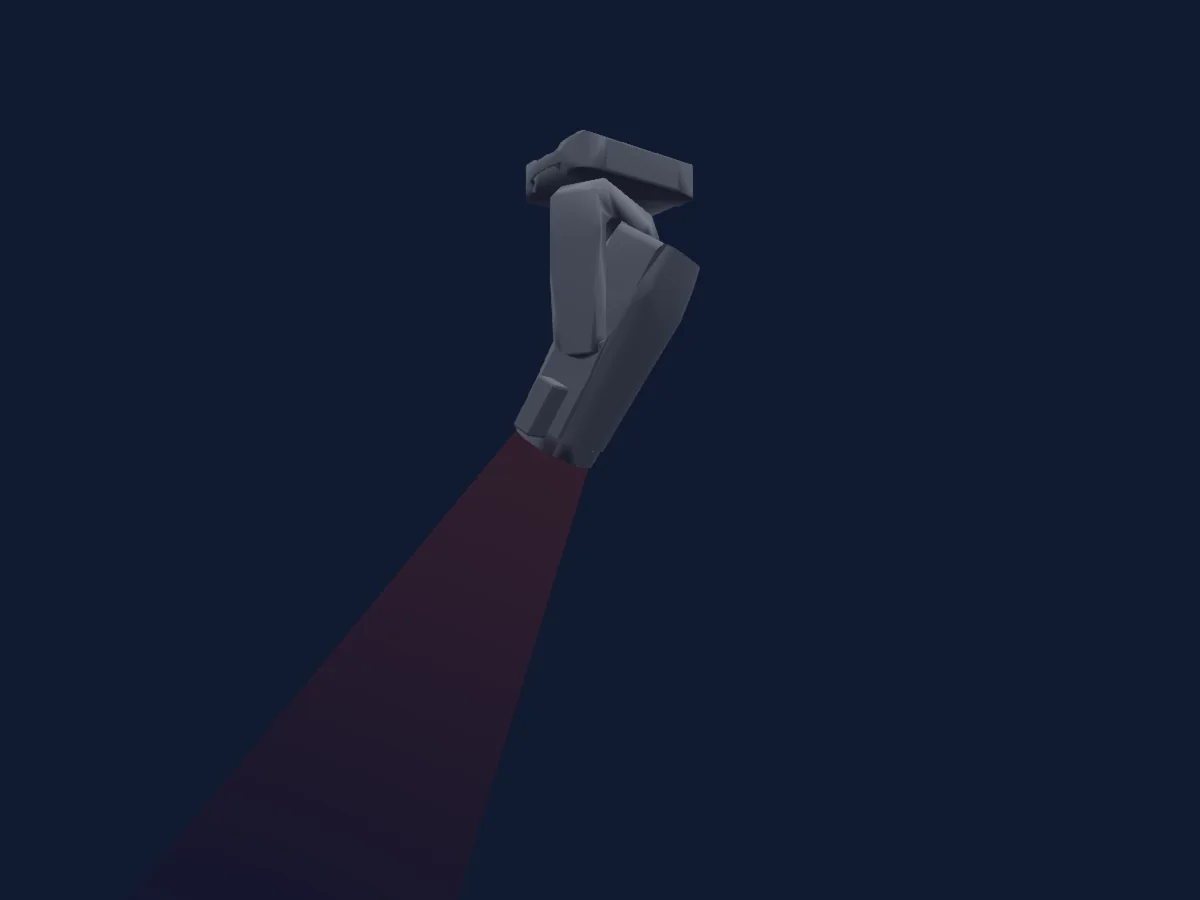
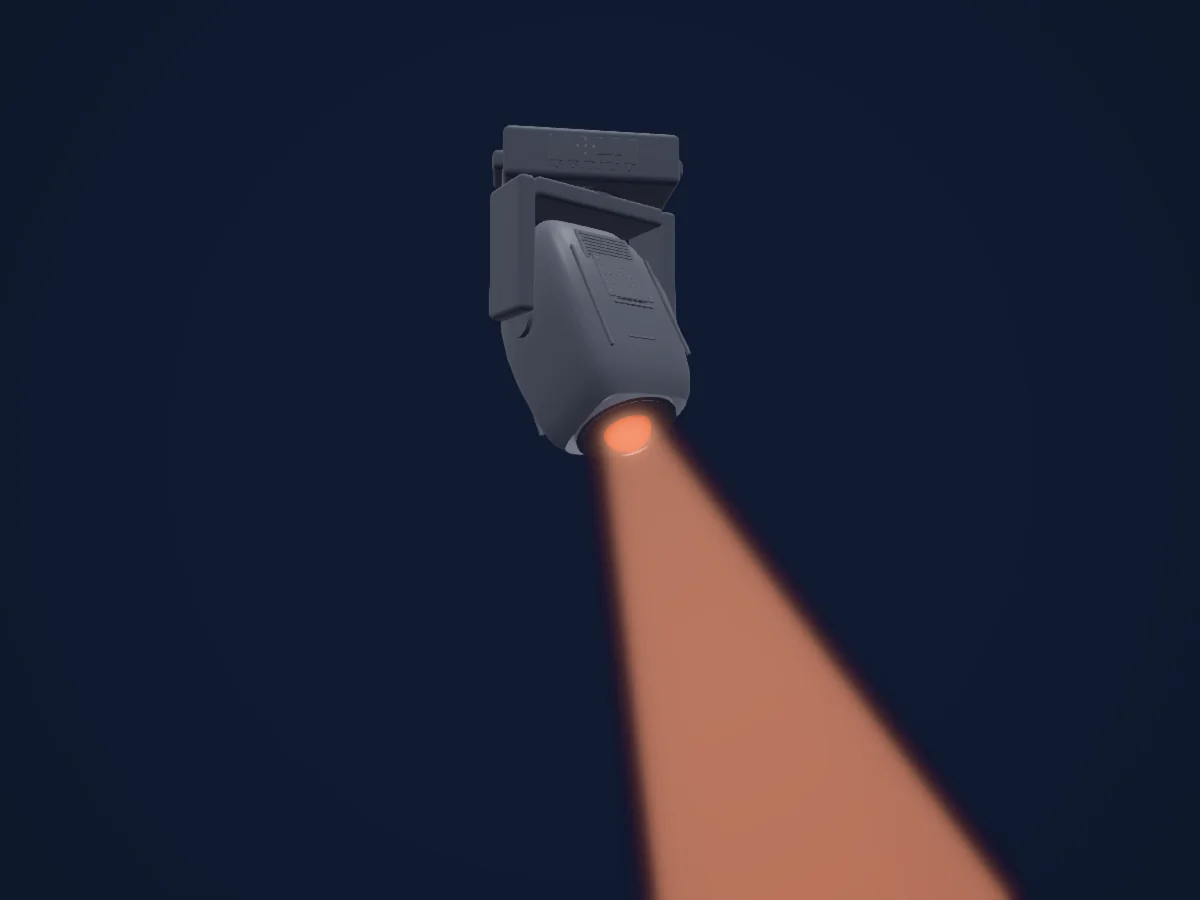
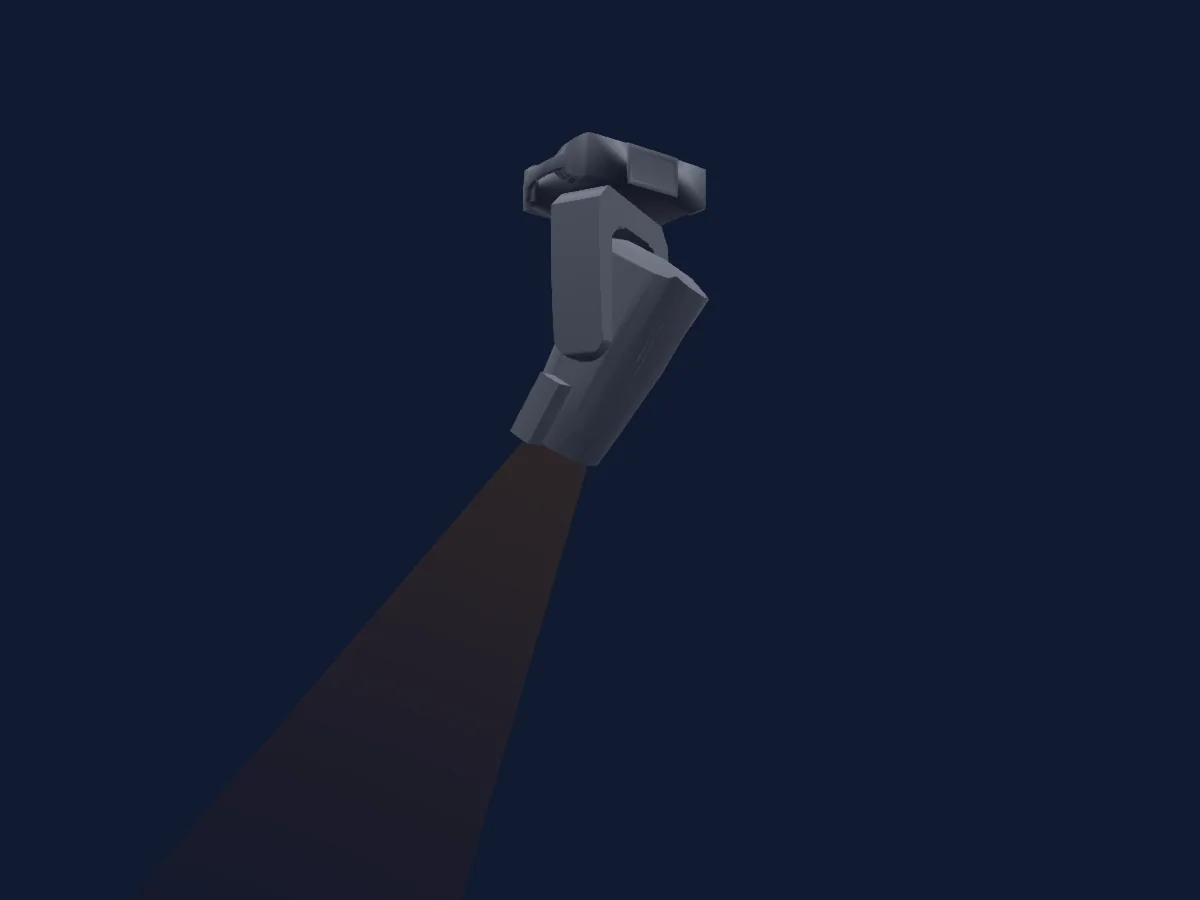
Tableau DMX, 2 modes DMX et aperçu 3D. 26 / 34 canaux DMX.
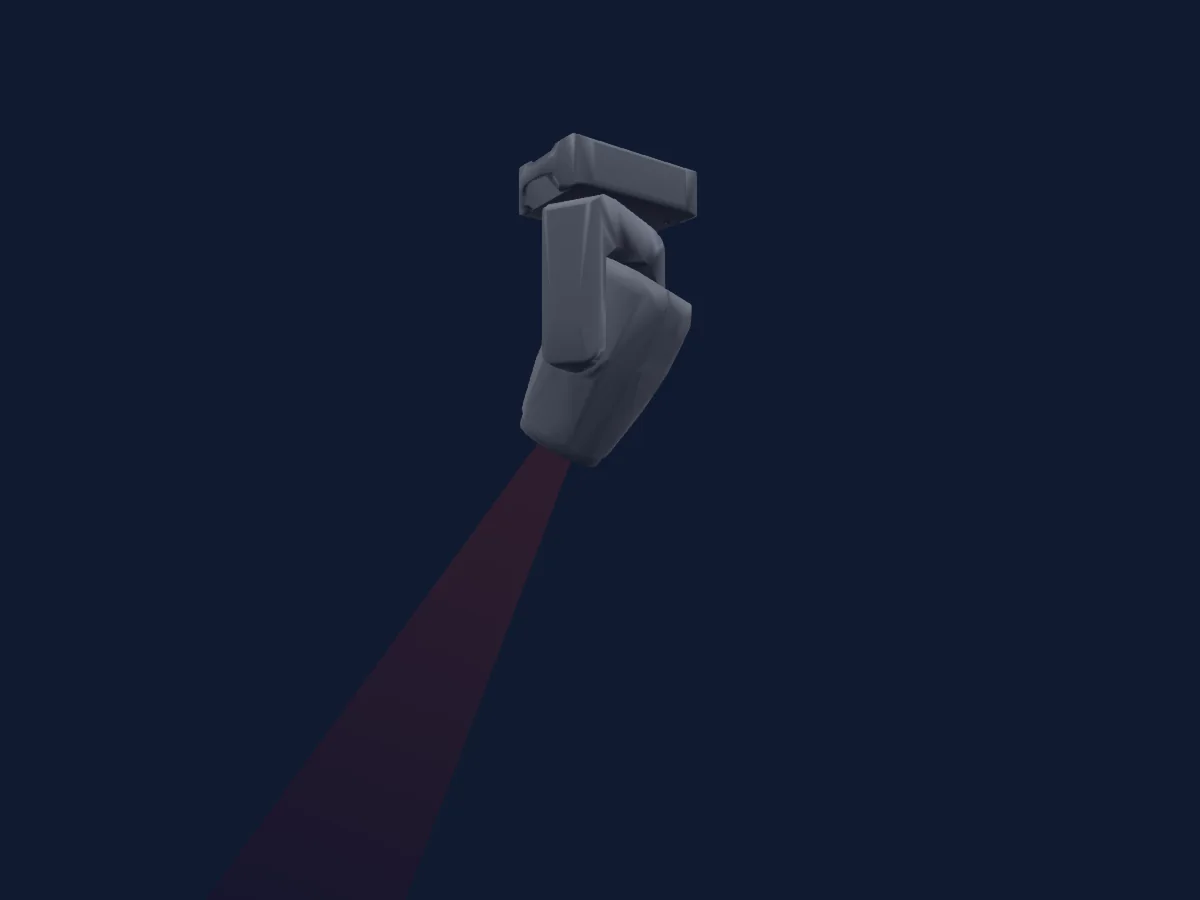
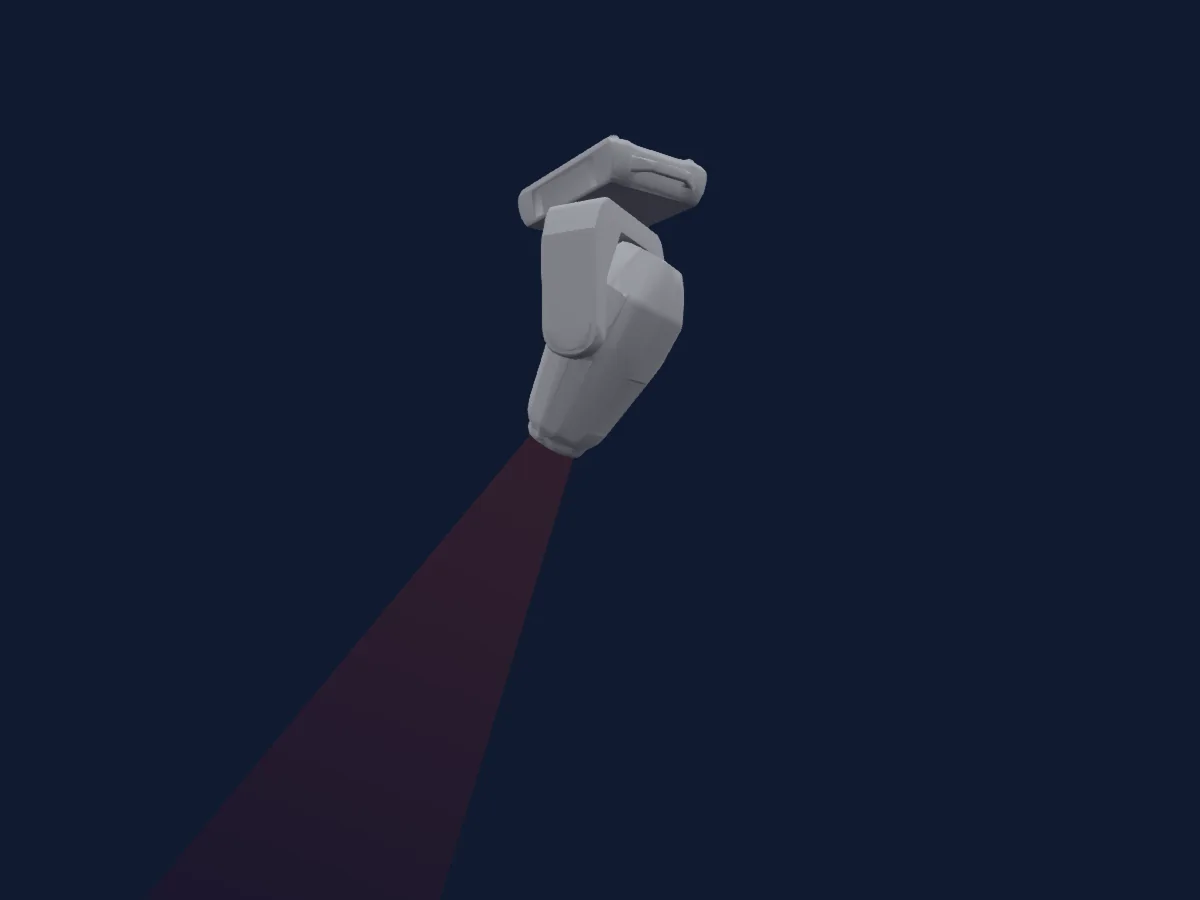
Robe Lighting Robin iProMotion HDP rendu dans HitLight

Ce qu’il sait faire

  • Mise au point
  • Iris
  • Zoom
  • Mélange de couleurs CMJ
  • Roue de couleurs
  • Stroboscope
  • Intensité
  • Pan et tilt
  • Vitesse de mouvement
  • Gobos
  • Rotation des gobos

Fonctions liées à la sécurité: Programmes d’effets intégrés. Vérifiez leur comportement sur votre propre projecteur avant un spectacle.

Modes DMX et tableaux de canaux

Modes DMX de Robe Lighting Robin iProMotion HDP
ModeCanauxDans HitLight
Mode 1 - CMY 126Prêt dans HitLight
Mode 2 - CMY34Prêt dans HitLight

Mode 1 - CMY 1

Prêt dans HitLight

26 canaux DMX · Télécharger ce tableau en CSV

Tableau des canaux DMX de Mode 1 - CMY 1
CanalFonctionPar défautValeurs DMX
1Pan1280–255
2Pan Fine0Octet fin de Pan
3Tilt1280–255
4Tilt Fine0Octet fin de Tilt
5Position MSpeed0
3 plages de valeurs
  • 0–0 Standard mode
  • 1–1 Max Speed Mode
  • 2–255 Time from 02 s to 255 sec / Speed from max to min
6Control100–255
7Zoom128
3 plages de valeurs
  • 0–127 Min
  • 128–128 Real size
  • 129–255 Max
8Focus1280–255
9Vertical Keystoning0
2 plages de valeurs
  • 0–0 Vertical keystoning OFF Corner keystones ON
  • 1–255 Vertical keystoning ON Corner keystones OFF
10Horizontal Keystoning0
2 plages de valeurs
  • 0–0 Vertical keystoning OFF Corner keystones ON
  • 1–255 Vertical keystoning ON Corner keystones OFF
11Keystoning Orientation2550–255
12Cyan00–255
13Magenta00–255
14Yellow00–255
15Color Macro100–255
16Color Macro200–255
17Media Folder0
5 plages de valeurs
  • 0–31 Deault-Factory Digital gobo wheel
  • 32–63 Internal Custom Digital gobo wheel
  • 64–95 External Custom Digital gobo wheel (USB)
  • 96–127 Local NAS content
  • 128–255 NoFeature 2
18Gobo0
64 plages de valeurs
  • 0–0 Open (wheel slot 1)
  • 1–1 Color Gobo 001 (wheel slot 2)
  • 2–2 Color Gobo 002 (wheel slot 3)
  • 3–3 Color Gobo 003 (wheel slot 4)
  • 4–4 Color Gobo 004 (wheel slot 5)
  • 5–5 Color Gobo 005 (wheel slot 6)
  • 6–6 Color Gobo 006 (wheel slot 7)
  • 7–7 Color Gobo 007 (wheel slot 8)
  • 8–8 Color Gobo 008 (wheel slot 9)
  • 9–9 Color Gobo 009 (wheel slot 10)
  • 10–10 Color Gobo 010 (wheel slot 11)
  • 11–11 Color Gobo 011 (wheel slot 12)
  • 12–12 Color Gobo 012 (wheel slot 13)
  • 13–13 Color Gobo 013 (wheel slot 14)
  • 14–14 Color Gobo 014 (wheel slot 15)
  • 15–15 Color Gobo 015 (wheel slot 16)
  • 16–16 Color Gobo 016 (wheel slot 17)
  • 17–17 Color Gobo 017 (wheel slot 18)
  • 18–18 Color Gobo 018 (wheel slot 19)
  • 19–19 Color Gobo 019 (wheel slot 20)
  • 20–20 Color Gobo 020 (wheel slot 21)
  • 21–21 Color Gobo 021 (wheel slot 22)
  • 22–22 Color Gobo 022 (wheel slot 23)
  • 23–23 Color Gobo 023 (wheel slot 24)
  • 24–24 Color Gobo 024 (wheel slot 25)
  • 25–25 Color Gobo 025 (wheel slot 26)
  • 26–26 Color Gobo 026 (wheel slot 27)
  • 27–27 Color Gobo 027 (wheel slot 28)
  • 28–28 Color Gobo 028 (wheel slot 29)
  • 29–29 Color Gobo 029 (wheel slot 30)
  • 30–30 Color Gobo 030 (wheel slot 31)
  • 31–31 Color Gobo 031 (wheel slot 32)
  • 32–32 Color Gobo 032 (wheel slot 33)
  • 33–33 Color Gobo 033 (wheel slot 34)
  • 34–34 Color Gobo 034 (wheel slot 35)
  • 35–35 Color Gobo 035 (wheel slot 36)
  • 36–36 Color Gobo 036 (wheel slot 37)
  • 37–37 Color Gobo 037 (wheel slot 38)
  • 38–38 Color Gobo 038 (wheel slot 39)
  • 39–39 Color Gobo 039 (wheel slot 40)
  • 40–40 Color Gobo 040 (wheel slot 41)
  • 41–41 Color Gobo 041 (wheel slot 42)
  • 42–42 Color Gobo 042 (wheel slot 43)
  • 43–43 Color Gobo 043 (wheel slot 44)
  • 44–44 Color Gobo 044 (wheel slot 45)
  • 45–45 Color Gobo 045 (wheel slot 46)
  • 46–46 Color Gobo 046 (wheel slot 47)
  • 47–47 Color Gobo 047 (wheel slot 48)
  • 48–48 Color Gobo 048 (wheel slot 49)
  • 49–49 Color Gobo 049 (wheel slot 50)
  • 50–50 Color Gobo 050 (wheel slot 51)
  • 51–51 Color Gobo 051 (wheel slot 52)
  • 52–52 Color Gobo 052 (wheel slot 53)
  • 53–53 Color Gobo 053 (wheel slot 54)
  • 54–54 Color Gobo 054 (wheel slot 55)
  • 55–55 Color Gobo 055 (wheel slot 56)
  • 56–56 Color Gobo 056 (wheel slot 57)
  • 57–57 Color Gobo 057 (wheel slot 58)
  • 58–58 Color Gobo 058 (wheel slot 59)
  • 59–59 Color Gobo 059 (wheel slot 60)
  • 60–60 Color Gobo 060 (wheel slot 61)
  • 61–61 Color Gobo 061 (wheel slot 62)
  • 62–62 Color Gobo 062 (wheel slot 63)
  • 63–63 Color Gobo 063 (wheel slot 64)
19Video0
5 plages de valeurs
  • 0–0 Original speed
  • 1–1 Pause
  • 2–127 Speed from min (1/4x) to original
  • 128–254 Speed from original to max (4x)
  • 255–255 Speed max (4x)
20Gobo Rotation0
16 plages de valeurs
  • 0–127 Gobo indexing
  • 128–137 Fast to slow 1/7
  • 138–147 Fast to slow 2/7
  • 148–157 Fast to slow 3/7
  • 158–167 Fast to slow 4/7
  • 168–177 Fast to slow 5/7
  • 178–187 Fast to slow 6/7
  • 188–190 Fast to slow 7/7
  • 191–192 No rotation middle
  • 193–197 Slow to fast 1/7
  • 198–207 Slow to fast 2/7
  • 208–217 Slow to fast 3/7
  • 218–227 Slow to fast 4/7
  • 228–237 Slow to fast 5/7
  • 238–247 Slow to fast 6/7
  • 248–255 Slow to fast 7/7
21Gobo Rotation Fine0Octet fin de Gobo Rotation
22Effect0
64 plages de valeurs
  • 0–0 Open
  • 1–1 Random transition
  • 2–2 Transition with blending
  • 3–3 Transition from left to right - horizontally
  • 4–4 Transition from right to left - horizontally
  • 5–5 Stripe transition from left to right - horizontally
  • 6–6 Stripe transition from right to left - horizontally
  • 7–7 3-stripe transition from left to right - horizontally
  • 8–8 3-stripe transition from right to left - horizontally
  • 9–9 6-stripe transition from left to right - horizontally
  • 10–10 6-stripe transition from right to left - horizontally
  • 11–11 Transition up to down - vertically
  • 12–12 Transition down to up - vertically
  • 13–13 Stripe transition up to down - vertically
  • 14–14 Stripe transition down to up - vertically
  • 15–15 3-stripe transition up to down - vertically
  • 16–16 3-stripe transition down to up - vertically
  • 17–17 6-stripe transition up to down - vertically
  • 18–18 6-stripe transition down to up - vertically
  • 19–19 Transition 2 from left to right - horizontally
  • 20–20 Transition 2 from right to left - horizontally
  • 21–21 Transition 2 from up to down - horizontally
  • 22–22 Transition 2 from down to up - horizontally
  • 23–23 Iris transition out to in
  • 24–24 Iris transition in to out
  • 25–25 Iris transition out to in - diffusion edge
  • 26–26 Iris transition in to out - diffusion edge
  • 27–27 Iris transition 3 out to in
  • 28–28 Iris transition 3 in to out
  • 29–29 Moving transition from left to right
  • 30–30 Moving transition from right to left
  • 31–31 Moving transition up to down
  • 32–32 Moving transition down to up
  • 33–33 Drop transition
  • 34–34 Simple transition
  • 35–35 Pixel transition
  • 36–36 Transition via blending
  • 37–37 Transition with white output
  • 38–38 Crossing transition
  • 39–39 Picture in picture transition
  • 40–40 Direct transition
  • 41–41 Transition with vertical rotation
  • 42–42 Transition with horizontal rotation
  • 43–43 Transition with diagonal rotation
  • 44–44 Transition with diagonal rotation - opposite direction
  • 45–45 Zoom out transition
  • 46–46 Zoom in transition
  • 47–47 Zoom transition in horizontal direction
  • 48–48 Zoom transition in vertical direction
  • 49–79 NoFeature1
  • 80–80 Kaleidoscope 1
  • 81–81 Kaleidoscope 2
  • 82–82 Kaleidoscope 3
  • 83–83 Kaleidoscope 4
  • 84–84 Kaleidoscope 5
  • 85–85 Sunflower kaleidoscope (coarse)
  • 86–86 Sunflower kaleidoscope (soft)
  • 87–87 Sunflower kaleidoscope (slow)
  • 88–88 Sunflower kaleidoscope (faster)
  • 89–89 Sunflower kaleidoscope (fastest)
  • 90–99 NoFeature2
  • 100–100 Circle iris in/out
  • 101–101 Circle iris in/out (diffusion edge)
  • 102–102 Vertical ellipse iris in/out
23Effects1Fade0
7 plages de valeurs
  • 0–0 Presentation
  • 1–126 Time min to max
  • 127–127 Stop
  • 128–128 Center
  • 129–250 Time from max to min
  • 251–254 Stop
  • 255–255 Stop (1)
24Iris0
2 plages de valeurs
  • 0–0 Open
  • 1–255 From max to min diameter
25Shutter / Strobe32
15 plages de valeurs
  • 0–31 Closed
  • 32–63 Open
  • 64–74 Strobe · Slow to fast 1/10 0.303–6.72 Hz
  • 75–91 Strobe · Slow to fast 5/10 7.36–17.6 Hz
  • 92–95 Strobe · Slow to fast 10/10 18.3–20.2 Hz
  • 96–127 Open
  • 128–134 Shutter1StrobePulseOpen · Slow to fast 1/7 0.126–0.277 Hz
  • 135–140 Shutter1StrobePulseOpen · Slow to fast 4/7 0.302–0.428 Hz
  • 141–143 Shutter1StrobePulseOpen · Slow to fast 7/7 0.454–0.504 Hz
  • 144–149 Shutter1StrobePulseClose · Fast to slow 1/7 0.504–0.378 Hz
  • 150–155 Shutter1StrobePulseClose · Fast to slow 4/7 0.353–0.227 Hz
  • 156–159 Shutter1StrobePulseClose · Fast to slow 7/7 0.202–0.126 Hz
  • 160–191 Open
  • 192–223 Random strobe from slow to fast
  • 224–255 Open
26Dimmer0
3 plages de valeurs
  • 0–0 Closed / LEDs OFF
  • 1–254 Closed / LEDs ON
  • 255–255 Open / LEDs ON

Mode 2 - CMY

Prêt dans HitLight

34 canaux DMX · Télécharger ce tableau en CSV

Tableau des canaux DMX de Mode 2 - CMY
CanalFonctionPar défautValeurs DMX
1Pan1280–255
2Pan Fine0Octet fin de Pan
3Tilt1280–255
4Tilt Fine0Octet fin de Tilt
5Position MSpeed0
3 plages de valeurs
  • 0–0 Standard mode
  • 1–1 Max Speed Mode
  • 2–255 Time from 02 s to 255 sec / Speed from max to min
6Control100–255
7Zoom128
3 plages de valeurs
  • 0–127 Min
  • 128–128 Real size
  • 129–255 Max
8Focus1280–255
9Vertical Keystoning00–255
10Horizontal Keystoning00–255
11Keystoning Orientation1280–255
12Key Stone1A0
2 plages de valeurs
  • 0–0 KeyStone OFF
  • 1–255 Movement of the top left corner X coordinate to center
13Key Stone1B0
2 plages de valeurs
  • 0–0 KeyStone OFF
  • 1–255 Movement of the top left corner Y coordinate to center
14Key Stone2A0
2 plages de valeurs
  • 0–0 KeyStone OFF
  • 1–255 Movement of the top right corner X coordinate to center
15Key Stone2B0
2 plages de valeurs
  • 0–0 KeyStone OFF
  • 1–255 Movement of the top right corner Y coordinate to center
16Key Stone3A0
2 plages de valeurs
  • 0–0 KeyStone OFF
  • 1–255 Movement of the bottom right corner X coordinate to center
17Key Stone3B0
2 plages de valeurs
  • 0–0 KeyStone OFF
  • 1–255 Movement of the bottom right corner Y coordinate to center
18Key Stone4A0
2 plages de valeurs
  • 0–0 KeyStone OFF
  • 1–255 Movement of the bottom left corner X coordinate to center
19Key Stone4B0
2 plages de valeurs
  • 0–0 KeyStone OFF
  • 1–255 Movement of the bottom left corner Y coordinate to center
20Cyan00–255
21Magenta00–255
22Yellow00–255
23Color Macro100–255
24Color Macro200–255
25Media Folder0
5 plages de valeurs
  • 0–31 Deault-Factory Digital gobo wheel
  • 32–63 Internal Custom Digital gobo wheel
  • 64–95 External Custom Digital gobo wheel (USB)
  • 96–127 Local NAS content
  • 128–255 NoFeature 2
26Gobo0
64 plages de valeurs
  • 0–0 Open (wheel slot 1)
  • 1–1 Color Gobo 001 (wheel slot 2)
  • 2–2 Color Gobo 002 (wheel slot 3)
  • 3–3 Color Gobo 003 (wheel slot 4)
  • 4–4 Color Gobo 004 (wheel slot 5)
  • 5–5 Color Gobo 005 (wheel slot 6)
  • 6–6 Color Gobo 006 (wheel slot 7)
  • 7–7 Color Gobo 007 (wheel slot 8)
  • 8–8 Color Gobo 008 (wheel slot 9)
  • 9–9 Color Gobo 009 (wheel slot 10)
  • 10–10 Color Gobo 010 (wheel slot 11)
  • 11–11 Color Gobo 011 (wheel slot 12)
  • 12–12 Color Gobo 012 (wheel slot 13)
  • 13–13 Color Gobo 013 (wheel slot 14)
  • 14–14 Color Gobo 014 (wheel slot 15)
  • 15–15 Color Gobo 015 (wheel slot 16)
  • 16–16 Color Gobo 016 (wheel slot 17)
  • 17–17 Color Gobo 017 (wheel slot 18)
  • 18–18 Color Gobo 018 (wheel slot 19)
  • 19–19 Color Gobo 019 (wheel slot 20)
  • 20–20 Color Gobo 020 (wheel slot 21)
  • 21–21 Color Gobo 021 (wheel slot 22)
  • 22–22 Color Gobo 022 (wheel slot 23)
  • 23–23 Color Gobo 023 (wheel slot 24)
  • 24–24 Color Gobo 024 (wheel slot 25)
  • 25–25 Color Gobo 025 (wheel slot 26)
  • 26–26 Color Gobo 026 (wheel slot 27)
  • 27–27 Color Gobo 027 (wheel slot 28)
  • 28–28 Color Gobo 028 (wheel slot 29)
  • 29–29 Color Gobo 029 (wheel slot 30)
  • 30–30 Color Gobo 030 (wheel slot 31)
  • 31–31 Color Gobo 031 (wheel slot 32)
  • 32–32 Color Gobo 032 (wheel slot 33)
  • 33–33 Color Gobo 033 (wheel slot 34)
  • 34–34 Color Gobo 034 (wheel slot 35)
  • 35–35 Color Gobo 035 (wheel slot 36)
  • 36–36 Color Gobo 036 (wheel slot 37)
  • 37–37 Color Gobo 037 (wheel slot 38)
  • 38–38 Color Gobo 038 (wheel slot 39)
  • 39–39 Color Gobo 039 (wheel slot 40)
  • 40–40 Color Gobo 040 (wheel slot 41)
  • 41–41 Color Gobo 041 (wheel slot 42)
  • 42–42 Color Gobo 042 (wheel slot 43)
  • 43–43 Color Gobo 043 (wheel slot 44)
  • 44–44 Color Gobo 044 (wheel slot 45)
  • 45–45 Color Gobo 045 (wheel slot 46)
  • 46–46 Color Gobo 046 (wheel slot 47)
  • 47–47 Color Gobo 047 (wheel slot 48)
  • 48–48 Color Gobo 048 (wheel slot 49)
  • 49–49 Color Gobo 049 (wheel slot 50)
  • 50–50 Color Gobo 050 (wheel slot 51)
  • 51–51 Color Gobo 051 (wheel slot 52)
  • 52–52 Color Gobo 052 (wheel slot 53)
  • 53–53 Color Gobo 053 (wheel slot 54)
  • 54–54 Color Gobo 054 (wheel slot 55)
  • 55–55 Color Gobo 055 (wheel slot 56)
  • 56–56 Color Gobo 056 (wheel slot 57)
  • 57–57 Color Gobo 057 (wheel slot 58)
  • 58–58 Color Gobo 058 (wheel slot 59)
  • 59–59 Color Gobo 059 (wheel slot 60)
  • 60–60 Color Gobo 060 (wheel slot 61)
  • 61–61 Color Gobo 061 (wheel slot 62)
  • 62–62 Color Gobo 062 (wheel slot 63)
  • 63–63 Color Gobo 063 (wheel slot 64)
27Video0
5 plages de valeurs
  • 0–0 Original speed
  • 1–1 Pause
  • 2–127 Speed from min (1/4x) to original
  • 128–254 Speed from original to max (4x)
  • 255–255 Speed max (4x)
28Gobo Rotation0
16 plages de valeurs
  • 0–127 Gobo indexing
  • 128–137 Fast to slow 1/7
  • 138–147 Fast to slow 2/7
  • 148–157 Fast to slow 3/7
  • 158–167 Fast to slow 4/7
  • 168–177 Fast to slow 5/7
  • 178–187 Fast to slow 6/7
  • 188–190 Fast to slow 7/7
  • 191–192 No rotation middle
  • 193–197 Slow to fast 1/7
  • 198–207 Slow to fast 2/7
  • 208–217 Slow to fast 3/7
  • 218–227 Slow to fast 4/7
  • 228–237 Slow to fast 5/7
  • 238–247 Slow to fast 6/7
  • 248–255 Slow to fast 7/7
29Gobo Rotation Fine0Octet fin de Gobo Rotation
30Effect0
64 plages de valeurs
  • 0–0 Open
  • 1–1 Random transition
  • 2–2 Transition with blending
  • 3–3 Transition from left to right - horizontally
  • 4–4 Transition from right to left - horizontally
  • 5–5 Stripe transition from left to right - horizontally
  • 6–6 Stripe transition from right to left - horizontally
  • 7–7 3-stripe transition from left to right - horizontally
  • 8–8 3-stripe transition from right to left - horizontally
  • 9–9 6-stripe transition from left to right - horizontally
  • 10–10 6-stripe transition from right to left - horizontally
  • 11–11 Transition up to down - vertically
  • 12–12 Transition down to up - vertically
  • 13–13 Stripe transition up to down - vertically
  • 14–14 Stripe transition down to up - vertically
  • 15–15 3-stripe transition up to down - vertically
  • 16–16 3-stripe transition down to up - vertically
  • 17–17 6-stripe transition up to down - vertically
  • 18–18 6-stripe transition down to up - vertically
  • 19–19 Transition 2 from left to right - horizontally
  • 20–20 Transition 2 from right to left - horizontally
  • 21–21 Transition 2 from up to down - horizontally
  • 22–22 Transition 2 from down to up - horizontally
  • 23–23 Iris transition out to in
  • 24–24 Iris transition in to out
  • 25–25 Iris transition out to in - diffusion edge
  • 26–26 Iris transition in to out - diffusion edge
  • 27–27 Iris transition 3 out to in
  • 28–28 Iris transition 3 in to out
  • 29–29 Moving transition from left to right
  • 30–30 Moving transition from right to left
  • 31–31 Moving transition up to down
  • 32–32 Moving transition down to up
  • 33–33 Drop transition
  • 34–34 Simple transition
  • 35–35 Pixel transition
  • 36–36 Transition via blending
  • 37–37 Transition with white output
  • 38–38 Crossing transition
  • 39–39 Picture in picture transition
  • 40–40 Direct transition
  • 41–41 Transition with vertical rotation
  • 42–42 Transition with horizontal rotation
  • 43–43 Transition with diagonal rotation
  • 44–44 Transition with diagonal rotation - opposite direction
  • 45–45 Zoom out transition
  • 46–46 Zoom in transition
  • 47–47 Zoom transition in horizontal direction
  • 48–48 Zoom transition in vertical direction
  • 49–79 NoFeature1
  • 80–80 Kaleidoscope 1
  • 81–81 Kaleidoscope 2
  • 82–82 Kaleidoscope 3
  • 83–83 Kaleidoscope 4
  • 84–84 Kaleidoscope 5
  • 85–85 Sunflower kaleidoscope (coarse)
  • 86–86 Sunflower kaleidoscope (soft)
  • 87–87 Sunflower kaleidoscope (slow)
  • 88–88 Sunflower kaleidoscope (faster)
  • 89–89 Sunflower kaleidoscope (fastest)
  • 90–99 NoFeature2
  • 100–100 Circle iris in/out
  • 101–101 Circle iris in/out (diffusion edge)
  • 102–102 Vertical ellipse iris in/out
31Effects1Fade0
7 plages de valeurs
  • 0–0 Presentation
  • 1–126 Time min to max
  • 127–127 Stop
  • 128–128 Center
  • 129–250 Time from max to min
  • 251–254 Stop
  • 255–255 Stop (1)
32Iris0
2 plages de valeurs
  • 0–0 Open
  • 1–255 From max to min diameter
33Shutter / Strobe32
15 plages de valeurs
  • 0–31 Closed
  • 32–63 Open
  • 64–74 Strobe · Slow to fast 1/10 0.303–6.72 Hz
  • 75–91 Strobe · Slow to fast 5/10 7.36–17.6 Hz
  • 92–95 Strobe · Slow to fast 10/10 18.3–20.2 Hz
  • 96–127 Open
  • 128–134 Shutter1StrobePulseOpen · Slow to fast 1/7 0.126–0.277 Hz
  • 135–140 Shutter1StrobePulseOpen · Slow to fast 4/7 0.302–0.428 Hz
  • 141–143 Shutter1StrobePulseOpen · Slow to fast 7/7 0.454–0.504 Hz
  • 144–149 Shutter1StrobePulseClose · Fast to slow 1/7 0.504–0.378 Hz
  • 150–155 Shutter1StrobePulseClose · Fast to slow 4/7 0.353–0.227 Hz
  • 156–159 Shutter1StrobePulseClose · Fast to slow 7/7 0.202–0.126 Hz
  • 160–191 Open
  • 192–223 Random strobe from slow to fast
  • 224–255 Open
34Dimmer0
3 plages de valeurs
  • 0–0 Closed / LEDs OFF
  • 1–254 Closed / LEDs ON
  • 255–255 Open / LEDs ON

Utiliser Robe Lighting Robin iProMotion HDP dans HitLight

  1. Ouvrez Ajouter un projecteur et recherchez Robe Lighting Robin iProMotion HDP.
  2. Choisissez le mode DMX réglé dans le menu du projecteur. HitLight lui attribue la plus basse adresse de départ libre de son univers qui peut accueillir le nombre de canaux du mode.
  3. Vérifiez le mode et les commandes sur votre vrai projecteur avant toute utilisation en direct.

Les tableaux proviennent de la description GDTF du projecteur, convertie pour la bibliothèque HitLight. HitLight n’a aucun lien avec Robe Lighting.

Patchez-le, puis laissez la musique piloter la lumière.

HitLight trouve ces projecteurs dans sa bibliothèque, les patche sur la prochaine adresse libre et affiche votre installation en 3D avant même de brancher une seule lumière.

Ouvrir HitLight ↗Télécharger HitLight