Pular para o conteúdo
HitLight
Terbly · Luz de efeito

Terbly LPAR7QZ

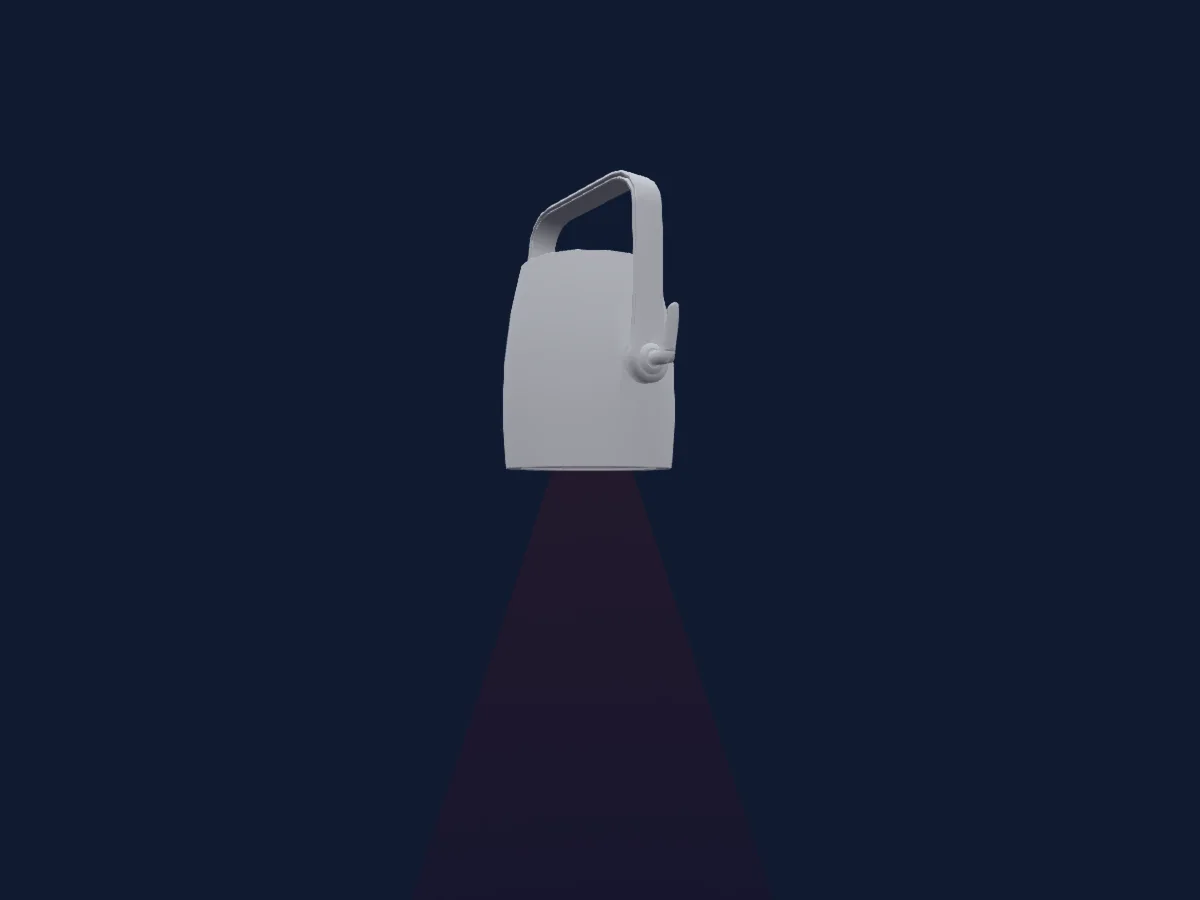
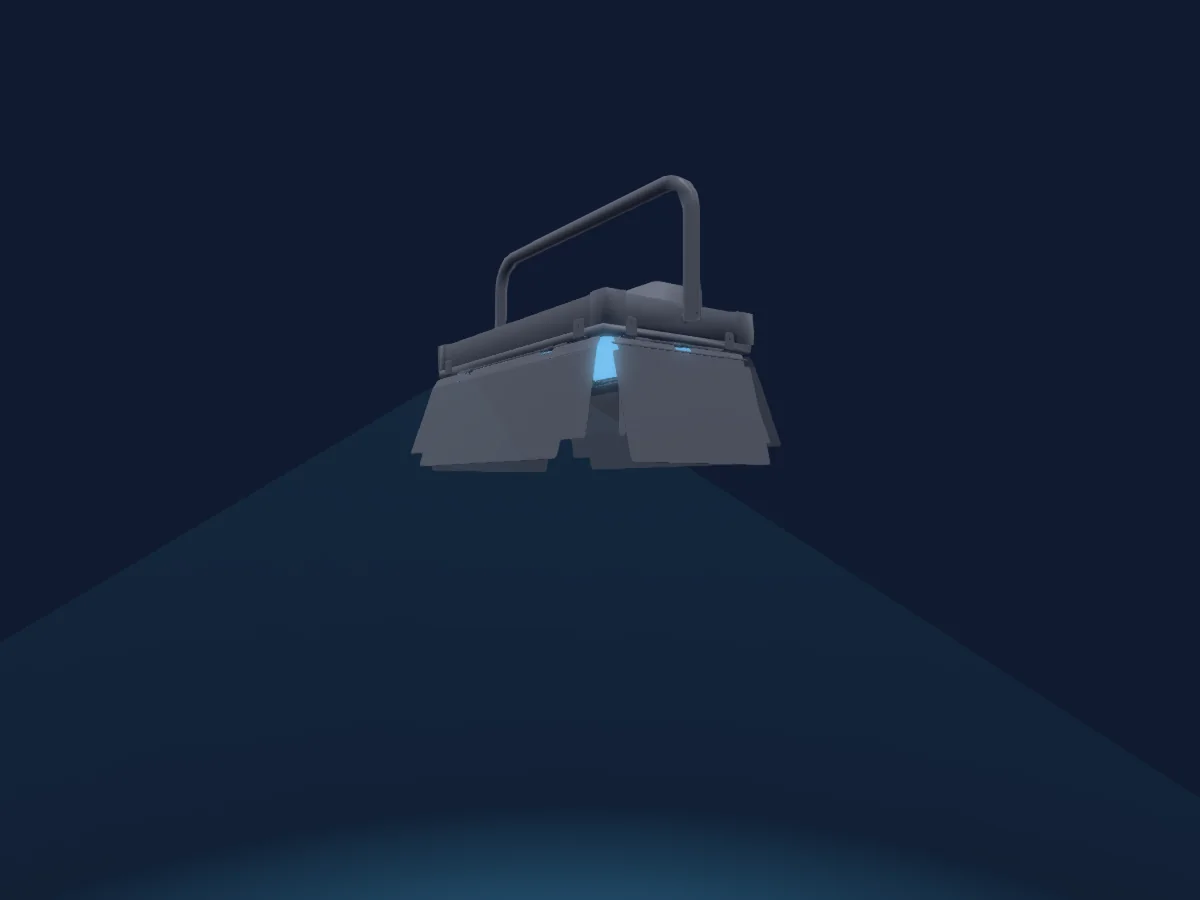
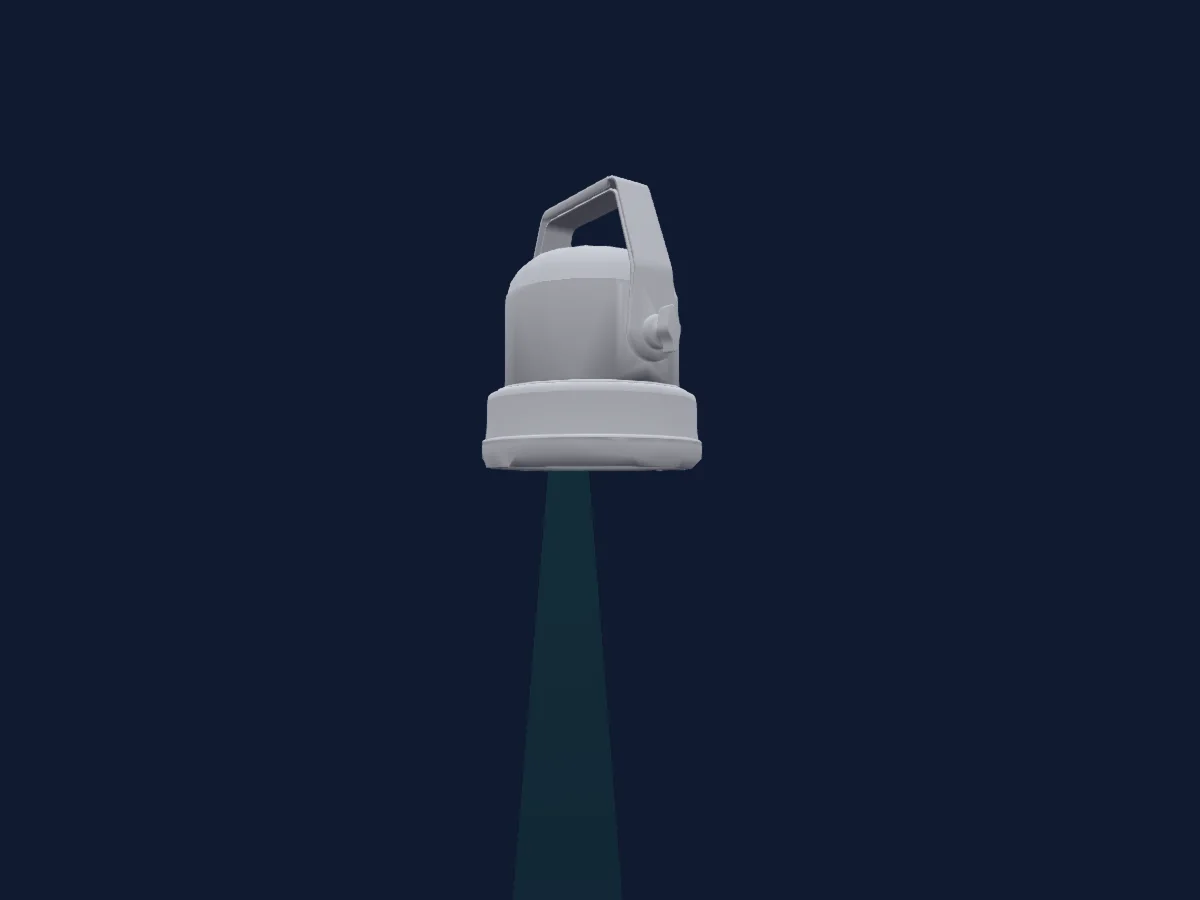
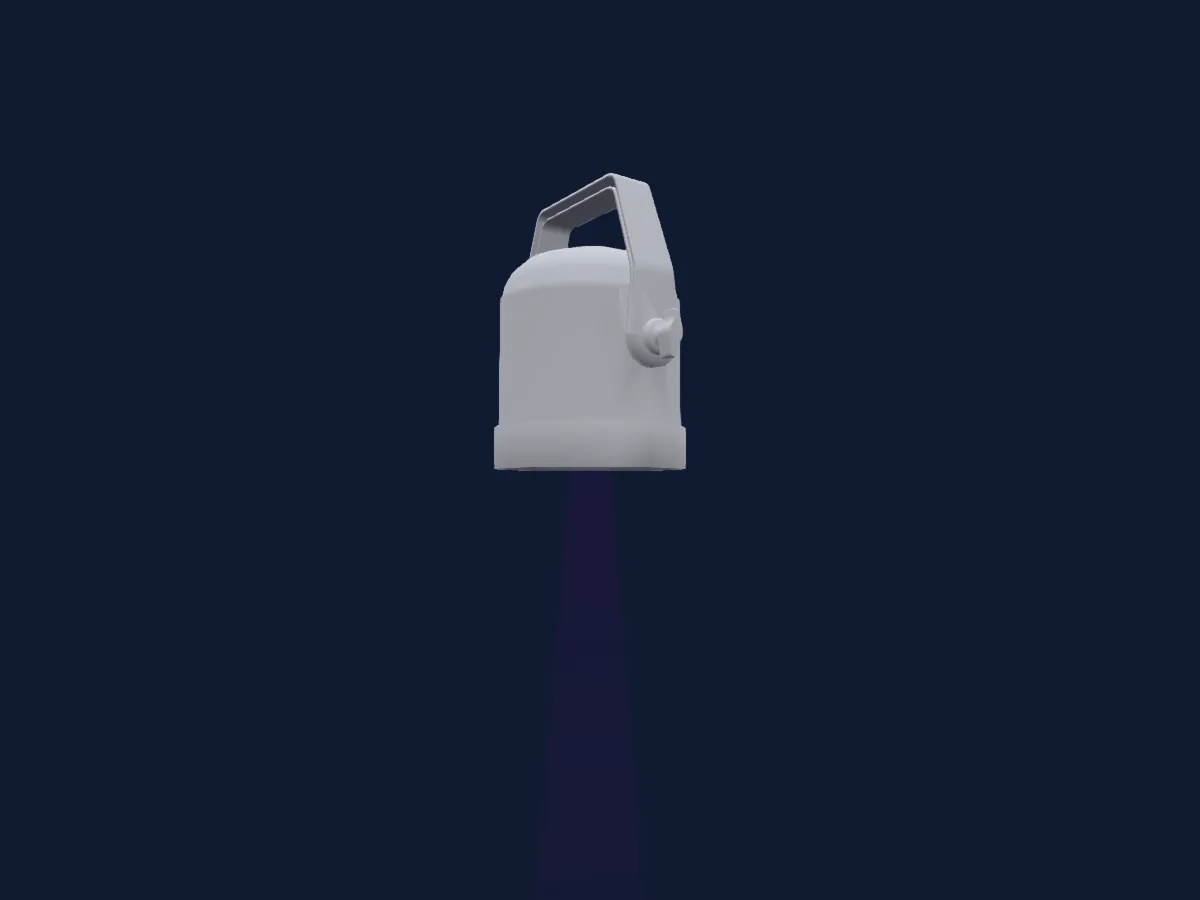
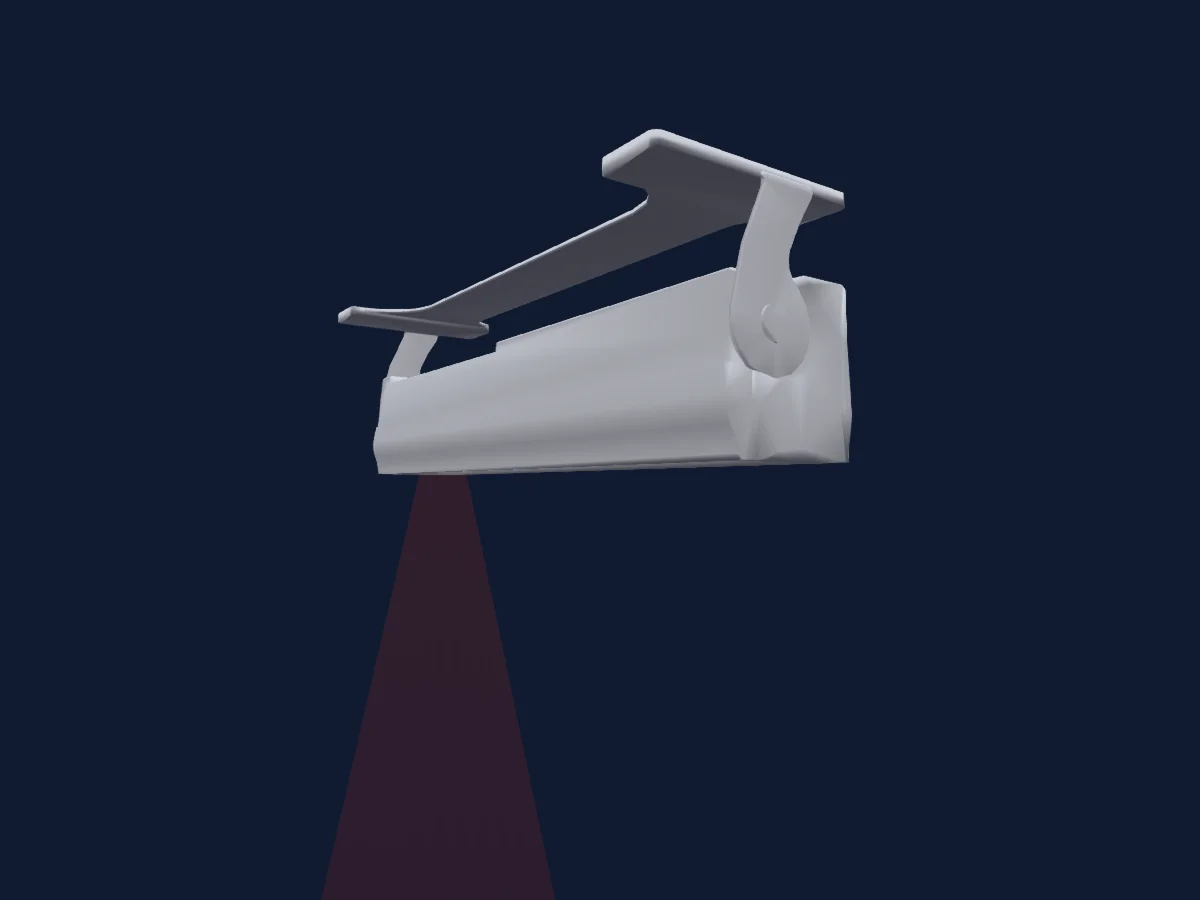
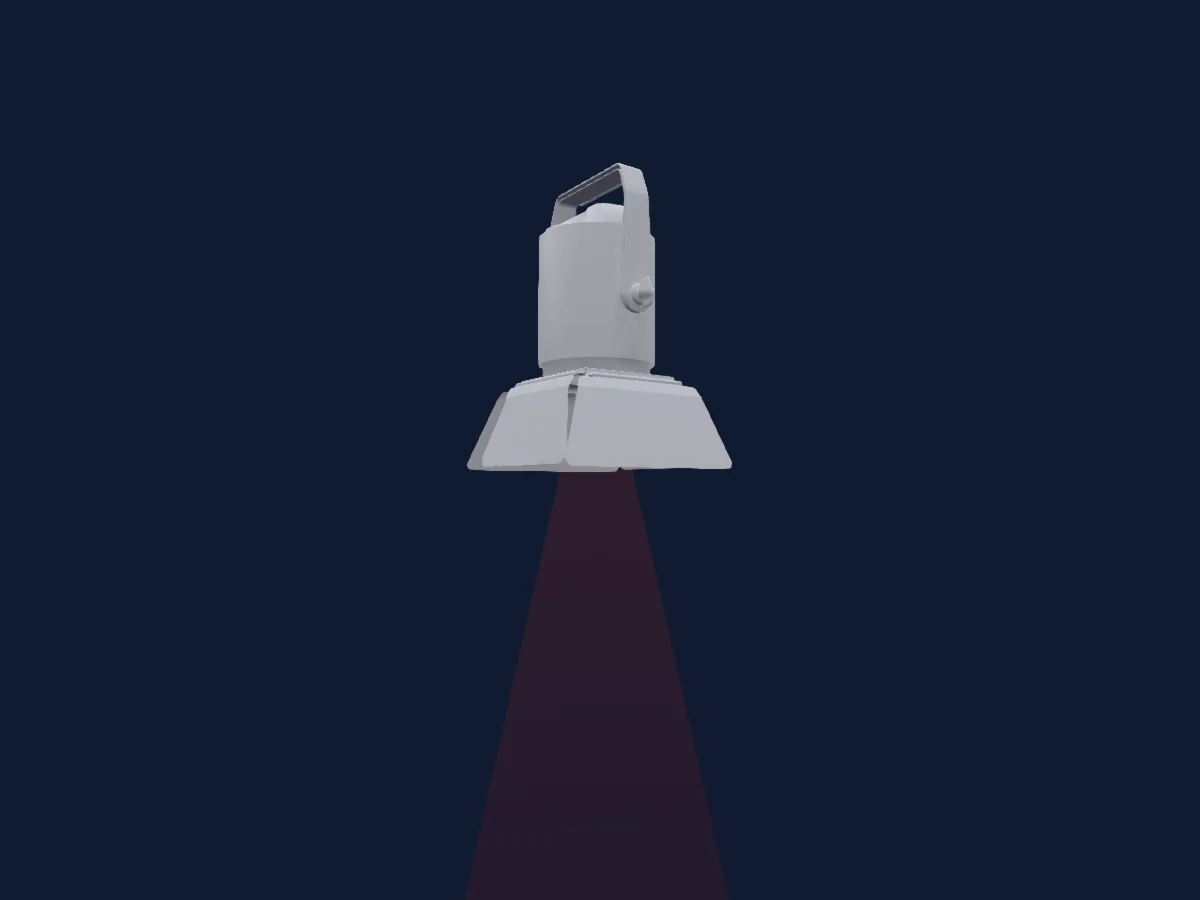
Tabela DMX, 4 modos DMX e prévia em 3D. 5 / 8 / 16 / 21 canais DMX.
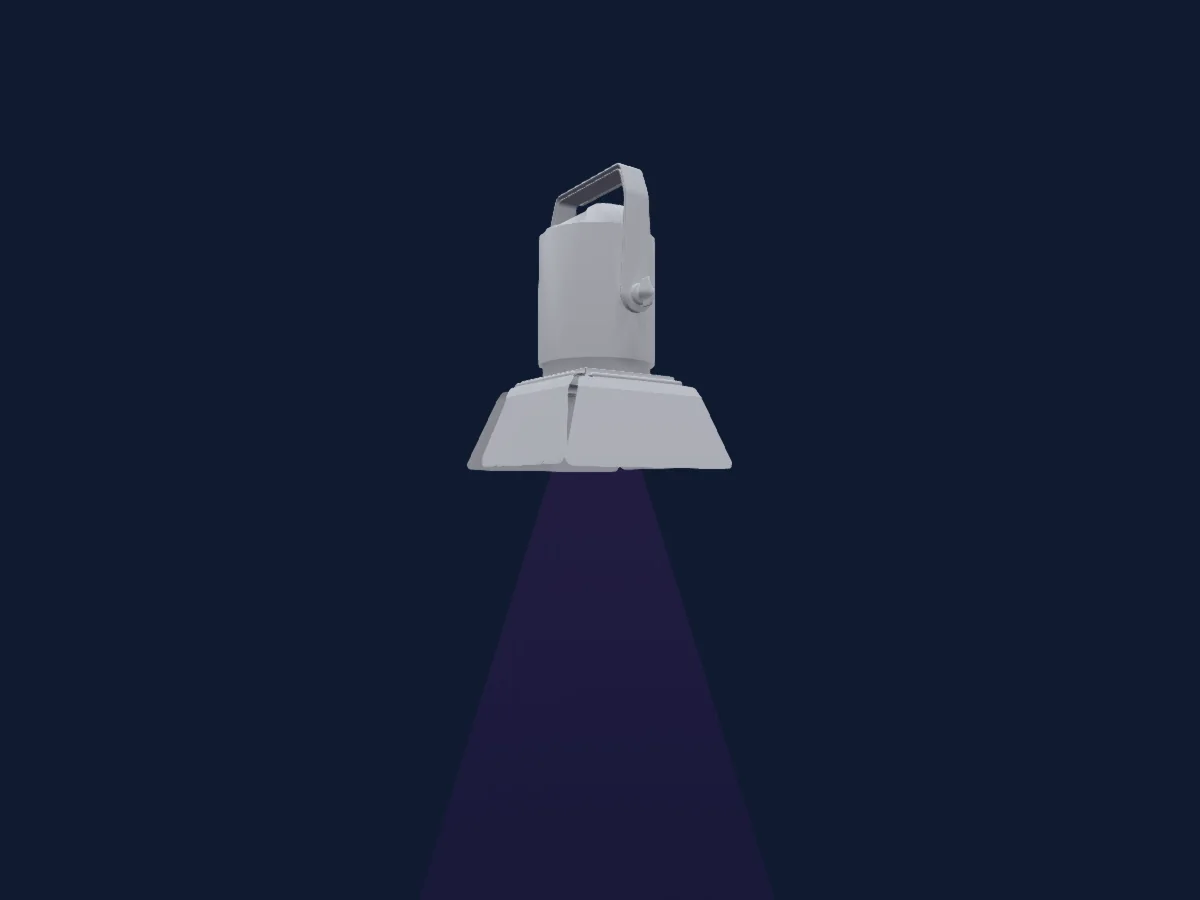
Terbly LPAR7QZ renderizado no HitLight

O que ele faz

  • Zoom
  • Cores de LED adicionais
  • Mistura de cores RGB
  • Roda de cores
  • Strobo
  • Dimmer
  • Controle de pixels

Funções relevantes para a segurança: Funções de manutenção. Confira como elas se comportam no seu refletor antes de um show.

Modos DMX e tabelas de canais

Modos DMX de Terbly LPAR7QZ
ModoCanaisNo HitLight
5Channel5Pronto no HitLight
8Channel8Pronto no HitLight
16Channel16Pronto no HitLight
21Channel21Pronto no HitLight

5Channel

Pronto no HitLight

5 canais DMX · Baixar esta tabela em CSV

Tabela de canais DMX de 5Channel
CanalFunçãoPadrãoValores DMX
1Red2550–255
2Green2550–255
3Blue2550–255
4White00–255
5Zoom128
3 faixas de valores
  • 0–127 narrow
  • 128–254 normal
  • 255–255 wide

8Channel

Pronto no HitLight

8 canais DMX · Baixar esta tabela em CSV

Tabela de canais DMX de 8Channel
CanalFunçãoPadrãoValores DMX
1Red2550–255
2Green2550–255
3Blue2550–255
4White00–255
5Shutter / Strobe63
11 faixas de valores
  • 0–31 Closed
  • 32–63 Open
  • 64–94 min Strobe
  • 95–95 max Strobe
  • 96–127 Open 2
  • 128–158 min Pulse
  • 159–159 max Pulse
  • 160–191 Open 3
  • 192–222 Random · min Rnd 1–24.2 Hz
  • 223–223 Random · maxRnd 25 Hz
  • 224–255 Open 4
6Dimmer00–255
7Zoom128
3 faixas de valores
  • 0–127 narrow
  • 128–254 normal
  • 255–255 wide
8Control10
12 faixas de valores
  • 0–79 Normal
  • 80–84 Reset all
  • 85–90 NoFeature
  • 91–93 Srore white balance enabled
  • 94–99 NoFeature
  • 100–119 Program 1
  • 120–139 Program 2
  • 140–159 Program 3
  • 160–179 Program 4
  • 180–199 Program 5
  • 200–219 Program 6
  • 220–255 Program 7

16Channel

Pronto no HitLight

16 canais DMX · Baixar esta tabela em CSV

Tabela de canais DMX de 16Channel
CanalFunçãoPadrãoValores DMX
1Red2550–255
2Green2550–255
3Blue2550–255
4White00–255
5Red2550–255
6Green2550–255
7Blue2550–255
8White00–255
9Color Macro10
9 faixas de valores
  • 0–7 No function
  • 8–39 Red to Yellow
  • 40–71 Yellow to Green
  • 72–103 Green to Cyan
  • 104–135 Cyan to Blue
  • 136–167 Blue to Magenta
  • 168–199 Magenta to Red
  • 200–231 Red to White
  • 232–255 Color Rainbow
10Color Wheel0
58 faixas de valores
  • 0–27 No function (wheel slot 1)
  • 28–31 Pink#12 (wheel slot 2)
  • 32–35 Pink#140 (wheel slot 3)
  • 36–39 Pink#15 (wheel slot 4)
  • 40–43 Pink#16 (wheel slot 5)
  • 44–47 Pink#17 (wheel slot 6)
  • 48–51 Pink#170 (wheel slot 7)
  • 52–55 Pink#18 (wheel slot 8)
  • 56–59 Red#20 (wheel slot 9)
  • 60–63 Red#21 (wheel slot 10)
  • 64–67 Red#22 (wheel slot 11)
  • 68–71 Red#24 (wheel slot 12)
  • 72–75 Red#26 (wheel slot 13)
  • 76–79 Amb#31 (wheel slot 14)
  • 80–83 Amb#33 (wheel slot 15)
  • 84–87 Amb#34 (wheel slot 16)
  • 88–91 Amb#35 (wheel slot 17)
  • 92–95 Amb#36 (wheel slot 18)
  • 96–99 Amb#37 (wheel slot 19)
  • 100–103 Amb#38 (wheel slot 20)
  • 104–107 Yell#40 (wheel slot 21)
  • 108–111 Yell#41 (wheel slot 22)
  • 112–115 Yell#43 (wheel slot 23)
  • 116–119 Yell#44 (wheel slot 24)
  • 120–123 Yell#45 (wheel slot 25)
  • 124–127 Yell#46 (wheel slot 26)
  • 128–131 Gree#52 (wheel slot 27)
  • 132–135 Gree#53 (wheel slot 28)
  • 136–139 Gree#54 (wheel slot 29)
  • 140–143 Gree#55 (wheel slot 30)
  • 144–147 Gree#560 (wheel slot 31)
  • 148–151 Gree#57 (wheel slot 32)
  • 152–155 Gree#58 (wheel slot 33)
  • 156–159 Gree#59 (wheel slot 34)
  • 160–163 BlGr#63 (wheel slot 35)
  • 164–167 BlGr#64 (wheel slot 36)
  • 168–171 BlGr#65 (wheel slot 37)
  • 172–175 BlGr#66 (wheel slot 38)
  • 176–179 BlGr#67 (wheel slot 39)
  • 180–183 Blue#700 (wheel slot 40)
  • 184–187 Blue#71 (wheel slot 41)
  • 188–191 Blue#72 (wheel slot 42)
  • 192–195 Blue#73 (wheel slot 43)
  • 196–199 Blue#74 (wheel slot 44)
  • 200–203 Blue#76 (wheel slot 45)
  • 204–207 Blue#77 (wheel slot 46)
  • 208–211 Blue#78 (wheel slot 47)
  • 212–215 Blue#780 (wheel slot 48)
  • 216–219 Blue#783 (wheel slot 49)
  • 220–223 Blue#79 (wheel slot 50)
  • 224–227 Perp#81 (wheel slot 51)
  • 228–231 Perp#830 (wheel slot 52)
  • 232–235 Perp#84 (wheel slot 53)
  • 236–239 Perp#85 (wheel slot 54)
  • 240–243 Perp#86 (wheel slot 55)
  • 244–247 Perp#87 (wheel slot 56)
  • 248–251 Perp#878 (wheel slot 57)
  • 252–255 Perp#88 (wheel slot 58)
11P OLYDim0
2 faixas de valores
  • 0–254 Open
  • 255–255 Closed
12P OLYFade00–255
13Shutter / Strobe31
7 faixas de valores
  • 0–31 Open
  • 32–126 min Strobe
  • 127–127 max Strobe
  • 128–189 Random 1 · min Rnd 1–24.6 Hz
  • 190–190 Random 1 · max Rnd 25 Hz
  • 191–254 min Pulse
  • 255–255 max Pulse
14Dimmer00–255
15Zoom128
3 faixas de valores
  • 0–127 narrow
  • 128–254 normal
  • 255–255 wide
16Control10
12 faixas de valores
  • 0–79 Normal
  • 80–84 Reset all
  • 85–90 NoFeature
  • 91–93 Srore white balance enabled
  • 94–99 NoFeature
  • 100–119 Program 1
  • 120–139 Program 2
  • 140–159 Program 3
  • 160–179 Program 4
  • 180–199 Program 5
  • 200–219 Program 6
  • 220–255 Program 7

21Channel

Pronto no HitLight

21 canais DMX · Baixar esta tabela em CSV

Tabela de canais DMX de 21Channel
CanalFunçãoPadrãoValores DMX
1Red2550–255
2Green2550–255
3Blue2550–255
4White00–255
5Red2550–255
6Green2550–255
7Blue2550–255
8White00–255
9Color Macro10
9 faixas de valores
  • 0–7 No function
  • 8–39 Red to Yellow
  • 40–71 Yellow to Green
  • 72–103 Green to Cyan
  • 104–135 Cyan to Blue
  • 136–167 Blue to Magenta
  • 168–199 Magenta to Red
  • 200–231 Red to White
  • 232–255 Color Rainbow
10Color Wheel0
34 faixas de valores
  • 0–24 No function (wheel slot 1)
  • 25–31 Moroccan Pink (wheel slot 2)
  • 32–38 Pink (wheel slot 3)
  • 39–45 Special rose Pink (wheel slot 4)
  • 46–52 Follies Pink (wheel slot 5)
  • 53–59 Fushsia Pink (wheel slot 6)
  • 60–66 Surprise Pink (wheel slot 7)
  • 67–73 Congo Blue (wheel slot 8)
  • 74–80 Tokyo Blue (wheel slot 9)
  • 81–87 Deep Blue (wheel slot 10)
  • 88–94 Just Blue (wheel slot 11)
  • 95–101 Medium Blue (wheel slot 12)
  • 102–108 Double CT Blue (wheel slot 13)
  • 109–115 State Blue (wheel slot 14)
  • 116–122 Full CT Blue (wheel slot 15)
  • 123–129 Half CT Blue (wheel slot 16)
  • 130–136 Steel Blue (wheel slot 17)
  • 137–143 Lighter Blue (wheel slot 18)
  • 144–150 Light Blue (wheel slot 19)
  • 151–157 Medium Blue Green (wheel slot 20)
  • 158–164 Dark Green (wheel slot 21)
  • 165–171 Primary Green (wheel slot 22)
  • 172–178 Moss Green (wheel slot 23)
  • 179–185 Fern Green (wheel slot 24)
  • 186–192 JAS Green (wheel slot 25)
  • 193–199 Lime Green (wheel slot 26)
  • 200–206 Spring Yellow (wheel slot 27)
  • 207–213 Deep Amber (wheel slot 28)
  • 214–220 Chrome Orange (wheel slot 29)
  • 221–227 Orange (wheel slot 30)
  • 228–234 Gold Amber (wheel slot 31)
  • 235–241 Millennium Gold (wheel slot 32)
  • 242–248 Deep Golden Amber (wheel slot 33)
  • 249–255 Flame Red (wheel slot 34)
11Color Wheel 20
58 faixas de valores
  • 0–27 No function (wheel slot 1)
  • 28–31 Pink#12 (wheel slot 2)
  • 32–35 Pink#140 (wheel slot 3)
  • 36–39 Pink#15 (wheel slot 4)
  • 40–43 Pink#16 (wheel slot 5)
  • 44–47 Pink#17 (wheel slot 6)
  • 48–51 Pink#170 (wheel slot 7)
  • 52–55 Pink#18 (wheel slot 8)
  • 56–59 Red#20 (wheel slot 9)
  • 60–63 Red#21 (wheel slot 10)
  • 64–67 Red#22 (wheel slot 11)
  • 68–71 Red#24 (wheel slot 12)
  • 72–75 Red#26 (wheel slot 13)
  • 76–79 Amb#31 (wheel slot 14)
  • 80–83 Amb#33 (wheel slot 15)
  • 84–87 Amb#34 (wheel slot 16)
  • 88–91 Amb#35 (wheel slot 17)
  • 92–95 Amb#36 (wheel slot 18)
  • 96–99 Amb#37 (wheel slot 19)
  • 100–103 Amb#38 (wheel slot 20)
  • 104–107 Yell#40 (wheel slot 21)
  • 108–111 Yell#41 (wheel slot 22)
  • 112–115 Yell#43 (wheel slot 23)
  • 116–119 Yell#44 (wheel slot 24)
  • 120–123 Yell#45 (wheel slot 25)
  • 124–127 Yell#46 (wheel slot 26)
  • 128–131 Gree#52 (wheel slot 27)
  • 132–135 Gree#53 (wheel slot 28)
  • 136–139 Gree#54 (wheel slot 29)
  • 140–143 Gree#55 (wheel slot 30)
  • 144–147 Gree#560 (wheel slot 31)
  • 148–151 Gree#57 (wheel slot 32)
  • 152–155 Gree#58 (wheel slot 33)
  • 156–159 Gree#59 (wheel slot 34)
  • 160–163 BlGr#63 (wheel slot 35)
  • 164–167 BlGr#64 (wheel slot 36)
  • 168–171 BlGr#65 (wheel slot 37)
  • 172–175 BlGr#66 (wheel slot 38)
  • 176–179 BlGr#67 (wheel slot 39)
  • 180–183 Blue#700 (wheel slot 40)
  • 184–187 Blue#71 (wheel slot 41)
  • 188–191 Blue#72 (wheel slot 42)
  • 192–195 Blue#73 (wheel slot 43)
  • 196–199 Blue#74 (wheel slot 44)
  • 200–203 Blue#76 (wheel slot 45)
  • 204–207 Blue#77 (wheel slot 46)
  • 208–211 Blue#78 (wheel slot 47)
  • 212–215 Blue#780 (wheel slot 48)
  • 216–219 Blue#783 (wheel slot 49)
  • 220–223 Blue#79 (wheel slot 50)
  • 224–227 Perp#81 (wheel slot 51)
  • 228–231 Perp#830 (wheel slot 52)
  • 232–235 Perp#84 (wheel slot 53)
  • 236–239 Perp#85 (wheel slot 54)
  • 240–243 Perp#86 (wheel slot 55)
  • 244–247 Perp#87 (wheel slot 56)
  • 248–251 Perp#878 (wheel slot 57)
  • 252–255 Perp#88 (wheel slot 58)
12P OLYDim0
2 faixas de valores
  • 0–254 Open
  • 255–255 Closed
13P OLYFade00–255
14Color30
14 faixas de valores
  • 0–10 No function (wheel slot 1)
  • 11–20 White2300k/A5 (wheel slot 2)
  • 21–30 White2500k/A4 (wheel slot 3)
  • 31–40 White2600k/A3 (wheel slot 4)
  • 41–50 White2900k/A2 (wheel slot 5)
  • 51–60 White3000k/A1 (wheel slot 6)
  • 61–70 White3050k/TV White (wheel slot 7)
  • 71–80 White3200k/A0 (wheel slot 8)
  • 81–90 White3400k/B1 (wheel slot 9)
  • 91–100 White3600k/B2 (wheel slot 10)
  • 101–110 White4000k/B3 (wheel slot 11)
  • 111–120 White5000k/B4 (wheel slot 12)
  • 121–130 White6000k/B5 (wheel slot 13)
  • 131–255 White7000k/B6 (wheel slot 14)
15Preset Dim0
2 faixas de valores
  • 0–254 Open
  • 255–255 Closed
16Shutter / Strobe31
7 faixas de valores
  • 0–31 Open
  • 32–126 min Strobe
  • 127–127 max Strobe
  • 128–189 Random 1 · min Rnd 1–24.6 Hz
  • 190–190 Random 1 · max Rnd 25 Hz
  • 191–254 min Pulse
  • 255–255 max Pulse
17Dimmer00–255
18Fan Mode0
4 faixas de valores
  • 0–20 Default
  • 21–40 Auto
  • 41–60 Full
  • 61–255 Theatre
19Color Calibration Mode0
3 faixas de valores
  • 0–189 No function
  • 190–254 Edit a new white balance
  • 255–255 Store a new white balance
20Zoom128
3 faixas de valores
  • 0–127 narrow
  • 128–254 normal
  • 255–255 wide
21Control10
12 faixas de valores
  • 0–79 Normal
  • 80–84 Reset all
  • 85–90 NoFeature
  • 91–93 Srore white balance enabled
  • 94–99 NoFeature
  • 100–119 Program 1
  • 120–139 Program 2
  • 140–159 Program 3
  • 160–179 Program 4
  • 180–199 Program 5
  • 200–219 Program 6
  • 220–255 Program 7

Usar Terbly LPAR7QZ no HitLight

  1. Abra Adicionar refletor e procure Terbly LPAR7QZ.
  2. Escolha o modo DMX configurado no menu do próprio refletor. O HitLight atribui a ele o menor endereço inicial livre do universo que comporta a quantidade de canais do modo.
  3. Confira o modo e os controles no seu refletor real antes de usar ao vivo.

As tabelas vêm da descrição GDTF do refletor, convertida para a biblioteca do HitLight. O HitLight não tem vínculo com a Terbly.

Faça o patch e deixe a música comandar as luzes.

O HitLight encontra esses refletores na biblioteca, faz o patch no próximo endereço livre e mostra seu rig em 3D antes de você ligar uma única luz.

Abrir HitLight ↗Baixar o HitLight