Aller au contenu
HitLight
Terbly · Projecteur à effets

Terbly LPAR7QZ

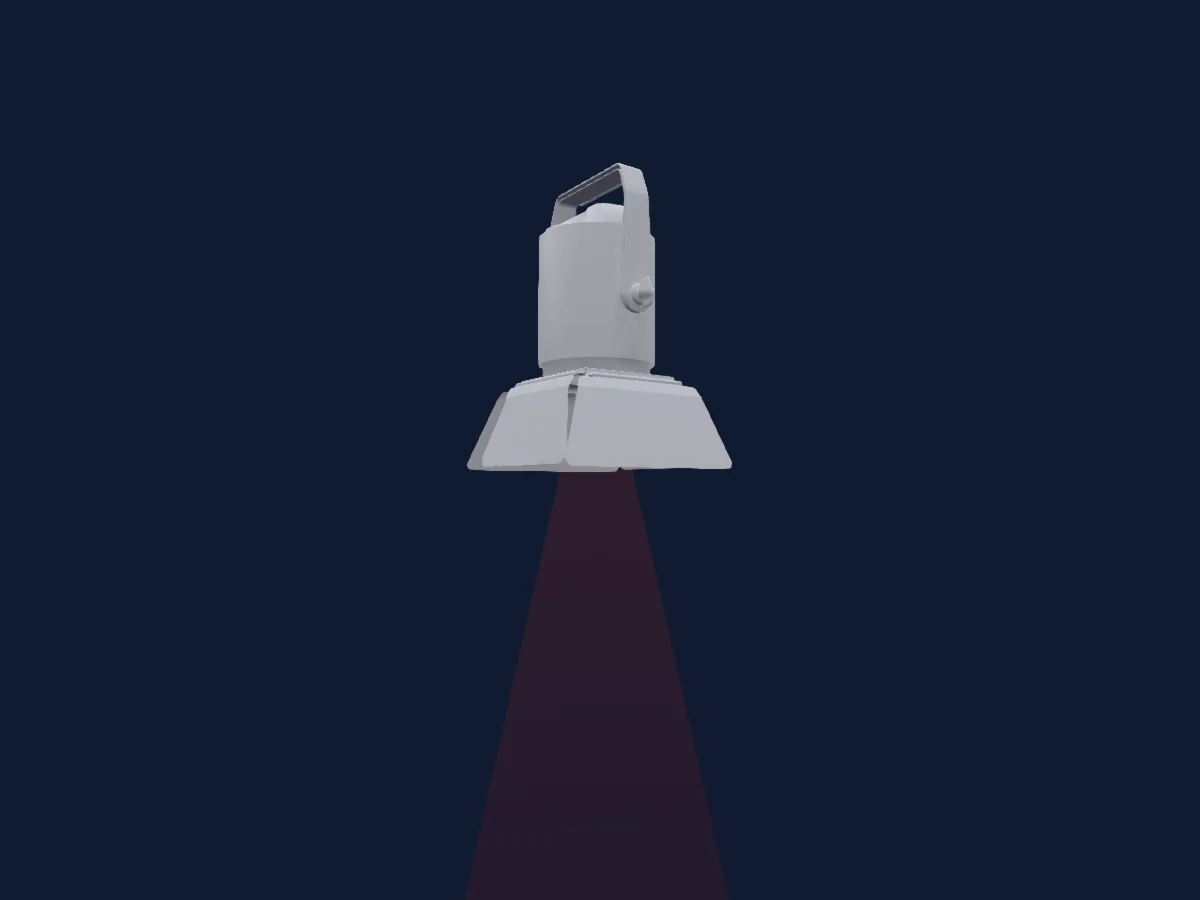
Tableau DMX, 4 modes DMX et aperçu 3D. 5 / 8 / 16 / 21 canaux DMX.
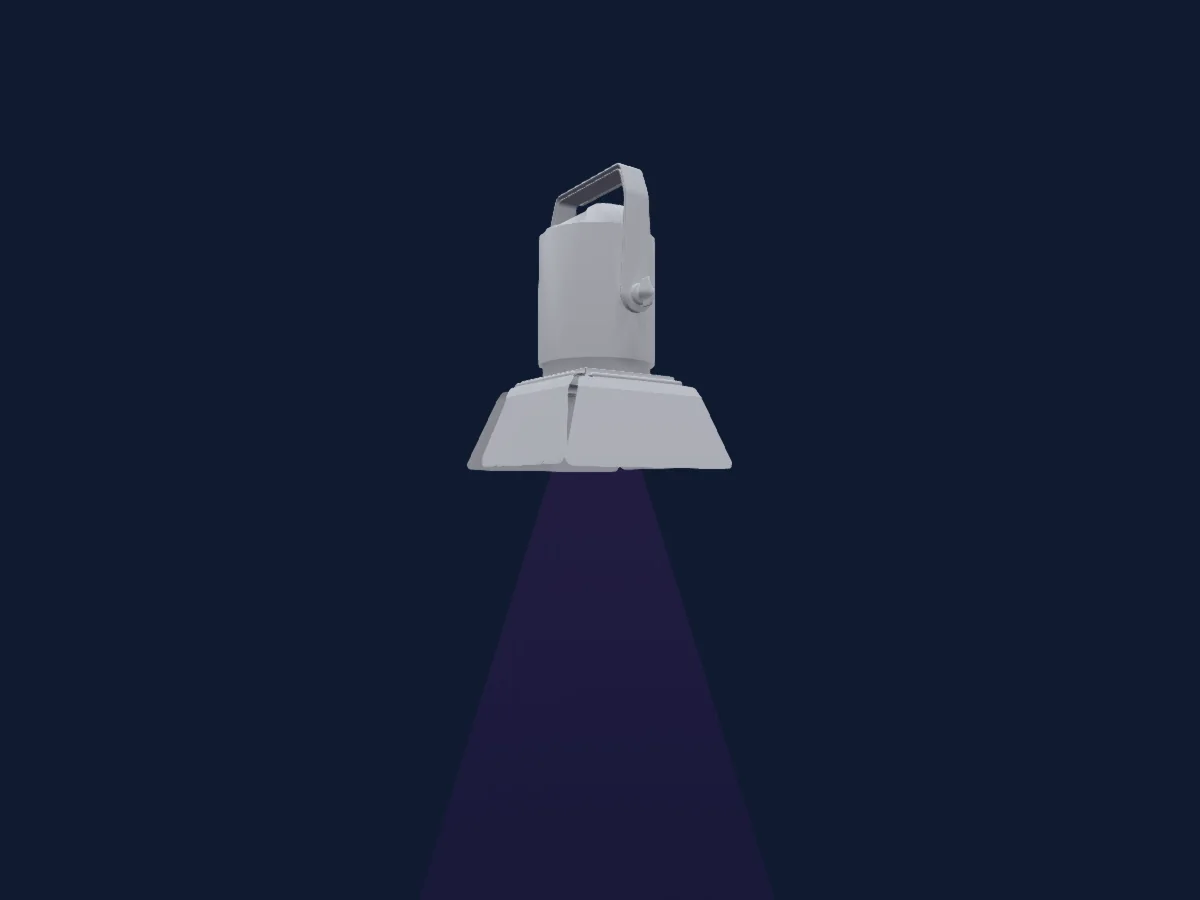
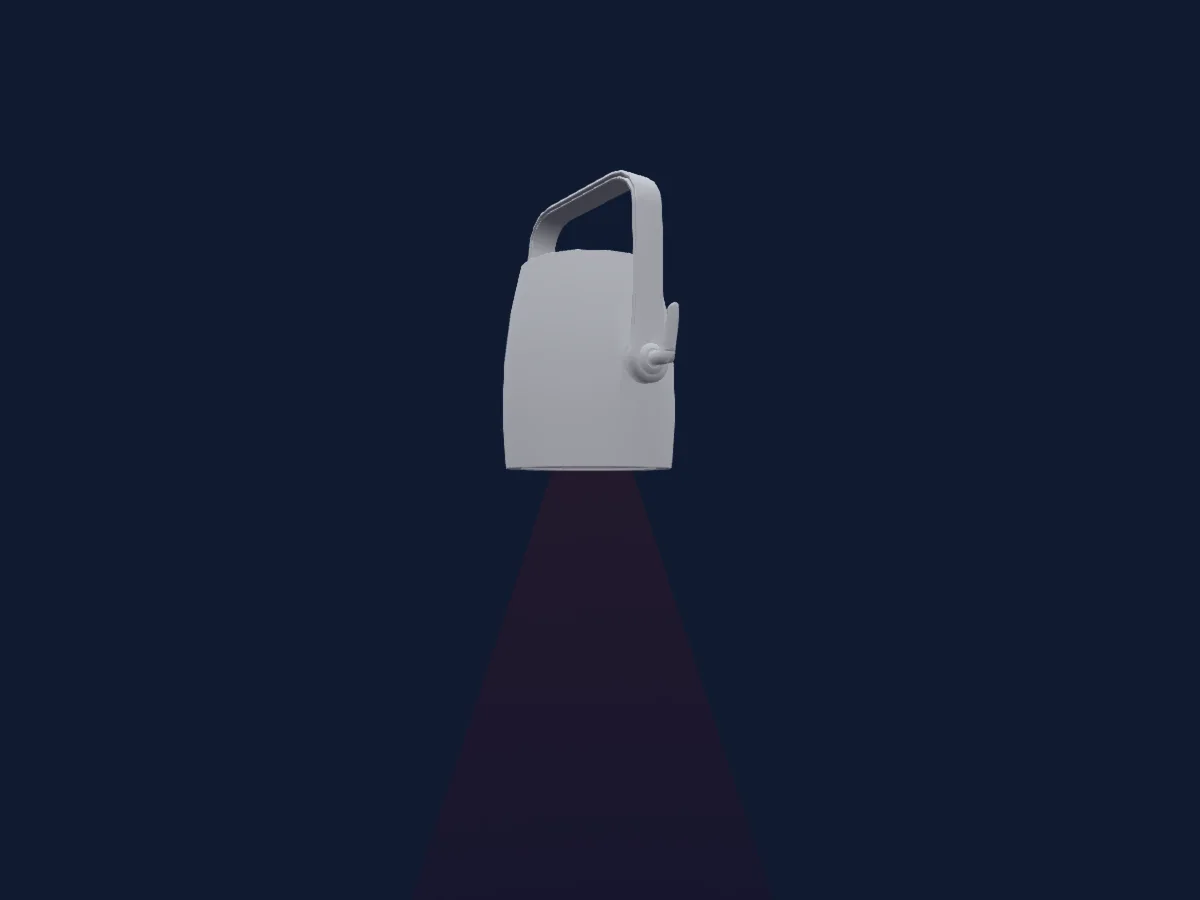
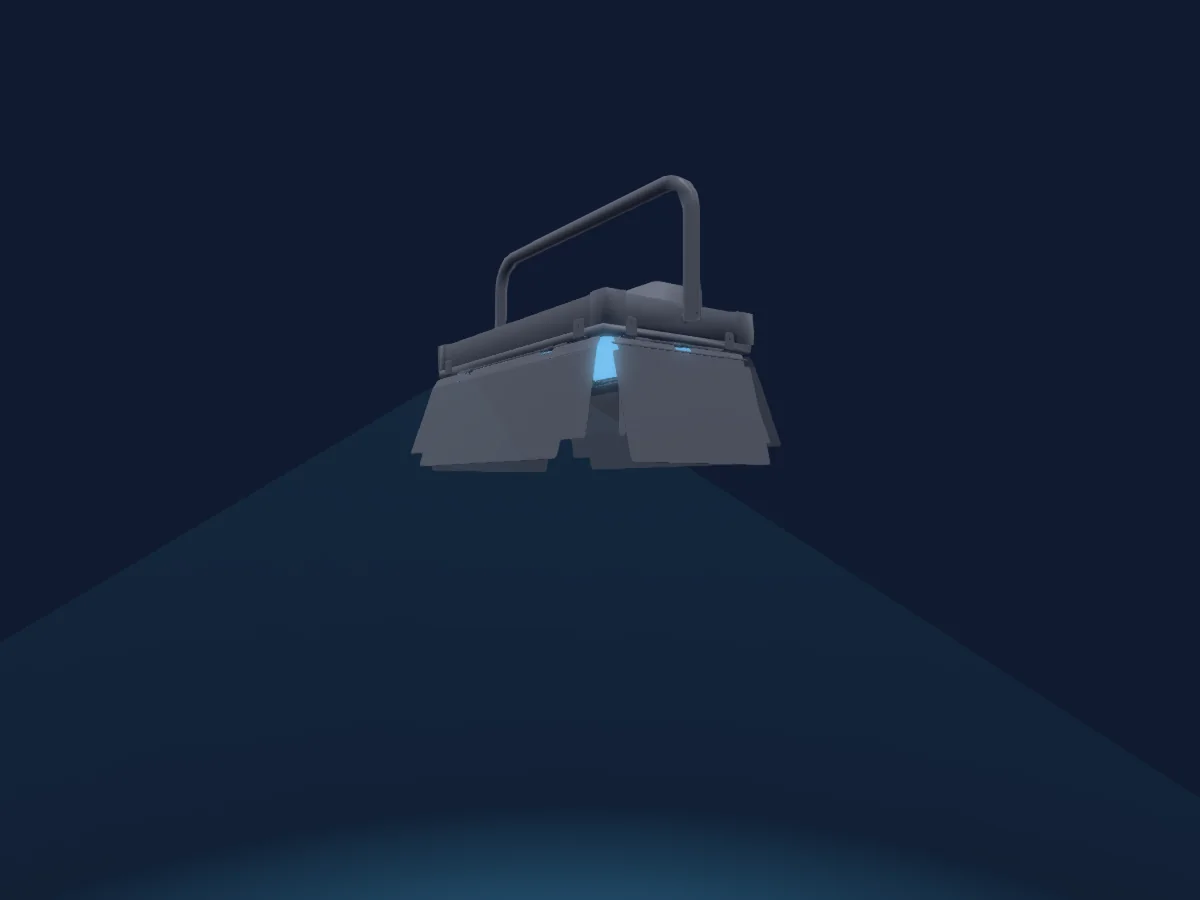
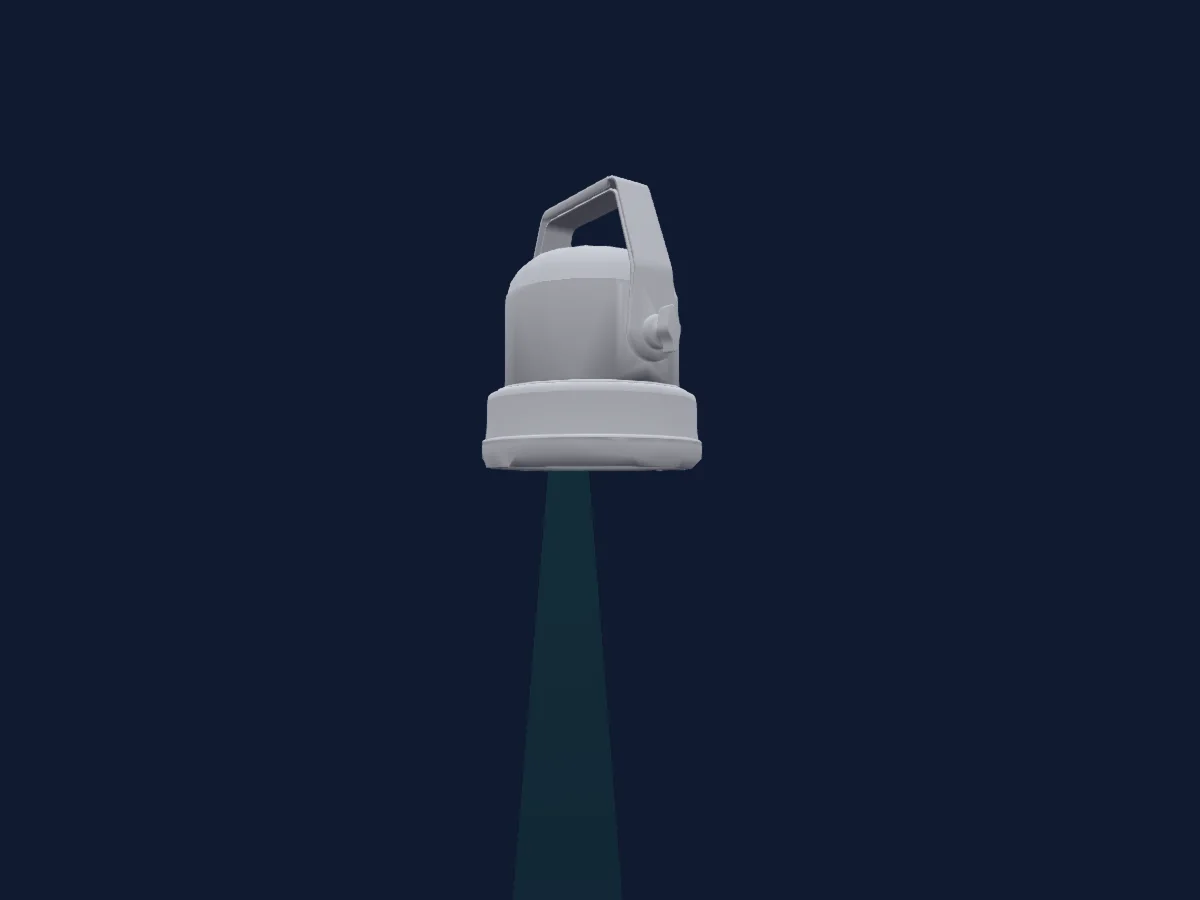
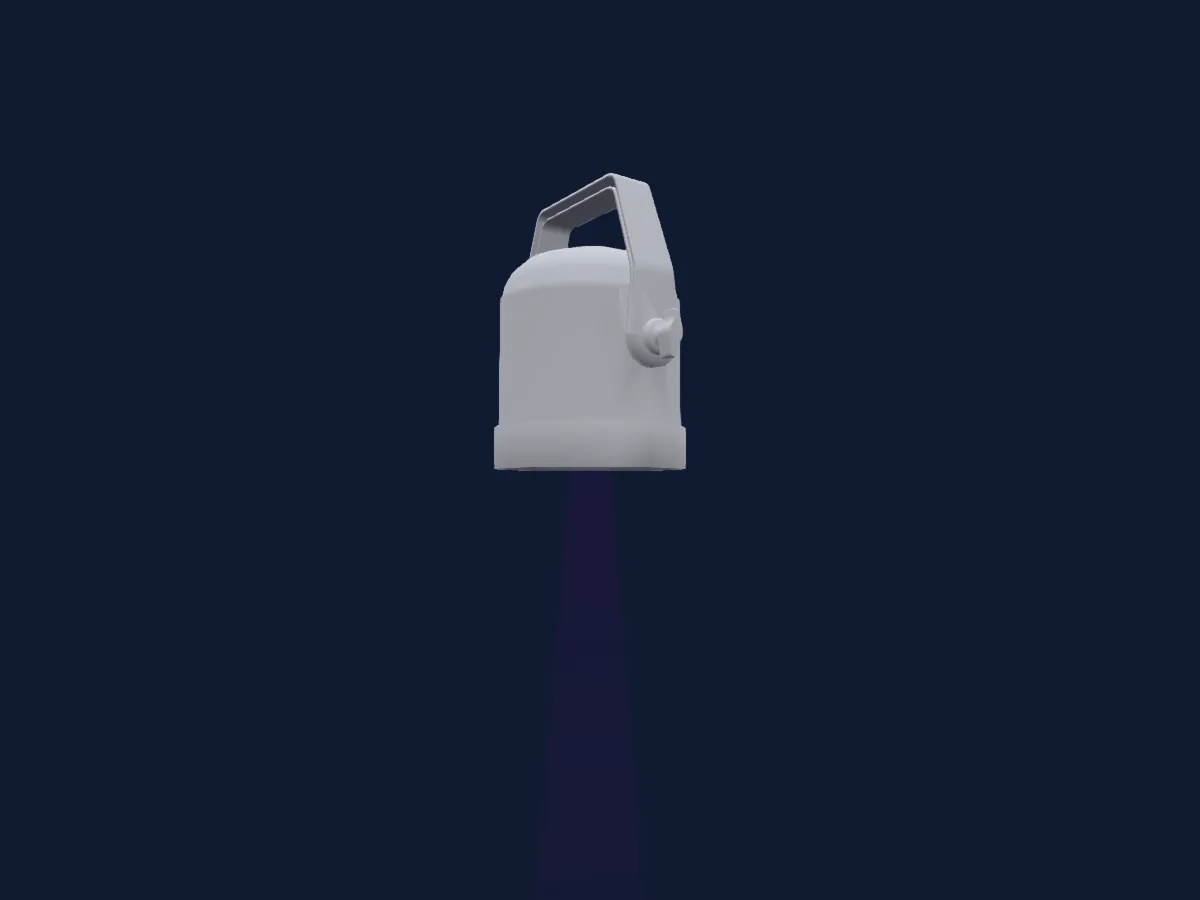
Terbly LPAR7QZ rendu dans HitLight

Ce qu’il sait faire

  • Zoom
  • Couleurs LED supplémentaires
  • Mélange de couleurs RVB
  • Roue de couleurs
  • Stroboscope
  • Intensité
  • Contrôle des pixels

Fonctions liées à la sécurité: Fonctions de maintenance. Vérifiez leur comportement sur votre propre projecteur avant un spectacle.

Modes DMX et tableaux de canaux

Modes DMX de Terbly LPAR7QZ
ModeCanauxDans HitLight
5Channel5Prêt dans HitLight
8Channel8Prêt dans HitLight
16Channel16Prêt dans HitLight
21Channel21Prêt dans HitLight

5Channel

Prêt dans HitLight

5 canaux DMX · Télécharger ce tableau en CSV

Tableau des canaux DMX de 5Channel
CanalFonctionPar défautValeurs DMX
1Red2550–255
2Green2550–255
3Blue2550–255
4White00–255
5Zoom128
3 plages de valeurs
  • 0–127 narrow
  • 128–254 normal
  • 255–255 wide

8Channel

Prêt dans HitLight

8 canaux DMX · Télécharger ce tableau en CSV

Tableau des canaux DMX de 8Channel
CanalFonctionPar défautValeurs DMX
1Red2550–255
2Green2550–255
3Blue2550–255
4White00–255
5Shutter / Strobe63
11 plages de valeurs
  • 0–31 Closed
  • 32–63 Open
  • 64–94 min Strobe
  • 95–95 max Strobe
  • 96–127 Open 2
  • 128–158 min Pulse
  • 159–159 max Pulse
  • 160–191 Open 3
  • 192–222 Random · min Rnd 1–24.2 Hz
  • 223–223 Random · maxRnd 25 Hz
  • 224–255 Open 4
6Dimmer00–255
7Zoom128
3 plages de valeurs
  • 0–127 narrow
  • 128–254 normal
  • 255–255 wide
8Control10
12 plages de valeurs
  • 0–79 Normal
  • 80–84 Reset all
  • 85–90 NoFeature
  • 91–93 Srore white balance enabled
  • 94–99 NoFeature
  • 100–119 Program 1
  • 120–139 Program 2
  • 140–159 Program 3
  • 160–179 Program 4
  • 180–199 Program 5
  • 200–219 Program 6
  • 220–255 Program 7

16Channel

Prêt dans HitLight

16 canaux DMX · Télécharger ce tableau en CSV

Tableau des canaux DMX de 16Channel
CanalFonctionPar défautValeurs DMX
1Red2550–255
2Green2550–255
3Blue2550–255
4White00–255
5Red2550–255
6Green2550–255
7Blue2550–255
8White00–255
9Color Macro10
9 plages de valeurs
  • 0–7 No function
  • 8–39 Red to Yellow
  • 40–71 Yellow to Green
  • 72–103 Green to Cyan
  • 104–135 Cyan to Blue
  • 136–167 Blue to Magenta
  • 168–199 Magenta to Red
  • 200–231 Red to White
  • 232–255 Color Rainbow
10Color Wheel0
58 plages de valeurs
  • 0–27 No function (wheel slot 1)
  • 28–31 Pink#12 (wheel slot 2)
  • 32–35 Pink#140 (wheel slot 3)
  • 36–39 Pink#15 (wheel slot 4)
  • 40–43 Pink#16 (wheel slot 5)
  • 44–47 Pink#17 (wheel slot 6)
  • 48–51 Pink#170 (wheel slot 7)
  • 52–55 Pink#18 (wheel slot 8)
  • 56–59 Red#20 (wheel slot 9)
  • 60–63 Red#21 (wheel slot 10)
  • 64–67 Red#22 (wheel slot 11)
  • 68–71 Red#24 (wheel slot 12)
  • 72–75 Red#26 (wheel slot 13)
  • 76–79 Amb#31 (wheel slot 14)
  • 80–83 Amb#33 (wheel slot 15)
  • 84–87 Amb#34 (wheel slot 16)
  • 88–91 Amb#35 (wheel slot 17)
  • 92–95 Amb#36 (wheel slot 18)
  • 96–99 Amb#37 (wheel slot 19)
  • 100–103 Amb#38 (wheel slot 20)
  • 104–107 Yell#40 (wheel slot 21)
  • 108–111 Yell#41 (wheel slot 22)
  • 112–115 Yell#43 (wheel slot 23)
  • 116–119 Yell#44 (wheel slot 24)
  • 120–123 Yell#45 (wheel slot 25)
  • 124–127 Yell#46 (wheel slot 26)
  • 128–131 Gree#52 (wheel slot 27)
  • 132–135 Gree#53 (wheel slot 28)
  • 136–139 Gree#54 (wheel slot 29)
  • 140–143 Gree#55 (wheel slot 30)
  • 144–147 Gree#560 (wheel slot 31)
  • 148–151 Gree#57 (wheel slot 32)
  • 152–155 Gree#58 (wheel slot 33)
  • 156–159 Gree#59 (wheel slot 34)
  • 160–163 BlGr#63 (wheel slot 35)
  • 164–167 BlGr#64 (wheel slot 36)
  • 168–171 BlGr#65 (wheel slot 37)
  • 172–175 BlGr#66 (wheel slot 38)
  • 176–179 BlGr#67 (wheel slot 39)
  • 180–183 Blue#700 (wheel slot 40)
  • 184–187 Blue#71 (wheel slot 41)
  • 188–191 Blue#72 (wheel slot 42)
  • 192–195 Blue#73 (wheel slot 43)
  • 196–199 Blue#74 (wheel slot 44)
  • 200–203 Blue#76 (wheel slot 45)
  • 204–207 Blue#77 (wheel slot 46)
  • 208–211 Blue#78 (wheel slot 47)
  • 212–215 Blue#780 (wheel slot 48)
  • 216–219 Blue#783 (wheel slot 49)
  • 220–223 Blue#79 (wheel slot 50)
  • 224–227 Perp#81 (wheel slot 51)
  • 228–231 Perp#830 (wheel slot 52)
  • 232–235 Perp#84 (wheel slot 53)
  • 236–239 Perp#85 (wheel slot 54)
  • 240–243 Perp#86 (wheel slot 55)
  • 244–247 Perp#87 (wheel slot 56)
  • 248–251 Perp#878 (wheel slot 57)
  • 252–255 Perp#88 (wheel slot 58)
11P OLYDim0
2 plages de valeurs
  • 0–254 Open
  • 255–255 Closed
12P OLYFade00–255
13Shutter / Strobe31
7 plages de valeurs
  • 0–31 Open
  • 32–126 min Strobe
  • 127–127 max Strobe
  • 128–189 Random 1 · min Rnd 1–24.6 Hz
  • 190–190 Random 1 · max Rnd 25 Hz
  • 191–254 min Pulse
  • 255–255 max Pulse
14Dimmer00–255
15Zoom128
3 plages de valeurs
  • 0–127 narrow
  • 128–254 normal
  • 255–255 wide
16Control10
12 plages de valeurs
  • 0–79 Normal
  • 80–84 Reset all
  • 85–90 NoFeature
  • 91–93 Srore white balance enabled
  • 94–99 NoFeature
  • 100–119 Program 1
  • 120–139 Program 2
  • 140–159 Program 3
  • 160–179 Program 4
  • 180–199 Program 5
  • 200–219 Program 6
  • 220–255 Program 7

21Channel

Prêt dans HitLight

21 canaux DMX · Télécharger ce tableau en CSV

Tableau des canaux DMX de 21Channel
CanalFonctionPar défautValeurs DMX
1Red2550–255
2Green2550–255
3Blue2550–255
4White00–255
5Red2550–255
6Green2550–255
7Blue2550–255
8White00–255
9Color Macro10
9 plages de valeurs
  • 0–7 No function
  • 8–39 Red to Yellow
  • 40–71 Yellow to Green
  • 72–103 Green to Cyan
  • 104–135 Cyan to Blue
  • 136–167 Blue to Magenta
  • 168–199 Magenta to Red
  • 200–231 Red to White
  • 232–255 Color Rainbow
10Color Wheel0
34 plages de valeurs
  • 0–24 No function (wheel slot 1)
  • 25–31 Moroccan Pink (wheel slot 2)
  • 32–38 Pink (wheel slot 3)
  • 39–45 Special rose Pink (wheel slot 4)
  • 46–52 Follies Pink (wheel slot 5)
  • 53–59 Fushsia Pink (wheel slot 6)
  • 60–66 Surprise Pink (wheel slot 7)
  • 67–73 Congo Blue (wheel slot 8)
  • 74–80 Tokyo Blue (wheel slot 9)
  • 81–87 Deep Blue (wheel slot 10)
  • 88–94 Just Blue (wheel slot 11)
  • 95–101 Medium Blue (wheel slot 12)
  • 102–108 Double CT Blue (wheel slot 13)
  • 109–115 State Blue (wheel slot 14)
  • 116–122 Full CT Blue (wheel slot 15)
  • 123–129 Half CT Blue (wheel slot 16)
  • 130–136 Steel Blue (wheel slot 17)
  • 137–143 Lighter Blue (wheel slot 18)
  • 144–150 Light Blue (wheel slot 19)
  • 151–157 Medium Blue Green (wheel slot 20)
  • 158–164 Dark Green (wheel slot 21)
  • 165–171 Primary Green (wheel slot 22)
  • 172–178 Moss Green (wheel slot 23)
  • 179–185 Fern Green (wheel slot 24)
  • 186–192 JAS Green (wheel slot 25)
  • 193–199 Lime Green (wheel slot 26)
  • 200–206 Spring Yellow (wheel slot 27)
  • 207–213 Deep Amber (wheel slot 28)
  • 214–220 Chrome Orange (wheel slot 29)
  • 221–227 Orange (wheel slot 30)
  • 228–234 Gold Amber (wheel slot 31)
  • 235–241 Millennium Gold (wheel slot 32)
  • 242–248 Deep Golden Amber (wheel slot 33)
  • 249–255 Flame Red (wheel slot 34)
11Color Wheel 20
58 plages de valeurs
  • 0–27 No function (wheel slot 1)
  • 28–31 Pink#12 (wheel slot 2)
  • 32–35 Pink#140 (wheel slot 3)
  • 36–39 Pink#15 (wheel slot 4)
  • 40–43 Pink#16 (wheel slot 5)
  • 44–47 Pink#17 (wheel slot 6)
  • 48–51 Pink#170 (wheel slot 7)
  • 52–55 Pink#18 (wheel slot 8)
  • 56–59 Red#20 (wheel slot 9)
  • 60–63 Red#21 (wheel slot 10)
  • 64–67 Red#22 (wheel slot 11)
  • 68–71 Red#24 (wheel slot 12)
  • 72–75 Red#26 (wheel slot 13)
  • 76–79 Amb#31 (wheel slot 14)
  • 80–83 Amb#33 (wheel slot 15)
  • 84–87 Amb#34 (wheel slot 16)
  • 88–91 Amb#35 (wheel slot 17)
  • 92–95 Amb#36 (wheel slot 18)
  • 96–99 Amb#37 (wheel slot 19)
  • 100–103 Amb#38 (wheel slot 20)
  • 104–107 Yell#40 (wheel slot 21)
  • 108–111 Yell#41 (wheel slot 22)
  • 112–115 Yell#43 (wheel slot 23)
  • 116–119 Yell#44 (wheel slot 24)
  • 120–123 Yell#45 (wheel slot 25)
  • 124–127 Yell#46 (wheel slot 26)
  • 128–131 Gree#52 (wheel slot 27)
  • 132–135 Gree#53 (wheel slot 28)
  • 136–139 Gree#54 (wheel slot 29)
  • 140–143 Gree#55 (wheel slot 30)
  • 144–147 Gree#560 (wheel slot 31)
  • 148–151 Gree#57 (wheel slot 32)
  • 152–155 Gree#58 (wheel slot 33)
  • 156–159 Gree#59 (wheel slot 34)
  • 160–163 BlGr#63 (wheel slot 35)
  • 164–167 BlGr#64 (wheel slot 36)
  • 168–171 BlGr#65 (wheel slot 37)
  • 172–175 BlGr#66 (wheel slot 38)
  • 176–179 BlGr#67 (wheel slot 39)
  • 180–183 Blue#700 (wheel slot 40)
  • 184–187 Blue#71 (wheel slot 41)
  • 188–191 Blue#72 (wheel slot 42)
  • 192–195 Blue#73 (wheel slot 43)
  • 196–199 Blue#74 (wheel slot 44)
  • 200–203 Blue#76 (wheel slot 45)
  • 204–207 Blue#77 (wheel slot 46)
  • 208–211 Blue#78 (wheel slot 47)
  • 212–215 Blue#780 (wheel slot 48)
  • 216–219 Blue#783 (wheel slot 49)
  • 220–223 Blue#79 (wheel slot 50)
  • 224–227 Perp#81 (wheel slot 51)
  • 228–231 Perp#830 (wheel slot 52)
  • 232–235 Perp#84 (wheel slot 53)
  • 236–239 Perp#85 (wheel slot 54)
  • 240–243 Perp#86 (wheel slot 55)
  • 244–247 Perp#87 (wheel slot 56)
  • 248–251 Perp#878 (wheel slot 57)
  • 252–255 Perp#88 (wheel slot 58)
12P OLYDim0
2 plages de valeurs
  • 0–254 Open
  • 255–255 Closed
13P OLYFade00–255
14Color30
14 plages de valeurs
  • 0–10 No function (wheel slot 1)
  • 11–20 White2300k/A5 (wheel slot 2)
  • 21–30 White2500k/A4 (wheel slot 3)
  • 31–40 White2600k/A3 (wheel slot 4)
  • 41–50 White2900k/A2 (wheel slot 5)
  • 51–60 White3000k/A1 (wheel slot 6)
  • 61–70 White3050k/TV White (wheel slot 7)
  • 71–80 White3200k/A0 (wheel slot 8)
  • 81–90 White3400k/B1 (wheel slot 9)
  • 91–100 White3600k/B2 (wheel slot 10)
  • 101–110 White4000k/B3 (wheel slot 11)
  • 111–120 White5000k/B4 (wheel slot 12)
  • 121–130 White6000k/B5 (wheel slot 13)
  • 131–255 White7000k/B6 (wheel slot 14)
15Preset Dim0
2 plages de valeurs
  • 0–254 Open
  • 255–255 Closed
16Shutter / Strobe31
7 plages de valeurs
  • 0–31 Open
  • 32–126 min Strobe
  • 127–127 max Strobe
  • 128–189 Random 1 · min Rnd 1–24.6 Hz
  • 190–190 Random 1 · max Rnd 25 Hz
  • 191–254 min Pulse
  • 255–255 max Pulse
17Dimmer00–255
18Fan Mode0
4 plages de valeurs
  • 0–20 Default
  • 21–40 Auto
  • 41–60 Full
  • 61–255 Theatre
19Color Calibration Mode0
3 plages de valeurs
  • 0–189 No function
  • 190–254 Edit a new white balance
  • 255–255 Store a new white balance
20Zoom128
3 plages de valeurs
  • 0–127 narrow
  • 128–254 normal
  • 255–255 wide
21Control10
12 plages de valeurs
  • 0–79 Normal
  • 80–84 Reset all
  • 85–90 NoFeature
  • 91–93 Srore white balance enabled
  • 94–99 NoFeature
  • 100–119 Program 1
  • 120–139 Program 2
  • 140–159 Program 3
  • 160–179 Program 4
  • 180–199 Program 5
  • 200–219 Program 6
  • 220–255 Program 7

Utiliser Terbly LPAR7QZ dans HitLight

  1. Ouvrez Ajouter un projecteur et recherchez Terbly LPAR7QZ.
  2. Choisissez le mode DMX réglé dans le menu du projecteur. HitLight lui attribue la plus basse adresse de départ libre de son univers qui peut accueillir le nombre de canaux du mode.
  3. Vérifiez le mode et les commandes sur votre vrai projecteur avant toute utilisation en direct.

Les tableaux proviennent de la description GDTF du projecteur, convertie pour la bibliothèque HitLight. HitLight n’a aucun lien avec Terbly.

Patchez-le, puis laissez la musique piloter la lumière.

HitLight trouve ces projecteurs dans sa bibliothèque, les patche sur la prochaine adresse libre et affiche votre installation en 3D avant même de brancher une seule lumière.

Ouvrir HitLight ↗Télécharger HitLight