Pular para o conteúdo
HitLight
Wisdom · Moving head

Wisdom BEAM 900 GIAN CARLO V1

Tabela DMX, 1 modo DMX e prévia em 3D. 16 canais DMX.
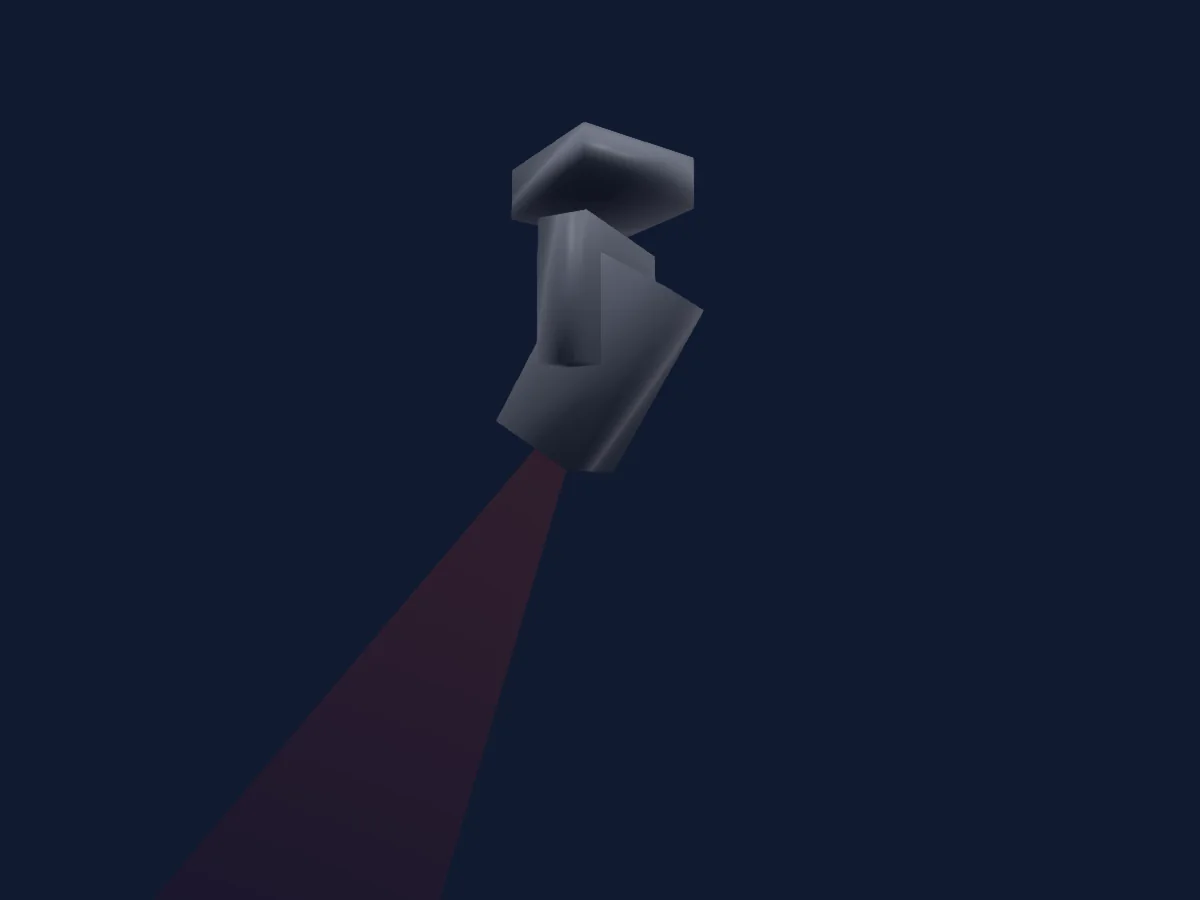
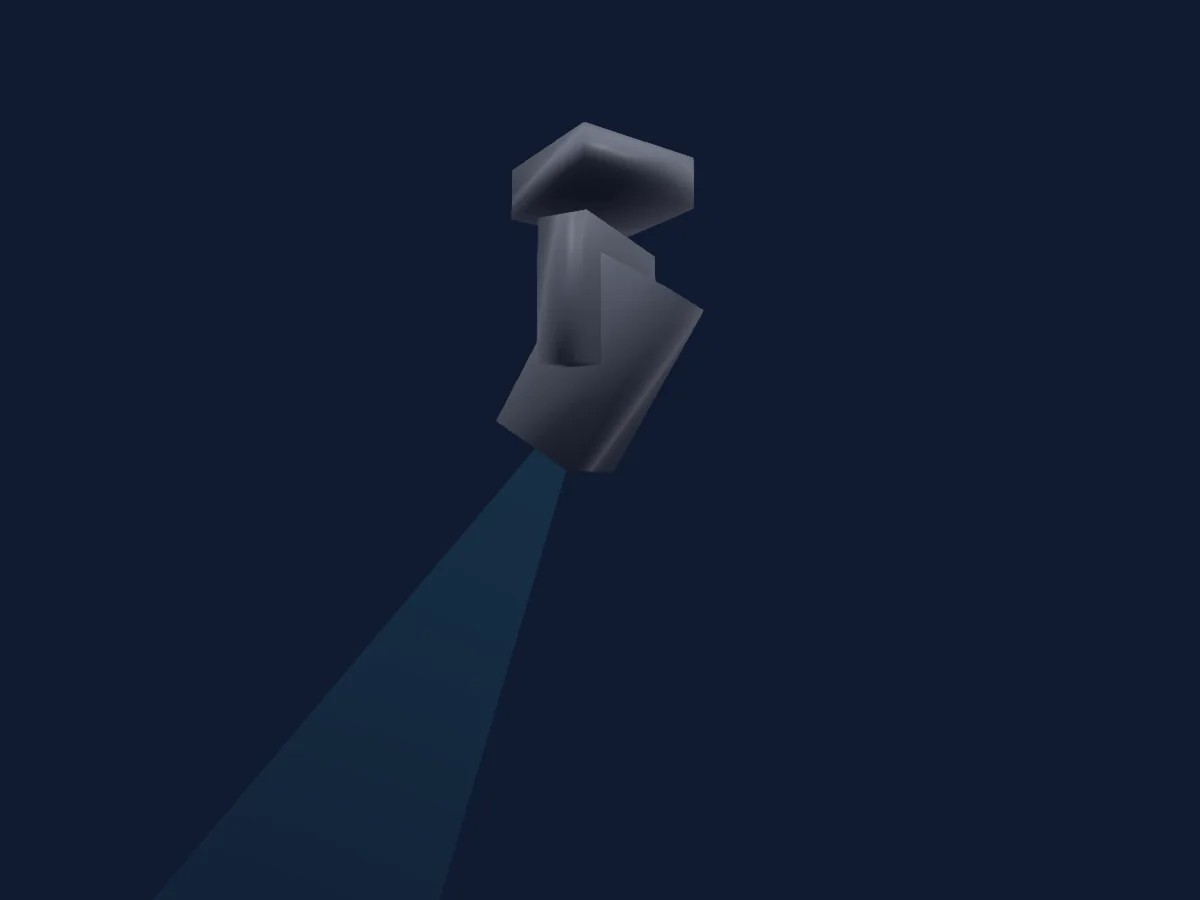
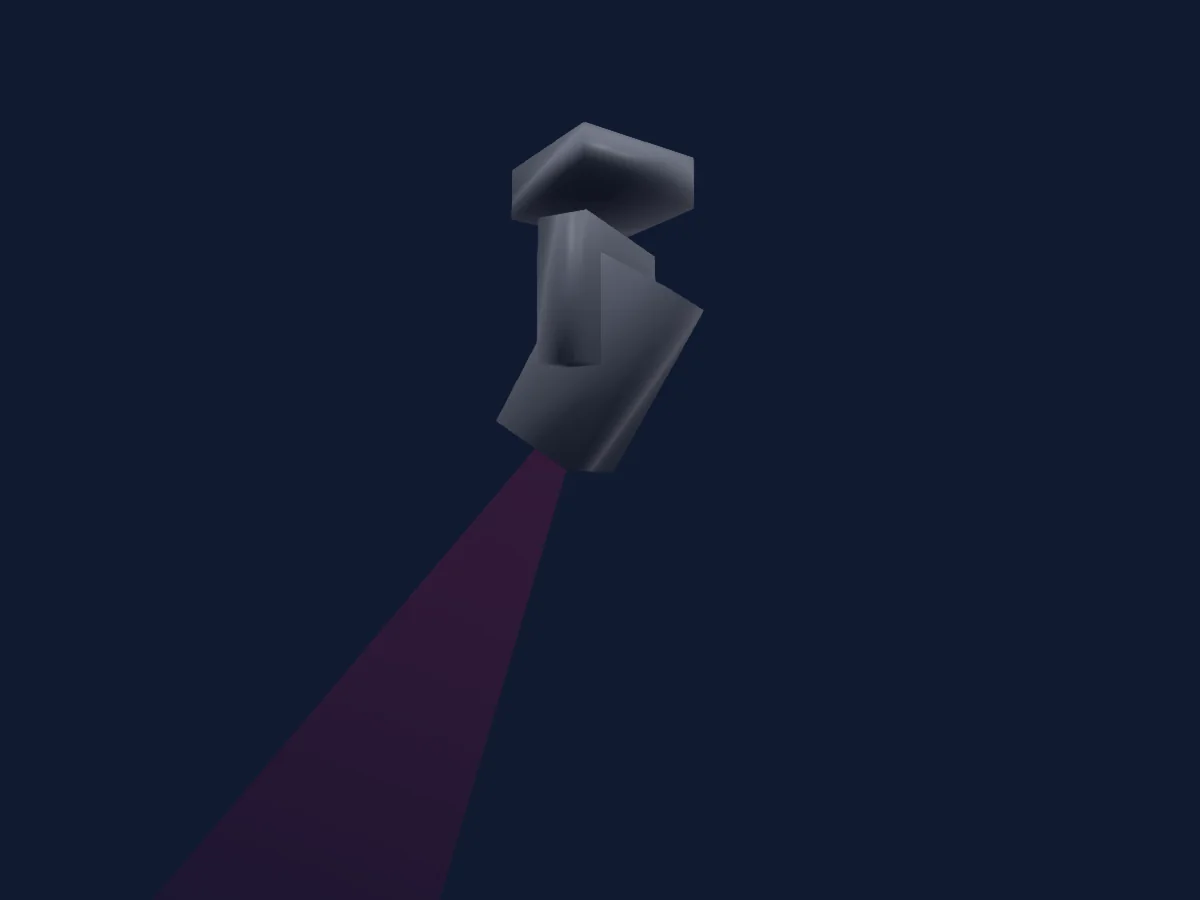
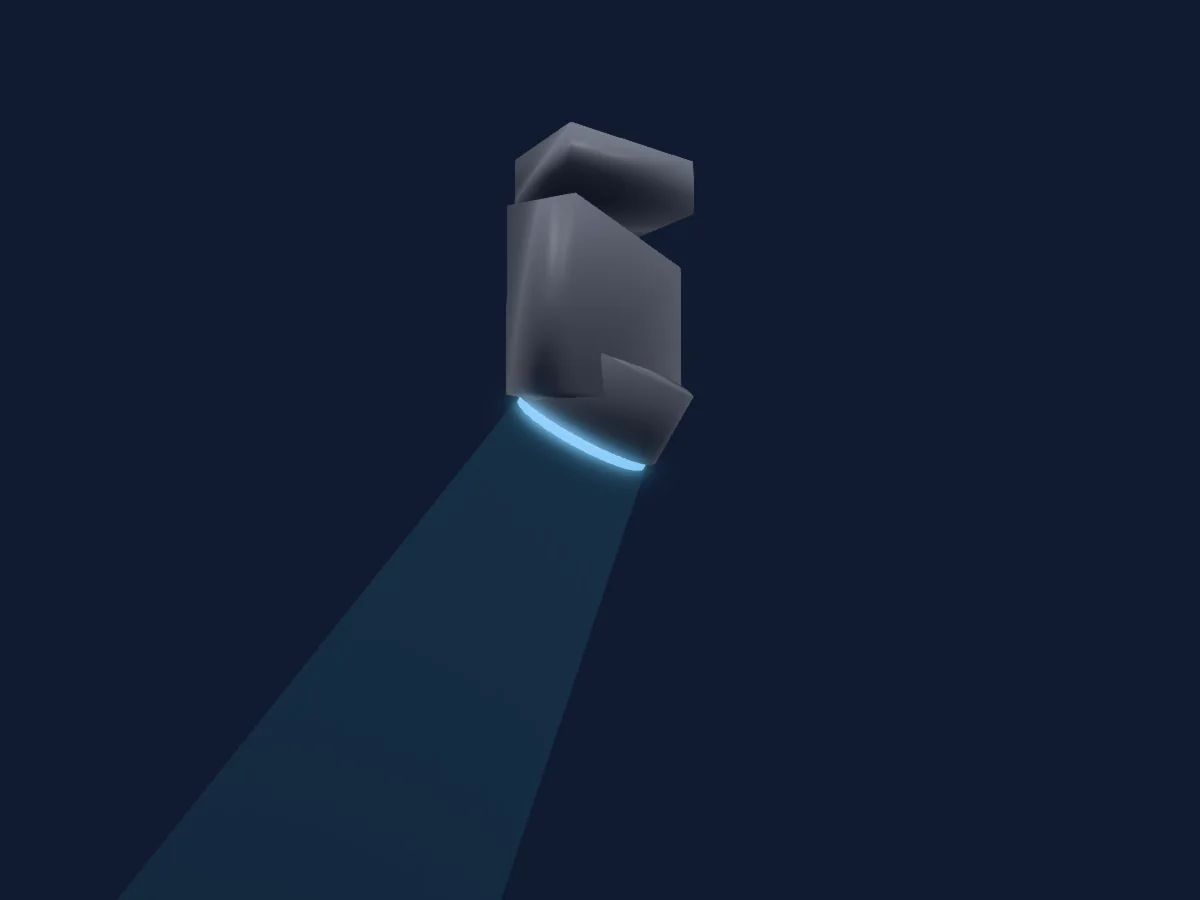
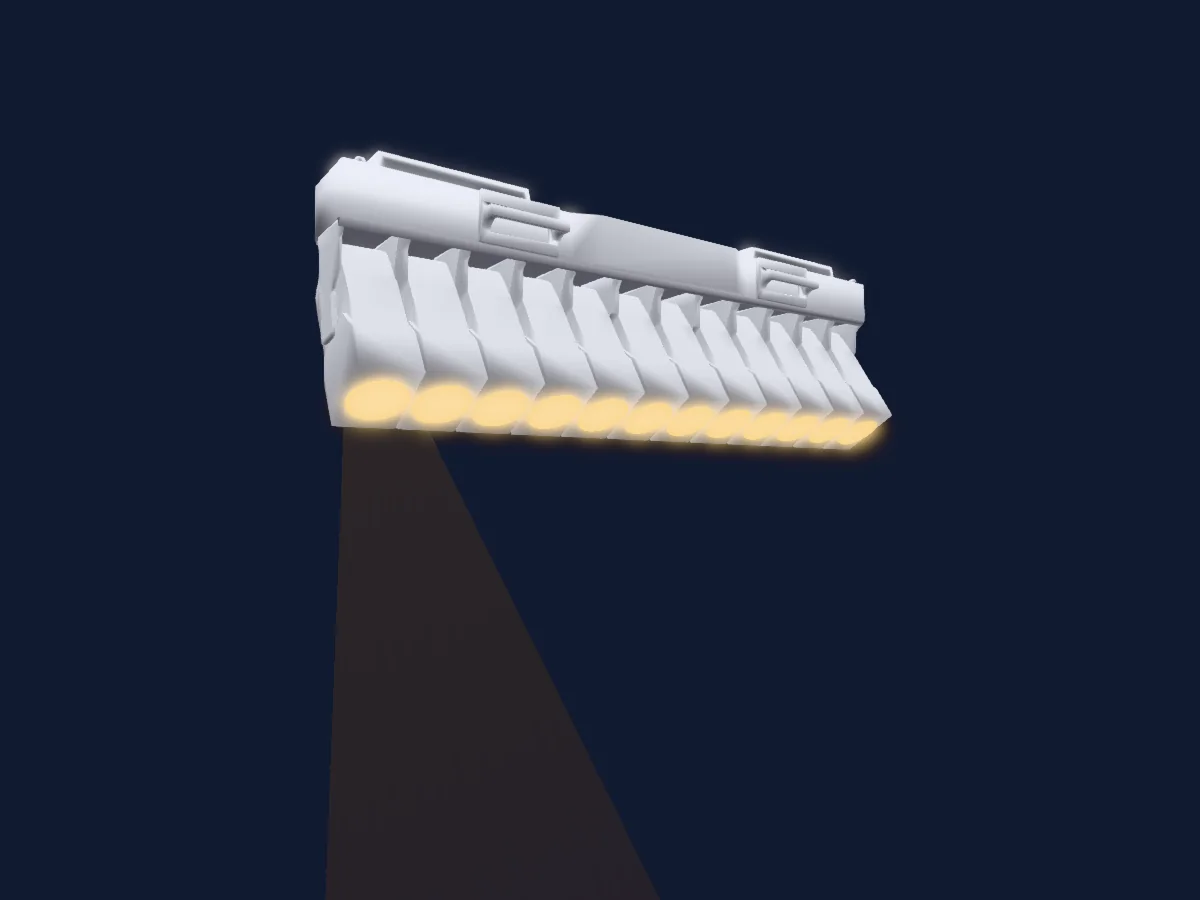
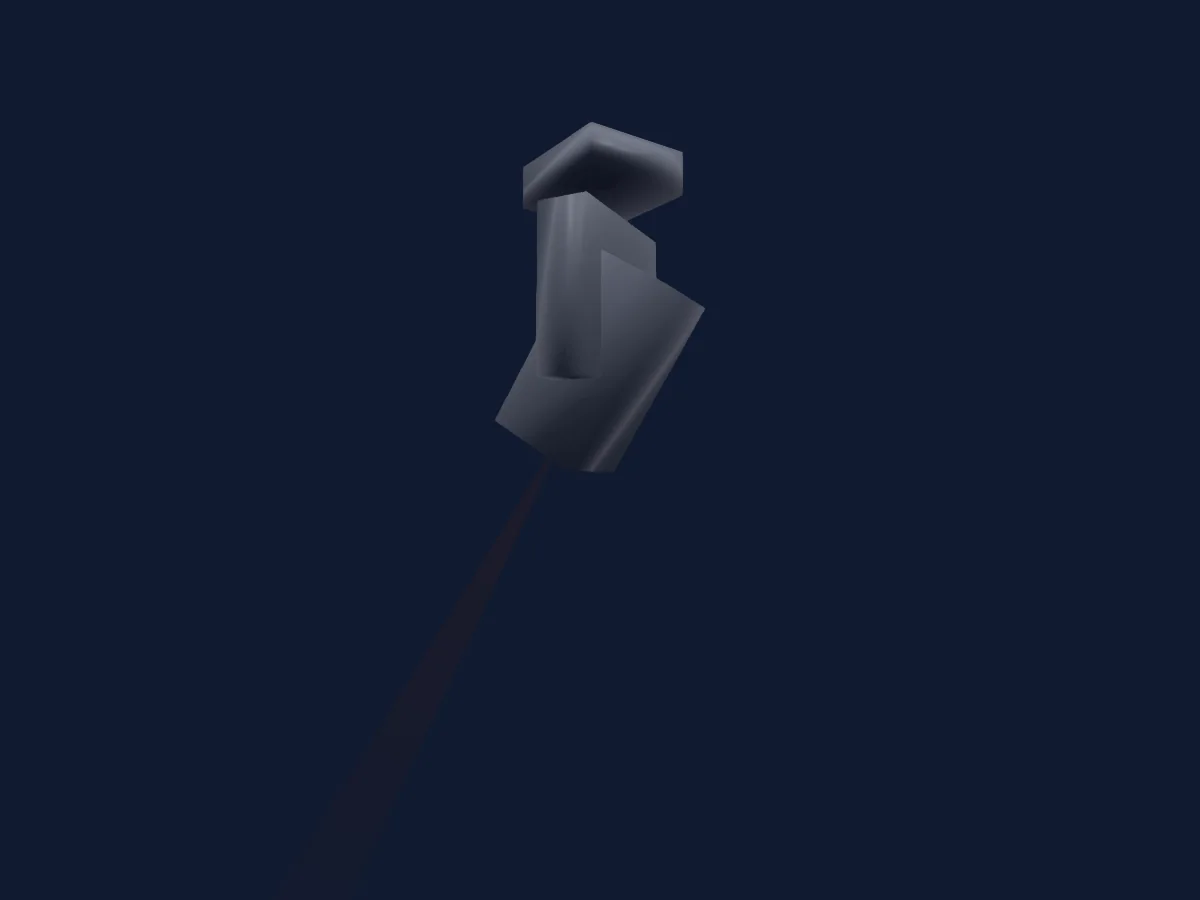
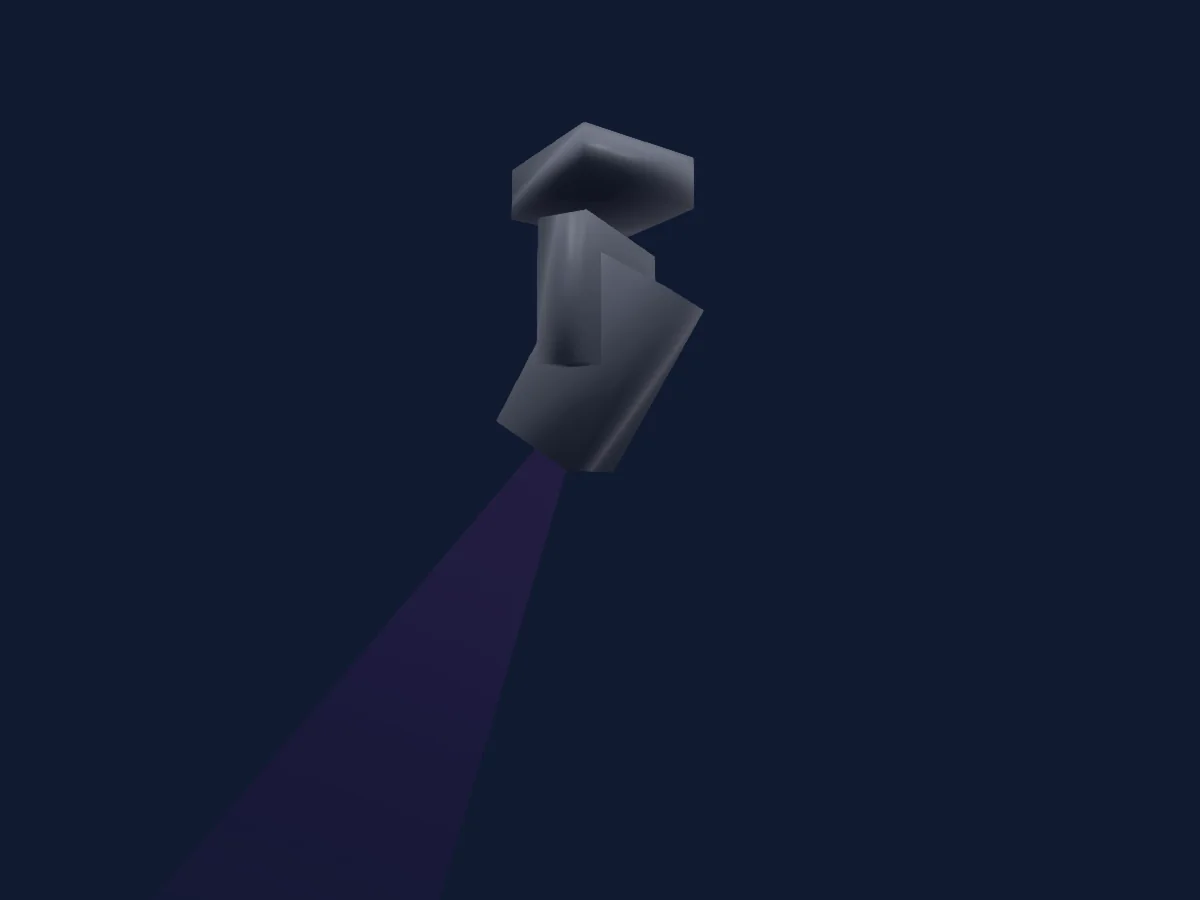
Wisdom BEAM 900 GIAN CARLO V1 renderizado no HitLight

O que ele faz

  • Foco
  • Frost
  • Prisma
  • Rotação do prisma
  • Roda de cores
  • Dimmer
  • Gobos

Funções relevantes para a segurança: Ligar e desligar a lâmpada · Reset do refletor. Confira como elas se comportam no seu refletor antes de um show.

Modos DMX e tabelas de canais

Modos DMX de Wisdom BEAM 900 GIAN CARLO V1
ModoCanaisNo HitLight
16 CHNLS16Pronto no HitLight

16 CHNLS

Pronto no HitLight

16 canais DMX · Baixar esta tabela em CSV

Tabela de canais DMX de 16 CHNLS
CanalFunçãoPadrãoValores DMX
1Color1Wheel Index0
30 faixas de valores
  • 0–4 OPEN GOBO (wheel slot 1)
  • 5–9 0+1
  • 10–14 1 (wheel slot 2)
  • 15–19 1+2
  • 20–24 2 (wheel slot 3)
  • 25–29 2+3
  • 30–34 3 (wheel slot 4)
  • 35–39 3+4
  • 40–44 4 (wheel slot 5)
  • 45–49 4+5
  • 50–54 5 (wheel slot 6)
  • 55–59 5+6
  • 60–64 6 (wheel slot 7)
  • 65–69 6+7
  • 70–74 7 (wheel slot 8)
  • 75–79 7+8
  • 80–84 8 (wheel slot 9)
  • 85–89 8+9
  • 90–94 9 (wheel slot 10)
  • 95–99 9+10
  • 100–104 10 (wheel slot 11)
  • 105–109 10+11
  • 110–114 11 (wheel slot 12)
  • 115–119 11+12
  • 120–124 12 (wheel slot 13)
  • 125–129 12+13
  • 130–134 13 (wheel slot 14)
  • 135–149 13+14
  • 150–199 SPIN FST/SLW
  • 200–255 SPINSLW/FST
2Shutter1Strobe255
8 faixas de valores
  • 0–3 CLOSED
  • 4–39 STROBE 1
  • 40–59 STROBE 2
  • 60–79 STROBE 3
  • 80–99 STROBE 4
  • 100–229 STROBE 5
  • 230–254 STROBE FAST
  • 255–255 OPEN
3Dimmer0
11 faixas de valores
  • 0–24 ZERO
  • 25–51 10%
  • 52–76 20%
  • 77–101 30%
  • 102–126 40%
  • 127–152 50%
  • 153–177 60%
  • 178–202 70%
  • 203–229 80%
  • 230–254 90%
  • 255–255 100%
4Gobo1Select Spin0
29 faixas de valores
  • 0–4 OPEN GOBO (wheel slot 1)
  • 5–9 RIDUCTION 1 (wheel slot 2)
  • 10–14 RIDUCTION 2 (wheel slot 3)
  • 15–19 CIRCLE DOTS (wheel slot 4)
  • 20–24 FAN (wheel slot 5)
  • 25–29 HEART (wheel slot 6)
  • 30–34 SPIKES (wheel slot 7)
  • 35–39 FAN 2 (wheel slot 8)
  • 40–44 CIRCLE DOTS 2 (wheel slot 9)
  • 45–49 DOTS (wheel slot 10)
  • 50–54 FLOWER (wheel slot 11)
  • 55–59 STRIPES (wheel slot 12)
  • 60–64 3 TUNNELS (wheel slot 13)
  • 65–69 STAR (wheel slot 14)
  • 70–74 SHAKE SLW/FST (wheel slot 1)
  • 75–79 SHAKE SLW/FST (wheel slot 2)
  • 80–84 SHAKE SLW/FST (wheel slot 3)
  • 85–89 SHAKE SLW/FST (wheel slot 4)
  • 90–94 SHAKE SLW/FST (wheel slot 5)
  • 95–99 SHAKE SLW/FST (wheel slot 6)
  • 100–104 SHAKE SLW/FST (wheel slot 7)
  • 105–109 SHAKE SLW/FST (wheel slot 8)
  • 110–114 SHAKE SLW/FST (wheel slot 9)
  • 115–119 SHAKE SLW/FST (wheel slot 10)
  • 120–124 SHAKE SLW/FSTnnel Set (wheel slot 11)
  • 125–129 SHAKE SLW/FST (wheel slot 12)
  • 130–134 SHAKE SLW/FST (wheel slot 13)
  • 135–194 CCW ROT SLW/FST
  • 195–255 CW ROT SLW/FST
5Prism0
4 faixas de valores
  • 0–63 NO PRISM
  • 64–127 PRISM 1 (wheel slot 1)
  • 128–191 PRISM 2
  • 192–255 PRISM 1+2
6Prism Rotation0
4 faixas de valores
  • 0–127 SPIN INDEX 360
  • 128–187 SPIN FAST/SLW
  • 188–195 STOP
  • 196–255 SPIN SLW/FST
7Prism0
4 faixas de valores
  • 0–31 NO PRISM 2
  • 32–64 PRISM 4
  • 65–95 PRISM 5
  • 96–255 PRISM 6
8Reserved 800–255
9Focus0
5 faixas de valores
  • 0–69 0% FOCUS
  • 70–127 25% FOCUS
  • 128–191 50% FOCUS
  • 192–254 75% FOCUS
  • 255–255 100% FOCUS
10Pan1280–255
11Pan Fine0Byte fino de Pan
12Tilt1280–255
13Tilt Fine0Byte fino de Tilt
14Prism0
2 faixas de valores
  • 0–15 NO MACRO
  • 16–255 MACRO PRISM
15Frost10
3 faixas de valores
  • 0–127 NO FROST
  • 128–191 FROST COLOURED
  • 192–255 INSERT FRUIT
16Fixture Global Reset0
6 faixas de valores
  • 0–99 NULL
  • 100–110 LAMP OFF IN 3 SECS
  • 111–199 NULL
  • 200–210 LAMP ON IN 3 SECS
  • 211–249 NULL
  • 250–255 RESET ALL IN 3 SECS

Usar Wisdom BEAM 900 GIAN CARLO V1 no HitLight

  1. Abra Adicionar refletor e procure Wisdom BEAM 900 GIAN CARLO V1.
  2. Escolha o modo DMX configurado no menu do próprio refletor. O HitLight atribui a ele o menor endereço inicial livre do universo que comporta a quantidade de canais do modo.
  3. Confira o modo e os controles no seu refletor real antes de usar ao vivo.

As tabelas vêm da descrição GDTF do refletor, convertida para a biblioteca do HitLight. O HitLight não tem vínculo com a Wisdom.

Faça o patch e deixe a música comandar as luzes.

O HitLight encontra esses refletores na biblioteca, faz o patch no próximo endereço livre e mostra seu rig em 3D antes de você ligar uma única luz.

Abrir HitLight ↗Baixar o HitLight