Skip to content
HitLight
Wisdom · Moving head

Wisdom BEAM 900 GIAN CARLO V1

DMX chart, 1 DMX mode and a 3D preview. 16 DMX channels.
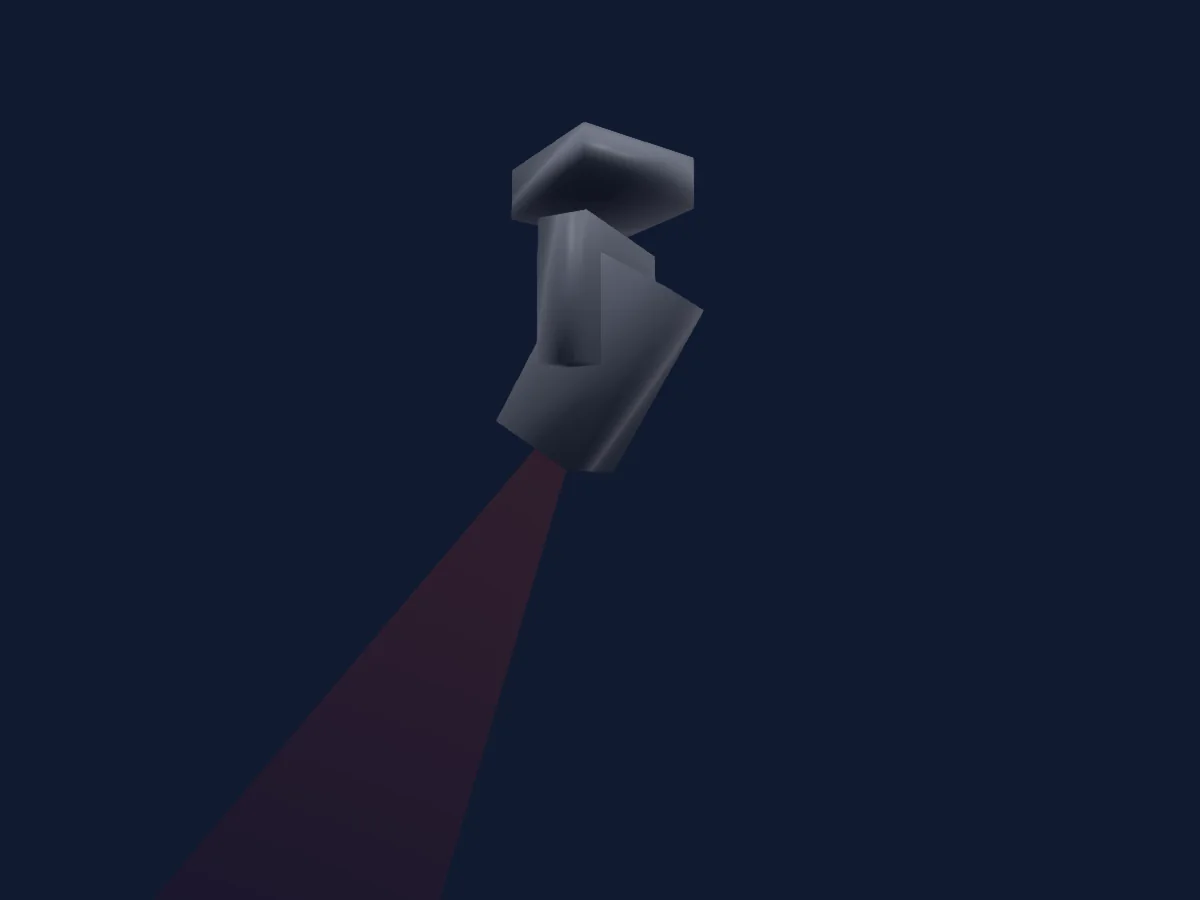
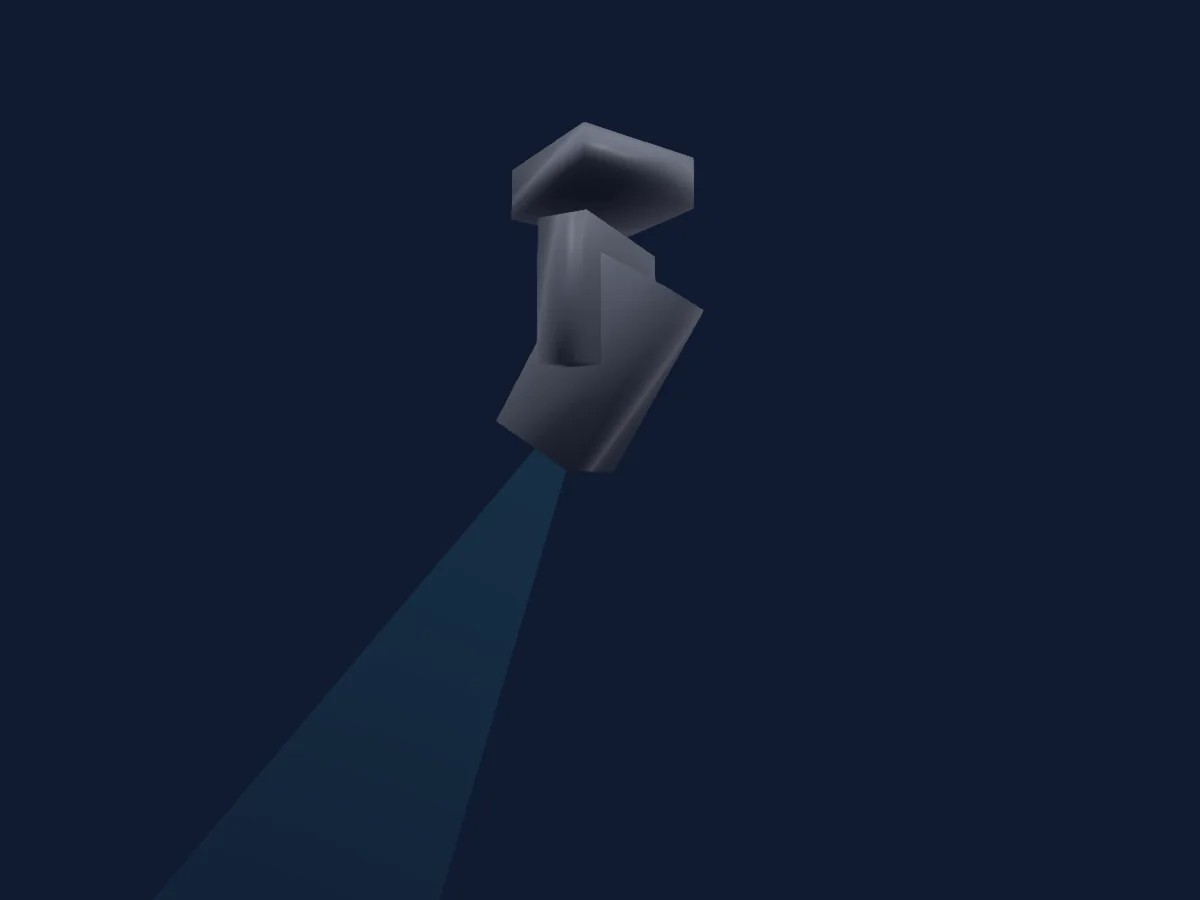
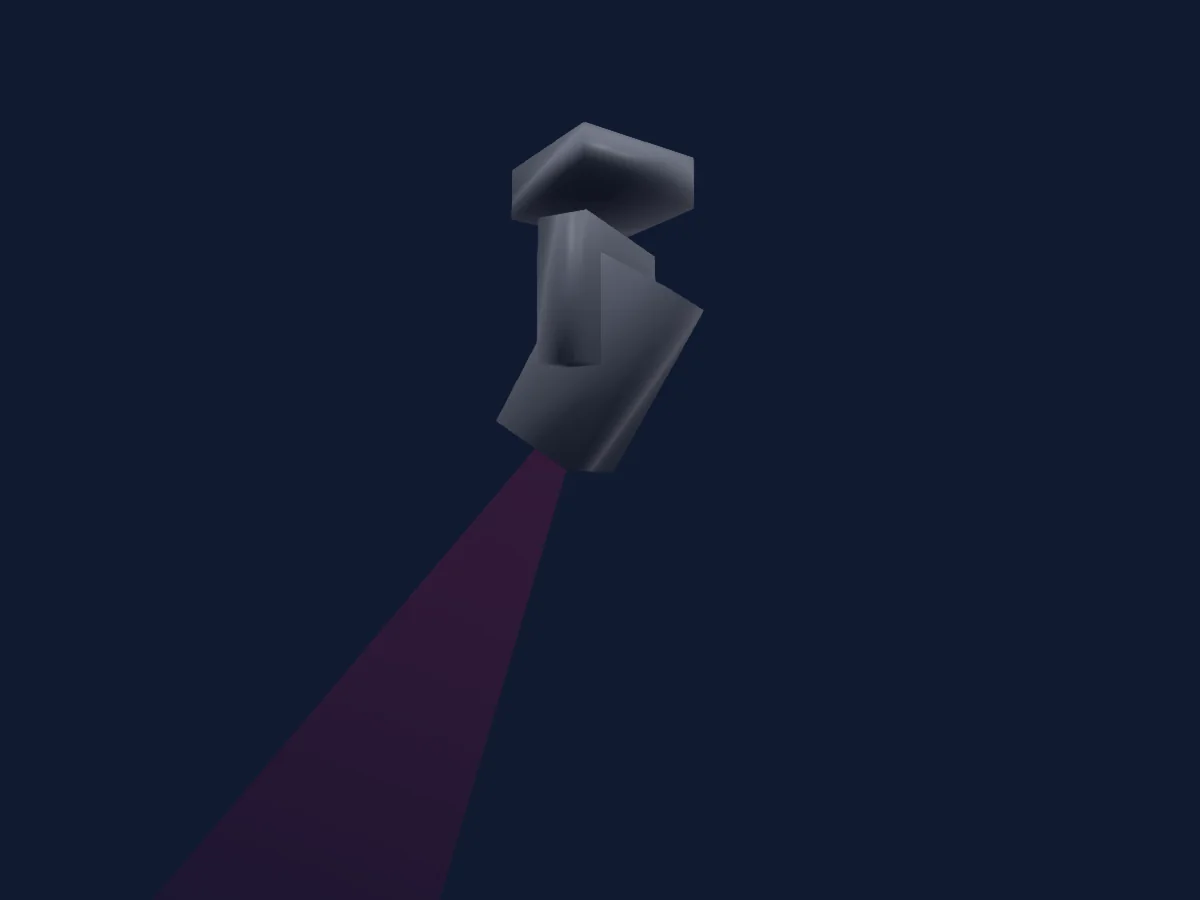
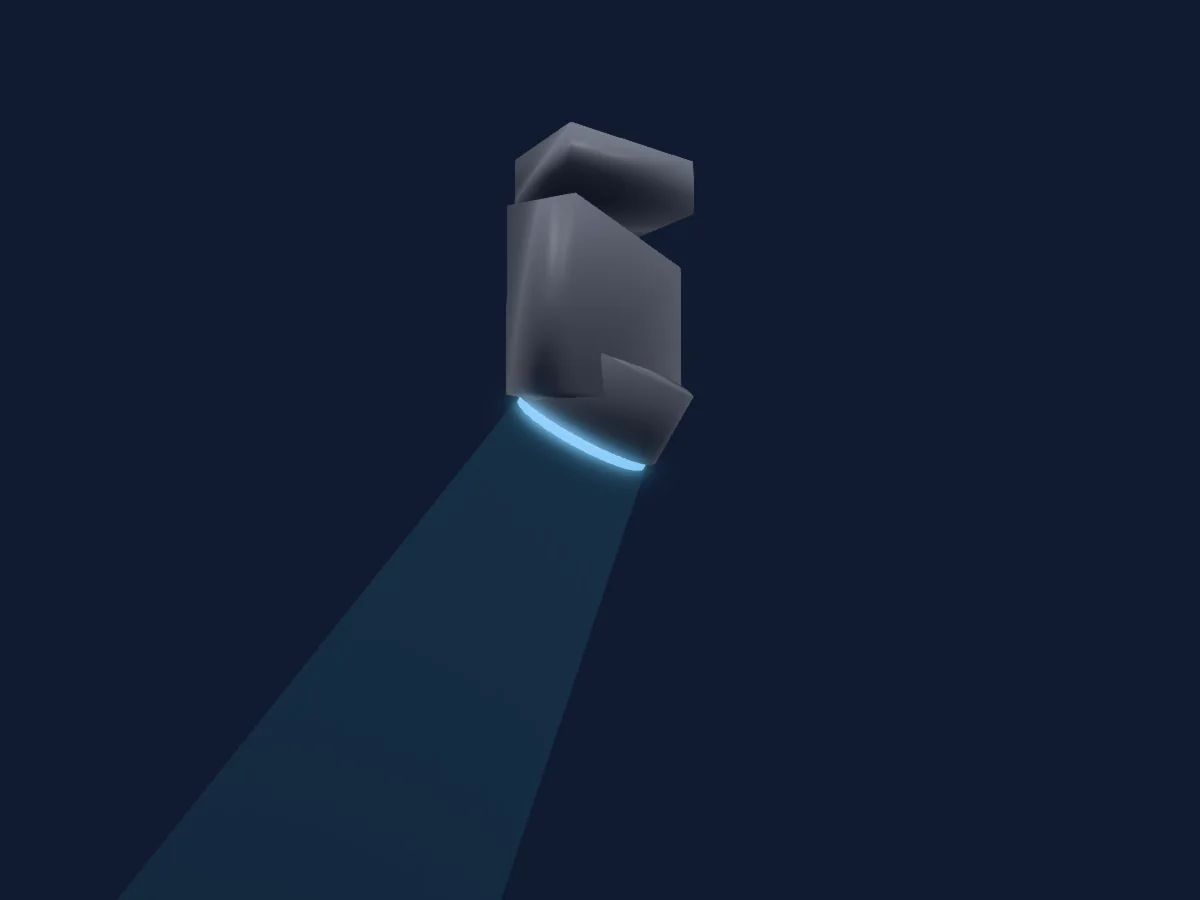
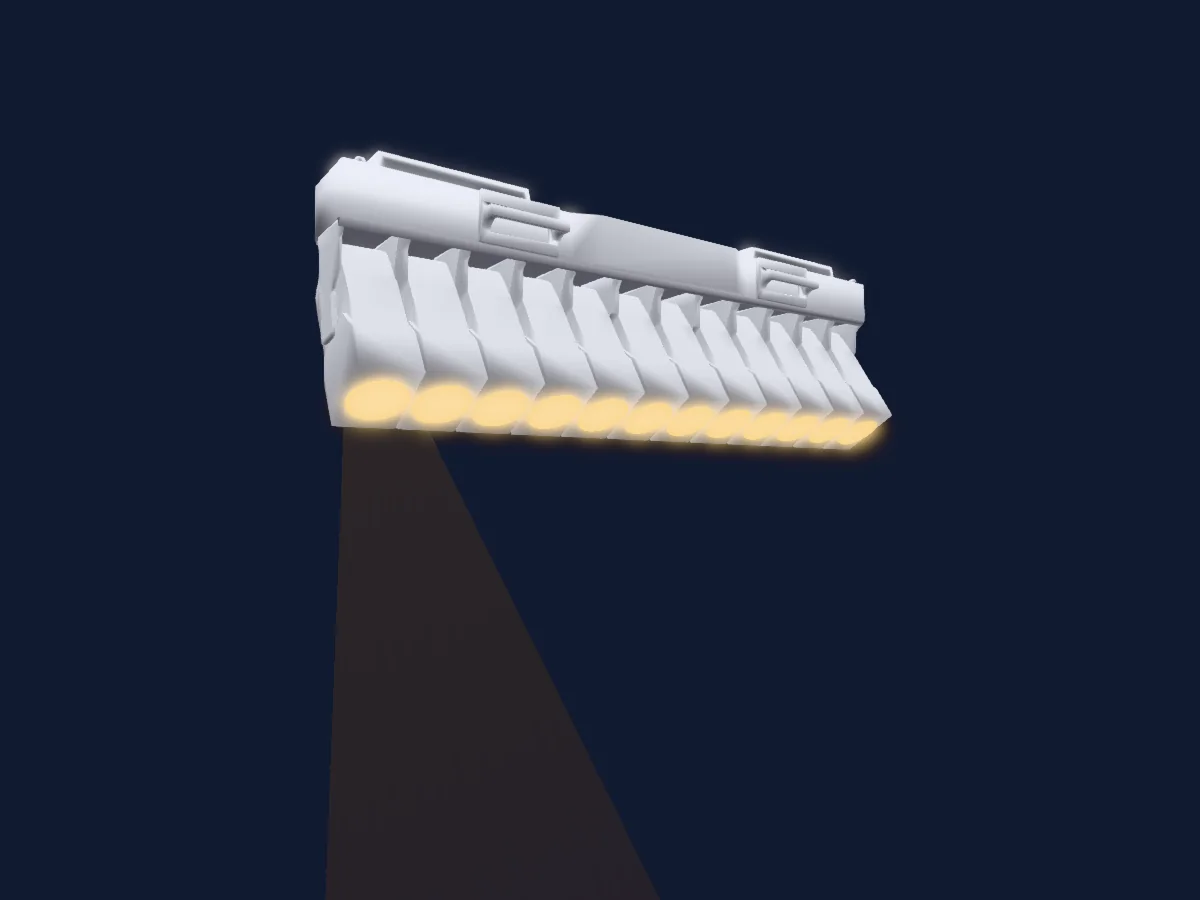
Wisdom BEAM 900 GIAN CARLO V1 rendered in HitLight

What it can do

  • Focus
  • Frost
  • Prism
  • Prism rotation
  • Colour wheel
  • Dimmer
  • Gobos

Safety-relevant functions: Lamp on and off · Fixture reset. Check how these behave on your own fixture before a show.

DMX modes and channel charts

DMX modes of Wisdom BEAM 900 GIAN CARLO V1
ModeChannelsIn HitLight
16 CHNLS16Ready in HitLight

16 CHNLS

Ready in HitLight

16 DMX channels · Download this chart as CSV

DMX channel chart for 16 CHNLS
ChannelFunctionDefaultDMX values
1Color1Wheel Index0
30 value ranges
  • 0–4 OPEN GOBO (wheel slot 1)
  • 5–9 0+1
  • 10–14 1 (wheel slot 2)
  • 15–19 1+2
  • 20–24 2 (wheel slot 3)
  • 25–29 2+3
  • 30–34 3 (wheel slot 4)
  • 35–39 3+4
  • 40–44 4 (wheel slot 5)
  • 45–49 4+5
  • 50–54 5 (wheel slot 6)
  • 55–59 5+6
  • 60–64 6 (wheel slot 7)
  • 65–69 6+7
  • 70–74 7 (wheel slot 8)
  • 75–79 7+8
  • 80–84 8 (wheel slot 9)
  • 85–89 8+9
  • 90–94 9 (wheel slot 10)
  • 95–99 9+10
  • 100–104 10 (wheel slot 11)
  • 105–109 10+11
  • 110–114 11 (wheel slot 12)
  • 115–119 11+12
  • 120–124 12 (wheel slot 13)
  • 125–129 12+13
  • 130–134 13 (wheel slot 14)
  • 135–149 13+14
  • 150–199 SPIN FST/SLW
  • 200–255 SPINSLW/FST
2Shutter1Strobe255
8 value ranges
  • 0–3 CLOSED
  • 4–39 STROBE 1
  • 40–59 STROBE 2
  • 60–79 STROBE 3
  • 80–99 STROBE 4
  • 100–229 STROBE 5
  • 230–254 STROBE FAST
  • 255–255 OPEN
3Dimmer0
11 value ranges
  • 0–24 ZERO
  • 25–51 10%
  • 52–76 20%
  • 77–101 30%
  • 102–126 40%
  • 127–152 50%
  • 153–177 60%
  • 178–202 70%
  • 203–229 80%
  • 230–254 90%
  • 255–255 100%
4Gobo1Select Spin0
29 value ranges
  • 0–4 OPEN GOBO (wheel slot 1)
  • 5–9 RIDUCTION 1 (wheel slot 2)
  • 10–14 RIDUCTION 2 (wheel slot 3)
  • 15–19 CIRCLE DOTS (wheel slot 4)
  • 20–24 FAN (wheel slot 5)
  • 25–29 HEART (wheel slot 6)
  • 30–34 SPIKES (wheel slot 7)
  • 35–39 FAN 2 (wheel slot 8)
  • 40–44 CIRCLE DOTS 2 (wheel slot 9)
  • 45–49 DOTS (wheel slot 10)
  • 50–54 FLOWER (wheel slot 11)
  • 55–59 STRIPES (wheel slot 12)
  • 60–64 3 TUNNELS (wheel slot 13)
  • 65–69 STAR (wheel slot 14)
  • 70–74 SHAKE SLW/FST (wheel slot 1)
  • 75–79 SHAKE SLW/FST (wheel slot 2)
  • 80–84 SHAKE SLW/FST (wheel slot 3)
  • 85–89 SHAKE SLW/FST (wheel slot 4)
  • 90–94 SHAKE SLW/FST (wheel slot 5)
  • 95–99 SHAKE SLW/FST (wheel slot 6)
  • 100–104 SHAKE SLW/FST (wheel slot 7)
  • 105–109 SHAKE SLW/FST (wheel slot 8)
  • 110–114 SHAKE SLW/FST (wheel slot 9)
  • 115–119 SHAKE SLW/FST (wheel slot 10)
  • 120–124 SHAKE SLW/FSTnnel Set (wheel slot 11)
  • 125–129 SHAKE SLW/FST (wheel slot 12)
  • 130–134 SHAKE SLW/FST (wheel slot 13)
  • 135–194 CCW ROT SLW/FST
  • 195–255 CW ROT SLW/FST
5Prism0
4 value ranges
  • 0–63 NO PRISM
  • 64–127 PRISM 1 (wheel slot 1)
  • 128–191 PRISM 2
  • 192–255 PRISM 1+2
6Prism Rotation0
4 value ranges
  • 0–127 SPIN INDEX 360
  • 128–187 SPIN FAST/SLW
  • 188–195 STOP
  • 196–255 SPIN SLW/FST
7Prism0
4 value ranges
  • 0–31 NO PRISM 2
  • 32–64 PRISM 4
  • 65–95 PRISM 5
  • 96–255 PRISM 6
8Reserved 800–255
9Focus0
5 value ranges
  • 0–69 0% FOCUS
  • 70–127 25% FOCUS
  • 128–191 50% FOCUS
  • 192–254 75% FOCUS
  • 255–255 100% FOCUS
10Pan1280–255
11Pan Fine0Fine byte of Pan
12Tilt1280–255
13Tilt Fine0Fine byte of Tilt
14Prism0
2 value ranges
  • 0–15 NO MACRO
  • 16–255 MACRO PRISM
15Frost10
3 value ranges
  • 0–127 NO FROST
  • 128–191 FROST COLOURED
  • 192–255 INSERT FRUIT
16Fixture Global Reset0
6 value ranges
  • 0–99 NULL
  • 100–110 LAMP OFF IN 3 SECS
  • 111–199 NULL
  • 200–210 LAMP ON IN 3 SECS
  • 211–249 NULL
  • 250–255 RESET ALL IN 3 SECS

Use the Wisdom BEAM 900 GIAN CARLO V1 in HitLight

  1. Open Add fixture and search for Wisdom BEAM 900 GIAN CARLO V1.
  2. Choose the DMX mode set in the fixture’s own menu. HitLight gives it the lowest free start address on its universe that fits the mode’s channel count.
  3. Check the mode and controls against your real fixture before live use.

Charts come from the fixture’s GDTF description as converted for the HitLight library. HitLight is not affiliated with Wisdom.

Patch it, then let the music run the lights.

HitLight finds these fixtures in its library, patches them on the next free address and previews your rig in 3D before a single light is plugged in.

Open HitLight ↗Download HitLight