Saltar al contenido
HitLight
High End Systems · Recorte

High End Systems Halcyon Platinum Ultra-Bright

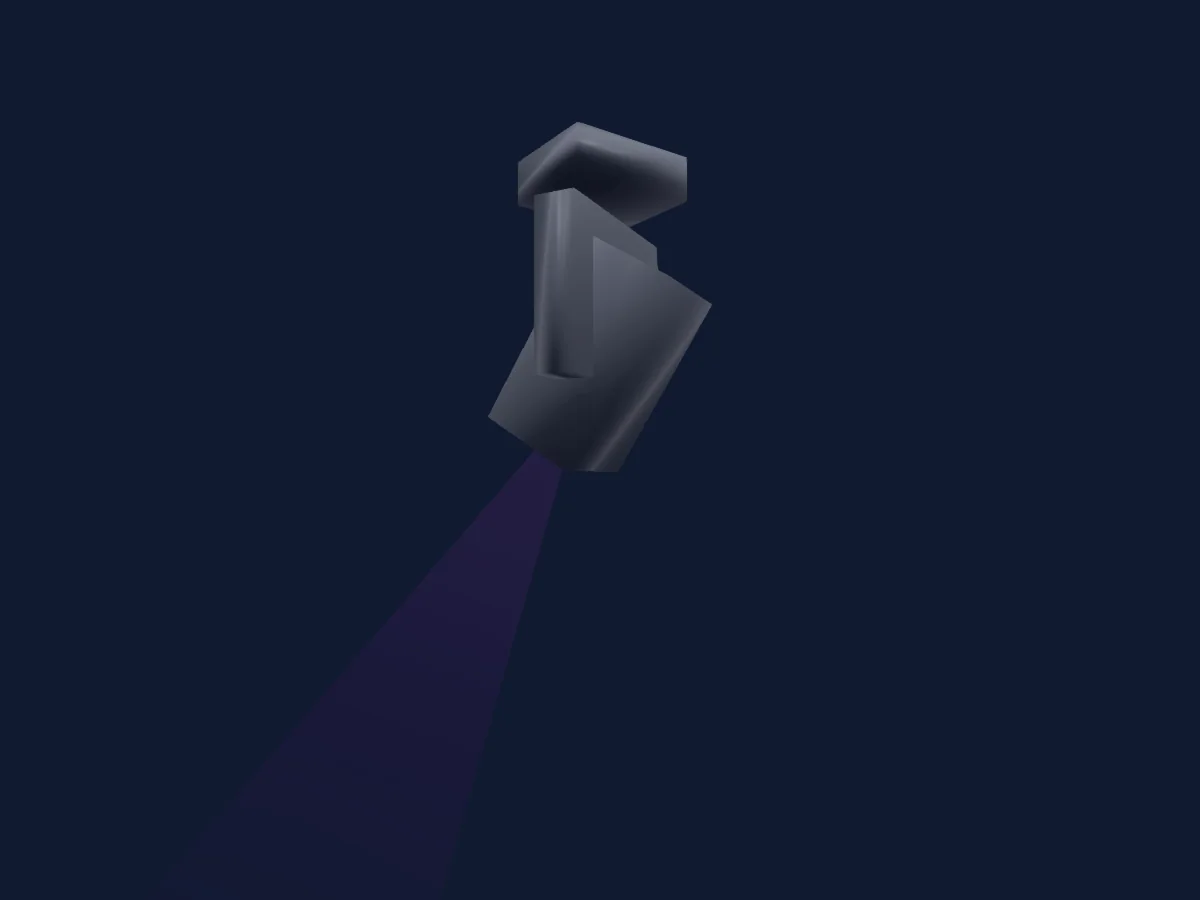
Tabla DMX, 1 modo DMX y vista previa en 3D. 60 canales DMX.
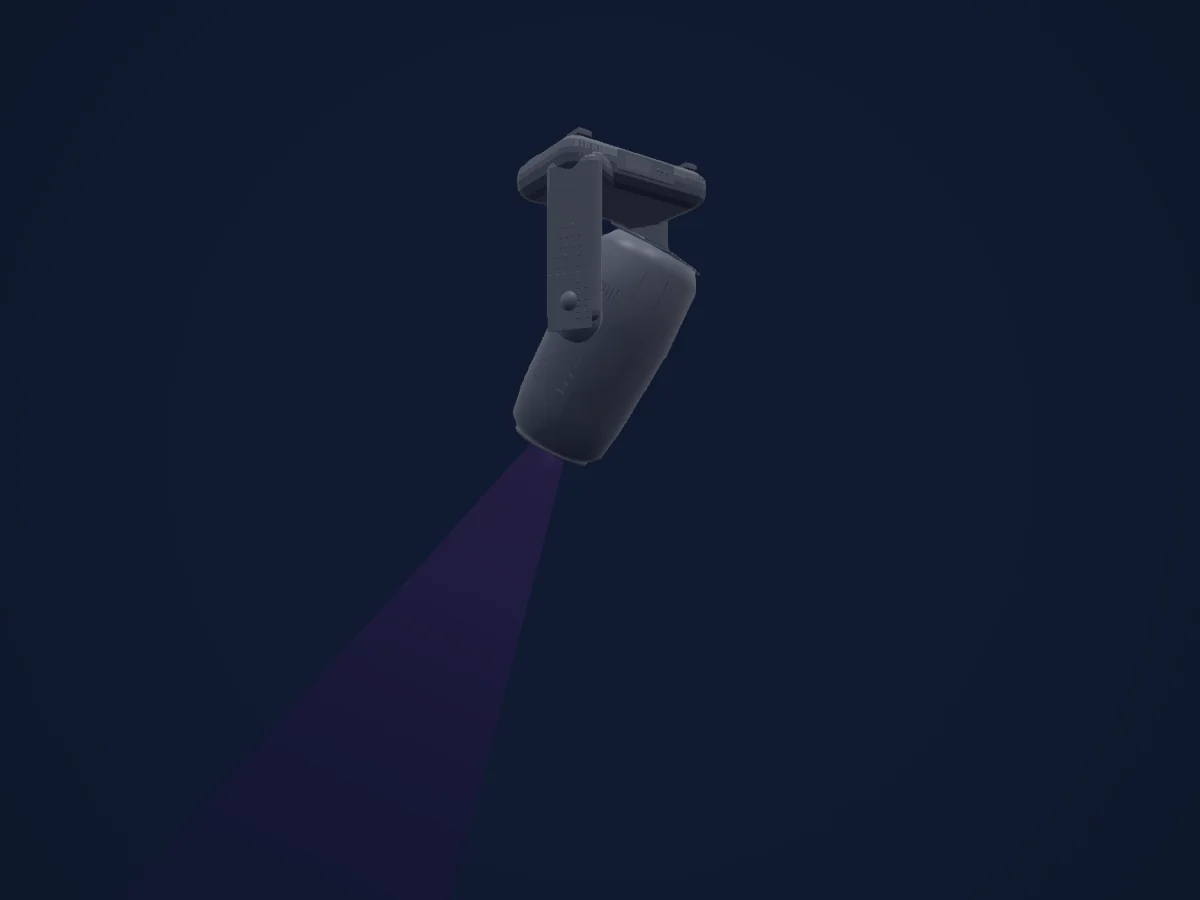
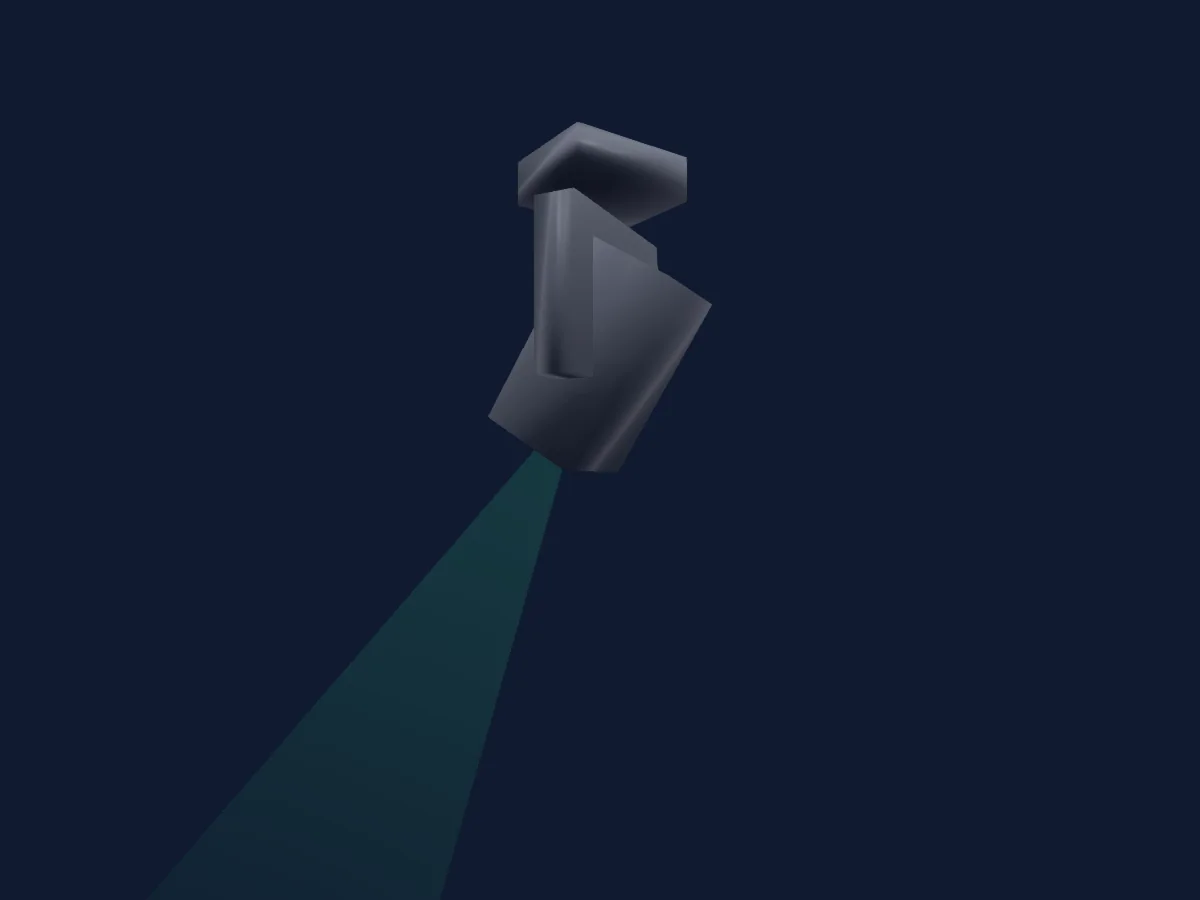
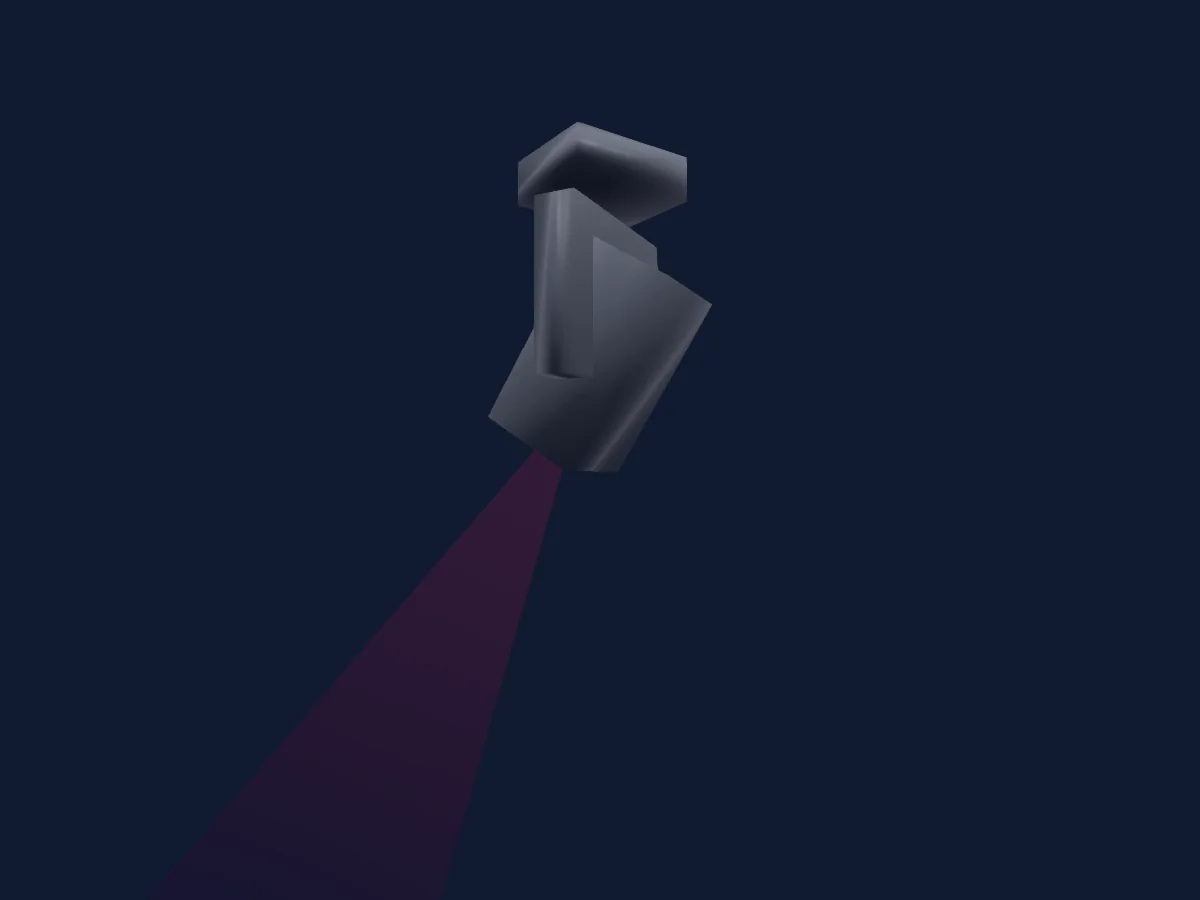
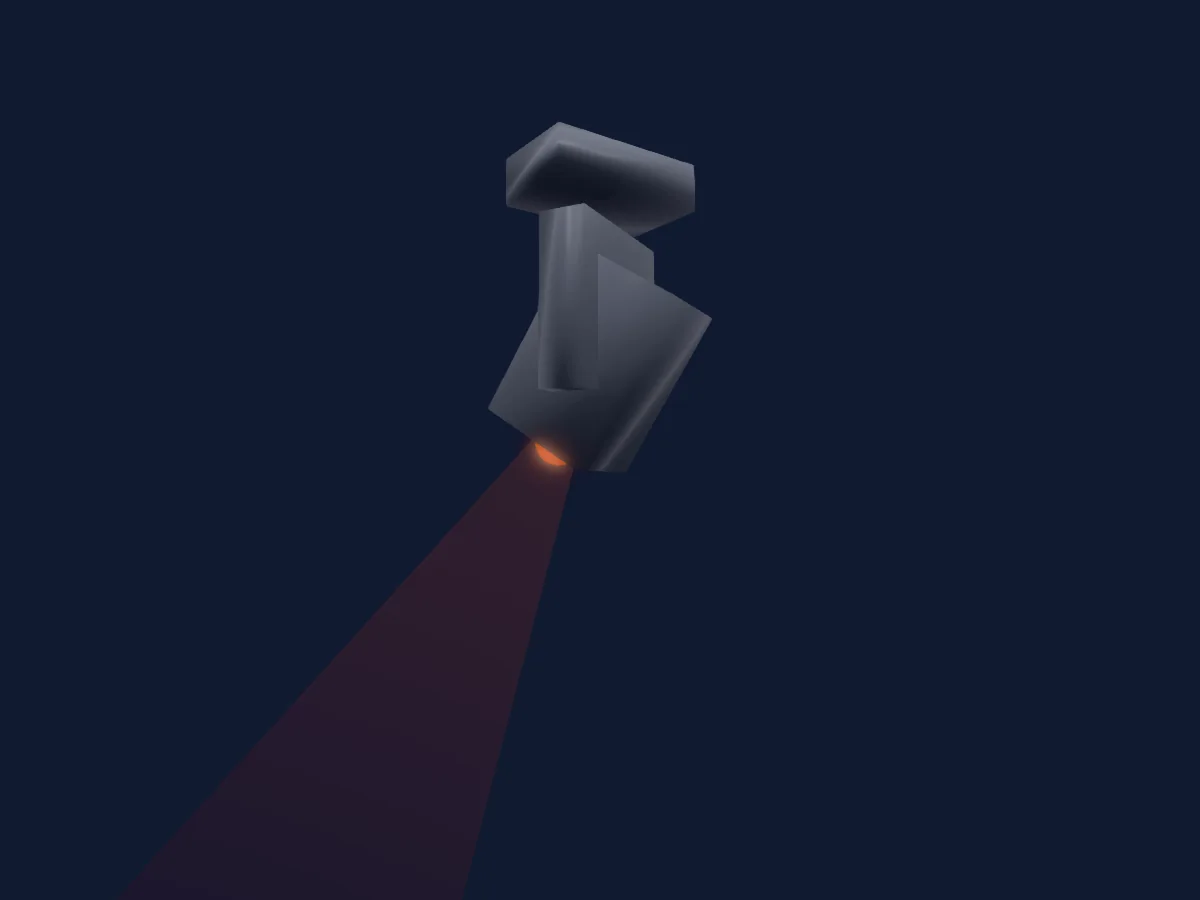
High End Systems Halcyon Platinum Ultra-Bright renderizado en HitLight

Lo que puede hacer

  • Ventilador
  • Frost
  • Iris
  • Prisma
  • Mezcla de color CMY
  • Temperatura de color
  • Rueda de color
  • Estrobo
  • Intensidad
  • Pan y tilt
  • Rueda de animación
  • Gobos
  • Rotación de gobos

Funciones relevantes para la seguridad: Salida de niebla o humo · Reinicio del foco · Funciones de servicio · Estrobo. Comprueba cómo se comportan en tu propio foco antes de un espectáculo.

Modos DMX y tablas de canales

Modos DMX de High End Systems Halcyon Platinum Ultra-Bright
ModoCanalesEn HitLight
Standard60Listo en HitLight

Standard

Listo en HitLight

60 canales DMX · Descargar esta tabla en CSV

Tabla de canales DMX de Standard
CanalFunciónPredeterminadoValores DMX
1Pan127
3 rangos de valores
  • 0–126 Min
  • 127–254 Home
  • 255–255 Max
2Pan Fine255Byte fino de Pan
3Tilt127
3 rangos de valores
  • 0–126 Min
  • 127–254 Home
  • 255–255 Max
4Tilt Fine255Byte fino de Tilt
5Color Mix Mode0
12 rangos de valores
  • 0–31 Pure Mix
  • 32–47 Cycle
  • 48–63 Random
  • 64–79 Pure Mix Fast
  • 80–95 Cycle Fast
  • 96–127 Random Fast
  • 128–159 Pure Mix
  • 160–175 Cycle
  • 176–191 Random
  • 192–207 Pure Mix Fast
  • 208–223 Cycle Fast
  • 224–255 Random Fast
6Cyan255
2 rangos de valores
  • 0–254 Full Saturation
  • 255–255 Open
7Magenta255
2 rangos de valores
  • 0–254 Full Saturation
  • 255–255 Open
8Yellow255
2 rangos de valores
  • 0–254 Full Saturation
  • 255–255 Open
9C TO255
2 rangos de valores
  • 0–254 Full Saturation
  • 255–255 Open
10Color Wheel1Mode48
12 rangos de valores
  • 0–15 Indexed
  • 16–31 Forward Spin
  • 32–47 Reverse Spin
  • 48–63 Continuous
  • 64–79 Scan
  • 80–127 Random
  • 128–143 Indexed
  • 144–159 Forward Spin
  • 160–175 Reverse Spin
  • 176–191 Continuous
  • 192–207 Scan
  • 208–255 Random
11Color Wheel0
23 rangos de valores
  • 0–3 Open (wheel slot 1)
  • 4–15 Slow
  • 16–29 Open/Red
  • 30–31 Red/Blue
  • 32–47 Red (wheel slot 2)
  • 48–59 Red/Blue
  • 60–63 Blue/TM30
  • 64–79 Blue (wheel slot 3)
  • 80–89 Blue/TM-30
  • 90–95 TM-30/Orange
  • 96–111 TM-30 (wheel slot 4)
  • 112–119 TM-30/Orange
  • 120–127 Orange/Dark Blue
  • 128–143 Orange (wheel slot 5)
  • 144–149 Orange/Dark Blue
  • 150–159 Dark Blue/CTB
  • 160–175 Dark Blue (wheel slot 6)
  • 176–179 Dark Blue/CTB
  • 180–191 CTB/Open
  • 192–207 CTB (wheel slot 7)
  • 208–223 CTB/Open
  • 224–254 Open (wheel slot 1)
  • 255–255 Fast
12Gobo Wheel1Mode0
10 rangos de valores
  • 0–15 Indexed
  • 16–31 Forward Spin
  • 32–47 Reverse Spin
  • 48–63 Scan
  • 64–127 Random
  • 128–143 Indexed
  • 144–159 Forward Spin
  • 160–190 Reverse Spin
  • 191–191 Scan
  • 192–255 Random
13Gobo0
10 rangos de valores
  • 0–3 Open (wheel slot 1)
  • 4–15 Slow
  • 16–31 Wiggle Lines (wheel slot 2)
  • 32–47 Mycelium (wheel slot 3)
  • 48–63 Bob's Brush (wheel slot 4)
  • 64–79 The Claw (wheel slot 5)
  • 80–95 Cut Cone (wheel slot 6)
  • 96–111 Split S (wheel slot 7)
  • 112–254 Ice (wheel slot 8)
  • 255–255 Fast
14Gobo1Mode0
5 rangos de valores
  • 0–15 Indexed
  • 16–31 Forward Spin
  • 32–47 Reverse Spin
  • 48–63 Forward Animate
  • 64–255 Reverse Animate
15Gobo Rotation127
4 rangos de valores
  • 0–3 0
  • 4–126 Slow
  • 127–254 180
  • 255–255 359
16Gobo Rotation Fine255Byte fino de Gobo Rotation
17Gobo Wheel2Mode0
10 rangos de valores
  • 0–15 Indexed
  • 16–31 Forward Spin
  • 32–47 Reverse Spin
  • 48–63 Scan
  • 64–127 Random
  • 128–143 Indexed
  • 144–159 Forward Spin
  • 160–190 Reverse Spin
  • 191–191 Scan
  • 192–255 Random
18Gobo 20
10 rangos de valores
  • 0–3 Open (wheel slot 1)
  • 4–15 Slow
  • 16–31 Texture Drops (wheel slot 2)
  • 32–47 Lovely Bubbly (wheel slot 3)
  • 48–63 Art Ducko (wheel slot 4)
  • 64–79 Window Matrix (wheel slot 5)
  • 80–95 Swirly Gig (wheel slot 6)
  • 96–111 Fenced In (wheel slot 7)
  • 112–254 The Only Way is Up (wheel slot 8)
  • 255–255 Fast
19Gobo2Mode0
5 rangos de valores
  • 0–15 Indexed
  • 16–31 Forward Spin
  • 32–47 Reverse Spin
  • 48–63 Forward Animate
  • 64–255 Reverse Animate
20Gobo Rotation 2127
4 rangos de valores
  • 0–3 0
  • 4–126 Slow
  • 127–254 180
  • 255–255 359
21Gobo Rotation 2 Fine255Byte fino de Gobo Rotation 2
22Blade1A0
2 rangos de valores
  • 0–254 Removed
  • 255–255 Inserted
23Blade1B0
2 rangos de valores
  • 0–254 Removed
  • 255–255 Inserted
24Blade2A0
2 rangos de valores
  • 0–254 Removed
  • 255–255 Inserted
25Blade2B0
2 rangos de valores
  • 0–254 Removed
  • 255–255 Inserted
26Blade3A0
2 rangos de valores
  • 0–254 Removed
  • 255–255 Inserted
27Blade3B0
2 rangos de valores
  • 0–254 Removed
  • 255–255 Inserted
28Blade4A0
2 rangos de valores
  • 0–254 Removed
  • 255–255 Inserted
29Blade4B0
2 rangos de valores
  • 0–254 Removed
  • 255–255 Inserted
30Shaper Rot127
3 rangos de valores
  • 0–126 -90
  • 127–254 0
  • 255–255 90
31Shaper Rot Fine255Byte fino de Shaper Rot
32Animation Wheel1Pos00–255
33Animation Wheel10
12 rangos de valores
  • 0–0 Stop
  • 1–62 Slow
  • 63–63 Fast
  • 64–64 Stop
  • 65–126 Slow
  • 127–127 Fast
  • 128–128 Stop
  • 129–190 Slow
  • 191–191 Fast
  • 192–192 Stop
  • 193–254 Slow
  • 255–255 Fast
34Prism1Mode0
6 rangos de valores
  • 0–15 Removed
  • 16–31 Continuous
  • 32–47 Forward Spin
  • 48–63 Reverse Spin
  • 64–79 Forward Animate
  • 80–255 Reverse Animate
35Prism127
4 rangos de valores
  • 0–3 Removed
  • 4–126 Slow
  • 127–254 180
  • 255–255 359
36Prism Fine255Byte fino de Prism
37Prism2Mode0
6 rangos de valores
  • 0–15 Removed
  • 16–31 Continuous
  • 32–47 Forward Spin
  • 48–63 Reverse Spin
  • 64–79 Forward Animate
  • 80–255 Reverse Animate
38Prism127
4 rangos de valores
  • 0–3 Removed
  • 4–126 Slow
  • 127–254 180
  • 255–255 359
39Prism Fine255Byte fino de Prism
40Trifusion00–255
41Frost10
2 rangos de valores
  • 0–254 Removed
  • 255–255 Soft Edge
42Frost20
2 rangos de valores
  • 0–254 Removed
  • 255–255 Soft Edge
43Frost30
2 rangos de valores
  • 0–254 Removed
  • 255–255 Soft Edge
44Focus127
3 rangos de valores
  • 0–126 Min
  • 127–254 Home
  • 255–255 Max
45Focus Fine255Byte fino de Focus
46Zoom127
3 rangos de valores
  • 0–126 Min
  • 127–254 Home
  • 255–255 Max
47Zoom Fine255Byte fino de Zoom
48Focus1Distance0
2 rangos de valores
  • 0–3 Auto Focus Off
  • 4–255 Auto Focus - In to Out
49Focus1Distance Fine0Byte fino de Focus1Distance
50Iris255
2 rangos de valores
  • 0–254 Closed
  • 255–255 Open
51Strobe1Mode0
3 rangos de valores
  • 0–31 Normal
  • 32–63 Random
  • 64–255 Synchronous Random
52Strobe1255
4 rangos de valores
  • 0–23 Closed
  • 24–228 Slow
  • 229–254 Fast
  • 255–255 Open
53Dimmer0
3 rangos de valores
  • 0–126 Off
  • 127–254 50%
  • 255–255 Full
54Dimmer Fine0Byte fino de Dimmer
55L EDAnimation0
36 rangos de valores
  • 0–3 Macro Off
  • 4–7 M1 (L to R - 1)
  • 8–11 M2 (L to R - 2)
  • 12–15 M3 (L to R - 3)
  • 16–19 M4 (R to L - 1)
  • 20–23 M5 (R to L - 2)
  • 24–27 M6 (R to L - 3)
  • 28–31 M7 (Scan - 1)
  • 32–35 M8 (Scan - 2)
  • 36–39 M9 (Scan - 3)
  • 40–43 M10 (Invert L to R - 1)
  • 44–47 M11 (Invert L to R - 2)
  • 48–51 M12 (Invert L to R - 3)
  • 52–55 M13 (Invert R to L - 1)
  • 56–59 M14 (Invert R to L - 2)
  • 60–63 M15 (Invert R to L - 3)
  • 64–67 M16 (Invert Scan - 1)
  • 68–71 M17 (Invert Scan - 12
  • 72–75 M18 (Invert Scan - 3)
  • 76–79 M19 (Out/In - 1)
  • 80–83 M20 (Out/In - 3)
  • 84–87 M21 (In/Out - 1)
  • 88–91 M22 (Out/In/Out - 1)
  • 92–95 M23 (Invert Out/In - 1)
  • 96–99 M24 (Invert In/Out - 1)
  • 100–103 M25 (Invert Out/In/Out - 1)
  • 104–107 M26 (Alternate - 4)
  • 108–111 M27 (Alternate - 5)
  • 112–115 M28 (Stairs L to R - 1)
  • 116–119 M29 (Stairs L to R - 2)
  • 120–123 M30 (Stairs R to L - 1)
  • 124–127 M31 (Stairs R to L - 2)
  • 128–131 M32 (Invert Stairs L to R - 1)
  • 132–135 M33 (Invert Stairs L to R - 2)
  • 136–139 M34 (Invert Stairs R to L - 1)
  • 140–255 M35 (Invert Stairs R to L - 2)
56L EDAnimation Speed00–255
57L EDAnimation Xfade00–255
58Global MSpeed0
3 rangos de valores
  • 0–0 Disabled
  • 1–254 Longest
  • 255–255 Shortest
59Control10
8 rangos de valores
  • 0–31 Idle
  • 32–47 Display Off (Hold 3s)
  • 48–79 Display On (Hold 3s)
  • 80–95 Home All (Hold 3s)
  • 96–111 Shutdown (Hold 9s)
  • 112–127 Disable Pan Tilt Motors (Hold 9s)
  • 128–143 Dimming Mode - 2:4KHz (Hold 9s)
  • 144–255 Dimming Mode - 16KHz (Hold 9s)
60Fan0
5 rangos de valores
  • 0–15 Idle
  • 16–206 Slow
  • 207–207 Fast
  • 208–223 Auto
  • 224–255 Studio

Usar High End Systems Halcyon Platinum Ultra-Bright en HitLight

  1. Abre Añadir foco y busca High End Systems Halcyon Platinum Ultra-Bright.
  2. Elige el modo DMX configurado en el menú del propio foco. HitLight le asigna la dirección inicial libre más baja de su universo en la que cabe el número de canales del modo.
  3. Comprueba el modo y los controles con tu foco real antes de usarlo en directo.

Salas con High End Systems Halcyon Platinum Ultra-Bright

Sus montajes guardados incluyen este modelo de aparato. Confirma el equipo actual con la sala.

Las tablas proceden de la descripción GDTF del foco, convertida para la biblioteca de HitLight. HitLight no está vinculado a High End Systems.

Fixture model: gdtf-high-end-systems-halcyon-platinum-ultra-bright-66040
Creator: HitLight
Modifications: Original in-house Blender geometry authored by worker thread thr_eigezu4ees from published dimensions and reference views. No third-party meshes, photos or textures embedded.

Conéctalo y deja que la música mueva las luces.

HitLight encuentra estos focos en su biblioteca, los conecta en la siguiente dirección libre y muestra tu montaje en 3D antes de enchufar una sola luz.

Abrir HitLight ↗Descargar HitLight