Pular para o conteúdo
HitLight
High End Systems · Elipsoidal

High End Systems Halcyon Platinum Ultra-Bright

Tabela DMX, 1 modo DMX e prévia em 3D. 60 canais DMX.
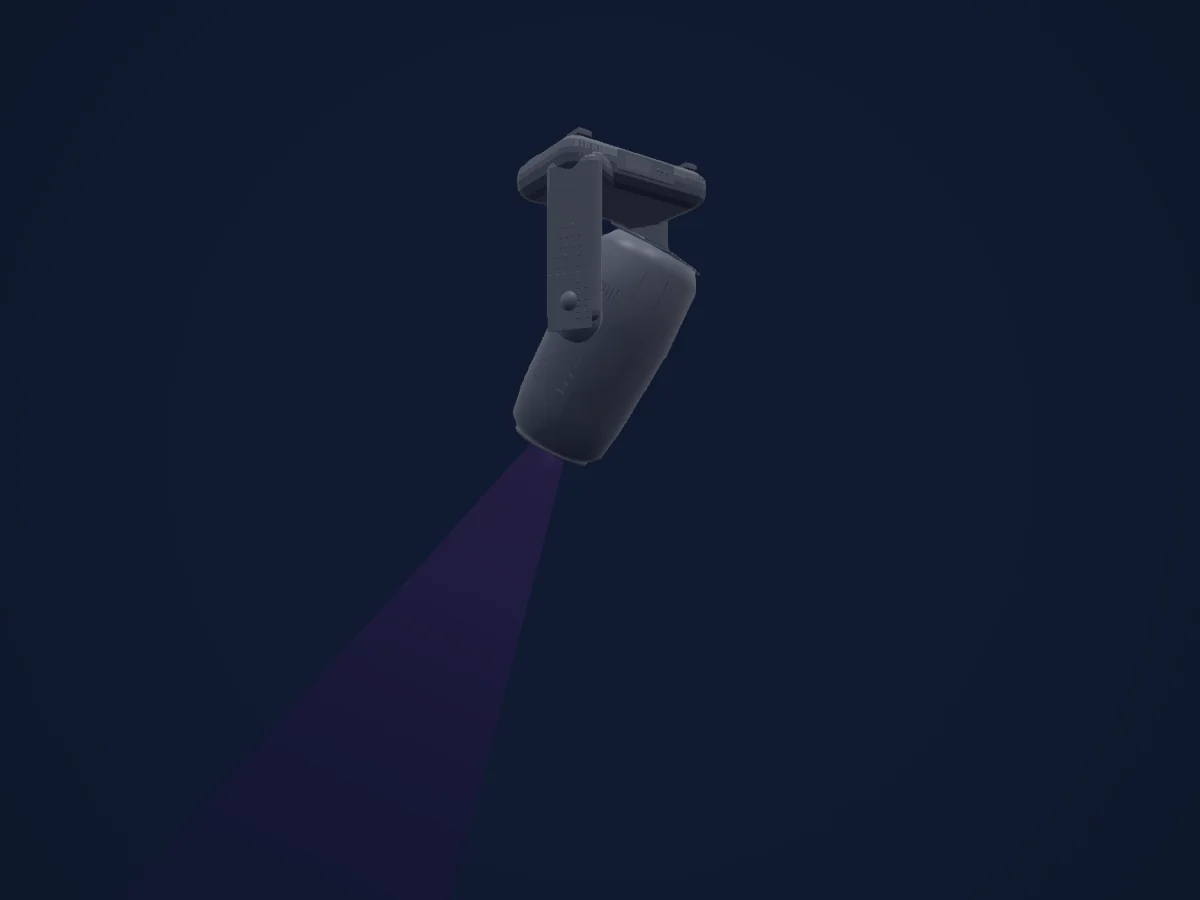
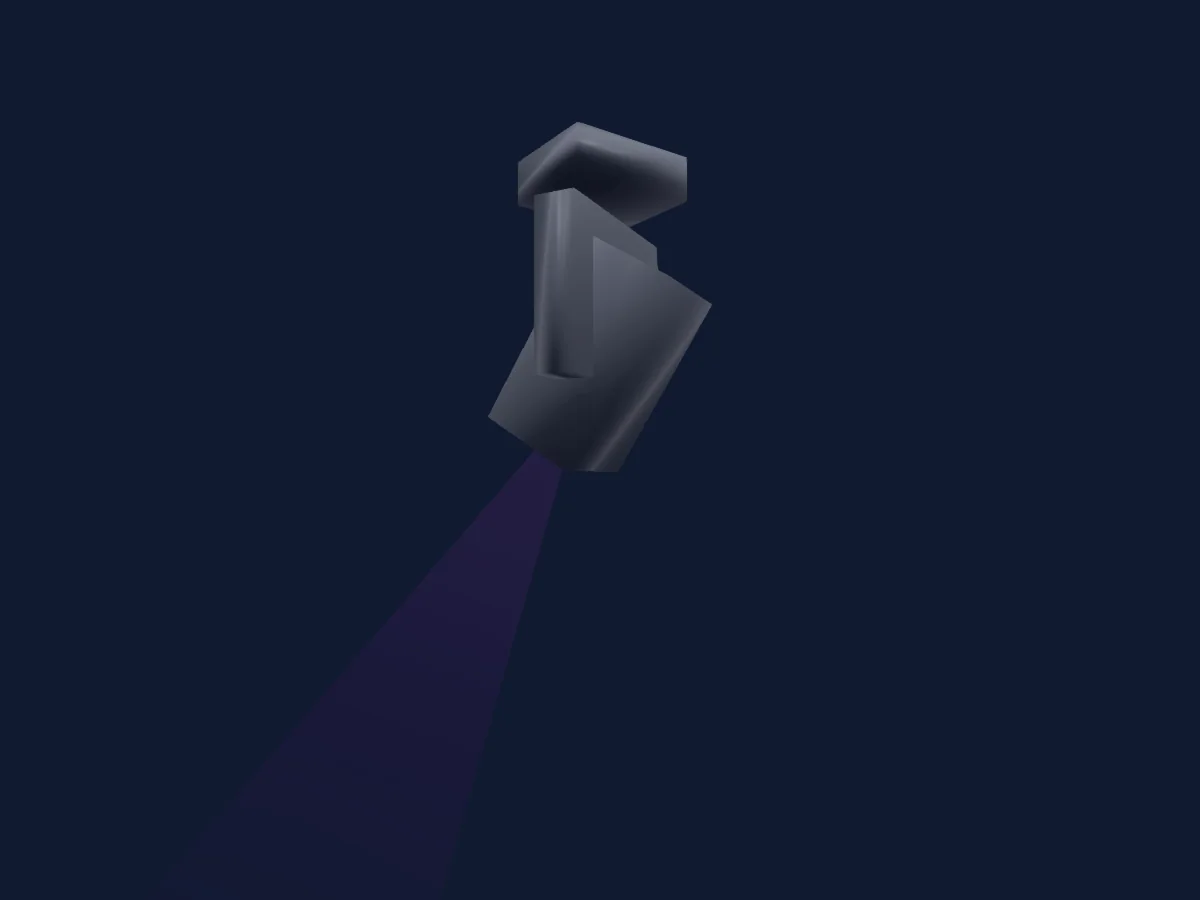
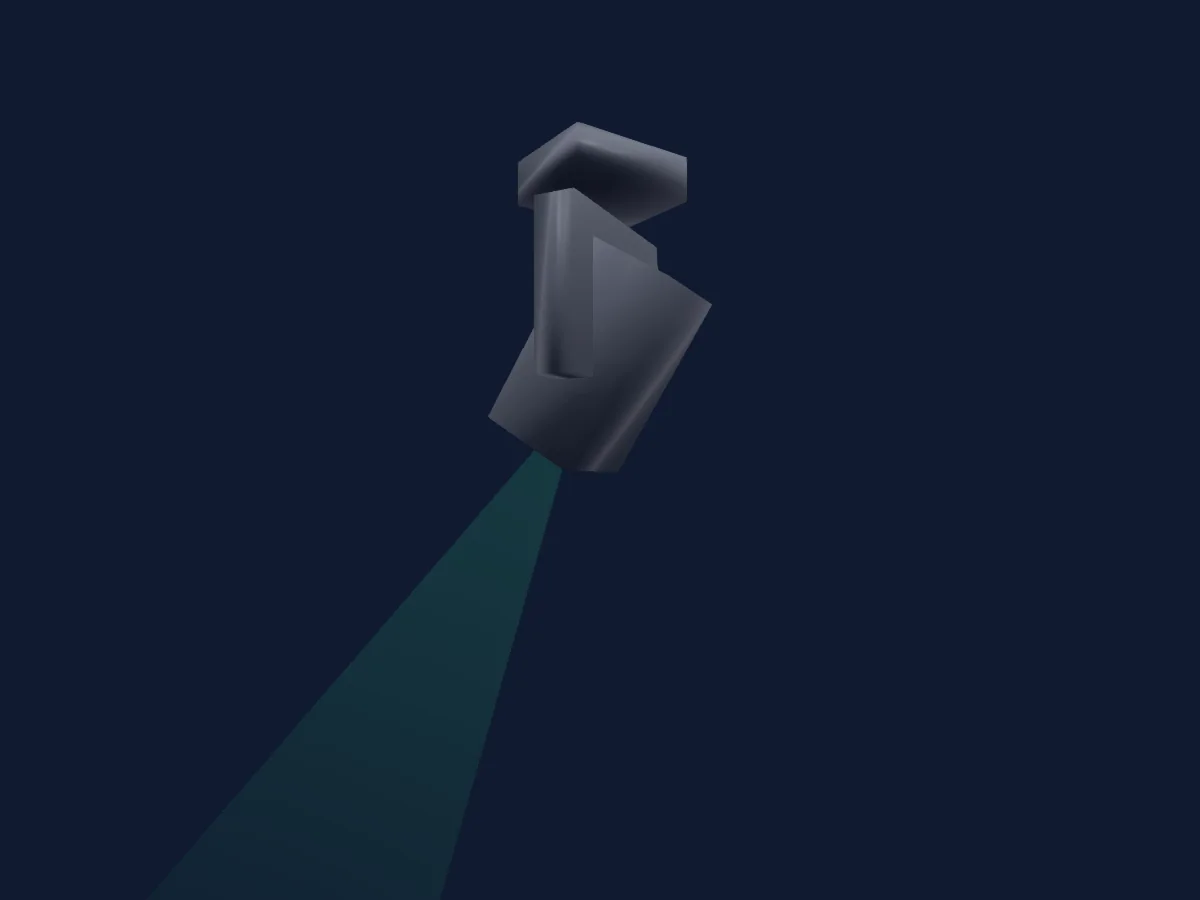
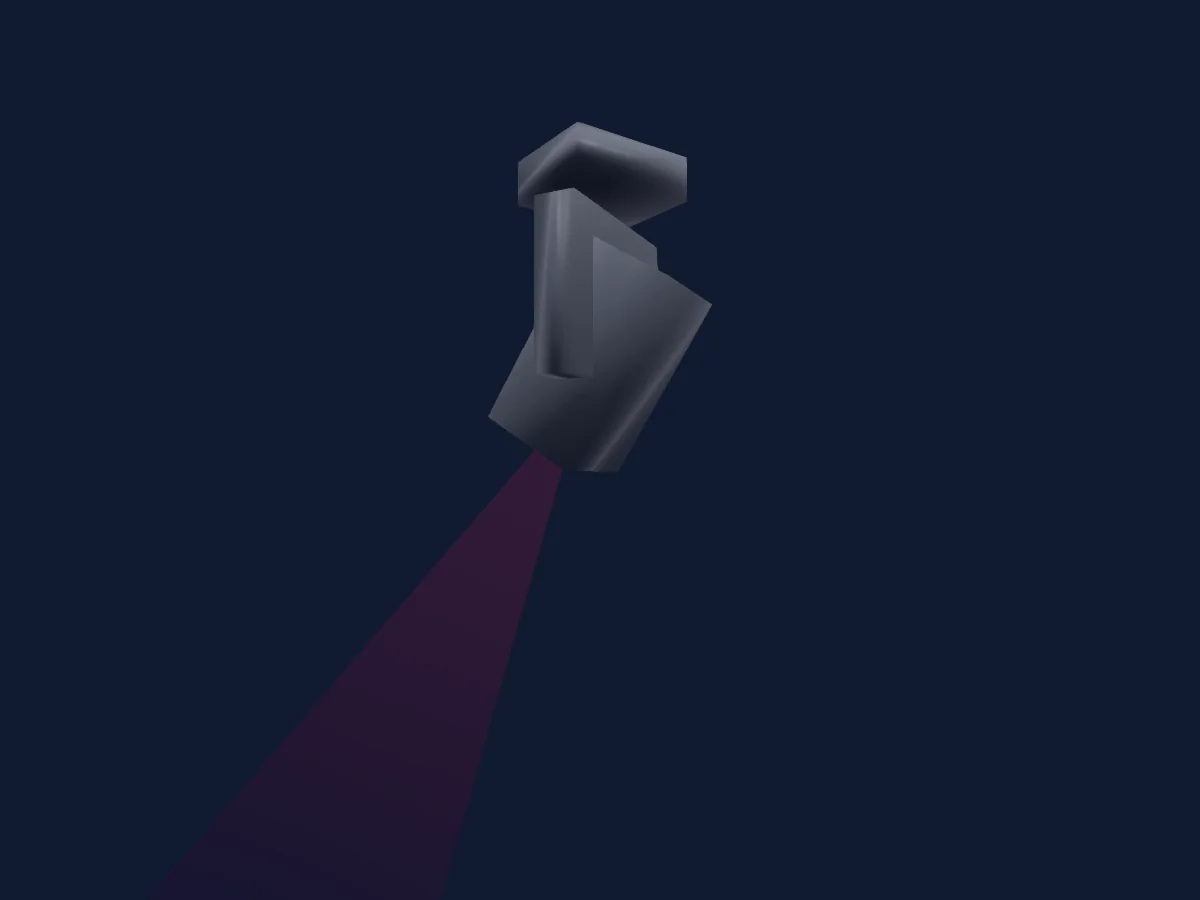
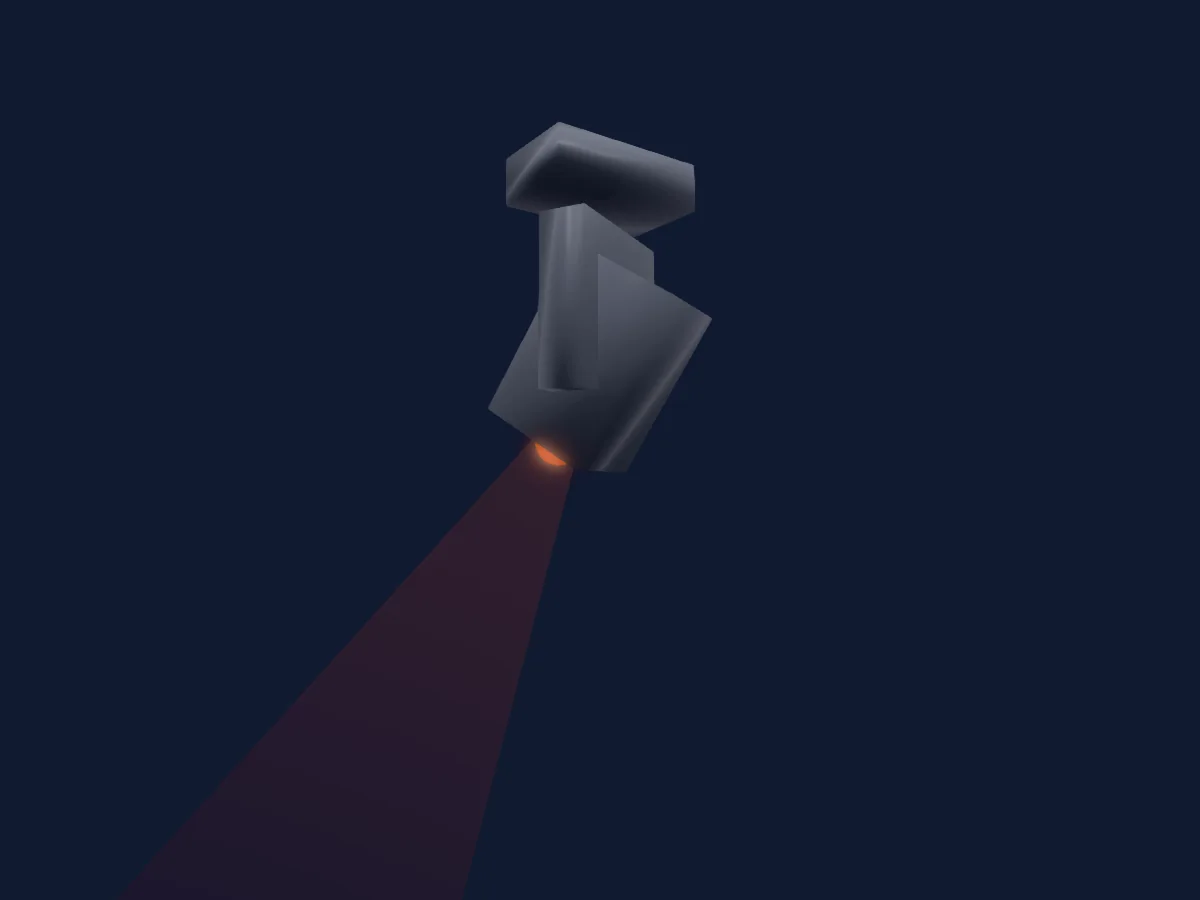
High End Systems Halcyon Platinum Ultra-Bright renderizado no HitLight

O que ele faz

  • Ventilador
  • Frost
  • Íris
  • Prisma
  • Mistura de cores CMY
  • Temperatura de cor
  • Roda de cores
  • Strobo
  • Dimmer
  • Pan e tilt
  • Roda de animação
  • Gobos
  • Rotação de gobos

Funções relevantes para a segurança: Saída de névoa ou fumaça · Reset do refletor · Funções de manutenção · Strobo. Confira como elas se comportam no seu refletor antes de um show.

Modos DMX e tabelas de canais

Modos DMX de High End Systems Halcyon Platinum Ultra-Bright
ModoCanaisNo HitLight
Standard60Pronto no HitLight

Standard

Pronto no HitLight

60 canais DMX · Baixar esta tabela em CSV

Tabela de canais DMX de Standard
CanalFunçãoPadrãoValores DMX
1Pan127
3 faixas de valores
  • 0–126 Min
  • 127–254 Home
  • 255–255 Max
2Pan Fine255Byte fino de Pan
3Tilt127
3 faixas de valores
  • 0–126 Min
  • 127–254 Home
  • 255–255 Max
4Tilt Fine255Byte fino de Tilt
5Color Mix Mode0
12 faixas de valores
  • 0–31 Pure Mix
  • 32–47 Cycle
  • 48–63 Random
  • 64–79 Pure Mix Fast
  • 80–95 Cycle Fast
  • 96–127 Random Fast
  • 128–159 Pure Mix
  • 160–175 Cycle
  • 176–191 Random
  • 192–207 Pure Mix Fast
  • 208–223 Cycle Fast
  • 224–255 Random Fast
6Cyan255
2 faixas de valores
  • 0–254 Full Saturation
  • 255–255 Open
7Magenta255
2 faixas de valores
  • 0–254 Full Saturation
  • 255–255 Open
8Yellow255
2 faixas de valores
  • 0–254 Full Saturation
  • 255–255 Open
9C TO255
2 faixas de valores
  • 0–254 Full Saturation
  • 255–255 Open
10Color Wheel1Mode48
12 faixas de valores
  • 0–15 Indexed
  • 16–31 Forward Spin
  • 32–47 Reverse Spin
  • 48–63 Continuous
  • 64–79 Scan
  • 80–127 Random
  • 128–143 Indexed
  • 144–159 Forward Spin
  • 160–175 Reverse Spin
  • 176–191 Continuous
  • 192–207 Scan
  • 208–255 Random
11Color Wheel0
23 faixas de valores
  • 0–3 Open (wheel slot 1)
  • 4–15 Slow
  • 16–29 Open/Red
  • 30–31 Red/Blue
  • 32–47 Red (wheel slot 2)
  • 48–59 Red/Blue
  • 60–63 Blue/TM30
  • 64–79 Blue (wheel slot 3)
  • 80–89 Blue/TM-30
  • 90–95 TM-30/Orange
  • 96–111 TM-30 (wheel slot 4)
  • 112–119 TM-30/Orange
  • 120–127 Orange/Dark Blue
  • 128–143 Orange (wheel slot 5)
  • 144–149 Orange/Dark Blue
  • 150–159 Dark Blue/CTB
  • 160–175 Dark Blue (wheel slot 6)
  • 176–179 Dark Blue/CTB
  • 180–191 CTB/Open
  • 192–207 CTB (wheel slot 7)
  • 208–223 CTB/Open
  • 224–254 Open (wheel slot 1)
  • 255–255 Fast
12Gobo Wheel1Mode0
10 faixas de valores
  • 0–15 Indexed
  • 16–31 Forward Spin
  • 32–47 Reverse Spin
  • 48–63 Scan
  • 64–127 Random
  • 128–143 Indexed
  • 144–159 Forward Spin
  • 160–190 Reverse Spin
  • 191–191 Scan
  • 192–255 Random
13Gobo0
10 faixas de valores
  • 0–3 Open (wheel slot 1)
  • 4–15 Slow
  • 16–31 Wiggle Lines (wheel slot 2)
  • 32–47 Mycelium (wheel slot 3)
  • 48–63 Bob's Brush (wheel slot 4)
  • 64–79 The Claw (wheel slot 5)
  • 80–95 Cut Cone (wheel slot 6)
  • 96–111 Split S (wheel slot 7)
  • 112–254 Ice (wheel slot 8)
  • 255–255 Fast
14Gobo1Mode0
5 faixas de valores
  • 0–15 Indexed
  • 16–31 Forward Spin
  • 32–47 Reverse Spin
  • 48–63 Forward Animate
  • 64–255 Reverse Animate
15Gobo Rotation127
4 faixas de valores
  • 0–3 0
  • 4–126 Slow
  • 127–254 180
  • 255–255 359
16Gobo Rotation Fine255Byte fino de Gobo Rotation
17Gobo Wheel2Mode0
10 faixas de valores
  • 0–15 Indexed
  • 16–31 Forward Spin
  • 32–47 Reverse Spin
  • 48–63 Scan
  • 64–127 Random
  • 128–143 Indexed
  • 144–159 Forward Spin
  • 160–190 Reverse Spin
  • 191–191 Scan
  • 192–255 Random
18Gobo 20
10 faixas de valores
  • 0–3 Open (wheel slot 1)
  • 4–15 Slow
  • 16–31 Texture Drops (wheel slot 2)
  • 32–47 Lovely Bubbly (wheel slot 3)
  • 48–63 Art Ducko (wheel slot 4)
  • 64–79 Window Matrix (wheel slot 5)
  • 80–95 Swirly Gig (wheel slot 6)
  • 96–111 Fenced In (wheel slot 7)
  • 112–254 The Only Way is Up (wheel slot 8)
  • 255–255 Fast
19Gobo2Mode0
5 faixas de valores
  • 0–15 Indexed
  • 16–31 Forward Spin
  • 32–47 Reverse Spin
  • 48–63 Forward Animate
  • 64–255 Reverse Animate
20Gobo Rotation 2127
4 faixas de valores
  • 0–3 0
  • 4–126 Slow
  • 127–254 180
  • 255–255 359
21Gobo Rotation 2 Fine255Byte fino de Gobo Rotation 2
22Blade1A0
2 faixas de valores
  • 0–254 Removed
  • 255–255 Inserted
23Blade1B0
2 faixas de valores
  • 0–254 Removed
  • 255–255 Inserted
24Blade2A0
2 faixas de valores
  • 0–254 Removed
  • 255–255 Inserted
25Blade2B0
2 faixas de valores
  • 0–254 Removed
  • 255–255 Inserted
26Blade3A0
2 faixas de valores
  • 0–254 Removed
  • 255–255 Inserted
27Blade3B0
2 faixas de valores
  • 0–254 Removed
  • 255–255 Inserted
28Blade4A0
2 faixas de valores
  • 0–254 Removed
  • 255–255 Inserted
29Blade4B0
2 faixas de valores
  • 0–254 Removed
  • 255–255 Inserted
30Shaper Rot127
3 faixas de valores
  • 0–126 -90
  • 127–254 0
  • 255–255 90
31Shaper Rot Fine255Byte fino de Shaper Rot
32Animation Wheel1Pos00–255
33Animation Wheel10
12 faixas de valores
  • 0–0 Stop
  • 1–62 Slow
  • 63–63 Fast
  • 64–64 Stop
  • 65–126 Slow
  • 127–127 Fast
  • 128–128 Stop
  • 129–190 Slow
  • 191–191 Fast
  • 192–192 Stop
  • 193–254 Slow
  • 255–255 Fast
34Prism1Mode0
6 faixas de valores
  • 0–15 Removed
  • 16–31 Continuous
  • 32–47 Forward Spin
  • 48–63 Reverse Spin
  • 64–79 Forward Animate
  • 80–255 Reverse Animate
35Prism127
4 faixas de valores
  • 0–3 Removed
  • 4–126 Slow
  • 127–254 180
  • 255–255 359
36Prism Fine255Byte fino de Prism
37Prism2Mode0
6 faixas de valores
  • 0–15 Removed
  • 16–31 Continuous
  • 32–47 Forward Spin
  • 48–63 Reverse Spin
  • 64–79 Forward Animate
  • 80–255 Reverse Animate
38Prism127
4 faixas de valores
  • 0–3 Removed
  • 4–126 Slow
  • 127–254 180
  • 255–255 359
39Prism Fine255Byte fino de Prism
40Trifusion00–255
41Frost10
2 faixas de valores
  • 0–254 Removed
  • 255–255 Soft Edge
42Frost20
2 faixas de valores
  • 0–254 Removed
  • 255–255 Soft Edge
43Frost30
2 faixas de valores
  • 0–254 Removed
  • 255–255 Soft Edge
44Focus127
3 faixas de valores
  • 0–126 Min
  • 127–254 Home
  • 255–255 Max
45Focus Fine255Byte fino de Focus
46Zoom127
3 faixas de valores
  • 0–126 Min
  • 127–254 Home
  • 255–255 Max
47Zoom Fine255Byte fino de Zoom
48Focus1Distance0
2 faixas de valores
  • 0–3 Auto Focus Off
  • 4–255 Auto Focus - In to Out
49Focus1Distance Fine0Byte fino de Focus1Distance
50Iris255
2 faixas de valores
  • 0–254 Closed
  • 255–255 Open
51Strobe1Mode0
3 faixas de valores
  • 0–31 Normal
  • 32–63 Random
  • 64–255 Synchronous Random
52Strobe1255
4 faixas de valores
  • 0–23 Closed
  • 24–228 Slow
  • 229–254 Fast
  • 255–255 Open
53Dimmer0
3 faixas de valores
  • 0–126 Off
  • 127–254 50%
  • 255–255 Full
54Dimmer Fine0Byte fino de Dimmer
55L EDAnimation0
36 faixas de valores
  • 0–3 Macro Off
  • 4–7 M1 (L to R - 1)
  • 8–11 M2 (L to R - 2)
  • 12–15 M3 (L to R - 3)
  • 16–19 M4 (R to L - 1)
  • 20–23 M5 (R to L - 2)
  • 24–27 M6 (R to L - 3)
  • 28–31 M7 (Scan - 1)
  • 32–35 M8 (Scan - 2)
  • 36–39 M9 (Scan - 3)
  • 40–43 M10 (Invert L to R - 1)
  • 44–47 M11 (Invert L to R - 2)
  • 48–51 M12 (Invert L to R - 3)
  • 52–55 M13 (Invert R to L - 1)
  • 56–59 M14 (Invert R to L - 2)
  • 60–63 M15 (Invert R to L - 3)
  • 64–67 M16 (Invert Scan - 1)
  • 68–71 M17 (Invert Scan - 12
  • 72–75 M18 (Invert Scan - 3)
  • 76–79 M19 (Out/In - 1)
  • 80–83 M20 (Out/In - 3)
  • 84–87 M21 (In/Out - 1)
  • 88–91 M22 (Out/In/Out - 1)
  • 92–95 M23 (Invert Out/In - 1)
  • 96–99 M24 (Invert In/Out - 1)
  • 100–103 M25 (Invert Out/In/Out - 1)
  • 104–107 M26 (Alternate - 4)
  • 108–111 M27 (Alternate - 5)
  • 112–115 M28 (Stairs L to R - 1)
  • 116–119 M29 (Stairs L to R - 2)
  • 120–123 M30 (Stairs R to L - 1)
  • 124–127 M31 (Stairs R to L - 2)
  • 128–131 M32 (Invert Stairs L to R - 1)
  • 132–135 M33 (Invert Stairs L to R - 2)
  • 136–139 M34 (Invert Stairs R to L - 1)
  • 140–255 M35 (Invert Stairs R to L - 2)
56L EDAnimation Speed00–255
57L EDAnimation Xfade00–255
58Global MSpeed0
3 faixas de valores
  • 0–0 Disabled
  • 1–254 Longest
  • 255–255 Shortest
59Control10
8 faixas de valores
  • 0–31 Idle
  • 32–47 Display Off (Hold 3s)
  • 48–79 Display On (Hold 3s)
  • 80–95 Home All (Hold 3s)
  • 96–111 Shutdown (Hold 9s)
  • 112–127 Disable Pan Tilt Motors (Hold 9s)
  • 128–143 Dimming Mode - 2:4KHz (Hold 9s)
  • 144–255 Dimming Mode - 16KHz (Hold 9s)
60Fan0
5 faixas de valores
  • 0–15 Idle
  • 16–206 Slow
  • 207–207 Fast
  • 208–223 Auto
  • 224–255 Studio

Usar High End Systems Halcyon Platinum Ultra-Bright no HitLight

  1. Abra Adicionar refletor e procure High End Systems Halcyon Platinum Ultra-Bright.
  2. Escolha o modo DMX configurado no menu do próprio refletor. O HitLight atribui a ele o menor endereço inicial livre do universo que comporta a quantidade de canais do modo.
  3. Confira o modo e os controles no seu refletor real antes de usar ao vivo.

Espaços com High End Systems Halcyon Platinum Ultra-Bright

As suas montagens guardadas incluem este modelo de aparelho. Confirme o equipamento atual com o espaço.

As tabelas vêm da descrição GDTF do refletor, convertida para a biblioteca do HitLight. O HitLight não tem vínculo com a High End Systems.

Fixture model: gdtf-high-end-systems-halcyon-platinum-ultra-bright-66040
Creator: HitLight
Modifications: Original in-house Blender geometry authored by worker thread thr_eigezu4ees from published dimensions and reference views. No third-party meshes, photos or textures embedded.

Faça o patch e deixe a música comandar as luzes.

O HitLight encontra esses refletores na biblioteca, faz o patch no próximo endereço livre e mostra seu rig em 3D antes de você ligar uma única luz.

Abrir HitLight ↗Baixar o HitLight