 HitLight
ADB DS205
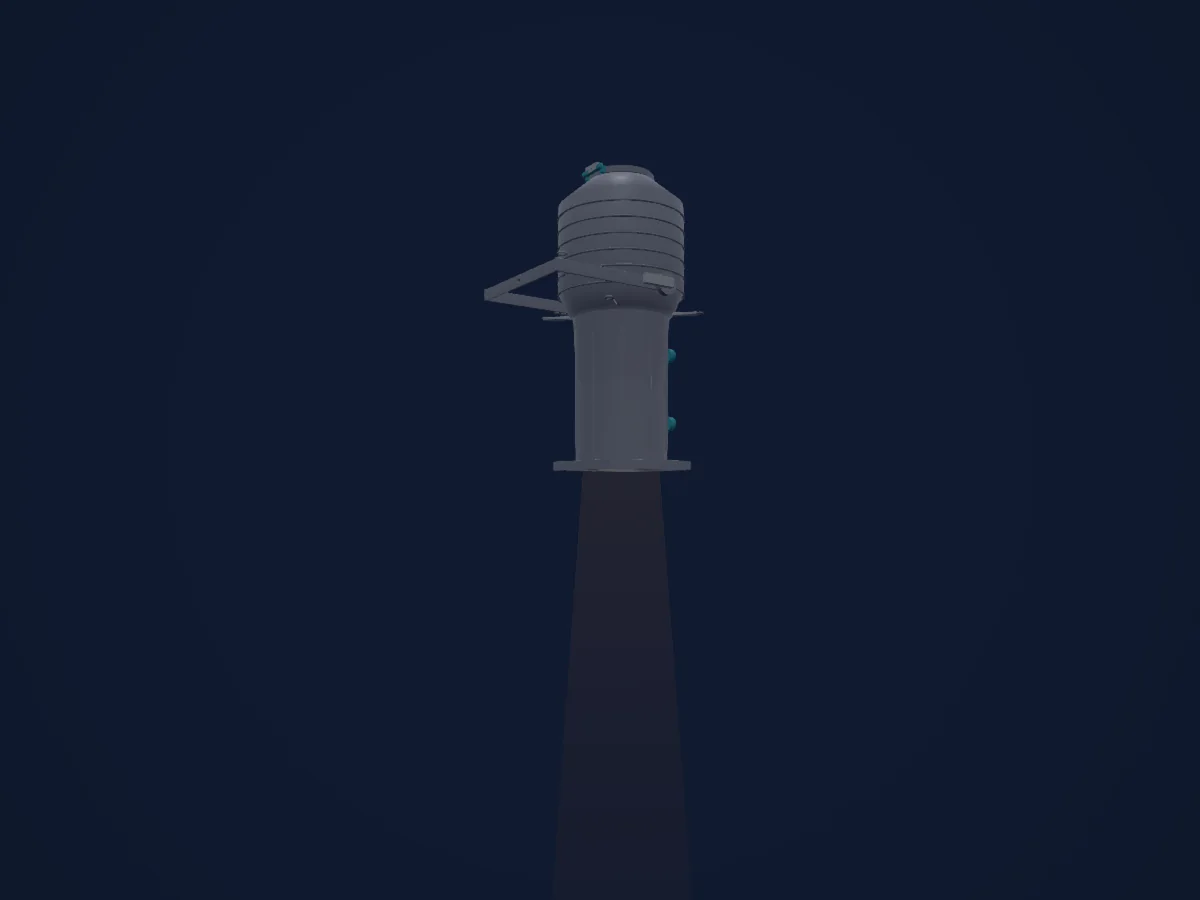
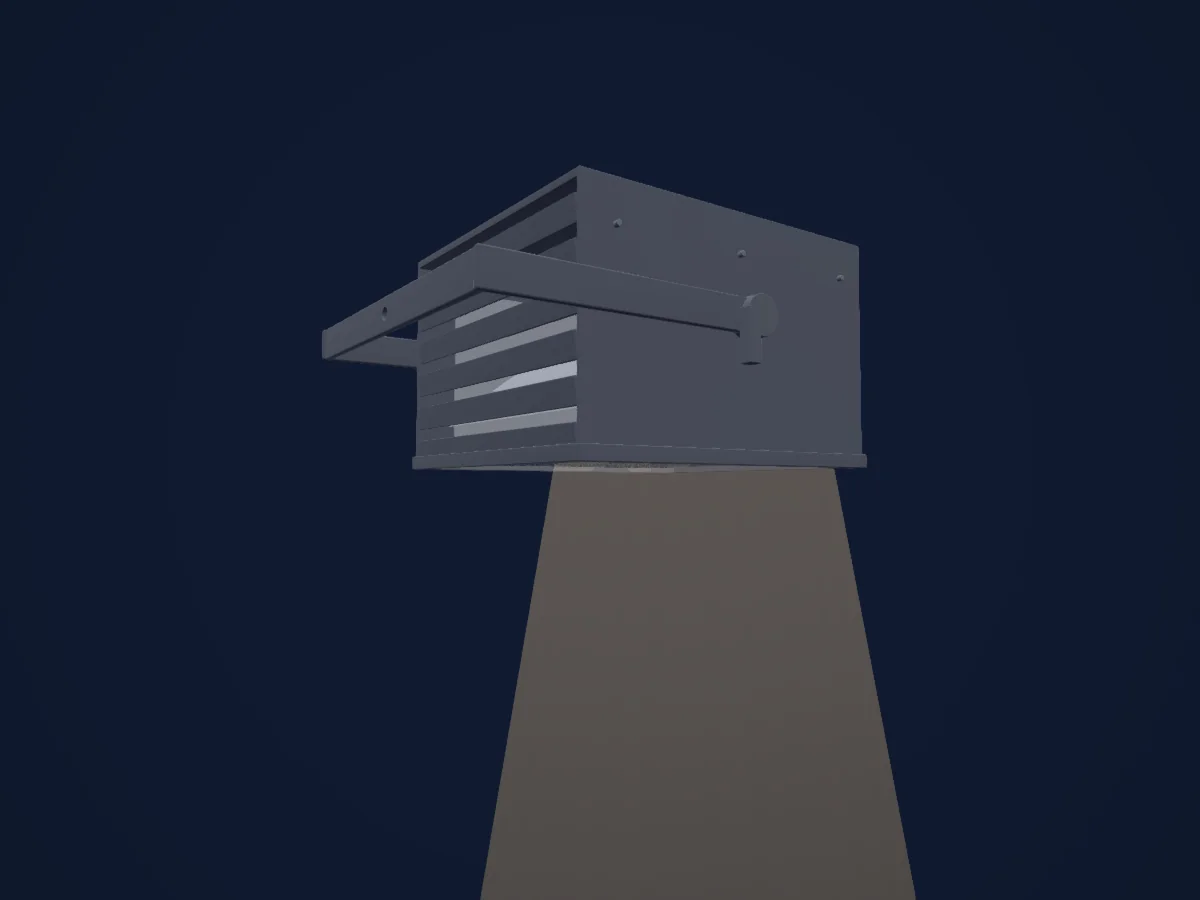
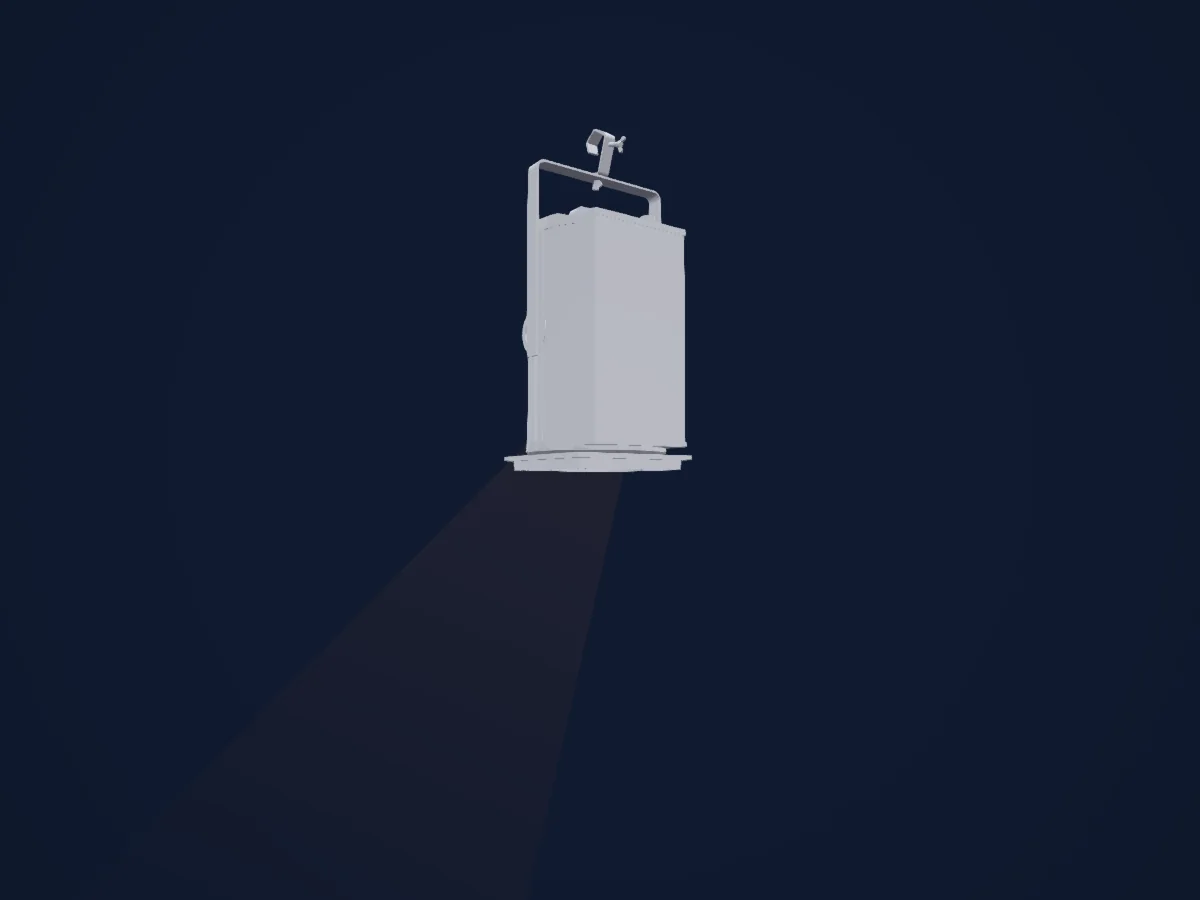
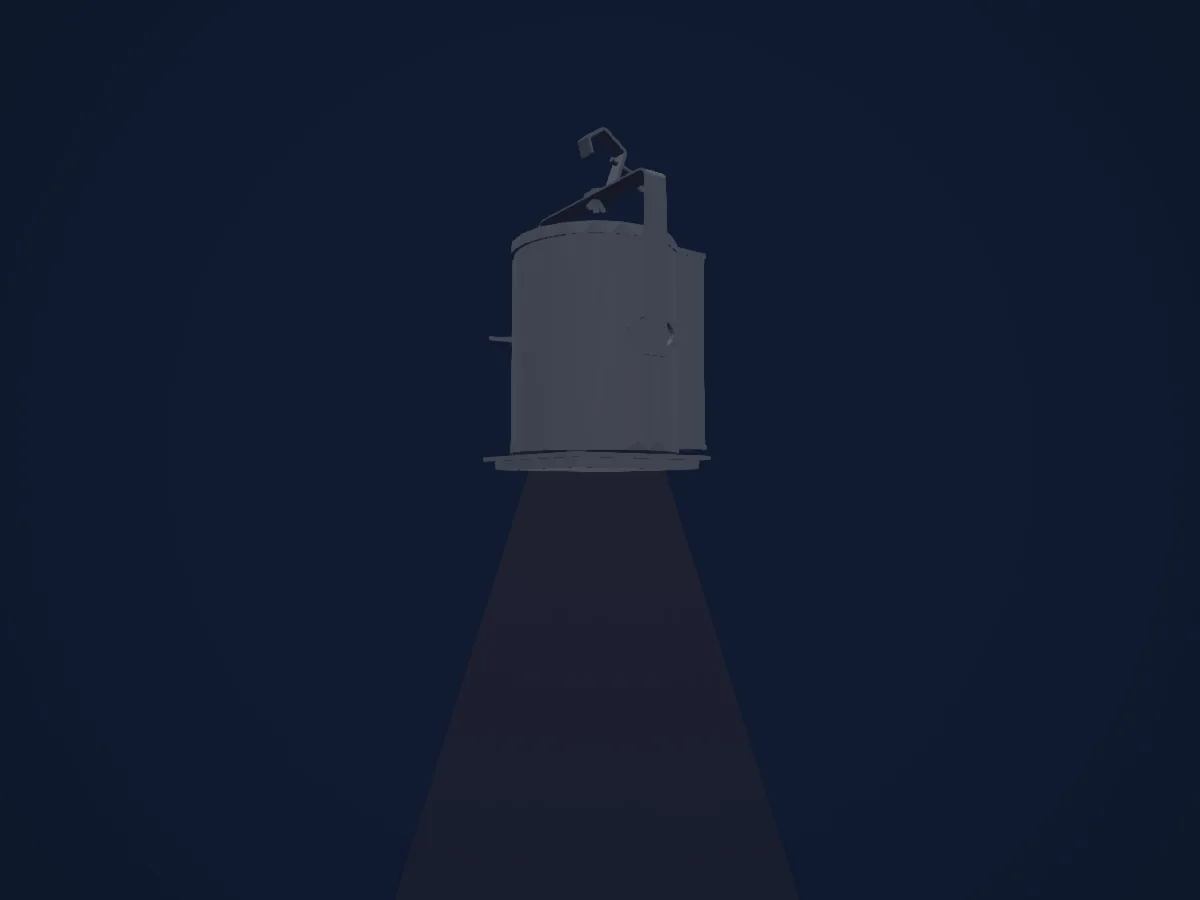
DMX chart, 1 DMX mode and a 3D preview. 1 DMX channel.
What it can do
- Dimmer
DMX modes and channel charts
| Mode | Channels | In HitLight |
|---|---|---|
| External dimmer (virtual) | 1 | Ready in HitLight |
External dimmer (virtual)
Ready in HitLight1 DMX channel · Download this chart as CSV
| Channel | Function | Default | DMX values |
|---|---|---|---|
| 1 | Dimmer | 0 | 0–255 |
Use the ADB DS205 in HitLight
- Open Add fixture and search for ADB DS205.
- Choose the DMX mode set in the fixture’s own menu. HitLight gives it the lowest free start address on its universe that fits the mode’s channel count.
- Check the mode and controls against your real fixture before live use.
Venues with the ADB DS205
Their saved rigs list this fixture model. Confirm the current equipment with the venue.
- Fil (Le) Saint-Etienne, France
- Stavovské divadlo Praha, Czechia
Related fixtures
Charts come from the fixture’s GDTF description as converted for the HitLight library. HitLight is not affiliated with ADB.
Fixture model: gdtf-adb-ds205-2000060102
Original HitLight deterministic Blender geometry, repaired and reviewed by the owner-authorized agent. Manufacturer images and drawings used only as references; no third-party mesh or texture incorporated. Approximate planning model, not hardware verified.
Creator: HitLight
Modifications: DS205 front barrel proportions, four manual framing handles, rear grab handle and safety eye repaired. Small details and handle positions estimated; original 810 x 420 x 500 mm envelope, lens geometry, mounting datum and all programming retained.