 HitLight
Altman Lighting 360Q 6x9
DMX chart, 1 DMX mode and a 3D preview. 1 DMX channel.
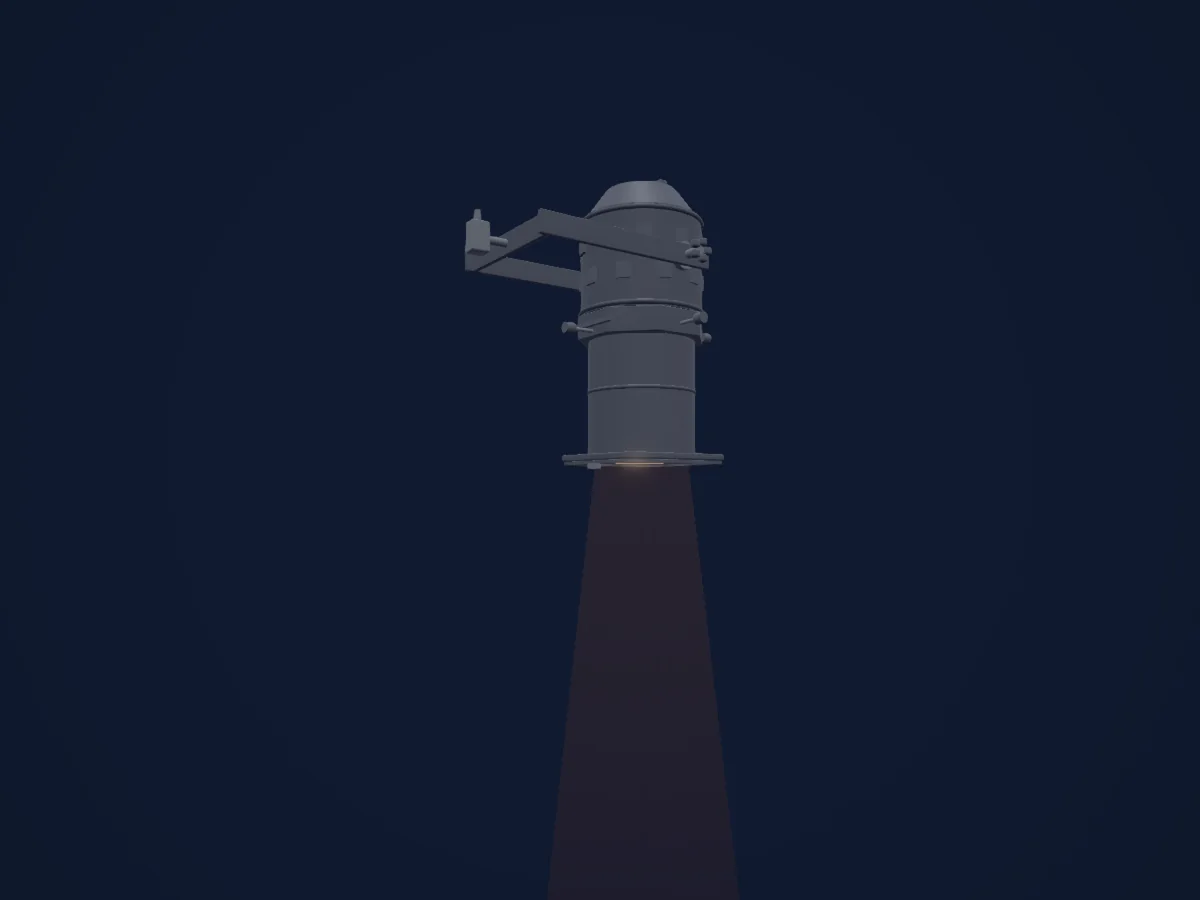
What it can do
- Dimmer
DMX modes and channel charts
| Mode | Channels | In HitLight |
|---|---|---|
| External dimmer (virtual) | 1 | Ready in HitLight |
External dimmer (virtual)
Ready in HitLight1 DMX channel · Download this chart as CSV
| Channel | Function | Default | DMX values |
|---|---|---|---|
| 1 | Dimmer | 0 | 0–255 |
Use the Altman Lighting 360Q 6x9 in HitLight
- Open Add fixture and search for Altman Lighting 360Q 6x9.
- Choose the DMX mode set in the fixture’s own menu. HitLight gives it the lowest free start address on its universe that fits the mode’s channel count.
- Check the mode and controls against your real fixture before live use.
Venues with the Altman Lighting 360Q 6x9
Their saved rigs list this fixture model. Confirm the current equipment with the venue.
- HB Studio 124 Bank Street Theater New York, United States
- Intrepid Theatre Studio Victoria, Canada
- Massey Theatre New Westminster, Canada
- North Shore Center for the Performing Arts Skokie, United States
- Schwartz Center for the Performing Arts (Cornell University) Ithaca, United States
- Tilles Center for the Performing Arts Brookville, United States
Related fixtures
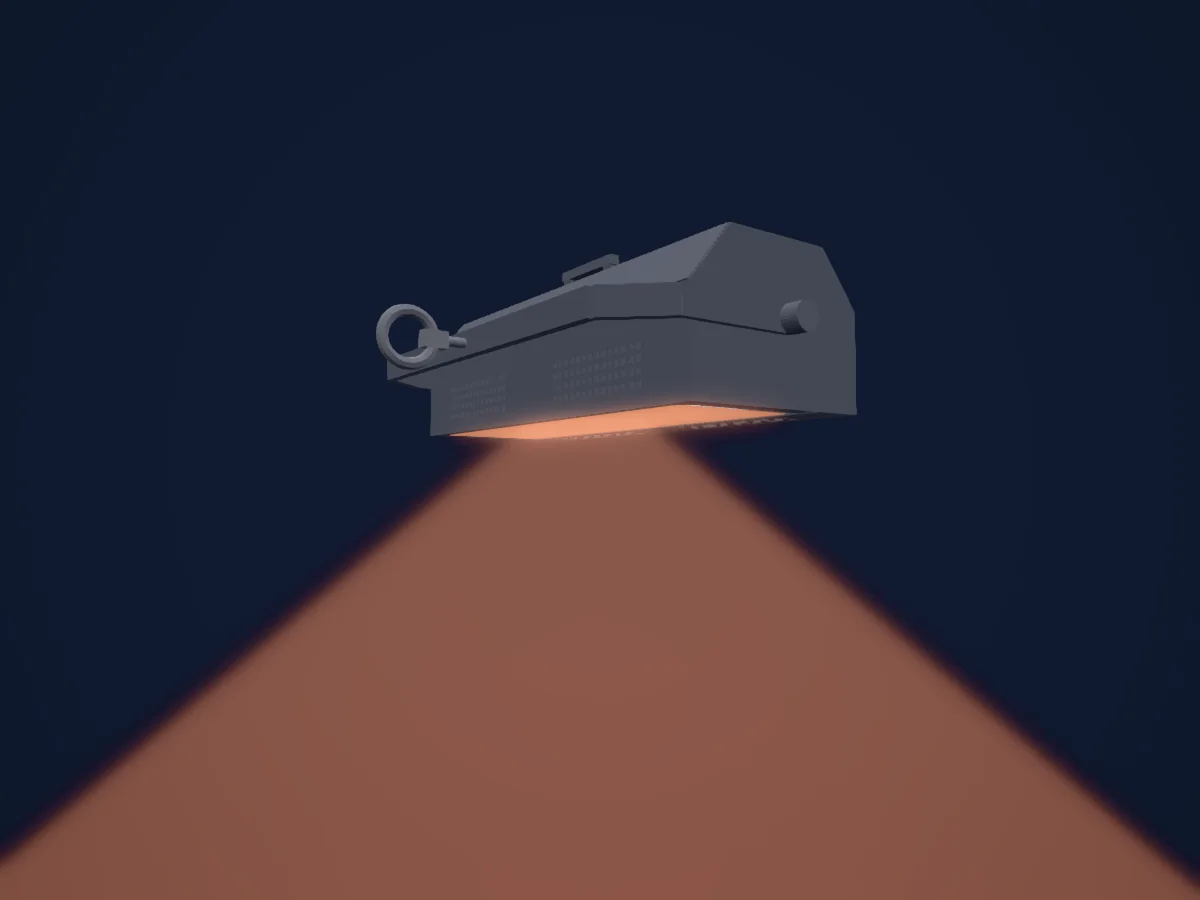
Cyc light
Altman Lighting Spectra Cyc 200
1 / 2 / 4 / 5 / 8 / 10 DMX channels
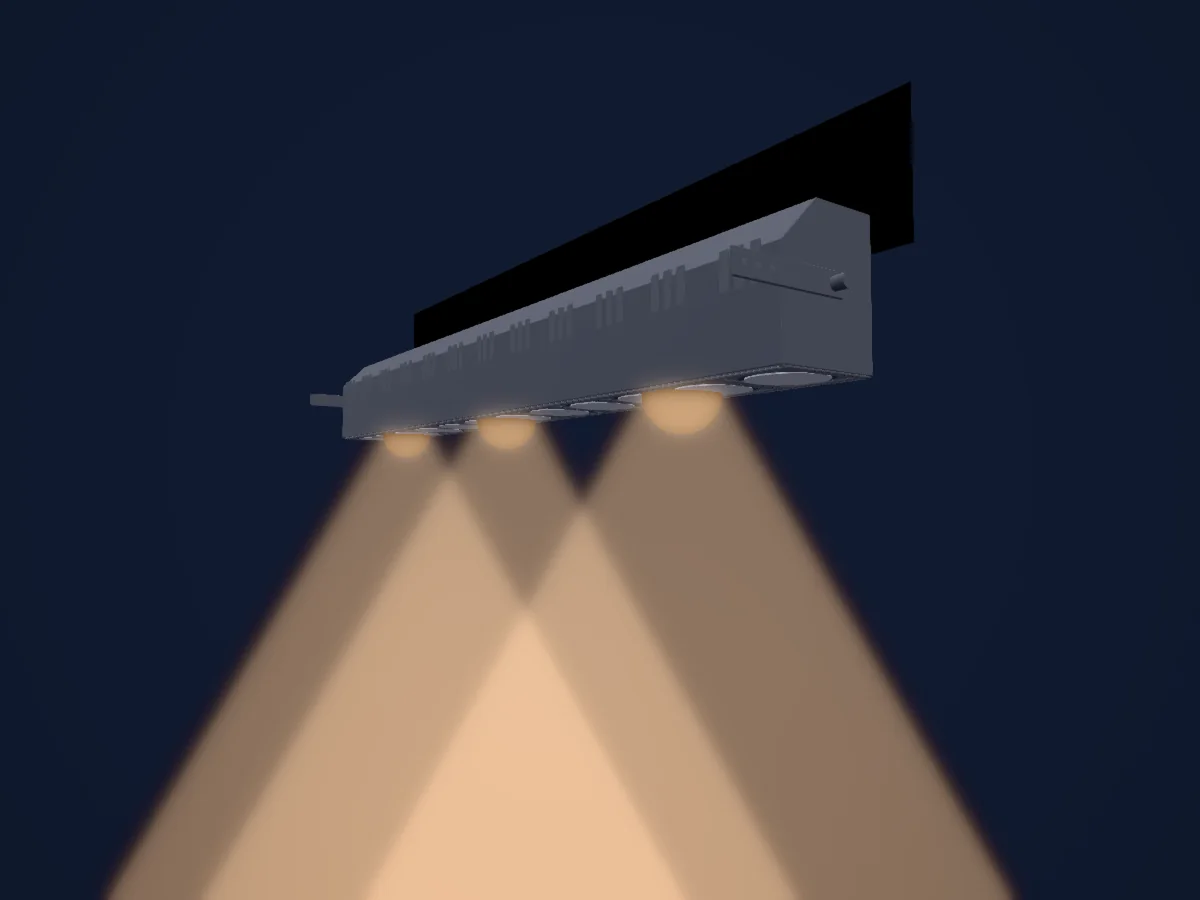
LED bar
Altman Lighting R40 Strip
1 / 3 DMX channels
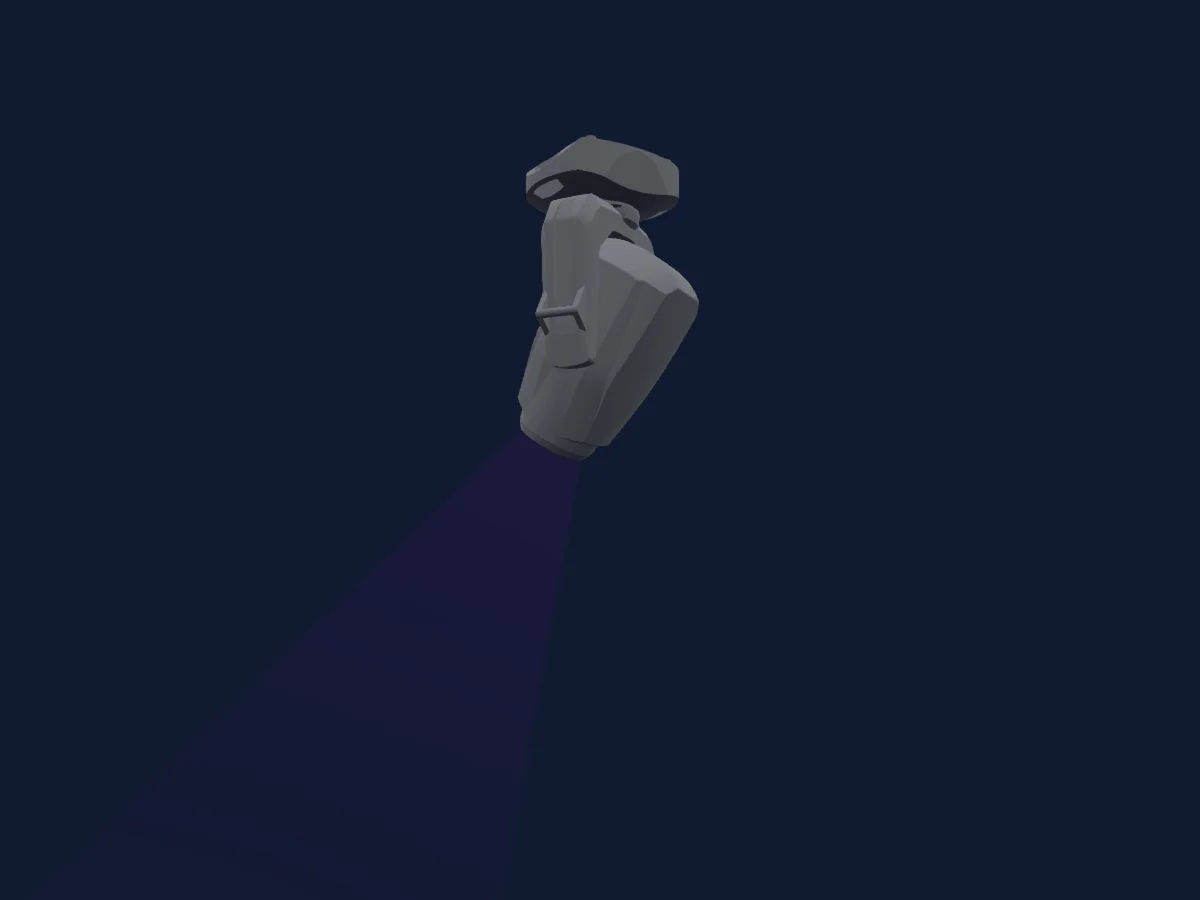
JB-Lighting
JB-Lighting P18 MK2 Wash MA HP
36 / 54 DMX channels
Clay Paky
Clay Paky SinfonyaP600
43 / 50 / 58 DMX channels
LcPro
LcPro Vader BWS-28CH25CH
25 / 28 DMX channels
JB-Lighting
JB-Lighting P15 Profile HC
44 / 64 DMX channels
Charts come from the fixture’s GDTF description as converted for the HitLight library. HitLight is not affiliated with Altman Lighting.
Fixture model: gdtf-altman-lighting-360q-6x9-2611090901
Original HitLight geometry, scripted locally by the HitLight fixture agent from published dimensions and product photographs. No manufacturer CAD, third-party mesh, photo texture or logo is incorporated. Approximate planning model; not hardware verified.
Creator: HitLight