Skip to content
HitLight
Ayrton · Moving head

Ayrton MagicPanel FX

DMX chart, 3 DMX modes and a 3D preview. 18 / 19 / 22 DMX channels.
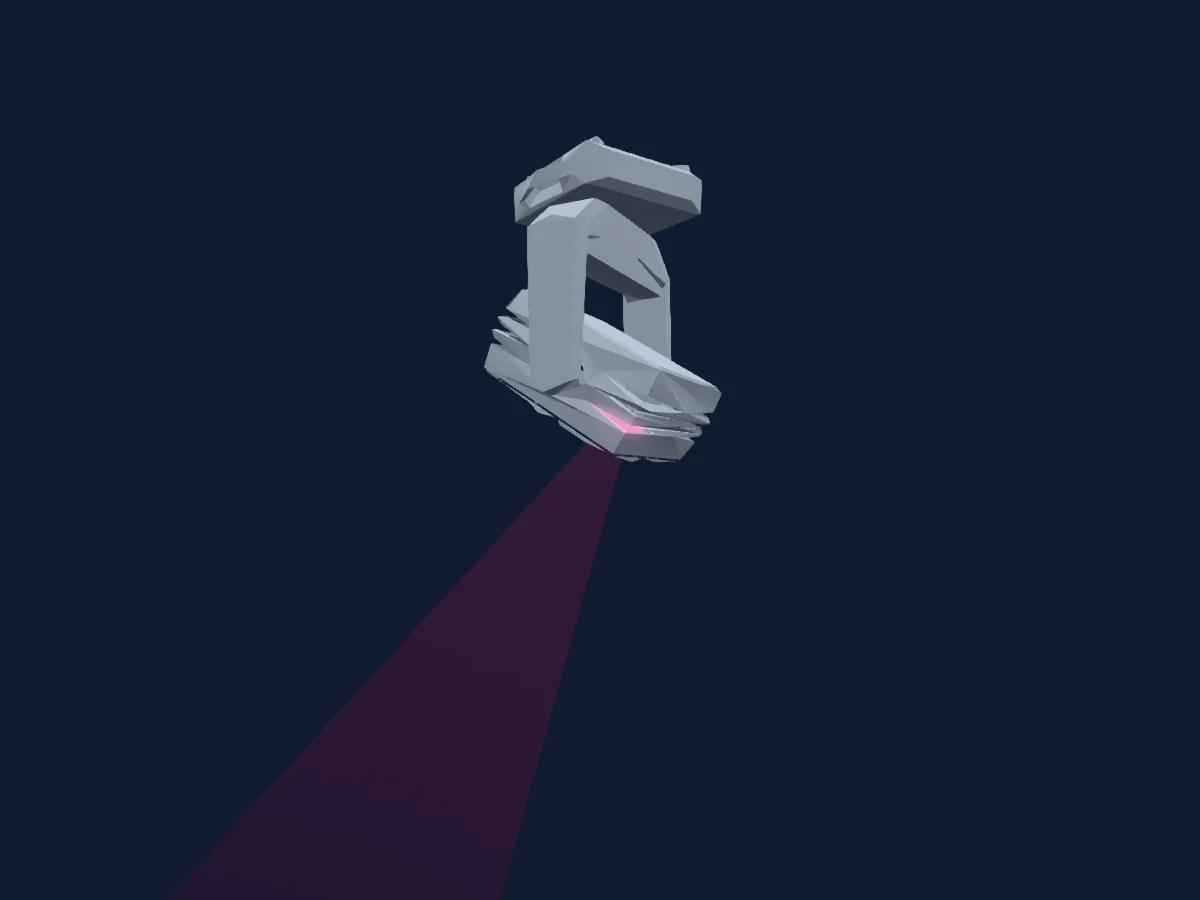
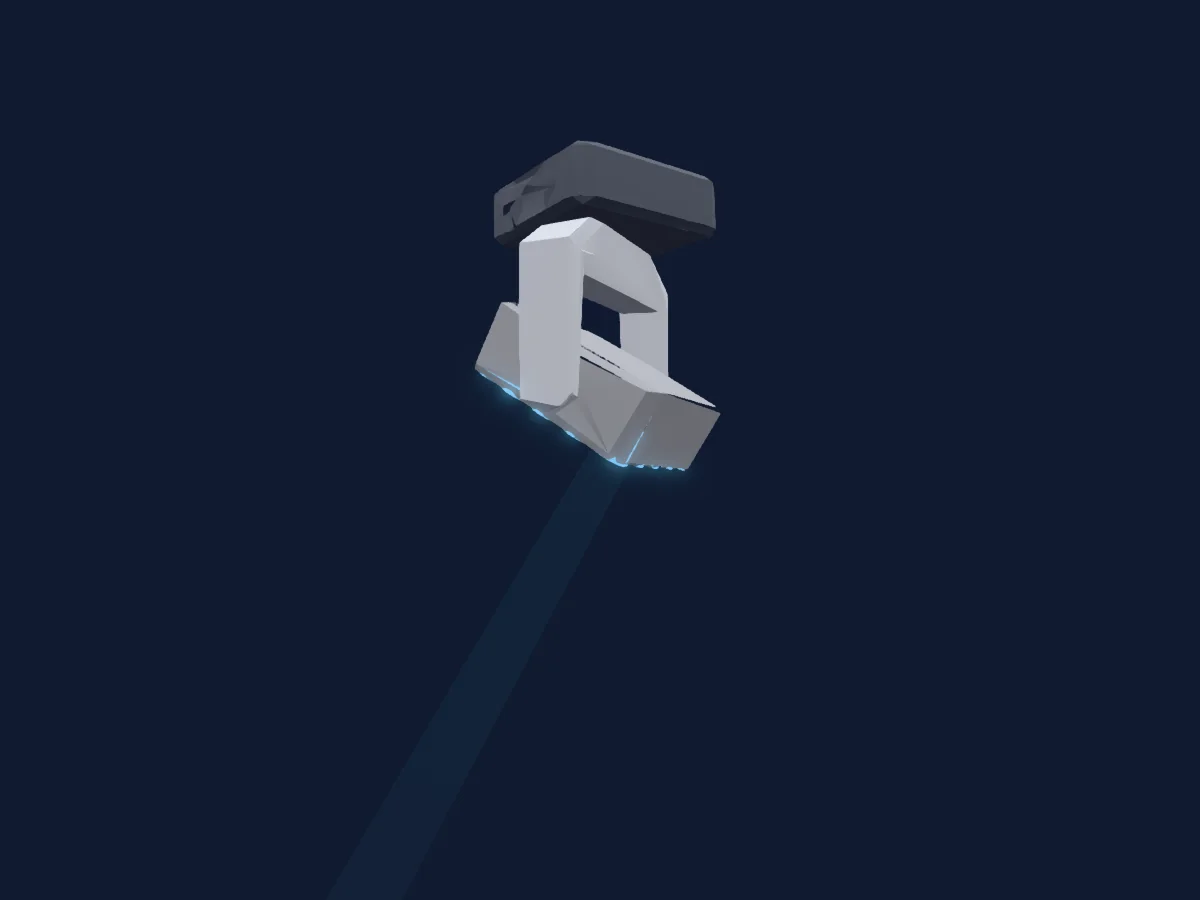
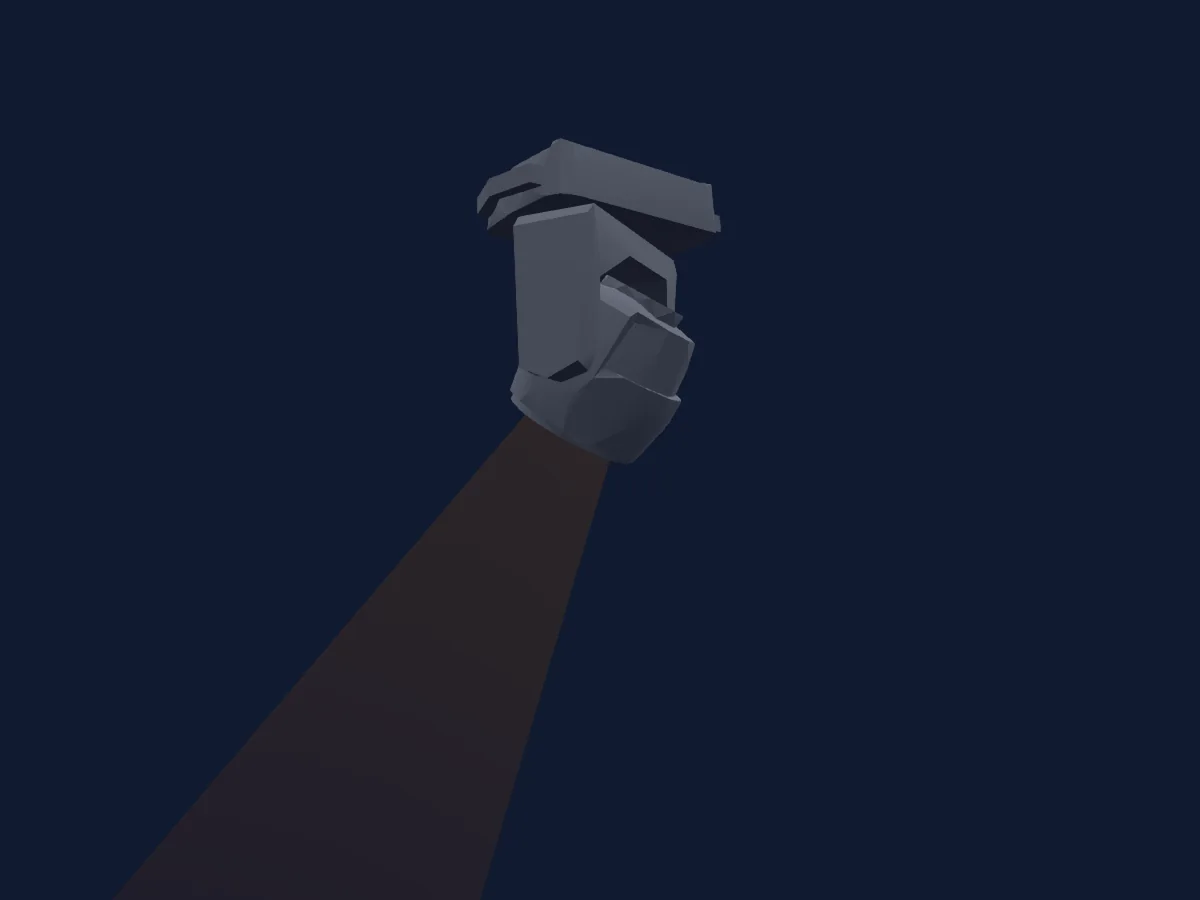
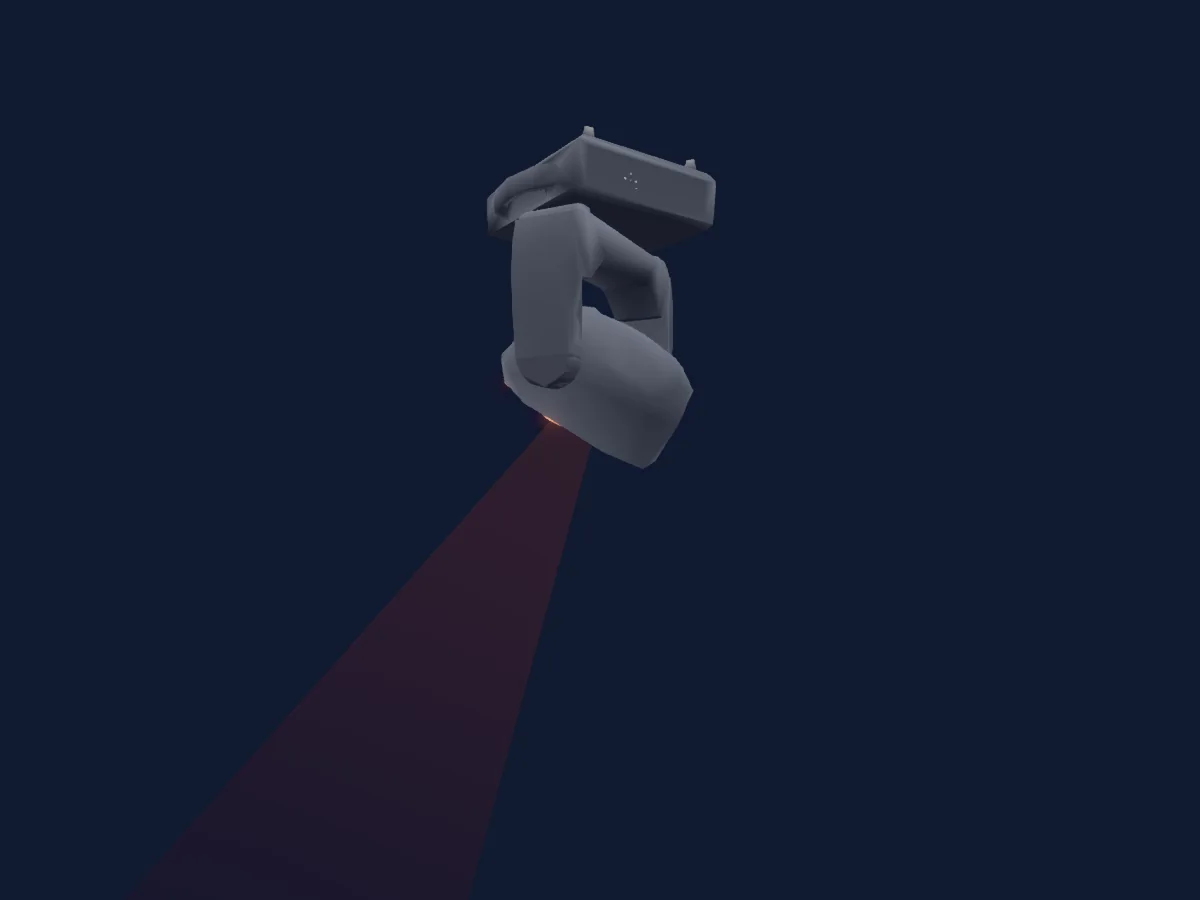
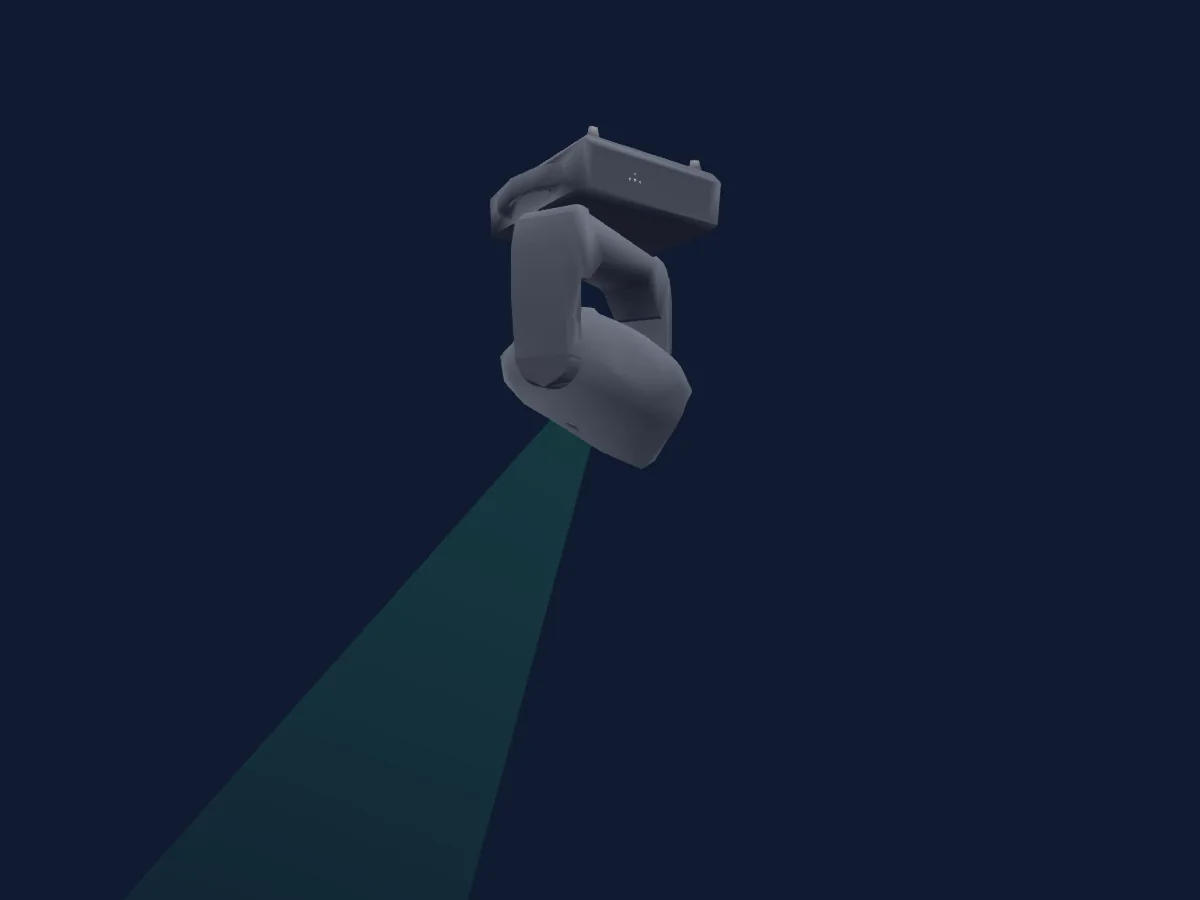
Ayrton MagicPanel FX rendered in HitLight

What it can do

  • Zoom
  • Extra LED colours
  • RGB colour mixing
  • Colour wheel
  • Strobe
  • Dimmer
  • Pan and tilt
  • Movement speed

Safety-relevant functions: Fixture reset · Strobe. Check how these behave on your own fixture before a show.

DMX modes and channel charts

DMX modes of Ayrton MagicPanel FX
ModeChannelsIn HitLight
Extended18Ready in HitLight
Basic19Ready in HitLight
Standard22Ready in HitLight

Extended

Ready in HitLight

18 DMX channels · Download this chart as CSV

DMX channel chart for Extended
ChannelFunctionDefaultDMX values
1Pan170
3 value ranges
  • 0–127 Min
  • 128–254 Centre
  • 255–255 Max
2Pan Fine0Fine byte of Pan
3Tilt128
3 value ranges
  • 0–127 Min
  • 128–254 Centre
  • 255–255 Max
4Tilt Fine0Fine byte of Tilt
5Position MSpeed0
4 value ranges
  • 0–224 Max Speed
  • 225–225 Min Speed
  • 226–235 Blackout by movement
  • 236–255 NoFeature
6Pan Rotate0
7 value ranges
  • 0–63 Stop by SpinOut
  • 64–127 Stop by ShortCut
  • 128–188 CW max
  • 189–189 CW min
  • 190–193 Pause
  • 194–254 CCW min
  • 255–255 CCW max
7Tilt Rotate0
7 value ranges
  • 0–63 Stop by SpinOut
  • 64–127 Stop by ShortCut
  • 128–188 CW max
  • 189–189 CW min
  • 190–193 Pause
  • 194–254 CCW min
  • 255–255 CCW max
8Shutter1Strobe32
10 value ranges
  • 0–31 LED OFF
  • 32–63 LED ON
  • 64–94 Slow Strobe
  • 95–95 Fast Strobe
  • 96–127 NoFeature 4
  • 128–159 Pulse
  • 160–191 NoFeature 6
  • 192–222 Slow Random Strobe
  • 223–223 Fast Random Strobe
  • 224–255 NoFeature 8
9Dimmer00–255
10Color Macro10
8 value ranges
  • 8–39 Red to Yellow
  • 40–71 Yellow to Green
  • 72–103 Green to Cyan
  • 104–135 Cyan to Blue
  • 136–167 Blue to Magenta
  • 168–199 Magenta to Red
  • 200–231 Red to White
  • 232–255 Crossfade
11Color Wheel0
25 value ranges
  • 0–4 Open (wheel slot 25)
  • 5–9 White 2700k (wheel slot 1)
  • 10–14 White 3200k (wheel slot 2)
  • 15–19 White 4200k (wheel slot 3)
  • 20–24 White 5600k (wheel slot 4)
  • 25–29 White 6500k (wheel slot 5)
  • 30–34 White 8000k (wheel slot 6)
  • 35–39 Yellow (wheel slot 7)
  • 40–44 Magenta (wheel slot 8)
  • 45–49 Cyan (wheel slot 9)
  • 50–54 Salmon (wheel slot 10)
  • 55–59 Turquoise (wheel slot 11)
  • 60–64 Light Green (wheel slot 12)
  • 65–69 Steel Blue (wheel slot 13)
  • 70–74 Orange (wheel slot 14)
  • 75–79 Straw (wheel slot 15)
  • 80–84 Pale Lavander (wheel slot 16)
  • 85–89 Pink (wheel slot 17)
  • 90–94 Red (wheel slot 18)
  • 95–99 Green (wheel slot 19)
  • 100–104 Blue (wheel slot 20)
  • 105–109 White (wheel slot 21)
  • 110–114 Rainbow 1 (wheel slot 22)
  • 115–119 Rainbow 2 (wheel slot 23)
  • 120–255 Rainbow 3 (wheel slot 24)
12Color1Dimmer00–255
13Chase00–255
14Chase Speed0
7 value ranges
  • 0–49 <<<
  • 50–119 <<
  • 120–127 <
  • 128–134 Stop(=0)
  • 135–204 >
  • 205–254 >>
  • 255–255 >>>
15Chase Fade0
2 value ranges
  • 0–254 Min Fade
  • 255–255 Max Fade
16Zoom128
3 value ranges
  • 0–126 Narrow
  • 127–254 Mid
  • 255–255 Wide
17Zoom Fine0Fine byte of Zoom
18Control10
11 value ranges
  • 0–79 Normal
  • 80–84 All Motor Reset
  • 85–96 Scan Motor Reset
  • 97–99 Other Motor Reset
  • 100–119 Internal Prog 1
  • 120–139 Internal Prog 2
  • 140–159 Internal Prog 3
  • 160–179 Internal Prog 4
  • 180–199 Internal Prog 5
  • 200–219 Internal Prog 6
  • 220–255 Internal Prog 7

Basic

Ready in HitLight

19 DMX channels · Download this chart as CSV

DMX channel chart for Basic
ChannelFunctionDefaultDMX values
1Pan170
3 value ranges
  • 0–127 Min
  • 128–254 Centre
  • 255–255 Max
2Tilt128
3 value ranges
  • 0–127 Min
  • 128–254 Centre
  • 255–255 Max
3Position MSpeed0
4 value ranges
  • 0–224 Max Speed
  • 225–225 Min Speed
  • 226–235 Blackout by movement
  • 236–255 NoFeature
4Pan Rotate0
7 value ranges
  • 0–63 Stop by SpinOut
  • 64–127 Stop by ShortCut
  • 128–188 CW max
  • 189–189 CW min
  • 190–193 Pause
  • 194–254 CCW min
  • 255–255 CCW max
5Tilt Rotate0
7 value ranges
  • 0–63 Stop by SpinOut
  • 64–127 Stop by ShortCut
  • 128–188 CW max
  • 189–189 CW min
  • 190–193 Pause
  • 194–254 CCW min
  • 255–255 CCW max
6Red00–255
7Green00–255
8Blue00–255
9White2550–255
10Shutter / Strobe32
10 value ranges
  • 0–31 LedOff
  • 32–63 Led On
  • 64–94 Slow Strobe
  • 95–95 Fast Strobe
  • 96–127 NoFeature 4
  • 128–159 Pulse
  • 160–191 NoFeature 6
  • 192–222 Slow Random Strobe
  • 223–223 Fast Random Strobe
  • 224–255 NoFeature 8
11Dimmer00–255
12Color Macro10
8 value ranges
  • 8–39 Red to Yellow
  • 40–71 Yellow to Green
  • 72–103 Green to Cyan
  • 104–135 Cyan to Blue
  • 136–167 Blue to Magenta
  • 168–199 Magenta to Red
  • 200–231 Red to White
  • 232–255 Crossfade
13Color Wheel0
25 value ranges
  • 0–4 Open (wheel slot 25)
  • 5–9 White 2700k (wheel slot 1)
  • 10–14 White 3200k (wheel slot 2)
  • 15–19 White 4200k (wheel slot 3)
  • 20–24 White 5600k (wheel slot 4)
  • 25–29 White 6500k (wheel slot 5)
  • 30–34 White 8000k (wheel slot 6)
  • 35–39 Yellow (wheel slot 7)
  • 40–44 Magenta (wheel slot 8)
  • 45–49 Cyan (wheel slot 9)
  • 50–54 Salmon (wheel slot 10)
  • 55–59 Turquoise (wheel slot 11)
  • 60–64 Light Green (wheel slot 12)
  • 65–69 Steel Blue (wheel slot 13)
  • 70–74 Orange (wheel slot 14)
  • 75–79 Straw (wheel slot 15)
  • 80–84 Pale Lavander (wheel slot 16)
  • 85–89 Pink (wheel slot 17)
  • 90–94 Red (wheel slot 18)
  • 95–99 Green (wheel slot 19)
  • 100–104 Blue (wheel slot 20)
  • 105–109 White (wheel slot 21)
  • 110–114 Rainbow 1 (wheel slot 22)
  • 115–119 Rainbow 2 (wheel slot 23)
  • 120–255 Rainbow 3 (wheel slot 24)
14Color1Dimmer00–255
15Chase00–255
16Chase Speed0
7 value ranges
  • 0–49 <<<
  • 50–119 <<
  • 120–127 <
  • 128–134 Stop(=0)
  • 135–204 >
  • 205–254 >>
  • 255–255 >>>
17Chase Fade0
2 value ranges
  • 0–254 Min Fade
  • 255–255 Max Fade
18Zoom1280–255
19Control10
11 value ranges
  • 0–79 Normal
  • 80–84 All Motor Reset
  • 85–96 Scan Motor Reset
  • 97–99 Other Motor Reset
  • 100–119 Internal Prog 1
  • 120–139 Internal Prog 2
  • 140–159 Internal Prog 3
  • 160–179 Internal Prog 4
  • 180–199 Internal Prog 5
  • 200–219 Internal Prog 6
  • 220–255 Internal Prog 7

Standard

Ready in HitLight

22 DMX channels · Download this chart as CSV

DMX channel chart for Standard
ChannelFunctionDefaultDMX values
1Pan170
3 value ranges
  • 0–127 Min
  • 128–254 Centre
  • 255–255 Max
2Pan Fine0Fine byte of Pan
3Tilt128
3 value ranges
  • 0–127 Min
  • 128–254 Centre
  • 255–255 Max
4Tilt Fine0Fine byte of Tilt
5Position MSpeed0
4 value ranges
  • 0–224 Max Speed
  • 225–225 Min Speed
  • 226–235 Blackout by movement
  • 236–255 NoFeature
6Pan Rotate0
7 value ranges
  • 0–63 Stop by SpinOut
  • 64–127 Stop by ShortCut
  • 128–188 CW max
  • 189–189 CW min
  • 190–193 Pause
  • 194–254 CCW min
  • 255–255 CCW max
7Tilt Rotate0
7 value ranges
  • 0–63 Stop by SpinOut
  • 64–127 Stop by ShortCut
  • 128–188 CW max
  • 189–189 CW min
  • 190–193 Pause
  • 194–254 CCW min
  • 255–255 CCW max
8Red00–255
9Green00–255
10Blue00–255
11White2550–255
12Shutter / Strobe32
10 value ranges
  • 0–31 LedOff
  • 32–63 Led On
  • 64–94 Slow Strobe
  • 95–95 Fast Strobe
  • 96–127 NoFeature 4
  • 128–159 Pulse
  • 160–191 NoFeature 6
  • 192–222 Slow Random Strobe
  • 223–223 Fast Random Strobe
  • 224–255 NoFeature 8
13Dimmer00–255
14Color Macro10
8 value ranges
  • 8–39 Red to Yellow
  • 40–71 Yellow to Green
  • 72–103 Green to Cyan
  • 104–135 Cyan to Blue
  • 136–167 Blue to Magenta
  • 168–199 Magenta to Red
  • 200–231 Red to White
  • 232–255 Crossfade
15Color Wheel0
25 value ranges
  • 0–4 Open (wheel slot 25)
  • 5–9 White 2700k (wheel slot 1)
  • 10–14 White 3200k (wheel slot 2)
  • 15–19 White 4200k (wheel slot 3)
  • 20–24 White 5600k (wheel slot 4)
  • 25–29 White 6500k (wheel slot 5)
  • 30–34 White 8000k (wheel slot 6)
  • 35–39 Yellow (wheel slot 7)
  • 40–44 Magenta (wheel slot 8)
  • 45–49 Cyan (wheel slot 9)
  • 50–54 Salmon (wheel slot 10)
  • 55–59 Turquoise (wheel slot 11)
  • 60–64 Light Green (wheel slot 12)
  • 65–69 Steel Blue (wheel slot 13)
  • 70–74 Orange (wheel slot 14)
  • 75–79 Straw (wheel slot 15)
  • 80–84 Pale Lavander (wheel slot 16)
  • 85–89 Pink (wheel slot 17)
  • 90–94 Red (wheel slot 18)
  • 95–99 Green (wheel slot 19)
  • 100–104 Blue (wheel slot 20)
  • 105–109 White (wheel slot 21)
  • 110–114 Rainbow 1 (wheel slot 22)
  • 115–119 Rainbow 2 (wheel slot 23)
  • 120–255 Rainbow 3 (wheel slot 24)
16Color1Dimmer00–255
17Chase00–255
18Chase Speed0
7 value ranges
  • 0–49 <<<
  • 50–119 <<
  • 120–127 <
  • 128–134 Stop(=0)
  • 135–204 >
  • 205–254 >>
  • 255–255 >>>
19Chase Fade0
2 value ranges
  • 0–254 Min Fade
  • 255–255 Max Fade
20Zoom128
2 value ranges
  • 0–254 Wide
  • 255–255 Narrow
21Zoom Fine0Fine byte of Zoom
22Control10
11 value ranges
  • 0–79 Normal
  • 80–84 All Motor Reset
  • 85–96 Scan Motor Reset
  • 97–99 Other Motor Reset
  • 100–119 Internal Prog 1
  • 120–139 Internal Prog 2
  • 140–159 Internal Prog 3
  • 160–179 Internal Prog 4
  • 180–199 Internal Prog 5
  • 200–219 Internal Prog 6
  • 220–255 Internal Prog 7

Use the Ayrton MagicPanel FX in HitLight

  1. Open Add fixture and search for Ayrton MagicPanel FX.
  2. Choose the DMX mode set in the fixture’s own menu. HitLight gives it the lowest free start address on its universe that fits the mode’s channel count.
  3. Check the mode and controls against your real fixture before live use.

Charts come from the fixture’s GDTF description as converted for the HitLight library. HitLight is not affiliated with Ayrton.

Patch it, then let the music run the lights.

HitLight finds these fixtures in its library, patches them on the next free address and previews your rig in 3D before a single light is plugged in.

Open HitLight ↗Download HitLight