Aller au contenu
HitLight
Ayrton · Lyre

Ayrton MagicPanel FX

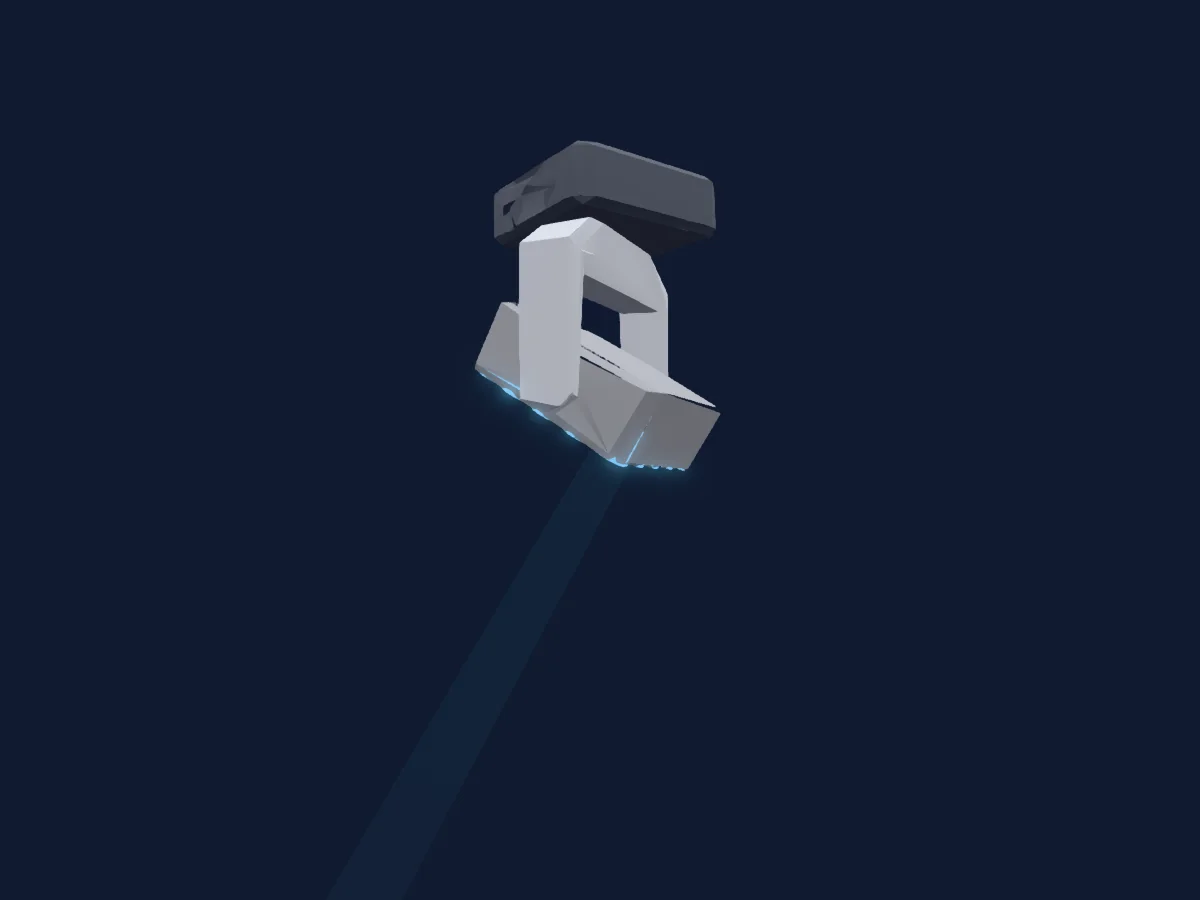
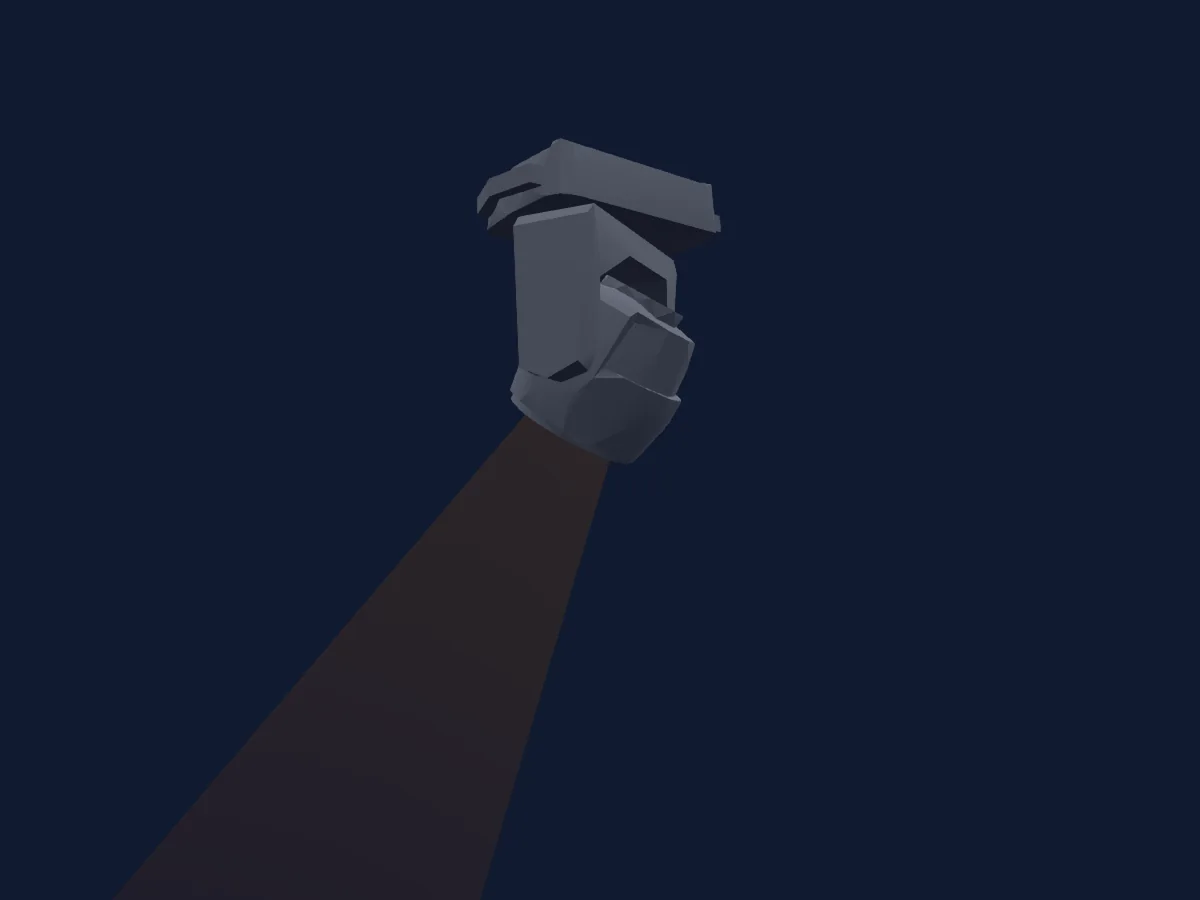
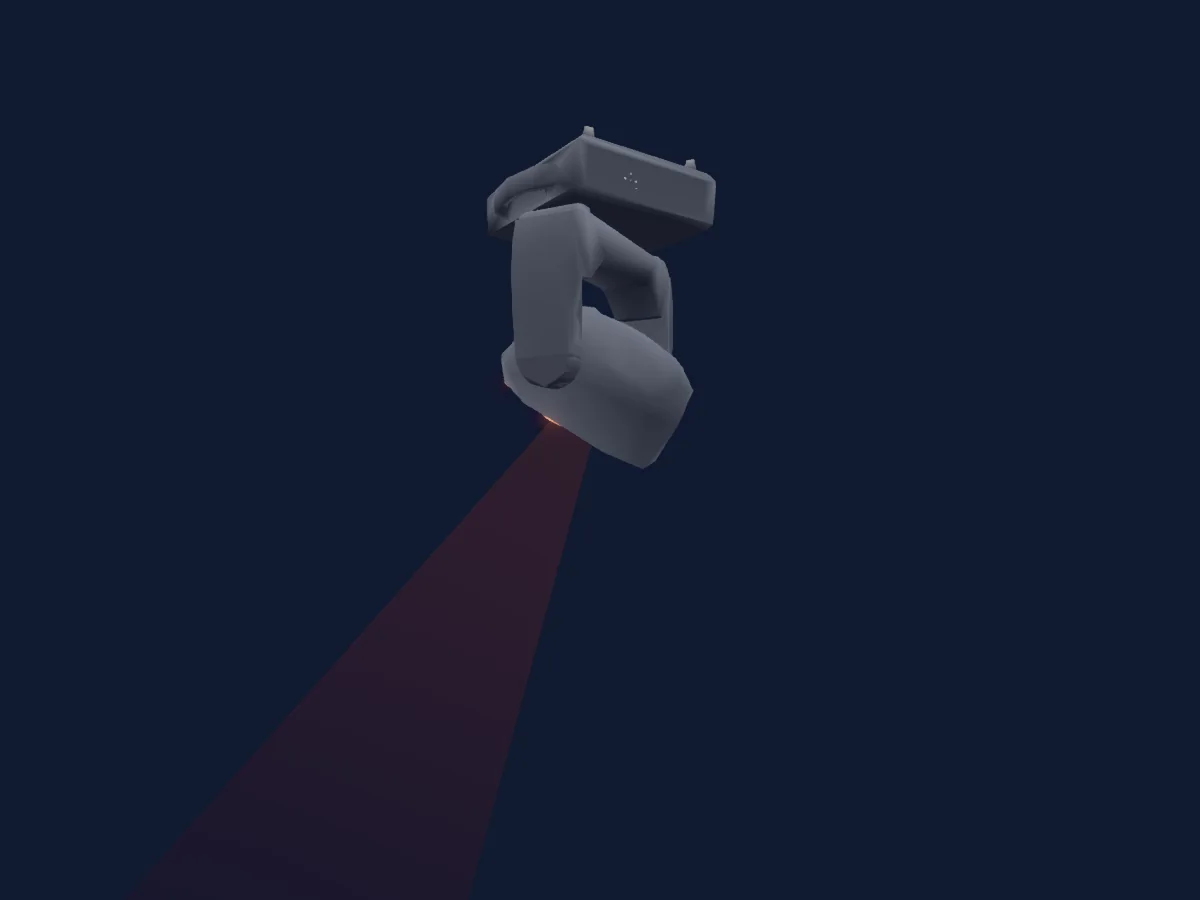
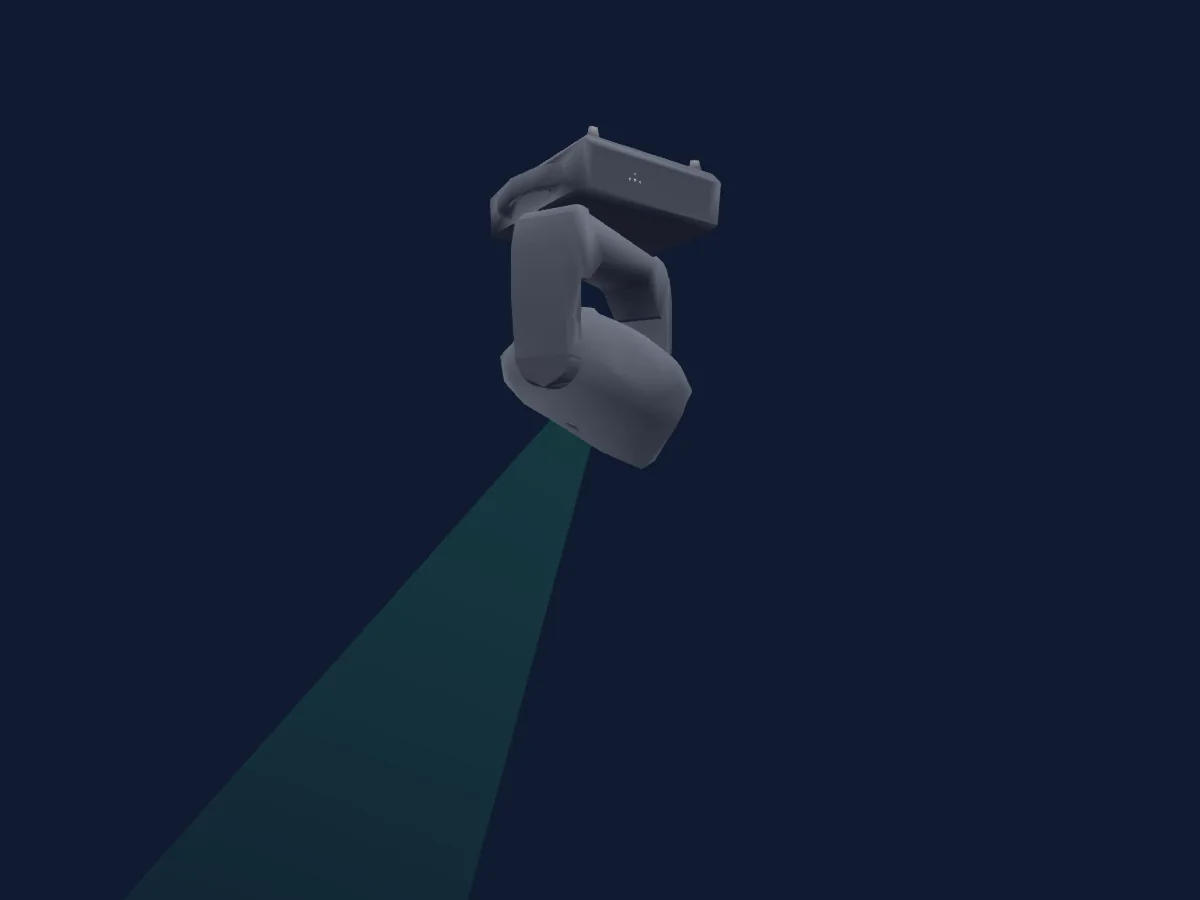
Tableau DMX, 3 modes DMX et aperçu 3D. 18 / 19 / 22 canaux DMX.
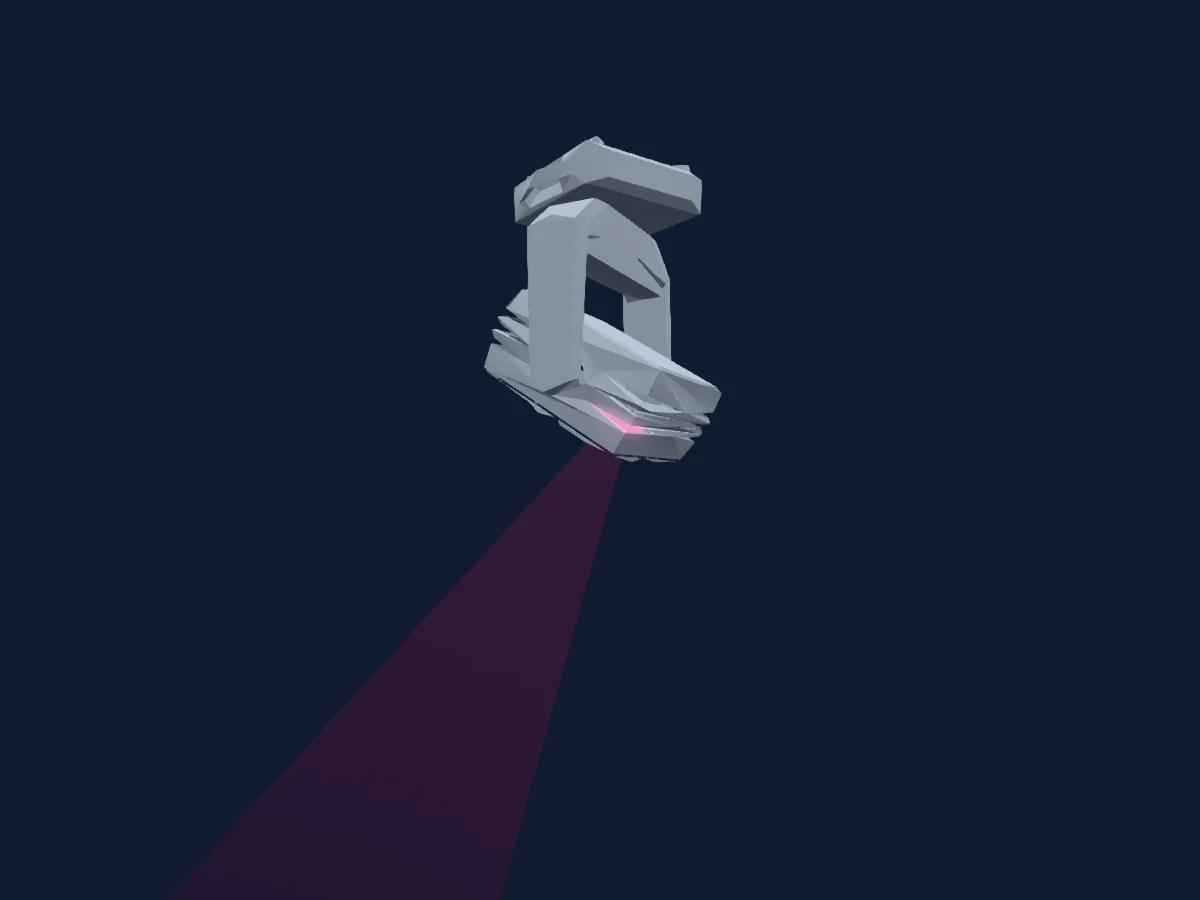
Ayrton MagicPanel FX rendu dans HitLight

Ce qu’il sait faire

  • Zoom
  • Couleurs LED supplémentaires
  • Mélange de couleurs RVB
  • Roue de couleurs
  • Stroboscope
  • Intensité
  • Pan et tilt
  • Vitesse de mouvement

Fonctions liées à la sécurité: Réinitialisation du projecteur · Stroboscope. Vérifiez leur comportement sur votre propre projecteur avant un spectacle.

Modes DMX et tableaux de canaux

Modes DMX de Ayrton MagicPanel FX
ModeCanauxDans HitLight
Extended18Prêt dans HitLight
Basic19Prêt dans HitLight
Standard22Prêt dans HitLight

Extended

Prêt dans HitLight

18 canaux DMX · Télécharger ce tableau en CSV

Tableau des canaux DMX de Extended
CanalFonctionPar défautValeurs DMX
1Pan170
3 plages de valeurs
  • 0–127 Min
  • 128–254 Centre
  • 255–255 Max
2Pan Fine0Octet fin de Pan
3Tilt128
3 plages de valeurs
  • 0–127 Min
  • 128–254 Centre
  • 255–255 Max
4Tilt Fine0Octet fin de Tilt
5Position MSpeed0
4 plages de valeurs
  • 0–224 Max Speed
  • 225–225 Min Speed
  • 226–235 Blackout by movement
  • 236–255 NoFeature
6Pan Rotate0
7 plages de valeurs
  • 0–63 Stop by SpinOut
  • 64–127 Stop by ShortCut
  • 128–188 CW max
  • 189–189 CW min
  • 190–193 Pause
  • 194–254 CCW min
  • 255–255 CCW max
7Tilt Rotate0
7 plages de valeurs
  • 0–63 Stop by SpinOut
  • 64–127 Stop by ShortCut
  • 128–188 CW max
  • 189–189 CW min
  • 190–193 Pause
  • 194–254 CCW min
  • 255–255 CCW max
8Shutter1Strobe32
10 plages de valeurs
  • 0–31 LED OFF
  • 32–63 LED ON
  • 64–94 Slow Strobe
  • 95–95 Fast Strobe
  • 96–127 NoFeature 4
  • 128–159 Pulse
  • 160–191 NoFeature 6
  • 192–222 Slow Random Strobe
  • 223–223 Fast Random Strobe
  • 224–255 NoFeature 8
9Dimmer00–255
10Color Macro10
8 plages de valeurs
  • 8–39 Red to Yellow
  • 40–71 Yellow to Green
  • 72–103 Green to Cyan
  • 104–135 Cyan to Blue
  • 136–167 Blue to Magenta
  • 168–199 Magenta to Red
  • 200–231 Red to White
  • 232–255 Crossfade
11Color Wheel0
25 plages de valeurs
  • 0–4 Open (wheel slot 25)
  • 5–9 White 2700k (wheel slot 1)
  • 10–14 White 3200k (wheel slot 2)
  • 15–19 White 4200k (wheel slot 3)
  • 20–24 White 5600k (wheel slot 4)
  • 25–29 White 6500k (wheel slot 5)
  • 30–34 White 8000k (wheel slot 6)
  • 35–39 Yellow (wheel slot 7)
  • 40–44 Magenta (wheel slot 8)
  • 45–49 Cyan (wheel slot 9)
  • 50–54 Salmon (wheel slot 10)
  • 55–59 Turquoise (wheel slot 11)
  • 60–64 Light Green (wheel slot 12)
  • 65–69 Steel Blue (wheel slot 13)
  • 70–74 Orange (wheel slot 14)
  • 75–79 Straw (wheel slot 15)
  • 80–84 Pale Lavander (wheel slot 16)
  • 85–89 Pink (wheel slot 17)
  • 90–94 Red (wheel slot 18)
  • 95–99 Green (wheel slot 19)
  • 100–104 Blue (wheel slot 20)
  • 105–109 White (wheel slot 21)
  • 110–114 Rainbow 1 (wheel slot 22)
  • 115–119 Rainbow 2 (wheel slot 23)
  • 120–255 Rainbow 3 (wheel slot 24)
12Color1Dimmer00–255
13Chase00–255
14Chase Speed0
7 plages de valeurs
  • 0–49 <<<
  • 50–119 <<
  • 120–127 <
  • 128–134 Stop(=0)
  • 135–204 >
  • 205–254 >>
  • 255–255 >>>
15Chase Fade0
2 plages de valeurs
  • 0–254 Min Fade
  • 255–255 Max Fade
16Zoom128
3 plages de valeurs
  • 0–126 Narrow
  • 127–254 Mid
  • 255–255 Wide
17Zoom Fine0Octet fin de Zoom
18Control10
11 plages de valeurs
  • 0–79 Normal
  • 80–84 All Motor Reset
  • 85–96 Scan Motor Reset
  • 97–99 Other Motor Reset
  • 100–119 Internal Prog 1
  • 120–139 Internal Prog 2
  • 140–159 Internal Prog 3
  • 160–179 Internal Prog 4
  • 180–199 Internal Prog 5
  • 200–219 Internal Prog 6
  • 220–255 Internal Prog 7

Basic

Prêt dans HitLight

19 canaux DMX · Télécharger ce tableau en CSV

Tableau des canaux DMX de Basic
CanalFonctionPar défautValeurs DMX
1Pan170
3 plages de valeurs
  • 0–127 Min
  • 128–254 Centre
  • 255–255 Max
2Tilt128
3 plages de valeurs
  • 0–127 Min
  • 128–254 Centre
  • 255–255 Max
3Position MSpeed0
4 plages de valeurs
  • 0–224 Max Speed
  • 225–225 Min Speed
  • 226–235 Blackout by movement
  • 236–255 NoFeature
4Pan Rotate0
7 plages de valeurs
  • 0–63 Stop by SpinOut
  • 64–127 Stop by ShortCut
  • 128–188 CW max
  • 189–189 CW min
  • 190–193 Pause
  • 194–254 CCW min
  • 255–255 CCW max
5Tilt Rotate0
7 plages de valeurs
  • 0–63 Stop by SpinOut
  • 64–127 Stop by ShortCut
  • 128–188 CW max
  • 189–189 CW min
  • 190–193 Pause
  • 194–254 CCW min
  • 255–255 CCW max
6Red00–255
7Green00–255
8Blue00–255
9White2550–255
10Shutter / Strobe32
10 plages de valeurs
  • 0–31 LedOff
  • 32–63 Led On
  • 64–94 Slow Strobe
  • 95–95 Fast Strobe
  • 96–127 NoFeature 4
  • 128–159 Pulse
  • 160–191 NoFeature 6
  • 192–222 Slow Random Strobe
  • 223–223 Fast Random Strobe
  • 224–255 NoFeature 8
11Dimmer00–255
12Color Macro10
8 plages de valeurs
  • 8–39 Red to Yellow
  • 40–71 Yellow to Green
  • 72–103 Green to Cyan
  • 104–135 Cyan to Blue
  • 136–167 Blue to Magenta
  • 168–199 Magenta to Red
  • 200–231 Red to White
  • 232–255 Crossfade
13Color Wheel0
25 plages de valeurs
  • 0–4 Open (wheel slot 25)
  • 5–9 White 2700k (wheel slot 1)
  • 10–14 White 3200k (wheel slot 2)
  • 15–19 White 4200k (wheel slot 3)
  • 20–24 White 5600k (wheel slot 4)
  • 25–29 White 6500k (wheel slot 5)
  • 30–34 White 8000k (wheel slot 6)
  • 35–39 Yellow (wheel slot 7)
  • 40–44 Magenta (wheel slot 8)
  • 45–49 Cyan (wheel slot 9)
  • 50–54 Salmon (wheel slot 10)
  • 55–59 Turquoise (wheel slot 11)
  • 60–64 Light Green (wheel slot 12)
  • 65–69 Steel Blue (wheel slot 13)
  • 70–74 Orange (wheel slot 14)
  • 75–79 Straw (wheel slot 15)
  • 80–84 Pale Lavander (wheel slot 16)
  • 85–89 Pink (wheel slot 17)
  • 90–94 Red (wheel slot 18)
  • 95–99 Green (wheel slot 19)
  • 100–104 Blue (wheel slot 20)
  • 105–109 White (wheel slot 21)
  • 110–114 Rainbow 1 (wheel slot 22)
  • 115–119 Rainbow 2 (wheel slot 23)
  • 120–255 Rainbow 3 (wheel slot 24)
14Color1Dimmer00–255
15Chase00–255
16Chase Speed0
7 plages de valeurs
  • 0–49 <<<
  • 50–119 <<
  • 120–127 <
  • 128–134 Stop(=0)
  • 135–204 >
  • 205–254 >>
  • 255–255 >>>
17Chase Fade0
2 plages de valeurs
  • 0–254 Min Fade
  • 255–255 Max Fade
18Zoom1280–255
19Control10
11 plages de valeurs
  • 0–79 Normal
  • 80–84 All Motor Reset
  • 85–96 Scan Motor Reset
  • 97–99 Other Motor Reset
  • 100–119 Internal Prog 1
  • 120–139 Internal Prog 2
  • 140–159 Internal Prog 3
  • 160–179 Internal Prog 4
  • 180–199 Internal Prog 5
  • 200–219 Internal Prog 6
  • 220–255 Internal Prog 7

Standard

Prêt dans HitLight

22 canaux DMX · Télécharger ce tableau en CSV

Tableau des canaux DMX de Standard
CanalFonctionPar défautValeurs DMX
1Pan170
3 plages de valeurs
  • 0–127 Min
  • 128–254 Centre
  • 255–255 Max
2Pan Fine0Octet fin de Pan
3Tilt128
3 plages de valeurs
  • 0–127 Min
  • 128–254 Centre
  • 255–255 Max
4Tilt Fine0Octet fin de Tilt
5Position MSpeed0
4 plages de valeurs
  • 0–224 Max Speed
  • 225–225 Min Speed
  • 226–235 Blackout by movement
  • 236–255 NoFeature
6Pan Rotate0
7 plages de valeurs
  • 0–63 Stop by SpinOut
  • 64–127 Stop by ShortCut
  • 128–188 CW max
  • 189–189 CW min
  • 190–193 Pause
  • 194–254 CCW min
  • 255–255 CCW max
7Tilt Rotate0
7 plages de valeurs
  • 0–63 Stop by SpinOut
  • 64–127 Stop by ShortCut
  • 128–188 CW max
  • 189–189 CW min
  • 190–193 Pause
  • 194–254 CCW min
  • 255–255 CCW max
8Red00–255
9Green00–255
10Blue00–255
11White2550–255
12Shutter / Strobe32
10 plages de valeurs
  • 0–31 LedOff
  • 32–63 Led On
  • 64–94 Slow Strobe
  • 95–95 Fast Strobe
  • 96–127 NoFeature 4
  • 128–159 Pulse
  • 160–191 NoFeature 6
  • 192–222 Slow Random Strobe
  • 223–223 Fast Random Strobe
  • 224–255 NoFeature 8
13Dimmer00–255
14Color Macro10
8 plages de valeurs
  • 8–39 Red to Yellow
  • 40–71 Yellow to Green
  • 72–103 Green to Cyan
  • 104–135 Cyan to Blue
  • 136–167 Blue to Magenta
  • 168–199 Magenta to Red
  • 200–231 Red to White
  • 232–255 Crossfade
15Color Wheel0
25 plages de valeurs
  • 0–4 Open (wheel slot 25)
  • 5–9 White 2700k (wheel slot 1)
  • 10–14 White 3200k (wheel slot 2)
  • 15–19 White 4200k (wheel slot 3)
  • 20–24 White 5600k (wheel slot 4)
  • 25–29 White 6500k (wheel slot 5)
  • 30–34 White 8000k (wheel slot 6)
  • 35–39 Yellow (wheel slot 7)
  • 40–44 Magenta (wheel slot 8)
  • 45–49 Cyan (wheel slot 9)
  • 50–54 Salmon (wheel slot 10)
  • 55–59 Turquoise (wheel slot 11)
  • 60–64 Light Green (wheel slot 12)
  • 65–69 Steel Blue (wheel slot 13)
  • 70–74 Orange (wheel slot 14)
  • 75–79 Straw (wheel slot 15)
  • 80–84 Pale Lavander (wheel slot 16)
  • 85–89 Pink (wheel slot 17)
  • 90–94 Red (wheel slot 18)
  • 95–99 Green (wheel slot 19)
  • 100–104 Blue (wheel slot 20)
  • 105–109 White (wheel slot 21)
  • 110–114 Rainbow 1 (wheel slot 22)
  • 115–119 Rainbow 2 (wheel slot 23)
  • 120–255 Rainbow 3 (wheel slot 24)
16Color1Dimmer00–255
17Chase00–255
18Chase Speed0
7 plages de valeurs
  • 0–49 <<<
  • 50–119 <<
  • 120–127 <
  • 128–134 Stop(=0)
  • 135–204 >
  • 205–254 >>
  • 255–255 >>>
19Chase Fade0
2 plages de valeurs
  • 0–254 Min Fade
  • 255–255 Max Fade
20Zoom128
2 plages de valeurs
  • 0–254 Wide
  • 255–255 Narrow
21Zoom Fine0Octet fin de Zoom
22Control10
11 plages de valeurs
  • 0–79 Normal
  • 80–84 All Motor Reset
  • 85–96 Scan Motor Reset
  • 97–99 Other Motor Reset
  • 100–119 Internal Prog 1
  • 120–139 Internal Prog 2
  • 140–159 Internal Prog 3
  • 160–179 Internal Prog 4
  • 180–199 Internal Prog 5
  • 200–219 Internal Prog 6
  • 220–255 Internal Prog 7

Utiliser Ayrton MagicPanel FX dans HitLight

  1. Ouvrez Ajouter un projecteur et recherchez Ayrton MagicPanel FX.
  2. Choisissez le mode DMX réglé dans le menu du projecteur. HitLight lui attribue la plus basse adresse de départ libre de son univers qui peut accueillir le nombre de canaux du mode.
  3. Vérifiez le mode et les commandes sur votre vrai projecteur avant toute utilisation en direct.

Les tableaux proviennent de la description GDTF du projecteur, convertie pour la bibliothèque HitLight. HitLight n’a aucun lien avec Ayrton.

Patchez-le, puis laissez la musique piloter la lumière.

HitLight trouve ces projecteurs dans sa bibliothèque, les patche sur la prochaine adresse libre et affiche votre installation en 3D avant même de brancher une seule lumière.

Ouvrir HitLight ↗Télécharger HitLight