 HitLight
Cameo CLPFLATPRO12
DMX chart, 5 DMX modes and a 3D preview. 2 / 3 / 5 / 8 DMX channels.
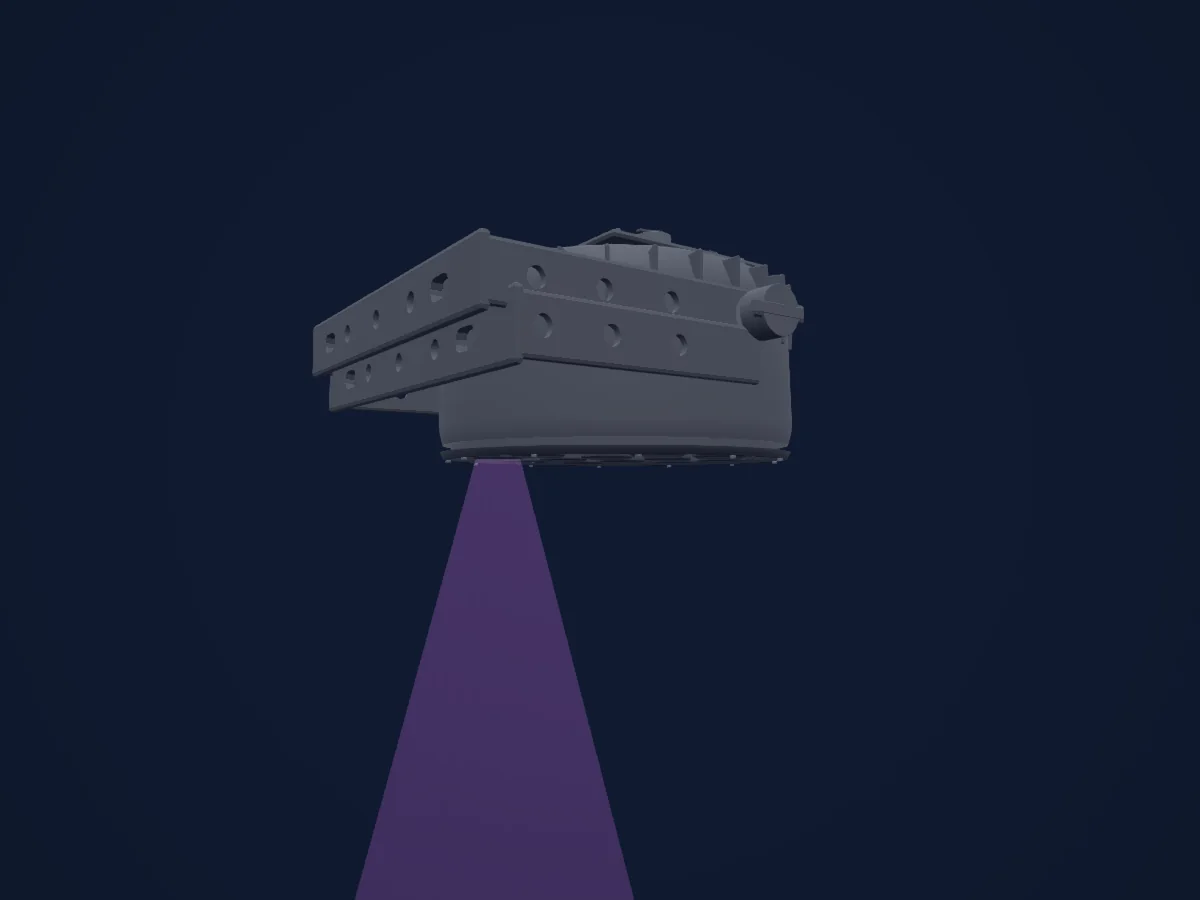
What it can do
- Extra LED colours
- RGB colour mixing
- Dimmer
DMX modes and channel charts
| Mode | Channels | In HitLight |
|---|---|---|
| 2-Channel (provisional) | 2 | Not supported in HitLight yet |
| 3-Channel 1 (provisional) | 3 | Not supported in HitLight yet |
| 3-Channel 2 (provisional) | 3 | Ready in HitLight |
| 5-Channel (provisional) | 5 | Ready in HitLight |
| 8-Channel (provisional) | 8 | Limited in HitLight |
2-Channel (provisional)
Not supported in HitLight yet2 DMX channels · Download this chart as CSV
| Channel | Function | Default | DMX values |
|---|---|---|---|
| 1 | Dimmer | 0 | 0–255 |
| 2 | Color Macro1 | 0 | 15 value ranges
|
3-Channel 1 (provisional)
Not supported in HitLight yet3 DMX channels · Download this chart as CSV
| Channel | Function | Default | DMX values |
|---|---|---|---|
| 1 | Dimmer | 0 | 0–255 |
| 2 | Shutter / Strobe | 0 | 2 value ranges
|
| 3 | Color Macro1 | 0 | 19 value ranges
|
3-Channel 2 (provisional)
Ready in HitLight3 DMX channels · Download this chart as CSV
| Channel | Function | Default | DMX values |
|---|---|---|---|
| 1 | Red | 0 | 0–255 |
| 2 | Green | 0 | 0–255 |
| 3 | Blue | 0 | 0–255 |
5-Channel (provisional)
Ready in HitLight5 DMX channels · Download this chart as CSV
| Channel | Function | Default | DMX values |
|---|---|---|---|
| 1 | Red | 0 | 0–255 |
| 2 | Green | 0 | 0–255 |
| 3 | Blue | 0 | 0–255 |
| 4 | White | 0 | 0–255 |
| 5 | Amber | 0 | 0–255 |
8-Channel (provisional)
Limited in HitLight8 DMX channels · Download this chart as CSV
| Channel | Function | Default | DMX values |
|---|---|---|---|
| 1 | Dimmer | 0 | 0–255 |
| 2 | Shutter / Strobe | 0 | 2 value ranges
|
| 3 | Red | 0 | 0–255 |
| 4 | Green | 0 | 0–255 |
| 5 | Blue | 0 | 0–255 |
| 6 | White | 0 | 0–255 |
| 7 | Amber | 0 | 0–255 |
| 8 | No Feature | 0 | 19 value ranges
|
Use the Cameo CLPFLATPRO12 in HitLight
- Open Add fixture and search for Cameo CLPFLATPRO12.
- Choose the DMX mode set in the fixture’s own menu. HitLight gives it the lowest free start address on its universe that fits the mode’s channel count.
- Check the mode and controls against your real fixture before live use.
Venues with the Cameo CLPFLATPRO12
Their saved rigs list this fixture model. Confirm the current equipment with the venue.
- Ansbacher Kammerspiele Ansbach, Germany
- Kulturkvarteret Örebro Örebro, Sweden
- Luitpoldhalle Freising Freising, Germany
- Råhuset København, Denmark
- Slovácké divadlo Uherské Hradiště Uherské Hradiště, Czechia
- Stadthalle Dingolfing Dingolfing, Germany
Related fixtures
PAR
Cameo CLMPAR2
1 DMX channel
PAR
Cameo Q-Spot 40 RGBW (original body)
2 / 3 / 4 / 9 DMX channels
PAR
Cameo CLPFLATPRO7
2 / 3 / 5 / 8 DMX channels
PAR
Cameo Dura Spot 100
10 DMX channels
PAR
Cameo Thunder Wash 600 UV
1 / 2 / 4 / 5 DMX channels
PAR
Cameo Theater Spot 200 FC
6 / 14 DMX channels
Charts come from the fixture’s GDTF description as converted for the HitLight library. HitLight is not affiliated with Cameo.
Fixture model: gdtf-cameo-clpflatpro12-202611041003
Original HitLight parametric reconstruction. Manufacturer references remain private; no third-party mesh or photo texture incorporated. Estimated planning model, not hardware verified.
Creator: HitLight