Skip to content
HitLight
Clay Paky · Profile spot

Clay Paky Axcor Spot 300

DMX chart, 1 DMX mode and a 3D preview. 23 DMX channels.
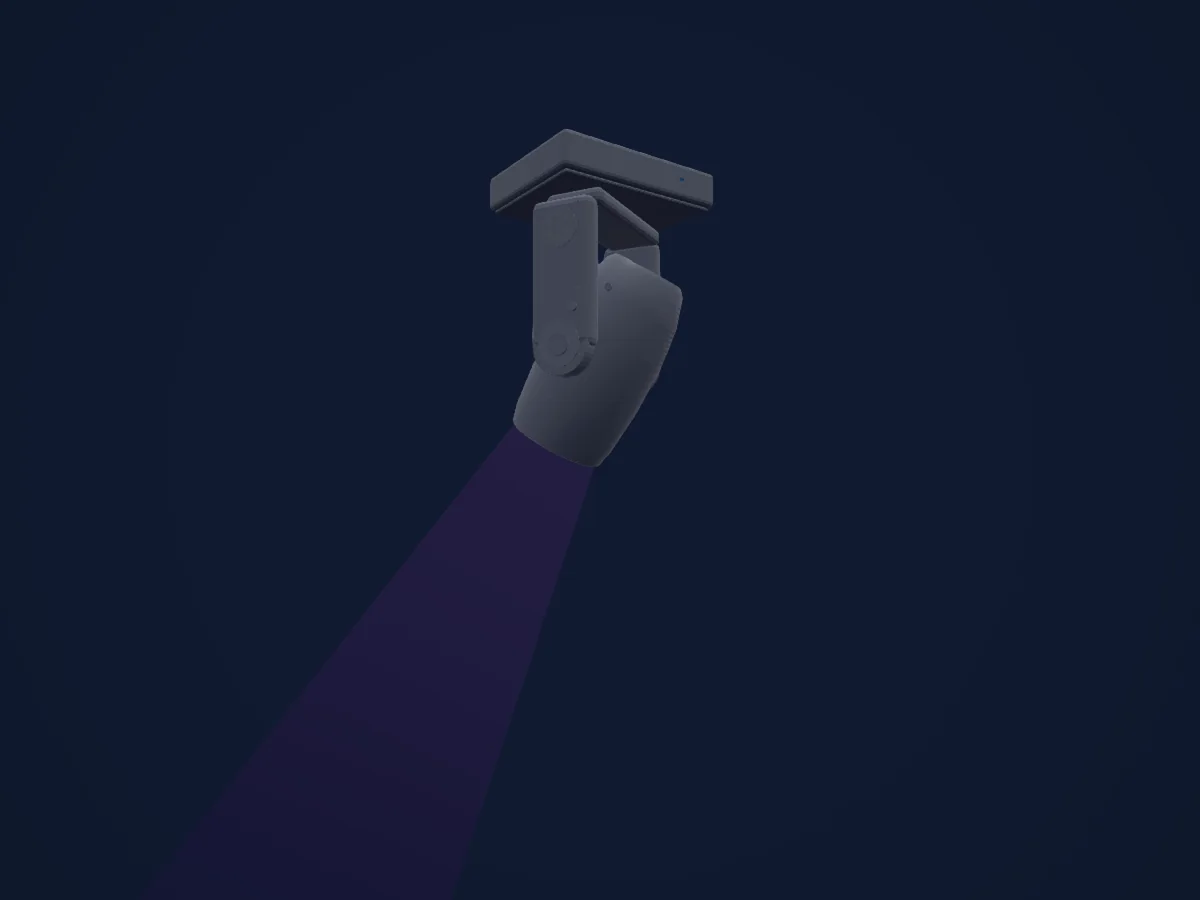
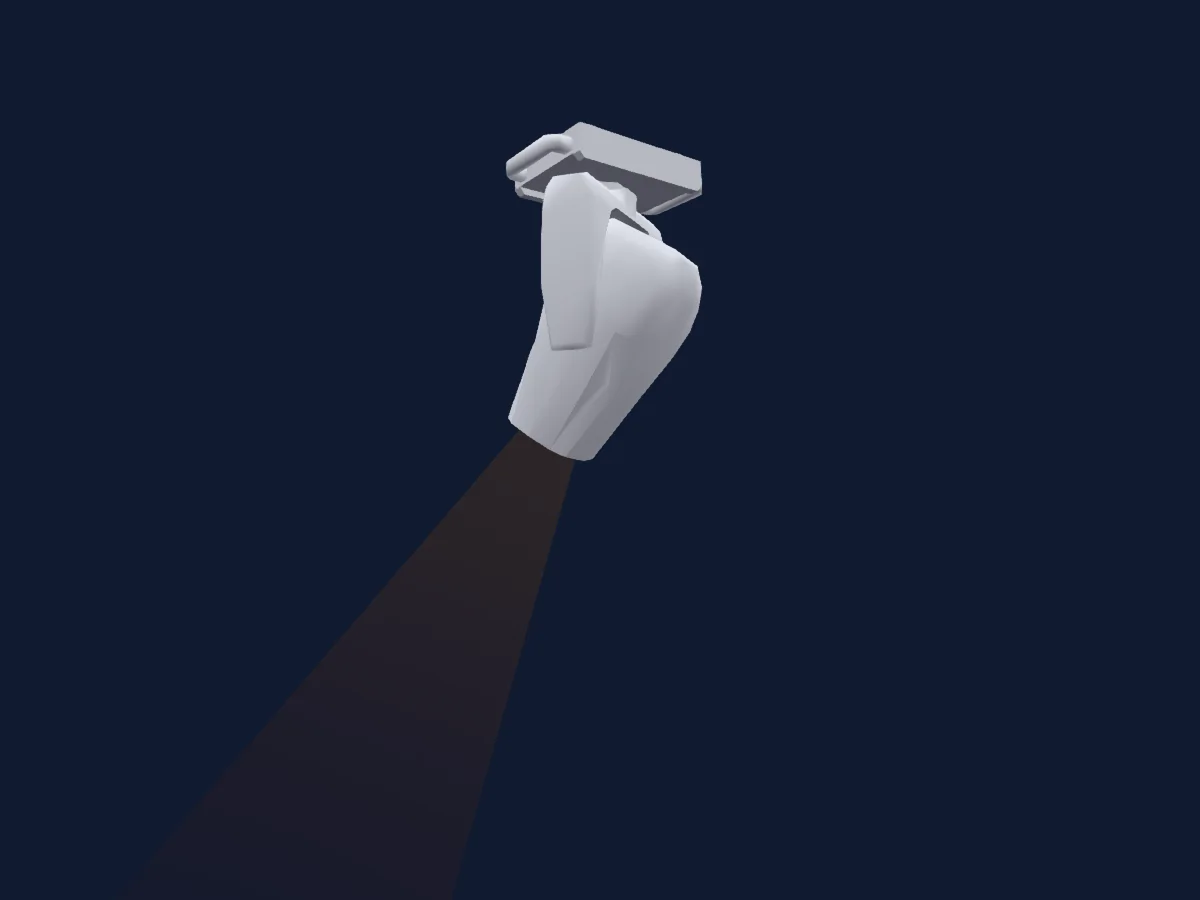
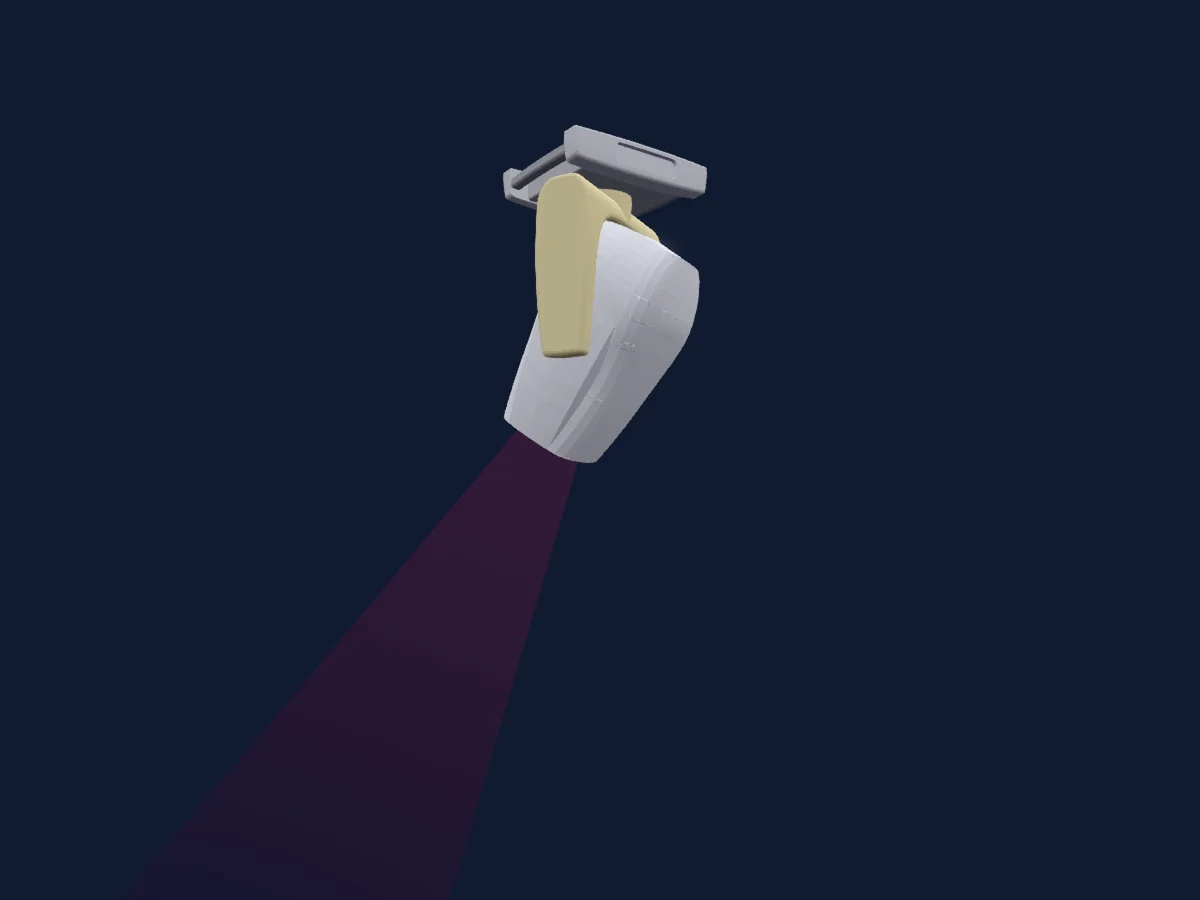
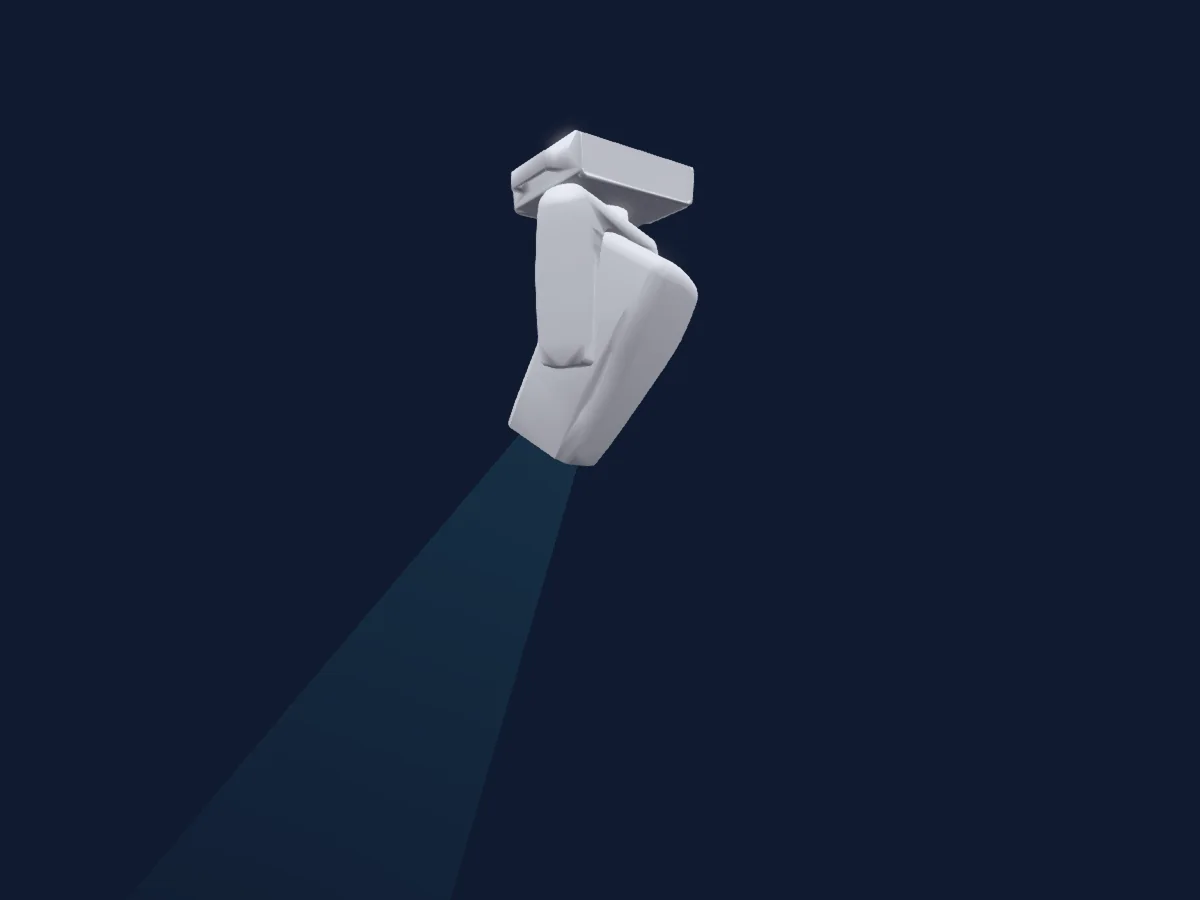
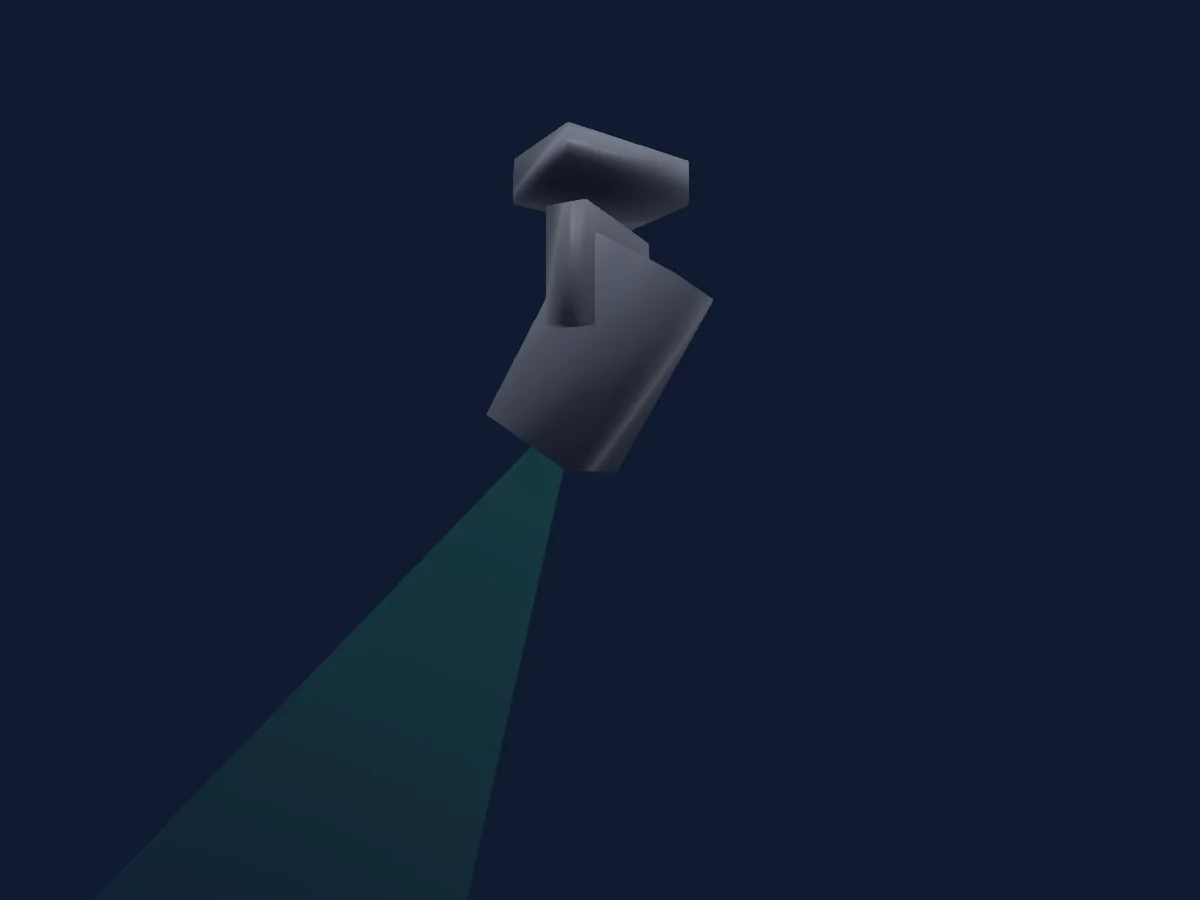
Clay Paky Axcor Spot 300 rendered in HitLight

What it can do

  • Focus
  • Frost
  • Iris
  • Prism
  • Prism rotation
  • Zoom
  • CMY colour mixing
  • Colour wheel
  • Strobe
  • Dimmer
  • Pan and tilt
  • Gobos
  • Gobo rotation

Safety-relevant functions: Fixture reset · Service functions. Check how these behave on your own fixture before a show.

DMX modes and channel charts

DMX modes of Clay Paky Axcor Spot 300
ModeChannelsIn HitLight
Standard23Ready in HitLight

Standard

Ready in HitLight

23 DMX channels · Download this chart as CSV

DMX channel chart for Standard
ChannelFunctionDefaultDMX values
1Cyan00–255
2Magenta00–255
3Yellow00–255
4Color Wheel0
19 value ranges
  • 0–9 Open (wheel slot 1)
  • 10–18 White-Red (wheel slot 1)
  • 19–27 Dark Red (wheel slot 2)
  • 28–36 Red-Blue (wheel slot 2)
  • 37–45 Brilliant Blue (wheel slot 3)
  • 46–54 Blue-Green (wheel slot 3)
  • 55–63 Green (wheel slot 4)
  • 64–72 Green-HMG (wheel slot 4)
  • 73–81 HM Green (wheel slot 5)
  • 82–90 HMG-Orange (wheel slot 5)
  • 91–99 Light Orange (wheel slot 6)
  • 100–108 Orange-Blue (wheel slot 6)
  • 109–117 Navy Blue (wheel slot 7)
  • 118–127 Blue-White (wheel slot 7)
  • 128–153 x1 Spin C1>>
  • 154–178 x2 Spin C1>>
  • 179–204 x3 Spin C1>>
  • 205–229 x4 Spin C1>>
  • 230–255 x5 Spin C1>>
5Shutter / Strobe255
19 value ranges
  • 0–3 Closed
  • 4–23 Strobe · x1 Strb>> 1–5.61 Hz
  • 24–43 Strobe · x2 Strb>> 5.85–10.5 Hz
  • 44–63 Strobe · x3 Strb>> 10.7–15.3 Hz
  • 64–83 Strobe · x4 Strb>> 15.5–20.2 Hz
  • 84–103 Strobe · x5 Strb>> 20.4–25 Hz
  • 104–107 Open
  • 108–127 x1 PulseC>> 1–5.61 Hz
  • 128–147 x2 PulseC>> 5.85–10.5 Hz
  • 148–167 x3 PulseC>> 10.7–15.3 Hz
  • 168–187 x4 PulseC>> 15.5–20.2 Hz
  • 188–207 x5 PulseC>> 20.4–25 Hz
  • 208–212 Open
  • 213–220 Random · x1 RndStrb>> 1–5.42 Hz
  • 221–228 Random · x2 RndStrb>> 6.05–10.5 Hz
  • 229–235 Random · x3 RndStrb>> 11.1–14.9 Hz
  • 236–243 Random · x4 RndStrb>> 15.5–19.9 Hz
  • 244–251 Random · x5 RndStrb>> 20.6–25 Hz
  • 252–255 Open
6Dimmer0
2 value ranges
  • 0–254 Closed
  • 255–255 Open
7Dimmer Fine0Fine byte of Dimmer
8Iris131
21 value ranges
  • 0–32 Iris C
  • 33–64 Iris 25%
  • 65–97 Iris 50%
  • 98–130 Iris 75%
  • 131–131 Iris O
  • 132–139 x1 PlsIris>>
  • 140–147 x2 PlsIris>>
  • 148–155 x3 PlsIris>>
  • 156–163 x4 PlsIris>>
  • 164–171 x5 PlsIris>>
  • 172–179 x1 PlsIrisC>>
  • 180–187 x2 PlsIrisC>>
  • 188–195 x3 PlsIrisC>>
  • 196–203 x4 PlsIrisC>>
  • 204–211 x5 PlsIrisC>>
  • 212–219 x1 PlsIrisO>>
  • 220–227 x2 PlsIrisO>>
  • 228–235 x3 PlsIrisO>>
  • 236–243 x4 PlsIrisO>>
  • 244–251 x5 PlsIrisO>>
  • 252–255 Iris O
9Gobo0
24 value ranges
  • 0–6 Open (wheel slot 1)
  • 7–12 aS300 1-1 (wheel slot 2)
  • 13–19 aS300 1-2 (wheel slot 3)
  • 20–25 aS300 1-3 (wheel slot 4)
  • 26–32 aS300 1-4 (wheel slot 5)
  • 33–38 aS300 1-5 (wheel slot 6)
  • 39–45 aS300 1-6 (wheel slot 7)
  • 46–51 aS300 1-7 (wheel slot 8)
  • 52–58 aS300 1-8 (wheel slot 9)
  • 59–64 aS300 1-9 (wheel slot 10)
  • 65–71 aS300 1-10 (wheel slot 11)
  • 72–113 Spin G2<<
  • 114–117 Spin G2><
  • 118–159 Spin G2>>
  • 160–169 Shake 1-1>> (wheel slot 2)
  • 170–179 Shake 1-2>> (wheel slot 3)
  • 180–188 Shake 1-3>> (wheel slot 4)
  • 189–198 Shake 1-4>> (wheel slot 5)
  • 199–207 Shake 1-5>> (wheel slot 6)
  • 208–217 Shake 1-6>> (wheel slot 7)
  • 218–226 Shake 1-7>> (wheel slot 8)
  • 227–236 Shake 1-8>> (wheel slot 9)
  • 237–245 Shake 1-9>> (wheel slot 10)
  • 246–255 Shake 1-10>> (wheel slot 11)
10Gobo 20
18 value ranges
  • 0–8 Open (wheel slot 1)
  • 9–17 Gobo 1 (wheel slot 2)
  • 18–26 Gobo 2 (wheel slot 3)
  • 27–35 Gobo 3 (wheel slot 4)
  • 36–44 Gobo 4 (wheel slot 5)
  • 45–53 Gobo 5 (wheel slot 6)
  • 54–62 Gobo 6 (wheel slot 7)
  • 63–71 Gobo 7 (wheel slot 8)
  • 72–113 Spin G2<<
  • 114–117 Spin G2><
  • 118–159 Spin G2>>
  • 160–173 Shake 2-1>> (wheel slot 2)
  • 174–187 Shake 2-2>> (wheel slot 3)
  • 188–200 Shake 2-3>> (wheel slot 4)
  • 201–214 Shake 2-4>> (wheel slot 5)
  • 215–227 Shake 2-5>> (wheel slot 6)
  • 228–241 Shake 2-6>> (wheel slot 7)
  • 242–255 Shake 2-7>> (wheel slot 8)
11Gobo Rotation 20
18 value ranges
  • 0–20 0 deg
  • 21–41 90 deg
  • 42–62 180 deg
  • 63–84 270 deg
  • 85–105 360 deg
  • 106–126 450 deg
  • 127–127 540 deg
  • 128–139 x5 Rot G2<<
  • 140–152 x4 Rot G2<<
  • 153–164 x3 Rot G2<<
  • 165–177 x2 Rot G2<<
  • 178–190 x1 Rot G2<<
  • 191–192 Rot G2><
  • 193–204 x1 Rot G2>>
  • 205–217 x2 Rot G2>>
  • 218–229 x3 Rot G2>>
  • 230–242 x4 Rot G2>>
  • 243–255 x5 Rot G2>>
12Gobo Rotation 2 Fine0Fine byte of Gobo Rotation 2
13Prism0
2 value ranges
  • 0–127 No Prism (wheel slot 1)
  • 128–255 4 Facet Prism (wheel slot 2)
14Prism Rotation192
18 value ranges
  • 0–20 0 deg
  • 21–41 90 deg
  • 42–63 180 deg
  • 64–84 270 deg
  • 85–105 360 deg
  • 106–126 450 deg
  • 127–127 540 deg
  • 128–140 x5 Rot P1<<
  • 141–152 x4 Rot P1<<
  • 153–165 x3 Rot P1<<
  • 166–177 x2 Rot P1<<
  • 178–190 x1 Rot P1<<
  • 191–192 Rot P1><
  • 193–205 x1 Rot P1>>
  • 206–217 x2 Rot P1>>
  • 218–230 x3 Rot P1>>
  • 231–242 x4 Rot P1>>
  • 243–255 x5 Rot P1>>
15Frost10
2 value ranges
  • 0–127 No Frost
  • 128–255 Frost
16Focus1280–255
17Zoom128
2 value ranges
  • 0–254 Narrow
  • 255–255 Wide
18Pan1280–255
19Pan Fine0Fine byte of Pan
20Tilt1280–255
21Tilt Fine0Fine byte of Tilt
22Fixture Global Reset0
4 value ranges
  • 0–25 No Function
  • 26–76 Effect Reset
  • 77–127 Position Reset
  • 128–255 Reset
23Function0
24 value ranges
  • 0–10 No Function
  • 11–20 600Hz
  • 21–30 1200Hz
  • 31–40 2000Hz
  • 41–50 4000Hz
  • 51–60 8000Hz
  • 61–70 16000Hz
  • 71–80 24000Hz
  • 81–90 Fan Auto
  • 91–95 Fan SLN
  • 96–100 Fan Theatre
  • 101–110 Fan Contest
  • 111–120 Slow Pan/Tilt
  • 121–130 Medium Pan/Tilt
  • 131–140 Fast Pan/Tilt
  • 141–150 CMY Normal
  • 151–160 CMY Fast
  • 161–170 Display OFF
  • 171–180 Display ON
  • 181–190 Curve 1
  • 191–200 Curve 2
  • 201–210 Curve 3
  • 211–220 Curve 4
  • 221–255 No Function

Use the Clay Paky Axcor Spot 300 in HitLight

  1. Open Add fixture and search for Clay Paky Axcor Spot 300.
  2. Choose the DMX mode set in the fixture’s own menu. HitLight gives it the lowest free start address on its universe that fits the mode’s channel count.
  3. Check the mode and controls against your real fixture before live use.

Venues with the Clay Paky Axcor Spot 300

Their saved rigs list this fixture model. Confirm the current equipment with the venue.

Charts come from the fixture’s GDTF description as converted for the HitLight library. HitLight is not affiliated with Clay Paky.

Fixture model: gdtf-clay-paky-axcor-spot-300-119423
Creator: HitLight
Modifications: Original HitLight 3D housing: scripted parametric geometry modelled by HitLight from public product photos and the manufacturer's published dimensions. No manufacturer imagery, CAD, meshes or GDTF models are redistributed.

Patch it, then let the music run the lights.

HitLight finds these fixtures in its library, patches them on the next free address and previews your rig in 3D before a single light is plugged in.

Open HitLight ↗Download HitLight