 HitLight
ETC Selador Pearl 42
DMX chart, 2 DMX modes and a 3D preview. 3 / 12 DMX channels.
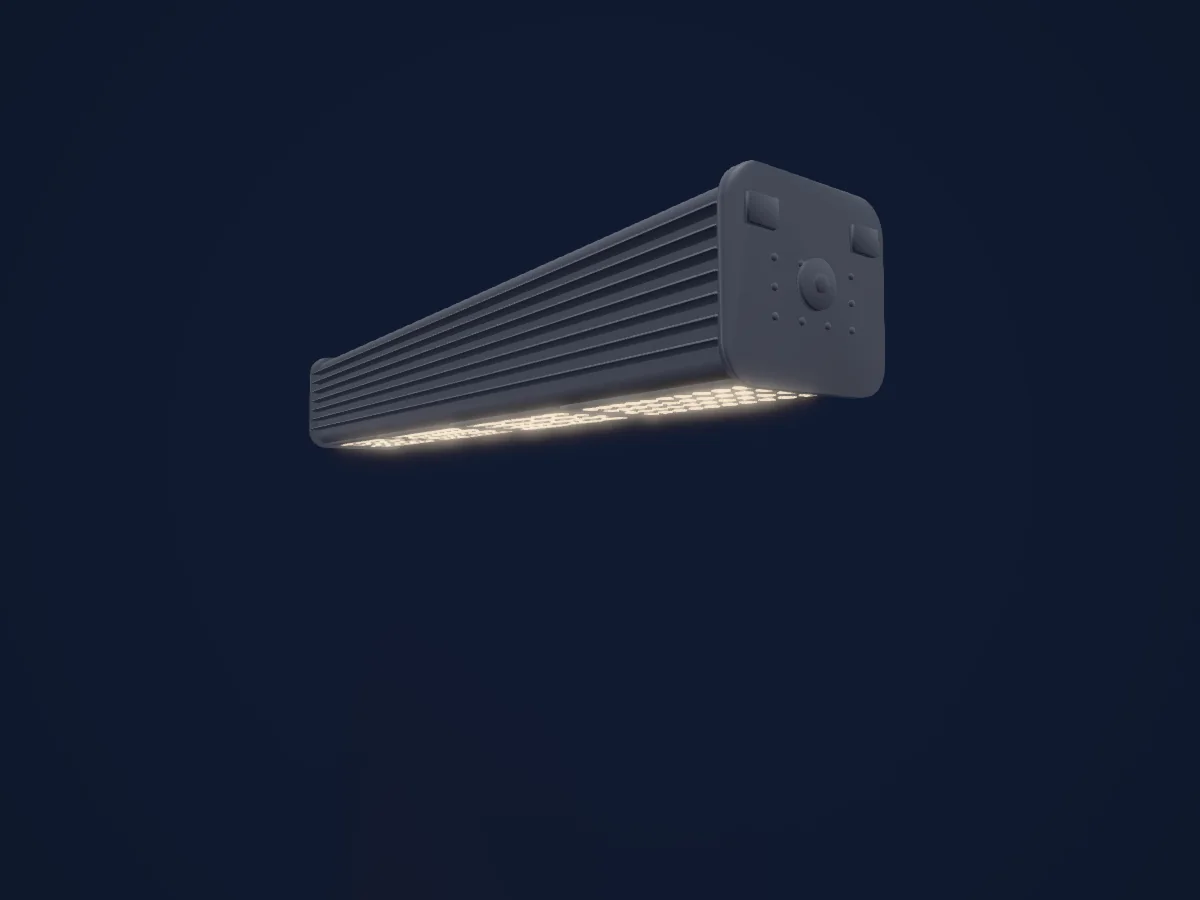
What it can do
- Extra LED colours
- Dimmer
DMX modes and channel charts
| Mode | Channels | In HitLight |
|---|---|---|
| 3CH | 3 | Ready in HitLight |
| 12CH | 12 | Ready in HitLight |
3CH
Ready in HitLight3 DMX channels · Download this chart as CSV
| Channel | Function | Default | DMX values |
|---|---|---|---|
| 1 | Color Add WW | 0 | 0–255 |
| 2 | Color Add CW | 0 | 0–255 |
| 3 | Dimmer | 0 | 0–255 |
12CH
Ready in HitLight12 DMX channels · Download this chart as CSV
| Channel | Function | Default | DMX values |
|---|---|---|---|
| 1 | Color Add WW | 0 | 0–255 |
| 2 | Color Add CW | 0 | 0–255 |
| 3 | Dimmer | 0 | 0–255 |
| 4 | Color Add WW | 0 | 0–255 |
| 5 | Color Add CW | 0 | 0–255 |
| 6 | Dimmer | 0 | 0–255 |
| 7 | Color Add WW | 0 | 0–255 |
| 8 | Color Add CW | 0 | 0–255 |
| 9 | Dimmer | 0 | 0–255 |
| 10 | Color Add WW | 0 | 0–255 |
| 11 | Color Add CW | 0 | 0–255 |
| 12 | Dimmer | 0 | 0–255 |
Use the ETC Selador Pearl 42 in HitLight
- Open Add fixture and search for ETC Selador Pearl 42.
- Choose the DMX mode set in the fixture’s own menu. HitLight gives it the lowest free start address on its universe that fits the mode’s channel count.
- Check the mode and controls against your real fixture before live use.
Related fixtures
PAR
ETC ColorSource Linear Pearl 2
1 / 2 / 4 / 8 DMX channels
PAR
ETC S4 Series 3 Daylight HDR 19Deg
1 / 3 / 7 / 8 / 10 / 11 DMX channels
PAR
ETC Lustr 21
8 / 16 DMX channels
PAR
ETC S4 Series 3 Daylight HDR 10Deg
1 / 3 / 7 / 8 / 10 / 11 DMX channels
PAR
ETC D40 Lustr+
3 / 4 / 5 / 6 / 8 / 9 / 14 DMX channels
PAR
ETC Desire D22 Studio HD
9 DMX channels
Charts come from the fixture’s GDTF description as converted for the HitLight library. HitLight is not affiliated with ETC.
Fixture model: gdtf-etc-selador-pearl-42-202611180642
Creator: HitLight
Modifications: Original HitLight 3D housing: scripted parametric geometry modelled by HitLight from public product photos and the manufacturer's published dimensions. No manufacturer imagery, CAD, meshes or GDTF models are redistributed.