 HitLight
ETC Source Four Zoom 25-50
DMX chart, 1 DMX mode and a 3D preview. 1 DMX channel.
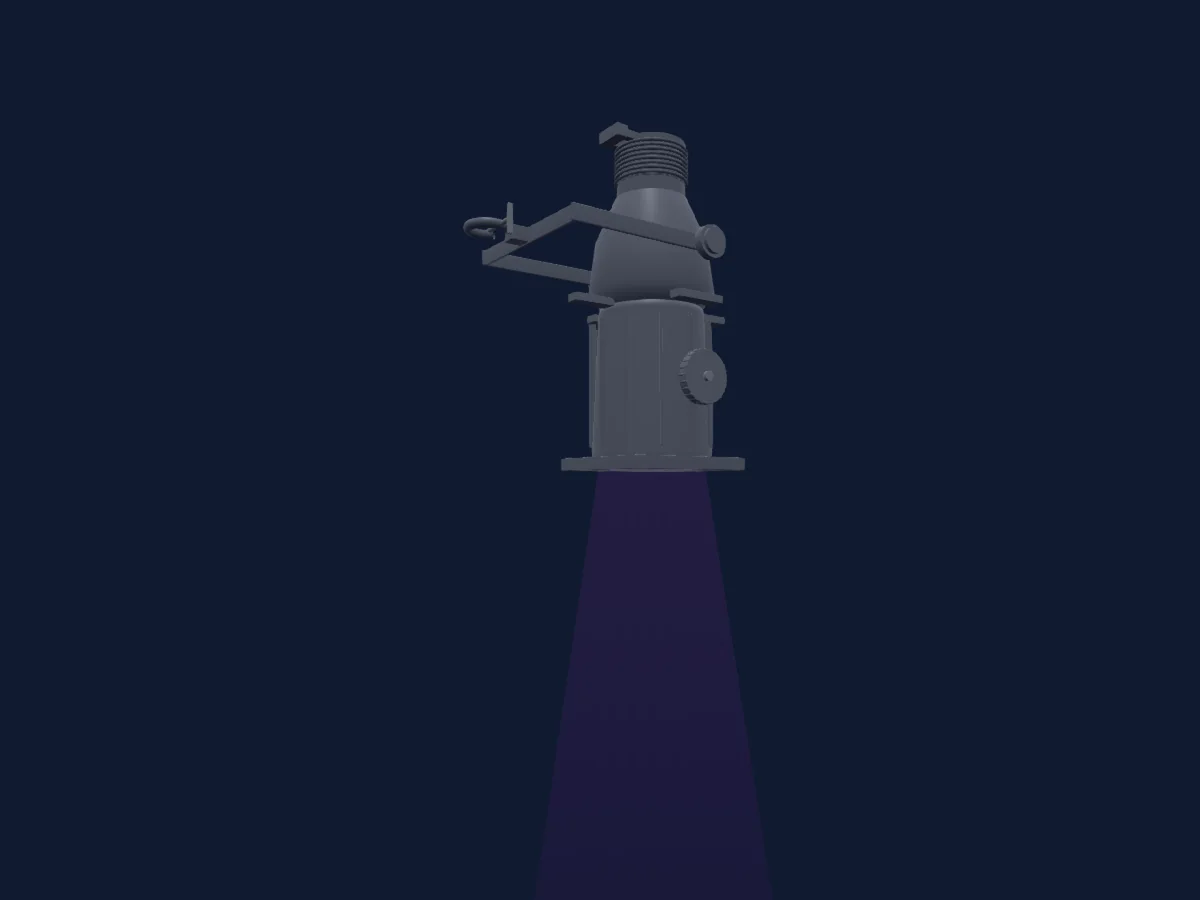
What it can do
- Dimmer
DMX modes and channel charts
| Mode | Channels | In HitLight |
|---|---|---|
| External dimmer (virtual) | 1 | Ready in HitLight |
External dimmer (virtual)
Ready in HitLight1 DMX channel · Download this chart as CSV
| Channel | Function | Default | DMX values |
|---|---|---|---|
| 1 | Dimmer | 0 | 0–255 |
Use the ETC Source Four Zoom 25-50 in HitLight
- Open Add fixture and search for ETC Source Four Zoom 25-50.
- Choose the DMX mode set in the fixture’s own menu. HitLight gives it the lowest free start address on its universe that fits the mode’s channel count.
- Check the mode and controls against your real fixture before live use.
Venues with the ETC Source Four Zoom 25-50
Their saved rigs list this fixture model. Confirm the current equipment with the venue.
- Altona City Theatre Altona, Australia
- Amnesia Milano Milan, Italy
- Antoinette Hatfield Hall Portland, United States
- Arthur Miller Theatre Ann Arbor, United States
- Backstage München München, Germany
- Bambergsaal Villach, Austria
- Barnfield Theatre Exeter, United Kingdom
- Beck Theatre Hayes, United Kingdom
- Bernhard Theater Zürich, Switzerland
- Bierhübeli Bern, Switzerland
- Birmingham Hippodrome Birmingham, United Kingdom
- Bóbita Bábszínház Pécs, Hungary
Related fixtures
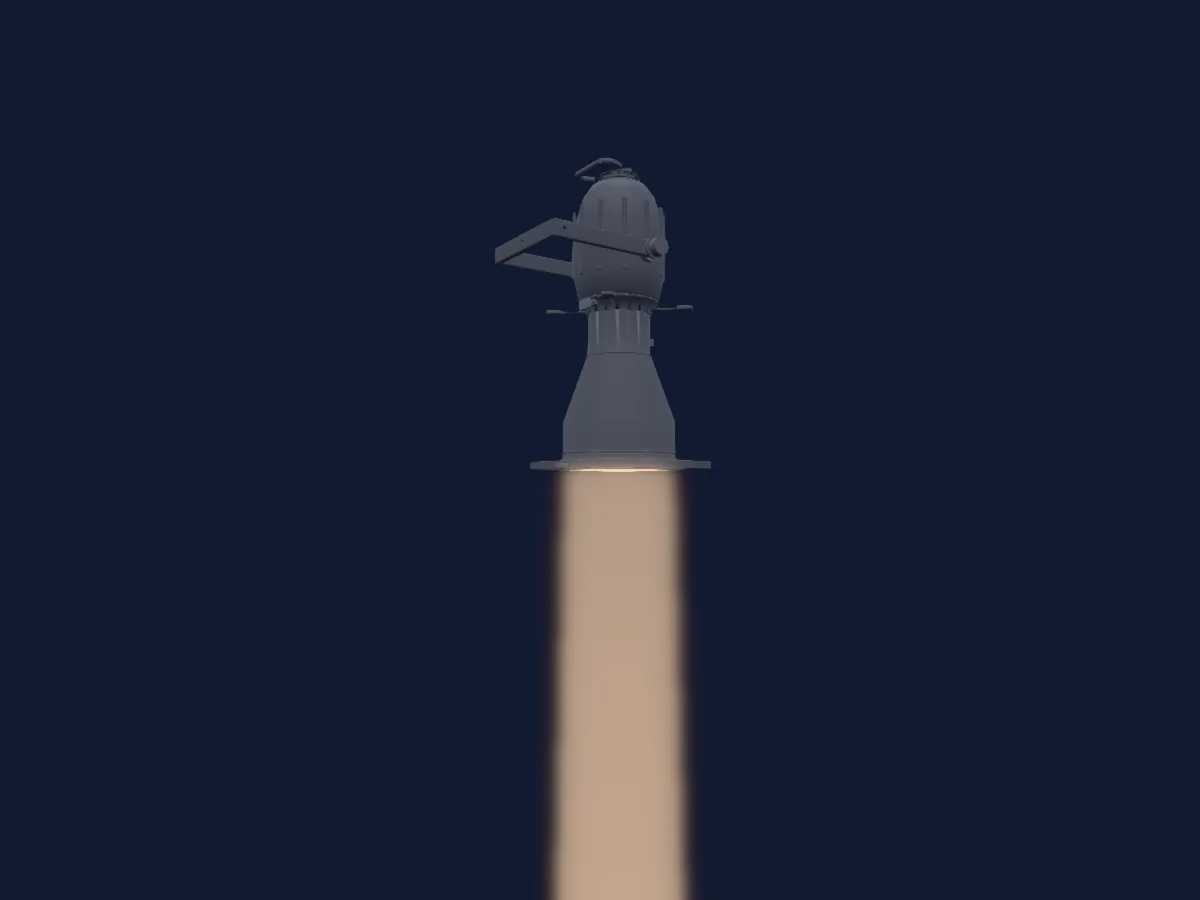
Profile spot
ETC Source Four 10
1 DMX channel
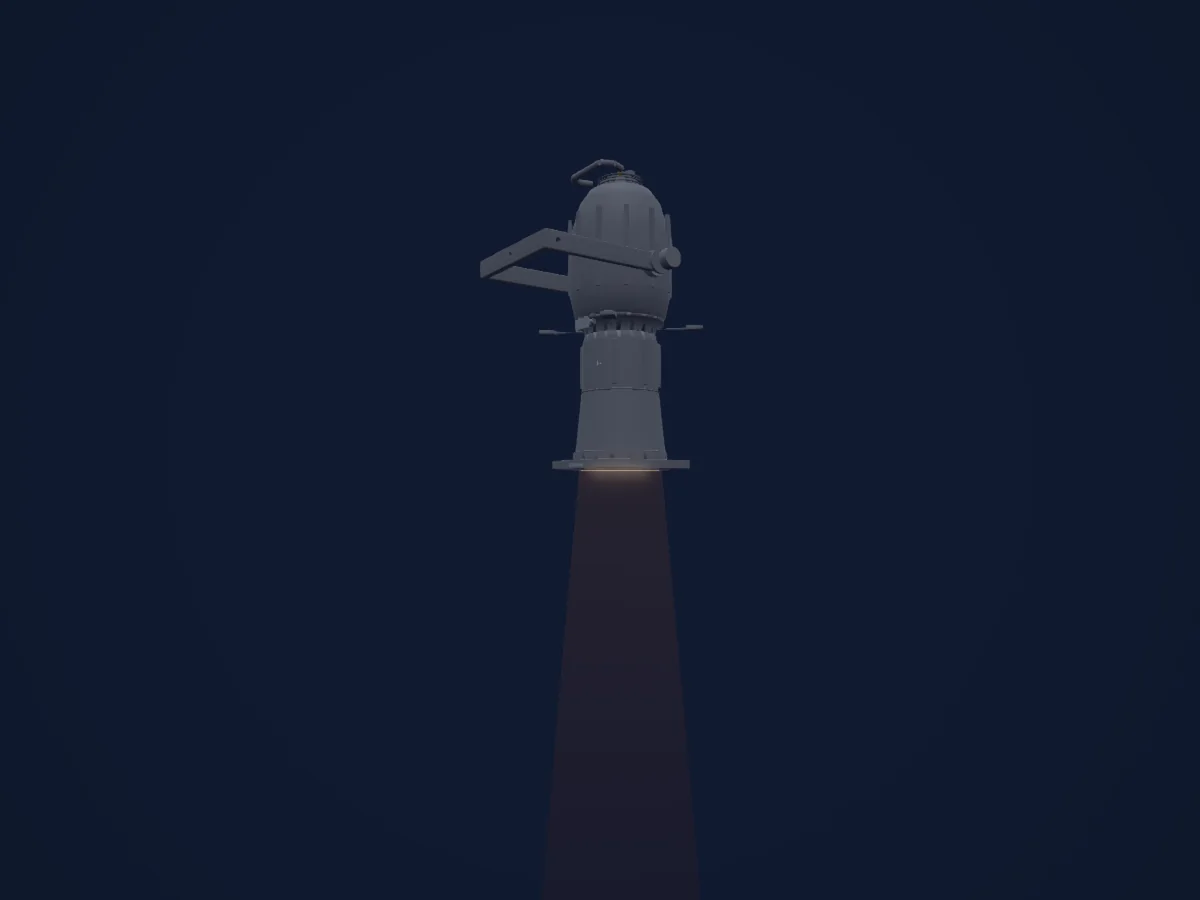
Profile spot
ETC Source Four 14
1 DMX channel
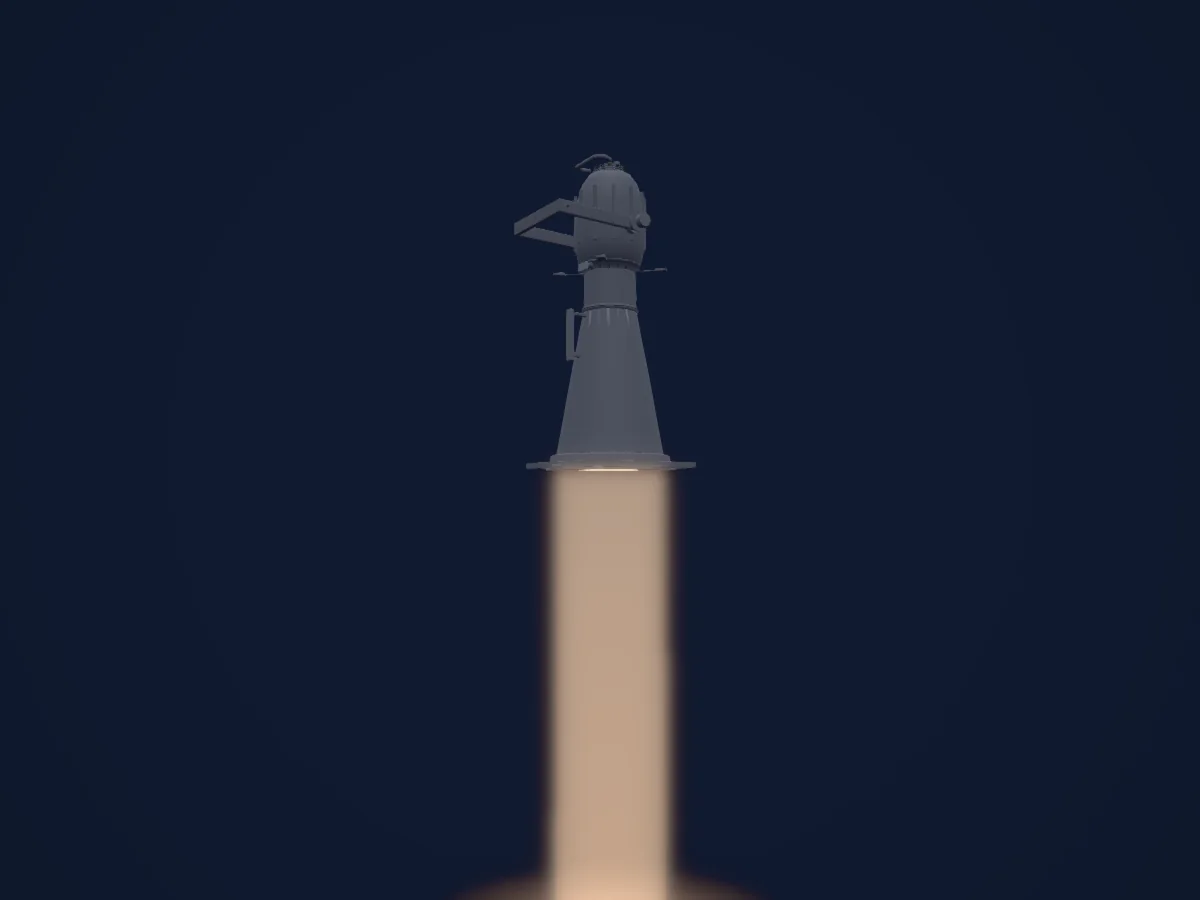
Profile spot
ETC Source Four 5
1 DMX channel
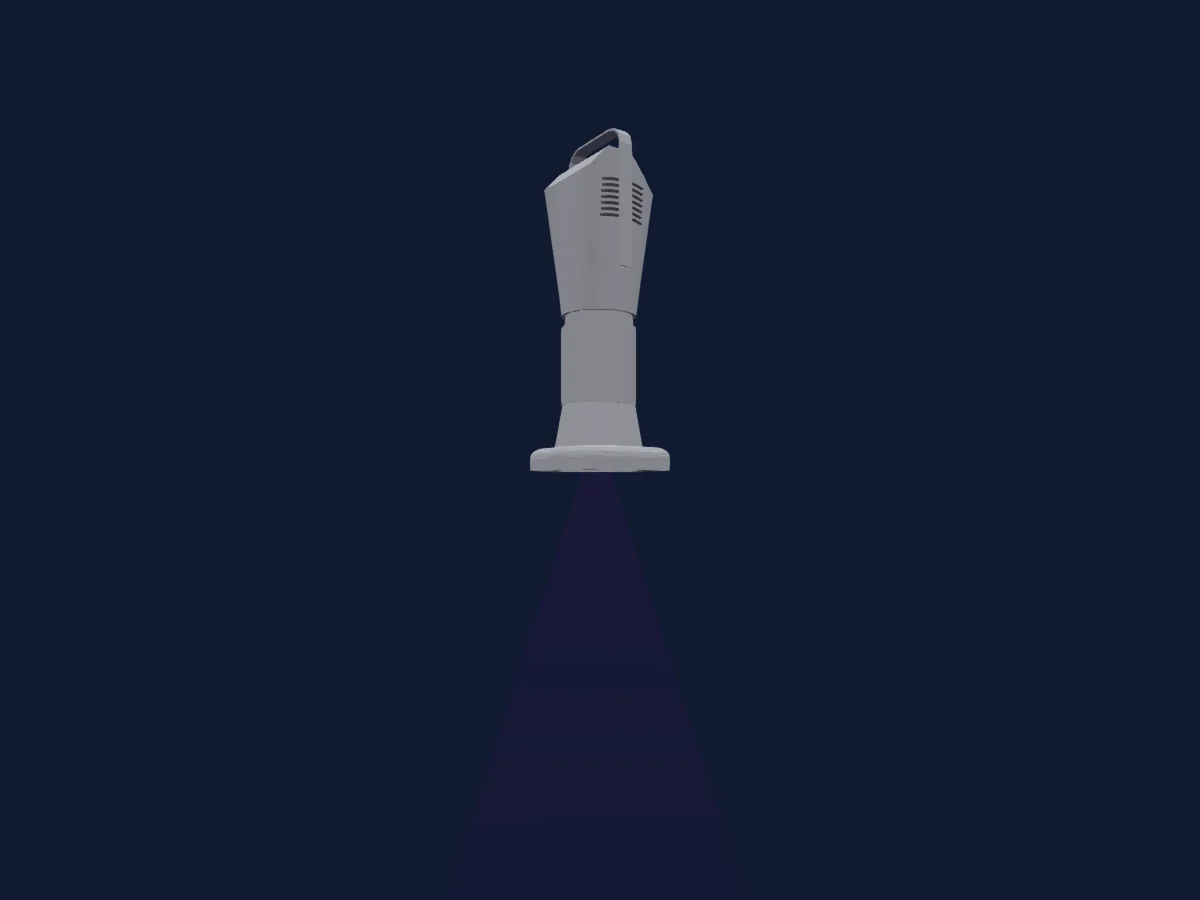
Profile spot
ETC S4 Series 3 Lustr X8 36Deg
1 / 3 / 7 / 8 / 9 / 11 / 12 / 16 / 21 DMX channels
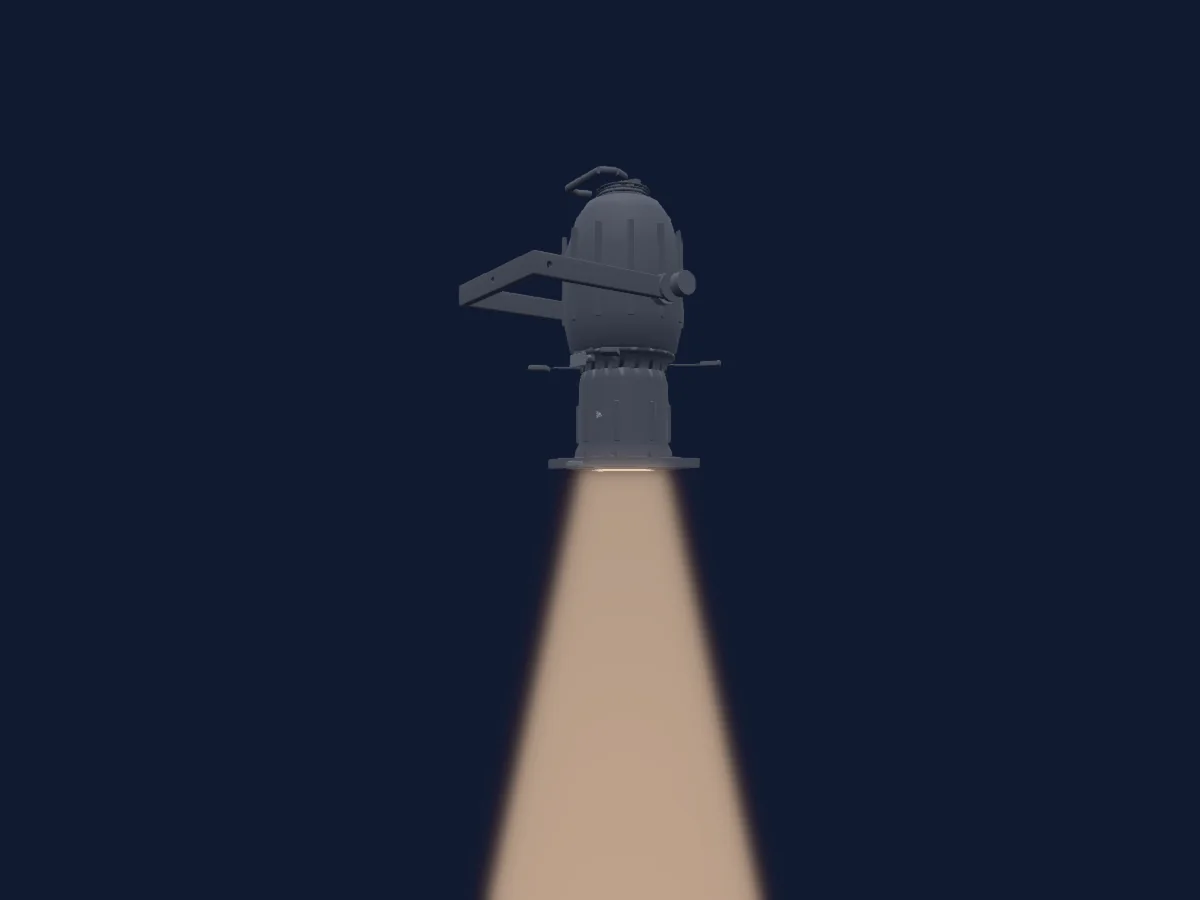
Profile spot
ETC Source Four 36
1 DMX channel
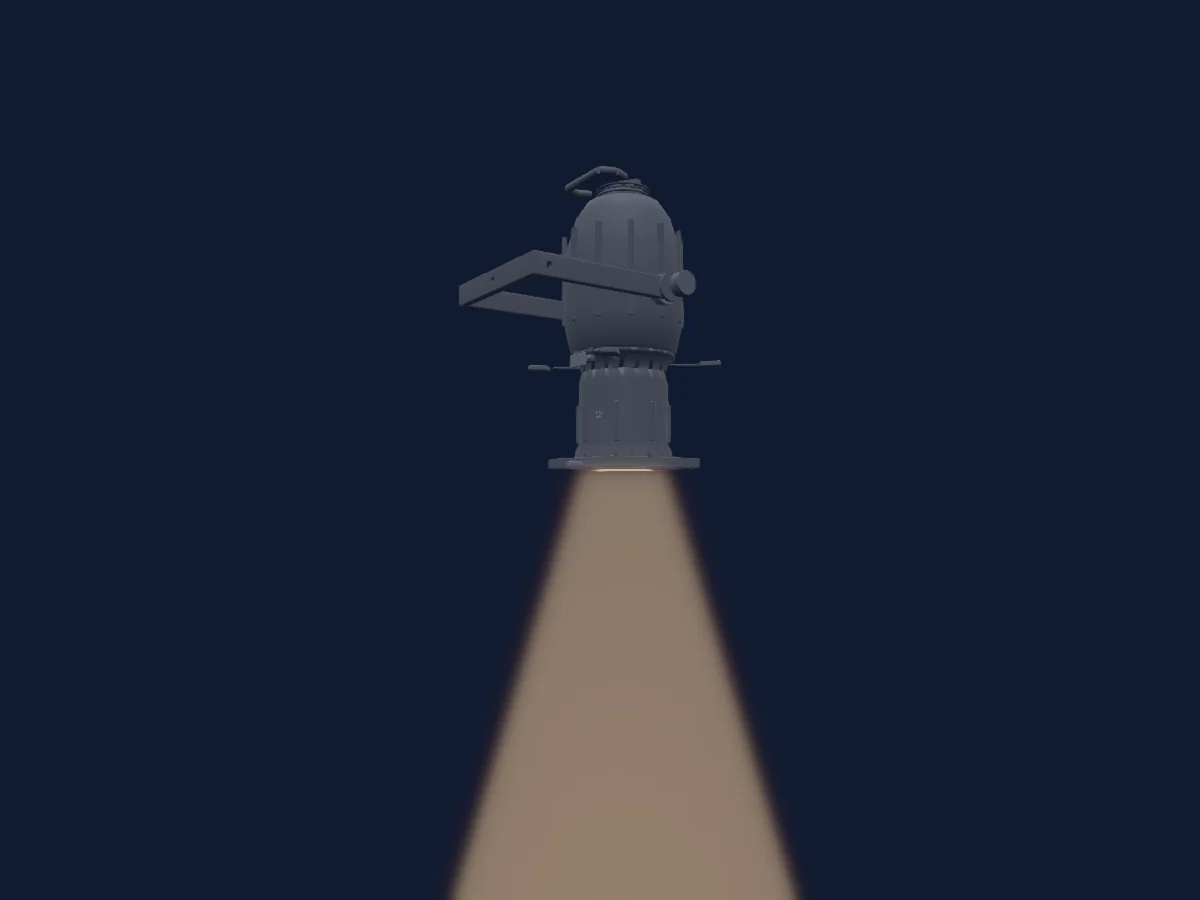
Profile spot
ETC Source Four 50
1 DMX channel
Charts come from the fixture’s GDTF description as converted for the HitLight library. HitLight is not affiliated with ETC.
Fixture model: gdtf-etc-source-four-zoom-25-50-2000060100
Original HitLight parametric reconstruction. Manufacturer drawings and photographs used as dimensional and visual references; no third-party mesh or photographic texture incorporated. Approximate planning model; not hardware verified.
Creator: HitLight