 HitLight
LL Stage CYC 6C RGBAWN
DMX chart, 4 DMX modes and a 3D preview. 6 / 9 / 12 / 15 DMX channels.
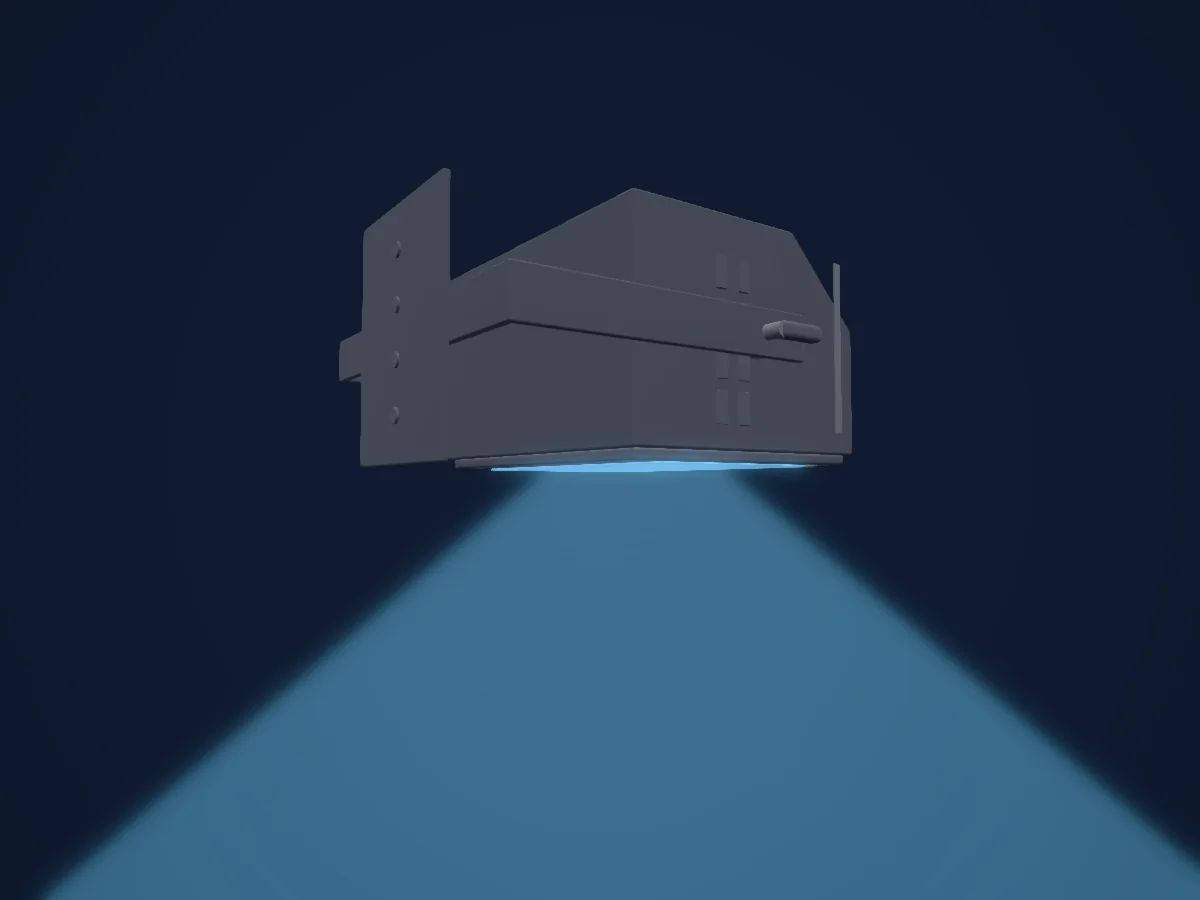
What it can do
- Extra LED colours
- RGB colour mixing
- Strobe
- Dimmer
DMX modes and channel charts
| Mode | Channels | In HitLight |
|---|---|---|
| 6ch-8bit | 6 | Ready in HitLight |
| 9ch-8bit-ext | 9 | Ready in HitLight |
| 12ch-16bit | 12 | Ready in HitLight |
| 15ch-16bit-ext | 15 | Ready in HitLight |
6ch-8bit
Ready in HitLight6 DMX channels · Download this chart as CSV
| Channel | Function | Default | DMX values |
|---|---|---|---|
| 1 | Red | 0 | 0–255 |
| 2 | Green | 0 | 0–255 |
| 3 | Blue | 0 | 0–255 |
| 4 | Amber | 0 | 0–255 |
| 5 | White | 0 | 0–255 |
| 6 | Color Add WW | 0 | 0–255 |
9ch-8bit-ext
Ready in HitLight9 DMX channels · Download this chart as CSV
| Channel | Function | Default | DMX values |
|---|---|---|---|
| 1 | Red | 0 | 0–255 |
| 2 | Green | 0 | 0–255 |
| 3 | Blue | 0 | 0–255 |
| 4 | Amber | 0 | 0–255 |
| 5 | White | 0 | 0–255 |
| 6 | Color Add WW | 0 | 0–255 |
| 7 | Dimmer | 0 | 0–255 |
| 8 | Shutter / Strobe | 0 | 2 value ranges
|
| 9 | Control1 | 0 | 0–255 |
12ch-16bit
Ready in HitLight12 DMX channels · Download this chart as CSV
| Channel | Function | Default | DMX values |
|---|---|---|---|
| 1 | Red | 0 | 0–255 |
| 2 | Red Fine | 0 | Fine byte of Red |
| 3 | Green | 0 | 0–255 |
| 4 | Green Fine | 0 | Fine byte of Green |
| 5 | Blue | 0 | 0–255 |
| 6 | Blue Fine | 0 | Fine byte of Blue |
| 7 | Amber | 0 | 0–255 |
| 8 | Amber Fine | 0 | Fine byte of Amber |
| 9 | White | 0 | 0–255 |
| 10 | White Fine | 0 | Fine byte of White |
| 11 | Color Add WW | 0 | 0–255 |
| 12 | Color Add WW Fine | 0 | Fine byte of Color Add WW |
15ch-16bit-ext
Ready in HitLight15 DMX channels · Download this chart as CSV
| Channel | Function | Default | DMX values |
|---|---|---|---|
| 1 | Red | 0 | 0–255 |
| 2 | Red Fine | 0 | Fine byte of Red |
| 3 | Green | 0 | 0–255 |
| 4 | Green Fine | 0 | Fine byte of Green |
| 5 | Blue | 0 | 0–255 |
| 6 | Blue Fine | 0 | Fine byte of Blue |
| 7 | Amber | 0 | 0–255 |
| 8 | Amber Fine | 0 | Fine byte of Amber |
| 9 | White | 0 | 0–255 |
| 10 | White Fine | 0 | Fine byte of White |
| 11 | Color Add WW | 0 | 0–255 |
| 12 | Color Add WW Fine | 0 | Fine byte of Color Add WW |
| 13 | Dimmer | 0 | 0–255 |
| 14 | Dimmer Fine | 0 | Fine byte of Dimmer |
| 15 | Shutter / Strobe | 0 | 2 value ranges
|
Use the LL Stage CYC 6C RGBAWN in HitLight
- Open Add fixture and search for LL Stage CYC 6C RGBAWN.
- Choose the DMX mode set in the fixture’s own menu. HitLight gives it the lowest free start address on its universe that fits the mode’s channel count.
- Check the mode and controls against your real fixture before live use.
Venues with the LL Stage CYC 6C RGBAWN
Their saved rigs list this fixture model. Confirm the current equipment with the venue.
- Kultúrno-kreatívne centrum Hviezda Trenčín, Slovakia
Related fixtures
Chroma-Q Color Force II 72
Altman Lighting Spectra Cyc 200
Vari-Lite Aurora Strip 4
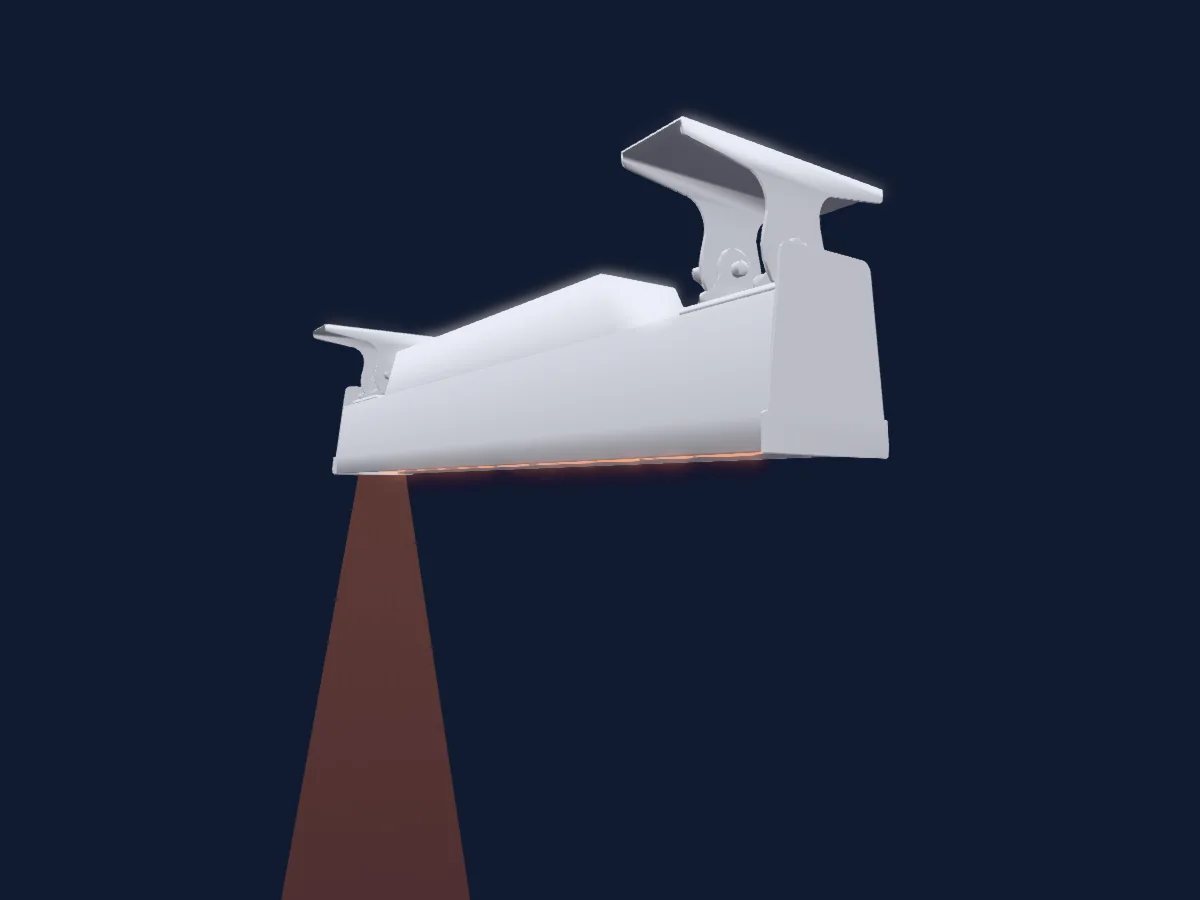
Vari-Lite Aurora Strip 12
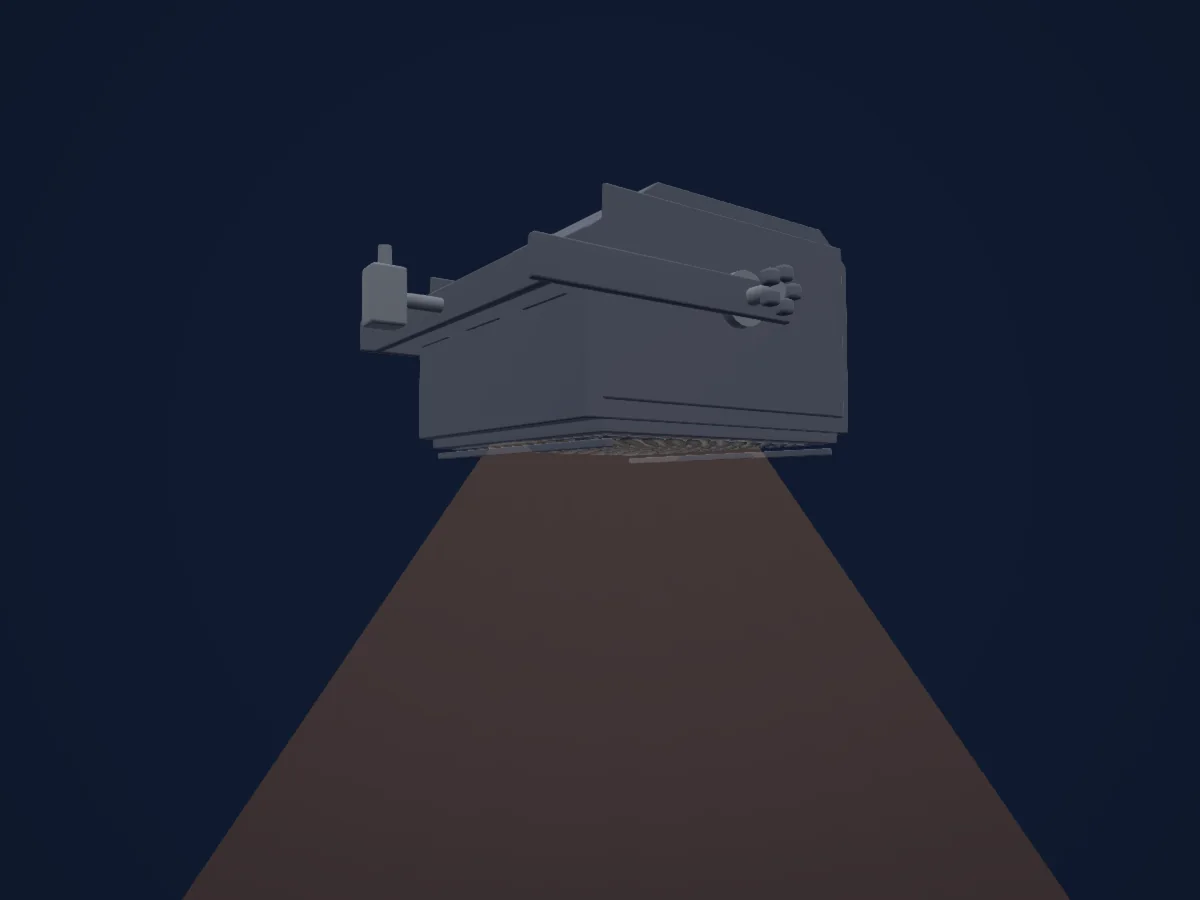
Strand Lighting Coda 1000
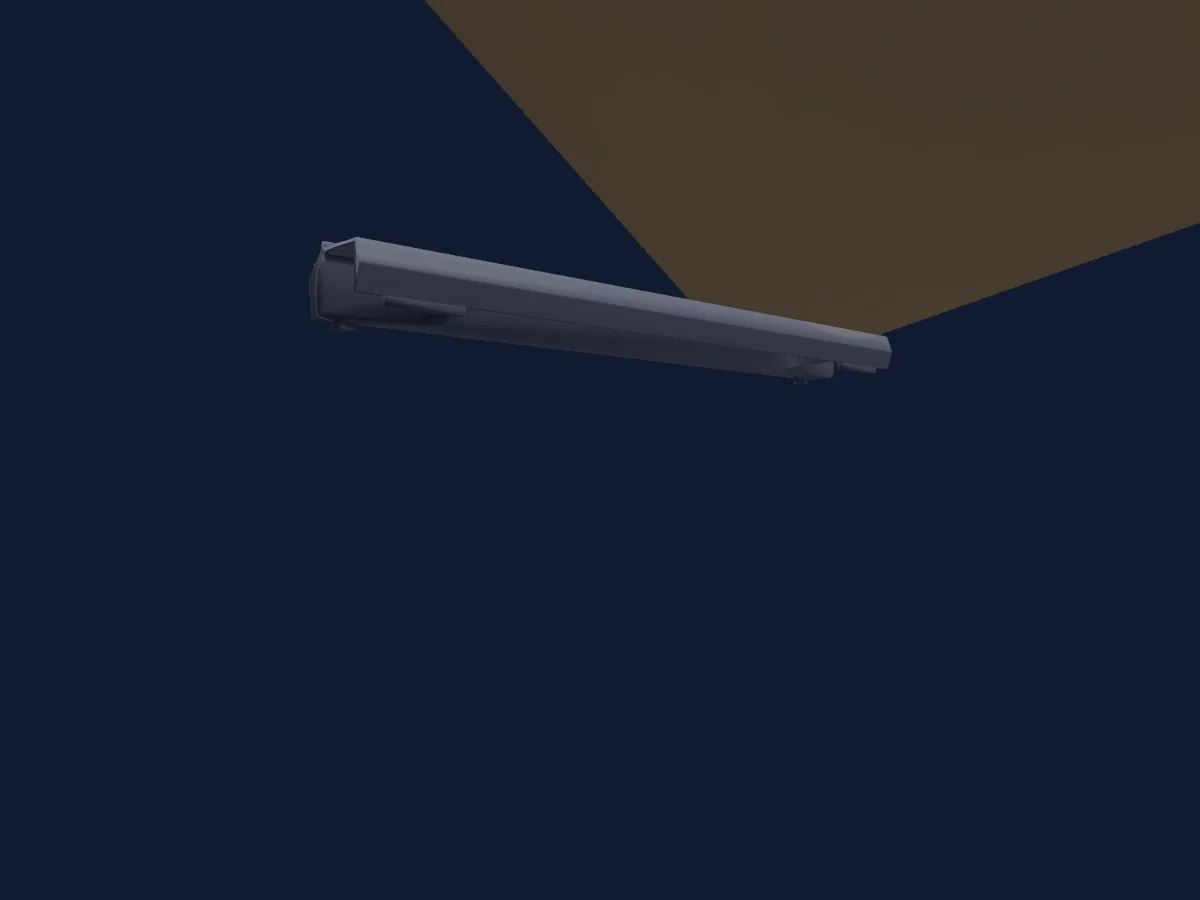
Elation KL CYC L
Charts come from the fixture’s GDTF description as converted for the HitLight library. HitLight is not affiliated with LL Stage.
Fixture model: gdtf-ll-stage-cyc-6c-rgbawn-2611075003
Original HitLight geometry, scripted locally by the HitLight fixture agent from published dimensions and product photographs. No manufacturer CAD, third-party mesh, photo texture or logo is incorporated. Approximate planning model; not hardware verified.
Creator: HitLight