Skip to content
HitLight
Martin Professional · PAR

Martin Professional RUSH PAR 3

DMX chart, 1 DMX mode and a 3D preview. 9 DMX channels.
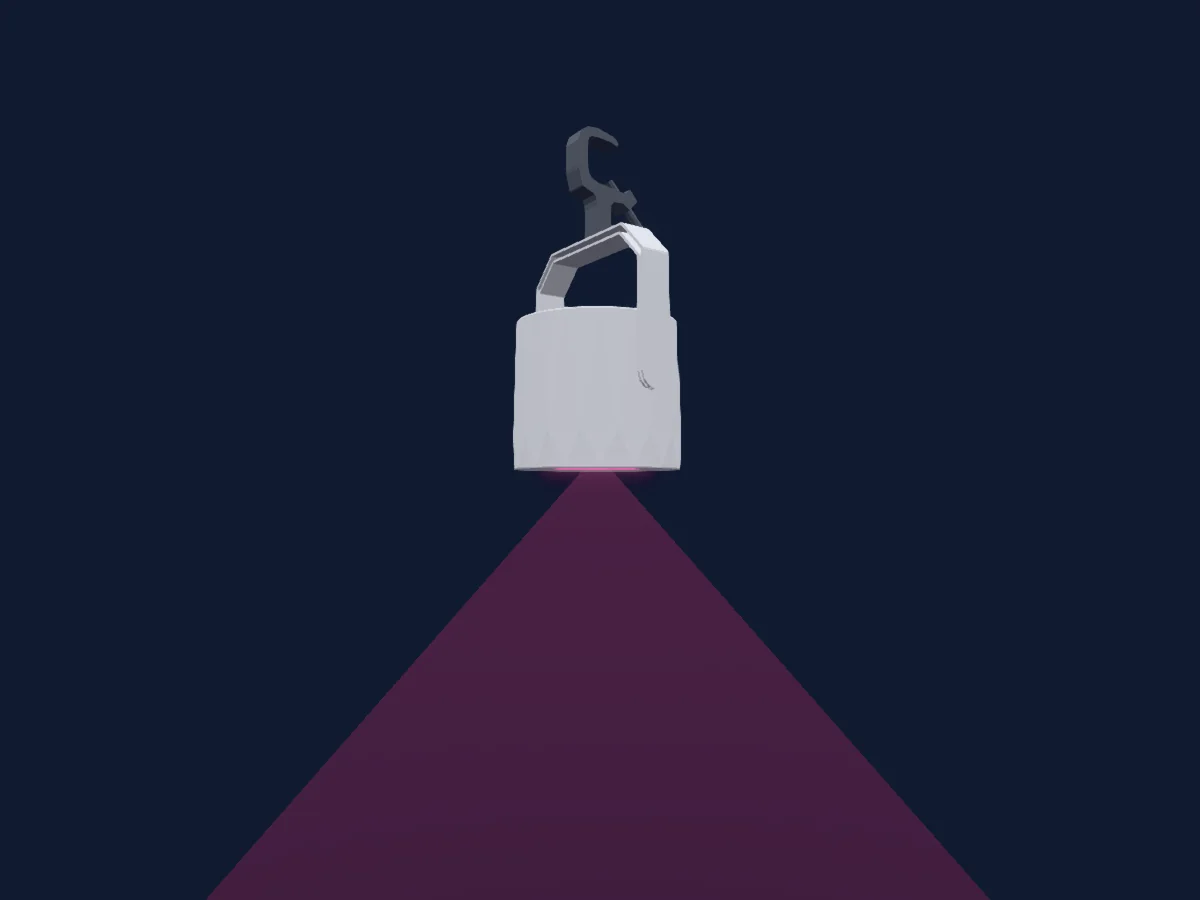
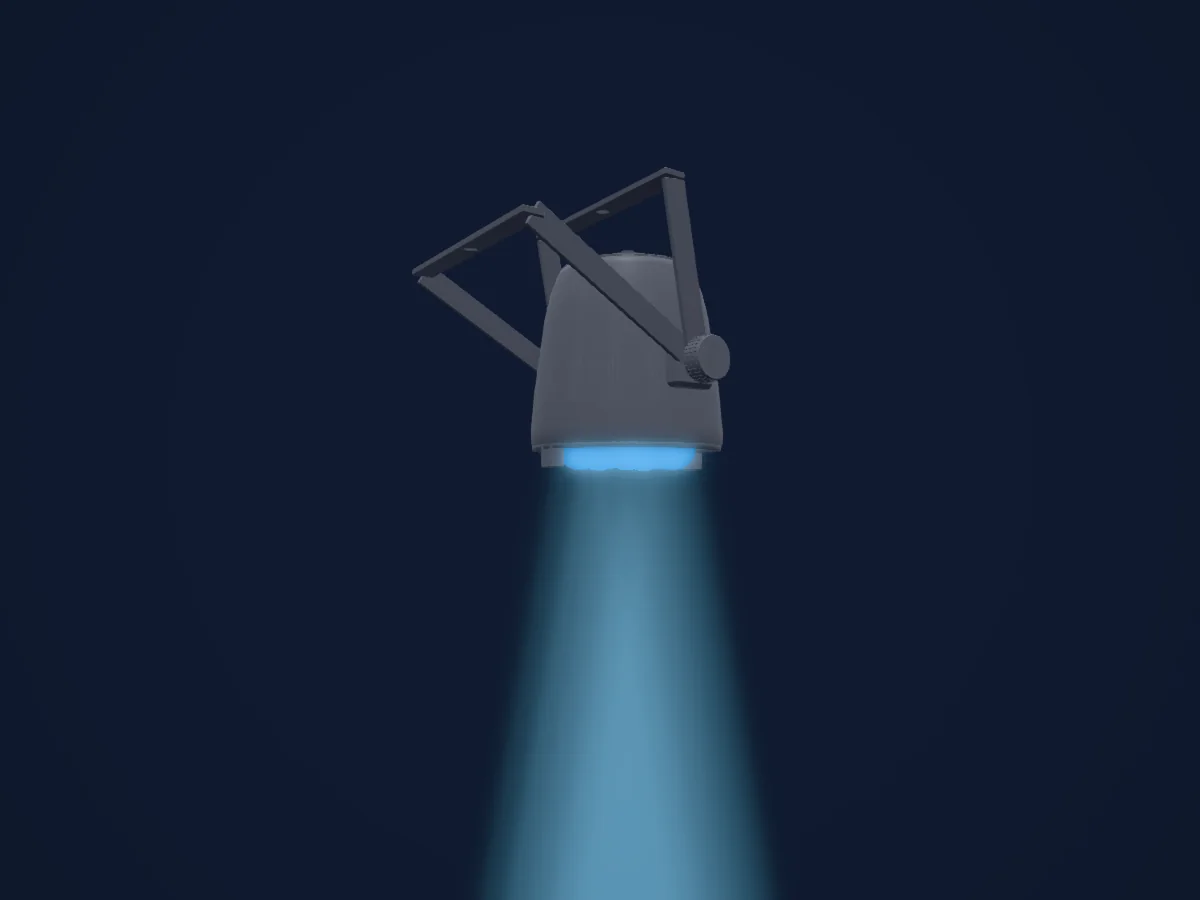
Martin Professional RUSH PAR 3 rendered in HitLight

What it can do

  • RGB colour mixing
  • Colour temperature
  • Colour wheel
  • Strobe
  • Dimmer

Safety-relevant functions: Service functions. Check how these behave on your own fixture before a show.

DMX modes and channel charts

DMX modes of Martin Professional RUSH PAR 3
ModeChannelsIn HitLight
9 Channel9Ready in HitLight

9 Channel

Ready in HitLight

9 DMX channels · Download this chart as CSV

DMX channel chart for 9 Channel
ChannelFunctionDefaultDMX values
1Shutter / Strobe10
10 value ranges
  • 0–7 Shutter Closed
  • 8–15 Shutter Open
  • 16–131 Strobe Effect S to F
  • 132–139 ON
  • 140–181 Fast Close Slow Open
  • 182–189 ON 1
  • 190–231 Fast Open Slow Close
  • 232–239 ON 2
  • 240–247 Random Strobe Slow to fast
  • 248–255 Shutter Open
2Dimmer00–255
3Dimmer Fine0Fine byte of Dimmer
4Red2550–255
5Green2550–255
6Blue2550–255
7C TC00–255
8Color Effects10
44 value ranges
  • 0–10 Open (wheel slot 1)
  • 11–15 Lee 026 Bright Red (wheel slot 2)
  • 16–20 Lee 158 Deep Orange (wheel slot 3)
  • 21–25 Lee 105 Orange (wheel slot 4)
  • 26–30 Lee 179 Chrome Orange (wheel slot 5)
  • 31–35 Lee 015 Deep Straw (wheel slot 6)
  • 36–40 Lee 010 Medium Yellow (wheel slot 7)
  • 41–45 Lee 101 Yellow (wheel slot 8)
  • 46–50 Lee 100 Spring Yellow (wheel slot 9)
  • 51–55 Lee 088 Lime Green (wheel slot 10)
  • 56–60 Lee 121 Lee Green (wheel slot 11)
  • 61–65 Lee 138 JAS Green (wheel slot 12)
  • 66–70 Lee 139 Primary Green (wheel slot 13)
  • 71–75 Lee 124 Dark Green (wheel slot 14)
  • 76–80 Lee 323 Jade (wheel slot 15)
  • 81–85 Lee 115 Peacock Blue (wheel slot 16)
  • 86–90 Lee 140 Summer Blue (wheel slot 17)
  • 91–95 Lee 144 No Clor Blue (wheel slot 18)
  • 96–100 Lee 172 Lagoon Blue (wheel slot 19)
  • 101–105 Lee 183 Moonlight Blue (wheel slot 20)
  • 106–110 Lee 161 Slate Blue (wheel slot 21)
  • 111–115 Lee 165 Daylight Blue (wheel slot 22)
  • 116–120 Lee 118 Light Blue (wheel slot 23)
  • 121–125 Lee 068 Sky Blue (wheel slot 24)
  • 126–130 Lee 142 Pale Violet (wheel slot 25)
  • 131–135 Lee 194 Surprise Pink (wheel slot 26)
  • 136–140 Lee 170 Deep Lavender (wheel slot 27)
  • 141–145 Lee 002 Rose Pink (wheel slot 28)
  • 146–150 Lee 192 Flesh Pink (wheel slot 29)
  • 151–155 Lee111 Dark Pink (wheel slot 30)
  • 156–160 Lee 328 Follies Pink (wheel slot 31)
  • 161–165 Lee 128 Bright Pink (wheel slot 32)
  • 166–170 Lee 795 Magical Magenta (wheel slot 33)
  • 171–175 Lee 793 Vanity Fair (wheel slot 34)
  • 176–180 Lee 148 Bright Rose (wheel slot 35)
  • 181–185 Blackout (wheel slot 36)
  • 186–190 Lee 130 Clear (wheel slot 37)
  • 191–192 Open (wheel slot 1)
  • 193–214 Ascending Fast to Slow (wheel slot 1)
  • 215–221 Stop
  • 222–243 Descending Slow to fast (wheel slot 37)
  • 244–247 Random Color fast
  • 248–251 Random Color Medium
  • 252–255 Random Color Slow
9Dimmer Curve0
13 value ranges
  • 0–59 No Function
  • 60–64 Linear Curve
  • 65–69 Square Law Curve
  • 70–74 Dimmer Inverse Square Law Curve
  • 75–79 S Curve
  • 80–134 No function 2
  • 135–139 Smoothing On
  • 140–144 Smoothing off
  • 145–149 Auto Blackout On
  • 150–154 Auto Blackout off
  • 155–159 Control Panel Display On
  • 160–164 Control Panel Display Off
  • 165–255 No Function 3

Use the Martin Professional RUSH PAR 3 in HitLight

  1. Open Add fixture and search for Martin Professional RUSH PAR 3.
  2. Choose the DMX mode set in the fixture’s own menu. HitLight gives it the lowest free start address on its universe that fits the mode’s channel count.
  3. Check the mode and controls against your real fixture before live use.

Venues with the Martin Professional RUSH PAR 3

Their saved rigs list this fixture model. Confirm the current equipment with the venue.

Charts come from the fixture’s GDTF description as converted for the HitLight library. HitLight is not affiliated with Martin Professional.

Patch it, then let the music run the lights.

HitLight finds these fixtures in its library, patches them on the next free address and previews your rig in 3D before a single light is plugged in.

Open HitLight ↗Download HitLight