Skip to content
HitLight
Robe Lighting · PAR

Robe Lighting Robin iParFect 150 FW RGBA

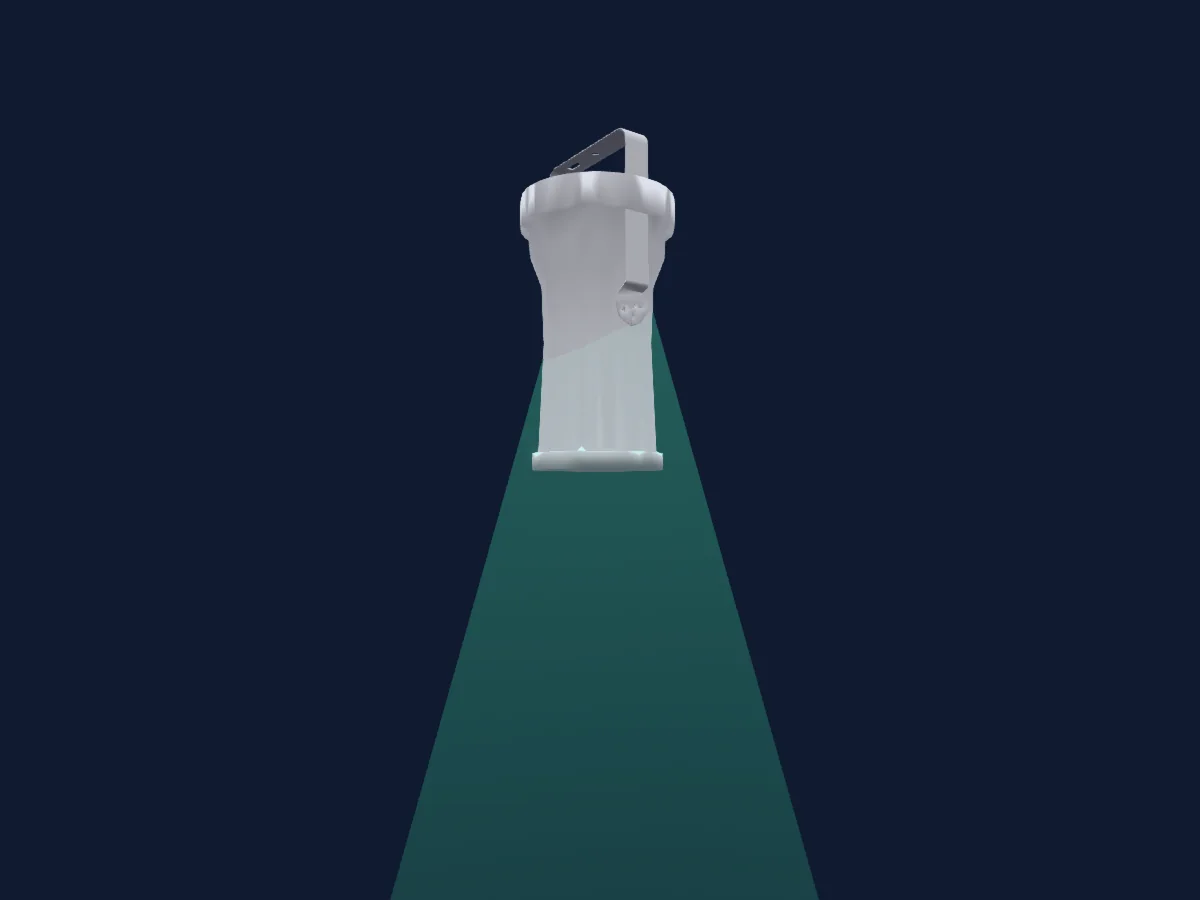
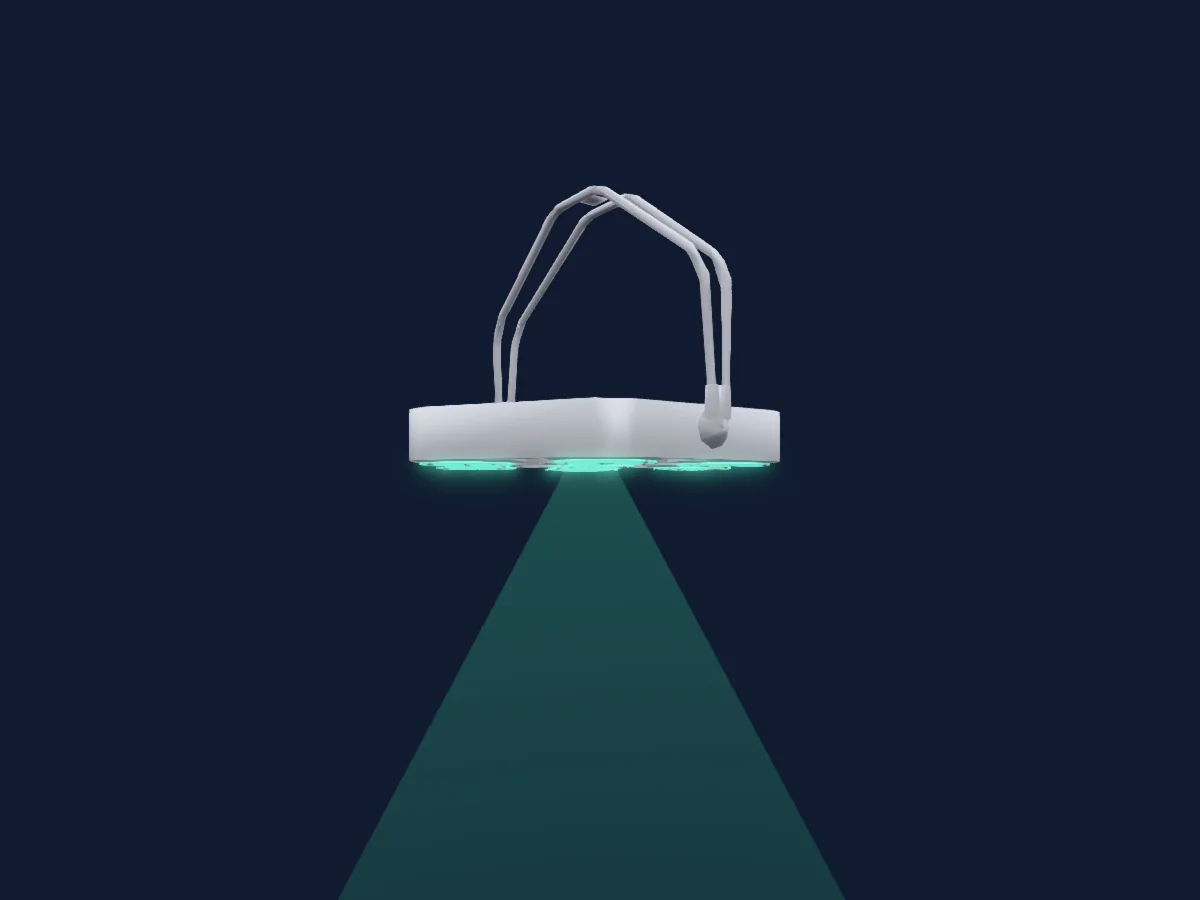
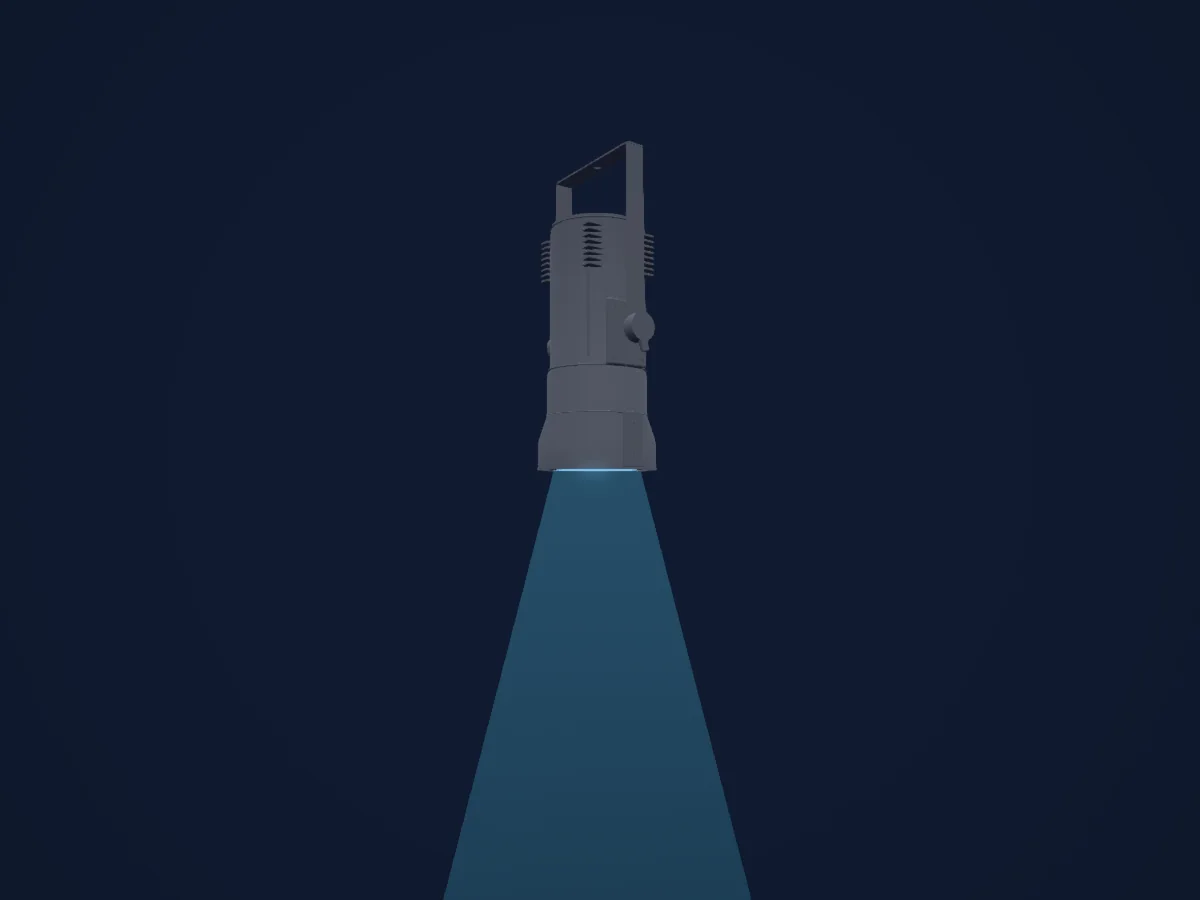
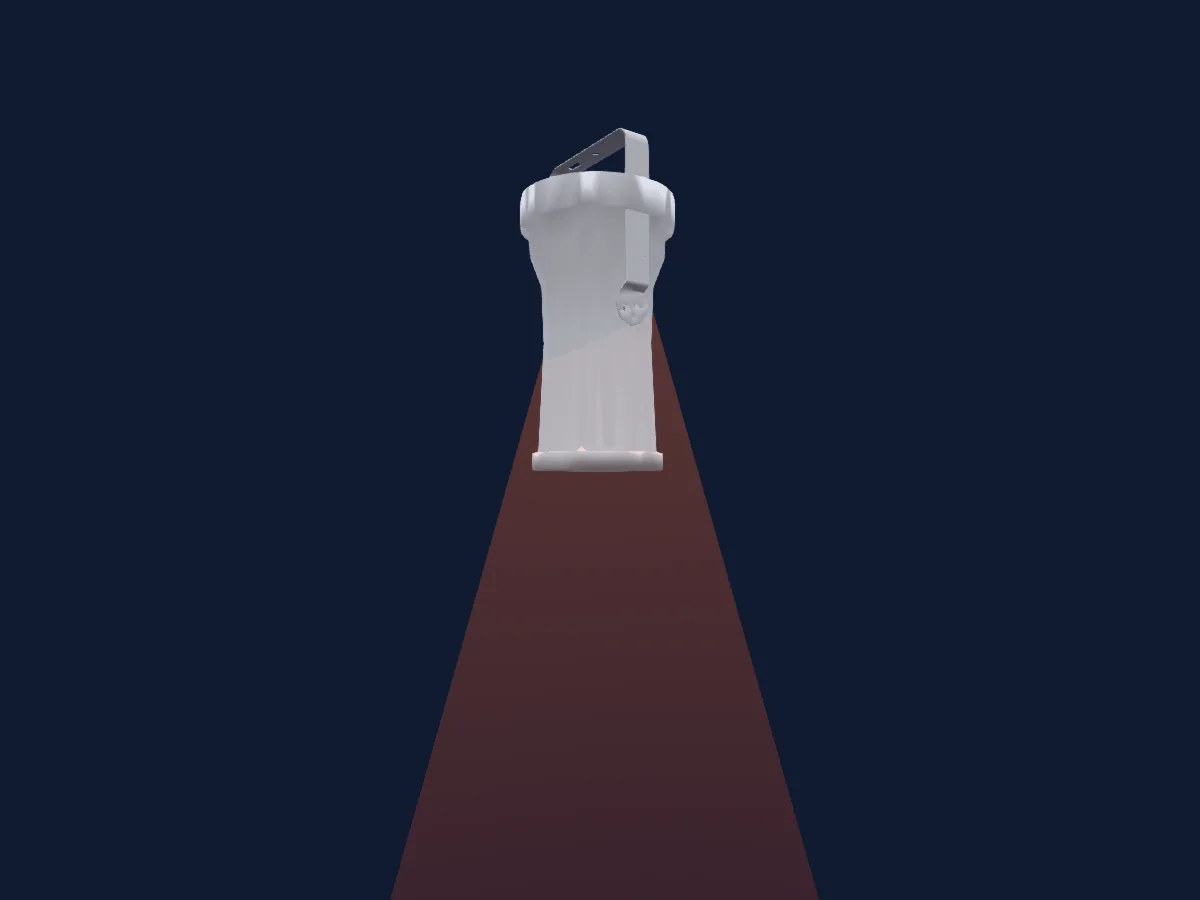
DMX chart, 3 DMX modes and a 3D preview. 8 / 11 / 17 DMX channels.
What it can do

  • Zoom
  • Extra LED colours
  • RGB colour mixing
  • Colour temperature
  • Colour wheel
  • Strobe
  • Dimmer

Safety-relevant functions: Fixture reset · Service functions. Check how these behave on your own fixture before a show.

DMX modes and channel charts

DMX modes of Robe Lighting Robin iParFect 150 FW RGBA
ModeChannelsIn HitLight
Mode 3 - Simple8Ready in HitLight
Mode 2 - Reduced 8 - bit11Ready in HitLight
Mode 1 - Standard 16 - bit17Ready in HitLight

Mode 3 - Simple

Ready in HitLight

8 DMX channels · Download this chart as CSV

DMX channel chart for Mode 3 - Simple
ChannelFunctionDefaultDMX values
1Red2550–255
2Red Fine255Fine byte of Red
3Green2550–255
4Green Fine255Fine byte of Green
5Blue2550–255
6Blue Fine255Fine byte of Blue
7Color Add RY2550–255
8Color Add RY Fine255Fine byte of Color Add RY

Mode 2 - Reduced 8 - bit

Ready in HitLight

11 DMX channels · Download this chart as CSV

DMX channel chart for Mode 2 - Reduced 8 - bit
ChannelFunctionDefaultDMX values
1Control10
41 value ranges
  • 0–9 No feature
  • 10–14 Wired DMX
  • 15–19 Wireless DMX
  • 20–24 Display ON
  • 25–29 Display OFF
  • 30–34 RGBW colour mixing mode
  • 35–39 CMY colour mixing mode
  • 40–59 NoFeature 5
  • 60–64 Dimmer curve - square law
  • 65–69 Dimmer curve - linear
  • 70–79 NoFeature 7
  • 80–84 White point 8000K ON
  • 85–89 White point 8000K OFF
  • 90–129 NoFeature 9
  • 130–139 Save present DMX values to the fixture as initial DMX values
  • 140–149 NoFeature 11
  • 150–159 Zoom reset
  • 160–169 NoFeature 13
  • 170–171 Tungsten effect simulation (750W) On
  • 172–173 Tungsten effect simulation (1000W) On
  • 174–175 Tungsten effect simulation (1200W) On
  • 176–177 Tungsten effect simulation (2000W) On
  • 178–179 Tungsten effect simulation (2500W) On
  • 180–181 Tungsten effect simulation Off
  • 182–184 NoFeature 15
  • 185–185 PWM output frequency of LEDs: Standard (300Hz)
  • 186–186 PWM output frequency of LEDs: High
  • 187–187 LED Frequency (step -6)
  • 188–188 LED Frequency (step -5)
  • 189–189 LED Frequency (step -4)
  • 190–190 LED Frequency (step -3)
  • 191–191 LED Frequency (step -2)
  • 192–192 LED Frequency (step -1)
  • 193–193 LED Frequency (Standard or High)
  • 194–194 LED Frequency (step 1)
  • 195–195 LED Frequency (step 2)
  • 196–196 LED Frequency (step 3)
  • 197–197 LED Frequency (step 4)
  • 198–198 LED Frequency (step 5)
  • 199–199 LED Frequency (step 6)
  • 200–255 NoFeature 18
2Color Macro100–255
3Red2550–255
4Green2550–255
5Blue2550–255
6Color Add RY2550–255
7C TO0
2 value ranges
  • 0–254 8000K
  • 255–255 2700K
8Color Mix Mode45
11 value ranges
  • 0–9 Virtual colors (Virtual has priority)
  • 10–19 Maximum mode (highest values have priority)
  • 20–29 Minimum mode (lowest values have priority)
  • 30–39 Multiply mode (multiply Virtual and Colour Mix)
  • 40–49 Addition mode (Virtual + Colour mix)
  • 50–59 Subtraction mode (Virtual - Colour mix)
  • 60–69 Inverted Subtraction mode (Virtual - Colour mix)
  • 70–128 Reserved
  • 129–129 Virtual colors (virtual has priority)
  • 130–254 Crossfade (crossfade between Virtual and Colour mix)
  • 255–255 Colour channels (Colour mix has priority)
9Zoom128
2 value ranges
  • 0–254 Wide
  • 255–255 Narrow
10Shutter / Strobe32
16 value ranges
  • 0–31 Shutter closed
  • 32–63 Shutter open
  • 64–74 Shutter1Strobe · Slow to fast 1/10 0.1–3.29 Hz
  • 75–91 Shutter1Strobe · Slow to fast 5/10 3.61–8.72 Hz
  • 92–95 Shutter1Strobe · Slow to fast 10/10 9.04–10 Hz
  • 96–127 Shutter open
  • 128–134 Shutter1StrobePulseOpen · Slow to fast 1/7 0.1–4.06 Hz
  • 135–140 Shutter1StrobePulseOpen · Slow to fast 4/7 4.72–8.02 Hz
  • 141–143 Shutter1StrobePulseOpen · Slow to fast 7/7 8.68–10 Hz
  • 144–149 Shutter1StrobePulseClose · Fast to slow 1/7
  • 150–155 Shutter1StrobePulseClose · Fast to slow 4/7
  • 156–159 Shutter1StrobePulseClose · Fast to slow 7/7
  • 160–191 Shutter open
  • 192–222 Strobe random slow
  • 223–223 Strobe random fast
  • 224–255 Shutter open
11Dimmer0
2 value ranges
  • 0–254 Closed
  • 255–255 Open

Mode 1 - Standard 16 - bit

Ready in HitLight

17 DMX channels · Download this chart as CSV

DMX channel chart for Mode 1 - Standard 16 - bit
ChannelFunctionDefaultDMX values
1Control10
41 value ranges
  • 0–9 No feature
  • 10–14 Wired DMX
  • 15–19 Wireless DMX
  • 20–24 Display ON
  • 25–29 Display OFF
  • 30–34 RGBW colour mixing mode
  • 35–39 CMY colour mixing mode
  • 40–59 NoFeature 5
  • 60–64 Dimmer curve - square law
  • 65–69 Dimmer curve - linear
  • 70–79 NoFeature 7
  • 80–84 White point 8000K ON
  • 85–89 White point 8000K OFF
  • 90–129 NoFeature 9
  • 130–139 Save present DMX values to the fixture as initial DMX values
  • 140–149 NoFeature 11
  • 150–159 Zoom reset
  • 160–169 NoFeature 13
  • 170–171 Tungsten effect simulation (750W) On
  • 172–173 Tungsten effect simulation (1000W) On
  • 174–175 Tungsten effect simulation (1200W) On
  • 176–177 Tungsten effect simulation (2000W) On
  • 178–179 Tungsten effect simulation (2500W) On
  • 180–181 Tungsten effect simulation Off
  • 182–184 NoFeature 15
  • 185–185 PWM output frequency of LEDs: Standard (300Hz)
  • 186–186 PWM output frequency of LEDs: High
  • 187–187 LED Frequency (step -6)
  • 188–188 LED Frequency (step -5)
  • 189–189 LED Frequency (step -4)
  • 190–190 LED Frequency (step -3)
  • 191–191 LED Frequency (step -2)
  • 192–192 LED Frequency (step -1)
  • 193–193 LED Frequency (Standard or High)
  • 194–194 LED Frequency (step 1)
  • 195–195 LED Frequency (step 2)
  • 196–196 LED Frequency (step 3)
  • 197–197 LED Frequency (step 4)
  • 198–198 LED Frequency (step 5)
  • 199–199 LED Frequency (step 6)
  • 200–255 NoFeature 18
2Color Macro100–255
3Red2550–255
4Red Fine255Fine byte of Red
5Green2550–255
6Green Fine255Fine byte of Green
7Blue2550–255
8Blue Fine255Fine byte of Blue
9Color Add RY2550–255
10Color Add RY Fine255Fine byte of Color Add RY
11C TO0
2 value ranges
  • 0–254 8000K
  • 255–255 2700K
12Color Mix Mode45
11 value ranges
  • 0–9 Virtual colors (Virtual has priority)
  • 10–19 Maximum mode (highest values have priority)
  • 20–29 Minimum mode (lowest values have priority)
  • 30–39 Multiply mode (multiply Virtual and Colour Mix)
  • 40–49 Addition mode (Virtual + Colour mix)
  • 50–59 Subtraction mode (Virtual - Colour mix)
  • 60–69 Inverted Subtraction mode (Virtual - Colour mix)
  • 70–128 Reserved
  • 129–129 Virtual colors (virtual has priority)
  • 130–254 Crossfade (crossfade between Virtual and Colour mix)
  • 255–255 Colour channels (Colour mix has priority)
13Zoom128
2 value ranges
  • 0–254 Wide
  • 255–255 Narrow
14Zoom Fine0Fine byte of Zoom
15Shutter / Strobe32
16 value ranges
  • 0–31 Shutter closed
  • 32–63 Shutter open
  • 64–74 Shutter1Strobe · Slow to fast 1/10 0.1–3.29 Hz
  • 75–91 Shutter1Strobe · Slow to fast 5/10 3.61–8.72 Hz
  • 92–95 Shutter1Strobe · Slow to fast 10/10 9.04–10 Hz
  • 96–127 Shutter open
  • 128–134 Shutter1StrobePulseOpen · Slow to fast 1/7 0.1–4.06 Hz
  • 135–140 Shutter1StrobePulseOpen · Slow to fast 4/7 4.72–8.02 Hz
  • 141–143 Shutter1StrobePulseOpen · Slow to fast 7/7 8.68–10 Hz
  • 144–149 Shutter1StrobePulseClose · Fast to slow 1/7
  • 150–155 Shutter1StrobePulseClose · Fast to slow 4/7
  • 156–159 Shutter1StrobePulseClose · Fast to slow 7/7
  • 160–191 Shutter open
  • 192–222 Strobe random slow
  • 223–223 Strobe random fast
  • 224–255 Shutter open
16Dimmer0
2 value ranges
  • 0–254 Closed
  • 255–255 Open
17Dimmer Fine0Fine byte of Dimmer

Use the Robe Lighting Robin iParFect 150 FW RGBA in HitLight

  1. Open Add fixture and search for Robe Lighting Robin iParFect 150 FW RGBA.
  2. Choose the DMX mode set in the fixture’s own menu. HitLight gives it the lowest free start address on its universe that fits the mode’s channel count.
  3. Check the mode and controls against your real fixture before live use.

Charts come from the fixture’s GDTF description as converted for the HitLight library. HitLight is not affiliated with Robe Lighting.

Patch it, then let the music run the lights.

HitLight finds these fixtures in its library, patches them on the next free address and previews your rig in 3D before a single light is plugged in.

Open HitLight ↗Download HitLight