 HitLight
Clay Paky Golden Scan 3
DMX-Tabelle, 2 DMX-Modi und eine 3D-Vorschau. 6 / 8 DMX-Kanäle.
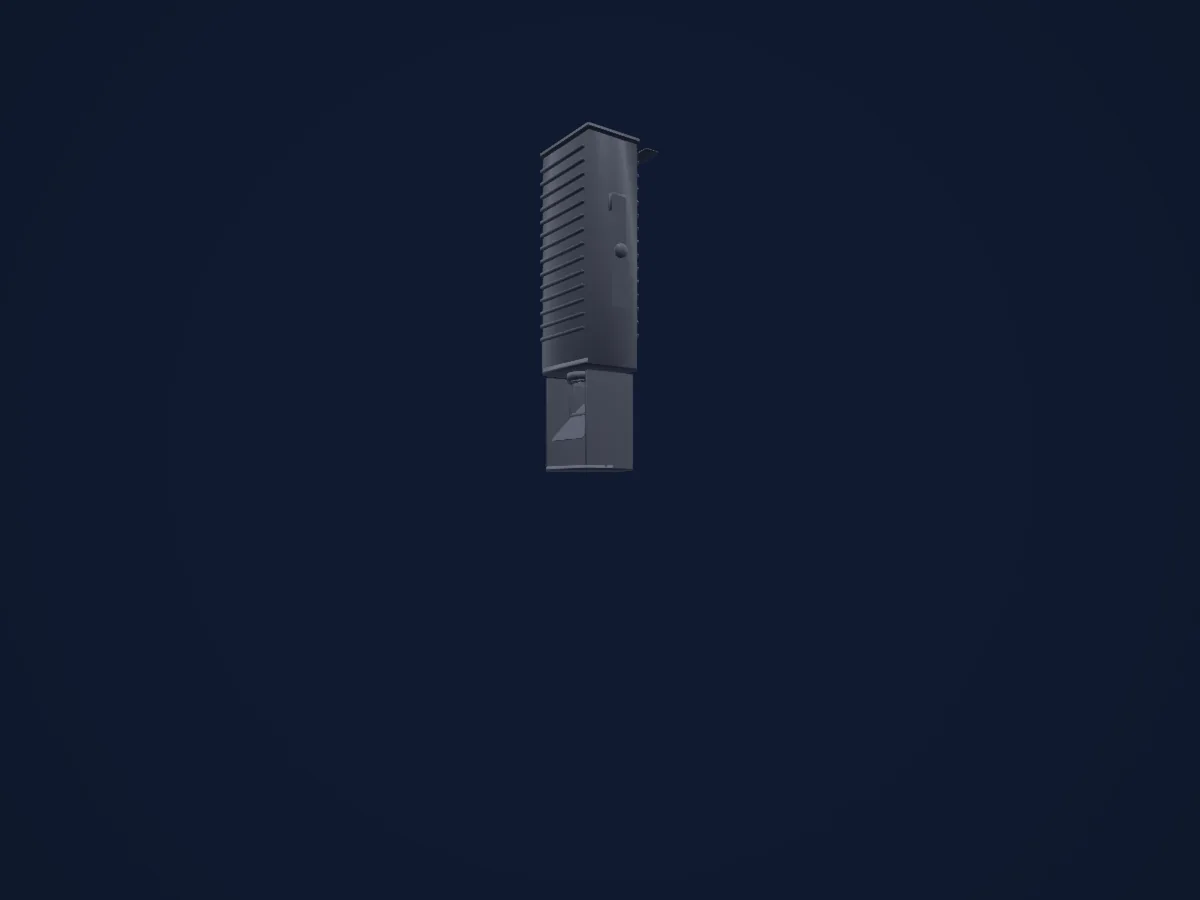
Was er kann
- Iris
- Farbrad
- Strobe
- Dimmer
- Pan und Tilt
- Gobos
- Gobo-Rotation
DMX-Modi und Kanaltabellen
| Modus | Kanäle | In HitLight |
|---|---|---|
| 6 channel operation | 6 | Bereit in HitLight |
| 8 channel operation | 8 | Bereit in HitLight |
6 channel operation
Bereit in HitLight6 DMX-Kanäle · Diese Tabelle als CSV herunterladen
| Kanal | Funktion | Standard | DMX-Werte |
|---|---|---|---|
| 1 | Iris | 64 | 5 Wertebereiche
|
| 2 | Color Wheel | 0 | 16 Wertebereiche
|
| 3 | Gobo | 0 | 6 Wertebereiche
|
| 4 | Shutter / Strobe | 0 | 4 Wertebereiche
|
| 5 | Pan | 128 | 0–255 |
| 6 | Tilt | 128 | 0–255 |
8 channel operation
Bereit in HitLight8 DMX-Kanäle · Diese Tabelle als CSV herunterladen
| Kanal | Funktion | Standard | DMX-Werte |
|---|---|---|---|
| 1 | Iris | 255 | 0–255 |
| 2 | Color Wheel | 0 | 16 Wertebereiche
|
| 3 | Color Wheel 2 | 0 | 5 Wertebereiche
|
| 4 | Shutter / Strobe | 0 | 4 Wertebereiche
|
| 5 | Pan | 128 | 0–255 |
| 6 | Tilt | 128 | 0–255 |
| 7 | Gobo | 0 | 5 Wertebereiche
|
| 8 | Gobo Rotation | 0 | 4 Wertebereiche
|
Clay Paky Golden Scan 3 in HitLight verwenden
- Öffne Scheinwerfer hinzufügen und suche nach Clay Paky Golden Scan 3.
- Wähle den DMX-Modus, der im Menü des Scheinwerfers eingestellt ist. HitLight gibt ihm die niedrigste freie Startadresse in seinem Universum, die zur Kanalzahl des Modus passt.
- Prüfe Modus und Steuerung an deinem echten Scheinwerfer, bevor du ihn live einsetzt.
Spielstätten mit Clay Paky Golden Scan 3
Ihre gespeicherten Lichtaufbauten enthalten dieses Scheinwerfermodell. Klären Sie die aktuelle Ausstattung mit der Spielstätte.
- Kürnberghalle Leonding, Österreich
Ähnliche Scheinwerfer

Clay Paky Arolla Spot MP
Clay Paky Alpha Beam 700
Clay Paky Axcor Spot 400 HC
Clay Paky Axcor Profile 600 HC
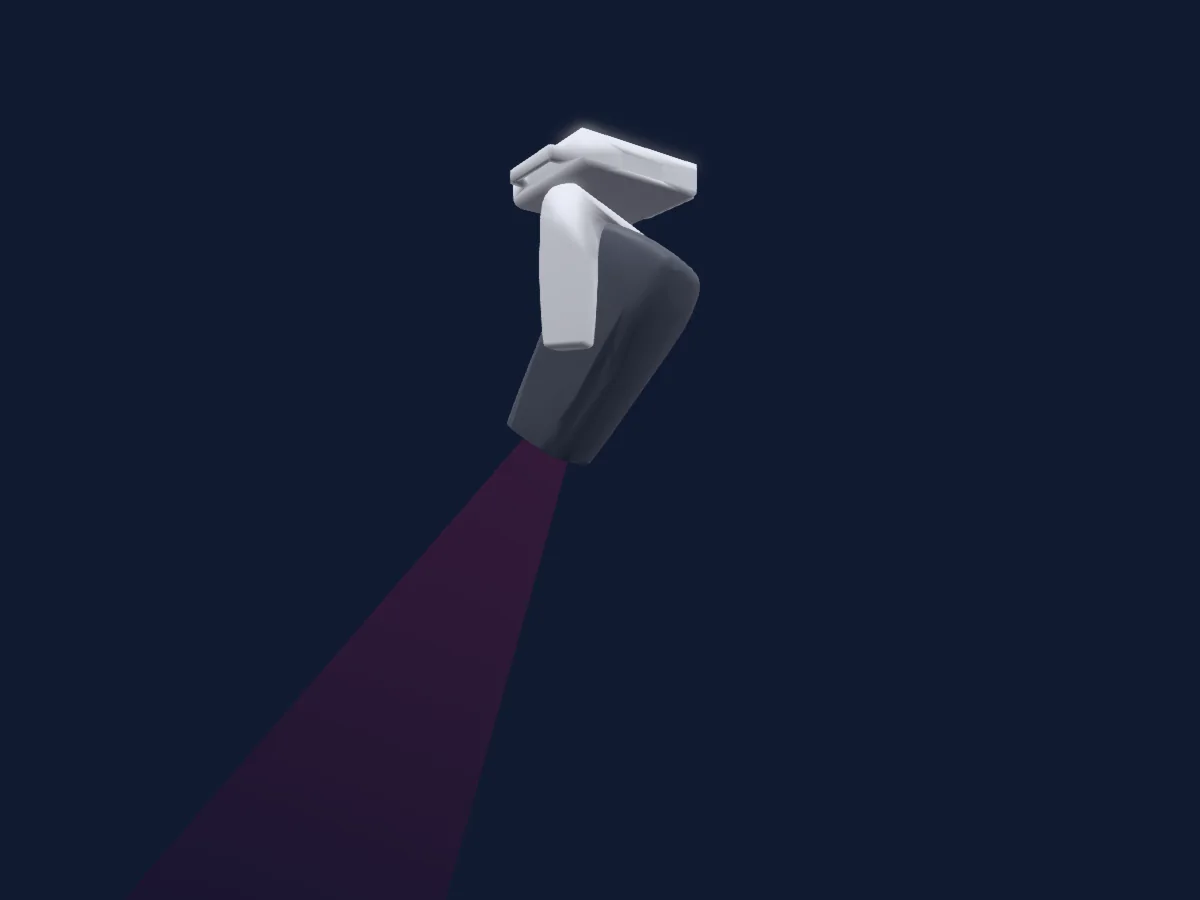
Clay Paky Arolla Aqua
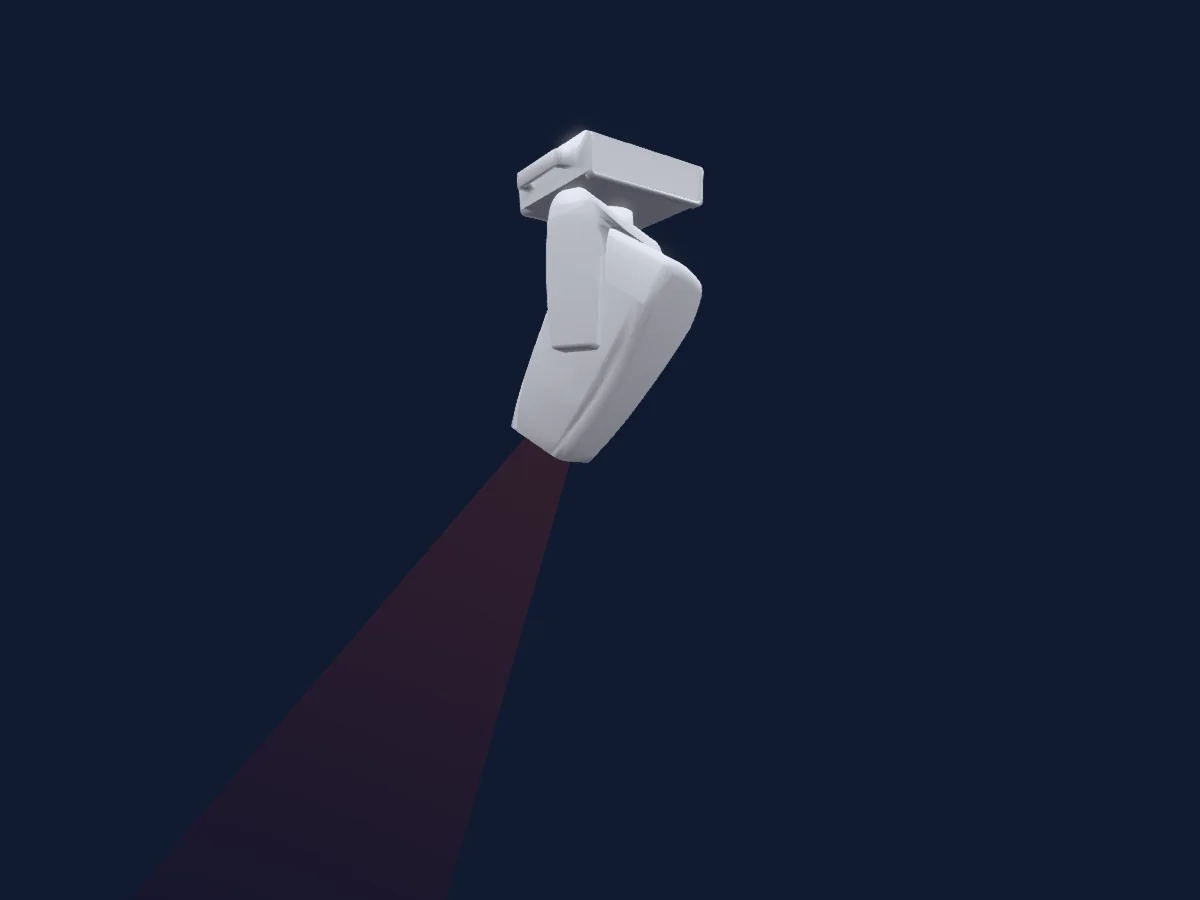
Clay Paky Arolla Aqua LT
Die Tabellen stammen aus der GDTF-Beschreibung des Scheinwerfers, umgewandelt für die HitLight-Bibliothek. HitLight ist nicht mit Clay Paky verbunden.
Fixture model: gdtf-clay-paky-golden-scan-3-2611100140
Original HitLight geometry, scripted locally by the HitLight fixture agent from the manufacturer manual's published dimensions and dimension drawing. No manufacturer CAD, third-party mesh, photo texture or logo is incorporated. Approximate planning model; not hardware verified.
Creator: HitLight