 HitLight
Clay Paky Golden Scan 3
DMX chart, 2 DMX modes and a 3D preview. 6 / 8 DMX channels.
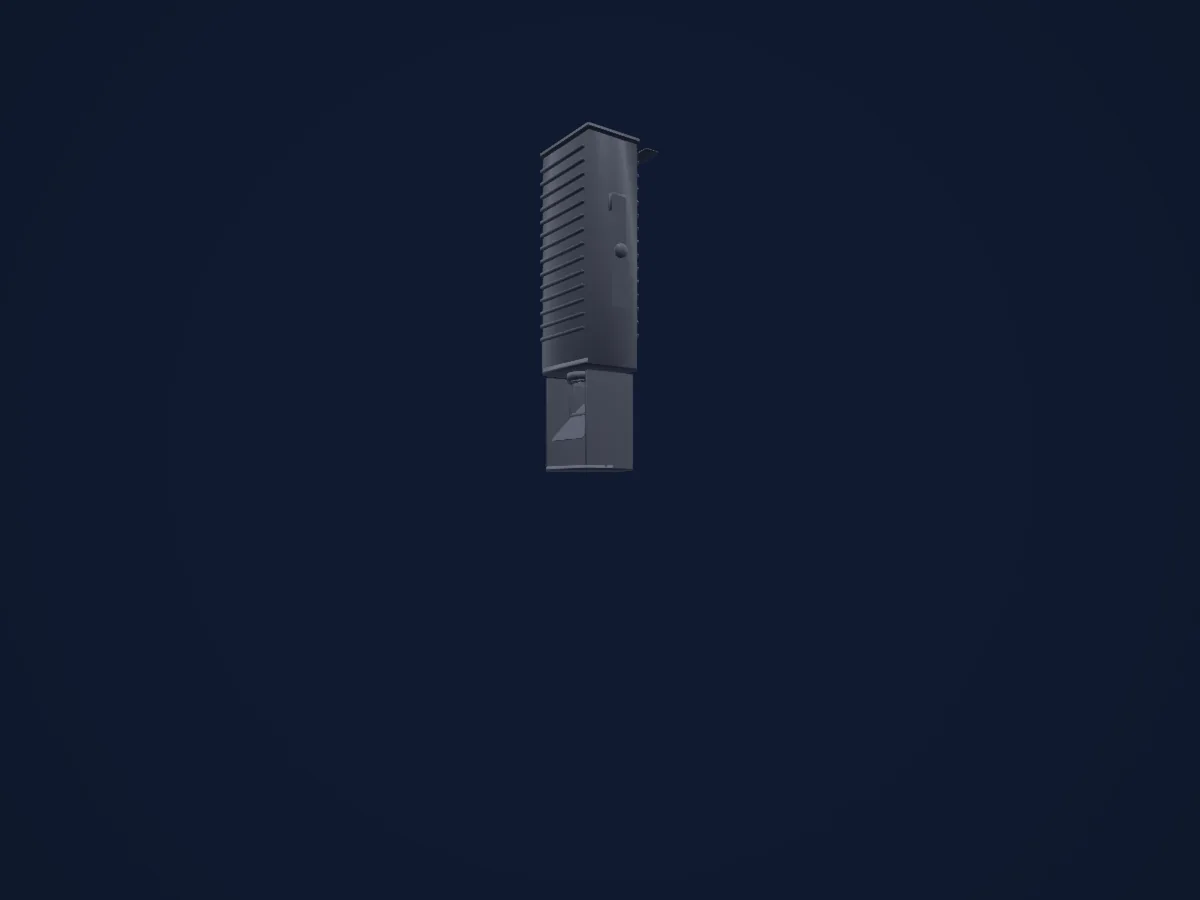
What it can do
- Iris
- Colour wheel
- Strobe
- Dimmer
- Pan and tilt
- Gobos
- Gobo rotation
DMX modes and channel charts
| Mode | Channels | In HitLight |
|---|---|---|
| 6 channel operation | 6 | Ready in HitLight |
| 8 channel operation | 8 | Ready in HitLight |
6 channel operation
Ready in HitLight6 DMX channels · Download this chart as CSV
| Channel | Function | Default | DMX values |
|---|---|---|---|
| 1 | Iris | 64 | 5 value ranges
|
| 2 | Color Wheel | 0 | 16 value ranges
|
| 3 | Gobo | 0 | 6 value ranges
|
| 4 | Shutter / Strobe | 0 | 4 value ranges
|
| 5 | Pan | 128 | 0–255 |
| 6 | Tilt | 128 | 0–255 |
8 channel operation
Ready in HitLight8 DMX channels · Download this chart as CSV
| Channel | Function | Default | DMX values |
|---|---|---|---|
| 1 | Iris | 255 | 0–255 |
| 2 | Color Wheel | 0 | 16 value ranges
|
| 3 | Color Wheel 2 | 0 | 5 value ranges
|
| 4 | Shutter / Strobe | 0 | 4 value ranges
|
| 5 | Pan | 128 | 0–255 |
| 6 | Tilt | 128 | 0–255 |
| 7 | Gobo | 0 | 5 value ranges
|
| 8 | Gobo Rotation | 0 | 4 value ranges
|
Use the Clay Paky Golden Scan 3 in HitLight
- Open Add fixture and search for Clay Paky Golden Scan 3.
- Choose the DMX mode set in the fixture’s own menu. HitLight gives it the lowest free start address on its universe that fits the mode’s channel count.
- Check the mode and controls against your real fixture before live use.
Venues with the Clay Paky Golden Scan 3
Their saved rigs list this fixture model. Confirm the current equipment with the venue.
- Kürnberghalle Leonding, Austria
Related fixtures

Profile spot
Clay Paky Arolla Spot MP
29 / 31 DMX channels
Profile spot
Clay Paky Alpha Beam 700
22 / 26 DMX channels
Profile spot
Clay Paky Axcor Spot 400 HC
28 DMX channels
Profile spot
Clay Paky Axcor Profile 600 HC
40 DMX channels
Profile spot
Clay Paky Arolla Aqua
38 / 41 DMX channels
Profile spot
Clay Paky Arolla Aqua LT
38 / 41 DMX channels
Charts come from the fixture’s GDTF description as converted for the HitLight library. HitLight is not affiliated with Clay Paky.
Fixture model: gdtf-clay-paky-golden-scan-3-2611100140
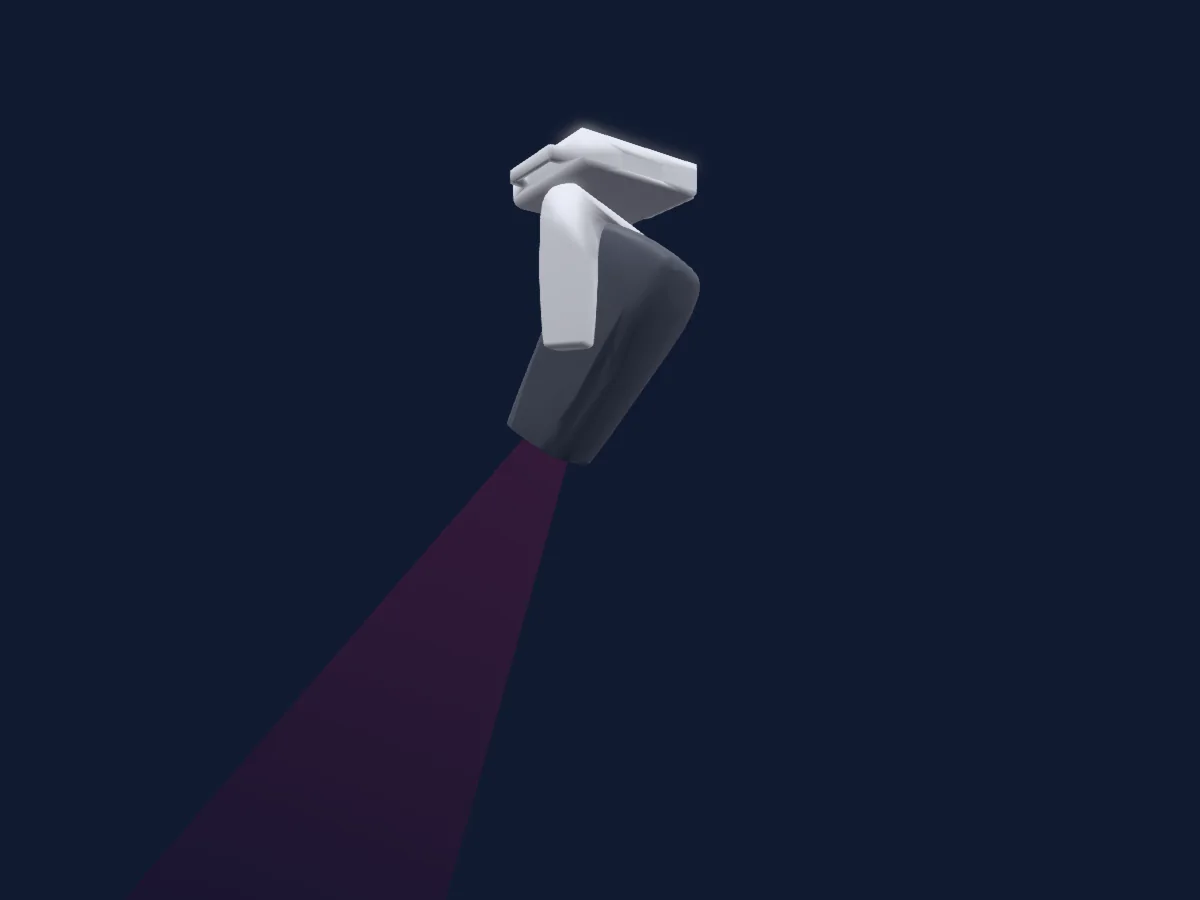
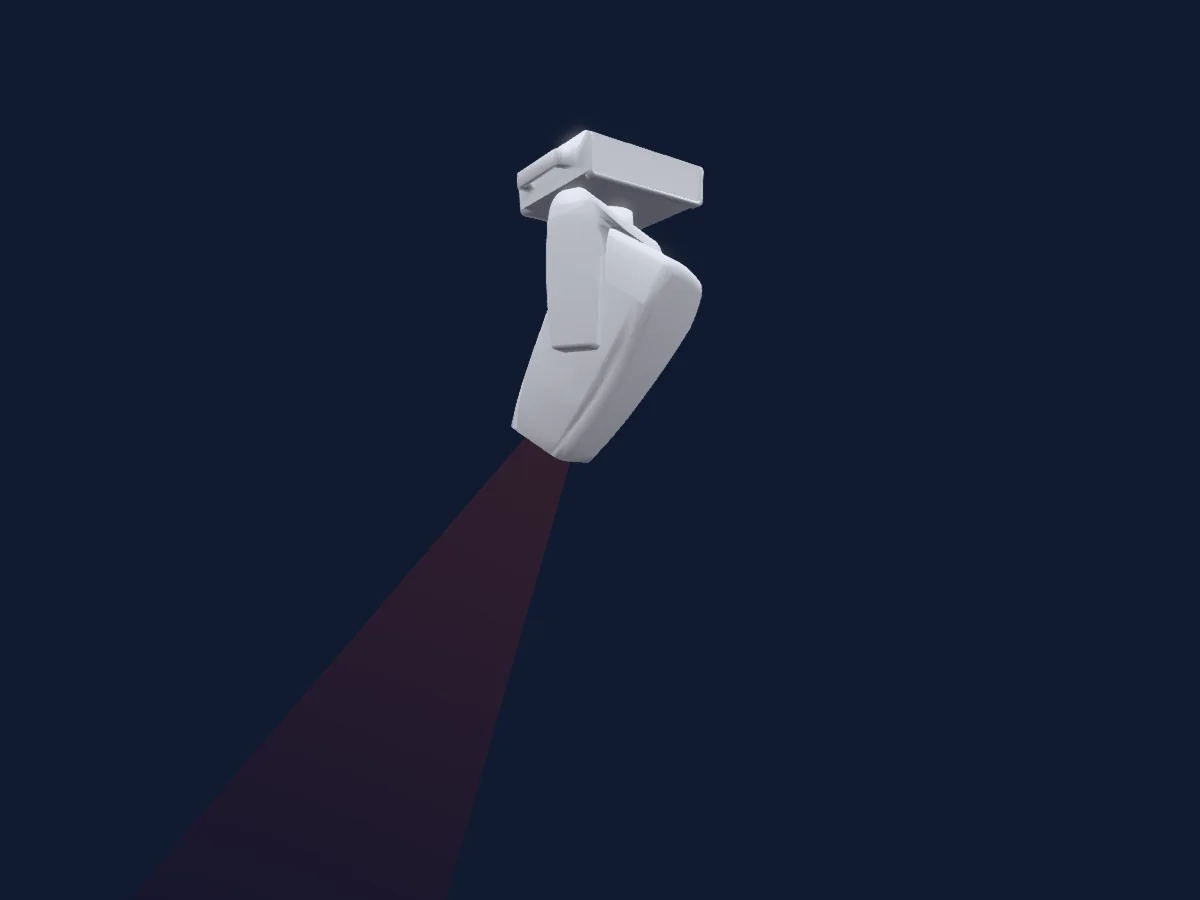
Original HitLight geometry, scripted locally by the HitLight fixture agent from the manufacturer manual's published dimensions and dimension drawing. No manufacturer CAD, third-party mesh, photo texture or logo is incorporated. Approximate planning model; not hardware verified.
Creator: HitLight