 HitLight
Clay Paky Golden Scan 3
Tabla DMX, 2 modos DMX y vista previa en 3D. 6 / 8 canales DMX.
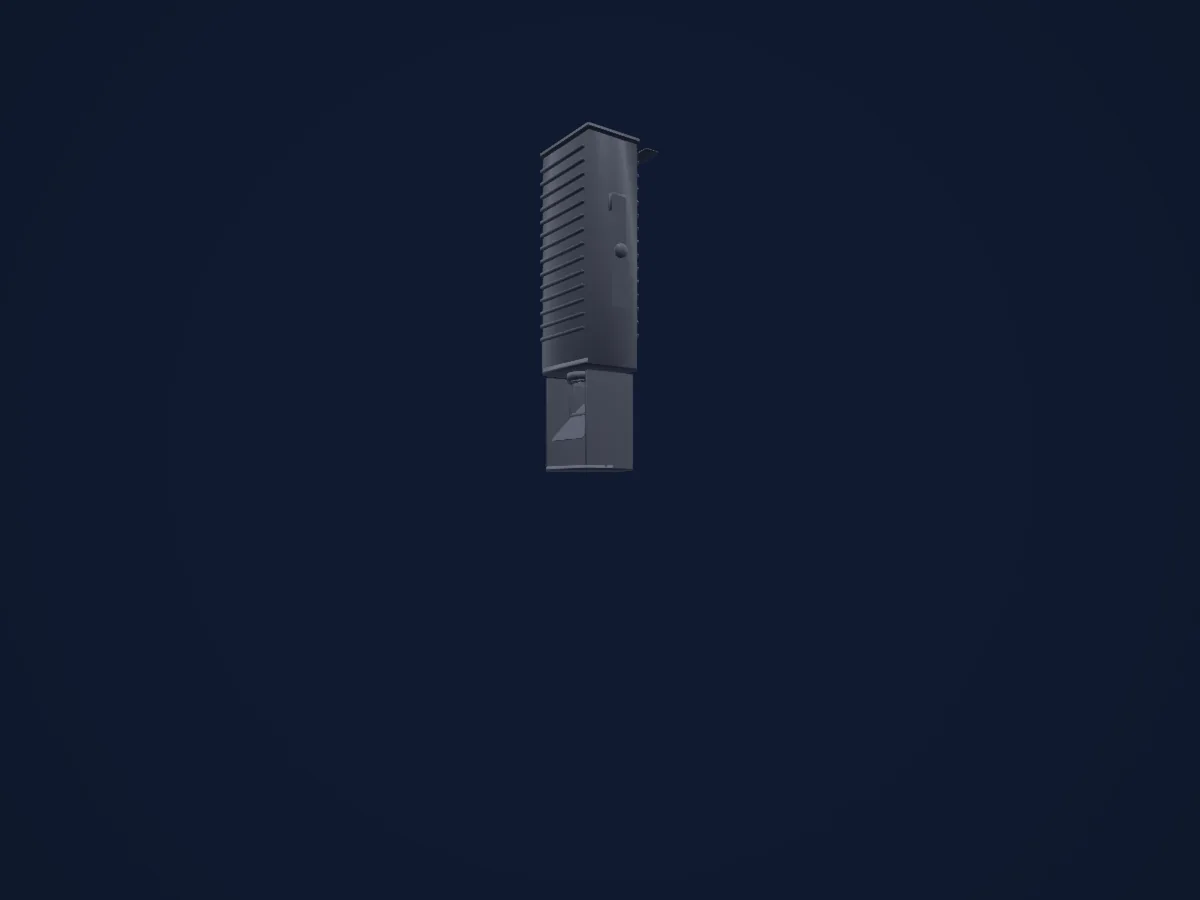
Lo que puede hacer
- Iris
- Rueda de color
- Estrobo
- Intensidad
- Pan y tilt
- Gobos
- Rotación de gobos
Modos DMX y tablas de canales
| Modo | Canales | En HitLight |
|---|---|---|
| 6 channel operation | 6 | Listo en HitLight |
| 8 channel operation | 8 | Listo en HitLight |
6 channel operation
Listo en HitLight6 canales DMX · Descargar esta tabla en CSV
| Canal | Función | Predeterminado | Valores DMX |
|---|---|---|---|
| 1 | Iris | 64 | 5 rangos de valores
|
| 2 | Color Wheel | 0 | 16 rangos de valores
|
| 3 | Gobo | 0 | 6 rangos de valores
|
| 4 | Shutter / Strobe | 0 | 4 rangos de valores
|
| 5 | Pan | 128 | 0–255 |
| 6 | Tilt | 128 | 0–255 |
8 channel operation
Listo en HitLight8 canales DMX · Descargar esta tabla en CSV
| Canal | Función | Predeterminado | Valores DMX |
|---|---|---|---|
| 1 | Iris | 255 | 0–255 |
| 2 | Color Wheel | 0 | 16 rangos de valores
|
| 3 | Color Wheel 2 | 0 | 5 rangos de valores
|
| 4 | Shutter / Strobe | 0 | 4 rangos de valores
|
| 5 | Pan | 128 | 0–255 |
| 6 | Tilt | 128 | 0–255 |
| 7 | Gobo | 0 | 5 rangos de valores
|
| 8 | Gobo Rotation | 0 | 4 rangos de valores
|
Usar Clay Paky Golden Scan 3 en HitLight
- Abre Añadir foco y busca Clay Paky Golden Scan 3.
- Elige el modo DMX configurado en el menú del propio foco. HitLight le asigna la dirección inicial libre más baja de su universo en la que cabe el número de canales del modo.
- Comprueba el modo y los controles con tu foco real antes de usarlo en directo.
Salas con Clay Paky Golden Scan 3
Sus montajes guardados incluyen este modelo de aparato. Confirma el equipo actual con la sala.
- Kürnberghalle Leonding, Austria
Focos relacionados

Recorte
Clay Paky Arolla Spot MP
29 / 31 canales DMX
Recorte
Clay Paky Alpha Beam 700
22 / 26 canales DMX
Recorte
Clay Paky Axcor Spot 400 HC
28 canales DMX
Recorte
Clay Paky Axcor Profile 600 HC
40 canales DMX
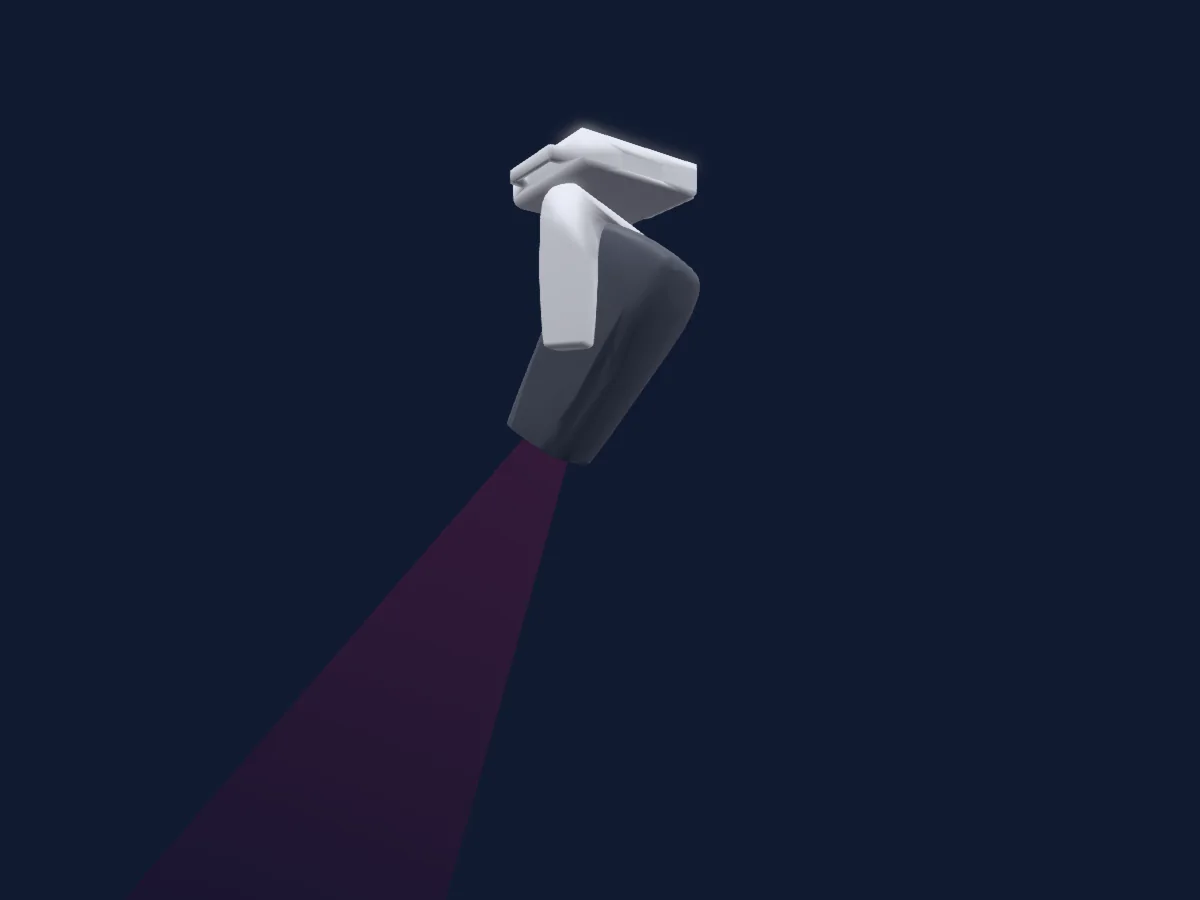
Recorte
Clay Paky Arolla Aqua
38 / 41 canales DMX
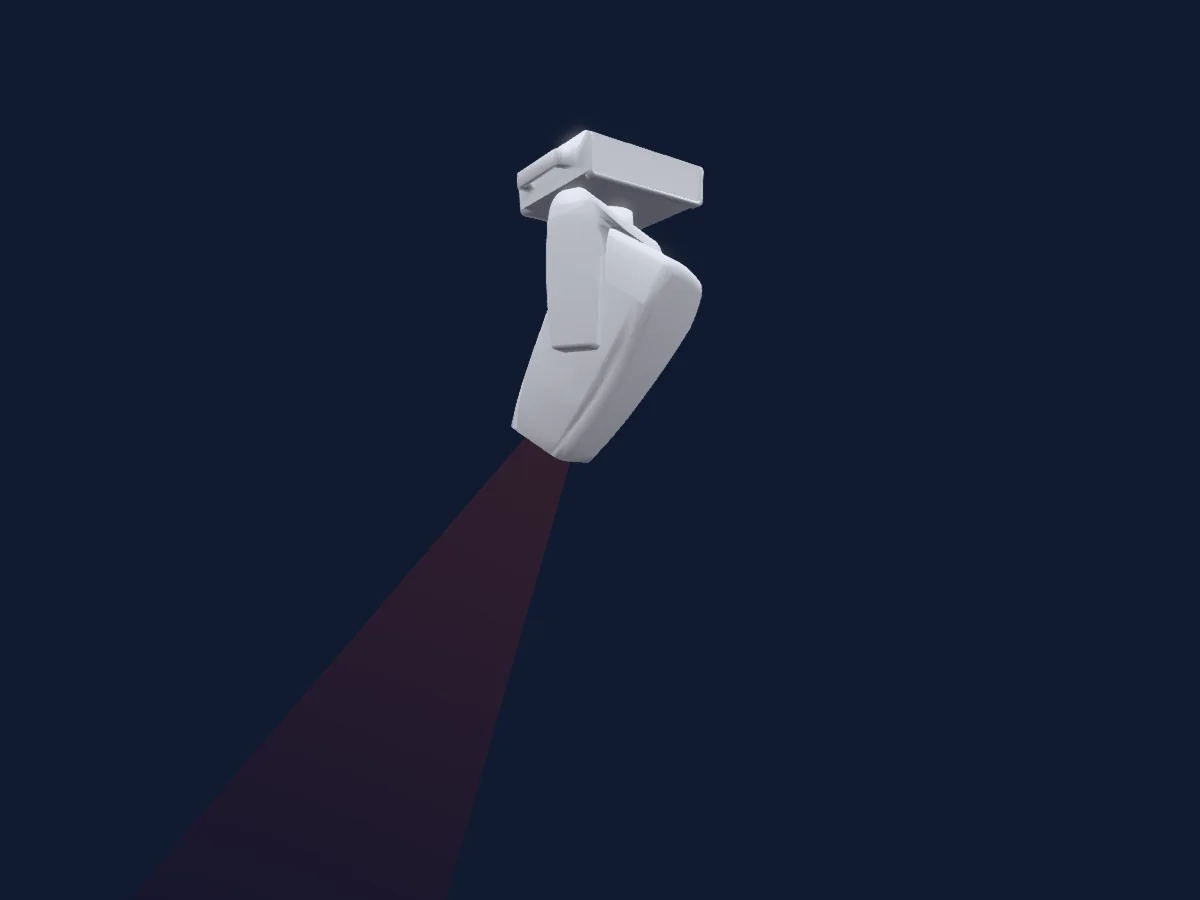
Recorte
Clay Paky Arolla Aqua LT
38 / 41 canales DMX
Las tablas proceden de la descripción GDTF del foco, convertida para la biblioteca de HitLight. HitLight no está vinculado a Clay Paky.
Fixture model: gdtf-clay-paky-golden-scan-3-2611100140
Original HitLight geometry, scripted locally by the HitLight fixture agent from the manufacturer manual's published dimensions and dimension drawing. No manufacturer CAD, third-party mesh, photo texture or logo is incorporated. Approximate planning model; not hardware verified.
Creator: HitLight