 HitLight
Clay Paky Golden Scan 3
Tabela DMX, 2 modos DMX e prévia em 3D. 6 / 8 canais DMX.
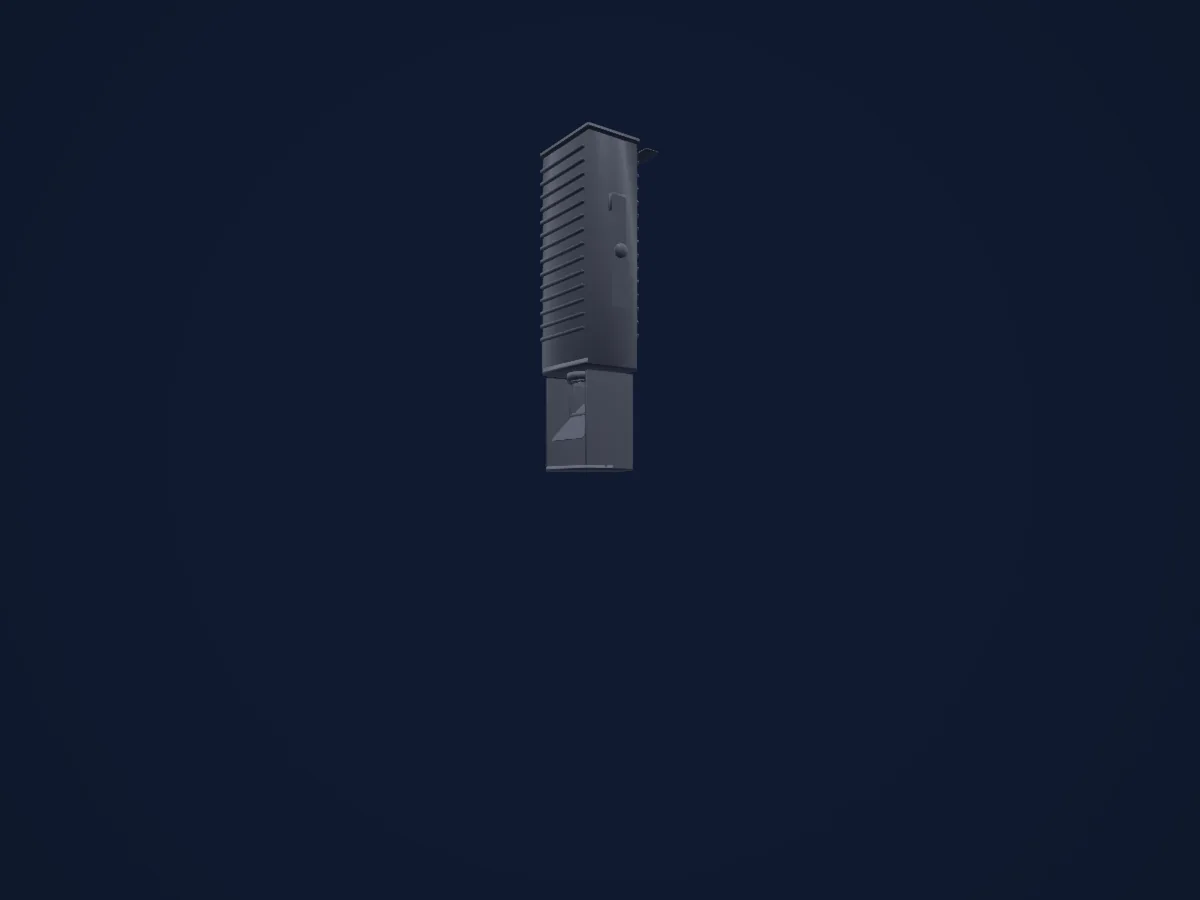
O que ele faz
- Íris
- Roda de cores
- Strobo
- Dimmer
- Pan e tilt
- Gobos
- Rotação de gobos
Modos DMX e tabelas de canais
| Modo | Canais | No HitLight |
|---|---|---|
| 6 channel operation | 6 | Pronto no HitLight |
| 8 channel operation | 8 | Pronto no HitLight |
6 channel operation
Pronto no HitLight6 canais DMX · Baixar esta tabela em CSV
| Canal | Função | Padrão | Valores DMX |
|---|---|---|---|
| 1 | Iris | 64 | 5 faixas de valores
|
| 2 | Color Wheel | 0 | 16 faixas de valores
|
| 3 | Gobo | 0 | 6 faixas de valores
|
| 4 | Shutter / Strobe | 0 | 4 faixas de valores
|
| 5 | Pan | 128 | 0–255 |
| 6 | Tilt | 128 | 0–255 |
8 channel operation
Pronto no HitLight8 canais DMX · Baixar esta tabela em CSV
| Canal | Função | Padrão | Valores DMX |
|---|---|---|---|
| 1 | Iris | 255 | 0–255 |
| 2 | Color Wheel | 0 | 16 faixas de valores
|
| 3 | Color Wheel 2 | 0 | 5 faixas de valores
|
| 4 | Shutter / Strobe | 0 | 4 faixas de valores
|
| 5 | Pan | 128 | 0–255 |
| 6 | Tilt | 128 | 0–255 |
| 7 | Gobo | 0 | 5 faixas de valores
|
| 8 | Gobo Rotation | 0 | 4 faixas de valores
|
Usar Clay Paky Golden Scan 3 no HitLight
- Abra Adicionar refletor e procure Clay Paky Golden Scan 3.
- Escolha o modo DMX configurado no menu do próprio refletor. O HitLight atribui a ele o menor endereço inicial livre do universo que comporta a quantidade de canais do modo.
- Confira o modo e os controles no seu refletor real antes de usar ao vivo.
Espaços com Clay Paky Golden Scan 3
As suas montagens guardadas incluem este modelo de aparelho. Confirme o equipamento atual com o espaço.
- Kürnberghalle Leonding, Áustria
Refletores relacionados

Elipsoidal
Clay Paky Arolla Spot MP
29 / 31 canais DMX
Elipsoidal
Clay Paky Alpha Beam 700
22 / 26 canais DMX
Elipsoidal
Clay Paky Axcor Spot 400 HC
28 canais DMX
Elipsoidal
Clay Paky Axcor Profile 600 HC
40 canais DMX
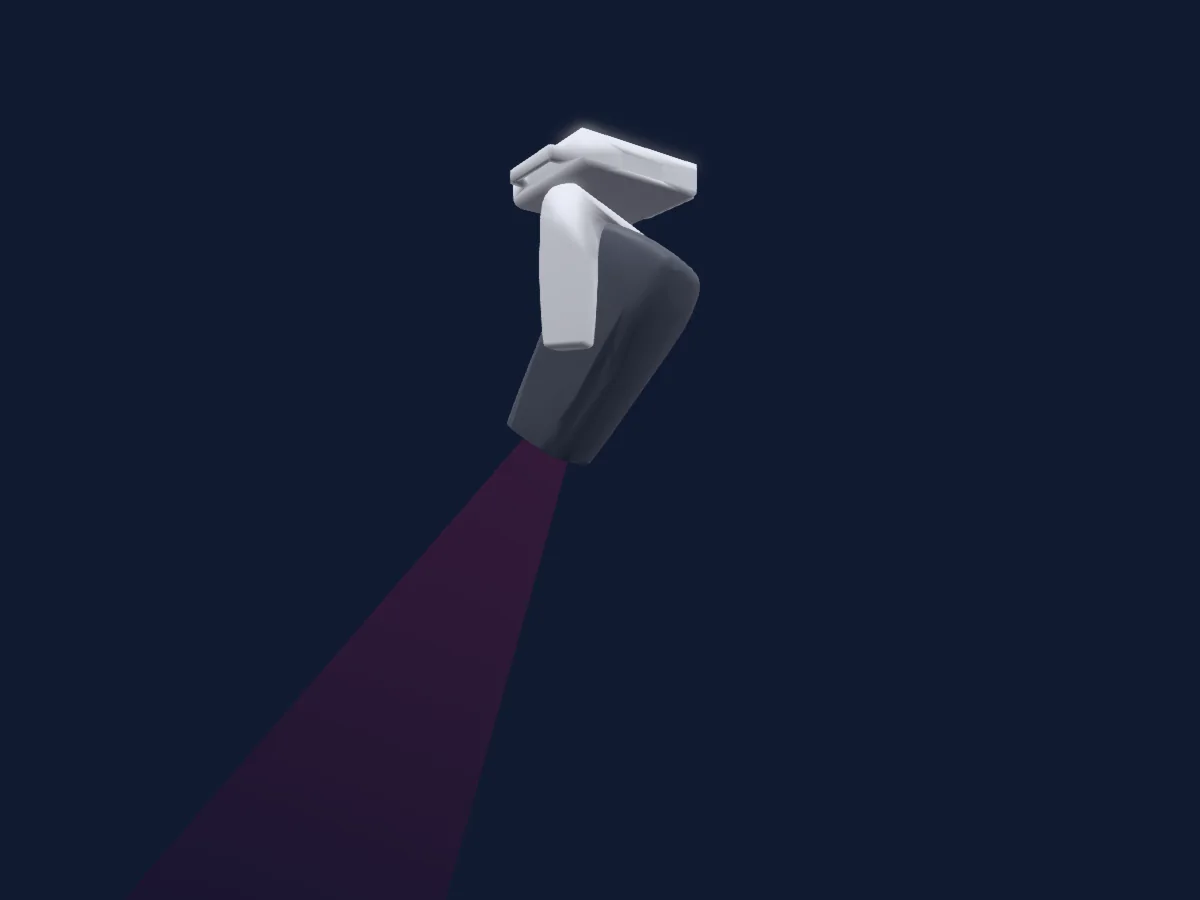
Elipsoidal
Clay Paky Arolla Aqua
38 / 41 canais DMX
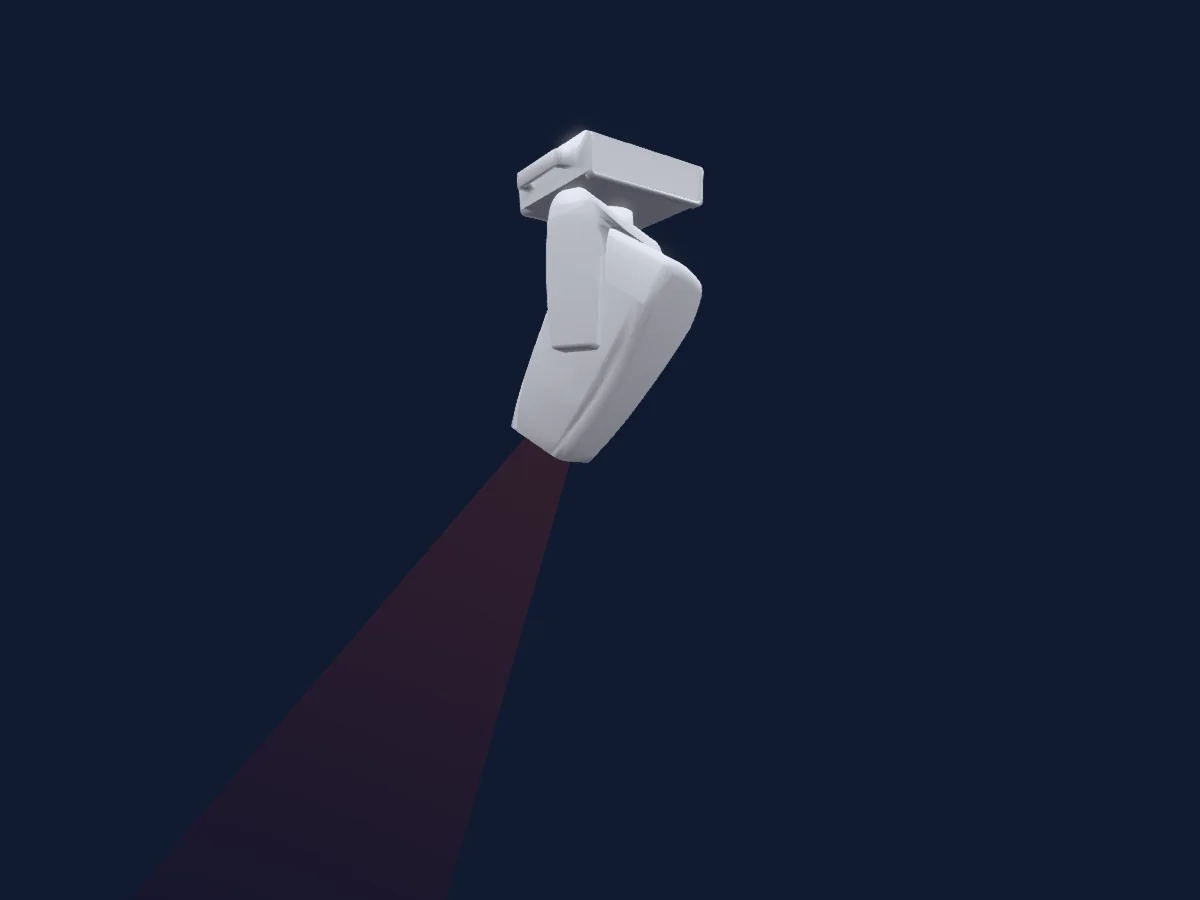
Elipsoidal
Clay Paky Arolla Aqua LT
38 / 41 canais DMX
As tabelas vêm da descrição GDTF do refletor, convertida para a biblioteca do HitLight. O HitLight não tem vínculo com a Clay Paky.
Fixture model: gdtf-clay-paky-golden-scan-3-2611100140
Original HitLight geometry, scripted locally by the HitLight fixture agent from the manufacturer manual's published dimensions and dimension drawing. No manufacturer CAD, third-party mesh, photo texture or logo is incorporated. Approximate planning model; not hardware verified.
Creator: HitLight