Zum Inhalt springen
HitLight
Showline · PAR

Showline SL PAR 150 ZOOM

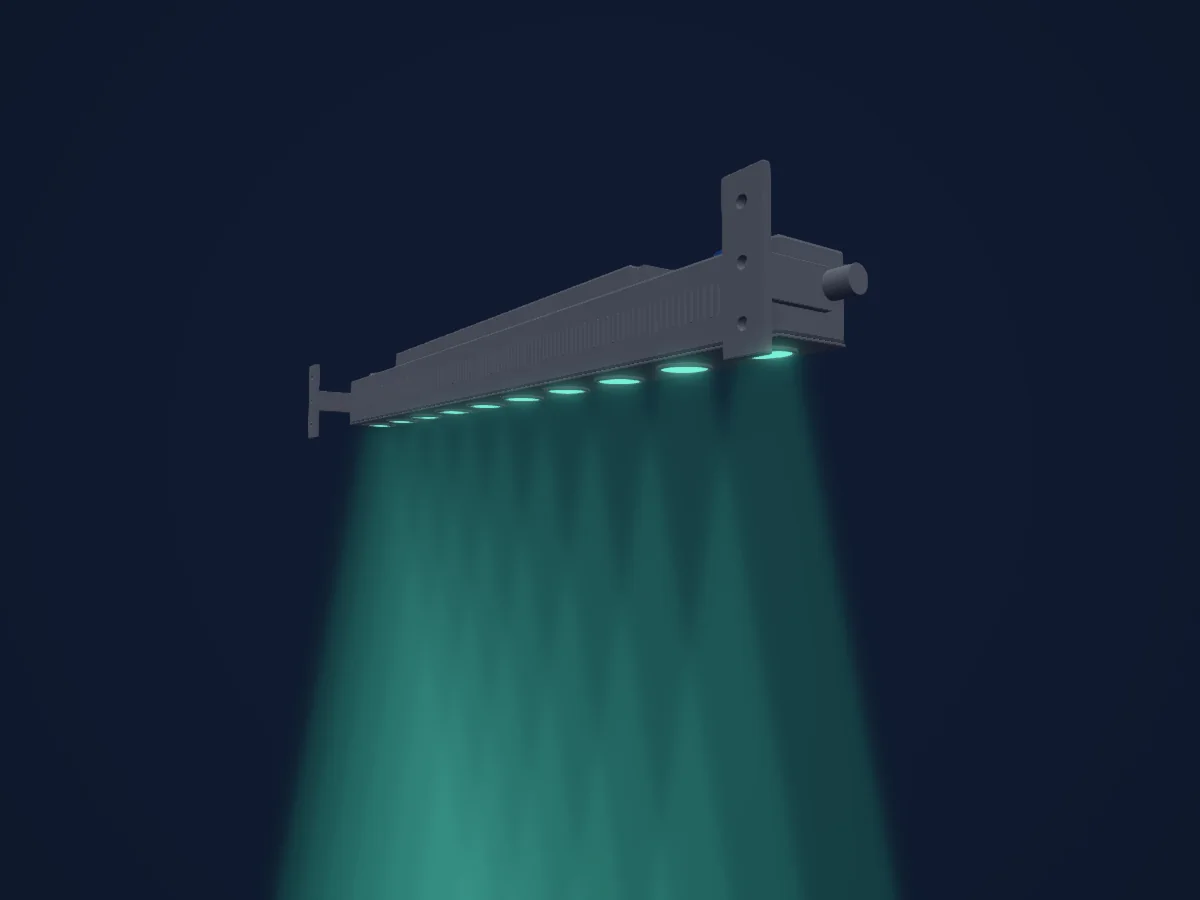
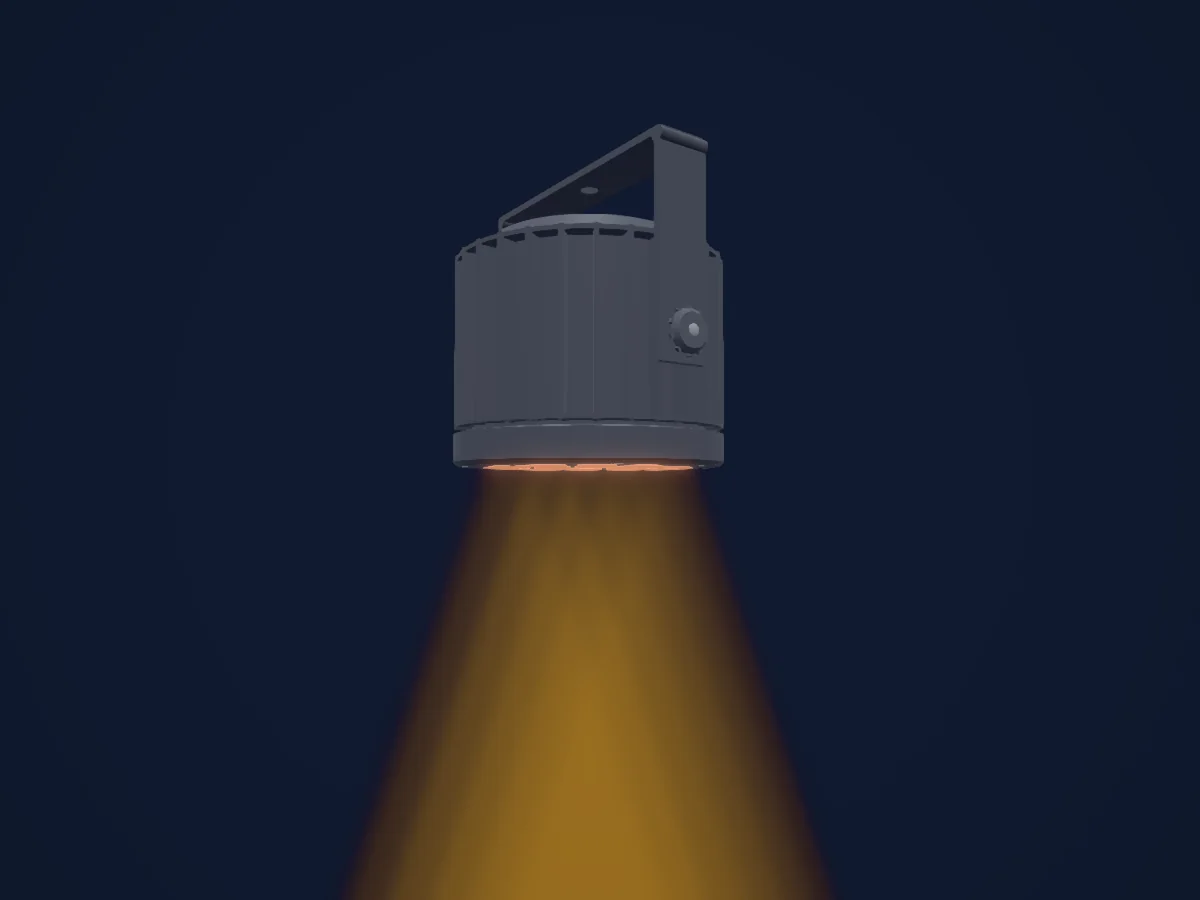
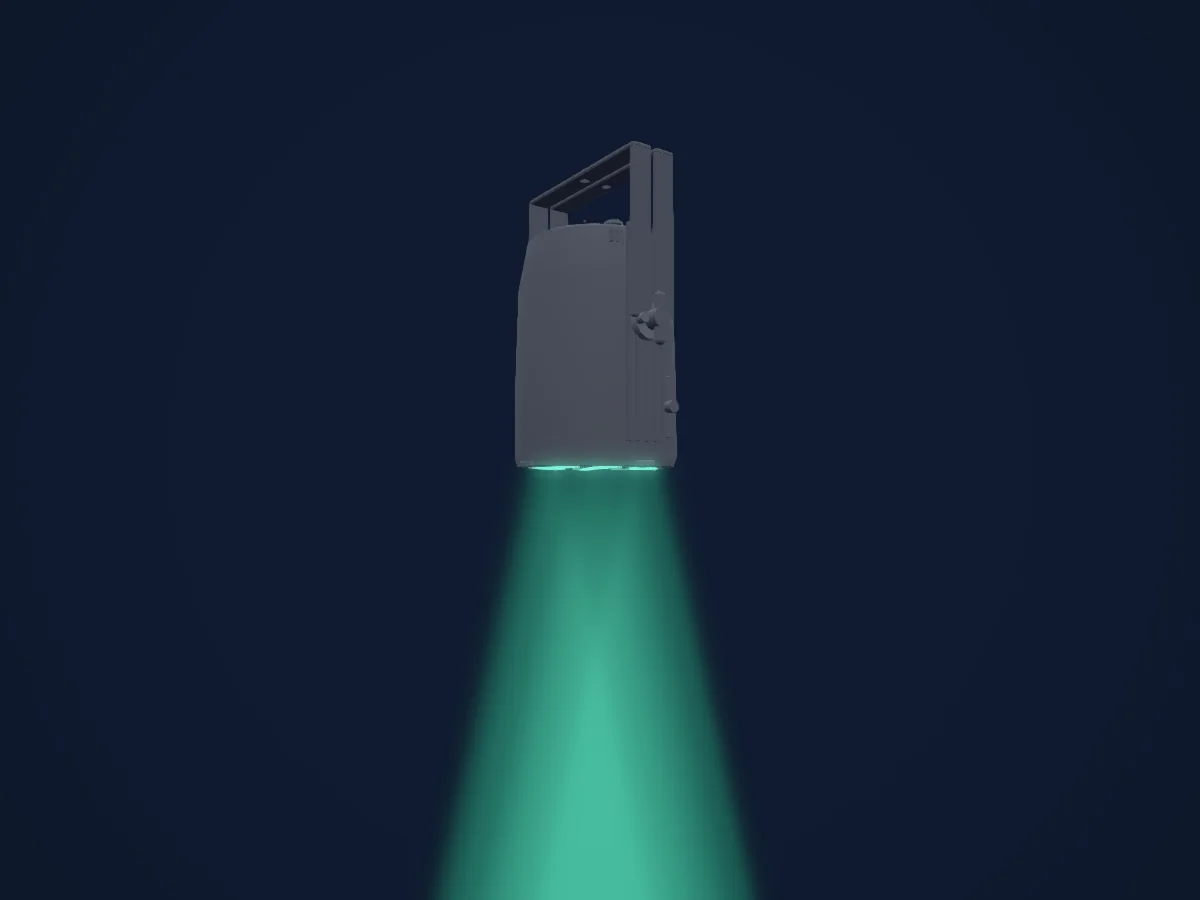
DMX-Tabelle, 4 DMX-Modi und eine 3D-Vorschau. 6 / 10 / 16 DMX-Kanäle.
Was er kann

  • Zusätzliche LED-Farben
  • Farbton und Sättigung
  • RGB-Farbmischung
  • Farbtemperatur
  • Dimmer

Sicherheitsrelevante Funktionen: Servicefunktionen · Eingebaute Effektprogramme. Prüfe vor einer Show, wie sie sich an deinem eigenen Scheinwerfer verhalten.

DMX-Modi und Kanaltabellen

DMX-Modi von Showline SL PAR 150 ZOOM
ModusKanäleIn HitLight
Simple 8bit6Bereit in HitLight
Enhanced 8bit10Bereit in HitLight
HSIC10Bereit in HitLight
16bit16Bereit in HitLight

Simple 8bit

Bereit in HitLight

6 DMX-Kanäle · Diese Tabelle als CSV herunterladen

DMX-Kanaltabelle für Simple 8bit
KanalFunktionStandardDMX-Werte
1Dimmer00–255
2Shutter / Strobe0
14 Wertebereiche
  • 0–2 Open
  • 3–5 Closed
  • 6–7 Slow Rand
  • 8–10 Med Rand
  • 11–12 Fast Rand
  • 13–127 Strobe Range,fastest at127; physical rate unstated
  • 128–129 Pulse+ Slow Rand
  • 130–131 Pulse+ Med Rand
  • 132–133 Pulse+ Fast Rand
  • 134–191 Pulse+ Range
  • 192–193 Pulse- Slow Rand
  • 194–195 Pulse- Med Rand
  • 196–197 Pulse- Fast Rand
  • 198–255 Pulse- Range
3Red00–255
4Green00–255
5Blue00–255
6White00–255

Enhanced 8bit

Bereit in HitLight

10 DMX-Kanäle · Diese Tabelle als CSV herunterladen

DMX-Kanaltabelle für Enhanced 8bit
KanalFunktionStandardDMX-Werte
1Dimmer00–255
2Effect0
64 Wertebereiche
  • 0–4 Channel OFF (disabled) DMX0-4
  • 5–6 Preset0 OFF
  • 7–8 Preset1; user/preset output unknown
  • 9–10 Preset2; user/preset output unknown
  • 11–12 Preset3; user/preset output unknown
  • 13–14 Preset4; user/preset output unknown
  • 15–16 Preset5; user/preset output unknown
  • 17–18 Preset6; user/preset output unknown
  • 19–20 Preset7; user/preset output unknown
  • 21–22 Preset8; user/preset output unknown
  • 23–24 Preset9; user/preset output unknown
  • 25–26 Preset10; user/preset output unknown
  • 27–28 Preset11; user/preset output unknown
  • 29–30 Preset12; user/preset output unknown
  • 31–32 Preset13; user/preset output unknown
  • 33–34 Preset14; user/preset output unknown
  • 35–36 Preset15; user/preset output unknown
  • 37–38 Preset16; user/preset output unknown
  • 39–40 Preset17; user/preset output unknown
  • 41–42 Preset18; user/preset output unknown
  • 43–44 Preset19; user/preset output unknown
  • 45–46 Preset20; user/preset output unknown
  • 47–48 Preset21; user/preset output unknown
  • 49–50 Preset22; user/preset output unknown
  • 51–52 Preset23; user/preset output unknown
  • 53–54 Preset24; user/preset output unknown
  • 55–56 Preset25; user/preset output unknown
  • 57–58 Preset26; user/preset output unknown
  • 59–60 Preset27; user/preset output unknown
  • 61–62 Preset28; user/preset output unknown
  • 63–64 Preset29; user/preset output unknown
  • 65–66 Preset30; user/preset output unknown
  • 67–68 Preset31; user/preset output unknown
  • 69–70 CF0 Color OFF
  • 71–72 CF1 White10000K; native output not calibrated
  • 73–74 CF2 White8000K; native output not calibrated
  • 75–76 CF3 White6500K; native output not calibrated
  • 77–78 CF4 White5600K; native output not calibrated
  • 79–80 CF5 White5000K; native output not calibrated
  • 81–82 CF6 White4500K; native output not calibrated
  • 83–84 CF7 White4000K; native output not calibrated
  • 85–86 CF8 White3200K; native output not calibrated
  • 87–88 CF9 White3000K; native output not calibrated
  • 89–90 CF10 White2700K; native output not calibrated
  • 91–92 CF11 Moroccan Pink; native output not calibrated
  • 93–94 CF12 Pink; native output not calibrated
  • 95–96 CF13 Flesh Pink; native output not calibrated
  • 97–98 CF14 Bright Rose; native output not calibrated
  • 99–100 CF15 Follies Pink; native output not calibrated
  • 101–102 CF16 Fuchsia Pink; native output not calibrated
  • 103–104 CF17 Surprise Pink; native output not calibrated
  • 105–106 CF18 Congo Blue; native output not calibrated
  • 107–108 CF19 Blue; native output not calibrated
  • 109–110 CF20 Virgin Blue; native output not calibrated
  • 111–112 CF21 Midnight Maya; native output not calibrated
  • 113–114 CF22 Double C.T Blue; native output not calibrated
  • 115–116 CF23 Slate Blue; native output not calibrated
  • 117–118 CF24 Regal Blue; native output not calibrated
  • 119–120 CF25 Full C.T Blue; native output not calibrated
  • 121–122 CF26 Steel Blue; native output not calibrated
  • 123–124 CF27 Lighter Blue; native output not calibrated
  • 125–126 CF28 Cyan; native output not calibrated
  • 127–128 CF29 Marine Blue; native output not calibrated
  • 129–130 CF30 Soft Green; native output not calibrated
3Shutter / Strobe0
14 Wertebereiche
  • 0–2 Open
  • 3–5 Closed
  • 6–7 Slow Rand
  • 8–10 Med Rand
  • 11–12 Fast Rand
  • 13–127 Strobe Range,fastest at127; physical rate unstated
  • 128–129 Pulse+ Slow Rand
  • 130–131 Pulse+ Med Rand
  • 132–133 Pulse+ Fast Rand
  • 134–191 Pulse+ Range
  • 192–193 Pulse- Slow Rand
  • 194–195 Pulse- Med Rand
  • 196–197 Pulse- Fast Rand
  • 198–255 Pulse- Range
4No Feature00–255
5No Feature2550–255
6Control0
15 Wertebereiche
  • 0–4 Default Setting on Console; no operation
  • 5–9 DIM Response Normal
  • 10–14 DIM Response Incandescent
  • 15–29 Source undocumented gap15-29
  • 30–34 Dimming Curve Linear
  • 35–39 Dimming Curve Square
  • 40–44 Dimming Curve S-Curve
  • 45–49 Dimming Curve PL-Curve
  • 50–69 Source undocumented gap50-69
  • 70–74 Calibration OFF
  • 75–79 Calibration ON
  • 80–84 Fan Auto
  • 85–89 Fan Off
  • 90–250 Reserved Future use
  • 251–255 Source undocumented251-255
7Red00–255
8Green00–255
9Blue00–255
10White00–255

HSIC

Bereit in HitLight

10 DMX-Kanäle · Diese Tabelle als CSV herunterladen

DMX-Kanaltabelle für HSIC
KanalFunktionStandardDMX-Werte
1Dimmer00–255
2Shutter / Strobe0
14 Wertebereiche
  • 0–2 Open
  • 3–5 Closed
  • 6–7 Slow Rand
  • 8–10 Med Rand
  • 11–12 Fast Rand
  • 13–127 Strobe Range,fastest at127; physical rate unstated
  • 128–129 Pulse+ Slow Rand
  • 130–131 Pulse+ Med Rand
  • 132–133 Pulse+ Fast Rand
  • 134–191 Pulse+ Range
  • 192–193 Pulse- Slow Rand
  • 194–195 Pulse- Med Rand
  • 196–197 Pulse- Fast Rand
  • 198–255 Pulse- Range
3No Feature00–255
4No Feature2550–255
5Control0
15 Wertebereiche
  • 0–4 Default Setting on Console; no operation
  • 5–9 DIM Response Normal
  • 10–14 DIM Response Incandescent
  • 15–29 Source undocumented gap15-29
  • 30–34 Dimming Curve Linear
  • 35–39 Dimming Curve Square
  • 40–44 Dimming Curve S-Curve
  • 45–49 Dimming Curve PL-Curve
  • 50–69 Source undocumented gap50-69
  • 70–74 Calibration OFF
  • 75–79 Calibration ON
  • 80–84 Fan Auto
  • 85–89 Fan Off
  • 90–250 Reserved Future use
  • 251–255 Source undocumented251-255
6H SBHue00–255
7H SBHue Fine0Feinbyte von H SBHue
8H SBSaturation00–255
9H SBBrightness00–255
10C TC0
2 Wertebereiche
  • 0–5 Channel OFF (disabled)
  • 6–255 2700K to6500K

16bit

Bereit in HitLight

16 DMX-Kanäle · Diese Tabelle als CSV herunterladen

DMX-Kanaltabelle für 16bit
KanalFunktionStandardDMX-Werte
1Dimmer00–255
2Dimmer Fine0Feinbyte von Dimmer
3Effect0
64 Wertebereiche
  • 0–4 Channel OFF (disabled) DMX0-4
  • 5–6 Preset0 OFF
  • 7–8 Preset1; user/preset output unknown
  • 9–10 Preset2; user/preset output unknown
  • 11–12 Preset3; user/preset output unknown
  • 13–14 Preset4; user/preset output unknown
  • 15–16 Preset5; user/preset output unknown
  • 17–18 Preset6; user/preset output unknown
  • 19–20 Preset7; user/preset output unknown
  • 21–22 Preset8; user/preset output unknown
  • 23–24 Preset9; user/preset output unknown
  • 25–26 Preset10; user/preset output unknown
  • 27–28 Preset11; user/preset output unknown
  • 29–30 Preset12; user/preset output unknown
  • 31–32 Preset13; user/preset output unknown
  • 33–34 Preset14; user/preset output unknown
  • 35–36 Preset15; user/preset output unknown
  • 37–38 Preset16; user/preset output unknown
  • 39–40 Preset17; user/preset output unknown
  • 41–42 Preset18; user/preset output unknown
  • 43–44 Preset19; user/preset output unknown
  • 45–46 Preset20; user/preset output unknown
  • 47–48 Preset21; user/preset output unknown
  • 49–50 Preset22; user/preset output unknown
  • 51–52 Preset23; user/preset output unknown
  • 53–54 Preset24; user/preset output unknown
  • 55–56 Preset25; user/preset output unknown
  • 57–58 Preset26; user/preset output unknown
  • 59–60 Preset27; user/preset output unknown
  • 61–62 Preset28; user/preset output unknown
  • 63–64 Preset29; user/preset output unknown
  • 65–66 Preset30; user/preset output unknown
  • 67–68 Preset31; user/preset output unknown
  • 69–70 CF0 Color OFF
  • 71–72 CF1 White10000K; native output not calibrated
  • 73–74 CF2 White8000K; native output not calibrated
  • 75–76 CF3 White6500K; native output not calibrated
  • 77–78 CF4 White5600K; native output not calibrated
  • 79–80 CF5 White5000K; native output not calibrated
  • 81–82 CF6 White4500K; native output not calibrated
  • 83–84 CF7 White4000K; native output not calibrated
  • 85–86 CF8 White3200K; native output not calibrated
  • 87–88 CF9 White3000K; native output not calibrated
  • 89–90 CF10 White2700K; native output not calibrated
  • 91–92 CF11 Moroccan Pink; native output not calibrated
  • 93–94 CF12 Pink; native output not calibrated
  • 95–96 CF13 Flesh Pink; native output not calibrated
  • 97–98 CF14 Bright Rose; native output not calibrated
  • 99–100 CF15 Follies Pink; native output not calibrated
  • 101–102 CF16 Fuchsia Pink; native output not calibrated
  • 103–104 CF17 Surprise Pink; native output not calibrated
  • 105–106 CF18 Congo Blue; native output not calibrated
  • 107–108 CF19 Blue; native output not calibrated
  • 109–110 CF20 Virgin Blue; native output not calibrated
  • 111–112 CF21 Midnight Maya; native output not calibrated
  • 113–114 CF22 Double C.T Blue; native output not calibrated
  • 115–116 CF23 Slate Blue; native output not calibrated
  • 117–118 CF24 Regal Blue; native output not calibrated
  • 119–120 CF25 Full C.T Blue; native output not calibrated
  • 121–122 CF26 Steel Blue; native output not calibrated
  • 123–124 CF27 Lighter Blue; native output not calibrated
  • 125–126 CF28 Cyan; native output not calibrated
  • 127–128 CF29 Marine Blue; native output not calibrated
  • 129–130 CF30 Soft Green; native output not calibrated
4Shutter / Strobe0
14 Wertebereiche
  • 0–2 Open
  • 3–5 Closed
  • 6–7 Slow Rand
  • 8–10 Med Rand
  • 11–12 Fast Rand
  • 13–127 Strobe Range,fastest at127; physical rate unstated
  • 128–129 Pulse+ Slow Rand
  • 130–131 Pulse+ Med Rand
  • 132–133 Pulse+ Fast Rand
  • 134–191 Pulse+ Range
  • 192–193 Pulse- Slow Rand
  • 194–195 Pulse- Med Rand
  • 196–197 Pulse- Fast Rand
  • 198–255 Pulse- Range
5No Feature00–255
6No Feature2550–255
7No Feature2550–255
8Control0
15 Wertebereiche
  • 0–4 Default Setting on Console; no operation
  • 5–9 DIM Response Normal
  • 10–14 DIM Response Incandescent
  • 15–29 Source undocumented gap15-29
  • 30–34 Dimming Curve Linear
  • 35–39 Dimming Curve Square
  • 40–44 Dimming Curve S-Curve
  • 45–49 Dimming Curve PL-Curve
  • 50–69 Source undocumented gap50-69
  • 70–74 Calibration OFF
  • 75–79 Calibration ON
  • 80–84 Fan Auto
  • 85–89 Fan Off
  • 90–250 Reserved Future use
  • 251–255 Source undocumented251-255
9Red00–255
10Red Fine0Feinbyte von Red
11Green00–255
12Green Fine0Feinbyte von Green
13Blue00–255
14Blue Fine0Feinbyte von Blue
15White00–255
16White Fine0Feinbyte von White

Showline SL PAR 150 ZOOM in HitLight verwenden

  1. Öffne Scheinwerfer hinzufügen und suche nach Showline SL PAR 150 ZOOM.
  2. Wähle den DMX-Modus, der im Menü des Scheinwerfers eingestellt ist. HitLight gibt ihm die niedrigste freie Startadresse in seinem Universum, die zur Kanalzahl des Modus passt.
  3. Prüfe Modus und Steuerung an deinem echten Scheinwerfer, bevor du ihn live einsetzt.

Spielstätten mit Showline SL PAR 150 ZOOM

Ihre gespeicherten Lichtaufbauten enthalten dieses Scheinwerfermodell. Klären Sie die aktuelle Ausstattung mit der Spielstätte.

Die Tabellen stammen aus der GDTF-Beschreibung des Scheinwerfers, umgewandelt für die HitLight-Bibliothek. HitLight ist nicht mit Showline verbunden.

Fixture model: gdtf-showline-sl-par-150-zoom-202611051007
Original HitLight XML/mesh/renders. Manufacturer researchreferences private, not redistributed. Approximate planning model; nohardwareacceptance.
Creator: HitLight

Patche ihn und lass die Musik das Licht steuern.

HitLight findet diese Scheinwerfer in seiner Bibliothek, patcht sie auf die nächste freie Adresse und zeigt deine Lichtanlage in 3D, bevor ein einziges Licht eingesteckt ist.

HitLight öffnen ↗HitLight herunterladen