Saltar al contenido
HitLight
Showline · PAR

Showline SL PAR 150 ZOOM

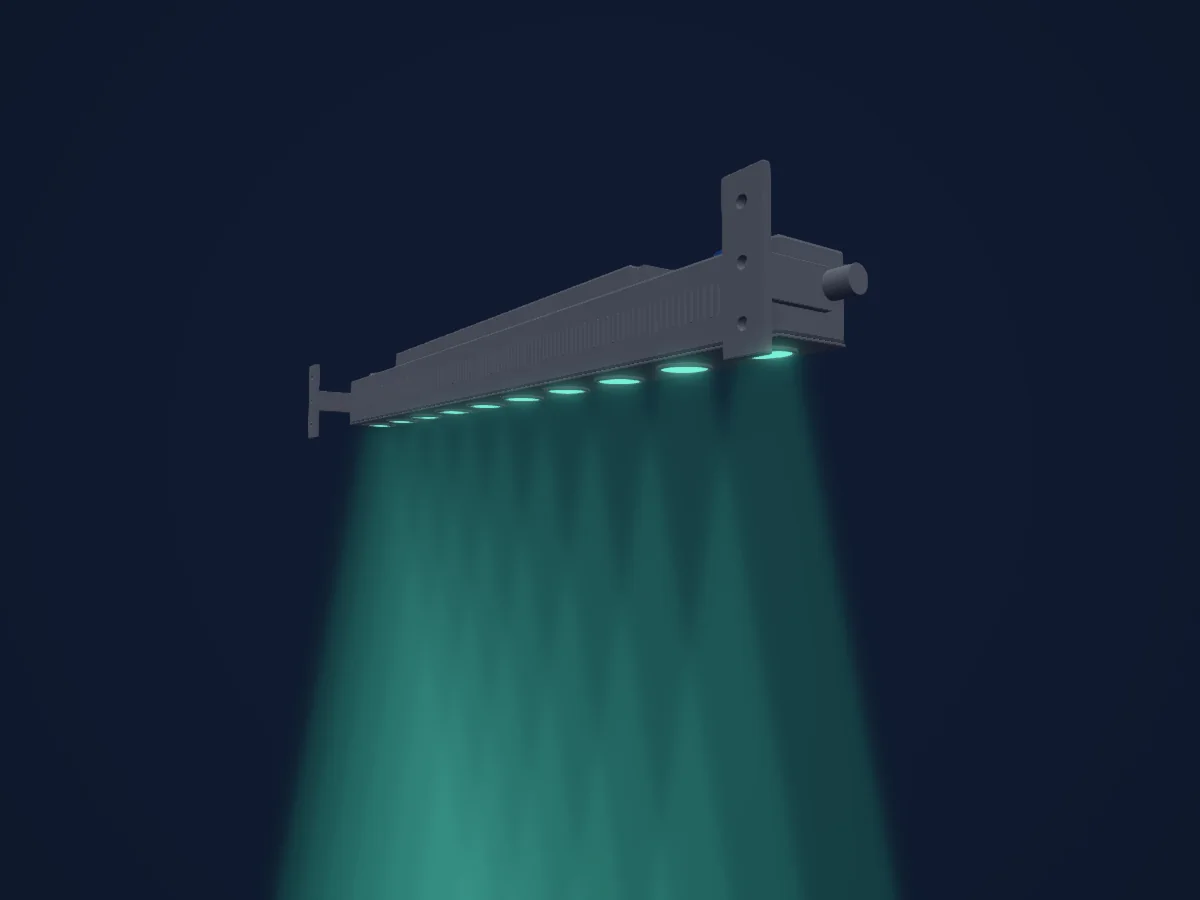
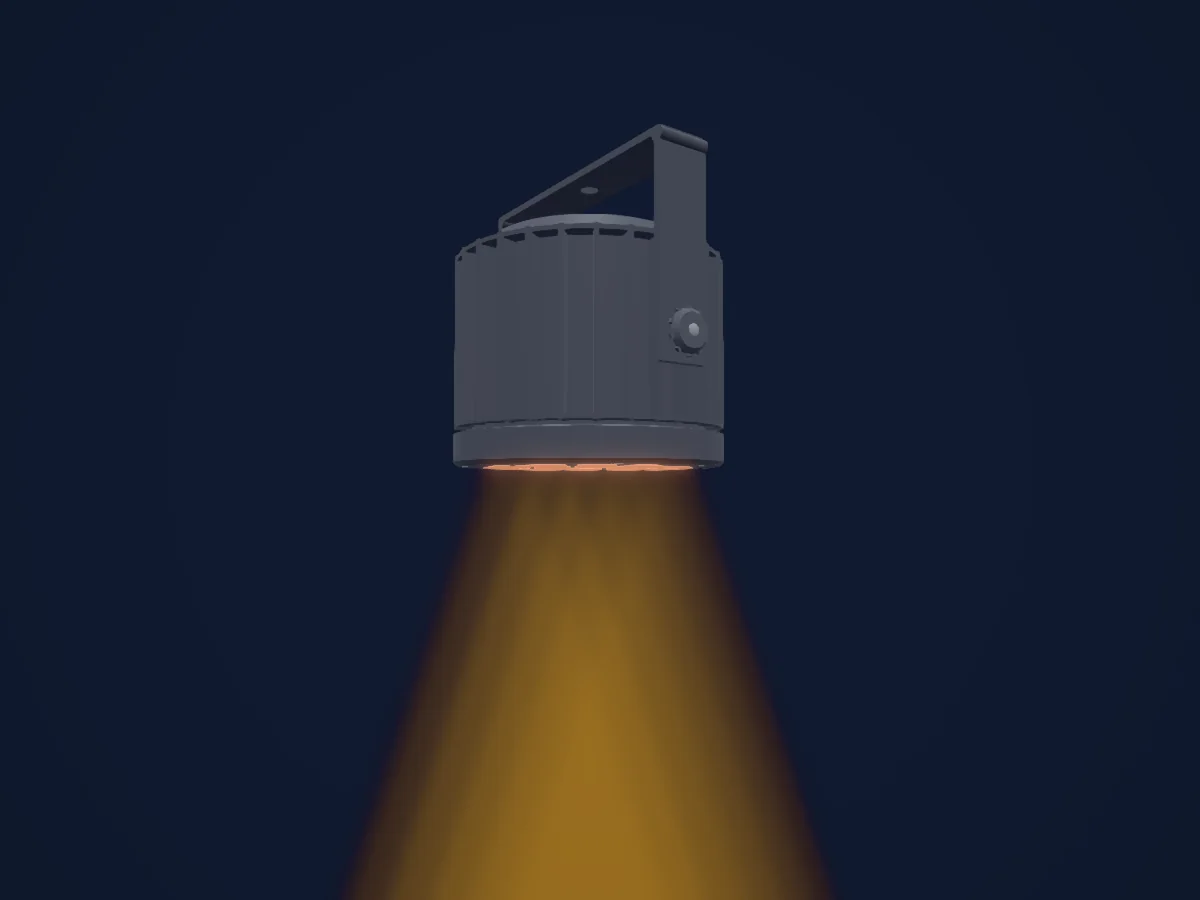
Tabla DMX, 4 modos DMX y vista previa en 3D. 6 / 10 / 16 canales DMX.
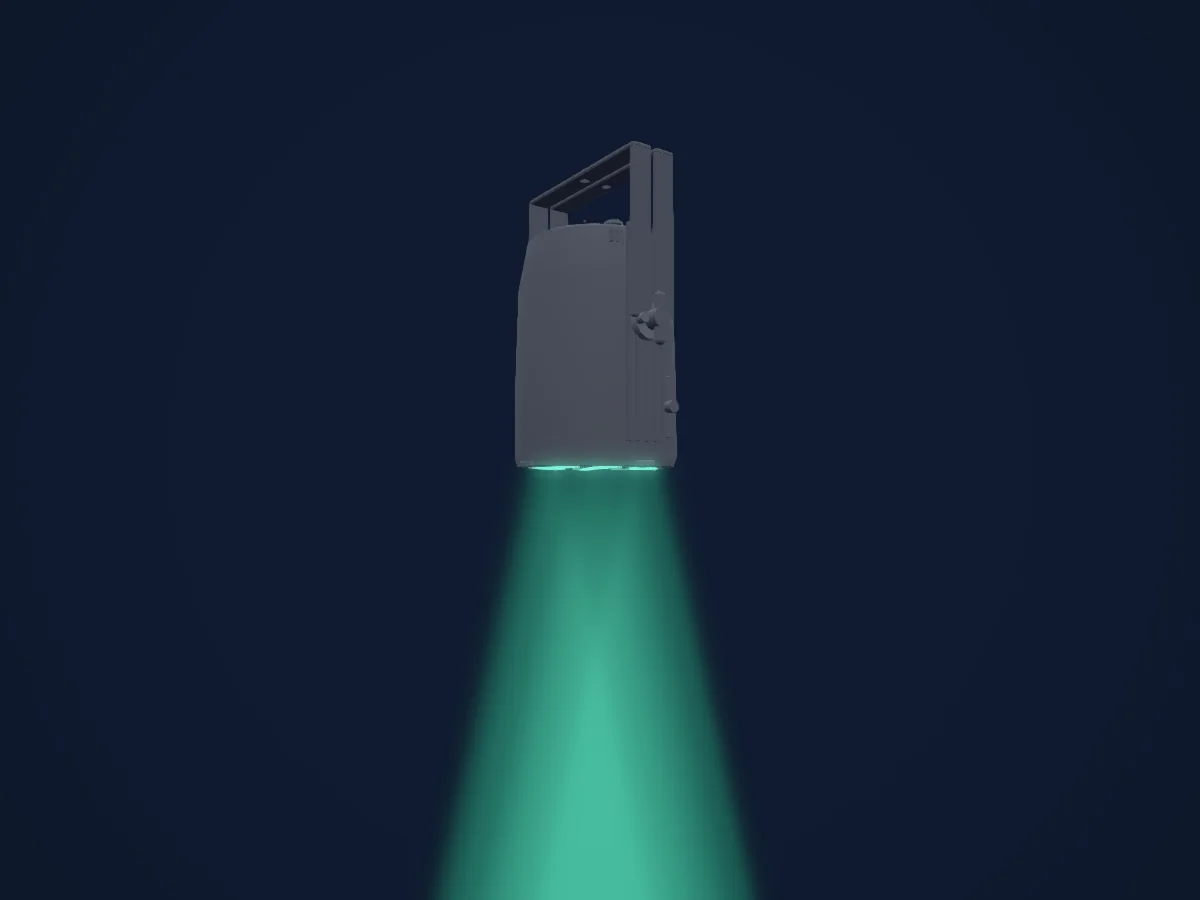
Lo que puede hacer

  • Colores LED adicionales
  • Tono y saturación
  • Mezcla de color RGB
  • Temperatura de color
  • Intensidad

Funciones relevantes para la seguridad: Funciones de servicio · Programas de efectos integrados. Comprueba cómo se comportan en tu propio foco antes de un espectáculo.

Modos DMX y tablas de canales

Modos DMX de Showline SL PAR 150 ZOOM
ModoCanalesEn HitLight
Simple 8bit6Listo en HitLight
Enhanced 8bit10Listo en HitLight
HSIC10Listo en HitLight
16bit16Listo en HitLight

Simple 8bit

Listo en HitLight

6 canales DMX · Descargar esta tabla en CSV

Tabla de canales DMX de Simple 8bit
CanalFunciónPredeterminadoValores DMX
1Dimmer00–255
2Shutter / Strobe0
14 rangos de valores
  • 0–2 Open
  • 3–5 Closed
  • 6–7 Slow Rand
  • 8–10 Med Rand
  • 11–12 Fast Rand
  • 13–127 Strobe Range,fastest at127; physical rate unstated
  • 128–129 Pulse+ Slow Rand
  • 130–131 Pulse+ Med Rand
  • 132–133 Pulse+ Fast Rand
  • 134–191 Pulse+ Range
  • 192–193 Pulse- Slow Rand
  • 194–195 Pulse- Med Rand
  • 196–197 Pulse- Fast Rand
  • 198–255 Pulse- Range
3Red00–255
4Green00–255
5Blue00–255
6White00–255

Enhanced 8bit

Listo en HitLight

10 canales DMX · Descargar esta tabla en CSV

Tabla de canales DMX de Enhanced 8bit
CanalFunciónPredeterminadoValores DMX
1Dimmer00–255
2Effect0
64 rangos de valores
  • 0–4 Channel OFF (disabled) DMX0-4
  • 5–6 Preset0 OFF
  • 7–8 Preset1; user/preset output unknown
  • 9–10 Preset2; user/preset output unknown
  • 11–12 Preset3; user/preset output unknown
  • 13–14 Preset4; user/preset output unknown
  • 15–16 Preset5; user/preset output unknown
  • 17–18 Preset6; user/preset output unknown
  • 19–20 Preset7; user/preset output unknown
  • 21–22 Preset8; user/preset output unknown
  • 23–24 Preset9; user/preset output unknown
  • 25–26 Preset10; user/preset output unknown
  • 27–28 Preset11; user/preset output unknown
  • 29–30 Preset12; user/preset output unknown
  • 31–32 Preset13; user/preset output unknown
  • 33–34 Preset14; user/preset output unknown
  • 35–36 Preset15; user/preset output unknown
  • 37–38 Preset16; user/preset output unknown
  • 39–40 Preset17; user/preset output unknown
  • 41–42 Preset18; user/preset output unknown
  • 43–44 Preset19; user/preset output unknown
  • 45–46 Preset20; user/preset output unknown
  • 47–48 Preset21; user/preset output unknown
  • 49–50 Preset22; user/preset output unknown
  • 51–52 Preset23; user/preset output unknown
  • 53–54 Preset24; user/preset output unknown
  • 55–56 Preset25; user/preset output unknown
  • 57–58 Preset26; user/preset output unknown
  • 59–60 Preset27; user/preset output unknown
  • 61–62 Preset28; user/preset output unknown
  • 63–64 Preset29; user/preset output unknown
  • 65–66 Preset30; user/preset output unknown
  • 67–68 Preset31; user/preset output unknown
  • 69–70 CF0 Color OFF
  • 71–72 CF1 White10000K; native output not calibrated
  • 73–74 CF2 White8000K; native output not calibrated
  • 75–76 CF3 White6500K; native output not calibrated
  • 77–78 CF4 White5600K; native output not calibrated
  • 79–80 CF5 White5000K; native output not calibrated
  • 81–82 CF6 White4500K; native output not calibrated
  • 83–84 CF7 White4000K; native output not calibrated
  • 85–86 CF8 White3200K; native output not calibrated
  • 87–88 CF9 White3000K; native output not calibrated
  • 89–90 CF10 White2700K; native output not calibrated
  • 91–92 CF11 Moroccan Pink; native output not calibrated
  • 93–94 CF12 Pink; native output not calibrated
  • 95–96 CF13 Flesh Pink; native output not calibrated
  • 97–98 CF14 Bright Rose; native output not calibrated
  • 99–100 CF15 Follies Pink; native output not calibrated
  • 101–102 CF16 Fuchsia Pink; native output not calibrated
  • 103–104 CF17 Surprise Pink; native output not calibrated
  • 105–106 CF18 Congo Blue; native output not calibrated
  • 107–108 CF19 Blue; native output not calibrated
  • 109–110 CF20 Virgin Blue; native output not calibrated
  • 111–112 CF21 Midnight Maya; native output not calibrated
  • 113–114 CF22 Double C.T Blue; native output not calibrated
  • 115–116 CF23 Slate Blue; native output not calibrated
  • 117–118 CF24 Regal Blue; native output not calibrated
  • 119–120 CF25 Full C.T Blue; native output not calibrated
  • 121–122 CF26 Steel Blue; native output not calibrated
  • 123–124 CF27 Lighter Blue; native output not calibrated
  • 125–126 CF28 Cyan; native output not calibrated
  • 127–128 CF29 Marine Blue; native output not calibrated
  • 129–130 CF30 Soft Green; native output not calibrated
3Shutter / Strobe0
14 rangos de valores
  • 0–2 Open
  • 3–5 Closed
  • 6–7 Slow Rand
  • 8–10 Med Rand
  • 11–12 Fast Rand
  • 13–127 Strobe Range,fastest at127; physical rate unstated
  • 128–129 Pulse+ Slow Rand
  • 130–131 Pulse+ Med Rand
  • 132–133 Pulse+ Fast Rand
  • 134–191 Pulse+ Range
  • 192–193 Pulse- Slow Rand
  • 194–195 Pulse- Med Rand
  • 196–197 Pulse- Fast Rand
  • 198–255 Pulse- Range
4No Feature00–255
5No Feature2550–255
6Control0
15 rangos de valores
  • 0–4 Default Setting on Console; no operation
  • 5–9 DIM Response Normal
  • 10–14 DIM Response Incandescent
  • 15–29 Source undocumented gap15-29
  • 30–34 Dimming Curve Linear
  • 35–39 Dimming Curve Square
  • 40–44 Dimming Curve S-Curve
  • 45–49 Dimming Curve PL-Curve
  • 50–69 Source undocumented gap50-69
  • 70–74 Calibration OFF
  • 75–79 Calibration ON
  • 80–84 Fan Auto
  • 85–89 Fan Off
  • 90–250 Reserved Future use
  • 251–255 Source undocumented251-255
7Red00–255
8Green00–255
9Blue00–255
10White00–255

HSIC

Listo en HitLight

10 canales DMX · Descargar esta tabla en CSV

Tabla de canales DMX de HSIC
CanalFunciónPredeterminadoValores DMX
1Dimmer00–255
2Shutter / Strobe0
14 rangos de valores
  • 0–2 Open
  • 3–5 Closed
  • 6–7 Slow Rand
  • 8–10 Med Rand
  • 11–12 Fast Rand
  • 13–127 Strobe Range,fastest at127; physical rate unstated
  • 128–129 Pulse+ Slow Rand
  • 130–131 Pulse+ Med Rand
  • 132–133 Pulse+ Fast Rand
  • 134–191 Pulse+ Range
  • 192–193 Pulse- Slow Rand
  • 194–195 Pulse- Med Rand
  • 196–197 Pulse- Fast Rand
  • 198–255 Pulse- Range
3No Feature00–255
4No Feature2550–255
5Control0
15 rangos de valores
  • 0–4 Default Setting on Console; no operation
  • 5–9 DIM Response Normal
  • 10–14 DIM Response Incandescent
  • 15–29 Source undocumented gap15-29
  • 30–34 Dimming Curve Linear
  • 35–39 Dimming Curve Square
  • 40–44 Dimming Curve S-Curve
  • 45–49 Dimming Curve PL-Curve
  • 50–69 Source undocumented gap50-69
  • 70–74 Calibration OFF
  • 75–79 Calibration ON
  • 80–84 Fan Auto
  • 85–89 Fan Off
  • 90–250 Reserved Future use
  • 251–255 Source undocumented251-255
6H SBHue00–255
7H SBHue Fine0Byte fino de H SBHue
8H SBSaturation00–255
9H SBBrightness00–255
10C TC0
2 rangos de valores
  • 0–5 Channel OFF (disabled)
  • 6–255 2700K to6500K

16bit

Listo en HitLight

16 canales DMX · Descargar esta tabla en CSV

Tabla de canales DMX de 16bit
CanalFunciónPredeterminadoValores DMX
1Dimmer00–255
2Dimmer Fine0Byte fino de Dimmer
3Effect0
64 rangos de valores
  • 0–4 Channel OFF (disabled) DMX0-4
  • 5–6 Preset0 OFF
  • 7–8 Preset1; user/preset output unknown
  • 9–10 Preset2; user/preset output unknown
  • 11–12 Preset3; user/preset output unknown
  • 13–14 Preset4; user/preset output unknown
  • 15–16 Preset5; user/preset output unknown
  • 17–18 Preset6; user/preset output unknown
  • 19–20 Preset7; user/preset output unknown
  • 21–22 Preset8; user/preset output unknown
  • 23–24 Preset9; user/preset output unknown
  • 25–26 Preset10; user/preset output unknown
  • 27–28 Preset11; user/preset output unknown
  • 29–30 Preset12; user/preset output unknown
  • 31–32 Preset13; user/preset output unknown
  • 33–34 Preset14; user/preset output unknown
  • 35–36 Preset15; user/preset output unknown
  • 37–38 Preset16; user/preset output unknown
  • 39–40 Preset17; user/preset output unknown
  • 41–42 Preset18; user/preset output unknown
  • 43–44 Preset19; user/preset output unknown
  • 45–46 Preset20; user/preset output unknown
  • 47–48 Preset21; user/preset output unknown
  • 49–50 Preset22; user/preset output unknown
  • 51–52 Preset23; user/preset output unknown
  • 53–54 Preset24; user/preset output unknown
  • 55–56 Preset25; user/preset output unknown
  • 57–58 Preset26; user/preset output unknown
  • 59–60 Preset27; user/preset output unknown
  • 61–62 Preset28; user/preset output unknown
  • 63–64 Preset29; user/preset output unknown
  • 65–66 Preset30; user/preset output unknown
  • 67–68 Preset31; user/preset output unknown
  • 69–70 CF0 Color OFF
  • 71–72 CF1 White10000K; native output not calibrated
  • 73–74 CF2 White8000K; native output not calibrated
  • 75–76 CF3 White6500K; native output not calibrated
  • 77–78 CF4 White5600K; native output not calibrated
  • 79–80 CF5 White5000K; native output not calibrated
  • 81–82 CF6 White4500K; native output not calibrated
  • 83–84 CF7 White4000K; native output not calibrated
  • 85–86 CF8 White3200K; native output not calibrated
  • 87–88 CF9 White3000K; native output not calibrated
  • 89–90 CF10 White2700K; native output not calibrated
  • 91–92 CF11 Moroccan Pink; native output not calibrated
  • 93–94 CF12 Pink; native output not calibrated
  • 95–96 CF13 Flesh Pink; native output not calibrated
  • 97–98 CF14 Bright Rose; native output not calibrated
  • 99–100 CF15 Follies Pink; native output not calibrated
  • 101–102 CF16 Fuchsia Pink; native output not calibrated
  • 103–104 CF17 Surprise Pink; native output not calibrated
  • 105–106 CF18 Congo Blue; native output not calibrated
  • 107–108 CF19 Blue; native output not calibrated
  • 109–110 CF20 Virgin Blue; native output not calibrated
  • 111–112 CF21 Midnight Maya; native output not calibrated
  • 113–114 CF22 Double C.T Blue; native output not calibrated
  • 115–116 CF23 Slate Blue; native output not calibrated
  • 117–118 CF24 Regal Blue; native output not calibrated
  • 119–120 CF25 Full C.T Blue; native output not calibrated
  • 121–122 CF26 Steel Blue; native output not calibrated
  • 123–124 CF27 Lighter Blue; native output not calibrated
  • 125–126 CF28 Cyan; native output not calibrated
  • 127–128 CF29 Marine Blue; native output not calibrated
  • 129–130 CF30 Soft Green; native output not calibrated
4Shutter / Strobe0
14 rangos de valores
  • 0–2 Open
  • 3–5 Closed
  • 6–7 Slow Rand
  • 8–10 Med Rand
  • 11–12 Fast Rand
  • 13–127 Strobe Range,fastest at127; physical rate unstated
  • 128–129 Pulse+ Slow Rand
  • 130–131 Pulse+ Med Rand
  • 132–133 Pulse+ Fast Rand
  • 134–191 Pulse+ Range
  • 192–193 Pulse- Slow Rand
  • 194–195 Pulse- Med Rand
  • 196–197 Pulse- Fast Rand
  • 198–255 Pulse- Range
5No Feature00–255
6No Feature2550–255
7No Feature2550–255
8Control0
15 rangos de valores
  • 0–4 Default Setting on Console; no operation
  • 5–9 DIM Response Normal
  • 10–14 DIM Response Incandescent
  • 15–29 Source undocumented gap15-29
  • 30–34 Dimming Curve Linear
  • 35–39 Dimming Curve Square
  • 40–44 Dimming Curve S-Curve
  • 45–49 Dimming Curve PL-Curve
  • 50–69 Source undocumented gap50-69
  • 70–74 Calibration OFF
  • 75–79 Calibration ON
  • 80–84 Fan Auto
  • 85–89 Fan Off
  • 90–250 Reserved Future use
  • 251–255 Source undocumented251-255
9Red00–255
10Red Fine0Byte fino de Red
11Green00–255
12Green Fine0Byte fino de Green
13Blue00–255
14Blue Fine0Byte fino de Blue
15White00–255
16White Fine0Byte fino de White

Usar Showline SL PAR 150 ZOOM en HitLight

  1. Abre Añadir foco y busca Showline SL PAR 150 ZOOM.
  2. Elige el modo DMX configurado en el menú del propio foco. HitLight le asigna la dirección inicial libre más baja de su universo en la que cabe el número de canales del modo.
  3. Comprueba el modo y los controles con tu foco real antes de usarlo en directo.

Salas con Showline SL PAR 150 ZOOM

Sus montajes guardados incluyen este modelo de aparato. Confirma el equipo actual con la sala.

Las tablas proceden de la descripción GDTF del foco, convertida para la biblioteca de HitLight. HitLight no está vinculado a Showline.

Fixture model: gdtf-showline-sl-par-150-zoom-202611051007
Original HitLight XML/mesh/renders. Manufacturer researchreferences private, not redistributed. Approximate planning model; nohardwareacceptance.
Creator: HitLight

Conéctalo y deja que la música mueva las luces.

HitLight encuentra estos focos en su biblioteca, los conecta en la siguiente dirección libre y muestra tu montaje en 3D antes de enchufar una sola luz.

Abrir HitLight ↗Descargar HitLight