Vai al contenuto
HitLight
Showline · PAR

Showline SL PAR 150 ZOOM

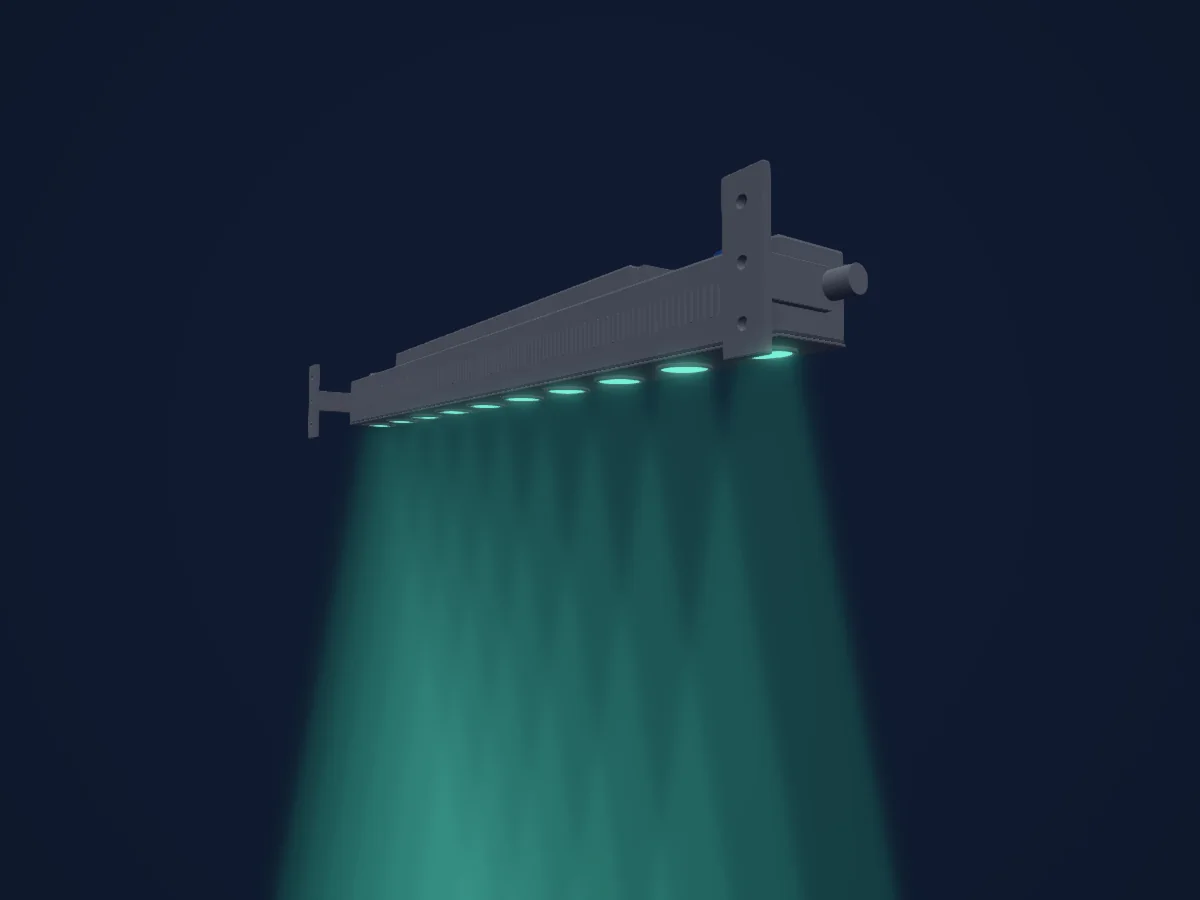
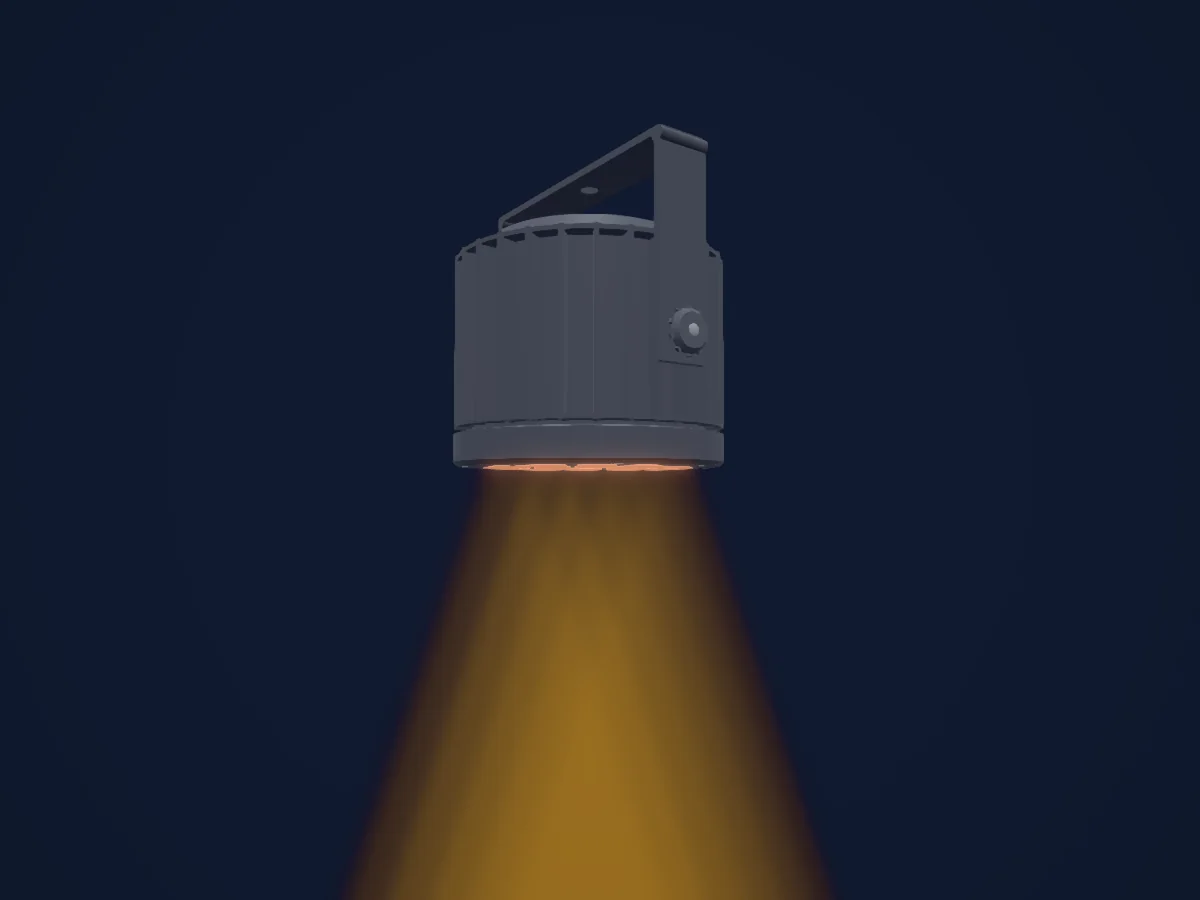
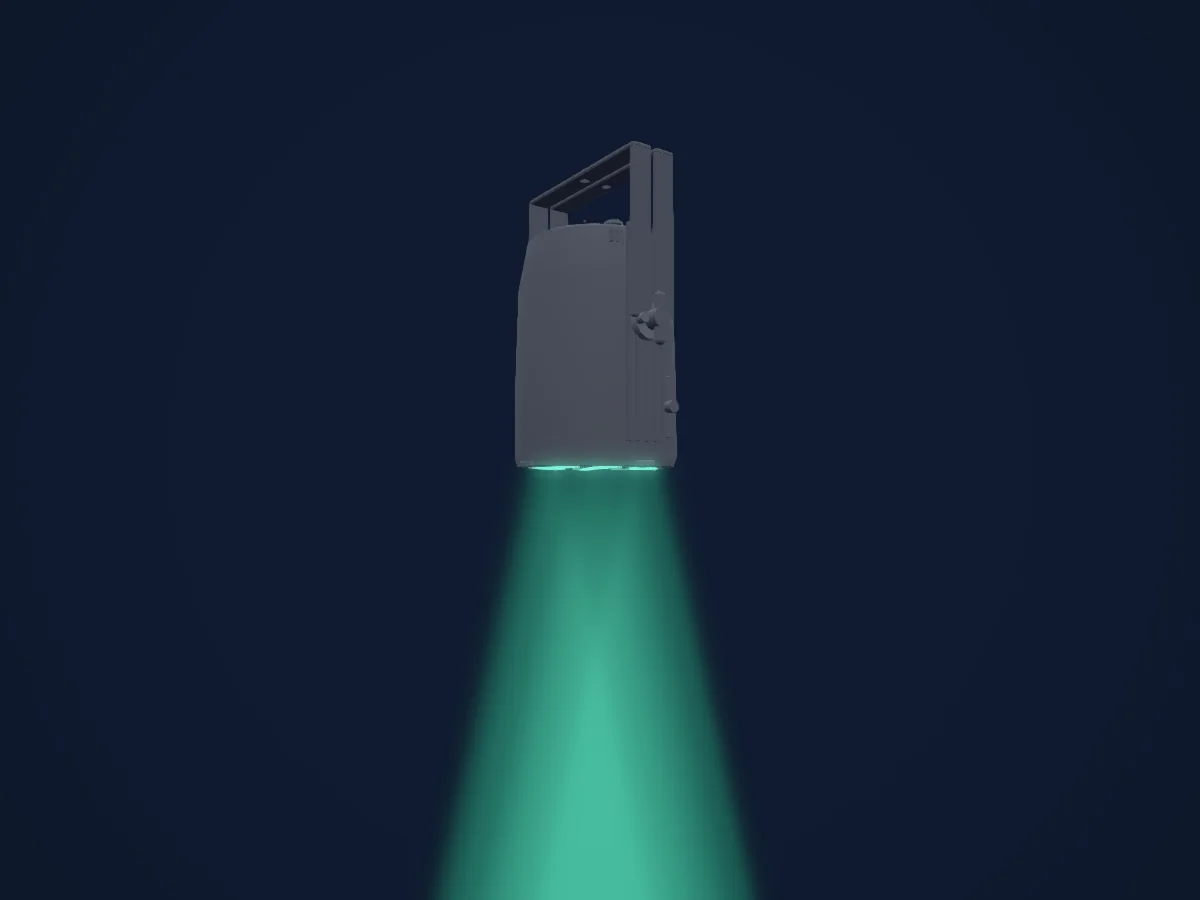
Tabella DMX, 4 modalità DMX e anteprima 3D. 6 / 10 / 16 canali DMX.
Cosa può fare

  • Colori LED aggiuntivi
  • Tonalità e saturazione
  • Miscelazione colori RGB
  • Temperatura colore
  • Intensità

Funzioni rilevanti per la sicurezza: Funzioni di servizio · Programmi di effetti integrati. Verifica come si comportano sul tuo faro prima di uno spettacolo.

Modalità DMX e tabelle dei canali

Modalità DMX di Showline SL PAR 150 ZOOM
ModalitàCanaliIn HitLight
Simple 8bit6Pronto in HitLight
Enhanced 8bit10Pronto in HitLight
HSIC10Pronto in HitLight
16bit16Pronto in HitLight

Simple 8bit

Pronto in HitLight

6 canali DMX · Scarica questa tabella in CSV

Tabella dei canali DMX di Simple 8bit
CanaleFunzionePredefinitoValori DMX
1Dimmer00–255
2Shutter / Strobe0
14 intervalli di valori
  • 0–2 Open
  • 3–5 Closed
  • 6–7 Slow Rand
  • 8–10 Med Rand
  • 11–12 Fast Rand
  • 13–127 Strobe Range,fastest at127; physical rate unstated
  • 128–129 Pulse+ Slow Rand
  • 130–131 Pulse+ Med Rand
  • 132–133 Pulse+ Fast Rand
  • 134–191 Pulse+ Range
  • 192–193 Pulse- Slow Rand
  • 194–195 Pulse- Med Rand
  • 196–197 Pulse- Fast Rand
  • 198–255 Pulse- Range
3Red00–255
4Green00–255
5Blue00–255
6White00–255

Enhanced 8bit

Pronto in HitLight

10 canali DMX · Scarica questa tabella in CSV

Tabella dei canali DMX di Enhanced 8bit
CanaleFunzionePredefinitoValori DMX
1Dimmer00–255
2Effect0
64 intervalli di valori
  • 0–4 Channel OFF (disabled) DMX0-4
  • 5–6 Preset0 OFF
  • 7–8 Preset1; user/preset output unknown
  • 9–10 Preset2; user/preset output unknown
  • 11–12 Preset3; user/preset output unknown
  • 13–14 Preset4; user/preset output unknown
  • 15–16 Preset5; user/preset output unknown
  • 17–18 Preset6; user/preset output unknown
  • 19–20 Preset7; user/preset output unknown
  • 21–22 Preset8; user/preset output unknown
  • 23–24 Preset9; user/preset output unknown
  • 25–26 Preset10; user/preset output unknown
  • 27–28 Preset11; user/preset output unknown
  • 29–30 Preset12; user/preset output unknown
  • 31–32 Preset13; user/preset output unknown
  • 33–34 Preset14; user/preset output unknown
  • 35–36 Preset15; user/preset output unknown
  • 37–38 Preset16; user/preset output unknown
  • 39–40 Preset17; user/preset output unknown
  • 41–42 Preset18; user/preset output unknown
  • 43–44 Preset19; user/preset output unknown
  • 45–46 Preset20; user/preset output unknown
  • 47–48 Preset21; user/preset output unknown
  • 49–50 Preset22; user/preset output unknown
  • 51–52 Preset23; user/preset output unknown
  • 53–54 Preset24; user/preset output unknown
  • 55–56 Preset25; user/preset output unknown
  • 57–58 Preset26; user/preset output unknown
  • 59–60 Preset27; user/preset output unknown
  • 61–62 Preset28; user/preset output unknown
  • 63–64 Preset29; user/preset output unknown
  • 65–66 Preset30; user/preset output unknown
  • 67–68 Preset31; user/preset output unknown
  • 69–70 CF0 Color OFF
  • 71–72 CF1 White10000K; native output not calibrated
  • 73–74 CF2 White8000K; native output not calibrated
  • 75–76 CF3 White6500K; native output not calibrated
  • 77–78 CF4 White5600K; native output not calibrated
  • 79–80 CF5 White5000K; native output not calibrated
  • 81–82 CF6 White4500K; native output not calibrated
  • 83–84 CF7 White4000K; native output not calibrated
  • 85–86 CF8 White3200K; native output not calibrated
  • 87–88 CF9 White3000K; native output not calibrated
  • 89–90 CF10 White2700K; native output not calibrated
  • 91–92 CF11 Moroccan Pink; native output not calibrated
  • 93–94 CF12 Pink; native output not calibrated
  • 95–96 CF13 Flesh Pink; native output not calibrated
  • 97–98 CF14 Bright Rose; native output not calibrated
  • 99–100 CF15 Follies Pink; native output not calibrated
  • 101–102 CF16 Fuchsia Pink; native output not calibrated
  • 103–104 CF17 Surprise Pink; native output not calibrated
  • 105–106 CF18 Congo Blue; native output not calibrated
  • 107–108 CF19 Blue; native output not calibrated
  • 109–110 CF20 Virgin Blue; native output not calibrated
  • 111–112 CF21 Midnight Maya; native output not calibrated
  • 113–114 CF22 Double C.T Blue; native output not calibrated
  • 115–116 CF23 Slate Blue; native output not calibrated
  • 117–118 CF24 Regal Blue; native output not calibrated
  • 119–120 CF25 Full C.T Blue; native output not calibrated
  • 121–122 CF26 Steel Blue; native output not calibrated
  • 123–124 CF27 Lighter Blue; native output not calibrated
  • 125–126 CF28 Cyan; native output not calibrated
  • 127–128 CF29 Marine Blue; native output not calibrated
  • 129–130 CF30 Soft Green; native output not calibrated
3Shutter / Strobe0
14 intervalli di valori
  • 0–2 Open
  • 3–5 Closed
  • 6–7 Slow Rand
  • 8–10 Med Rand
  • 11–12 Fast Rand
  • 13–127 Strobe Range,fastest at127; physical rate unstated
  • 128–129 Pulse+ Slow Rand
  • 130–131 Pulse+ Med Rand
  • 132–133 Pulse+ Fast Rand
  • 134–191 Pulse+ Range
  • 192–193 Pulse- Slow Rand
  • 194–195 Pulse- Med Rand
  • 196–197 Pulse- Fast Rand
  • 198–255 Pulse- Range
4No Feature00–255
5No Feature2550–255
6Control0
15 intervalli di valori
  • 0–4 Default Setting on Console; no operation
  • 5–9 DIM Response Normal
  • 10–14 DIM Response Incandescent
  • 15–29 Source undocumented gap15-29
  • 30–34 Dimming Curve Linear
  • 35–39 Dimming Curve Square
  • 40–44 Dimming Curve S-Curve
  • 45–49 Dimming Curve PL-Curve
  • 50–69 Source undocumented gap50-69
  • 70–74 Calibration OFF
  • 75–79 Calibration ON
  • 80–84 Fan Auto
  • 85–89 Fan Off
  • 90–250 Reserved Future use
  • 251–255 Source undocumented251-255
7Red00–255
8Green00–255
9Blue00–255
10White00–255

HSIC

Pronto in HitLight

10 canali DMX · Scarica questa tabella in CSV

Tabella dei canali DMX di HSIC
CanaleFunzionePredefinitoValori DMX
1Dimmer00–255
2Shutter / Strobe0
14 intervalli di valori
  • 0–2 Open
  • 3–5 Closed
  • 6–7 Slow Rand
  • 8–10 Med Rand
  • 11–12 Fast Rand
  • 13–127 Strobe Range,fastest at127; physical rate unstated
  • 128–129 Pulse+ Slow Rand
  • 130–131 Pulse+ Med Rand
  • 132–133 Pulse+ Fast Rand
  • 134–191 Pulse+ Range
  • 192–193 Pulse- Slow Rand
  • 194–195 Pulse- Med Rand
  • 196–197 Pulse- Fast Rand
  • 198–255 Pulse- Range
3No Feature00–255
4No Feature2550–255
5Control0
15 intervalli di valori
  • 0–4 Default Setting on Console; no operation
  • 5–9 DIM Response Normal
  • 10–14 DIM Response Incandescent
  • 15–29 Source undocumented gap15-29
  • 30–34 Dimming Curve Linear
  • 35–39 Dimming Curve Square
  • 40–44 Dimming Curve S-Curve
  • 45–49 Dimming Curve PL-Curve
  • 50–69 Source undocumented gap50-69
  • 70–74 Calibration OFF
  • 75–79 Calibration ON
  • 80–84 Fan Auto
  • 85–89 Fan Off
  • 90–250 Reserved Future use
  • 251–255 Source undocumented251-255
6H SBHue00–255
7H SBHue Fine0Byte fine di H SBHue
8H SBSaturation00–255
9H SBBrightness00–255
10C TC0
2 intervalli di valori
  • 0–5 Channel OFF (disabled)
  • 6–255 2700K to6500K

16bit

Pronto in HitLight

16 canali DMX · Scarica questa tabella in CSV

Tabella dei canali DMX di 16bit
CanaleFunzionePredefinitoValori DMX
1Dimmer00–255
2Dimmer Fine0Byte fine di Dimmer
3Effect0
64 intervalli di valori
  • 0–4 Channel OFF (disabled) DMX0-4
  • 5–6 Preset0 OFF
  • 7–8 Preset1; user/preset output unknown
  • 9–10 Preset2; user/preset output unknown
  • 11–12 Preset3; user/preset output unknown
  • 13–14 Preset4; user/preset output unknown
  • 15–16 Preset5; user/preset output unknown
  • 17–18 Preset6; user/preset output unknown
  • 19–20 Preset7; user/preset output unknown
  • 21–22 Preset8; user/preset output unknown
  • 23–24 Preset9; user/preset output unknown
  • 25–26 Preset10; user/preset output unknown
  • 27–28 Preset11; user/preset output unknown
  • 29–30 Preset12; user/preset output unknown
  • 31–32 Preset13; user/preset output unknown
  • 33–34 Preset14; user/preset output unknown
  • 35–36 Preset15; user/preset output unknown
  • 37–38 Preset16; user/preset output unknown
  • 39–40 Preset17; user/preset output unknown
  • 41–42 Preset18; user/preset output unknown
  • 43–44 Preset19; user/preset output unknown
  • 45–46 Preset20; user/preset output unknown
  • 47–48 Preset21; user/preset output unknown
  • 49–50 Preset22; user/preset output unknown
  • 51–52 Preset23; user/preset output unknown
  • 53–54 Preset24; user/preset output unknown
  • 55–56 Preset25; user/preset output unknown
  • 57–58 Preset26; user/preset output unknown
  • 59–60 Preset27; user/preset output unknown
  • 61–62 Preset28; user/preset output unknown
  • 63–64 Preset29; user/preset output unknown
  • 65–66 Preset30; user/preset output unknown
  • 67–68 Preset31; user/preset output unknown
  • 69–70 CF0 Color OFF
  • 71–72 CF1 White10000K; native output not calibrated
  • 73–74 CF2 White8000K; native output not calibrated
  • 75–76 CF3 White6500K; native output not calibrated
  • 77–78 CF4 White5600K; native output not calibrated
  • 79–80 CF5 White5000K; native output not calibrated
  • 81–82 CF6 White4500K; native output not calibrated
  • 83–84 CF7 White4000K; native output not calibrated
  • 85–86 CF8 White3200K; native output not calibrated
  • 87–88 CF9 White3000K; native output not calibrated
  • 89–90 CF10 White2700K; native output not calibrated
  • 91–92 CF11 Moroccan Pink; native output not calibrated
  • 93–94 CF12 Pink; native output not calibrated
  • 95–96 CF13 Flesh Pink; native output not calibrated
  • 97–98 CF14 Bright Rose; native output not calibrated
  • 99–100 CF15 Follies Pink; native output not calibrated
  • 101–102 CF16 Fuchsia Pink; native output not calibrated
  • 103–104 CF17 Surprise Pink; native output not calibrated
  • 105–106 CF18 Congo Blue; native output not calibrated
  • 107–108 CF19 Blue; native output not calibrated
  • 109–110 CF20 Virgin Blue; native output not calibrated
  • 111–112 CF21 Midnight Maya; native output not calibrated
  • 113–114 CF22 Double C.T Blue; native output not calibrated
  • 115–116 CF23 Slate Blue; native output not calibrated
  • 117–118 CF24 Regal Blue; native output not calibrated
  • 119–120 CF25 Full C.T Blue; native output not calibrated
  • 121–122 CF26 Steel Blue; native output not calibrated
  • 123–124 CF27 Lighter Blue; native output not calibrated
  • 125–126 CF28 Cyan; native output not calibrated
  • 127–128 CF29 Marine Blue; native output not calibrated
  • 129–130 CF30 Soft Green; native output not calibrated
4Shutter / Strobe0
14 intervalli di valori
  • 0–2 Open
  • 3–5 Closed
  • 6–7 Slow Rand
  • 8–10 Med Rand
  • 11–12 Fast Rand
  • 13–127 Strobe Range,fastest at127; physical rate unstated
  • 128–129 Pulse+ Slow Rand
  • 130–131 Pulse+ Med Rand
  • 132–133 Pulse+ Fast Rand
  • 134–191 Pulse+ Range
  • 192–193 Pulse- Slow Rand
  • 194–195 Pulse- Med Rand
  • 196–197 Pulse- Fast Rand
  • 198–255 Pulse- Range
5No Feature00–255
6No Feature2550–255
7No Feature2550–255
8Control0
15 intervalli di valori
  • 0–4 Default Setting on Console; no operation
  • 5–9 DIM Response Normal
  • 10–14 DIM Response Incandescent
  • 15–29 Source undocumented gap15-29
  • 30–34 Dimming Curve Linear
  • 35–39 Dimming Curve Square
  • 40–44 Dimming Curve S-Curve
  • 45–49 Dimming Curve PL-Curve
  • 50–69 Source undocumented gap50-69
  • 70–74 Calibration OFF
  • 75–79 Calibration ON
  • 80–84 Fan Auto
  • 85–89 Fan Off
  • 90–250 Reserved Future use
  • 251–255 Source undocumented251-255
9Red00–255
10Red Fine0Byte fine di Red
11Green00–255
12Green Fine0Byte fine di Green
13Blue00–255
14Blue Fine0Byte fine di Blue
15White00–255
16White Fine0Byte fine di White

Usare Showline SL PAR 150 ZOOM in HitLight

  1. Apri Aggiungi faro e cerca Showline SL PAR 150 ZOOM.
  2. Scegli la modalità DMX impostata nel menu del faro. HitLight gli assegna il primo indirizzo iniziale libero del suo universo in cui entra il numero di canali della modalità.
  3. Verifica modalità e controlli sul tuo faro reale prima dell’uso dal vivo.

Locali con Showline SL PAR 150 ZOOM

I loro impianti salvati includono questo modello di proiettore. Verifica l’attrezzatura attuale con il locale.

Le tabelle provengono dalla descrizione GDTF del faro, convertita per la libreria di HitLight. HitLight non è affiliato a Showline.

Fixture model: gdtf-showline-sl-par-150-zoom-202611051007
Original HitLight XML/mesh/renders. Manufacturer researchreferences private, not redistributed. Approximate planning model; nohardwareacceptance.
Creator: HitLight

Fai il patch e lascia che sia la musica a guidare le luci.

HitLight trova questi fari nella sua libreria, li assegna al primo indirizzo libero e mostra il tuo impianto in 3D prima ancora di collegare una sola luce.

Apri HitLight ↗Scarica HitLight