Aller au contenu
HitLight
Showline · PAR

Showline SL PAR 150 ZOOM

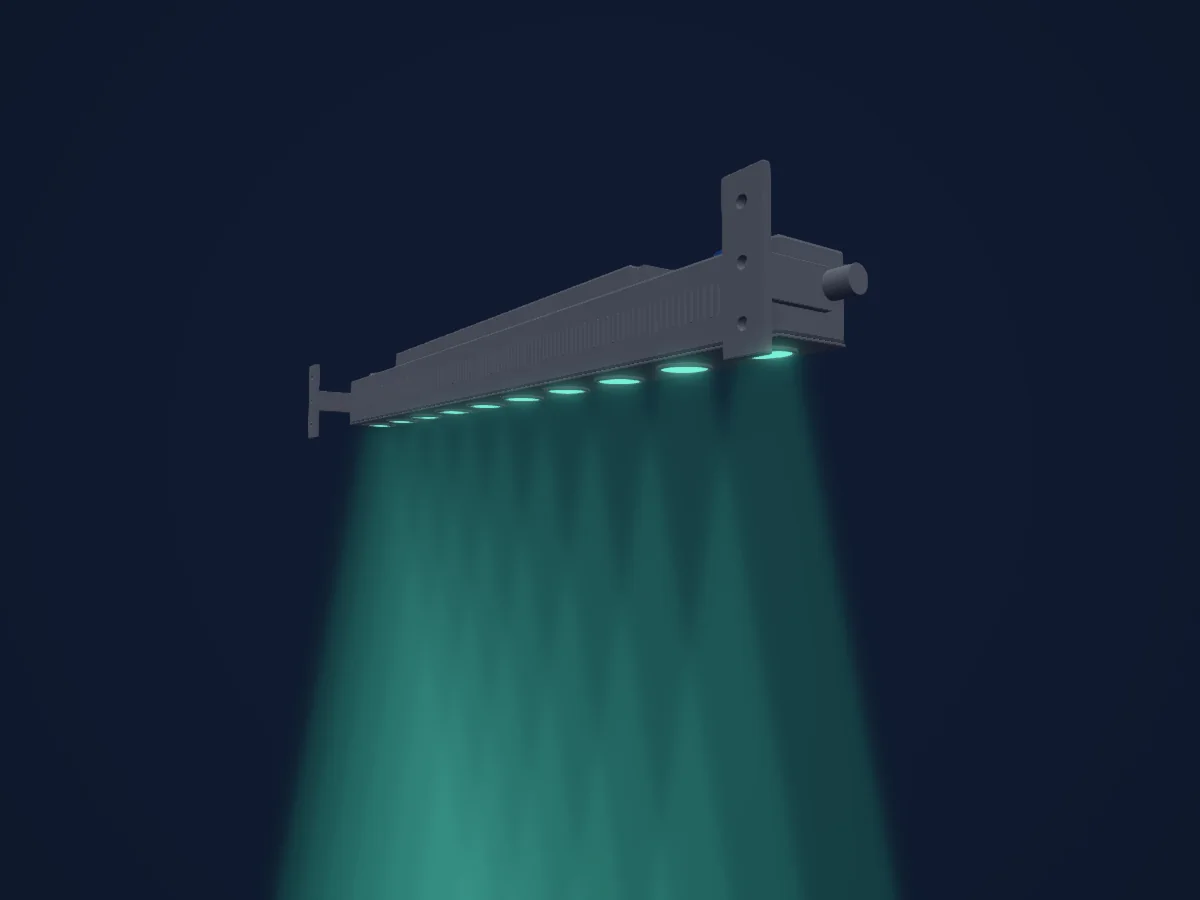
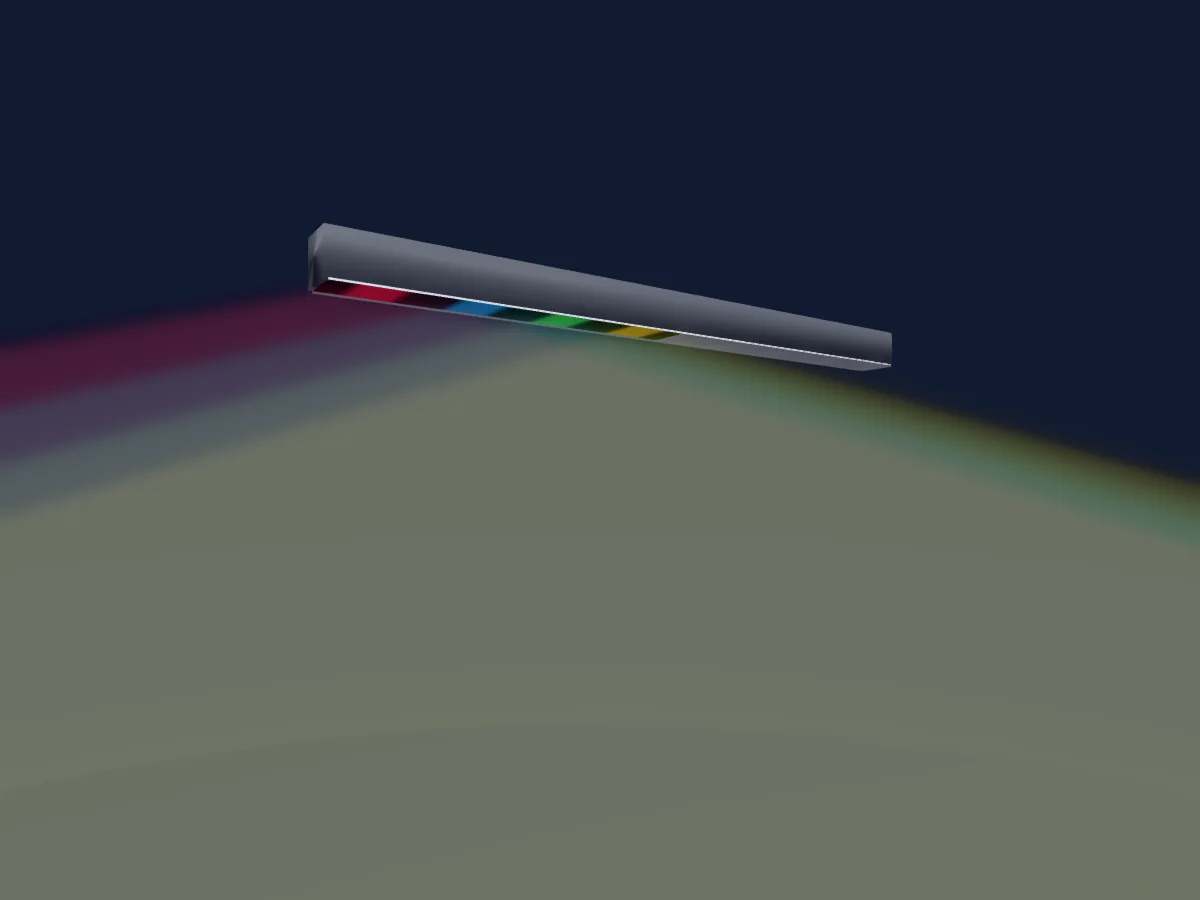
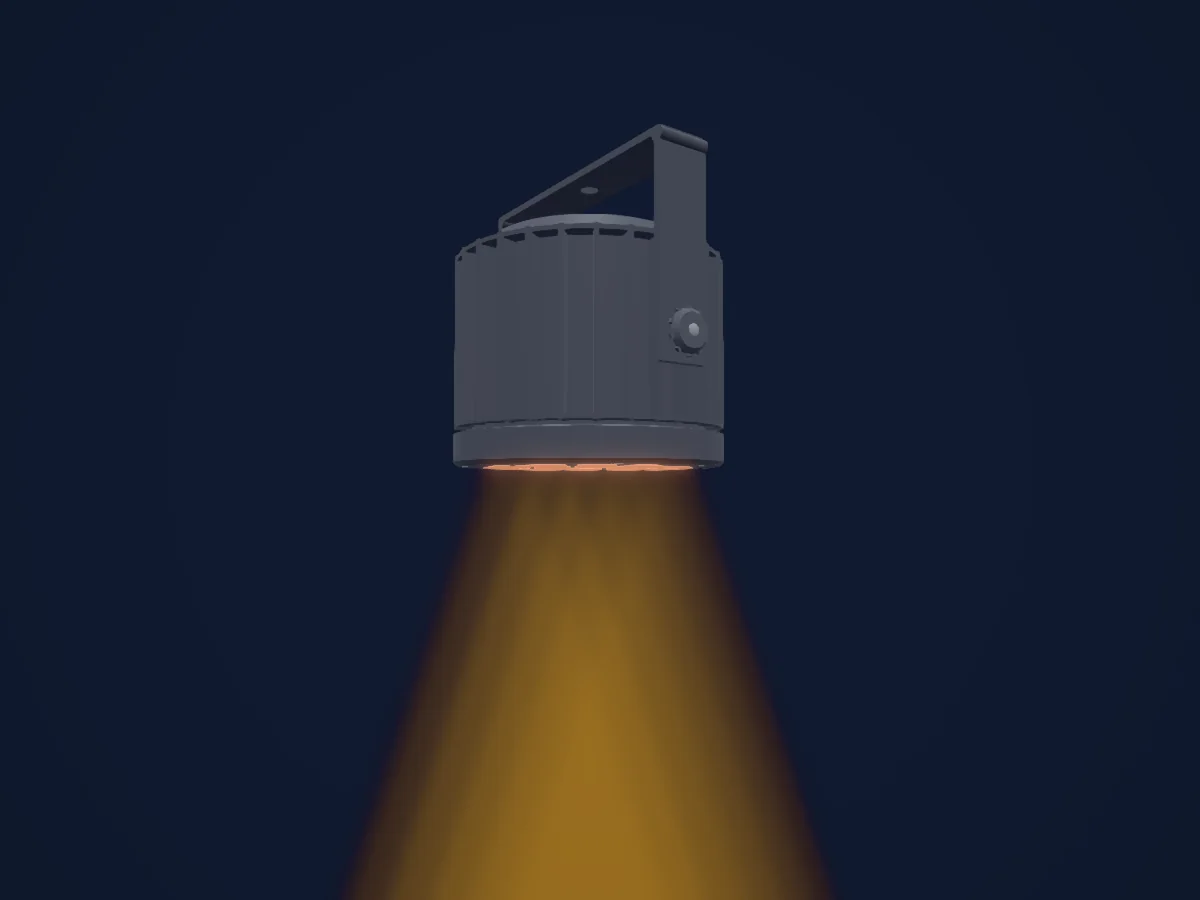
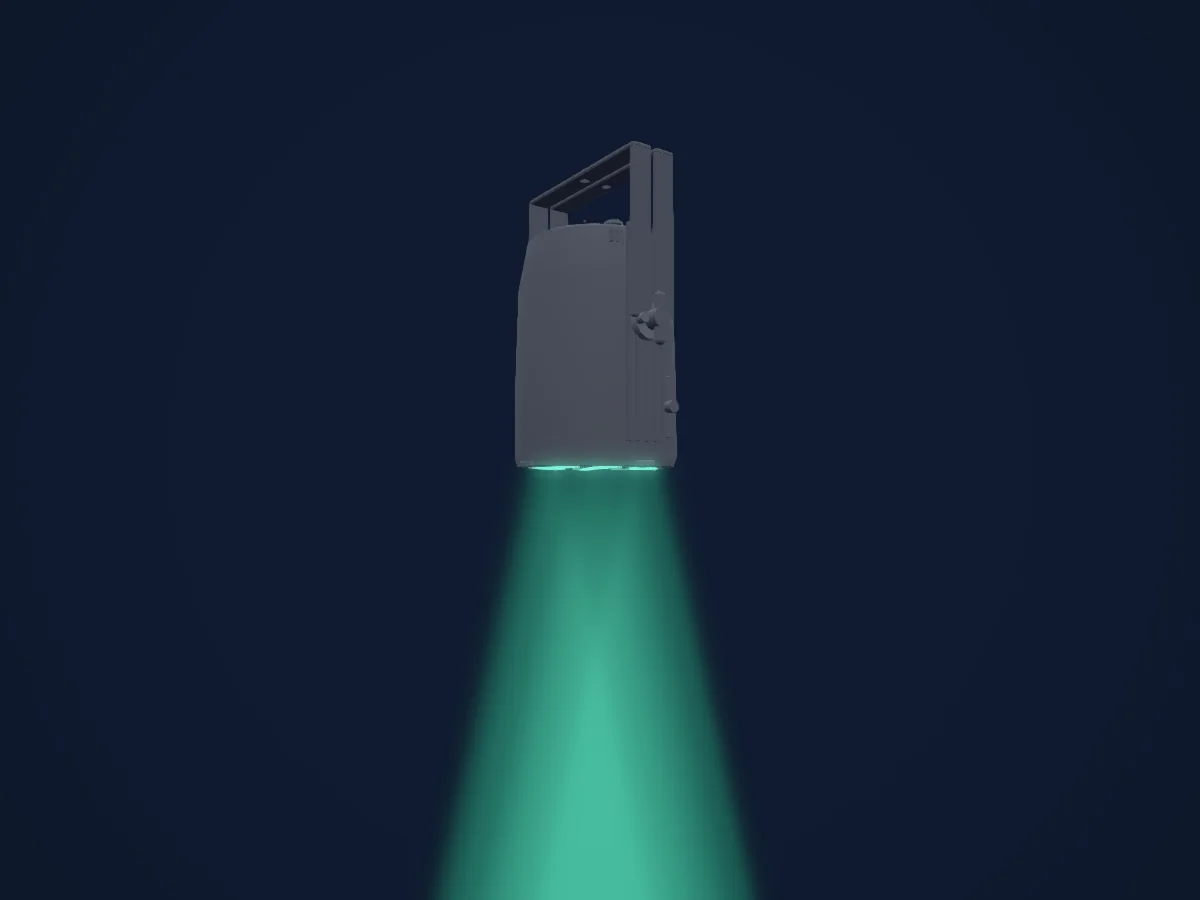
Tableau DMX, 4 modes DMX et aperçu 3D. 6 / 10 / 16 canaux DMX.
Ce qu’il sait faire

  • Couleurs LED supplémentaires
  • Teinte et saturation
  • Mélange de couleurs RVB
  • Température de couleur
  • Intensité

Fonctions liées à la sécurité: Fonctions de maintenance · Programmes d’effets intégrés. Vérifiez leur comportement sur votre propre projecteur avant un spectacle.

Modes DMX et tableaux de canaux

Modes DMX de Showline SL PAR 150 ZOOM
ModeCanauxDans HitLight
Simple 8bit6Prêt dans HitLight
Enhanced 8bit10Prêt dans HitLight
HSIC10Prêt dans HitLight
16bit16Prêt dans HitLight

Simple 8bit

Prêt dans HitLight

6 canaux DMX · Télécharger ce tableau en CSV

Tableau des canaux DMX de Simple 8bit
CanalFonctionPar défautValeurs DMX
1Dimmer00–255
2Shutter / Strobe0
14 plages de valeurs
  • 0–2 Open
  • 3–5 Closed
  • 6–7 Slow Rand
  • 8–10 Med Rand
  • 11–12 Fast Rand
  • 13–127 Strobe Range,fastest at127; physical rate unstated
  • 128–129 Pulse+ Slow Rand
  • 130–131 Pulse+ Med Rand
  • 132–133 Pulse+ Fast Rand
  • 134–191 Pulse+ Range
  • 192–193 Pulse- Slow Rand
  • 194–195 Pulse- Med Rand
  • 196–197 Pulse- Fast Rand
  • 198–255 Pulse- Range
3Red00–255
4Green00–255
5Blue00–255
6White00–255

Enhanced 8bit

Prêt dans HitLight

10 canaux DMX · Télécharger ce tableau en CSV

Tableau des canaux DMX de Enhanced 8bit
CanalFonctionPar défautValeurs DMX
1Dimmer00–255
2Effect0
64 plages de valeurs
  • 0–4 Channel OFF (disabled) DMX0-4
  • 5–6 Preset0 OFF
  • 7–8 Preset1; user/preset output unknown
  • 9–10 Preset2; user/preset output unknown
  • 11–12 Preset3; user/preset output unknown
  • 13–14 Preset4; user/preset output unknown
  • 15–16 Preset5; user/preset output unknown
  • 17–18 Preset6; user/preset output unknown
  • 19–20 Preset7; user/preset output unknown
  • 21–22 Preset8; user/preset output unknown
  • 23–24 Preset9; user/preset output unknown
  • 25–26 Preset10; user/preset output unknown
  • 27–28 Preset11; user/preset output unknown
  • 29–30 Preset12; user/preset output unknown
  • 31–32 Preset13; user/preset output unknown
  • 33–34 Preset14; user/preset output unknown
  • 35–36 Preset15; user/preset output unknown
  • 37–38 Preset16; user/preset output unknown
  • 39–40 Preset17; user/preset output unknown
  • 41–42 Preset18; user/preset output unknown
  • 43–44 Preset19; user/preset output unknown
  • 45–46 Preset20; user/preset output unknown
  • 47–48 Preset21; user/preset output unknown
  • 49–50 Preset22; user/preset output unknown
  • 51–52 Preset23; user/preset output unknown
  • 53–54 Preset24; user/preset output unknown
  • 55–56 Preset25; user/preset output unknown
  • 57–58 Preset26; user/preset output unknown
  • 59–60 Preset27; user/preset output unknown
  • 61–62 Preset28; user/preset output unknown
  • 63–64 Preset29; user/preset output unknown
  • 65–66 Preset30; user/preset output unknown
  • 67–68 Preset31; user/preset output unknown
  • 69–70 CF0 Color OFF
  • 71–72 CF1 White10000K; native output not calibrated
  • 73–74 CF2 White8000K; native output not calibrated
  • 75–76 CF3 White6500K; native output not calibrated
  • 77–78 CF4 White5600K; native output not calibrated
  • 79–80 CF5 White5000K; native output not calibrated
  • 81–82 CF6 White4500K; native output not calibrated
  • 83–84 CF7 White4000K; native output not calibrated
  • 85–86 CF8 White3200K; native output not calibrated
  • 87–88 CF9 White3000K; native output not calibrated
  • 89–90 CF10 White2700K; native output not calibrated
  • 91–92 CF11 Moroccan Pink; native output not calibrated
  • 93–94 CF12 Pink; native output not calibrated
  • 95–96 CF13 Flesh Pink; native output not calibrated
  • 97–98 CF14 Bright Rose; native output not calibrated
  • 99–100 CF15 Follies Pink; native output not calibrated
  • 101–102 CF16 Fuchsia Pink; native output not calibrated
  • 103–104 CF17 Surprise Pink; native output not calibrated
  • 105–106 CF18 Congo Blue; native output not calibrated
  • 107–108 CF19 Blue; native output not calibrated
  • 109–110 CF20 Virgin Blue; native output not calibrated
  • 111–112 CF21 Midnight Maya; native output not calibrated
  • 113–114 CF22 Double C.T Blue; native output not calibrated
  • 115–116 CF23 Slate Blue; native output not calibrated
  • 117–118 CF24 Regal Blue; native output not calibrated
  • 119–120 CF25 Full C.T Blue; native output not calibrated
  • 121–122 CF26 Steel Blue; native output not calibrated
  • 123–124 CF27 Lighter Blue; native output not calibrated
  • 125–126 CF28 Cyan; native output not calibrated
  • 127–128 CF29 Marine Blue; native output not calibrated
  • 129–130 CF30 Soft Green; native output not calibrated
3Shutter / Strobe0
14 plages de valeurs
  • 0–2 Open
  • 3–5 Closed
  • 6–7 Slow Rand
  • 8–10 Med Rand
  • 11–12 Fast Rand
  • 13–127 Strobe Range,fastest at127; physical rate unstated
  • 128–129 Pulse+ Slow Rand
  • 130–131 Pulse+ Med Rand
  • 132–133 Pulse+ Fast Rand
  • 134–191 Pulse+ Range
  • 192–193 Pulse- Slow Rand
  • 194–195 Pulse- Med Rand
  • 196–197 Pulse- Fast Rand
  • 198–255 Pulse- Range
4No Feature00–255
5No Feature2550–255
6Control0
15 plages de valeurs
  • 0–4 Default Setting on Console; no operation
  • 5–9 DIM Response Normal
  • 10–14 DIM Response Incandescent
  • 15–29 Source undocumented gap15-29
  • 30–34 Dimming Curve Linear
  • 35–39 Dimming Curve Square
  • 40–44 Dimming Curve S-Curve
  • 45–49 Dimming Curve PL-Curve
  • 50–69 Source undocumented gap50-69
  • 70–74 Calibration OFF
  • 75–79 Calibration ON
  • 80–84 Fan Auto
  • 85–89 Fan Off
  • 90–250 Reserved Future use
  • 251–255 Source undocumented251-255
7Red00–255
8Green00–255
9Blue00–255
10White00–255

HSIC

Prêt dans HitLight

10 canaux DMX · Télécharger ce tableau en CSV

Tableau des canaux DMX de HSIC
CanalFonctionPar défautValeurs DMX
1Dimmer00–255
2Shutter / Strobe0
14 plages de valeurs
  • 0–2 Open
  • 3–5 Closed
  • 6–7 Slow Rand
  • 8–10 Med Rand
  • 11–12 Fast Rand
  • 13–127 Strobe Range,fastest at127; physical rate unstated
  • 128–129 Pulse+ Slow Rand
  • 130–131 Pulse+ Med Rand
  • 132–133 Pulse+ Fast Rand
  • 134–191 Pulse+ Range
  • 192–193 Pulse- Slow Rand
  • 194–195 Pulse- Med Rand
  • 196–197 Pulse- Fast Rand
  • 198–255 Pulse- Range
3No Feature00–255
4No Feature2550–255
5Control0
15 plages de valeurs
  • 0–4 Default Setting on Console; no operation
  • 5–9 DIM Response Normal
  • 10–14 DIM Response Incandescent
  • 15–29 Source undocumented gap15-29
  • 30–34 Dimming Curve Linear
  • 35–39 Dimming Curve Square
  • 40–44 Dimming Curve S-Curve
  • 45–49 Dimming Curve PL-Curve
  • 50–69 Source undocumented gap50-69
  • 70–74 Calibration OFF
  • 75–79 Calibration ON
  • 80–84 Fan Auto
  • 85–89 Fan Off
  • 90–250 Reserved Future use
  • 251–255 Source undocumented251-255
6H SBHue00–255
7H SBHue Fine0Octet fin de H SBHue
8H SBSaturation00–255
9H SBBrightness00–255
10C TC0
2 plages de valeurs
  • 0–5 Channel OFF (disabled)
  • 6–255 2700K to6500K

16bit

Prêt dans HitLight

16 canaux DMX · Télécharger ce tableau en CSV

Tableau des canaux DMX de 16bit
CanalFonctionPar défautValeurs DMX
1Dimmer00–255
2Dimmer Fine0Octet fin de Dimmer
3Effect0
64 plages de valeurs
  • 0–4 Channel OFF (disabled) DMX0-4
  • 5–6 Preset0 OFF
  • 7–8 Preset1; user/preset output unknown
  • 9–10 Preset2; user/preset output unknown
  • 11–12 Preset3; user/preset output unknown
  • 13–14 Preset4; user/preset output unknown
  • 15–16 Preset5; user/preset output unknown
  • 17–18 Preset6; user/preset output unknown
  • 19–20 Preset7; user/preset output unknown
  • 21–22 Preset8; user/preset output unknown
  • 23–24 Preset9; user/preset output unknown
  • 25–26 Preset10; user/preset output unknown
  • 27–28 Preset11; user/preset output unknown
  • 29–30 Preset12; user/preset output unknown
  • 31–32 Preset13; user/preset output unknown
  • 33–34 Preset14; user/preset output unknown
  • 35–36 Preset15; user/preset output unknown
  • 37–38 Preset16; user/preset output unknown
  • 39–40 Preset17; user/preset output unknown
  • 41–42 Preset18; user/preset output unknown
  • 43–44 Preset19; user/preset output unknown
  • 45–46 Preset20; user/preset output unknown
  • 47–48 Preset21; user/preset output unknown
  • 49–50 Preset22; user/preset output unknown
  • 51–52 Preset23; user/preset output unknown
  • 53–54 Preset24; user/preset output unknown
  • 55–56 Preset25; user/preset output unknown
  • 57–58 Preset26; user/preset output unknown
  • 59–60 Preset27; user/preset output unknown
  • 61–62 Preset28; user/preset output unknown
  • 63–64 Preset29; user/preset output unknown
  • 65–66 Preset30; user/preset output unknown
  • 67–68 Preset31; user/preset output unknown
  • 69–70 CF0 Color OFF
  • 71–72 CF1 White10000K; native output not calibrated
  • 73–74 CF2 White8000K; native output not calibrated
  • 75–76 CF3 White6500K; native output not calibrated
  • 77–78 CF4 White5600K; native output not calibrated
  • 79–80 CF5 White5000K; native output not calibrated
  • 81–82 CF6 White4500K; native output not calibrated
  • 83–84 CF7 White4000K; native output not calibrated
  • 85–86 CF8 White3200K; native output not calibrated
  • 87–88 CF9 White3000K; native output not calibrated
  • 89–90 CF10 White2700K; native output not calibrated
  • 91–92 CF11 Moroccan Pink; native output not calibrated
  • 93–94 CF12 Pink; native output not calibrated
  • 95–96 CF13 Flesh Pink; native output not calibrated
  • 97–98 CF14 Bright Rose; native output not calibrated
  • 99–100 CF15 Follies Pink; native output not calibrated
  • 101–102 CF16 Fuchsia Pink; native output not calibrated
  • 103–104 CF17 Surprise Pink; native output not calibrated
  • 105–106 CF18 Congo Blue; native output not calibrated
  • 107–108 CF19 Blue; native output not calibrated
  • 109–110 CF20 Virgin Blue; native output not calibrated
  • 111–112 CF21 Midnight Maya; native output not calibrated
  • 113–114 CF22 Double C.T Blue; native output not calibrated
  • 115–116 CF23 Slate Blue; native output not calibrated
  • 117–118 CF24 Regal Blue; native output not calibrated
  • 119–120 CF25 Full C.T Blue; native output not calibrated
  • 121–122 CF26 Steel Blue; native output not calibrated
  • 123–124 CF27 Lighter Blue; native output not calibrated
  • 125–126 CF28 Cyan; native output not calibrated
  • 127–128 CF29 Marine Blue; native output not calibrated
  • 129–130 CF30 Soft Green; native output not calibrated
4Shutter / Strobe0
14 plages de valeurs
  • 0–2 Open
  • 3–5 Closed
  • 6–7 Slow Rand
  • 8–10 Med Rand
  • 11–12 Fast Rand
  • 13–127 Strobe Range,fastest at127; physical rate unstated
  • 128–129 Pulse+ Slow Rand
  • 130–131 Pulse+ Med Rand
  • 132–133 Pulse+ Fast Rand
  • 134–191 Pulse+ Range
  • 192–193 Pulse- Slow Rand
  • 194–195 Pulse- Med Rand
  • 196–197 Pulse- Fast Rand
  • 198–255 Pulse- Range
5No Feature00–255
6No Feature2550–255
7No Feature2550–255
8Control0
15 plages de valeurs
  • 0–4 Default Setting on Console; no operation
  • 5–9 DIM Response Normal
  • 10–14 DIM Response Incandescent
  • 15–29 Source undocumented gap15-29
  • 30–34 Dimming Curve Linear
  • 35–39 Dimming Curve Square
  • 40–44 Dimming Curve S-Curve
  • 45–49 Dimming Curve PL-Curve
  • 50–69 Source undocumented gap50-69
  • 70–74 Calibration OFF
  • 75–79 Calibration ON
  • 80–84 Fan Auto
  • 85–89 Fan Off
  • 90–250 Reserved Future use
  • 251–255 Source undocumented251-255
9Red00–255
10Red Fine0Octet fin de Red
11Green00–255
12Green Fine0Octet fin de Green
13Blue00–255
14Blue Fine0Octet fin de Blue
15White00–255
16White Fine0Octet fin de White

Utiliser Showline SL PAR 150 ZOOM dans HitLight

  1. Ouvrez Ajouter un projecteur et recherchez Showline SL PAR 150 ZOOM.
  2. Choisissez le mode DMX réglé dans le menu du projecteur. HitLight lui attribue la plus basse adresse de départ libre de son univers qui peut accueillir le nombre de canaux du mode.
  3. Vérifiez le mode et les commandes sur votre vrai projecteur avant toute utilisation en direct.

Lieux équipés du Showline SL PAR 150 ZOOM

Leurs installations enregistrées comprennent ce modèle de projecteur. Vérifiez l’équipement actuel auprès du lieu.

Les tableaux proviennent de la description GDTF du projecteur, convertie pour la bibliothèque HitLight. HitLight n’a aucun lien avec Showline.

Fixture model: gdtf-showline-sl-par-150-zoom-202611051007
Original HitLight XML/mesh/renders. Manufacturer researchreferences private, not redistributed. Approximate planning model; nohardwareacceptance.
Creator: HitLight

Patchez-le, puis laissez la musique piloter la lumière.

HitLight trouve ces projecteurs dans sa bibliothèque, les patche sur la prochaine adresse libre et affiche votre installation en 3D avant même de brancher une seule lumière.

Ouvrir HitLight ↗Télécharger HitLight