 HitLight
Martin Professional MAC TW1
DMX chart, 2 DMX modes and a 3D preview. 14 / 20 DMX channels.
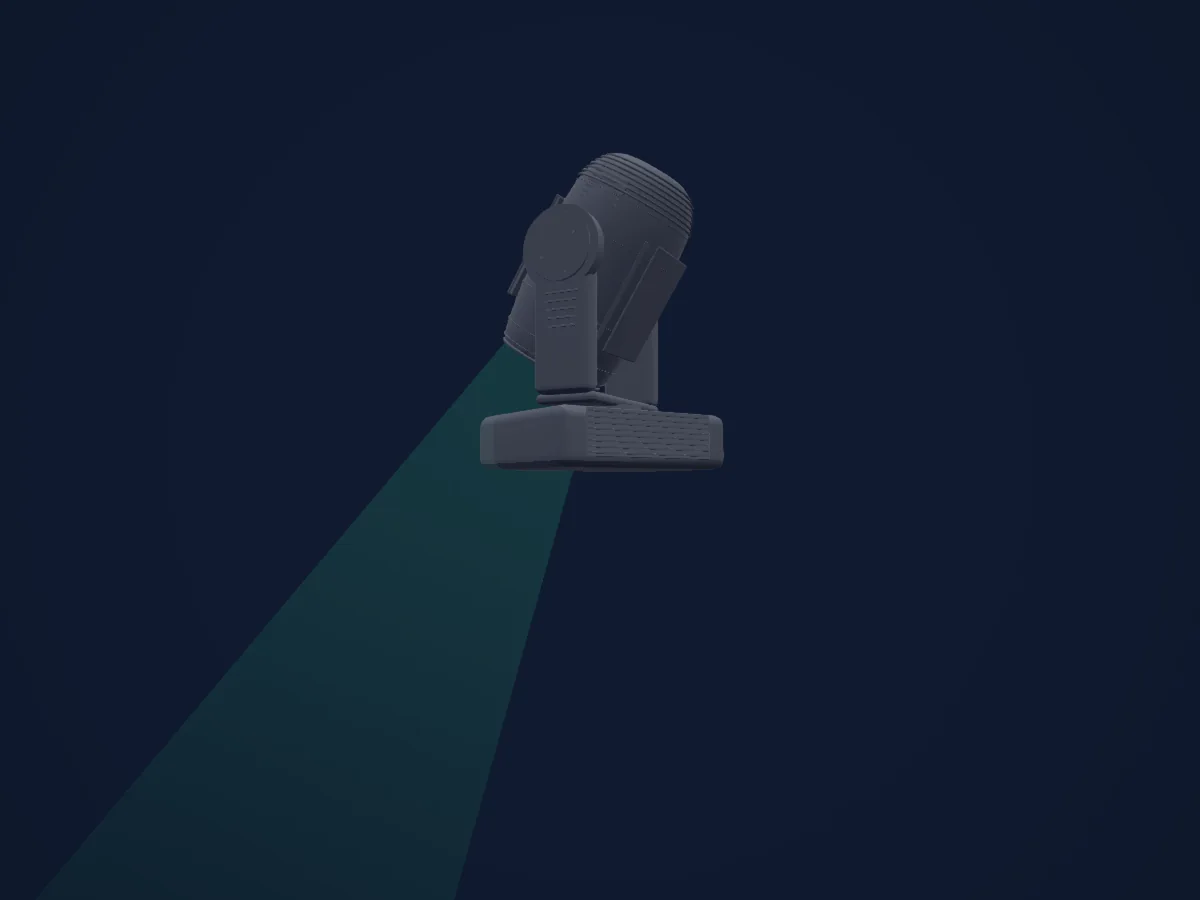
What it can do
- Zoom
- CMY colour mixing
- Dimmer
- Pan and tilt
Safety-relevant functions: Fixture reset. Check how these behave on your own fixture before a show.
DMX modes and channel charts
| Mode | Channels | In HitLight |
|---|---|---|
| 16-bit Basic - Internal lamp power required | 14 | Ready in HitLight |
| 16-bit Extended - Internal lamp power required | 20 | Ready in HitLight |
16-bit Basic - Internal lamp power required
Ready in HitLight14 DMX channels · Download this chart as CSV
| Channel | Function | Default | DMX values |
|---|---|---|---|
| 1 | Shutter / Strobe | 0 | 10 value ranges
|
| 2 | Electronic dimmer | 0 | 0–255 |
| 3 | Mechanical dimmer | 255 | 0–255 |
| 4 | Cyan | 0 | 0–255 |
| 5 | Magenta | 0 | 0–255 |
| 6 | Yellow | 0 | 0–255 |
| 7 | Zoom | 0 | 0–255 |
| 8 | Pan | 128 | 0–255 |
| 9 | Pan Fine | 0 | Fine byte of Pan |
| 10 | Tilt | 128 | 0–255 |
| 11 | Tilt Fine | 0 | Fine byte of Tilt |
| 12 | No Feature | 0 | 5 value ranges
|
| 13 | No Feature | 0 | 5 value ranges
|
| 14 | No Feature | 0 | 17 value ranges
|
16-bit Extended - Internal lamp power required
Ready in HitLight20 DMX channels · Download this chart as CSV
| Channel | Function | Default | DMX values |
|---|---|---|---|
| 1 | Shutter / Strobe | 0 | 10 value ranges
|
| 2 | Electronic dimmer | 0 | 0–255 |
| 3 | Electronic dimmer Fine | 0 | Fine byte of Electronic dimmer |
| 4 | Mechanical dimmer | 255 | 0–255 |
| 5 | Mechanical dimmer Fine | 0 | Fine byte of Mechanical dimmer |
| 6 | Cyan | 0 | 0–255 |
| 7 | Cyan Fine | 0 | Fine byte of Cyan |
| 8 | Magenta | 0 | 0–255 |
| 9 | Magenta Fine | 0 | Fine byte of Magenta |
| 10 | Yellow | 0 | 0–255 |
| 11 | Yellow Fine | 0 | Fine byte of Yellow |
| 12 | Zoom | 0 | 0–255 |
| 13 | Zoom Fine | 0 | Fine byte of Zoom |
| 14 | Pan | 128 | 0–255 |
| 15 | Pan Fine | 0 | Fine byte of Pan |
| 16 | Tilt | 128 | 0–255 |
| 17 | Tilt Fine | 0 | Fine byte of Tilt |
| 18 | No Feature | 0 | 5 value ranges
|
| 19 | No Feature | 0 | 5 value ranges
|
| 20 | No Feature | 0 | 17 value ranges
|
Use the Martin Professional MAC TW1 in HitLight
- Open Add fixture and search for Martin Professional MAC TW1.
- Choose the DMX mode set in the fixture’s own menu. HitLight gives it the lowest free start address on its universe that fits the mode’s channel count.
- Check the mode and controls against your real fixture before live use.
Venues with the Martin Professional MAC TW1
Their saved rigs list this fixture model. Confirm the current equipment with the venue.
- Divadlo v Dlouhé Praha, Czechia
- Teatrul Regina Maria / Szigligeti — Sala Mare Oradea, Romania
- Пермский академический Театр-Театр Пермь, Russia
Related fixtures
Martin Professional RUSH MH 1 Profile
Martin Professional MAC Encore Two
Martin Professional MAC Viper XIP
Martin Professional MAC Viper Profile
Martin Professional MAC Viper Performance
Martin Professional VDO Sceptron 10 320mm
Charts come from the fixture’s GDTF description as converted for the HitLight library. HitLight is not affiliated with Martin Professional.
Fixture model: gdtf-martin-professional-mac-tw1-2000060203
Original HitLight primitive exterior reconstruction from private manufacturer references. Approximate planning geometry; fine fittings/source homing/photometry not calibrated. No third-party mesh,photo texture,logo or original manual redistributed; not hardware verified.
Creator: HitLight