 HitLight
Selecon Acclaim Fresnel
DMX chart, 1 DMX mode and a 3D preview. 1 DMX channel.
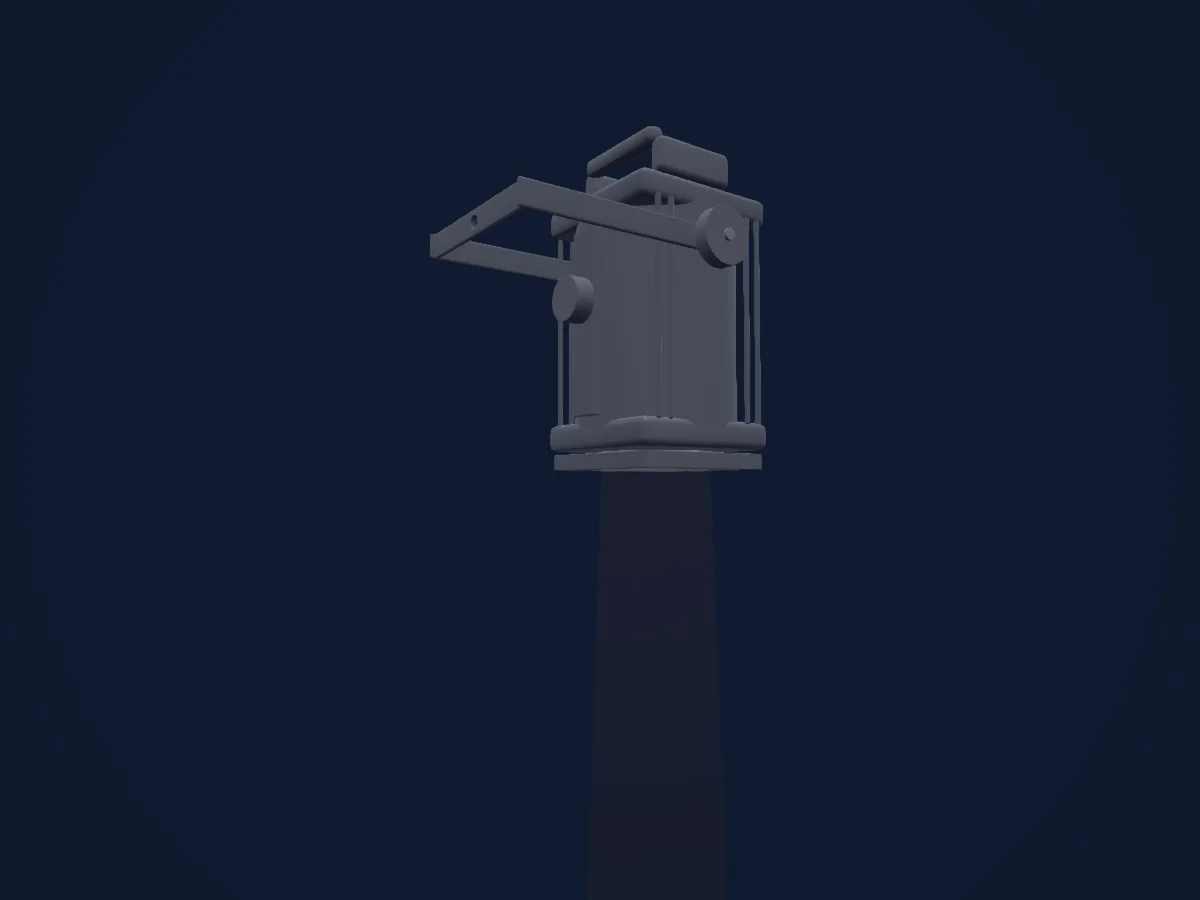
What it can do
- Dimmer
DMX modes and channel charts
| Mode | Channels | In HitLight |
|---|---|---|
| External dimmer (virtual) | 1 | Ready in HitLight |
External dimmer (virtual)
Ready in HitLight1 DMX channel · Download this chart as CSV
| Channel | Function | Default | DMX values |
|---|---|---|---|
| 1 | Dimmer | 0 | 0–255 |
Use the Selecon Acclaim Fresnel in HitLight
- Open Add fixture and search for Selecon Acclaim Fresnel.
- Choose the DMX mode set in the fixture’s own menu. HitLight gives it the lowest free start address on its universe that fits the mode’s channel count.
- Check the mode and controls against your real fixture before live use.
Venues with the Selecon Acclaim Fresnel
Their saved rigs list this fixture model. Confirm the current equipment with the venue.
- E-WERK Freiburg Freiburg im Breisgau, Germany
- Laycock Street Theatre Wyoming, Australia
- Pavilion Arts Centre Buxton, United Kingdom
- Robinson Theatre, Hills Road Sixth Form College Cambridge, United Kingdom
- Salisbury Playhouse Salisbury, United Kingdom
- The Mill Studio Guildford, United Kingdom
- The Old Market Brighton, United Kingdom
Related fixtures
Spot
Selecon Arena Theatre Fresnel
1 DMX channel
Spot
Selecon Pacific 23-50
1 / 2 DMX channels
Spot
Selecon Rama 150 Fresnel
1 DMX channel
Spot
Selecon Compact Fresnel
1 DMX channel
Spot
Selecon Rama 150 PC
1 DMX channel
ARRI
ARRI True Blue T1
1 DMX channel
Charts come from the fixture’s GDTF description as converted for the HitLight library. HitLight is not affiliated with Selecon.
Fixture model: gdtf-selecon-acclaim-fresnel-2000060103
Original HitLight primitive exterior reconstruction from private manufacturer references. Approximate planning geometry; fine fittings/source homing/photometry not calibrated. No third-party mesh,photo texture,logo or original manual redistributed; not hardware verified.
Creator: HitLight