 HitLight
Selecon Arena Theatre Fresnel
DMX chart, 1 DMX mode and a 3D preview. 1 DMX channel.
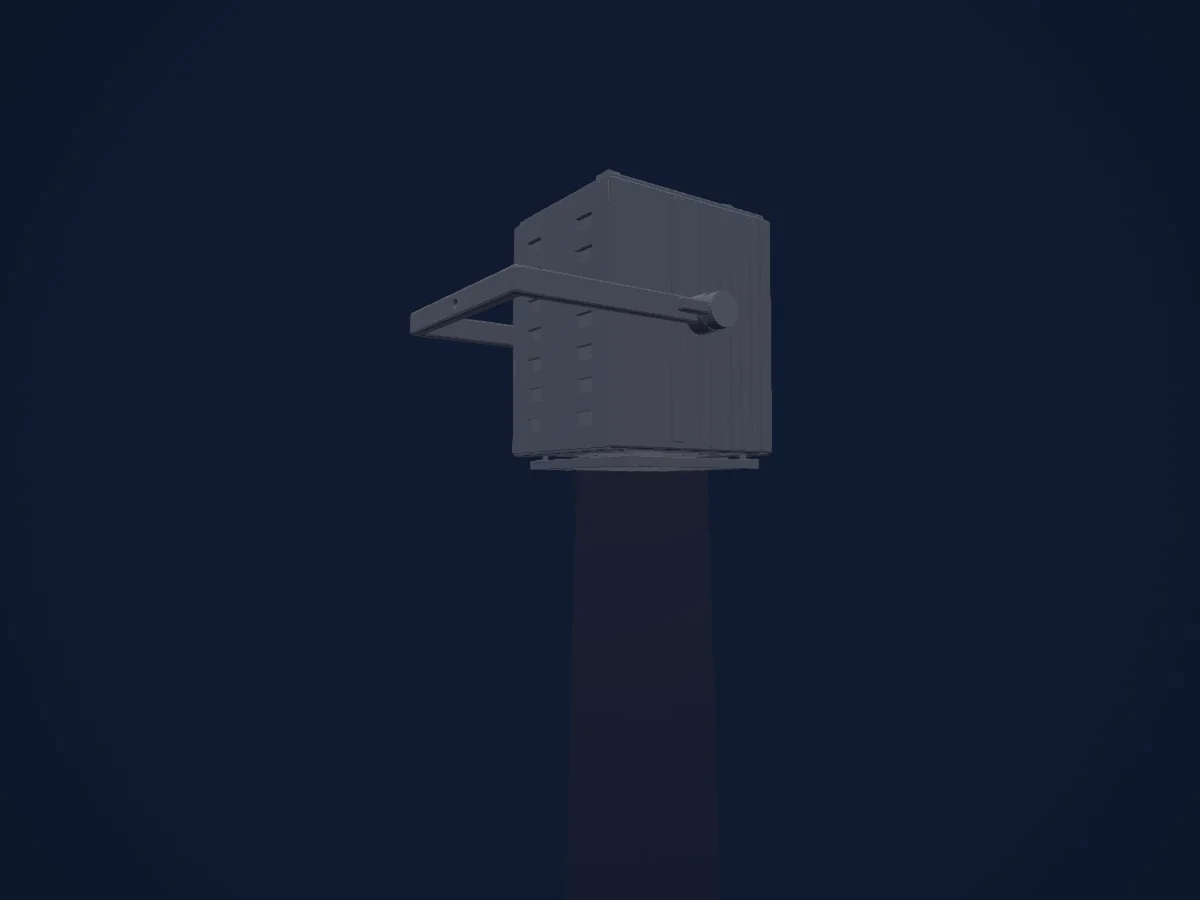
What it can do
- Dimmer
DMX modes and channel charts
| Mode | Channels | In HitLight |
|---|---|---|
| External dimmer (virtual) | 1 | Ready in HitLight |
External dimmer (virtual)
Ready in HitLight1 DMX channel · Download this chart as CSV
| Channel | Function | Default | DMX values |
|---|---|---|---|
| 1 | Dimmer | 0 | 0–255 |
Use the Selecon Arena Theatre Fresnel in HitLight
- Open Add fixture and search for Selecon Arena Theatre Fresnel.
- Choose the DMX mode set in the fixture’s own menu. HitLight gives it the lowest free start address on its universe that fits the mode’s channel count.
- Check the mode and controls against your real fixture before live use.
Venues with the Selecon Arena Theatre Fresnel
Their saved rigs list this fixture model. Confirm the current equipment with the venue.
- Martin Marietta Center for the Performing Arts Raleigh, United States
- Rauma-sali — Satamakatu 26 Rauma, Finland
- Riksscena Oslo, Norway
- The Regal Theatre Subiaco, Australia
Related fixtures
Selecon Compact Fresnel
Selecon Acclaim Fresnel
Selecon Rama 150 Fresnel
Selecon Pacific 23-50
Selecon Rama 150 PC
Prolights EclFresnelCTPS
Charts come from the fixture’s GDTF description as converted for the HitLight library. HitLight is not affiliated with Selecon.
Fixture model: gdtf-selecon-arena-theatre-fresnel-2611020203
New original approximate HitLight Arena Theatre Fresnel housing authored locally from primitives under owner request. Manufacturer PDFs/photos are private references; no OEM mesh, image, logo or texture embedded. Body detail, yoke/controls and optical relief are estimates, not manufacturer or hardware approval. Original references gain no redistribution permission.
Creator: HitLight