 HitLight
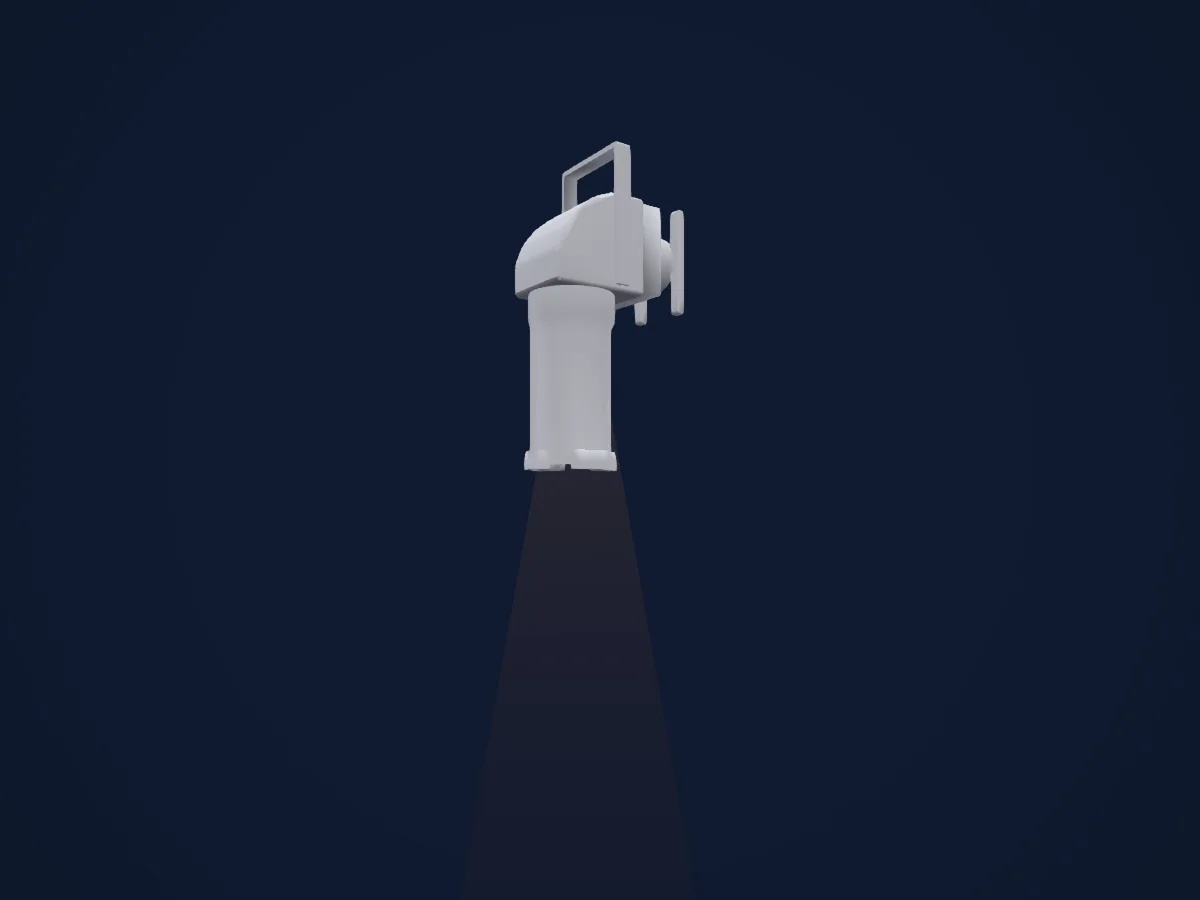
Selecon Pacific 23-50
DMX chart, 2 DMX modes and a 3D preview. 1 / 2 DMX channels.
What it can do
- Dimmer
DMX modes and channel charts
| Mode | Channels | In HitLight |
|---|---|---|
| 8-Bit | 1 | Ready in HitLight |
| 16-Bit | 2 | Ready in HitLight |
8-Bit
Ready in HitLight1 DMX channel · Download this chart as CSV
| Channel | Function | Default | DMX values |
|---|---|---|---|
| 1 | Dimmer | 0 | 13 value ranges
|
16-Bit
Ready in HitLight2 DMX channels · Download this chart as CSV
| Channel | Function | Default | DMX values |
|---|---|---|---|
| 1 | Dimmer | 0 | 13 value ranges
|
| 2 | Dimmer Fine | 0 | Fine byte of Dimmer |
Use the Selecon Pacific 23-50 in HitLight
- Open Add fixture and search for Selecon Pacific 23-50.
- Choose the DMX mode set in the fixture’s own menu. HitLight gives it the lowest free start address on its universe that fits the mode’s channel count.
- Check the mode and controls against your real fixture before live use.
Venues with the Selecon Pacific 23-50
Their saved rigs list this fixture model. Confirm the current equipment with the venue.
- Baycourt Community and Arts Centre Tauranga, New Zealand
- Hāwera Memorial Theatre Hāwera, New Zealand
- Kielzog Hoogezand, Netherlands
- Laycock Street Theatre Wyoming, Australia
- Northern Alberta Jubilee Auditorium Edmonton, Canada
- Rauma-sali — Satamakatu 26 Rauma, Finland
- The PumpHouse Theatre Takapuna, New Zealand
- Theatre Royal Whakatū Nelson Nelson, New Zealand
- Velké divadlo DJKT Plzeň, Czechia
- Амурский областной театр драмы Благовещенск, Russia
Related fixtures
Spot
Selecon Rama 150 Fresnel
1 DMX channel
Spot
Selecon Acclaim Fresnel
1 DMX channel
Spot
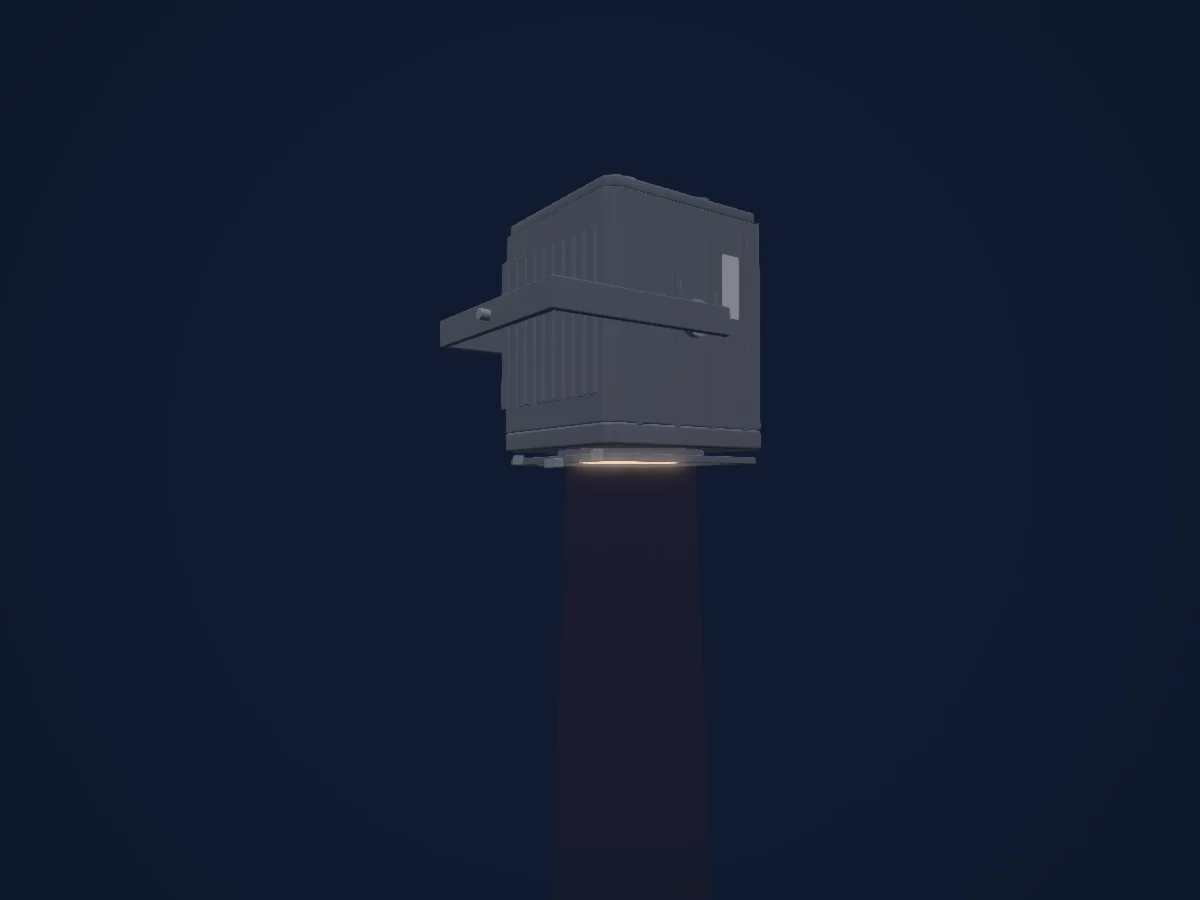
Selecon Rama 150 PC
1 DMX channel
Spot
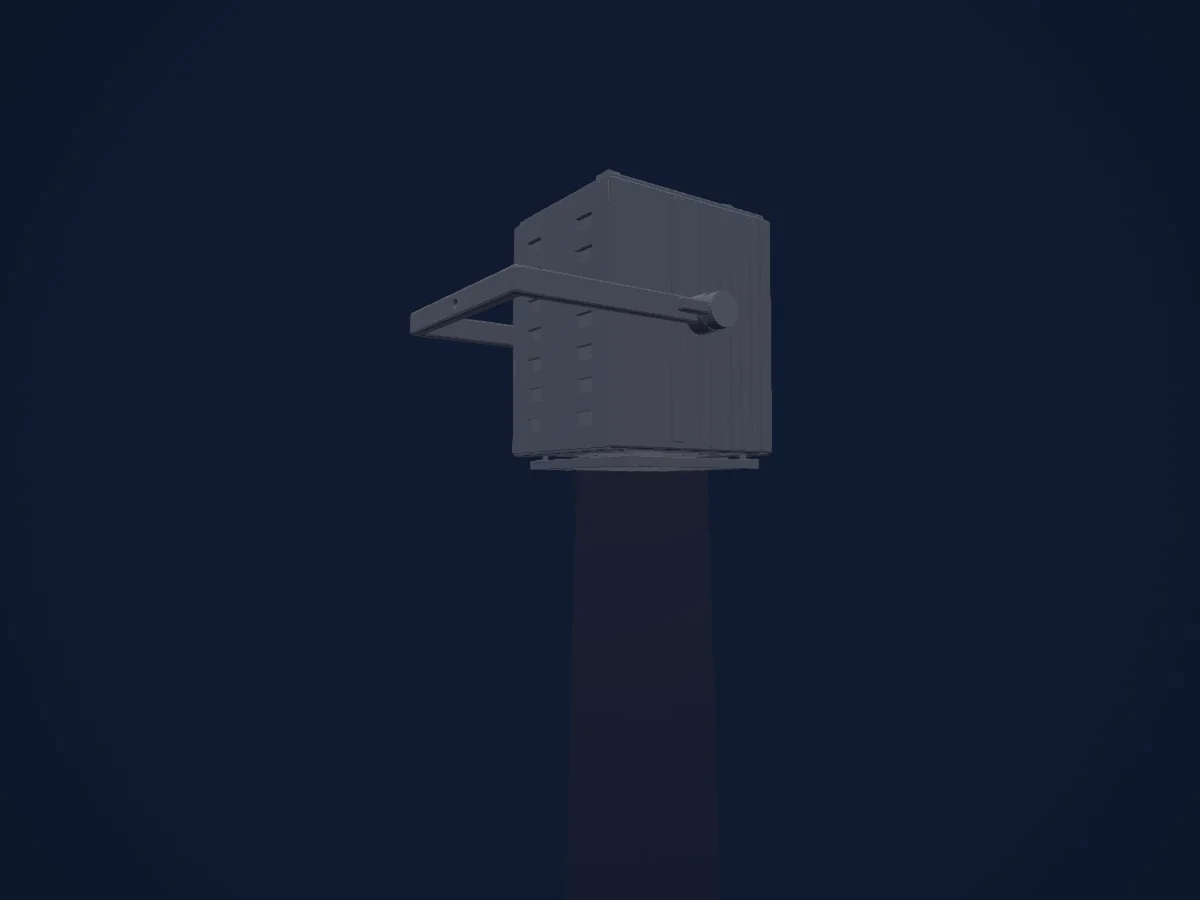
Selecon Compact Fresnel
1 DMX channel
Spot
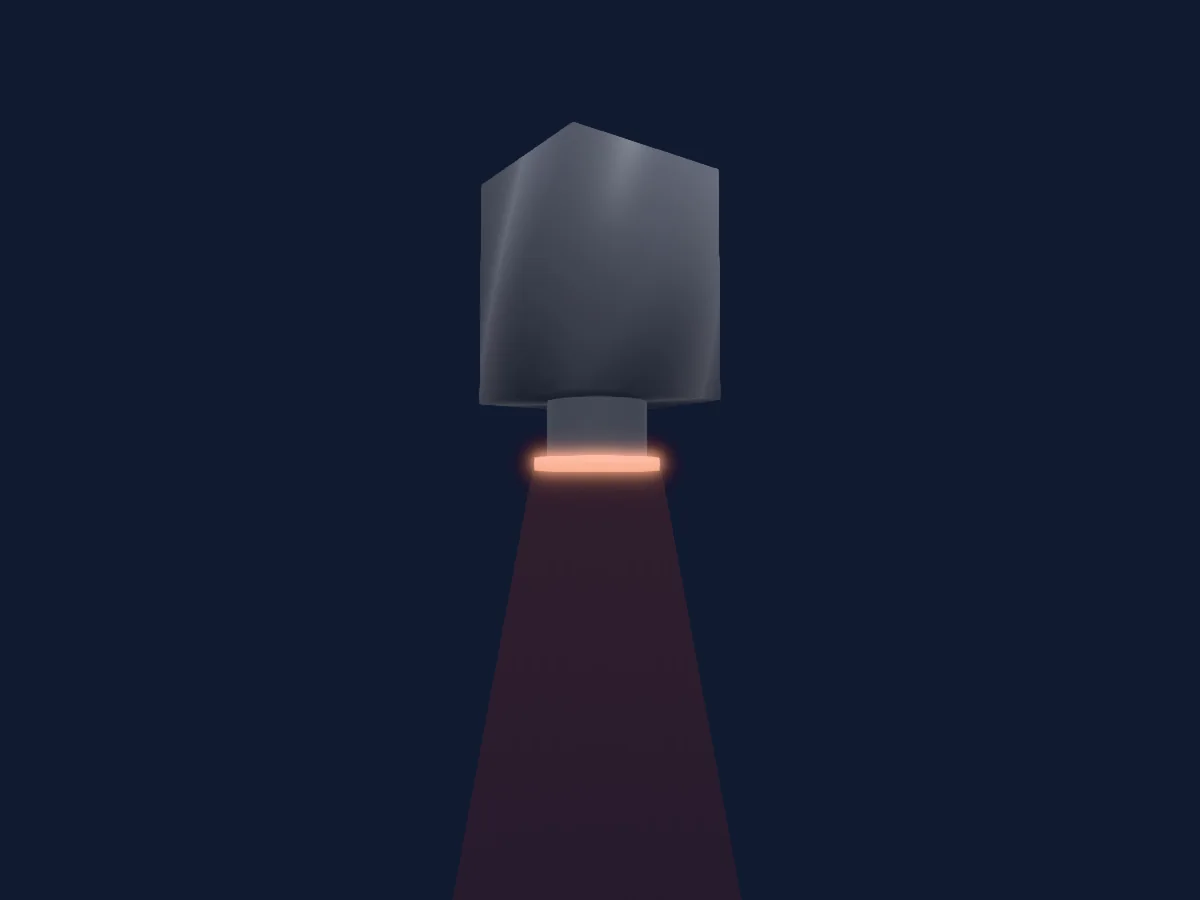
Selecon Arena Theatre Fresnel
1 DMX channel
Silver Star
Silver Star Fresnel 150 Hex
3 / 7 / 8 / 10 / 13 / 20 DMX channels
Charts come from the fixture’s GDTF description as converted for the HitLight library. HitLight is not affiliated with Selecon.